
Composition and design for ArchVIZ with AI using Photoshop and modern techniques for innovative creative projects
Discover how to integrate artificial intelligence into your ArchVIZ projects with compositing techniques that combine the best of classic and modern techniques. Learn how to use Photoshop tools and external applications to bring your images to life, creating stunning compositions that highlight every detail of your architectural visualizations. Immerse yourself in the world of matte painting and explore how AI can help you generate backgrounds, skies, and environments that blend seamlessly with your 3D renderings.
Take full advantage of the possibilities offered by today's technology. Improve your skills in adjusting colors, lighting scenes, and adding textures to transform your projects into unique visual experiences. This course will guide you in finding your unique style while developing an efficient and creative workflow. Transform your ideas into stunning results, ensuring that each image tells a powerful and immersive story. Share your creations with confidence and amaze with the quality of your compositions in ArchVIZ.
What will you learn in this online course?
6 lessons & 1 download
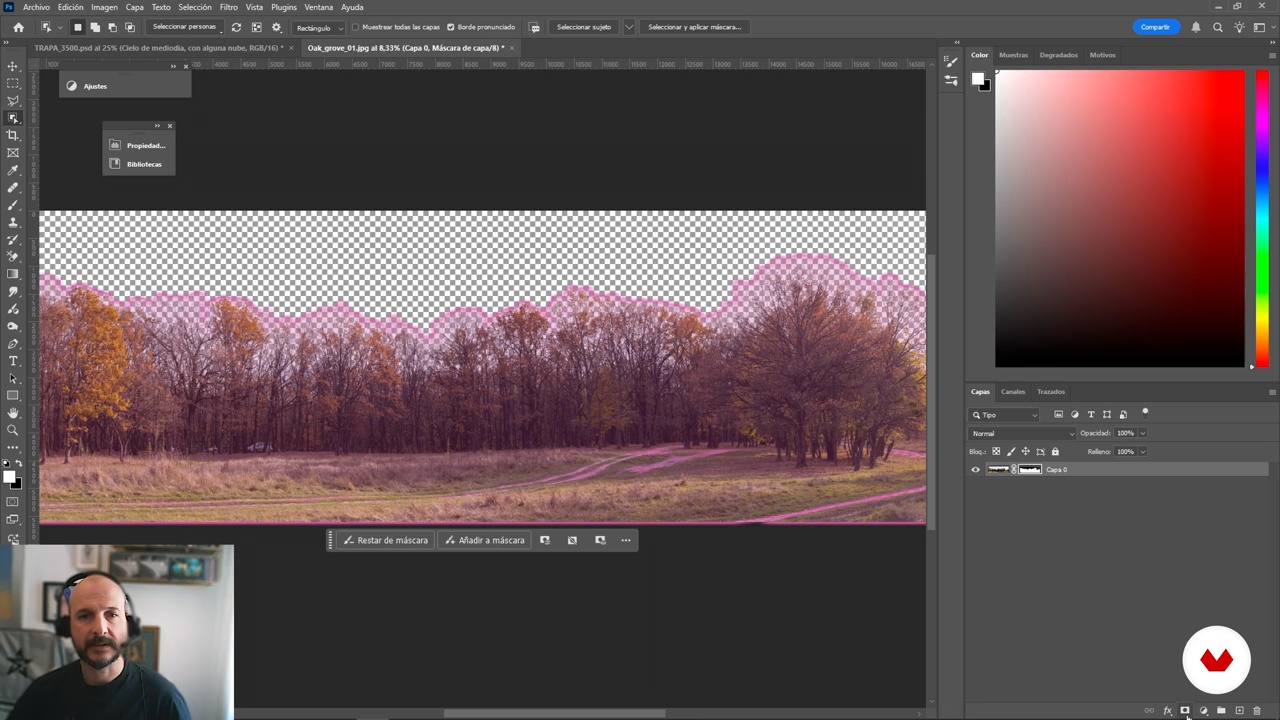
Creation of natural funds
12 minutes, 0 seconds
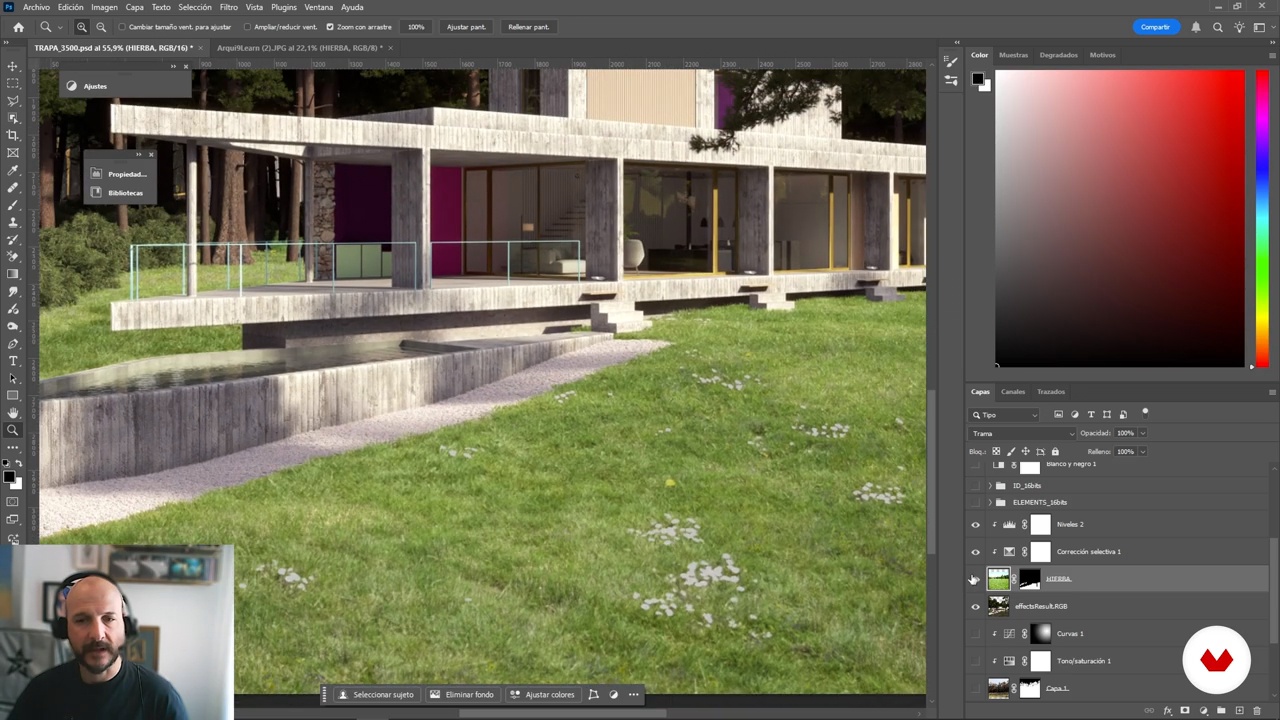
Repairing lawns with AI
11 minutes, 36 seconds
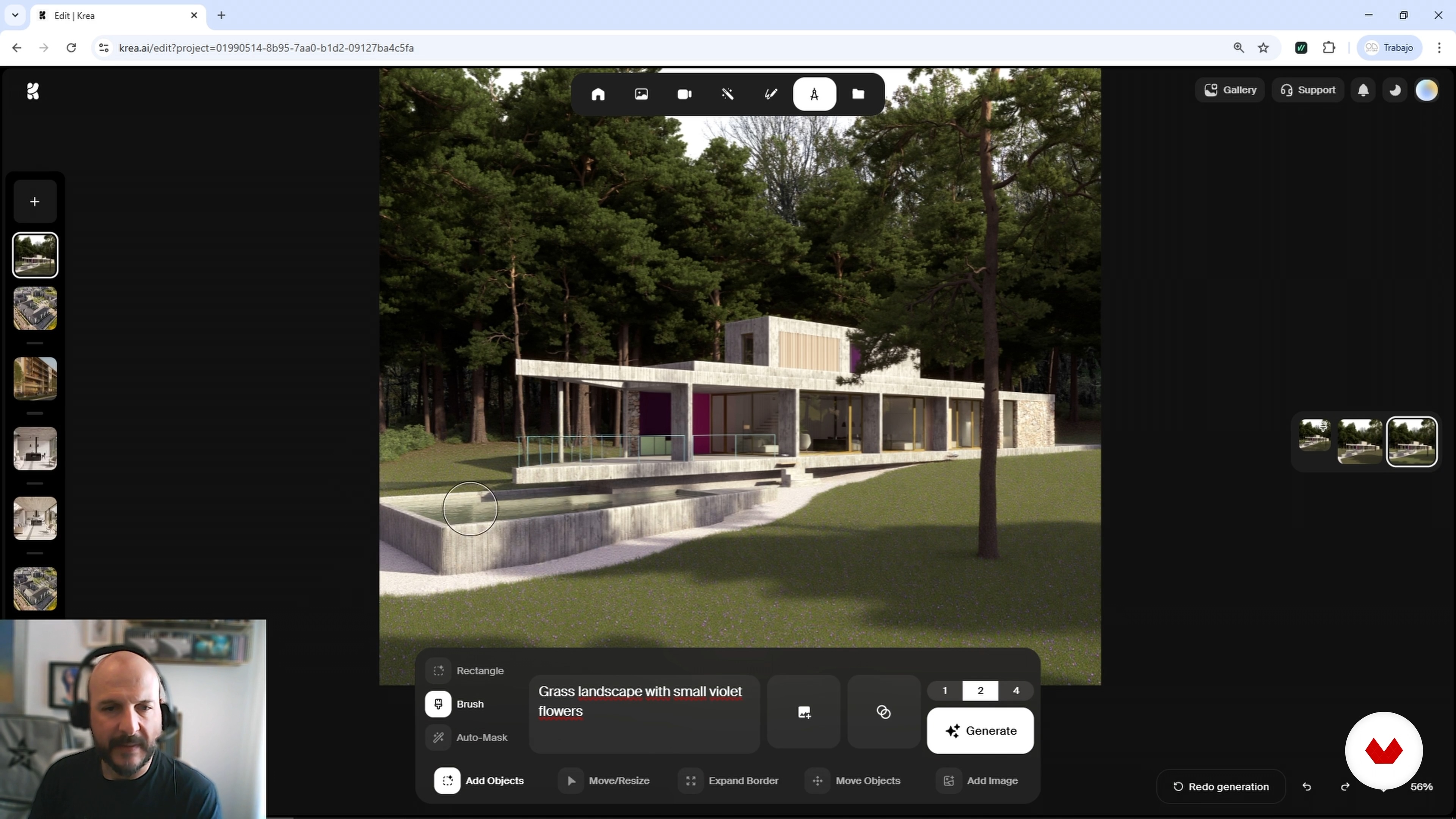
Advanced editing with Krea
7 minutes, 59 seconds
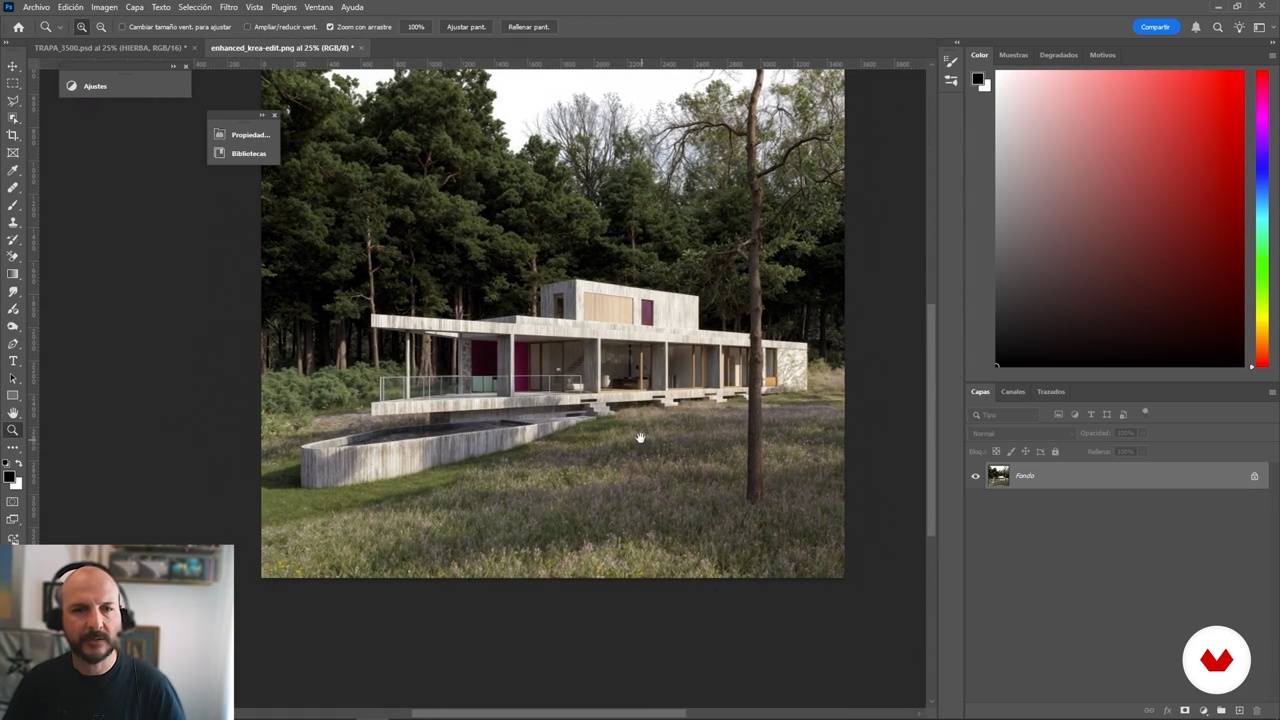
Final post-production
14 minutes, 26 seconds
What's included in this course?
You'll learn to create stunning compositions for ArchVIZ using the most advanced artificial intelligence tools. You'll discover how to seamlessly integrate visual elements, combining traditional techniques with innovative AI applications. You'll delve into the art of image manipulation, adjusting colors, light, and shadows to achieve a realistic and compelling result. Through practical examples, you'll develop the ability to transform your ideas into stunning images, enhancing the aesthetics and impact of your architectural projects.
Additionally, you'll explore various methodologies for generating backgrounds, skies, and environments that complement your architectural visualizations. You'll learn how to use external applications to enhance your compositions, optimizing the efficiency and quality of your work. Upon completion, you'll be able to adapt and improve your renderings, creating scenes that reflect your personal style and stand out in the competitive world of architectural visualization. Prepare to take your projects to the next level with tools that will boost your creativity and technical precision.
Recommended software & tools for this course
What is this course's project?
Students will learn to create visual compositions using artificial intelligence, combining traditional methods and modern tools to enhance images. Editing techniques, element integration, and color adjustments will be explored, achieving professional results in visual projects.
Who is this online course for?
This course is designed for creatives, designers, and digital artists who want to explore the potential of artificial intelligence in image composition. Ideal for those looking to combine traditional techniques with technological innovations to enhance their visual projects.
Requirements and materials
This course requires a computer with Photoshop installed, an internet connection, and basic digital editing skills. Extensive experience with artificial intelligence is not required, but familiarity with graphic tools and visual composition concepts is helpful.

Their work always has a dreamlike character, a concrete narrative, and an advanced 3D programming technique. Their aim is to create images that are aesthetically beautiful, tell a story, and convey a desire to be in a given space that doesn't exist yet.
Content
Composing Images for ArchVIZ with Artificial Intelligence and Photoshop
- Preparing the base composition
- Integration of skies into the composition
- Creation of natural funds
- Repairing lawns with AI
- Advanced editing with Krea
- Final post-production
- Final project
What to expect from a Domestika course
Learn at your own pace
Enjoy learning from home without a set schedule and with an easy-to-follow method. You set your own pace.
Learn from the best professionals
Learn valuable methods and techniques explained by top experts in the creative sector.
Meet expert teachers
Each expert teaches what they do best, with clear guidelines, true passion, and professional insight in every lesson.
Certificates
PLUSIf you're a Plus member, get a custom certificate signed by your teacher for every course. Share it on your portfolio, social media, or wherever you like.
Get front-row seats
Videos of the highest quality, so you don't miss a single detail. With unlimited access, you can watch them as many times as you need to perfect your technique.
Share knowledge and ideas
Ask questions, request feedback, or offer solutions. Share your learning experience with other students in the community who are as passionate about creativity as you are.
Connect with a global creative community
The community is home to millions of people from around the world who are curious and passionate about exploring and expressing their creativity.
Watch professionally produced courses
Domestika curates its teacher roster and produces every course in-house to ensure a high-quality online learning experience.
FAQs
You’ll learn how to enhance architectural renders by seamlessly integrating skies, backgrounds, and realistic vegetation using Photoshop and AI tools. Master composition techniques, color and lighting adjustments, advanced cutouts, and professional workflows to elevate your digital images.
This course is aimed at users with basic digital editing skills, perfect for intermediate level. Prior experience with Photoshop is recommended to fully benefit from the advanced content and techniques.
You’ll need access to Photoshop (latest version), an internet connection, and basic image editing knowledge. Having previous renders ready and optionally access to AI tools like Krea or Flux will help you get the most out of the exercises.
The course teaches you how to generate realistic skies using AI platforms like Krea through prompts, then blend them into your renders with Photoshop. You’ll learn to mix clouds, correct lighting, and tweak colors for cohesive compositions.
Matte painting is a digital composition technique used to create or alter backgrounds and landscapes. In architectural visualization, it helps integrate skies, vegetation, and environments crafted manually or with AI to boost realism in renders.
You’ll learn to use adjustment layers like levels, curves, and saturation to balance colors, whites, and blacks, and fix lighting in your renders. These tools help unify all elements in your digital composition.
Yes, the course covers techniques to enhance resolution and sharpness of AI-generated images using tools like Topaz or advanced features in Krea, optimizing your results for professional-quality compositions.