
Master remote work skills for productivity, creativity, and success from anywhere globally, utilizing essential tools and methodologies
Unlock the secrets of effective remote work with a comprehensive specialization designed for creative professionals and knowledge workers. Explore the foundational elements of telecommuting, from setting up a productive home office to developing personalized routines that balance work and life. Enhance your time management skills and boost productivity by mastering digital tools like Google Workspace, ensuring your creative projects are organized and efficient.
Dive into the world of virtual collaboration with insights from industry experts Foncho Ramírez-Corzo, Hanoi Morillo, Chanel Greco, Kali Romiglia, Adam Ambrozy, and Larissa Menocci. Learn to facilitate engaging and innovative online sessions, fostering creativity and teamwork across distributed teams. This specialization equips you with advanced methodologies for collaborative design and decision-making, empowering you to lead projects and thrive in the evolving digital landscape. Whether freelancing, managing a team, or launching a business, this path provides the strategies you need to succeed remotely.
What will you learn in this specialization?
 1
1Introduction
Remote work has become a true revolution, reshaping how we connect, collaborate, and create opportunities worldwide. From building productive home offices to mastering time, energy, and focus, this approach offers freedom and efficiency like never before. Here you’ll discover how remote work is not only transforming careers but also opening the door to borderless, creative, and sustainable ways of living.
1m
 2
2Influences | Hanoi Morillo
Here I'll share some of the authors or topics that have inspired me throughout my life & career; many of the learnings I'll share with you in this course I've learned from them.
12m
 3
3Influences | Chanel Greco
Let me tell you about what inspires me. WHY am I so passionate about sharing my knowledge with you and others? HOW do I live this passion and WHAT can you expect from me?
3m
 4
4Influences | Kali Romiglia
I have told you who I am, but what we do and the career we develop also bears the imprint of those who have once inspired us. In this lesson I am going to tell you who my role models have been in this field and how they have influenced my profession.
4m
 5
5Influences | Adam Ambrozy & Larissa Menocci
We will share stories about people who influenced us, explore what makes us tick about them, what we learnt from them and how we apply this knowledge in our lives.
7m
 2
2The mandatory change in our work mind-set
In this lesson we will review the latest world events and their impact on society and our daily lives. We will focus on the new demands of the world of work and the profile of the professional best prepared to succeed in this new environment.
6m
 4
4Build a workspace at home
In this lesson we will talk about recommended minimum spaces; chair, light, sounds, scenery, all the ergonomic recommendations for safe work, together with tips on image, decoration and functionality.
8m
 5
5Internet and necessary hardware 1
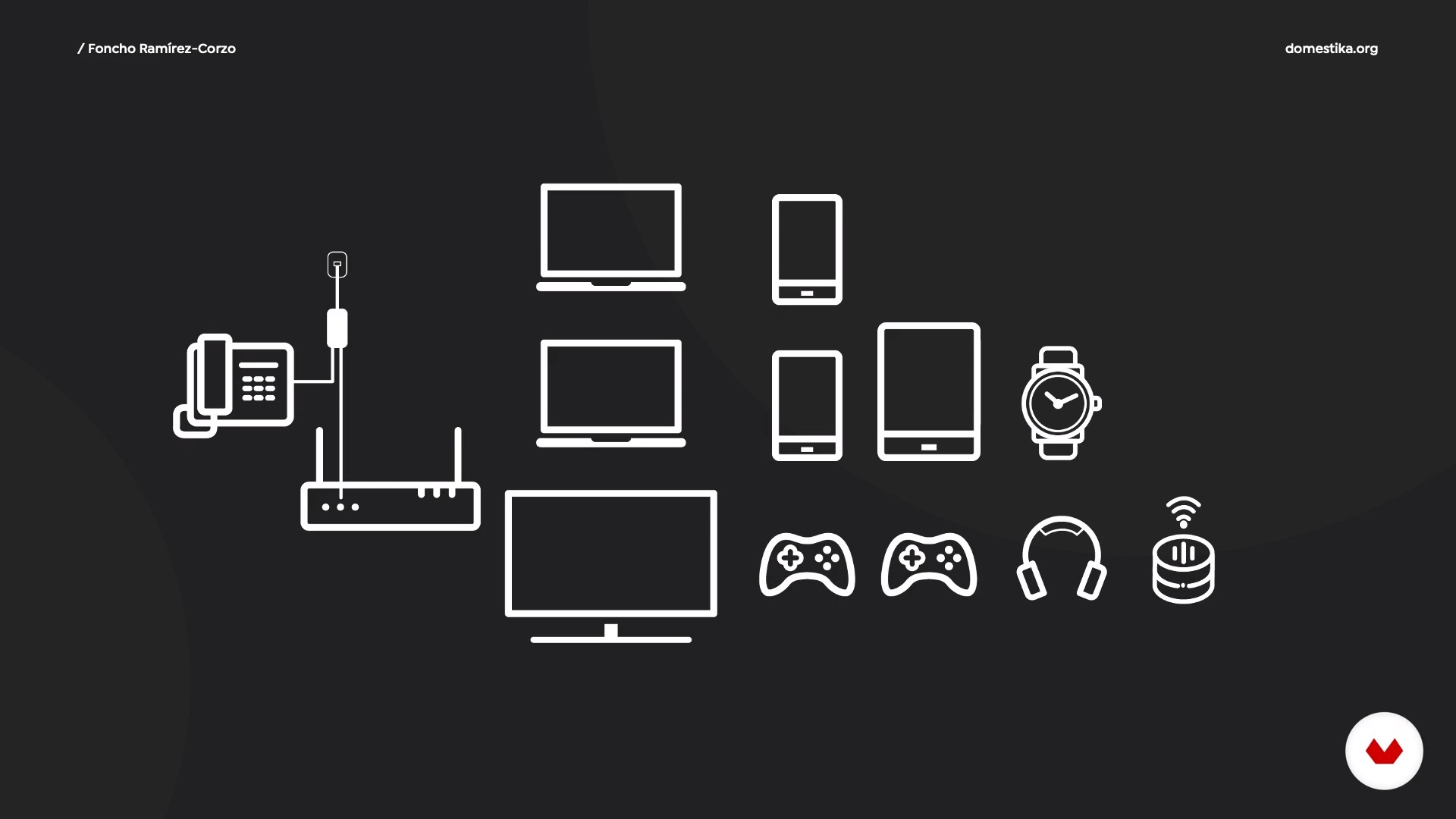
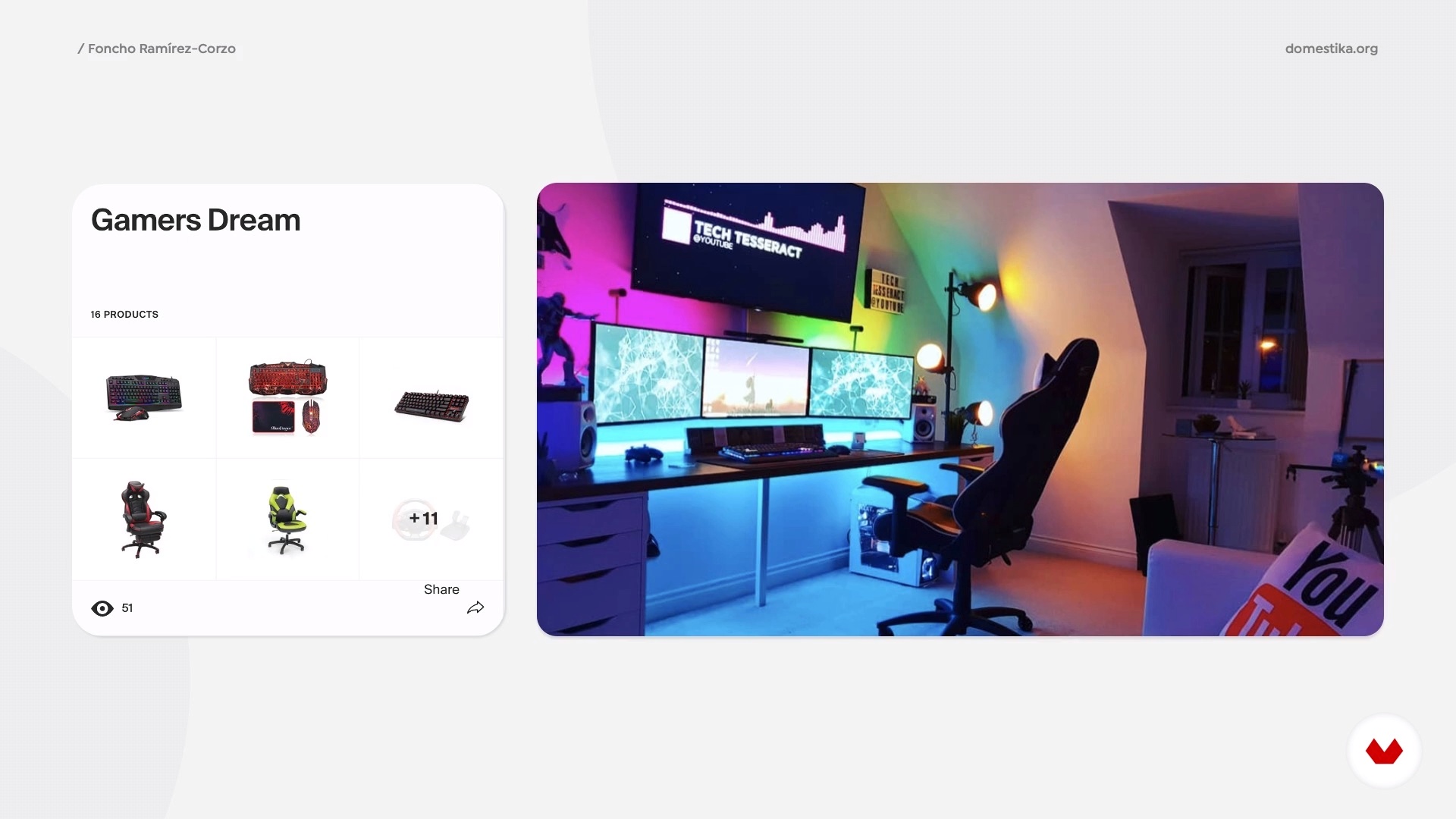
In this lesson I will talk about bandwidth, Wi-Fi networks, service auditing and best practices to maintain a good internet level. We will review the equipment and technology essential for remote work, and I will help you with the selection of screens, webcam, headphones, microphones and everything you need to get started.
11m
 6
6Internet and necessary hardware 2
We continue to see the recommended features for the equipment and technology needed to work remotely smoothly and effectively.
11m
 7
7Proposed software architecture
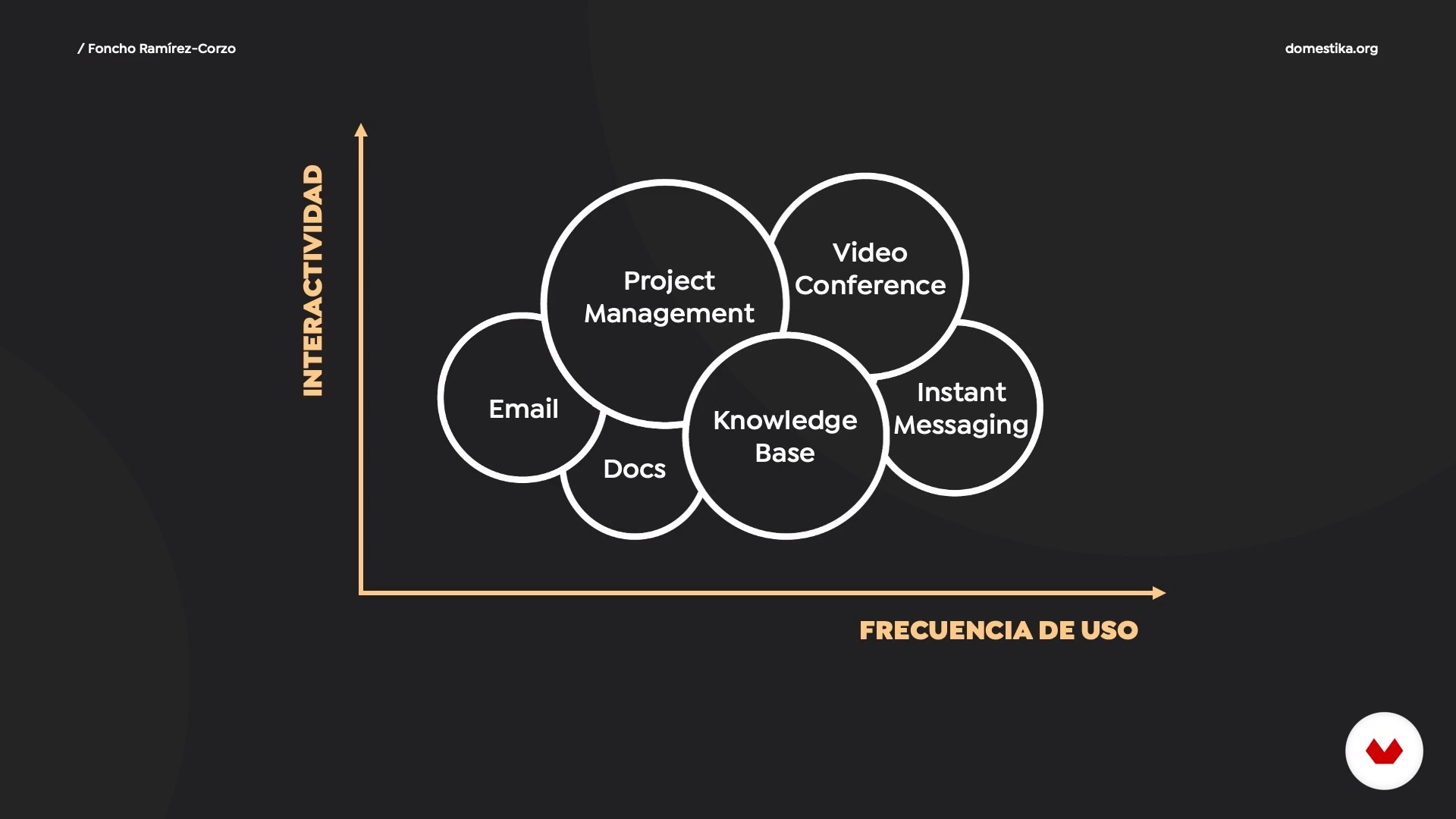
We have no offices and all our information is in the cloud. We will prepare our matrix of tools for telework and we will evaluate different options for each case. From the management of emails, messages and documents to tools for corporate knowledge management, which are available to everyone in free and paid options. We will also learn to choose the mix of tools that best suit our daily work.
13m
 8
8Creation of work schedules and routines
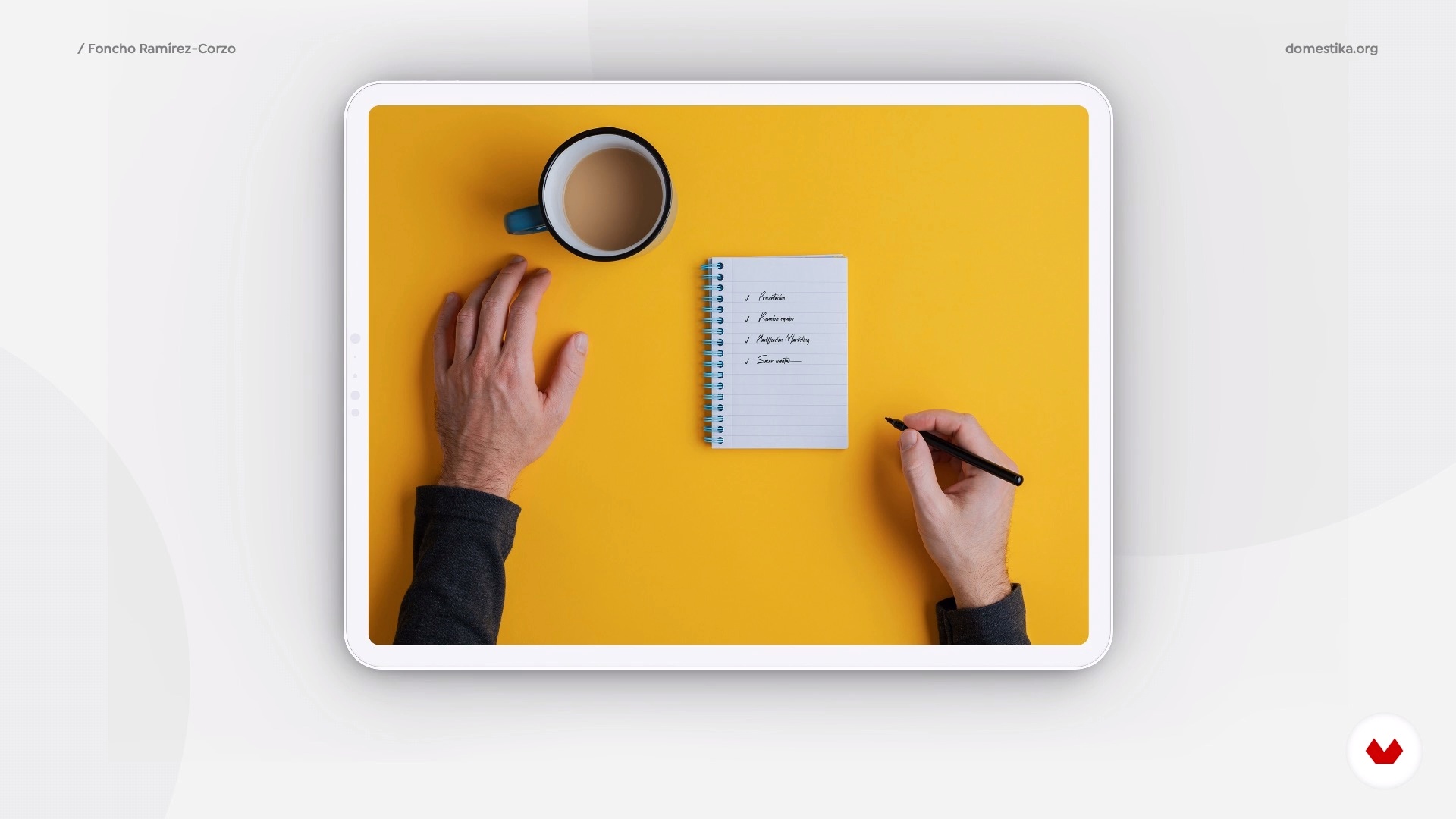
Following a work-from-home schedule can be very difficult for some of us, but getting into a routine is one of the most important foundations for working from home. We will learn to organize a schedule that allows us to exercise, eat well and have moments of leisure at the same time as we develop our family and work life.
11m
 9
9Task and project management tools
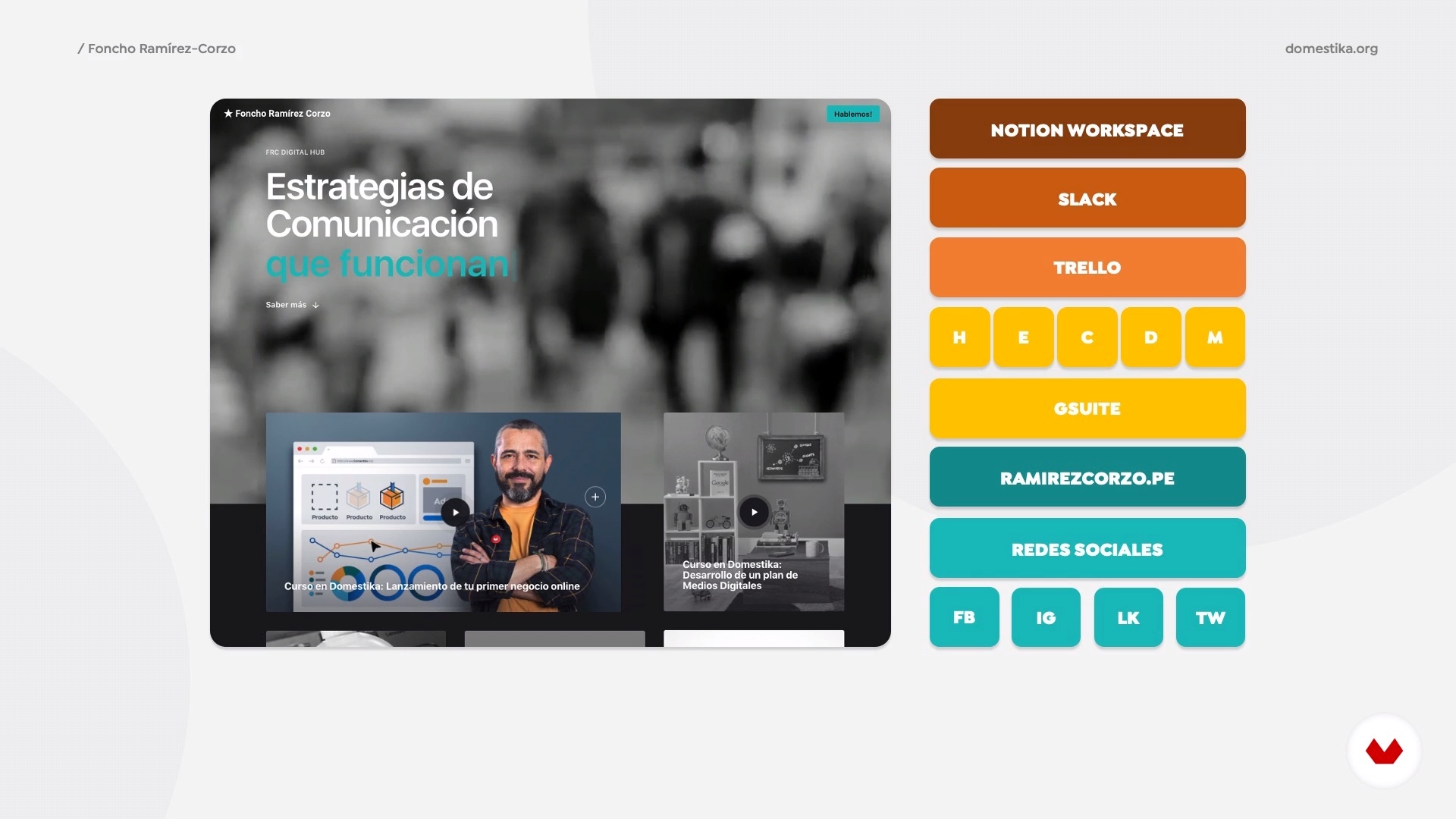
We will learn to find and select the perfect task management tool for each of us and the work we do. We will review in detail the operation of the Google Suite, the management of task lists in Trello, Slack for messaging, the Notion platform and Zoom for video conferencing, among other options.
8m
 10
10Remote team management and productivity
Directing and managing a project remotely can be very different from doing it in person in the day-to-day of an office. We will review the effectiveness of remote inductions, ongoing training, public recognition, and informal meetings, among other techniques to ensure the motivation of team members and their alignment with the overall project strategy.
7m
 11
11Effective communication in remote environments
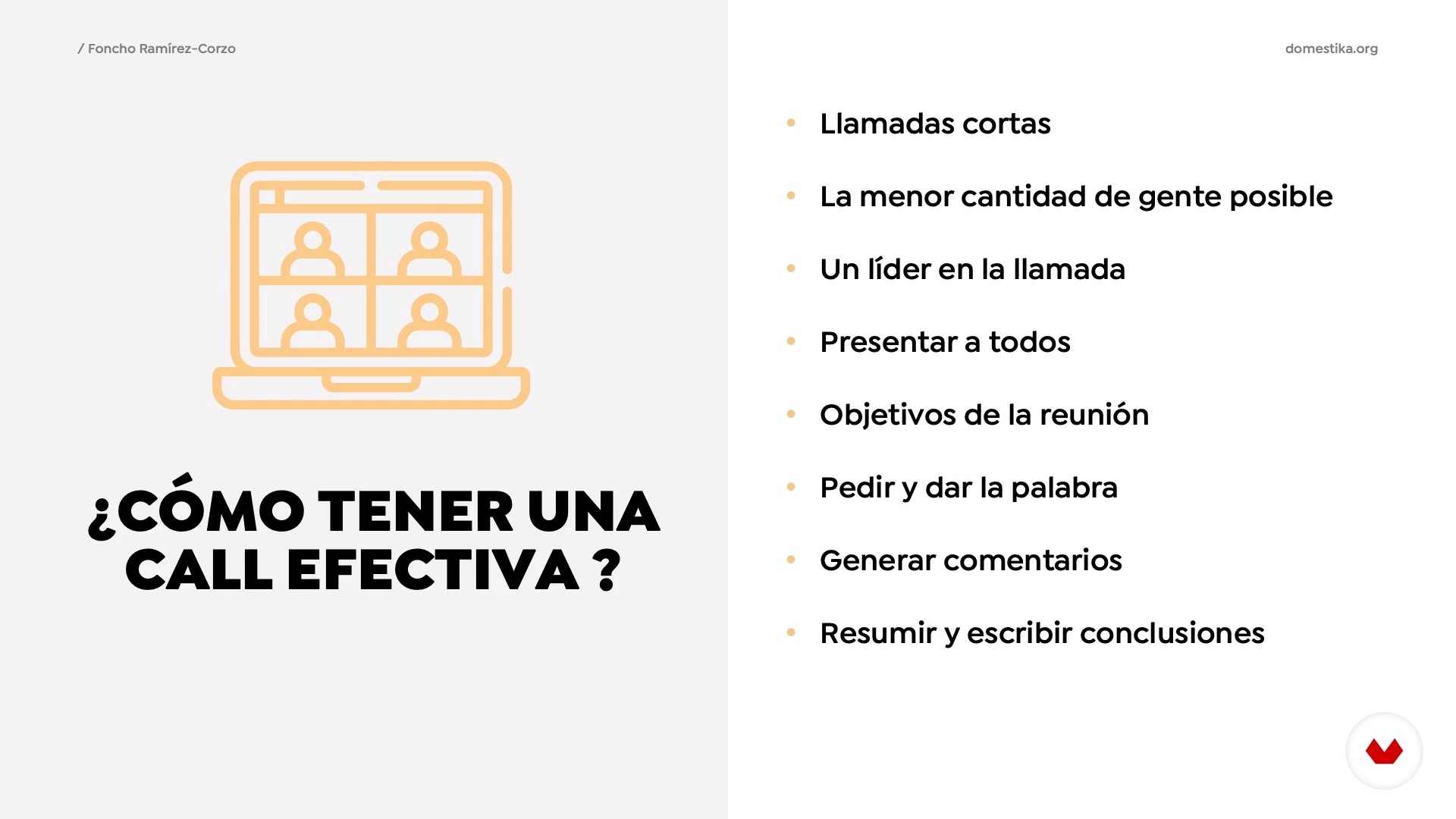
Calls eternal? Does the call hang up? In the end, where do we meet? We will review problems we have every day and what we can try to avoid to ensure efficient and quality communication with all team members.
8m
 12
12Optimizing your online presence
Images, descriptions, profiles on social networks ... you are everything that is published about you on the network. In this lesson we will become aware of our personal brand content and how to manage it in favor of our professional positioning.
8m
 13
13Going out to find work / remote clients
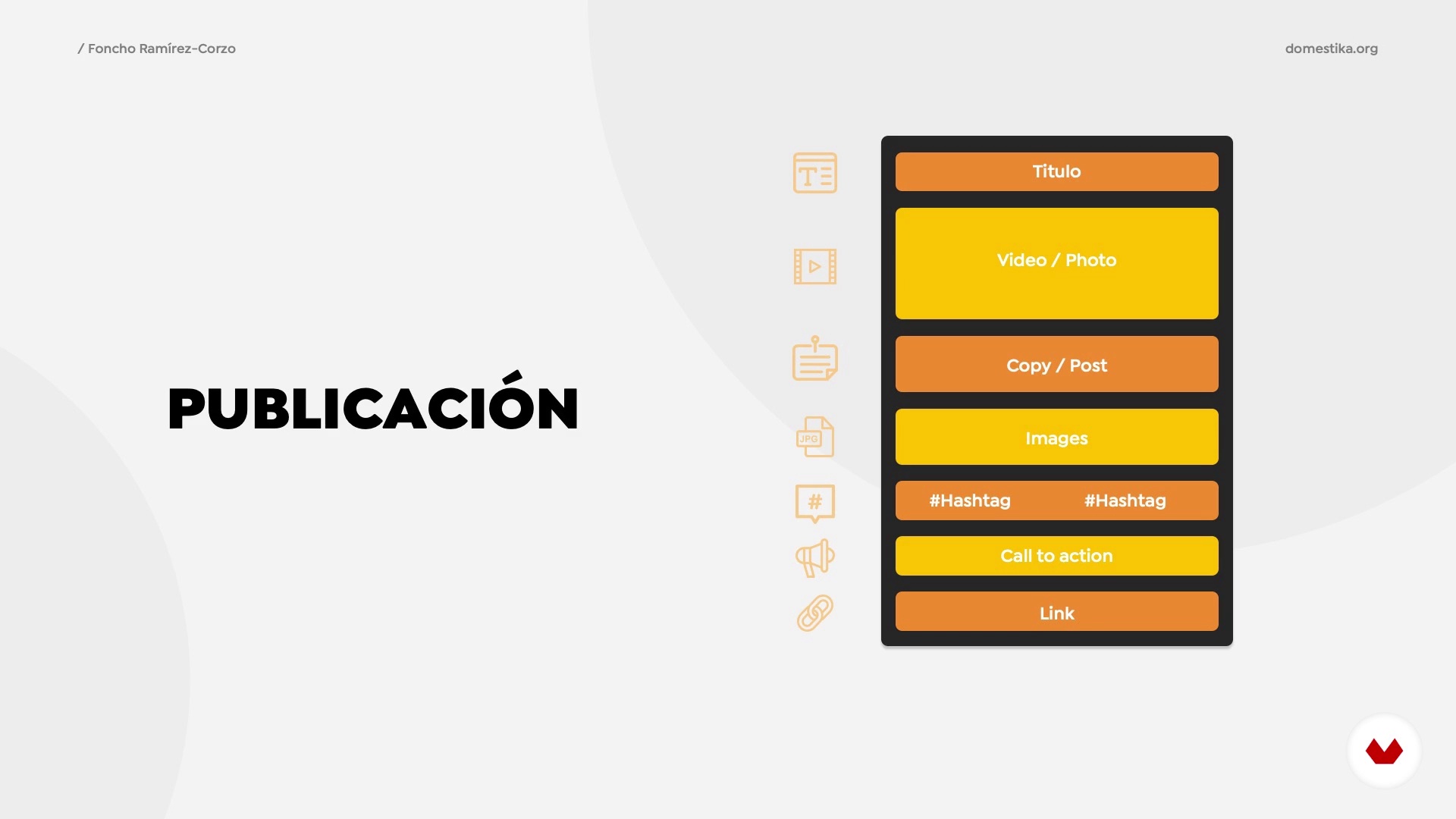
Development of a content and promotion plan to generate new leads and income opportunities. Monitoring and realization of opportunities remotely.
10m
 14
14Living a work-from-home lifestyle
We will present different levels of adaptation to remote work and proposals for family and work conciliation for this new environment, considering external and unpredictable factors, preparing ourselves to find solutions that fit our work. The world has already changed and the first to adapt and adjust to these changes will be responsible for leading us on this new path.
6m
 3
3A Very Quick Test
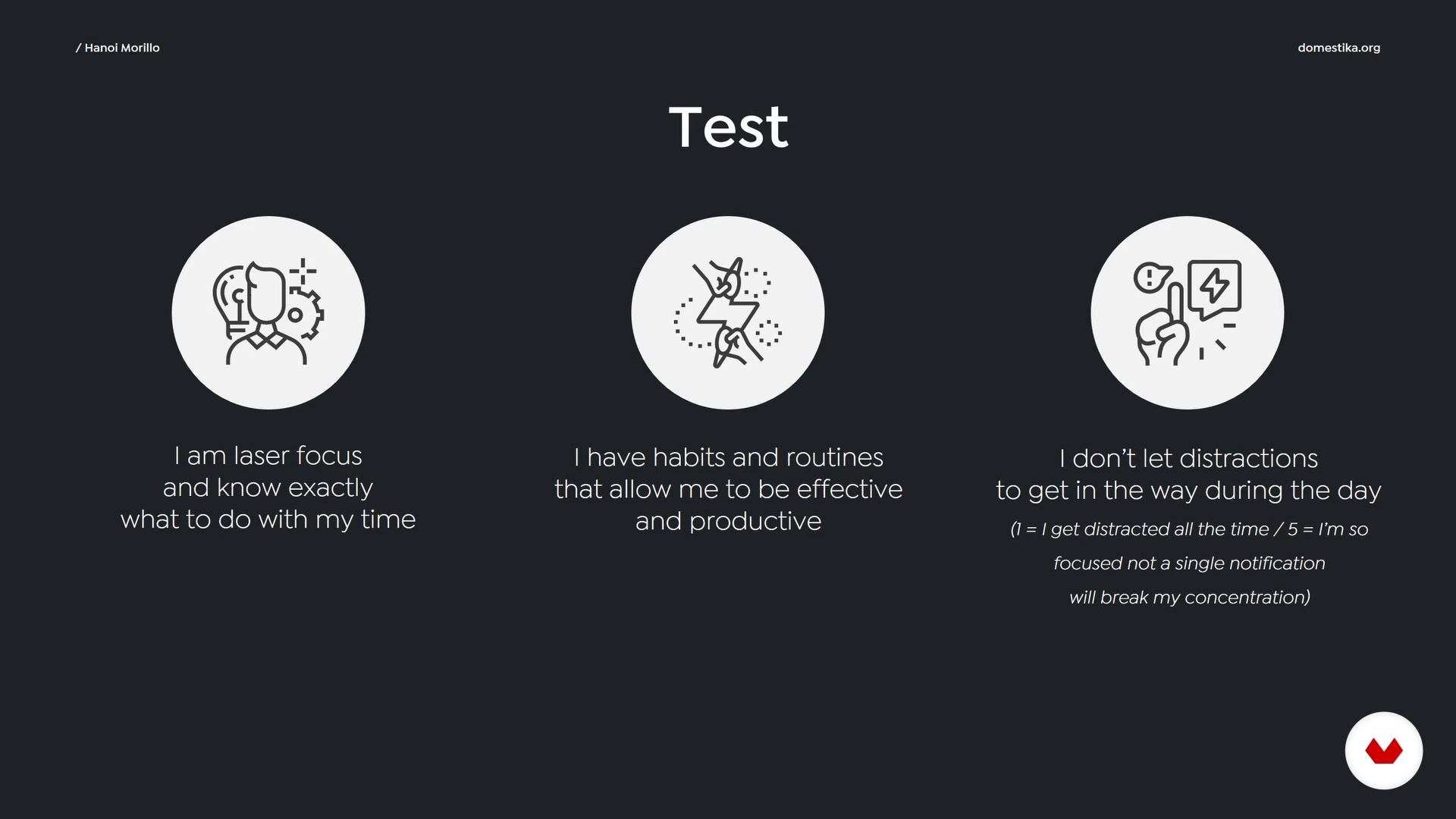
Let me tell you more about this course and how to measure its impact on your time management abilities.
6m
 4
4Debunking Multitasking
Many people talk about the importance of being great multitaskers and how that’s their tool for better time management. Oh well... I have some bad news. Multitasking doesn’t really exist.
6m
 5
5Understanding Your Distractions
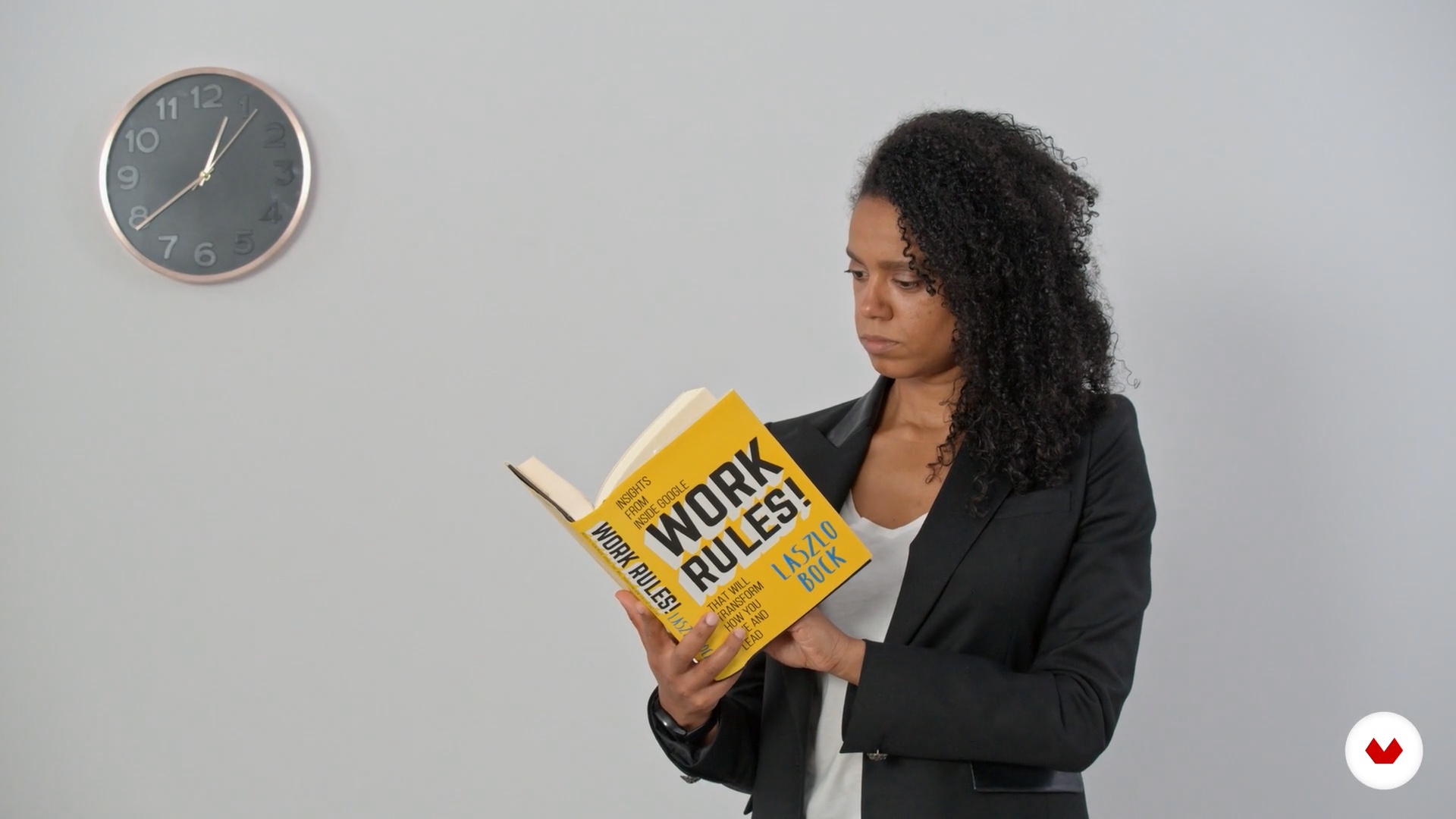
If you want to be super productive and great at managing your wake hours, you need to understand what distracts you and how to manage those distractions.
6m
 6
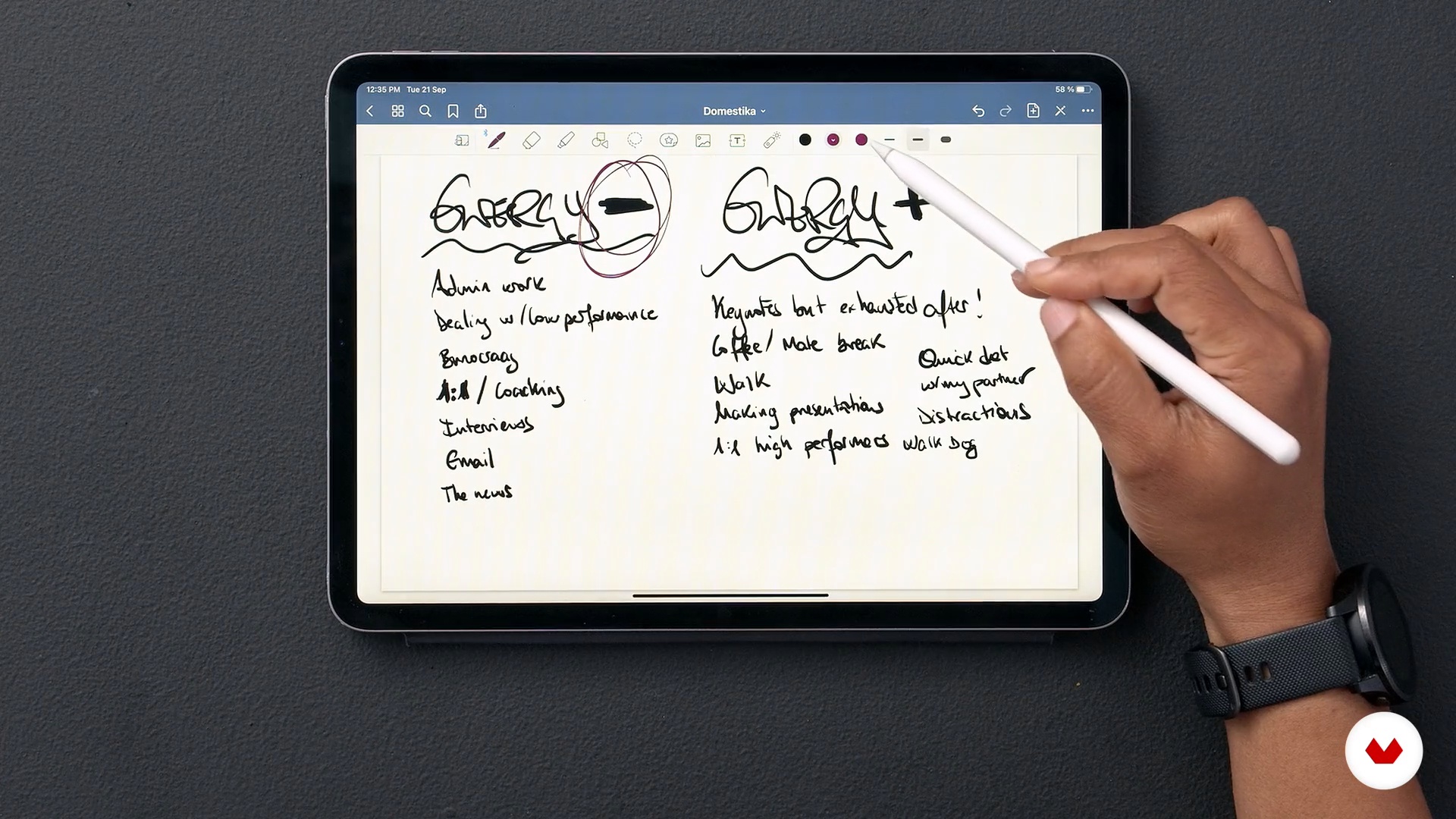
6Managing Your Energy
Managing your energy throughout the day is essential in this productivity conversation; your ability to focus will be very positively or negatively impacted by it.
11m
 7
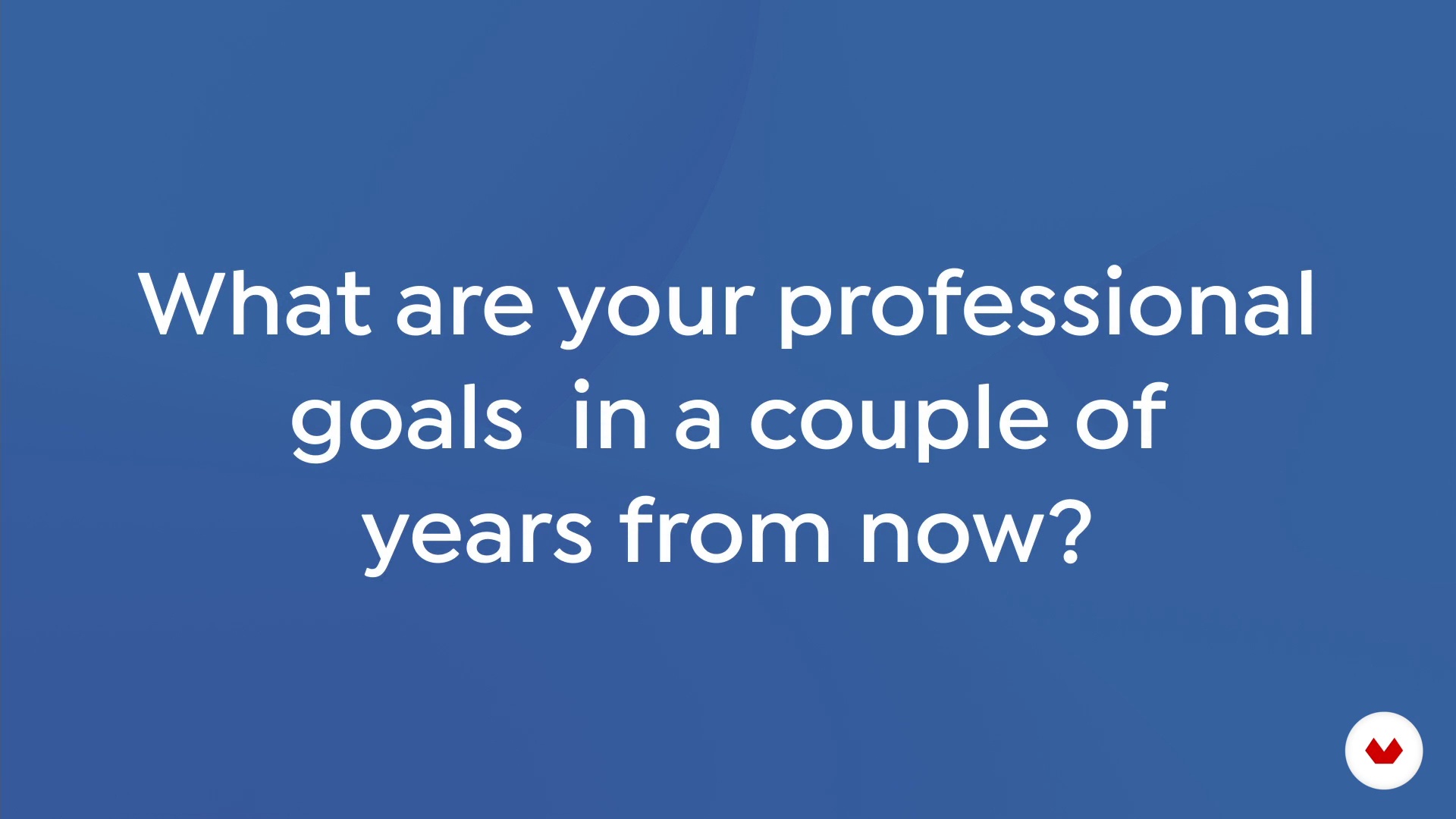
7What Do You Want to Accomplish?
Answering this question will give you the best foundation to start being incredibly productive.
9m
 8
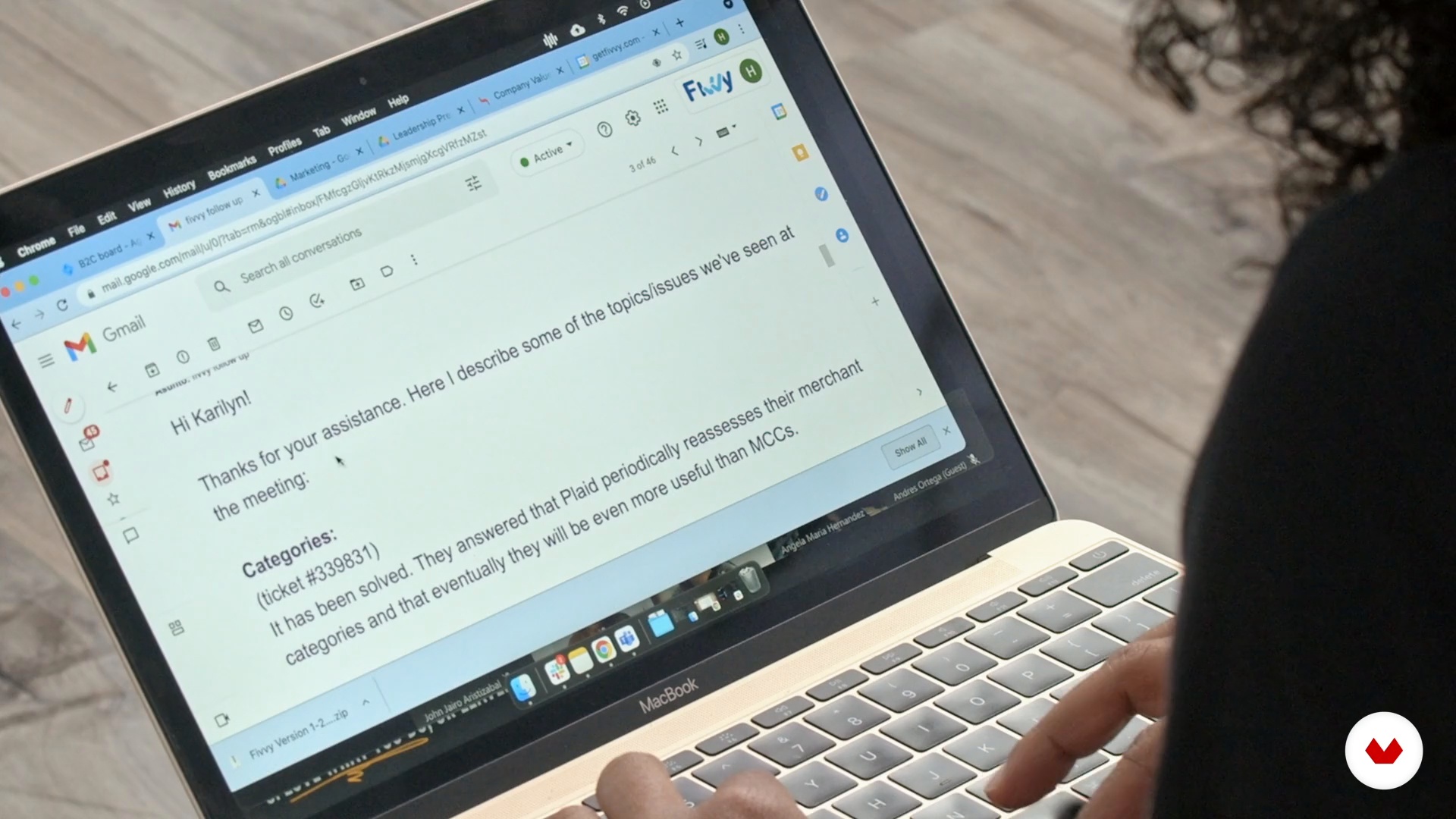
8Email Is a Tool and a Distraction
Is checking your email a distraction? It is if you don’t do it correctly. Let’s build a new discipline around emails that will remove it from the distraction list ;)
15m
 9
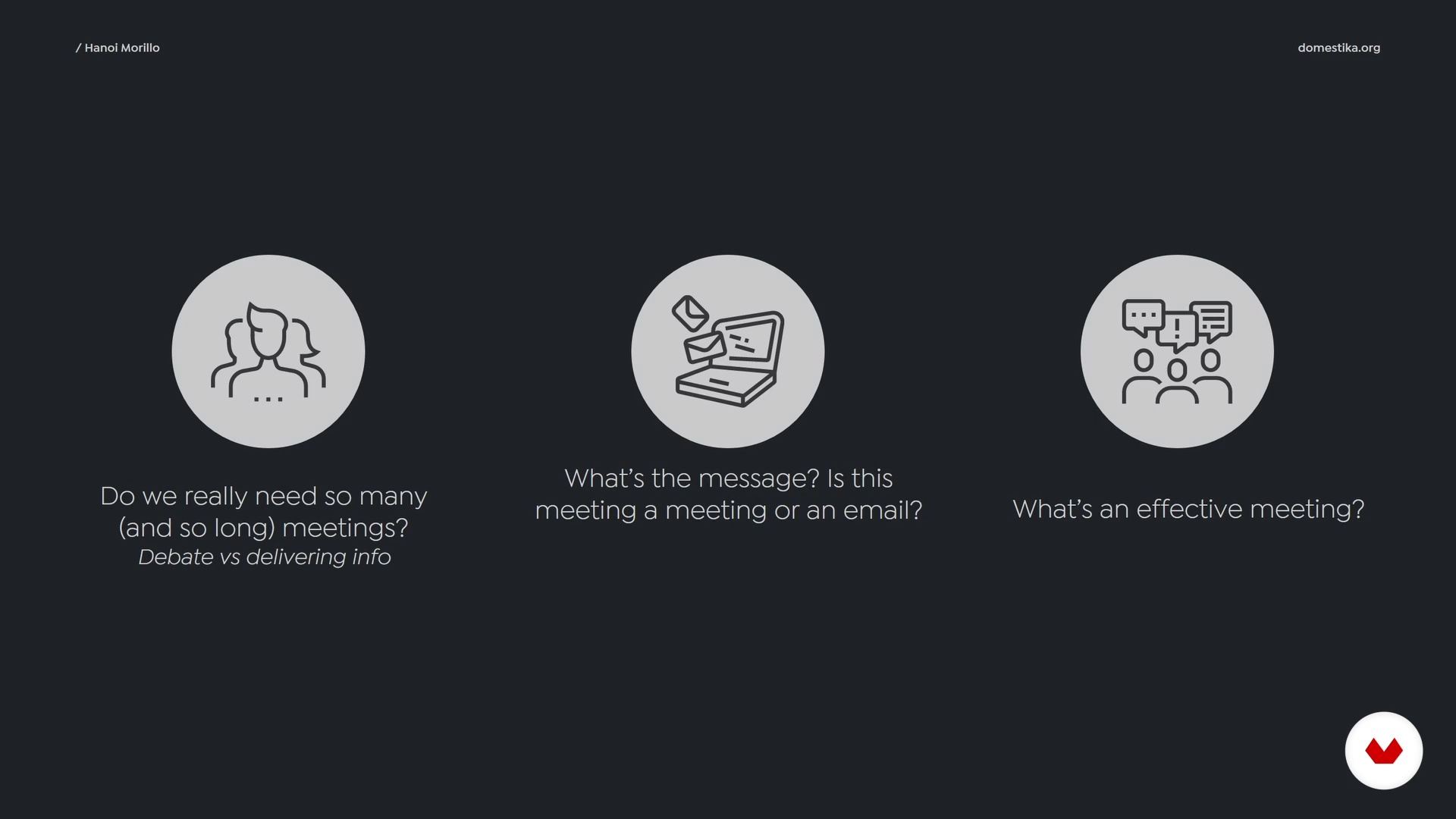
9Running Effective Meetings
From scheduling to preparing the agenda or making effective follow-ups. Everything around a meeting is essential. So let’s make the super effective from beginning to end.
16m
 10
10Your Wellbeing Is a Must
Taking care of yourself is the best tool to be productive. Allocate time to it.
3m
 11
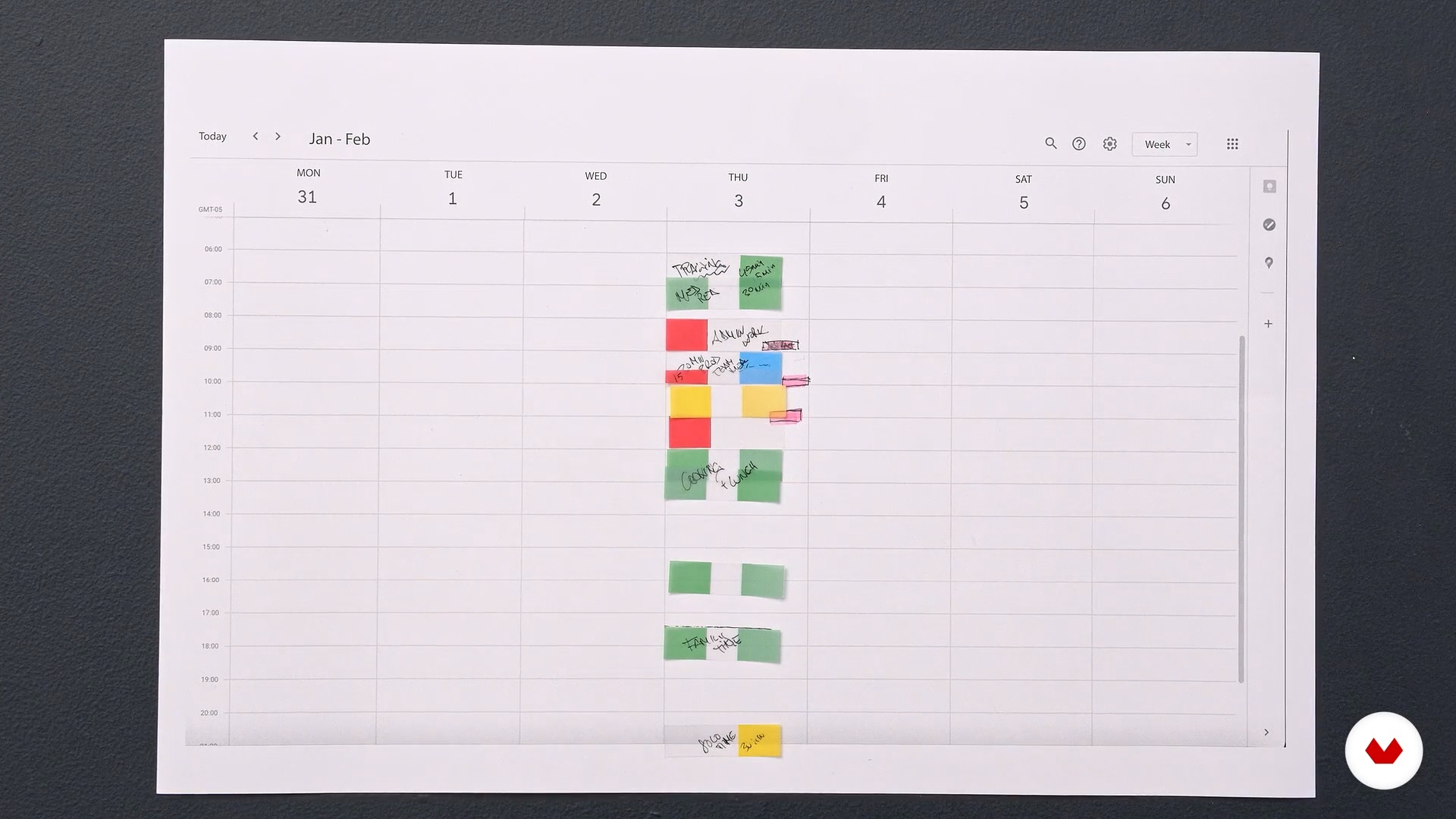
11Own Your Agenda: Build a Time Box
It’s the time (no pun intended) to start fully owning over your agenda. Ready?
21m
 12
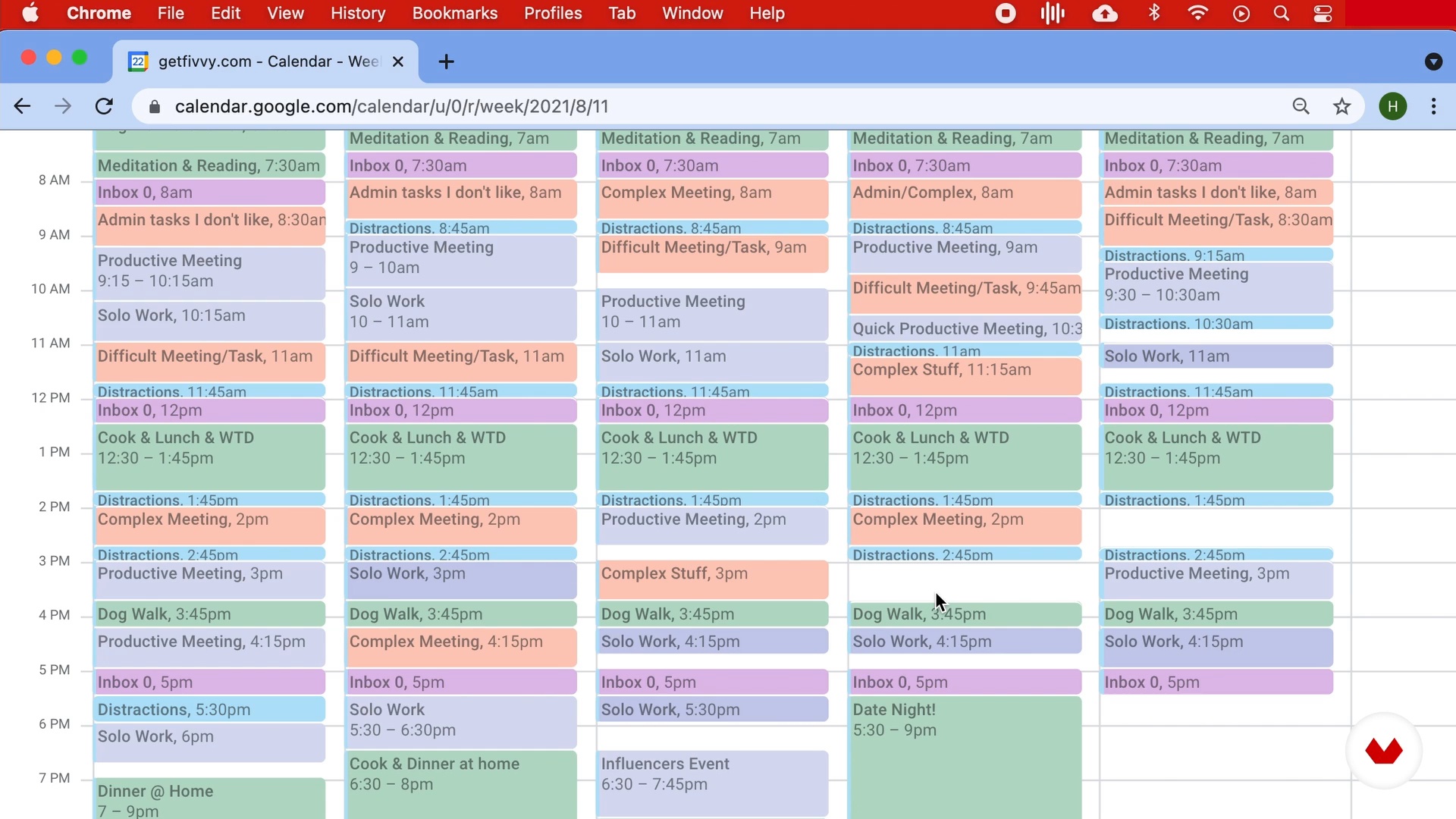
12Sunday Is Your New Best Friend
The only way to accomplish all this is to plan ahead. Sundays are great options for it.
19m
 13
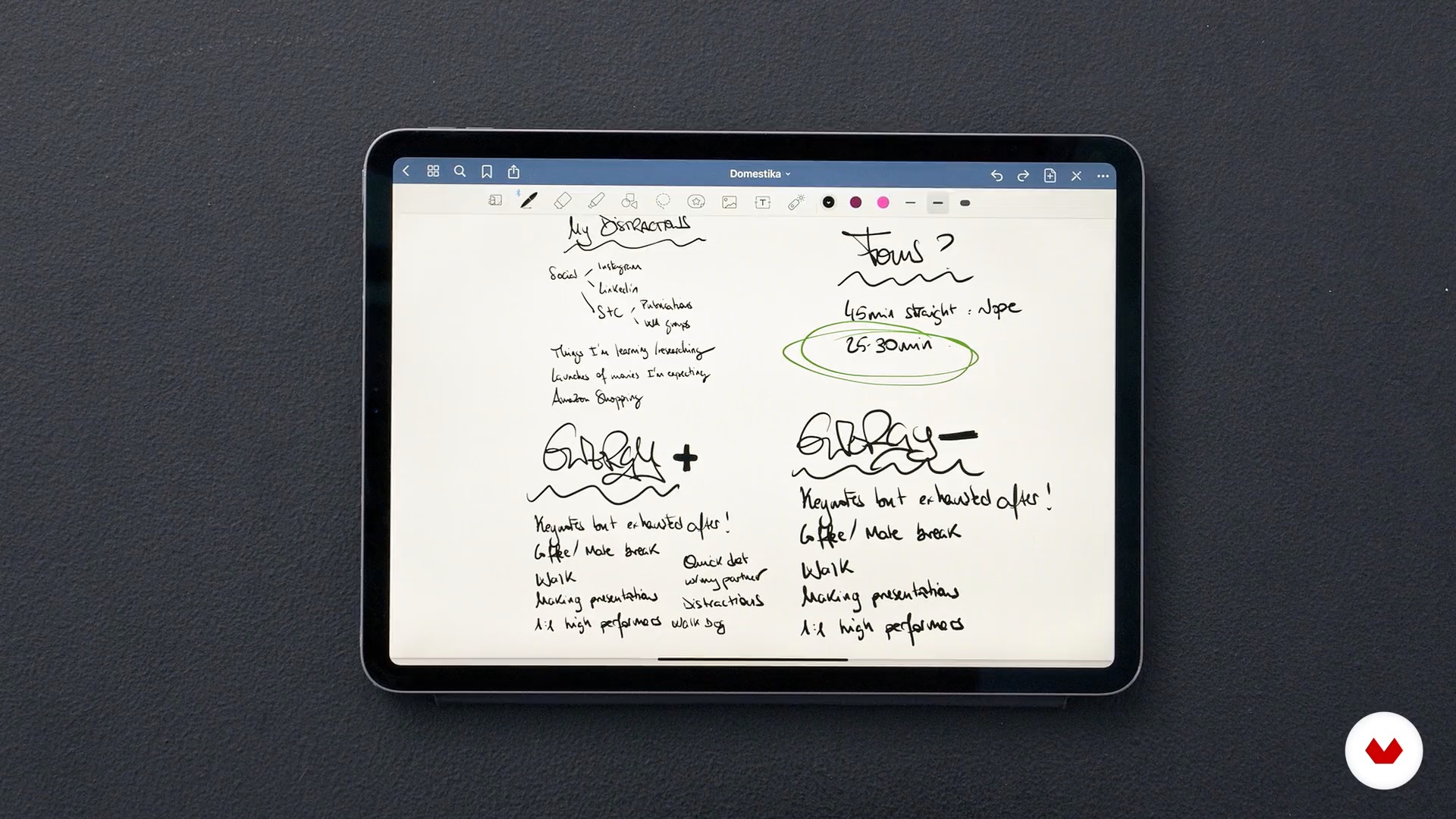
13Success Is Focus Not Completion
This is not about a to-do list anymore is about managing to be focused during the times you said you were going to focus. Your success will be determined by your ability to focus and not your ability to finish a task.
2m
 14
14What’s Your Formula?
What's your formula for success? You'll have a Playbook that you need to commit to following by this time.
3m
 3
3What Are My Needs?
Let me encourage you to explore your needs: What productivity or organizational challenges do you face? How do you and your team want to work together, and how can you do so as efficiently as possible?
8m
 4
4What Is Google Workspace?
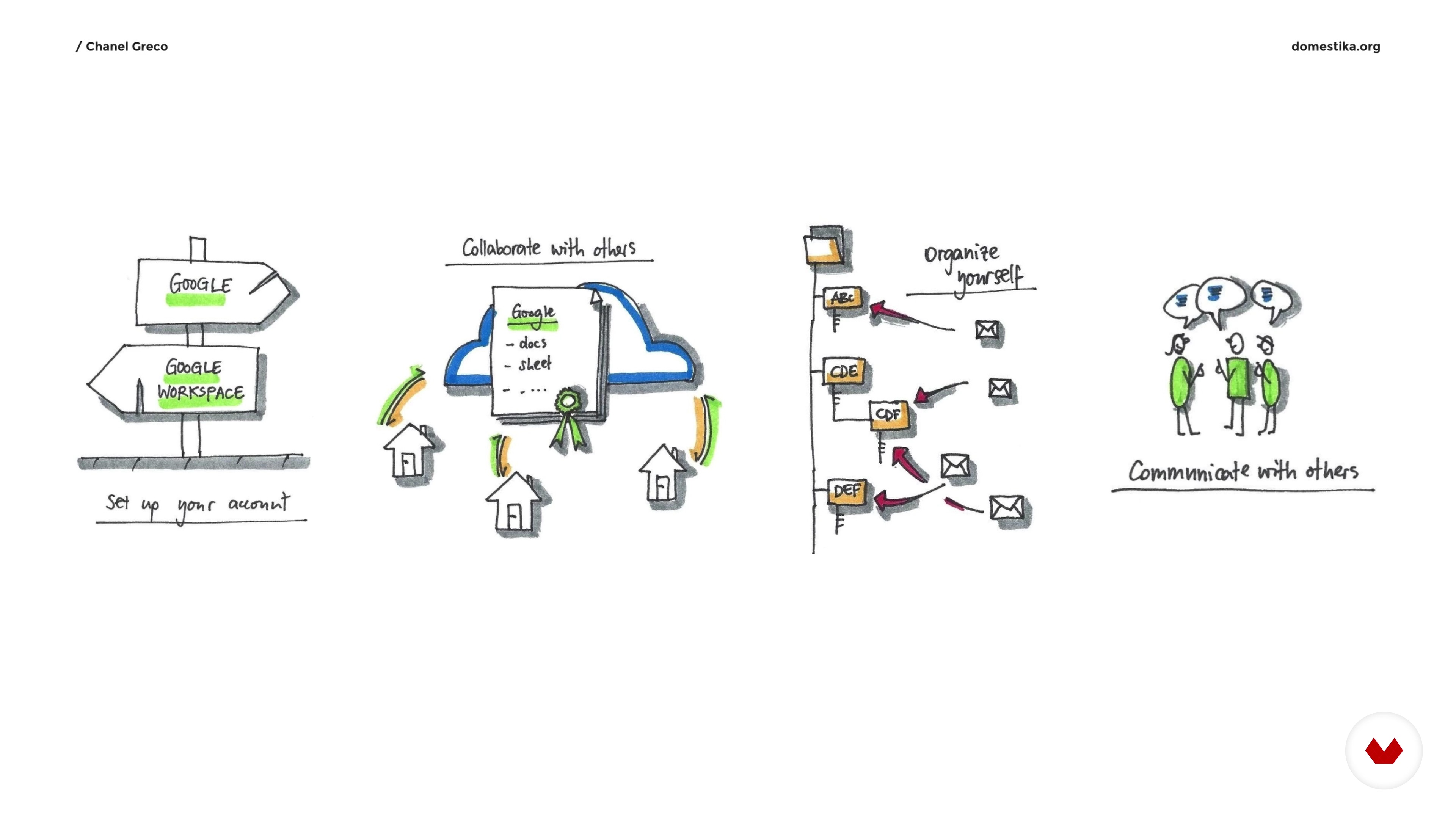
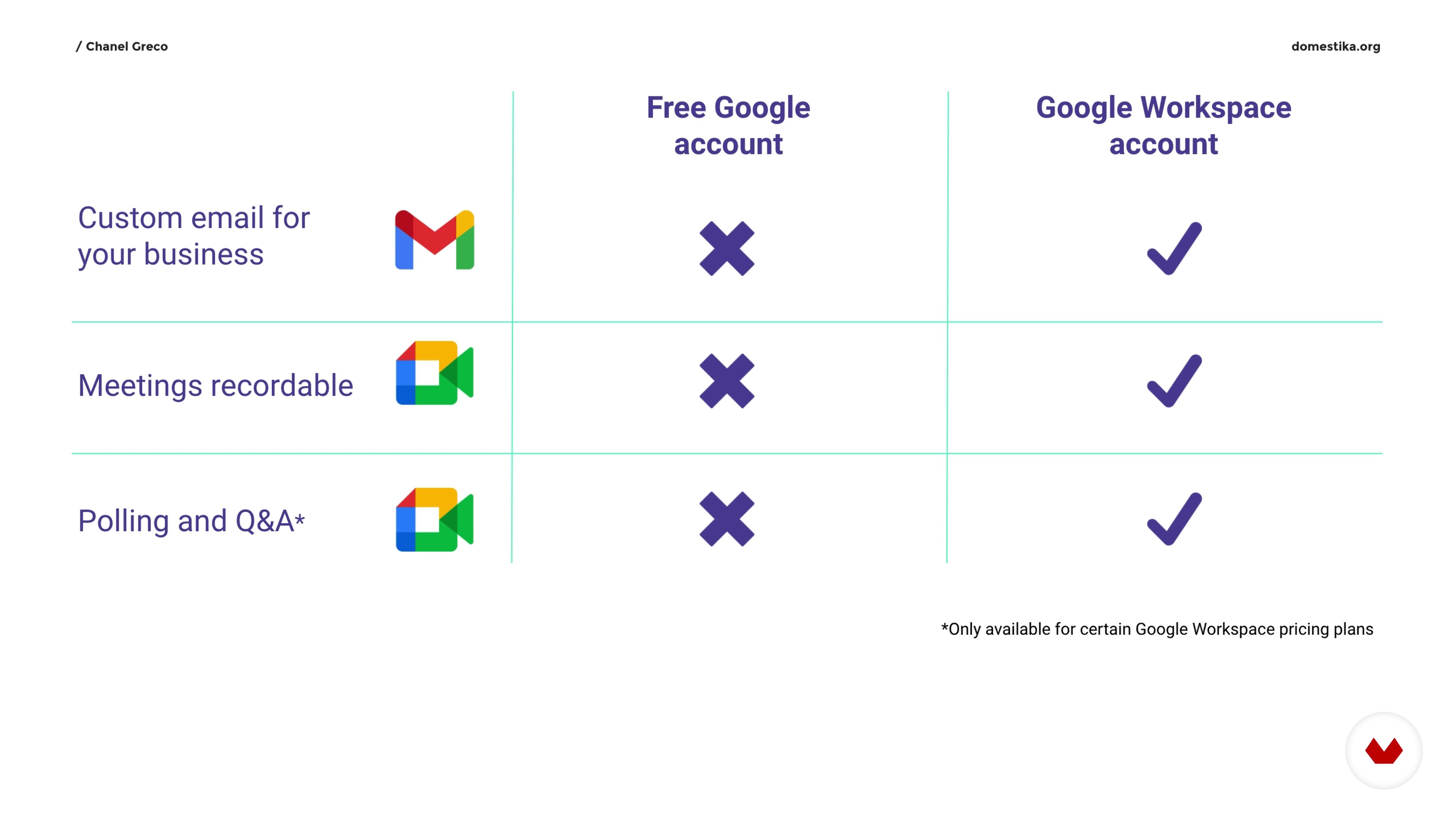
In this lesson, you will find out what Google Workspace is and which tools you get when you sign up for it.
4m
 5
5First Things First: Create an Account
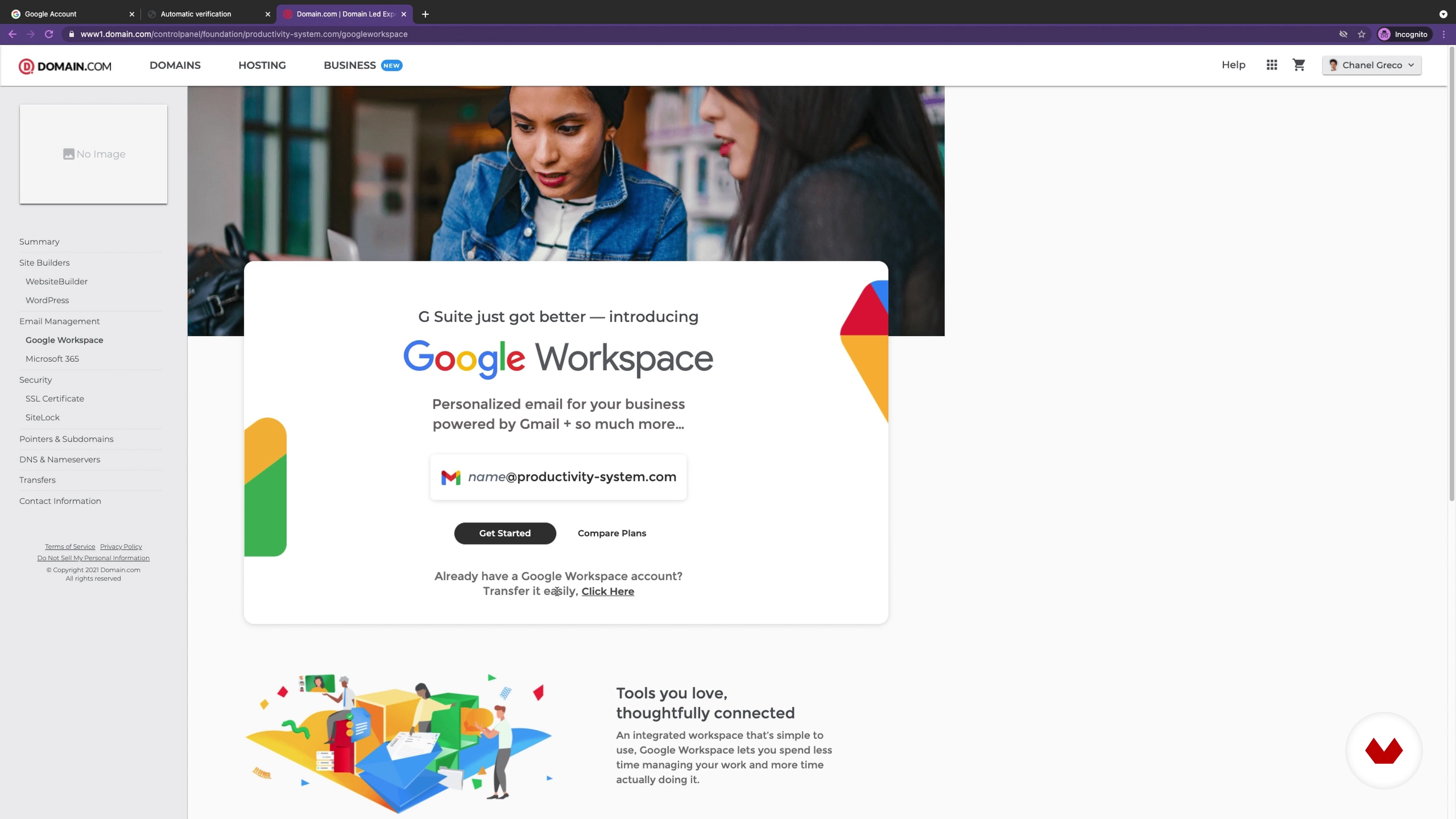
Now we are laying the foundation, so to speak: You will be signing up for a Google Workspace account and start to use it.
17m
 6
6Let’s Start Collaborating
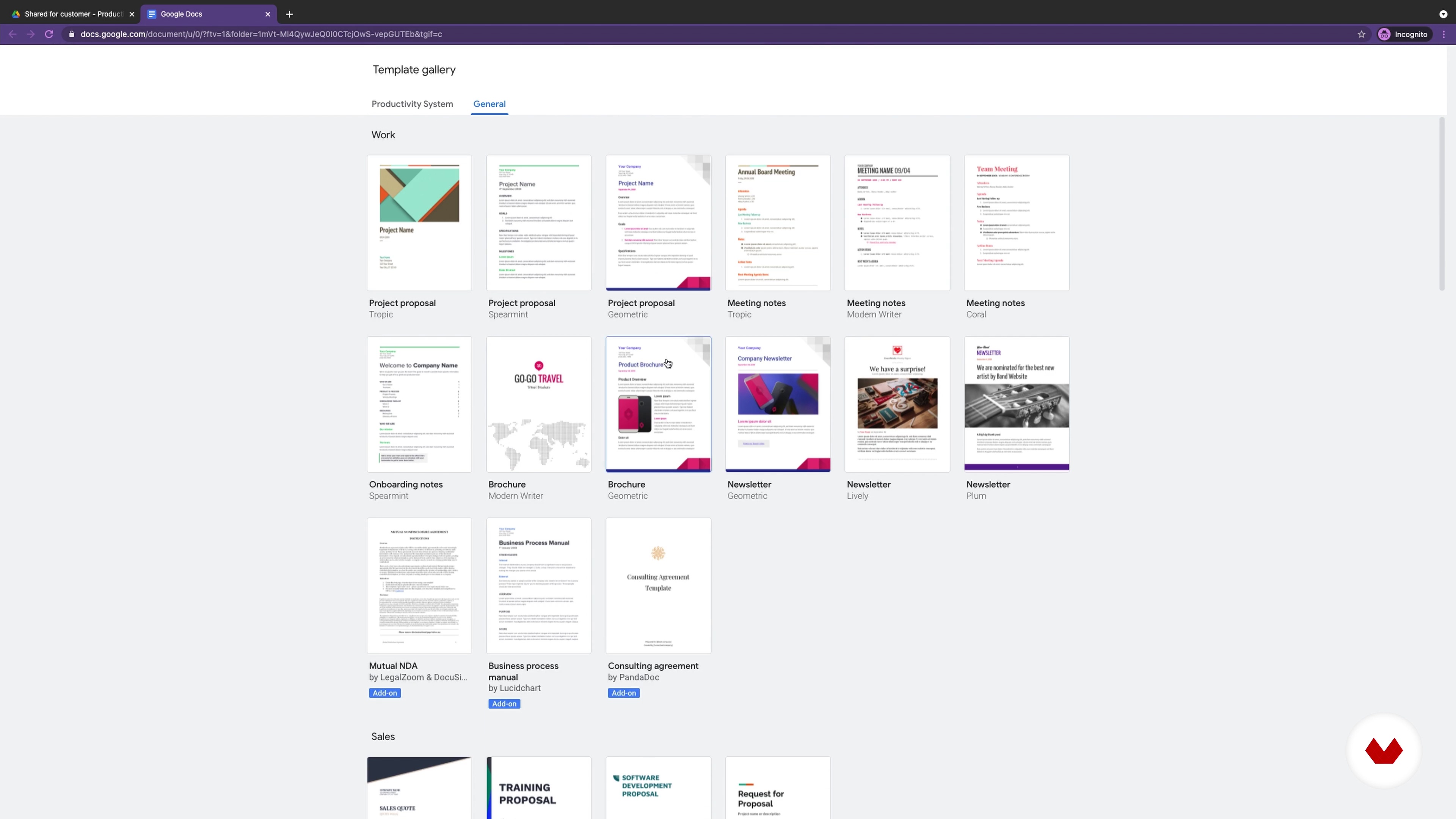
Let's continue with learning how to use Google Drive to share your files and folders with your team and customers. This will enable you to collaborate through tools like Docs, Sheets, Slides, and Jamboard.
20m
 7
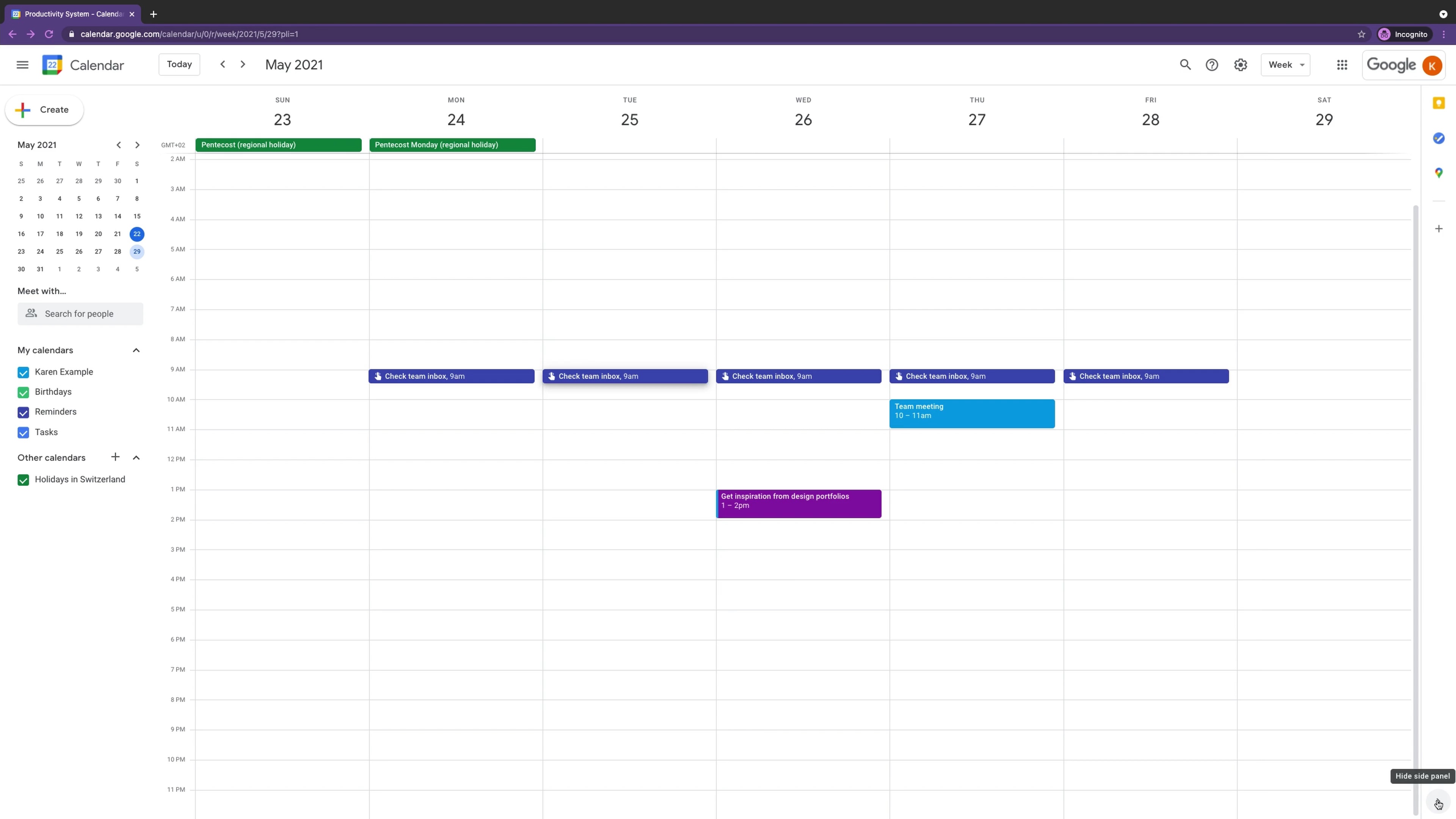
7Organize Yourself
Now you will learn how to organize yourself so that you don’t forget any important tasks or deadlines.
18m
 8
8Communicate With Others
In this lesson, you will learn which Google Workspace apps you can use to communicate with others, whether it be through written word or video conferencing.
17m
 9
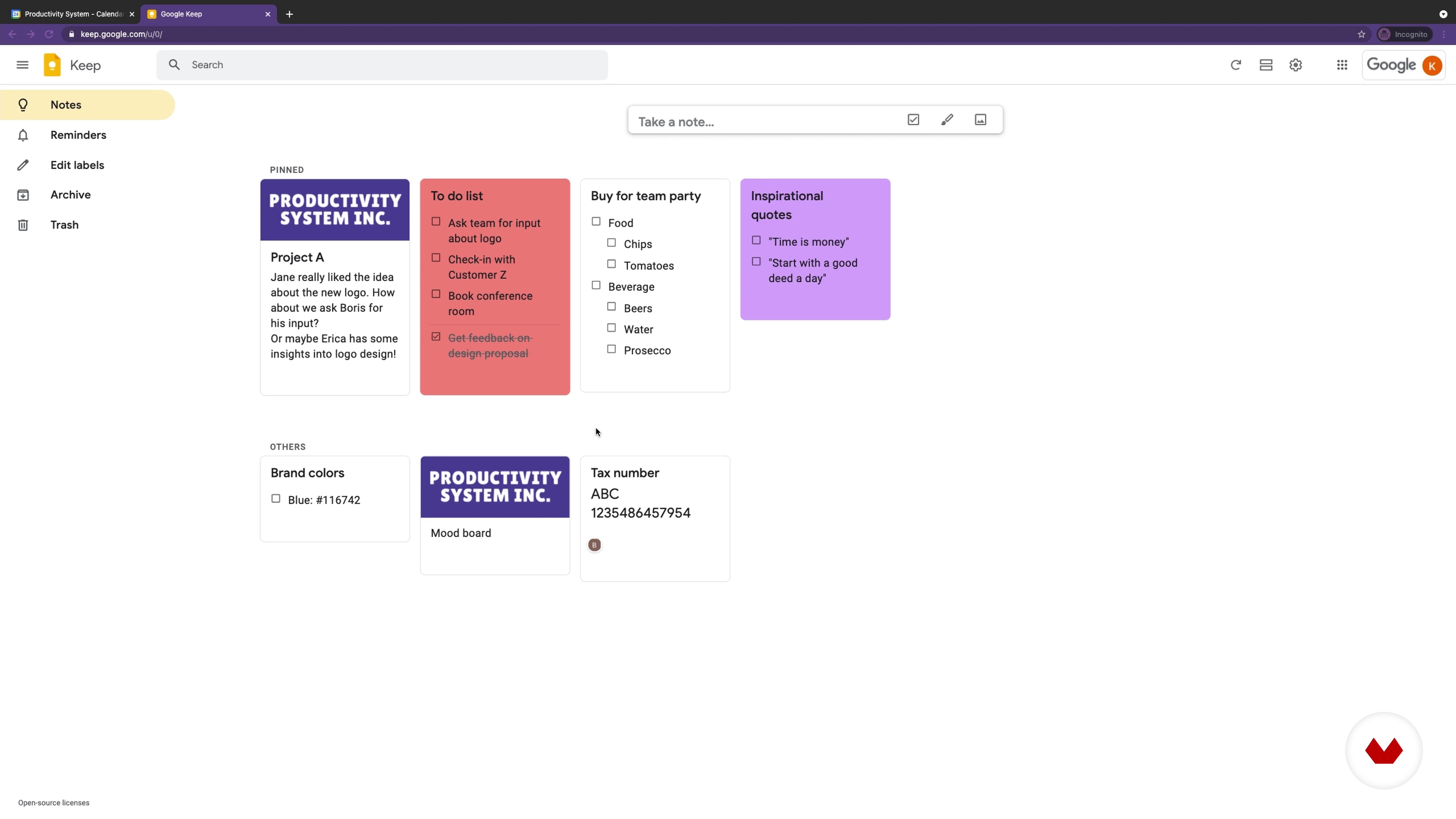
9Be More Productive and Organized Thanks to Google Workspace
Let's see how Google Workspace can improve your productivity and help you organize yourself better. You will receive a general overview of which tools can help you organize your work.
3m
 10
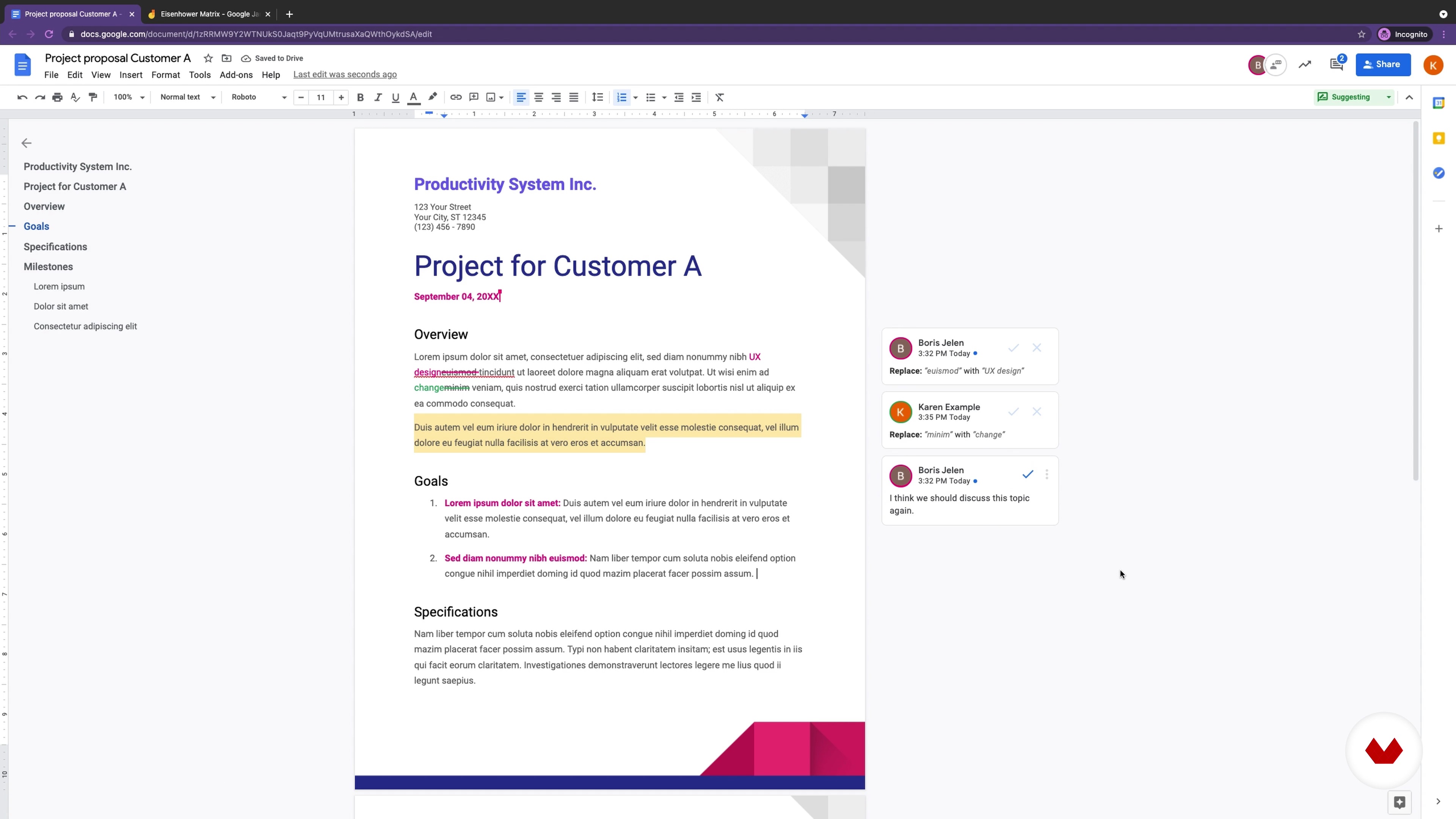
10Collaborate More Effectively with Your Team
In this lesson, you will see how Google Workspace can help you to collaborate more effectively with your team. Which tools will help you work together on project proposals and other documents?
2m
 11
11Best Practices for Freelancers
Now you will learn some productivity best practices if you're working as a freelancer or a one-person company.
7m
 12
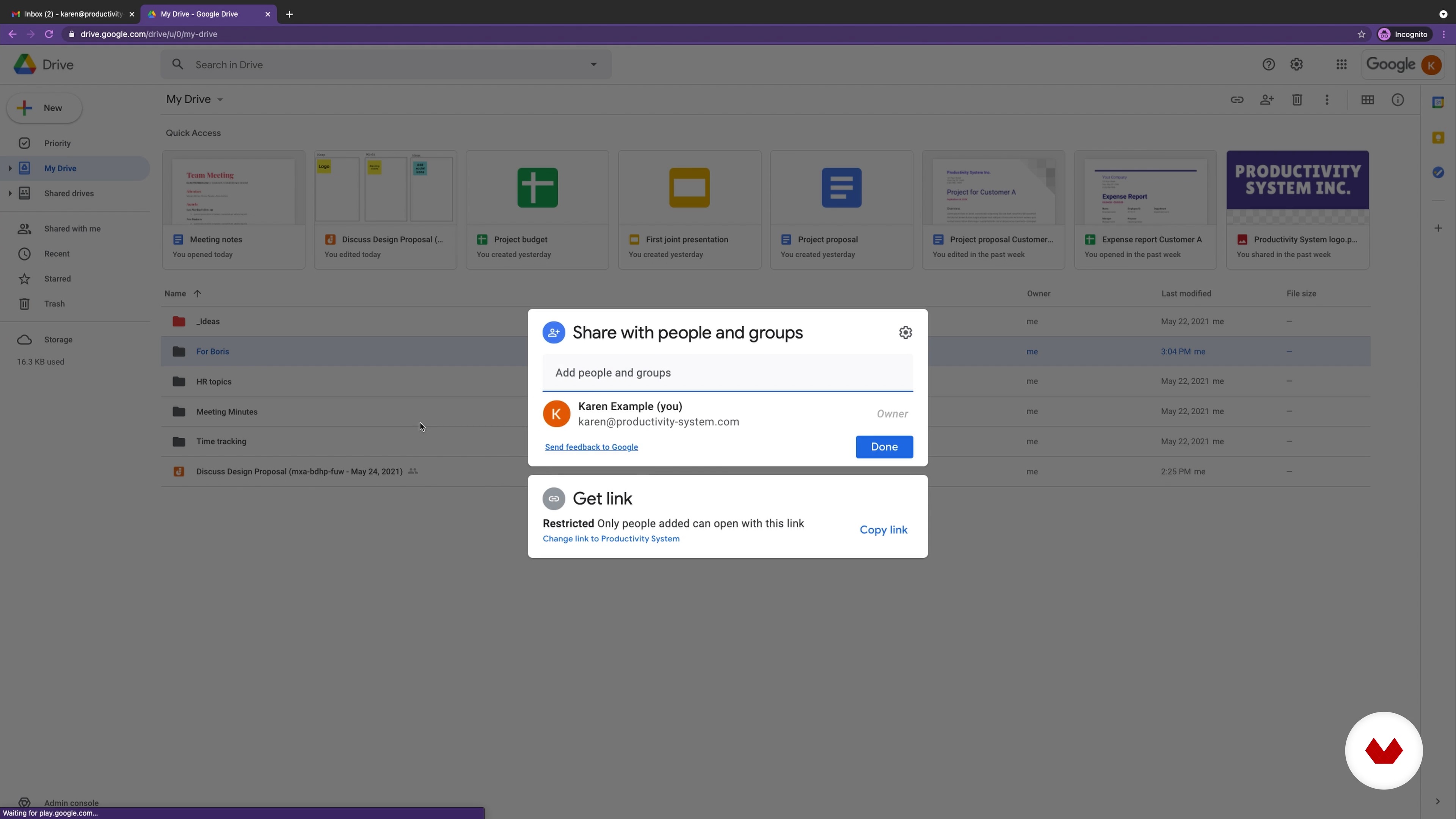
12Best Practices for Teams
Let's have a look at some productivity best practices that you and your team can use.
4m
 3
3Are video calls efficient?
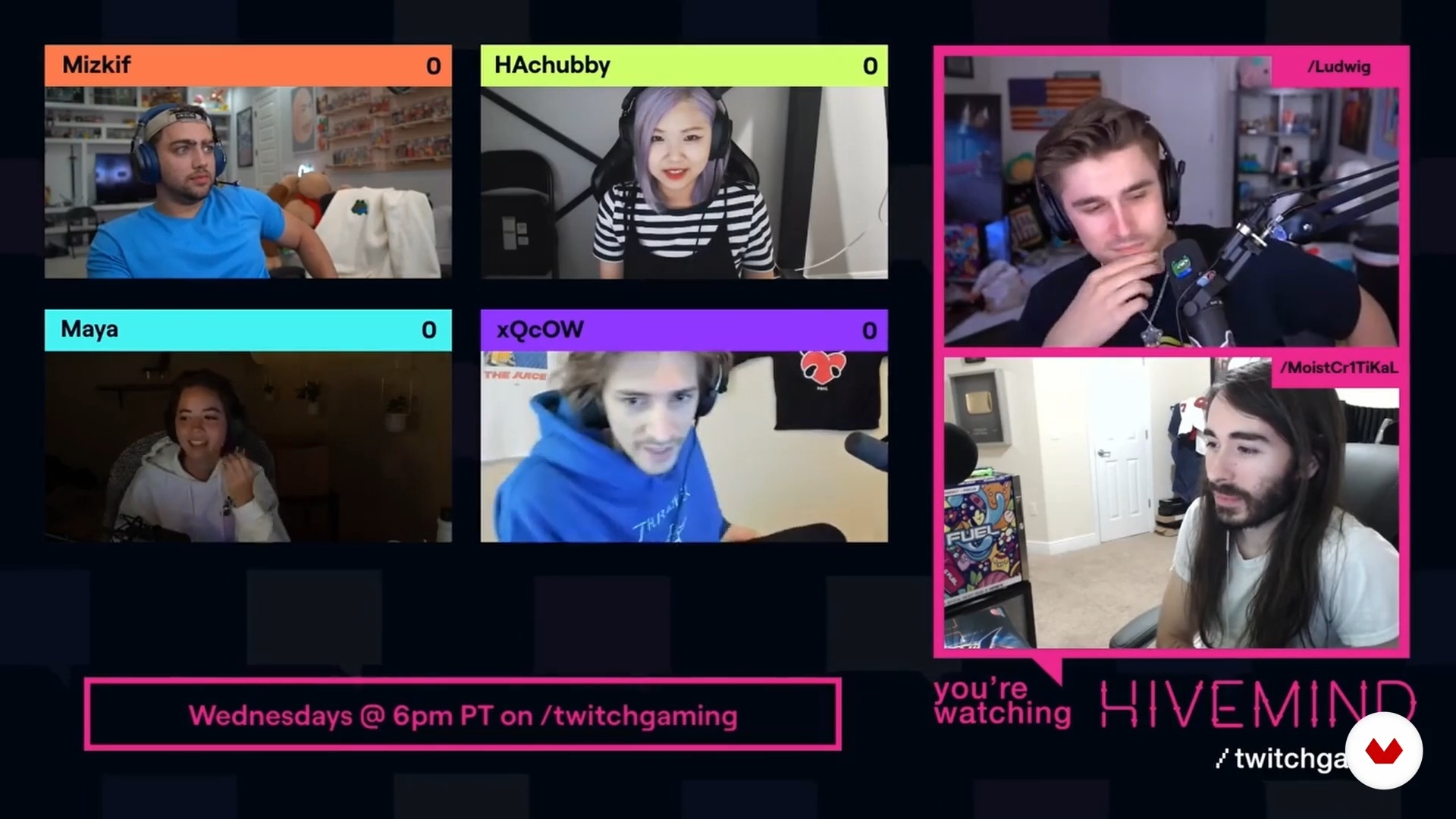
You will see how to analyze face-to-face meetings and classes, the reality of video calls and everything they have unnecessarily inherited. Also, in this lesson I will contrast the reality of them compared to streamers.
7m
 4
4Rethink and experiment
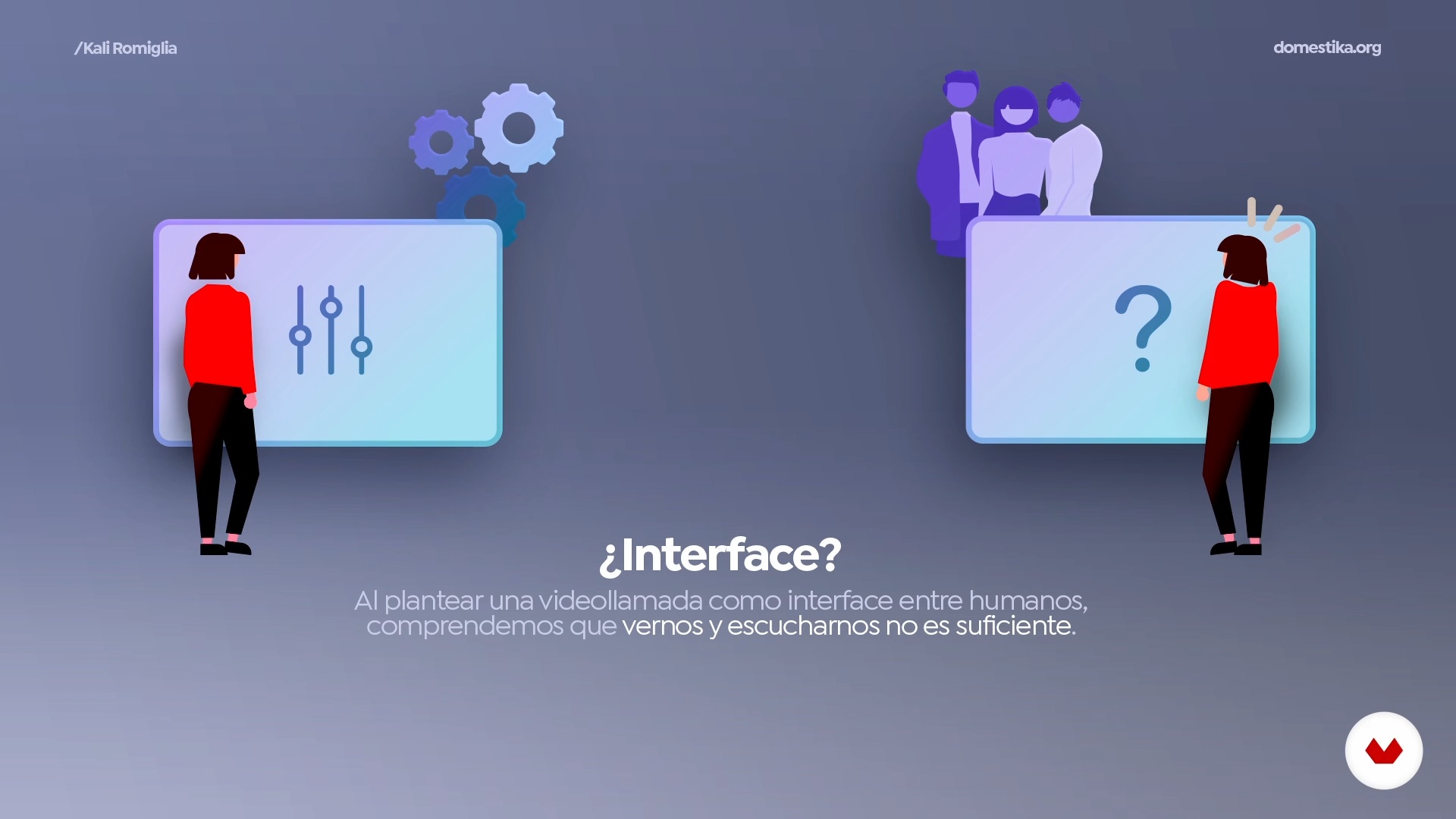
Now that we analyze the situation of video calls, I will show you my process of exploring and experimenting with different platforms and technologies used in the world of entertainment and streaming, and then analyze to what extent they can be included in our daily work.
7m
 5
5The beginnings of streaming
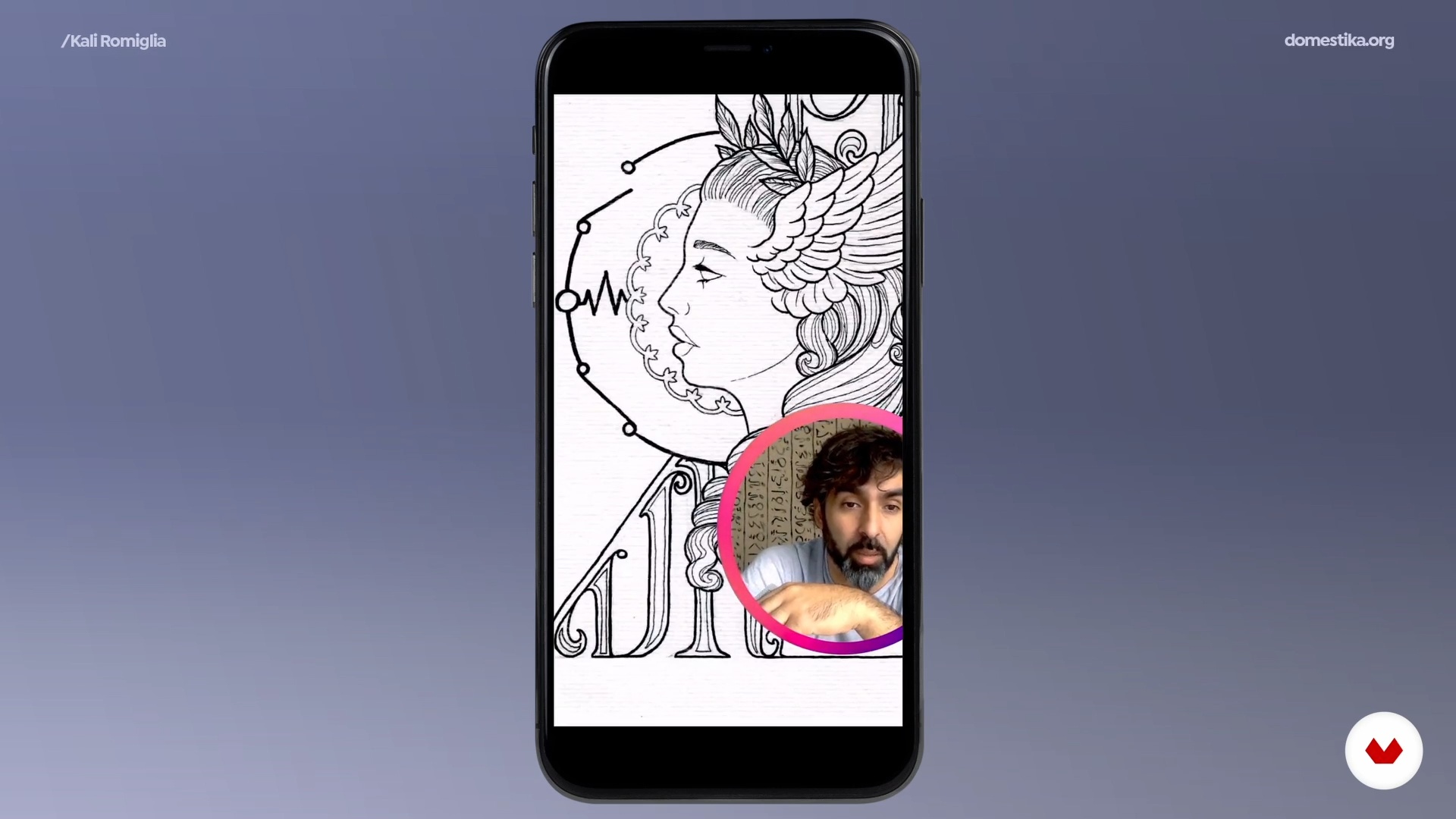
I will tell you what happens when you start to merge both worlds in your conventional video calls, the first reactions and results. From that point I will delve into what professional changes arise in this new field of action and how to take advantage of them to enhance economic and productive results.
20m
 6
6Prepare the streaming system
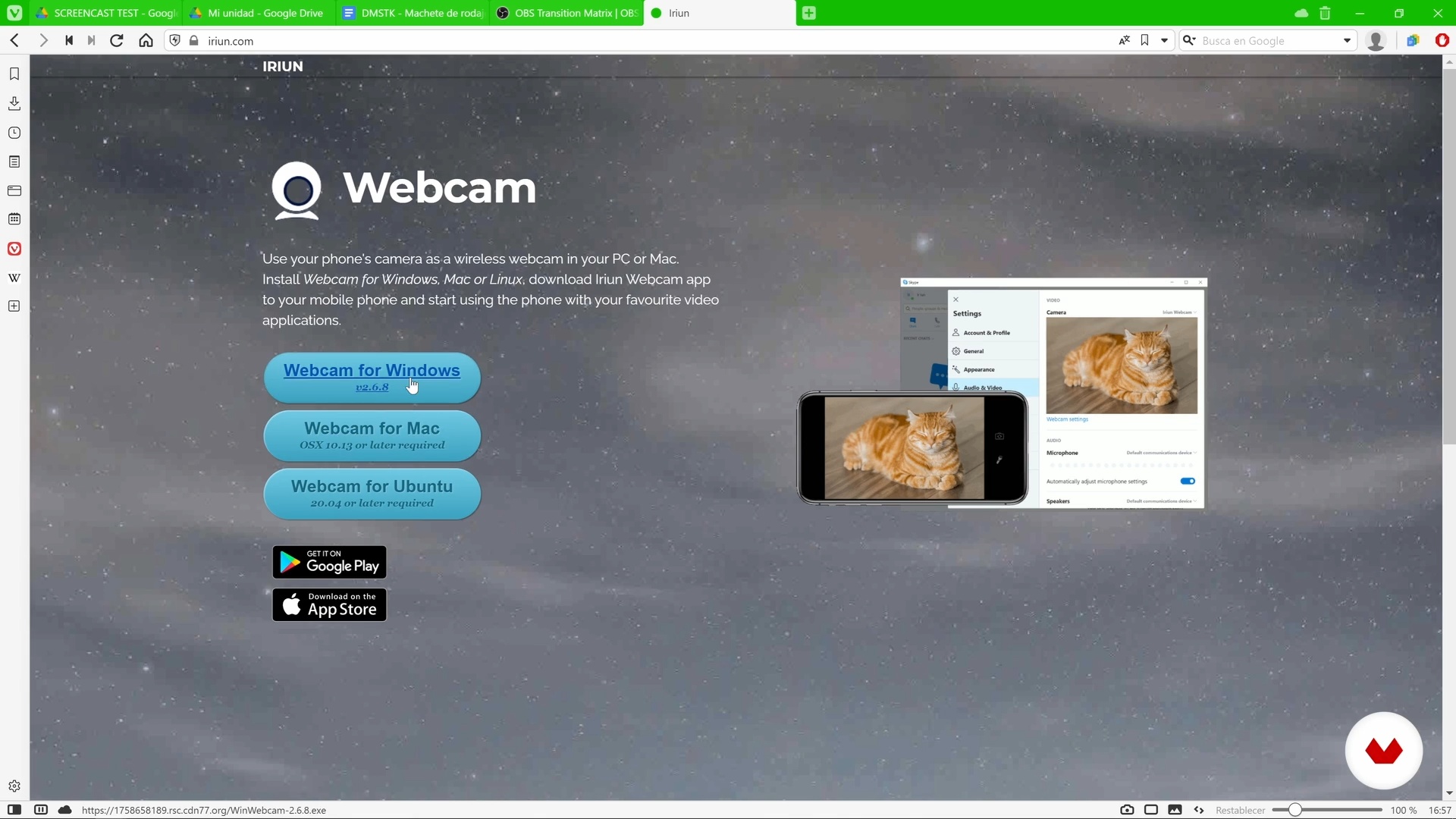
To begin with, I will explain to you how a standard streaming system adapted to video calls works. In addition, you will see how to install everything necessary to run it on your computer.
8m
 7
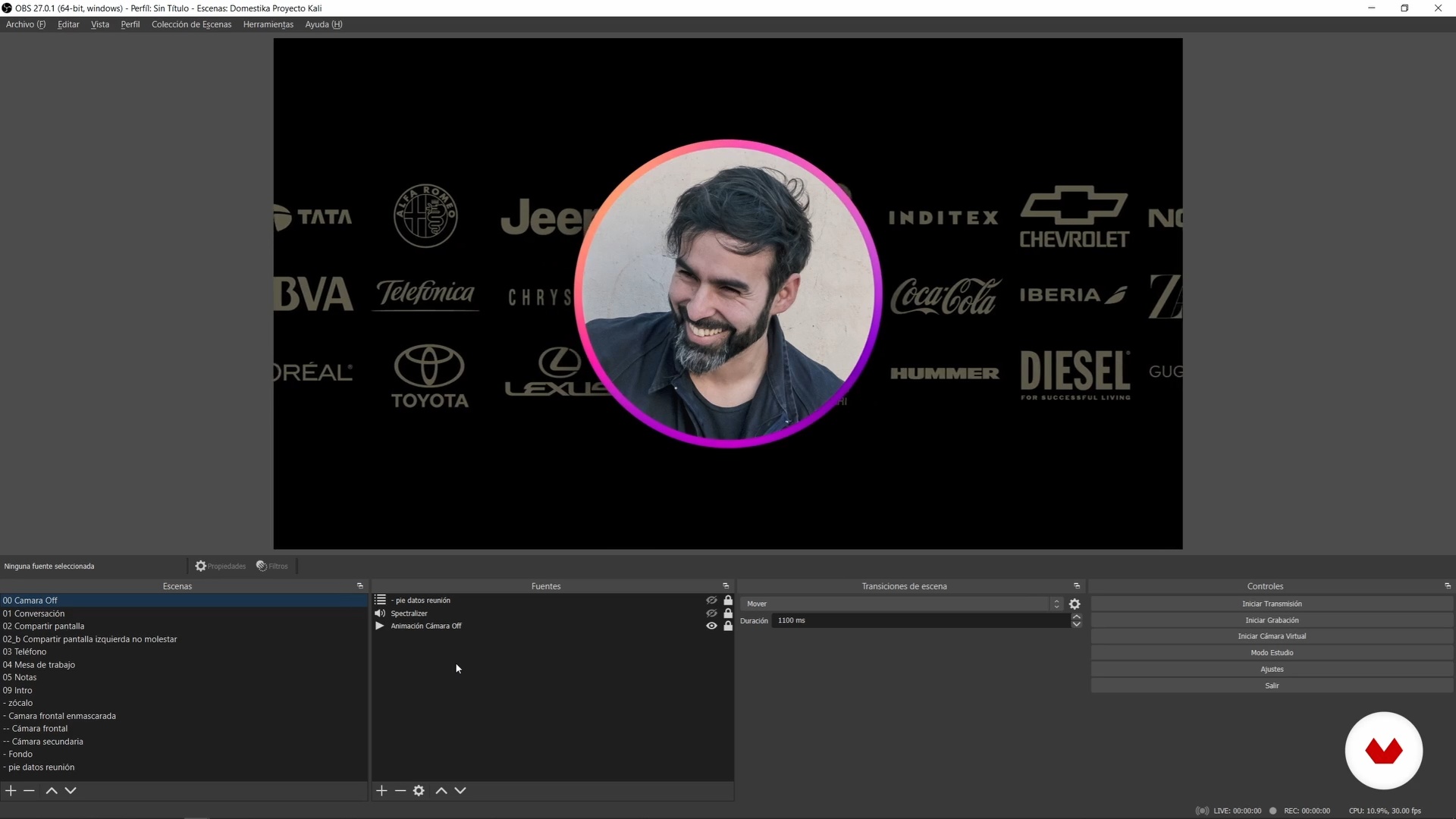
7Import the project and customize the scenes 1
Next you will see how to import the base project, and how to customize some details. In addition, you will understand the basic operation of OBS. As I show you the different scenes, I will tell you what elements make them up and what function they fulfill in my video calls.
16m
 8
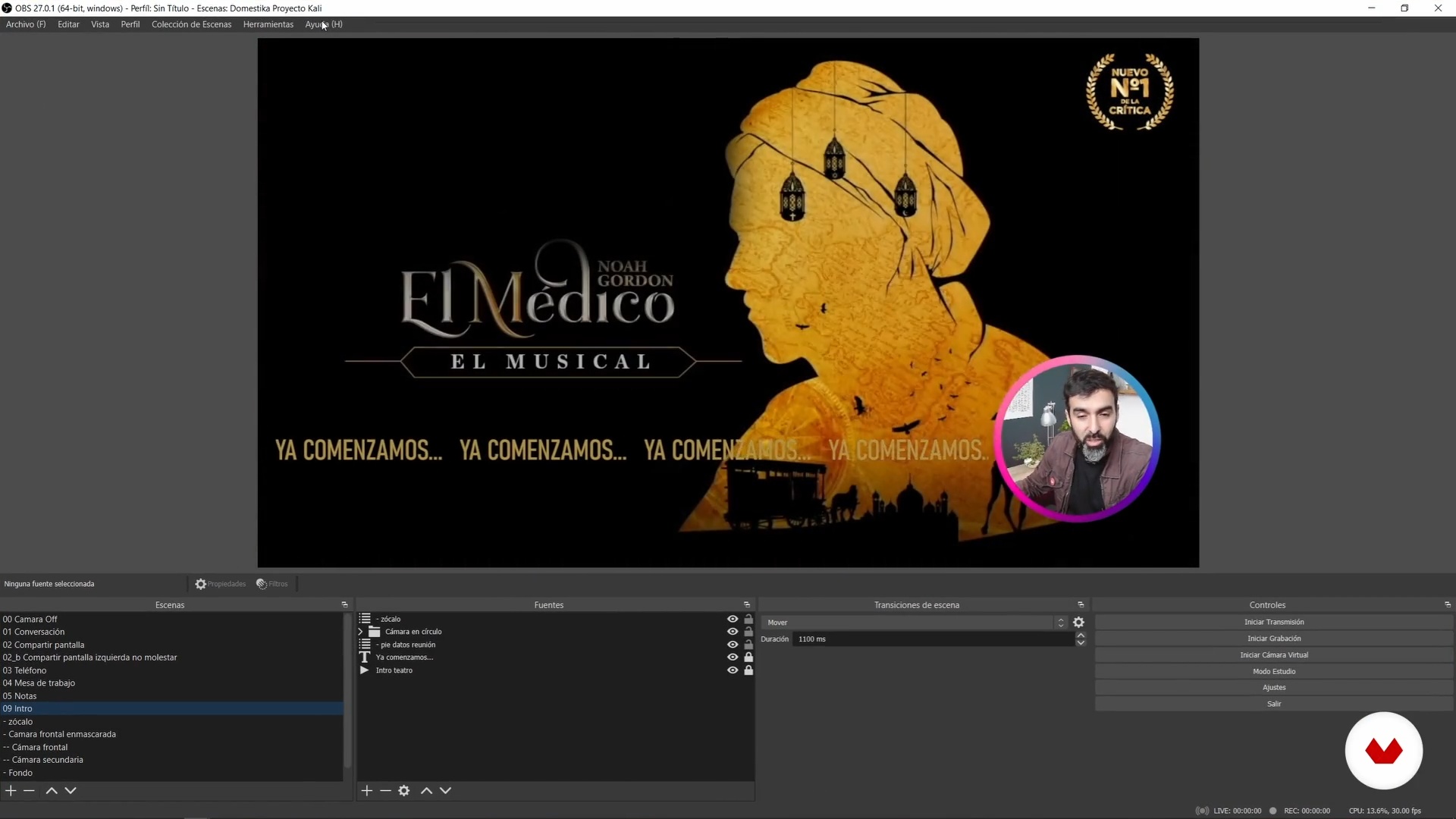
8Import the project and customize the scenes 2
I will continue showing you the elements that make up my scenes and I will tell you what function they fulfill.
9m
 9
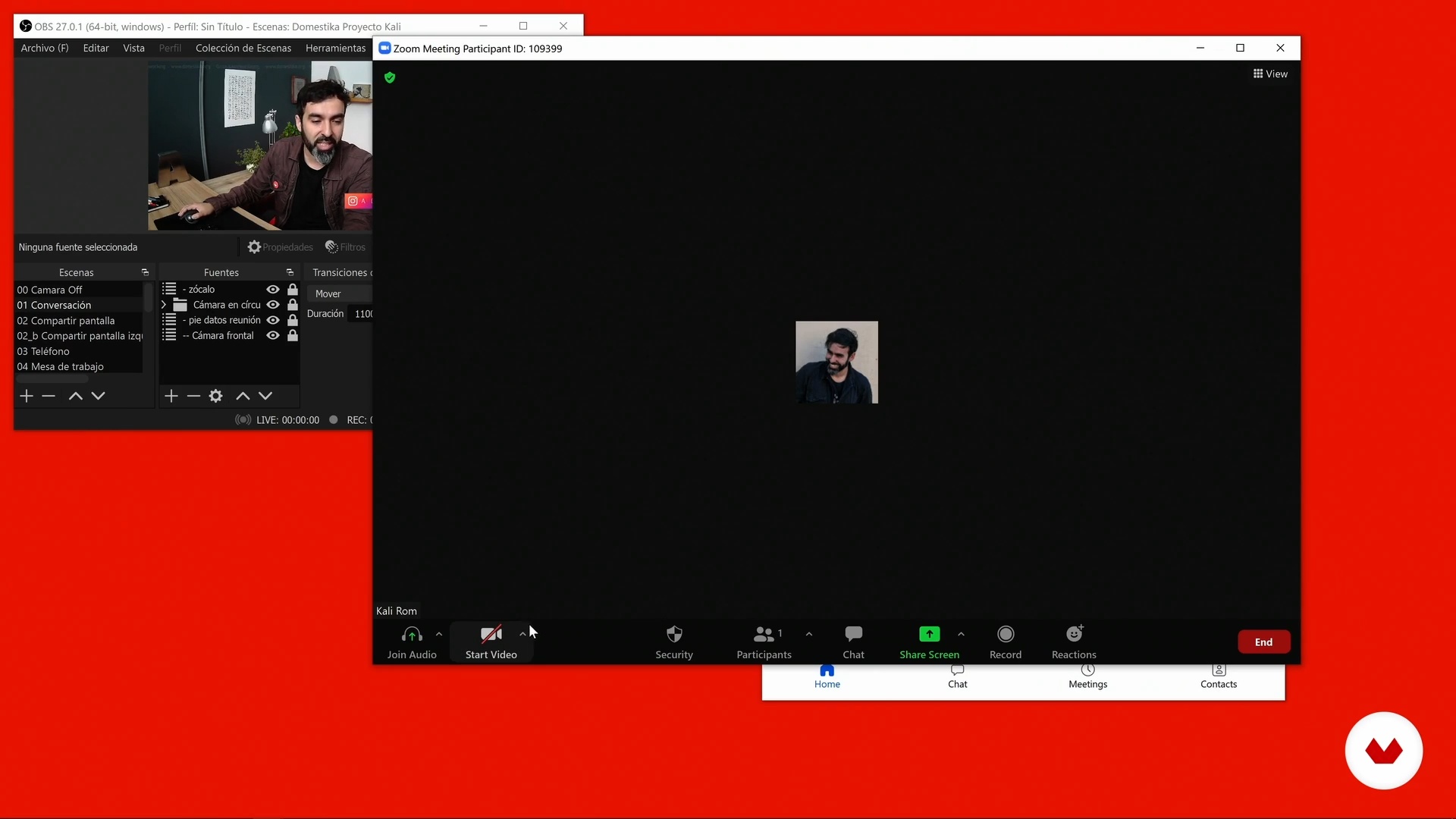
9Connect the project to video calls
In this lesson, I will show you how to link the system with any video calling program. You'll learn how to make a checklist for first calls, and I'll share some additional tricks.
5m
 10
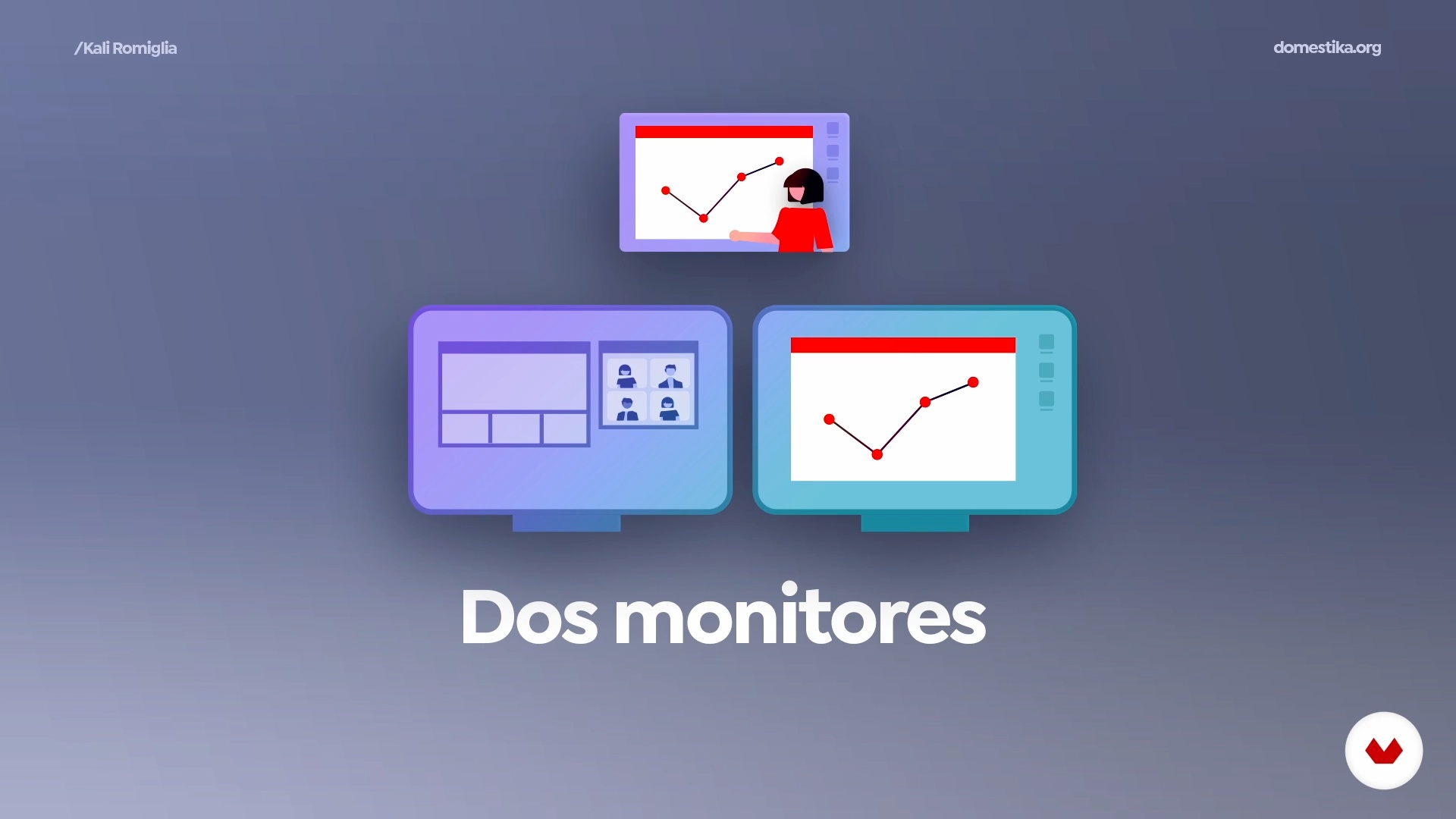
10Optimize quality
Next I am going to tell you some very important factors to achieve the highest quality in your video calls.
15m
 11
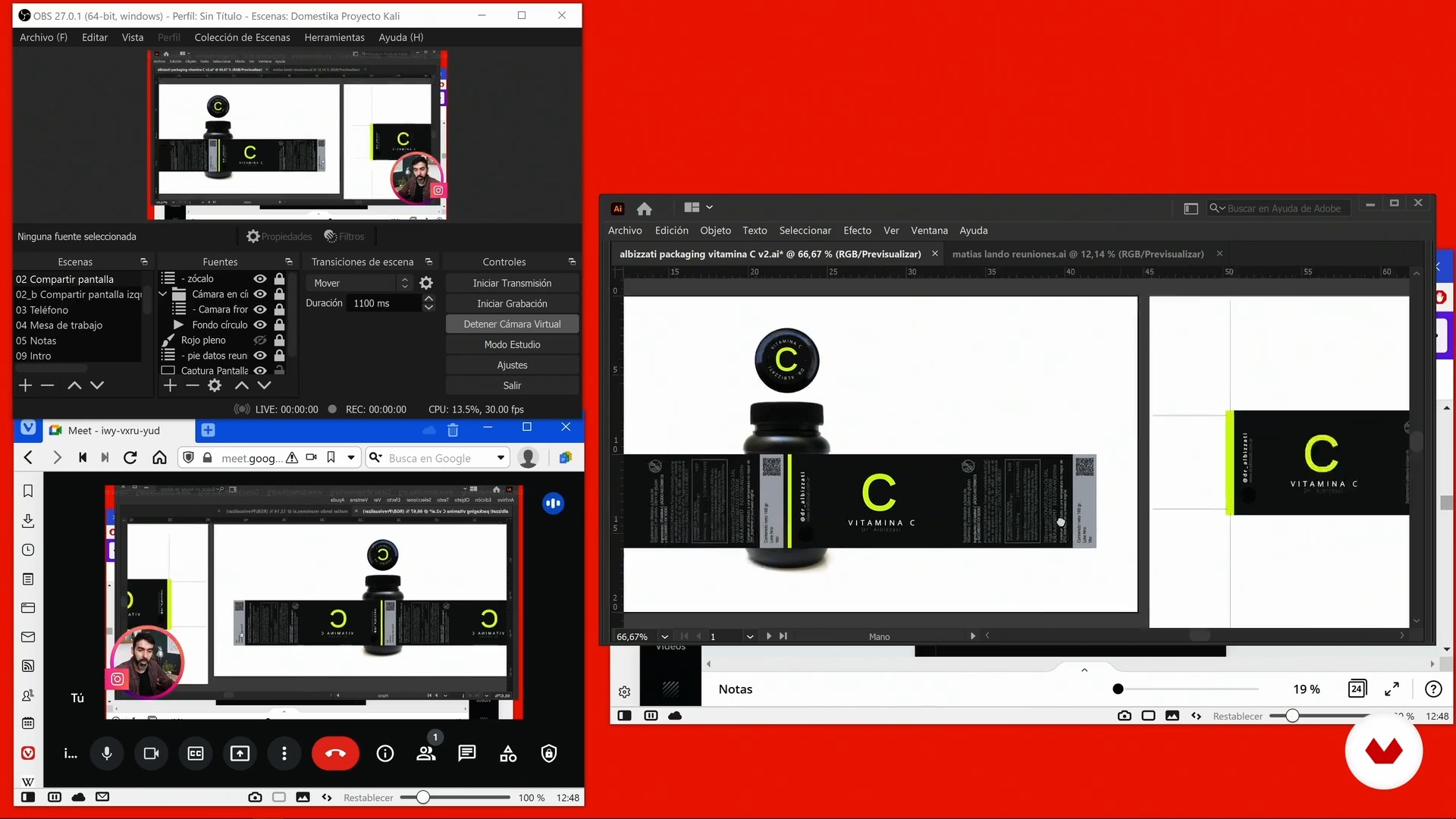
11We make video calls
Now that everything is up and running, I'll give you an in-depth look at the cutscenes. Also, I will show you how in my daily work I solve my projects using the different scenes.
12m
 12
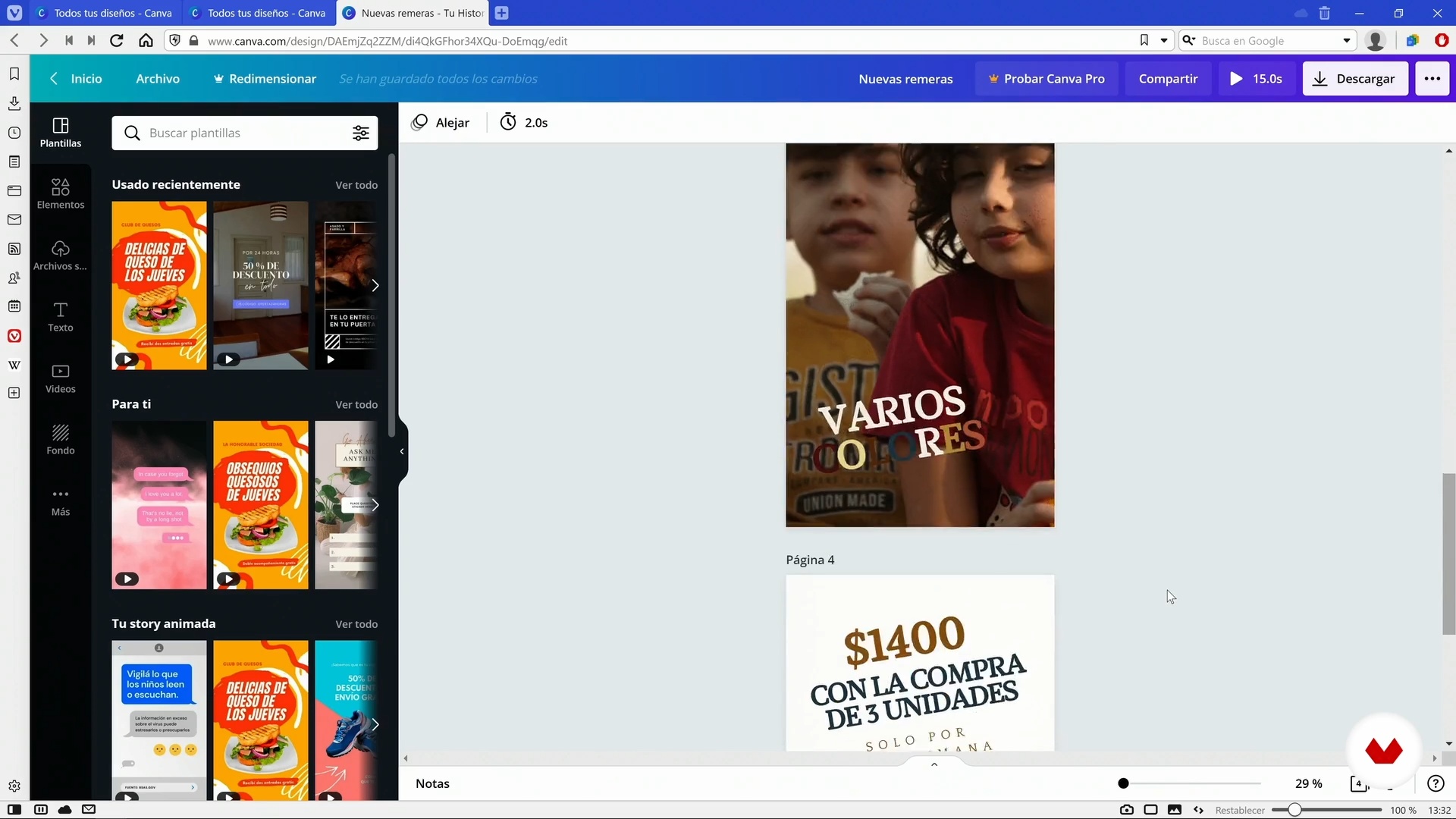
12Tips for streaming
These tips and tricks will save you a lot of frustration down the road and make your streaming more productive.
15m
 13
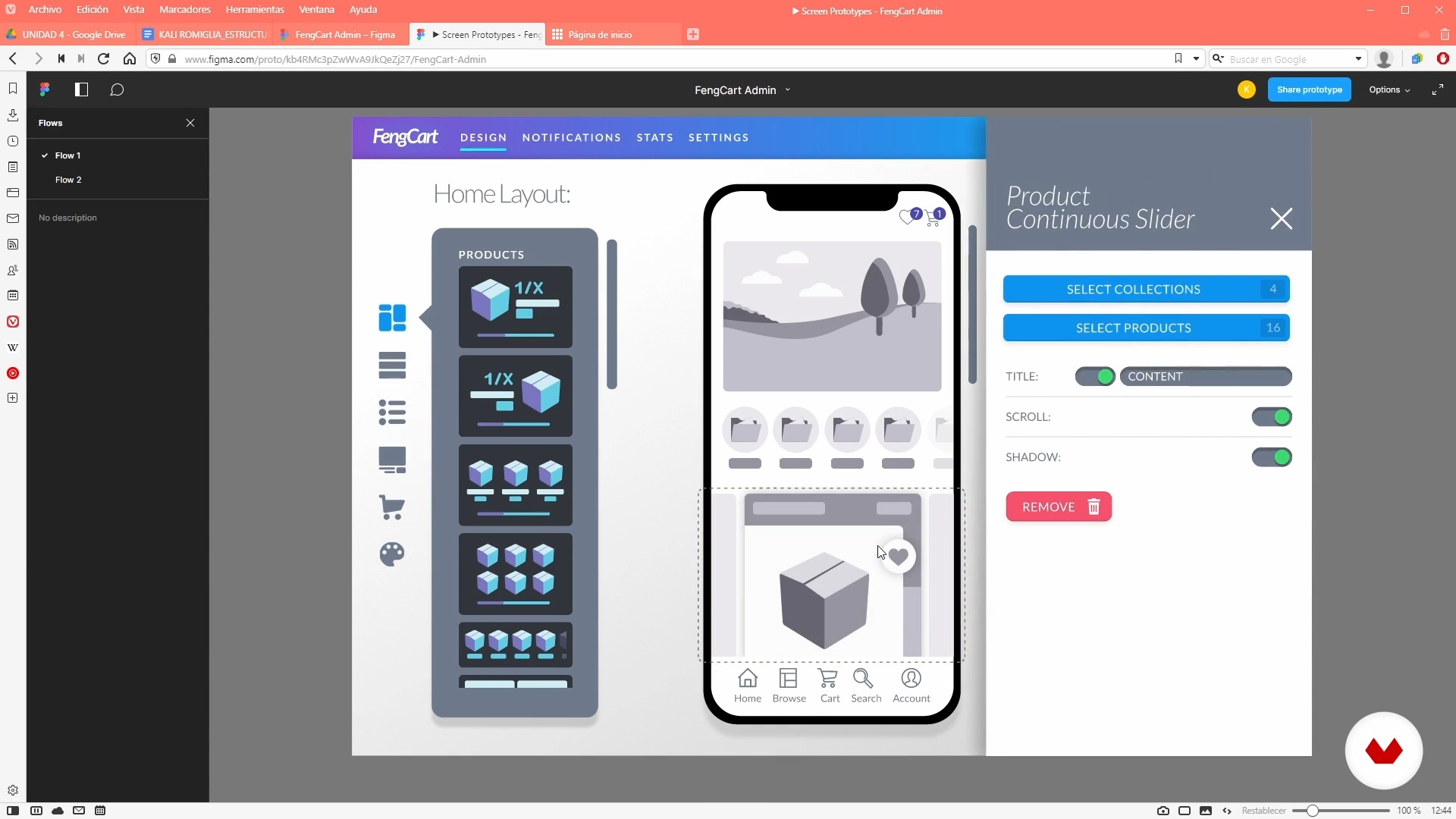
13Do you have to be at the forefront to be professional?
Next I will show you what my parameter is to incorporate or not new technologies to my video calls. What we could call “surfing the avant-garde”.
9m
 14
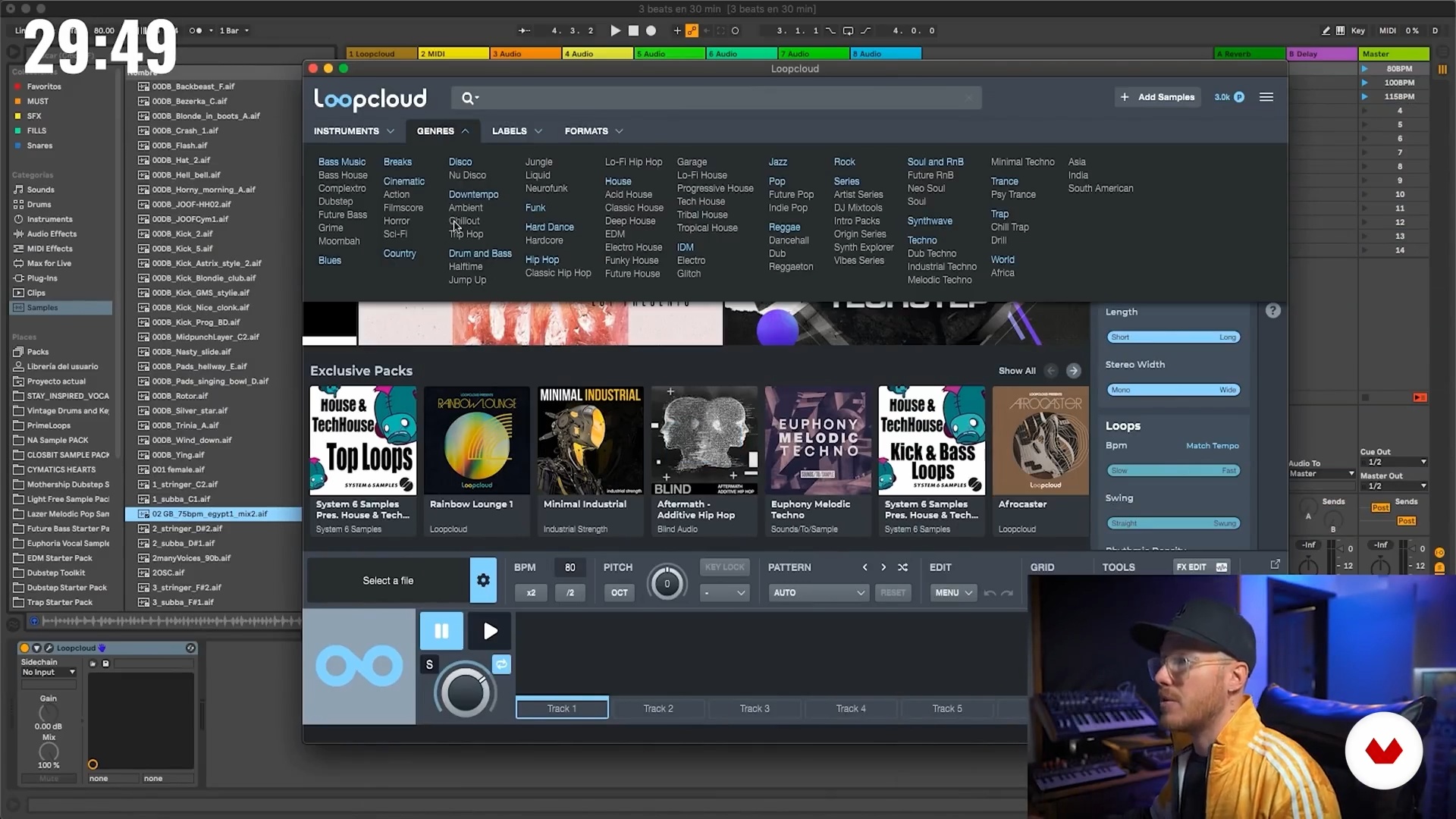
14A community of streamers
Finally, I share some final thoughts about professional video calls.
3m
 3
3Introducing Human-Centered Design
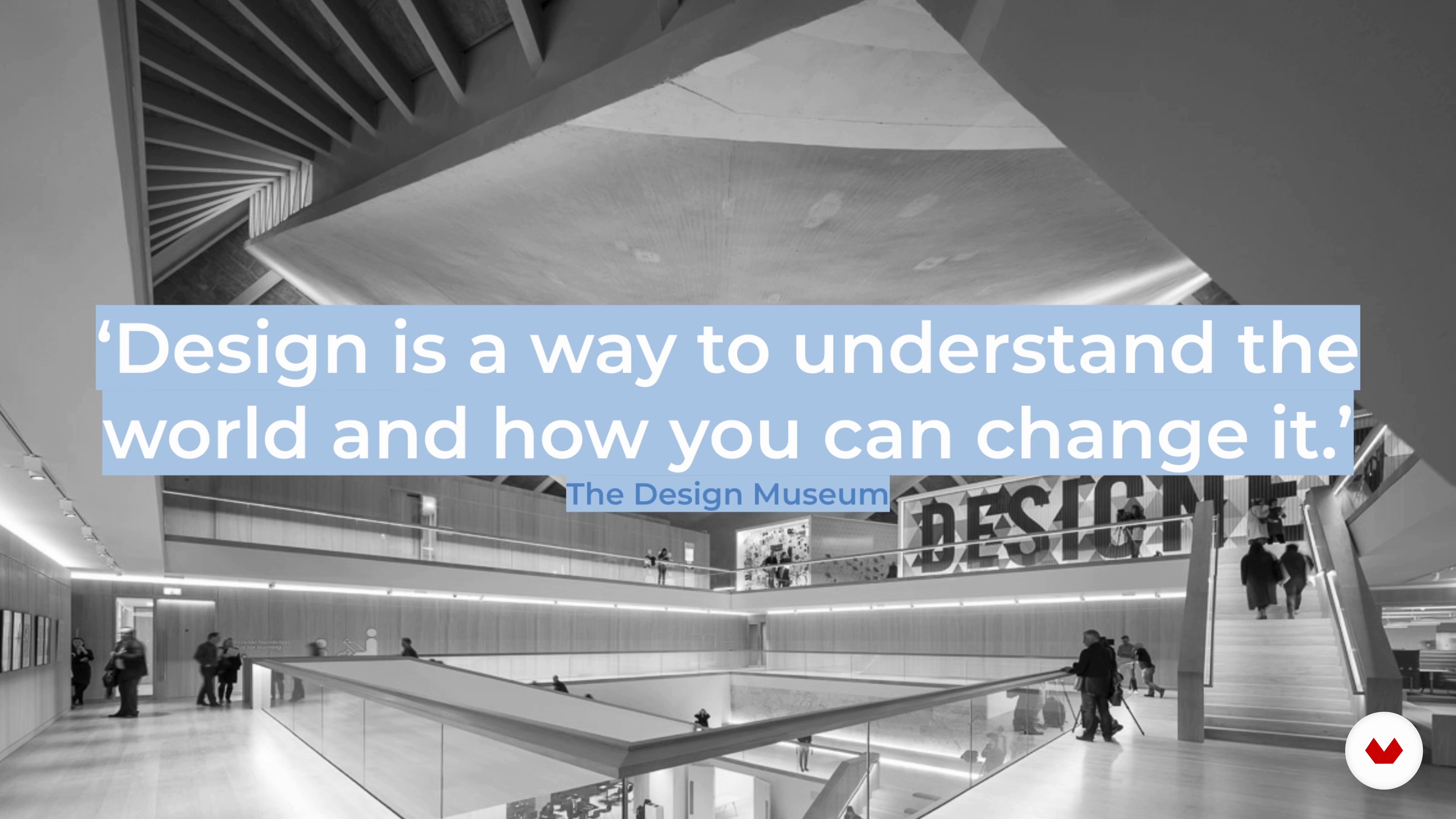
In this lesson, we will explain what Human-Centered Design is and the importance of having people at the centre of your process.
2m
 4
4Cultural Aspects
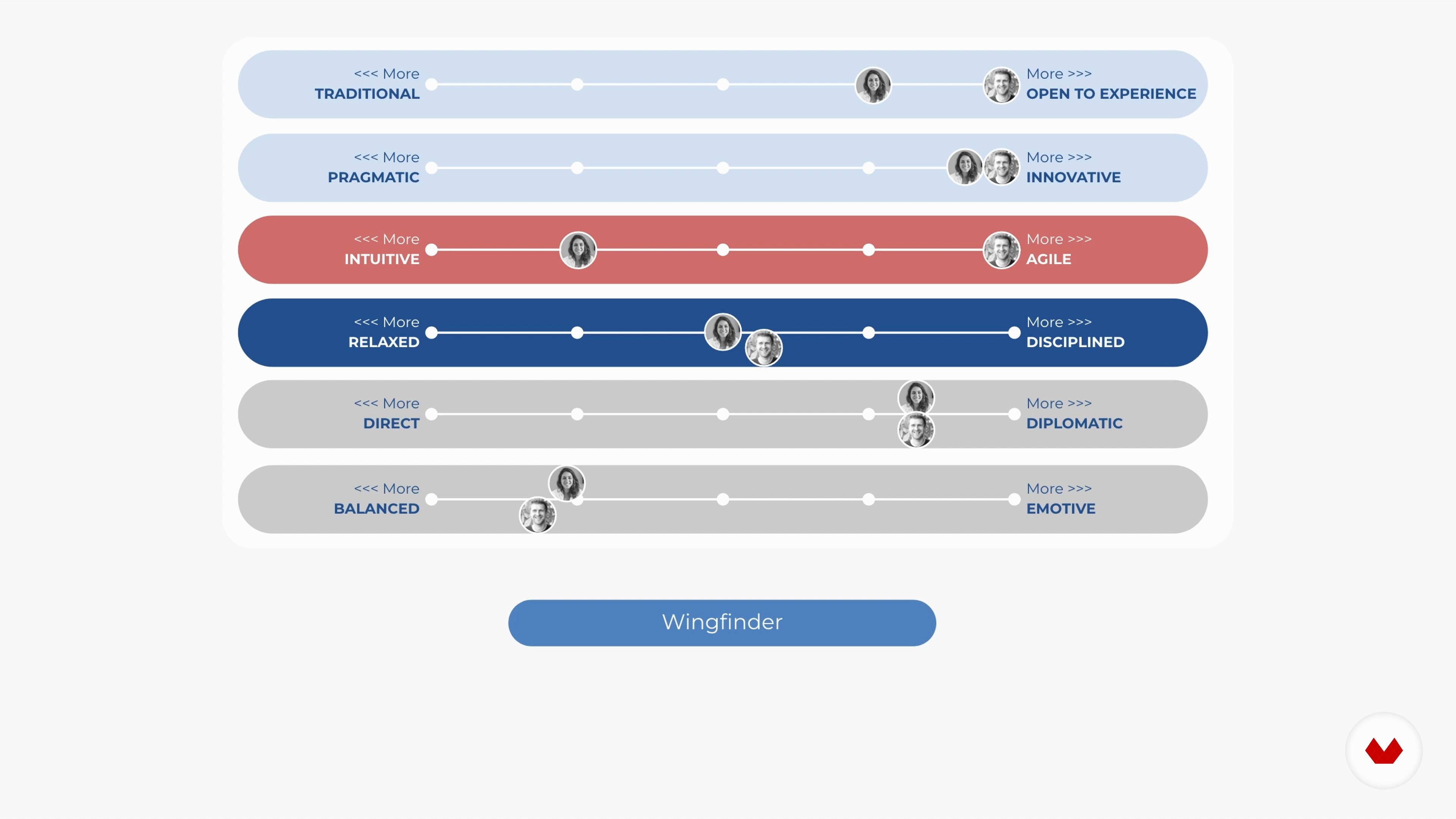
This lesson is about the uniqueness of people, each of us. It explains how we can look at identity through the lens of psychology and culture and how to spark discussion around it in a team so we understand each other better. Finally, we will explore how to create alignment around a working culture in a group with ‘My User Manual’.
5m
 5
5A Growth Mindset
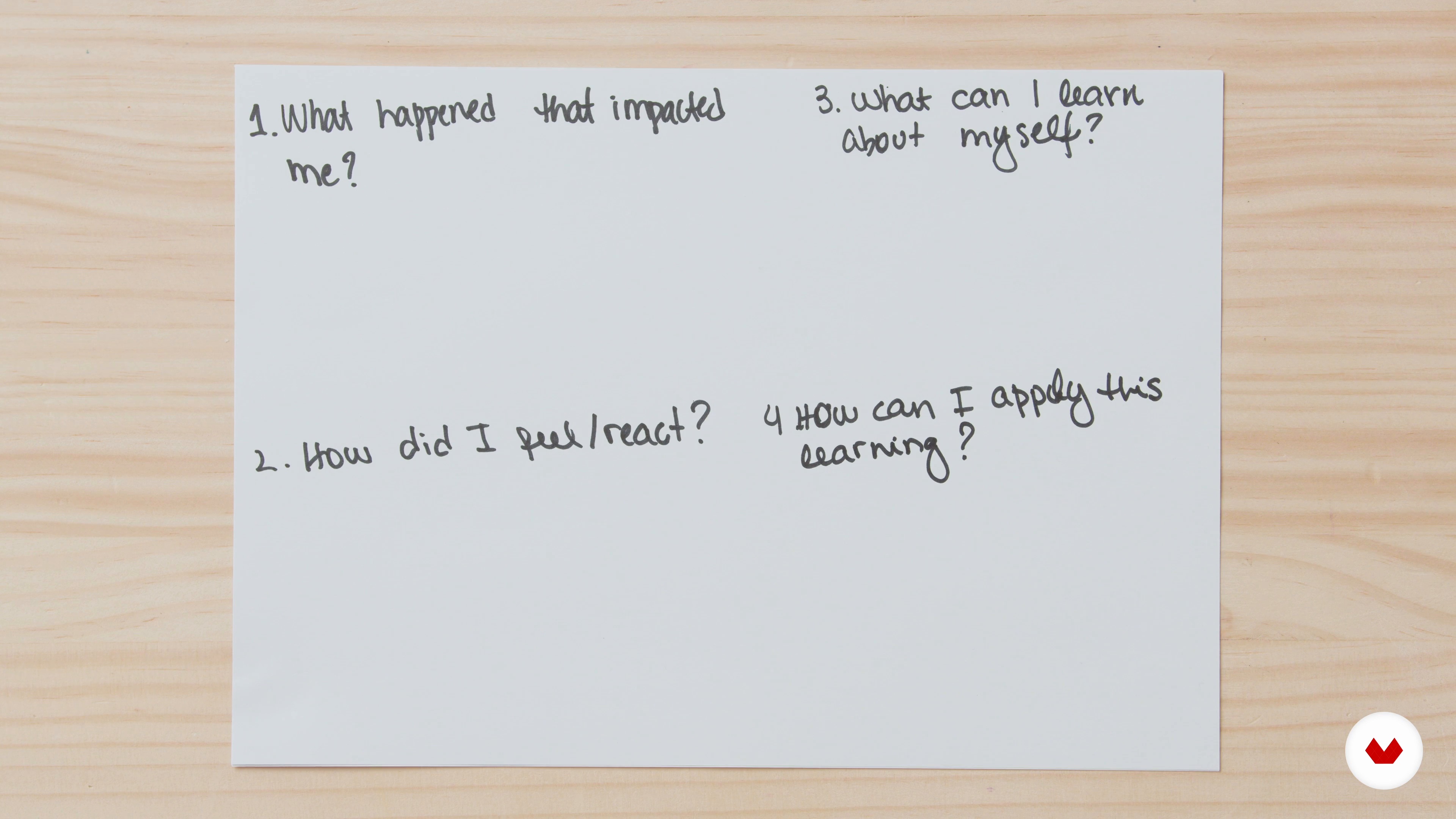
Let’s reflect on the impact of your mindset and how it can affect all areas of your life. You will also learn to use reflection to help you and your team understand and improve over time.
5m
 6
6An Agile Approach
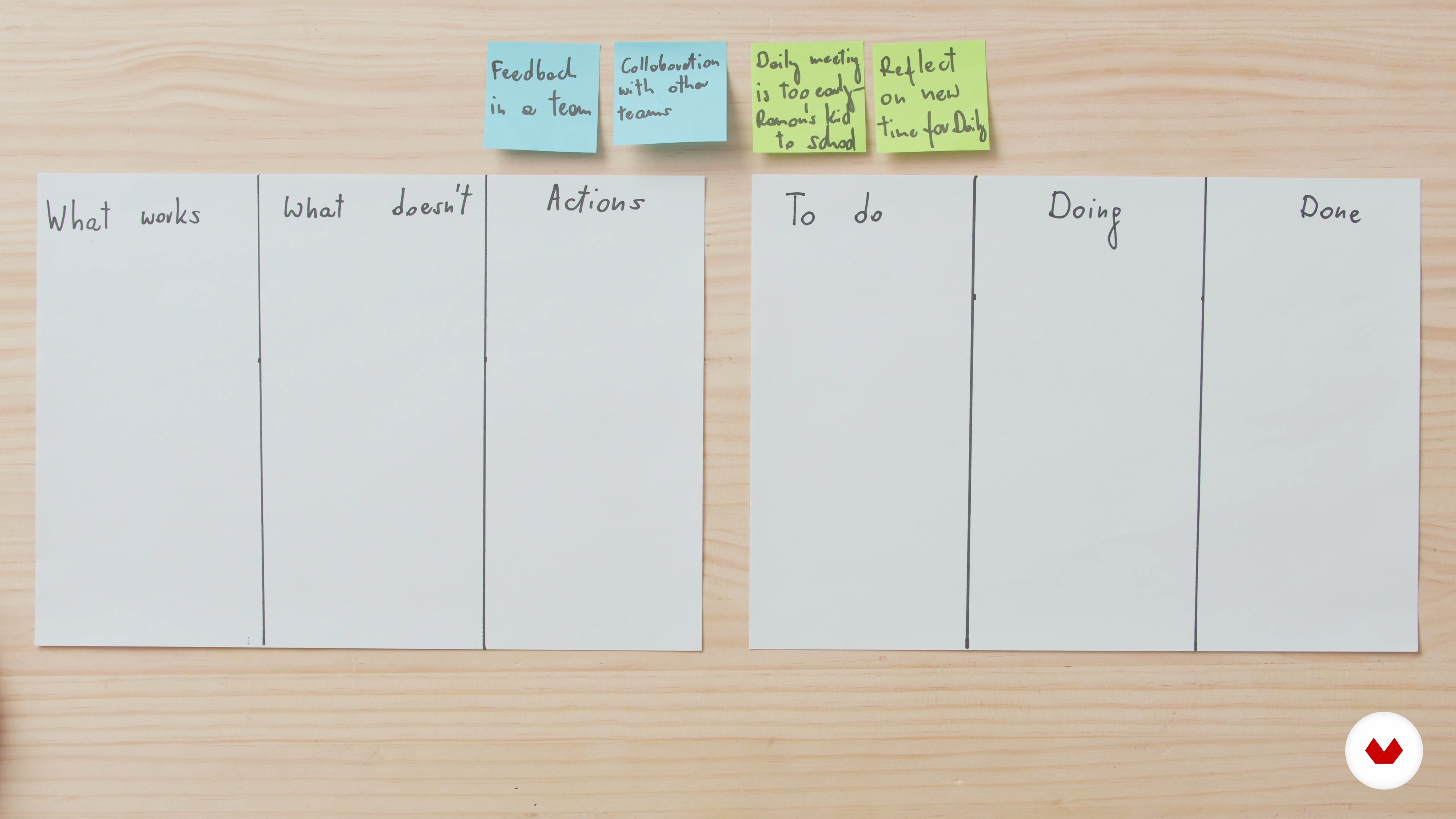
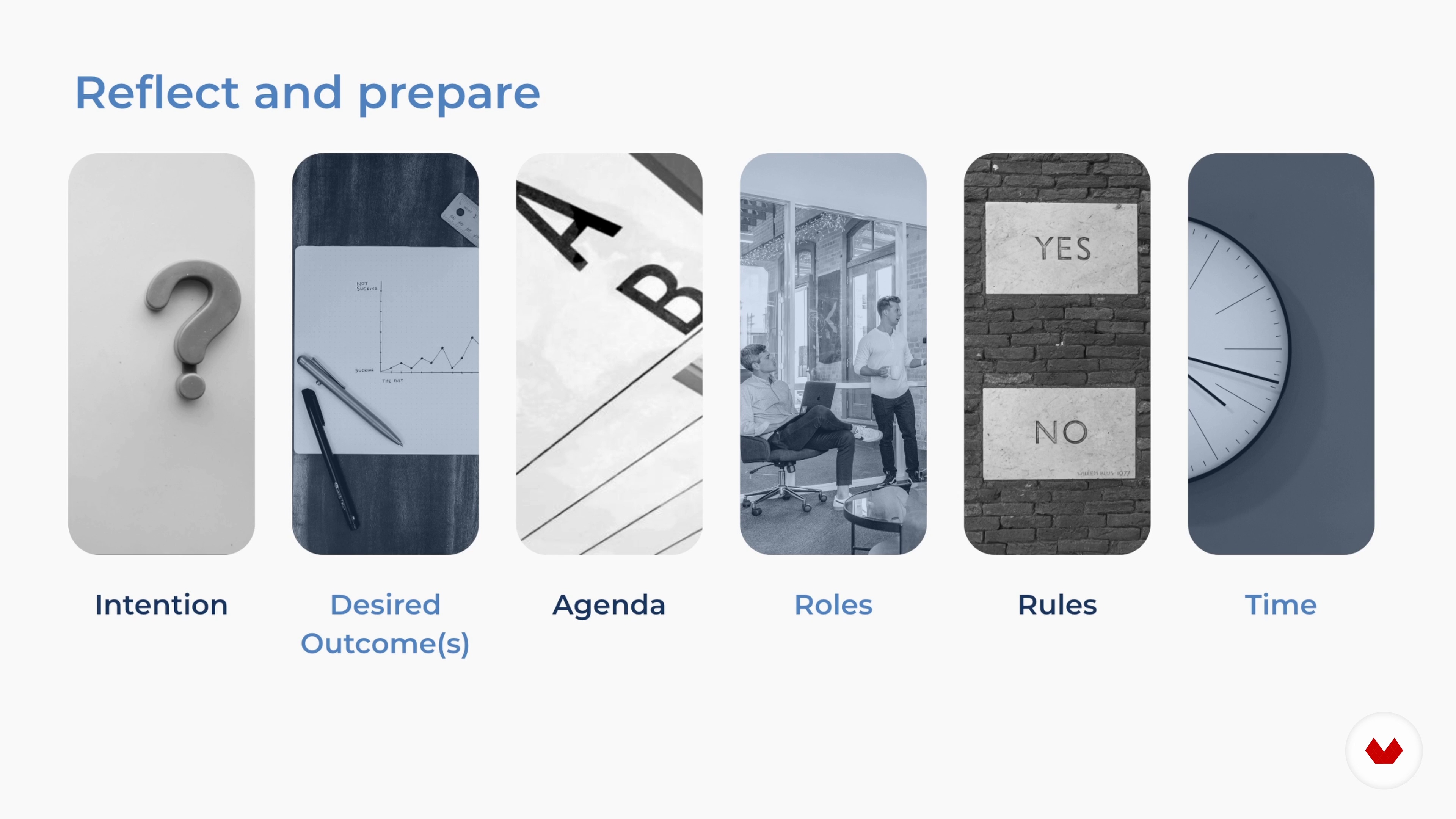
Let us talk about the concept of Agility in team development. We will discuss Agile values and the Continuous Improvement Cycle, and finally explore Kanban - a tool to easily track team progress- and Retrospective - an event promoting continuous team improvement.
6m
 7
7Team Communication
We will explore how communication can help you and your team become more aligned and effective. You will learn the concept and best practices of synchronous and asynchronous communication and how to design better meetings.
5m
 8
8Collaboration Tools
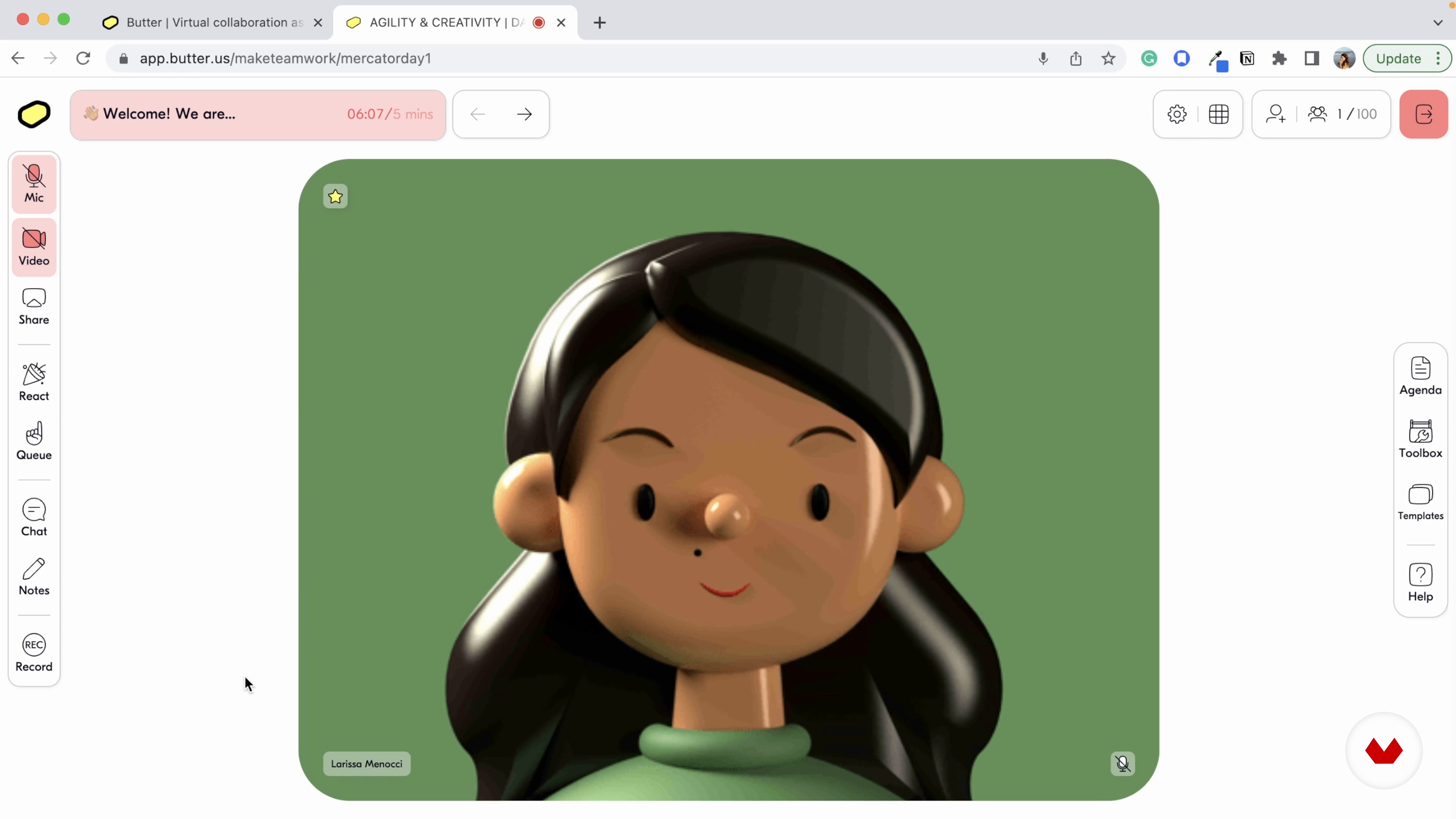
Finally, you will learn tools to help you and your teams collaborate better wherever you are.
5m
 9
9Promoting Psychological Safety
First, you will learn psychological safety, why it is critical for teamwork, and how to assess and promote it.
3m
 10
10Creating Understanding and Improvement with Retrospective
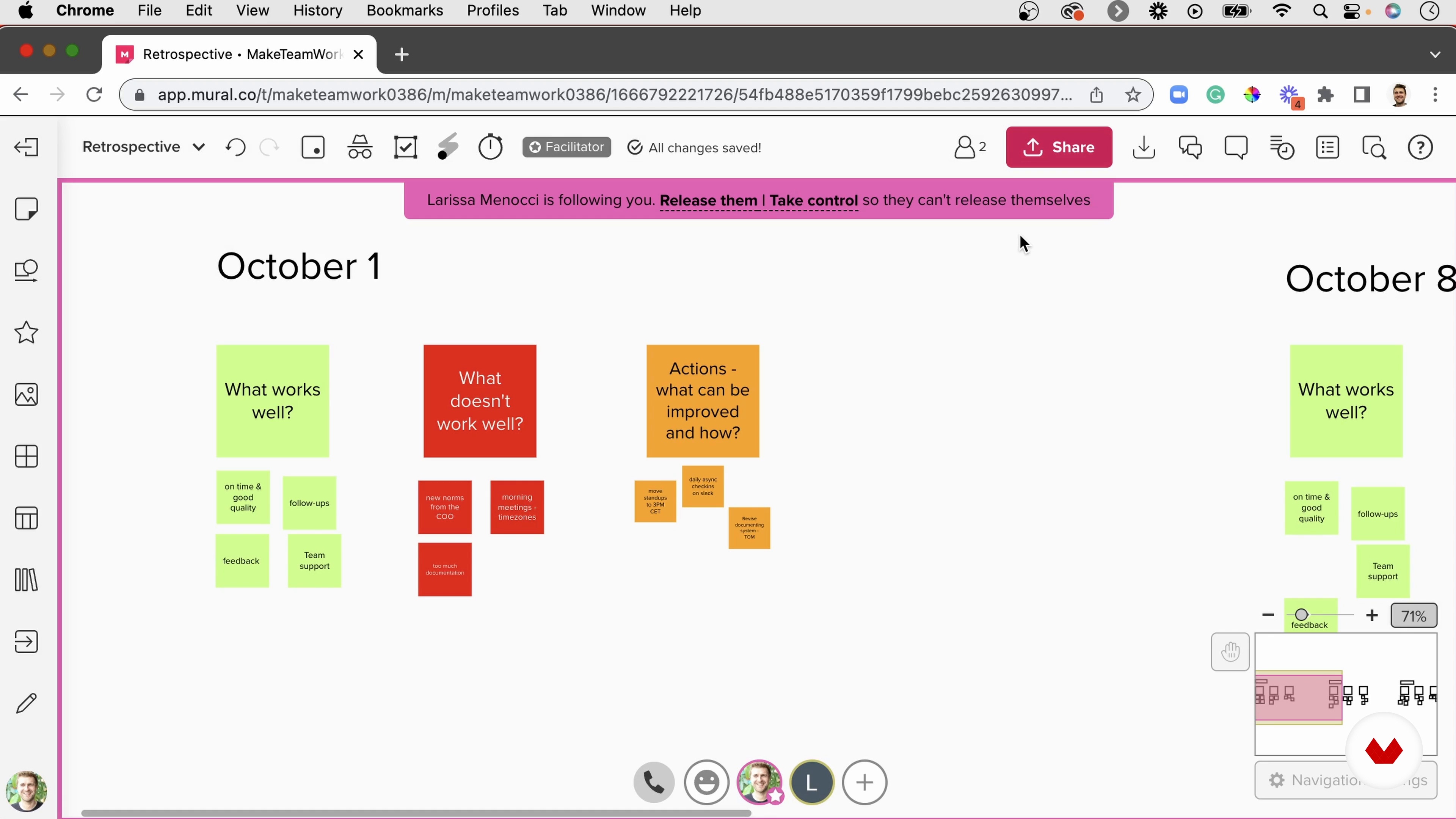
This lesson is a deep dive into Retrospective - one of the most critical team meetings. We will discuss the structure and the agenda to finally reflect on promoting successful ownership and follow-up.
3m
 11
11Facilitating the Process
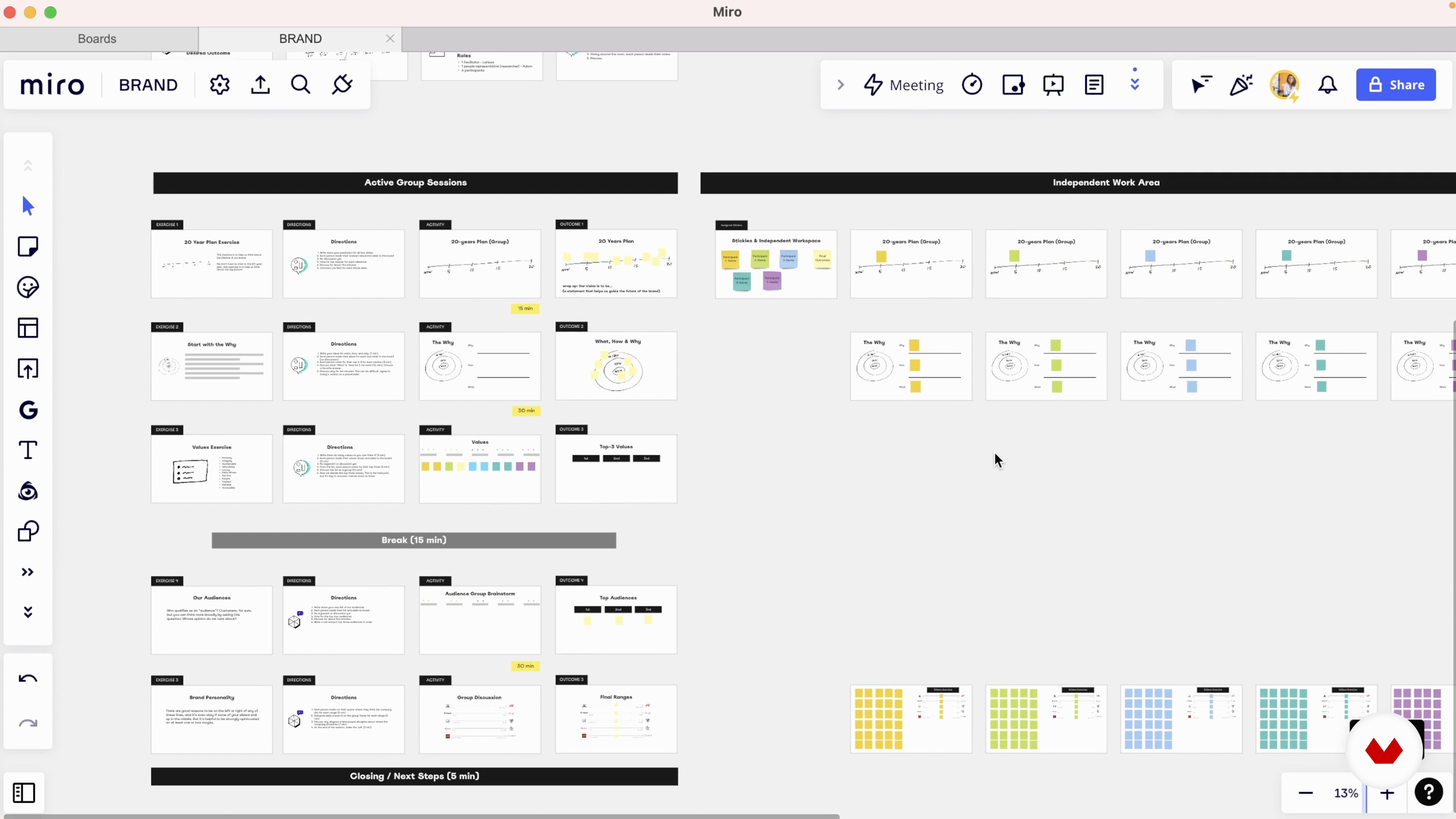
In this lesson, you will learn about the role of a facilitator and how to engage participants in activities to achieve the desired results.
6m
 12
12Mastering Feedback
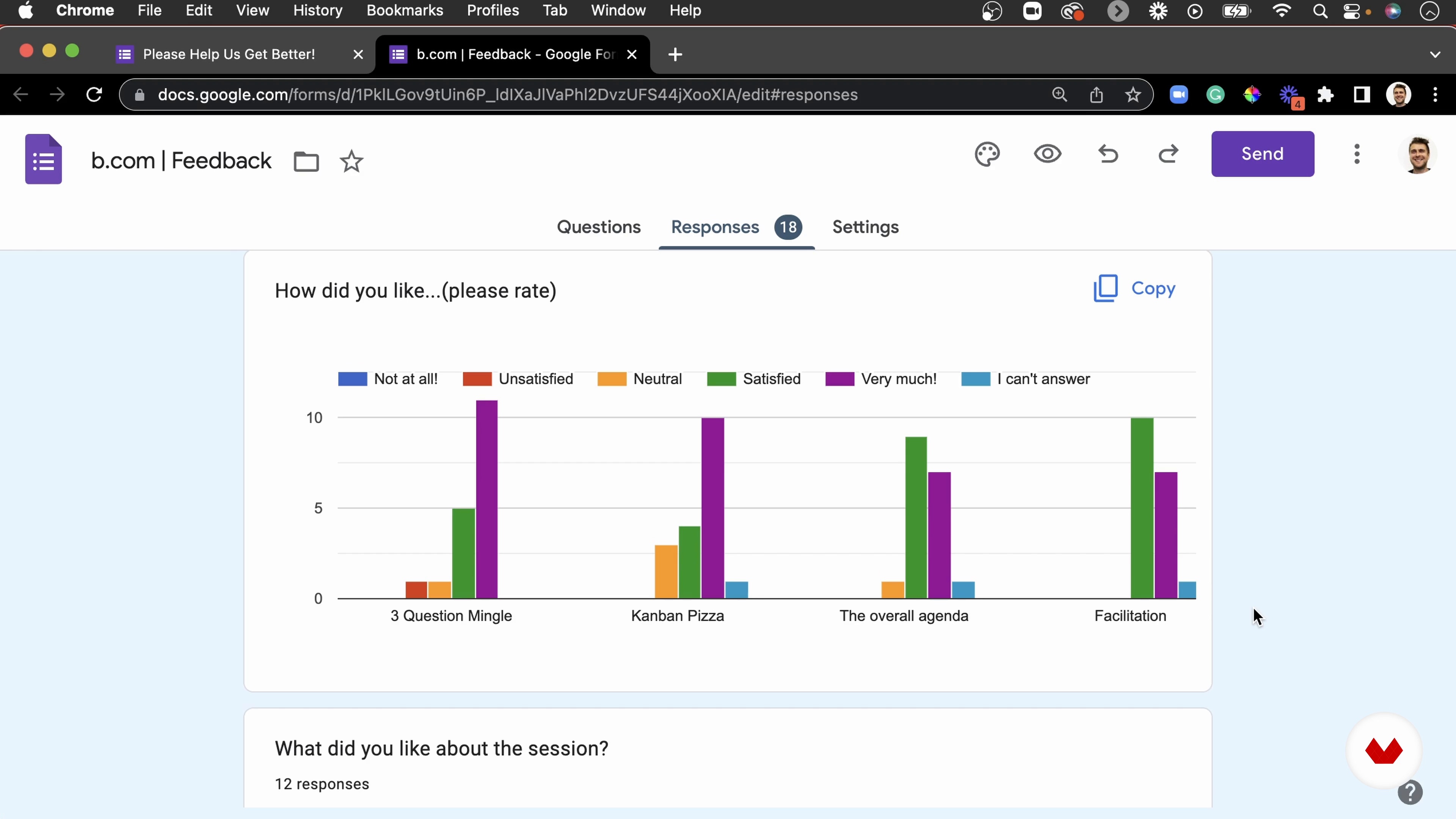
Let's talk about mastering feedback. We will discuss how you can use feedback on tasks, processes, and behaviours and how to strategise, seek, and manage it. We will explore easy-to-use templates that help structure input and discuss how to scale feedback with online forms.
11m
 13
13Iterations
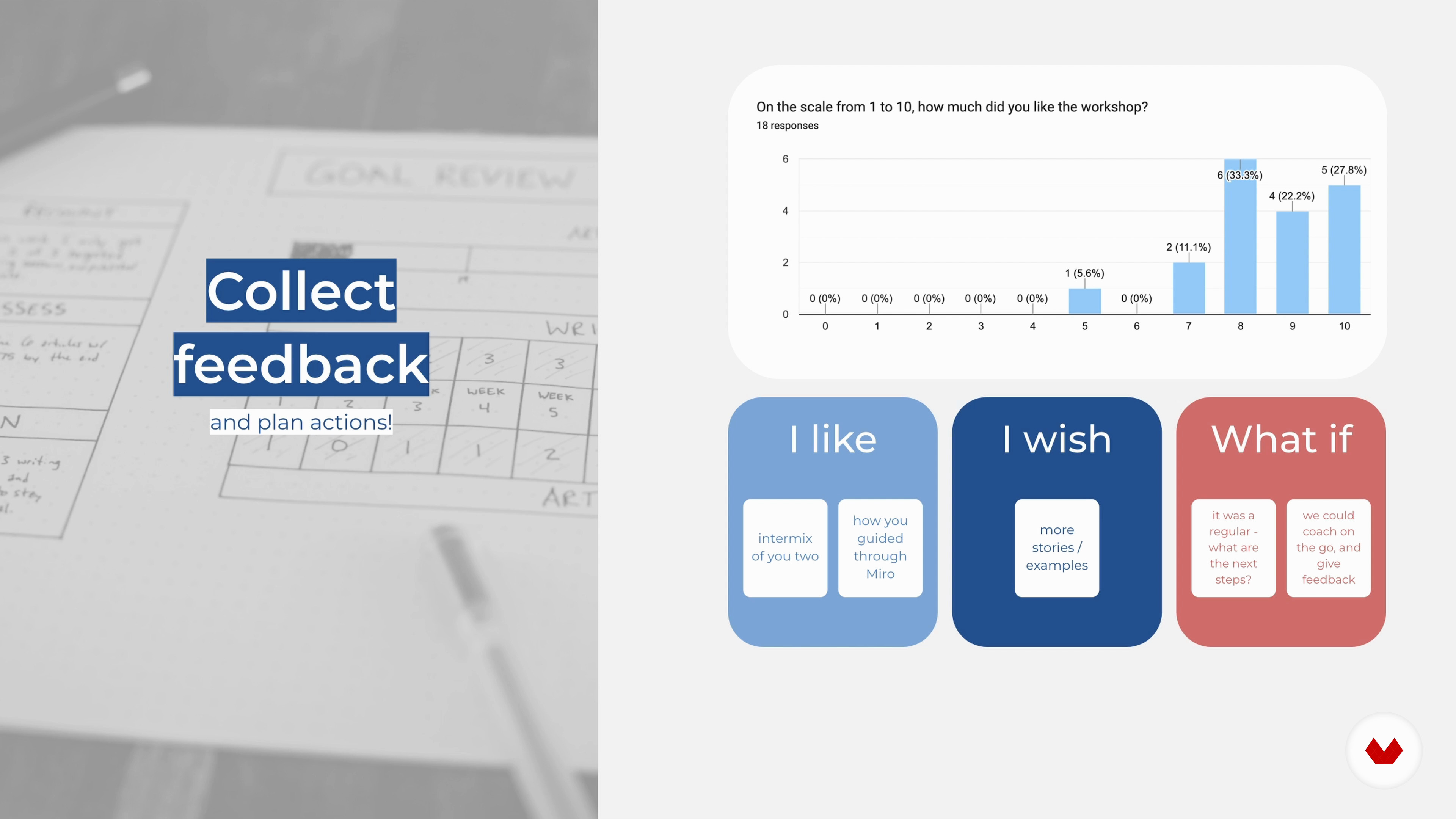
This lesson is about successful iterations and will discuss building a thriving team culture using feedback over time.
1m
 14
14Your Personal Development Plan
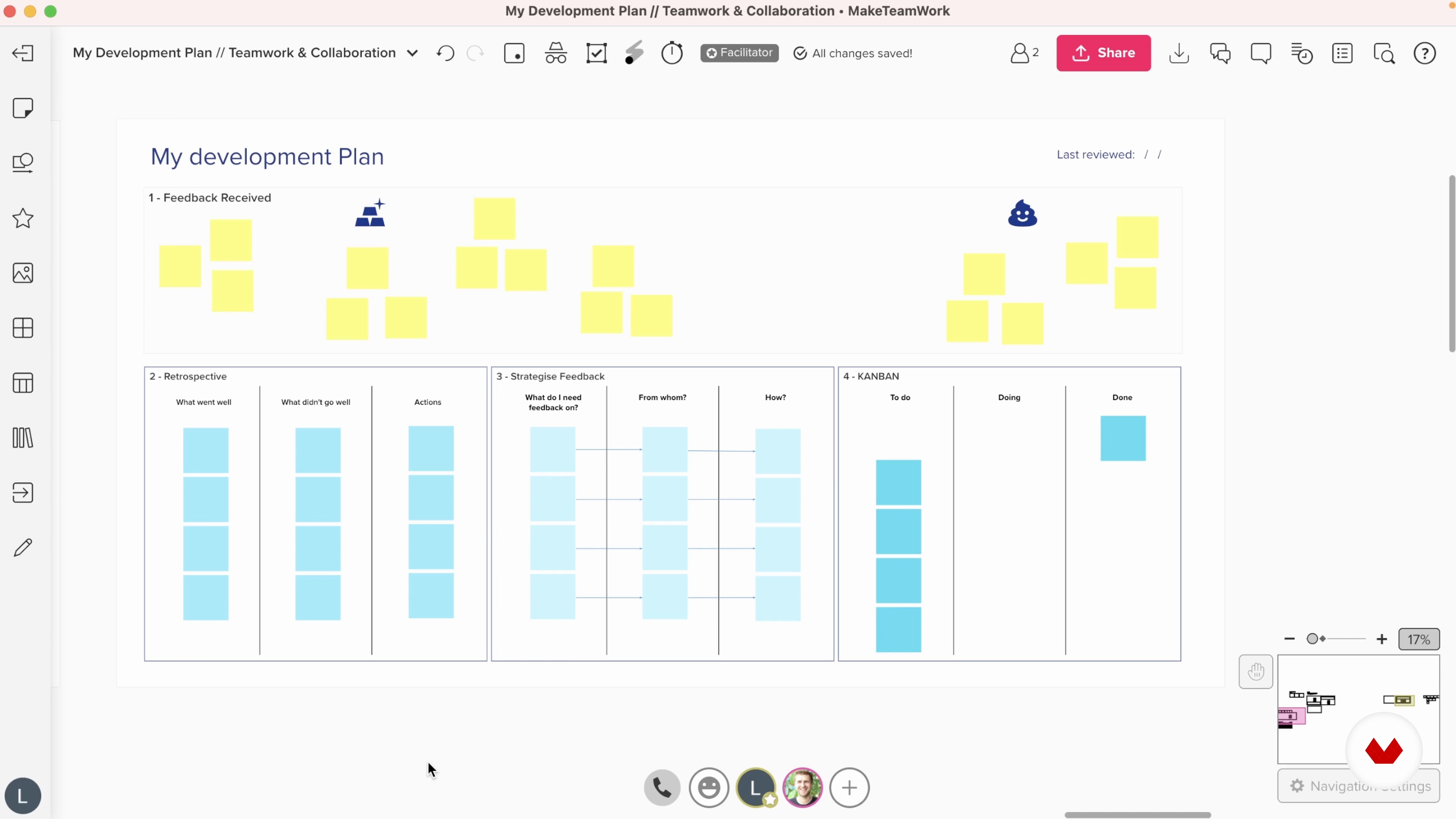
Before we say a warm goodbye, it’s time for you to reflect on what you learned during this course and create a unique plan for how you will continue developing your collaboration skills and promote better teamwork.
4m
What is this course's project?
Create a personalized remote work system, optimize your workspace, develop effective routines, and implement digital tools for productivity. Design a virtual collaboration project, manage time efficiently, and enhance leadership skills for successful remote teamwork.
Who is this specialization for?
Creative professionals, freelancers, digital entrepreneurs, and team leaders seeking to enhance remote work skills and boost productivity will thrive. Optimize time management, master digital collaboration tools, and lead effectively in a flexible, innovative work environment.
Requirements and materials
No extensive prior knowledge is required. You'll need a computer, reliable internet, headphones, webcam, and a Google Workspace account or Gmail. These basics help you dive into productivity, time management, and remote collaboration with ease.
Select to get to know your teachers in this specialization course


What to expect from this specialization course
Learn at your own pace
Enjoy learning from home without a set schedule and with an easy-to-follow method. You set your own pace.
Learn from the best professionals
Learn valuable methods and techniques explained by top experts in the creative sector.
Meet expert teachers
Each expert teaches what they do best, with clear guidelines, true passion, and professional insight in every lesson.
Certificates
PLUSIf you're a Plus member, get a custom certificate for every specialization course. Share it on your portfolio, social media, or wherever you like.
Get front-row seats
Videos of the highest quality, so you don't miss a single detail. With unlimited access, you can watch them as many times as you need to perfect your technique.
Share knowledge and ideas
Ask questions, request feedback, or offer solutions. Share your learning experience with other students in the community who are as passionate about creativity as you are.
Connect with a global creative community
The community is home to millions of people from around the world who are curious and passionate about exploring and expressing their creativity.
Watch professionally produced courses
Domestika curates its teacher roster and produces every course in-house to ensure a high-quality online learning experience.
FAQs
Yes, this course is designed for beginners and guides you step-by-step through Google Workspace setup, productivity tools, and effective workflow strategies, with simple explanations and practical examples.
You only need a computer or mobile device with internet access. No prior experience with Google Workspace or productivity tools is required.
You'll learn to set up Google Workspace, organize files, manage tasks and schedules, collaborate with teams, optimize email and meetings, and build a personalized productivity system.
Yes, the course covers creating a Google Workspace account, adding and verifying a custom domain, managing users, and customizing your workspace branding.
The course teaches proven strategies for minimizing distractions, organizing schedules, and using digital tools to enhance focus and productivity.
Yes, you'll learn best practices for organizing folders, sharing files, managing permissions, and collaborating efficiently in Google Drive and Shared Drives.
Absolutely. The course covers setting up reminders, repeating events, organizing to-do lists, and syncing tasks with your calendar for better deadline management.