
Master storytelling techniques to create impactful presentations that captivate audiences and enhance communication skills.
Master the art of impactful presentations by learning from a team of seasoned experts who bring diverse skills to the table. This comprehensive training dives into storytelling, design, and communication, equipping you with the tools to captivate any audience. Discover powerful narrative techniques with Chris Tomlin, a skill that transforms standard presentations into memorable experiences. Explore the principles of design with Katya Kovalenko, creating cohesive visual identities that enhance your message. Marcello Pirovano will guide you through advanced PowerPoint features, ensuring your slides are both professional and engaging.
Unlock the potential of your presentations by harnessing creative communication methods with Cristian Salomoni, making them dynamic and interactive. Erica Igue and Mauricio Quitero will sharpen your public speaking and stage presence, empowering you to deliver your message confidently. This specialized training is designed for those eager to elevate their presentation skills, blending visual storytelling with technical prowess for a truly impactful delivery. Whether for corporate, educational, or creative contexts, you'll gain the expertise to transform ideas into compelling narratives that leave a lasting impression.
What will you learn in this specialization?
 1
1Introduction
Great presentations go beyond good design—they tell compelling stories that move people to act. By combining visual hierarchy, color, and typography with thoughtful delivery, you shape how ideas are received and remembered. In a world driven by connection and clarity, mastering this skill means transforming your message into something truly unforgettable.
1m
 2
2Influences | Chris Tomlin
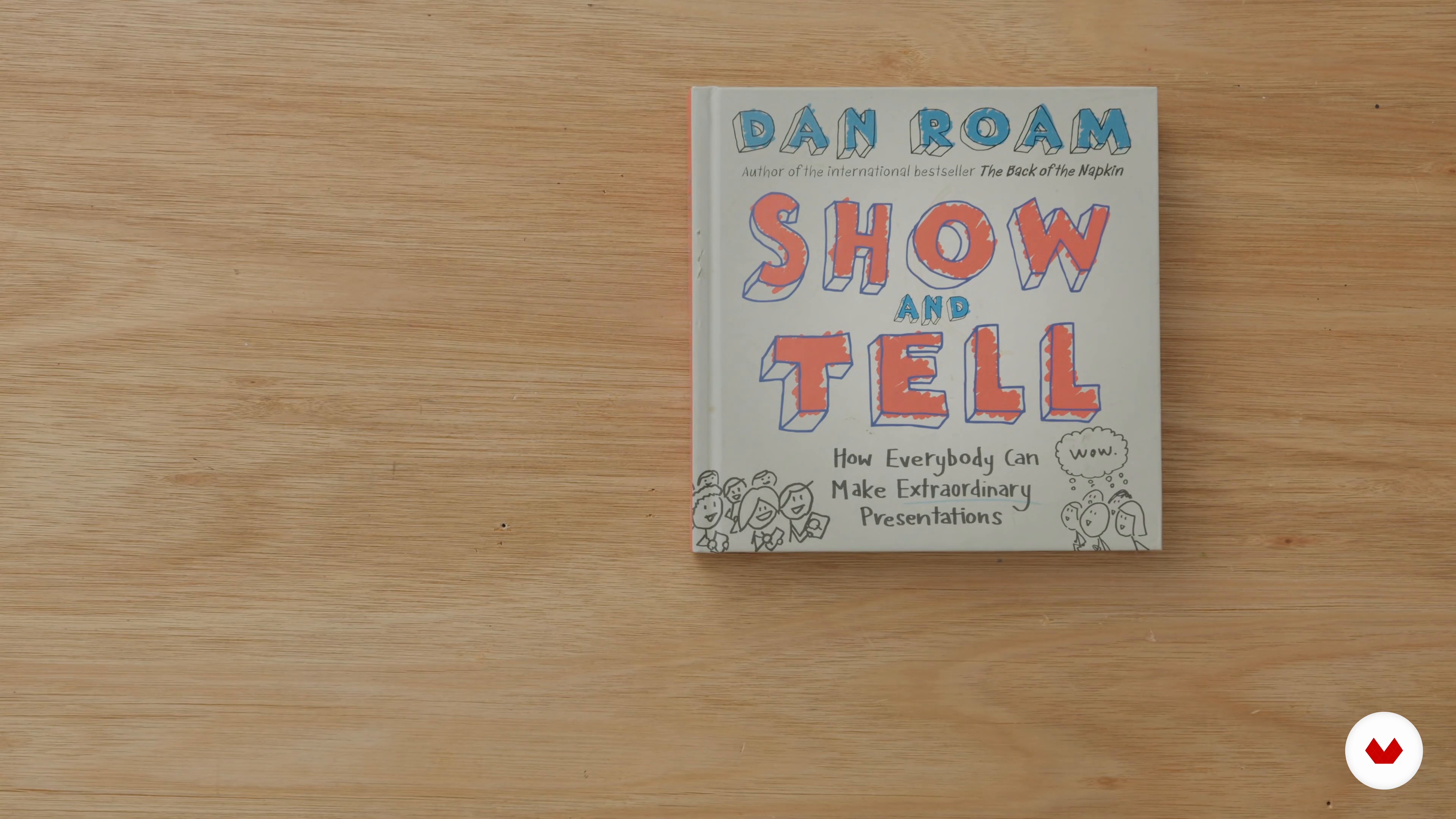
In this lesson, I'm going to share 4 individuals who have had a big impact on me and my career. These include journalist and novelist Chuck Palahniuk, comic book writer Frank Miller, writer and essayist James Ellroy, and author Dan Roam.
6m
 3
3Sources of Inspiration | Marcello Pirovano
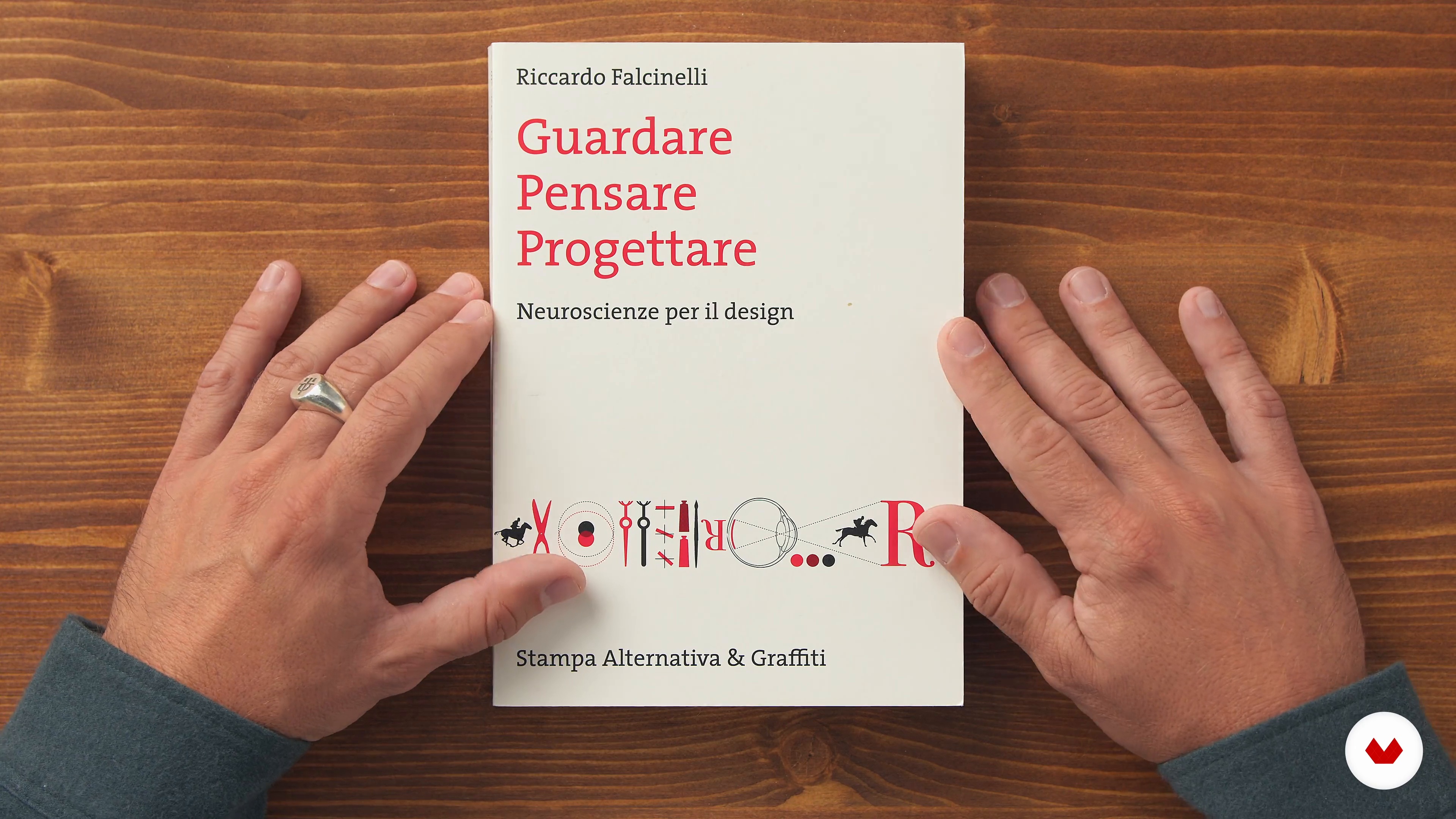
In this section, you will talk about three books that have inspired my work method and that I have accompanied in the growing professional if you are a progettista that is “presentatore di progetti”, capendo that PowerPoint is only one instrument with an other, with pregi e difetti, at the service of content.
10m
 4
4Influences | Katya Kovalenko
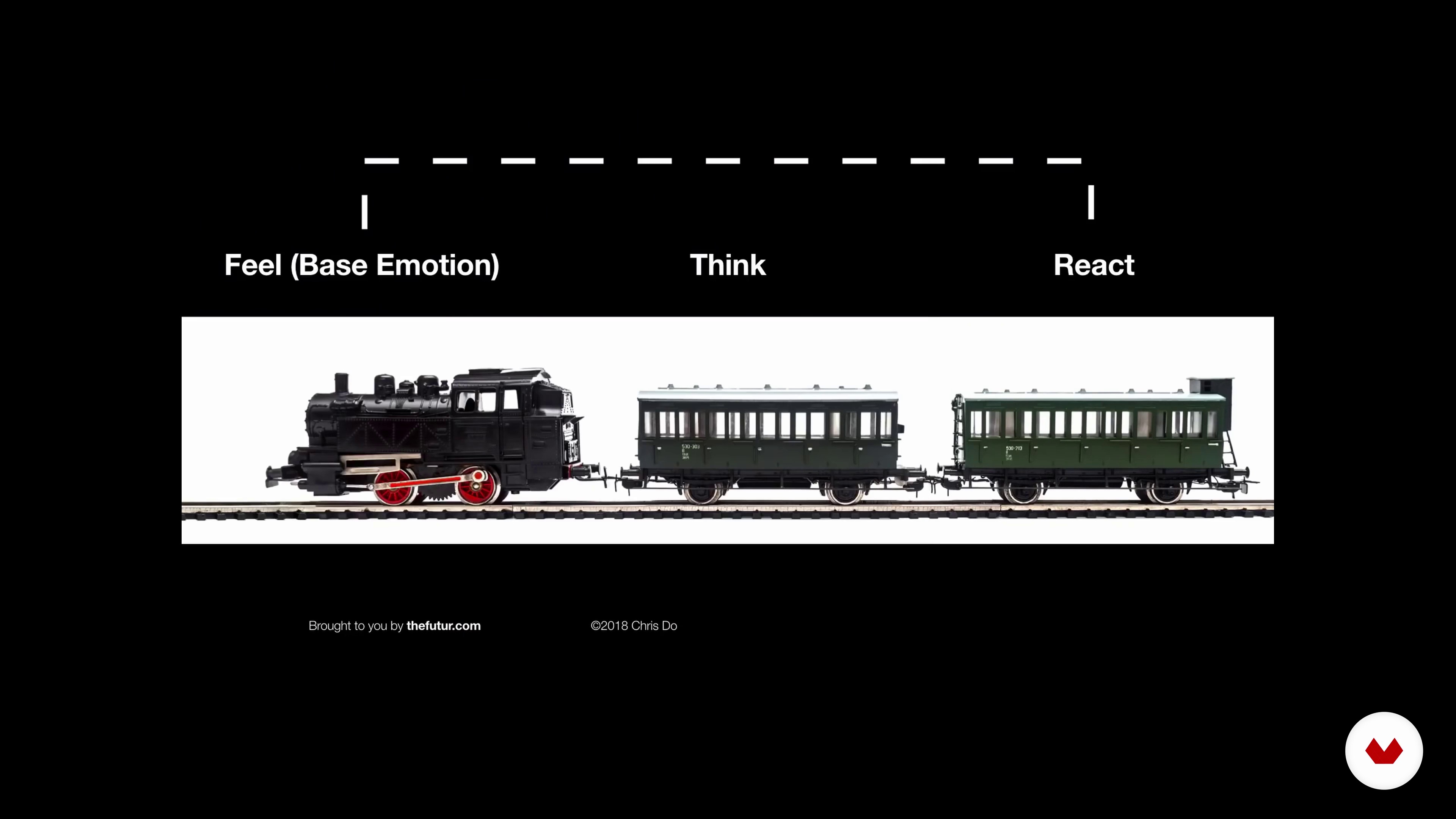
In this lesson, I will tell you about my influences and the things that keep me inspired and motivated.
3m
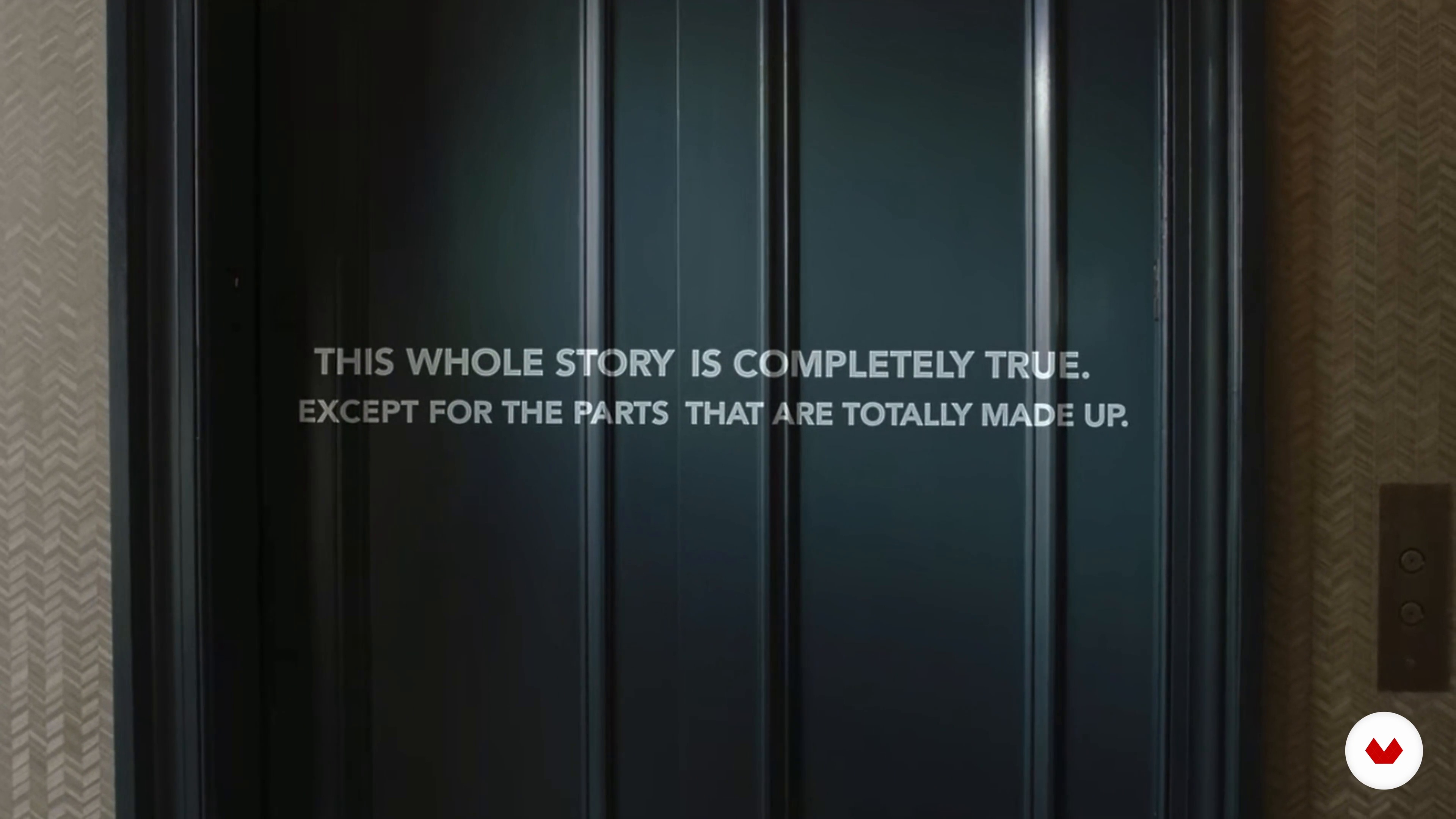 5
5Influences | Erica Igue y Mauricio Quitero
In this class, you will get to know who inspires and influences us, whether in our day-to-day work or in the creative routine as a whole.
9m
 6
6Influences | Cristian Salomoni
There are many things that have been an inspiration during my professional and personal journey. I'm going to tell you some and why they have been and continue to be my biggest influences.
4m
 3
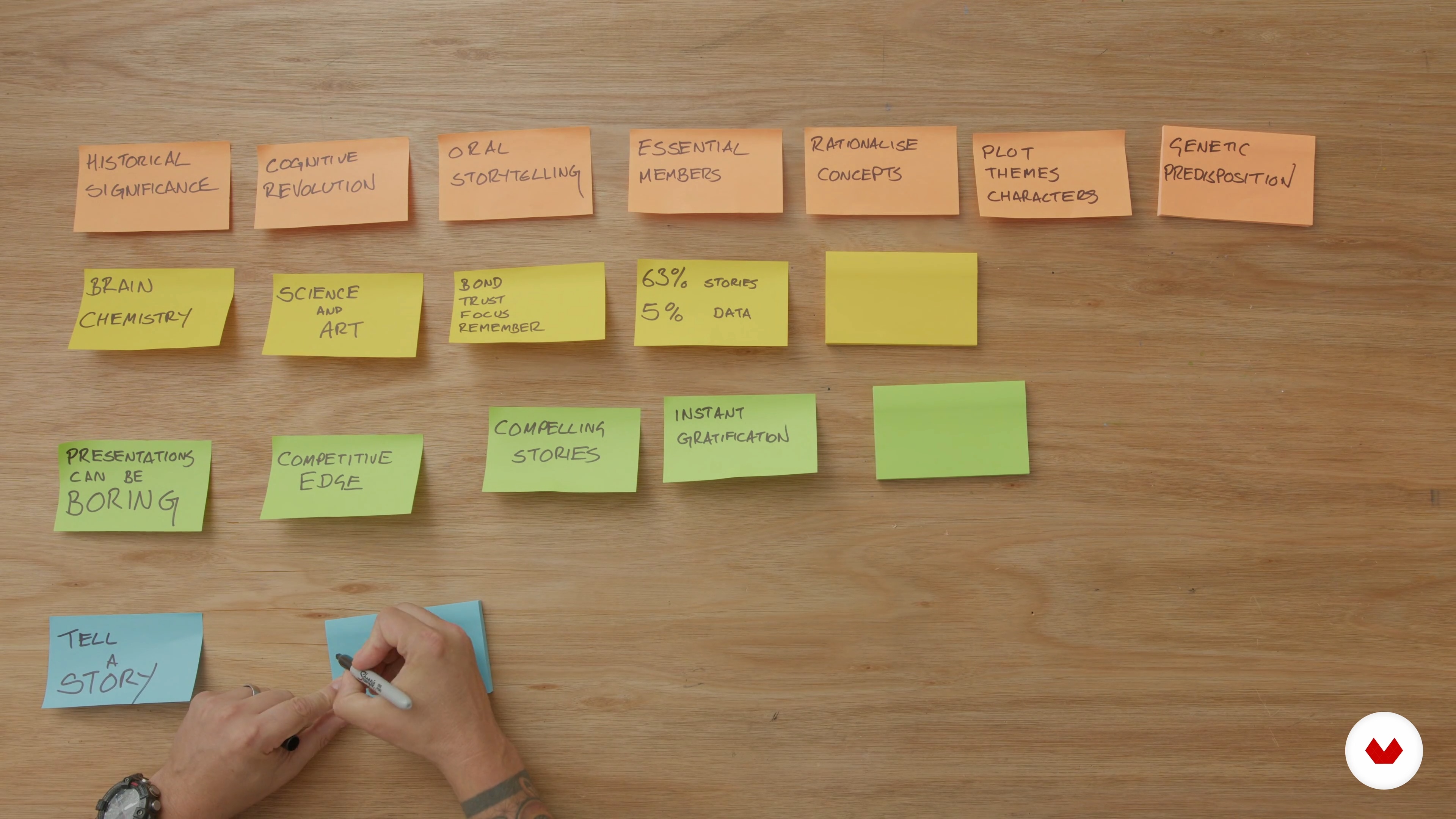
3Why Is Storytelling So Powerful?
Let's first find out why stories are so powerful and why you should use them to create compelling presentations.
11m
 4
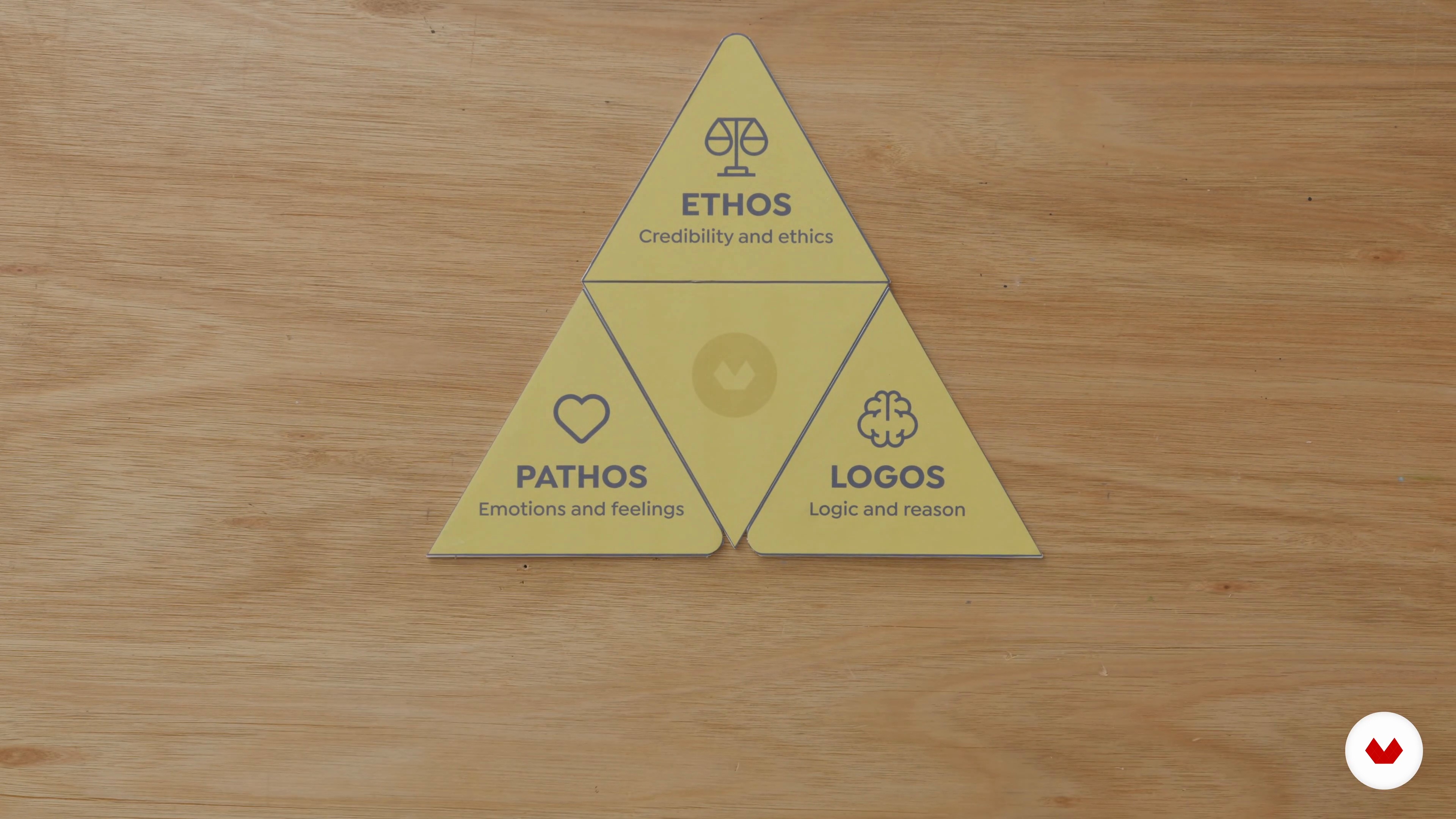
4The Rhetorical Triangle
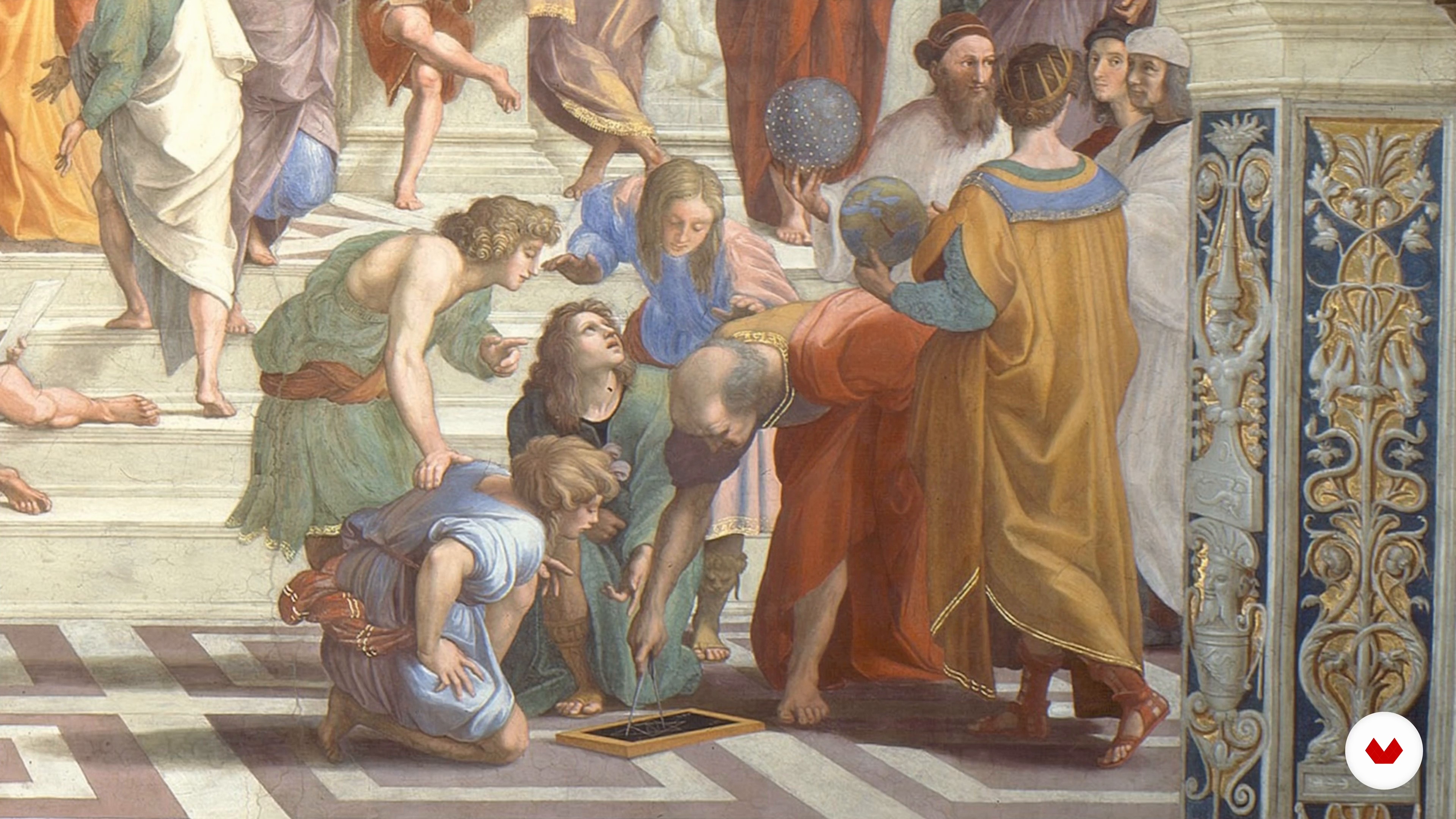
The rhetorical triangle is a simple device created thousands of years ago by Aristotle that explains the three pillars of any great story. I will demonstrate how these three pillars underpin any persuasive story.
5m
 5
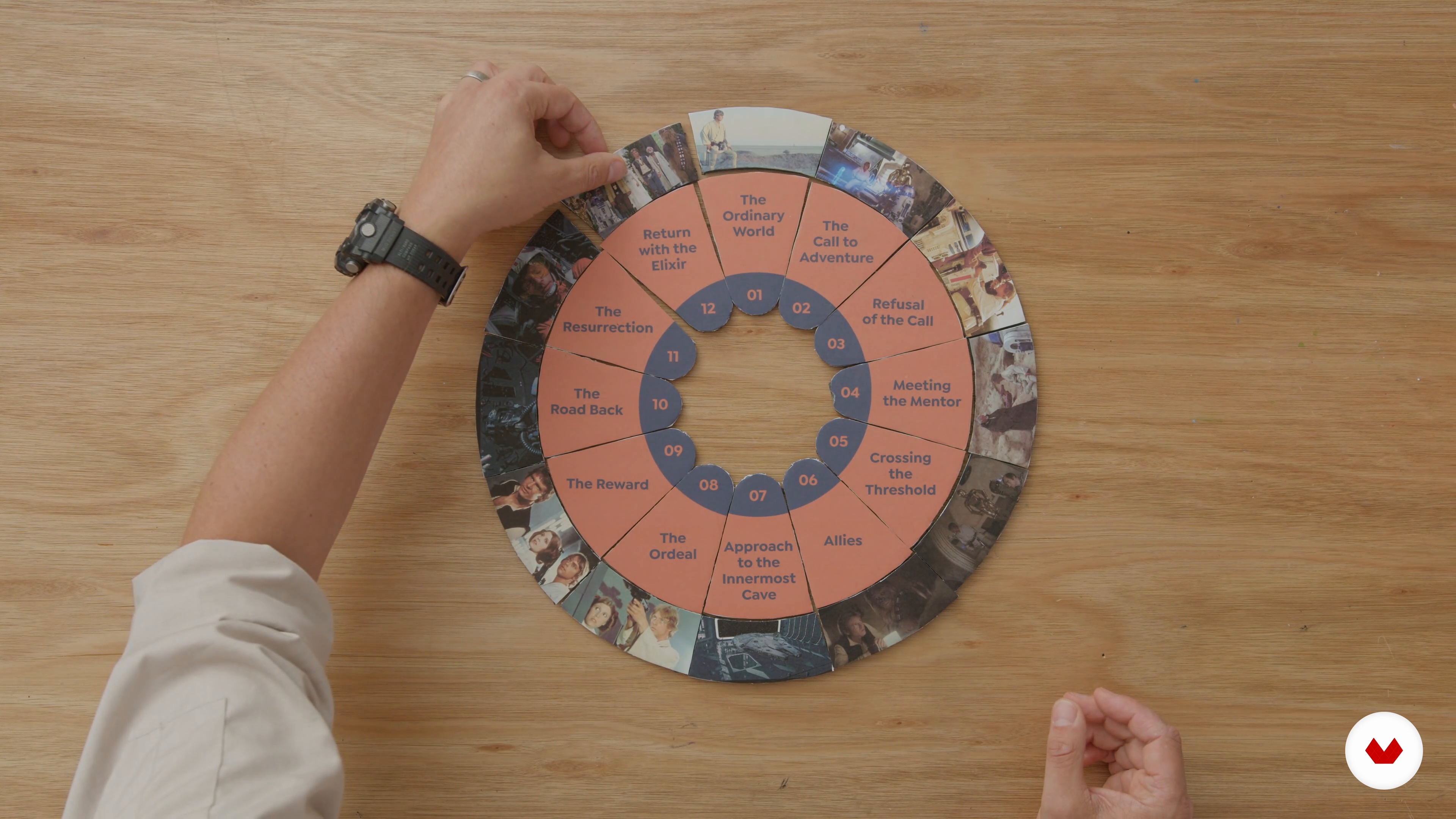
5What Is the Hero’s Journey and Why Is It Relevant
In this lesson, you will learn what the hero's journey is and how you can adapt it to tell a powerful story.
17m
 6
6Understanding Your Audiences
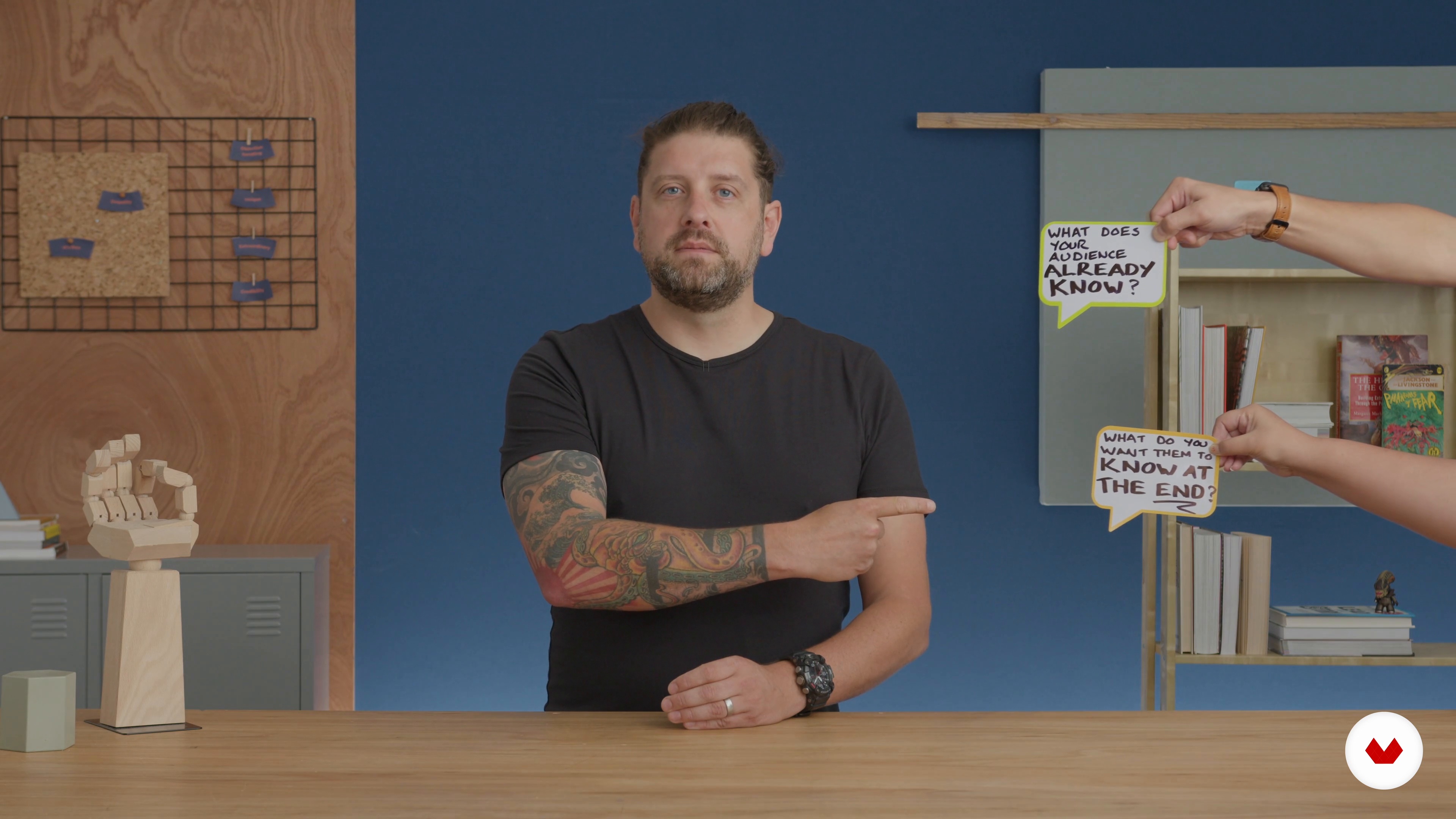
Next, I will explain how you can target your presentation to the true hero of the story: your audience. You will learn why your audience is so important to the success of your story.
5m
 7
7Discovery Workshop: The Case Study
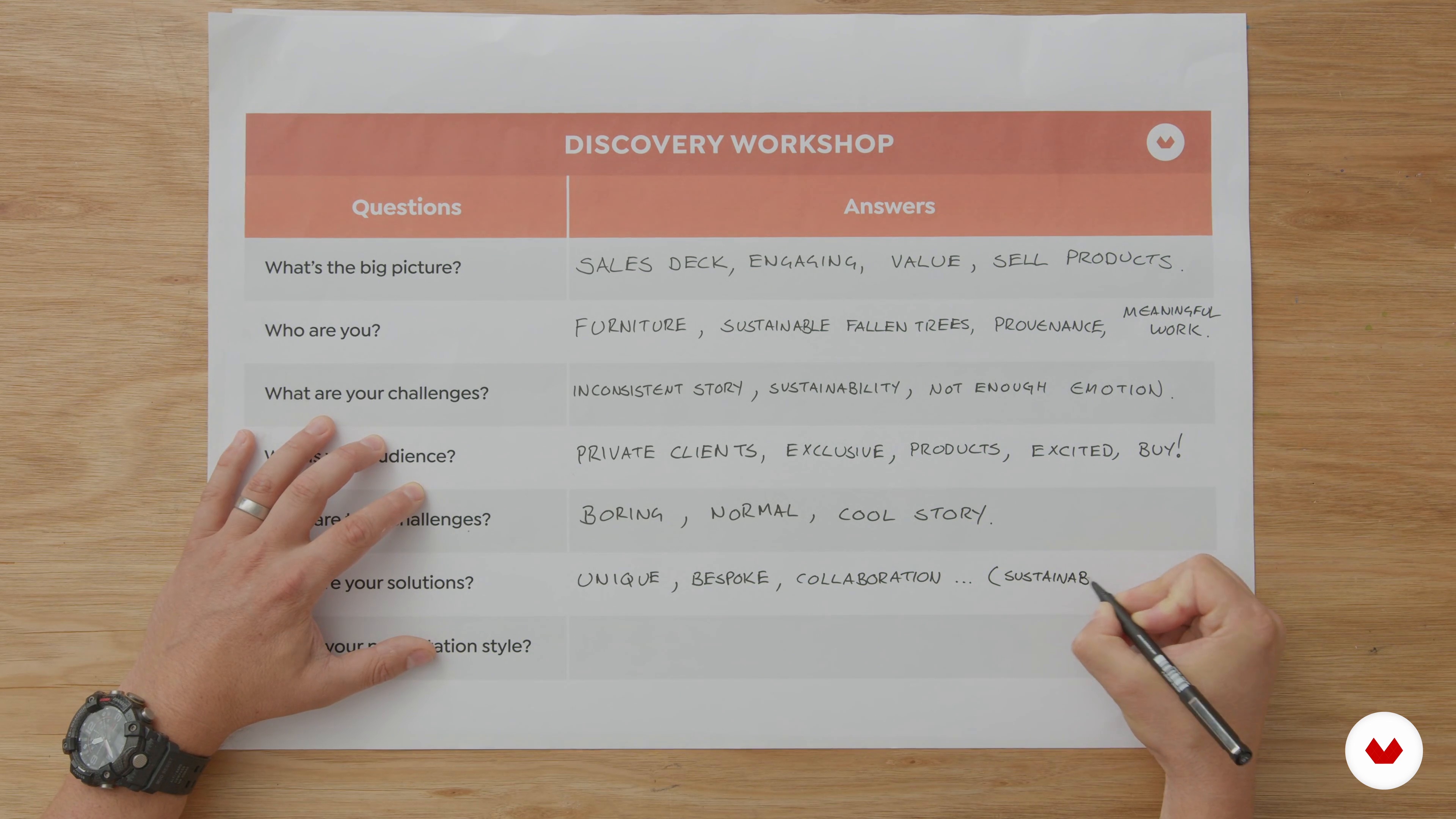
First, let's meet our business owner and extraordinary bespoke furniture maker, Sandy Buchanan.
7m
 8
8Understanding the Audience and Their Challenges
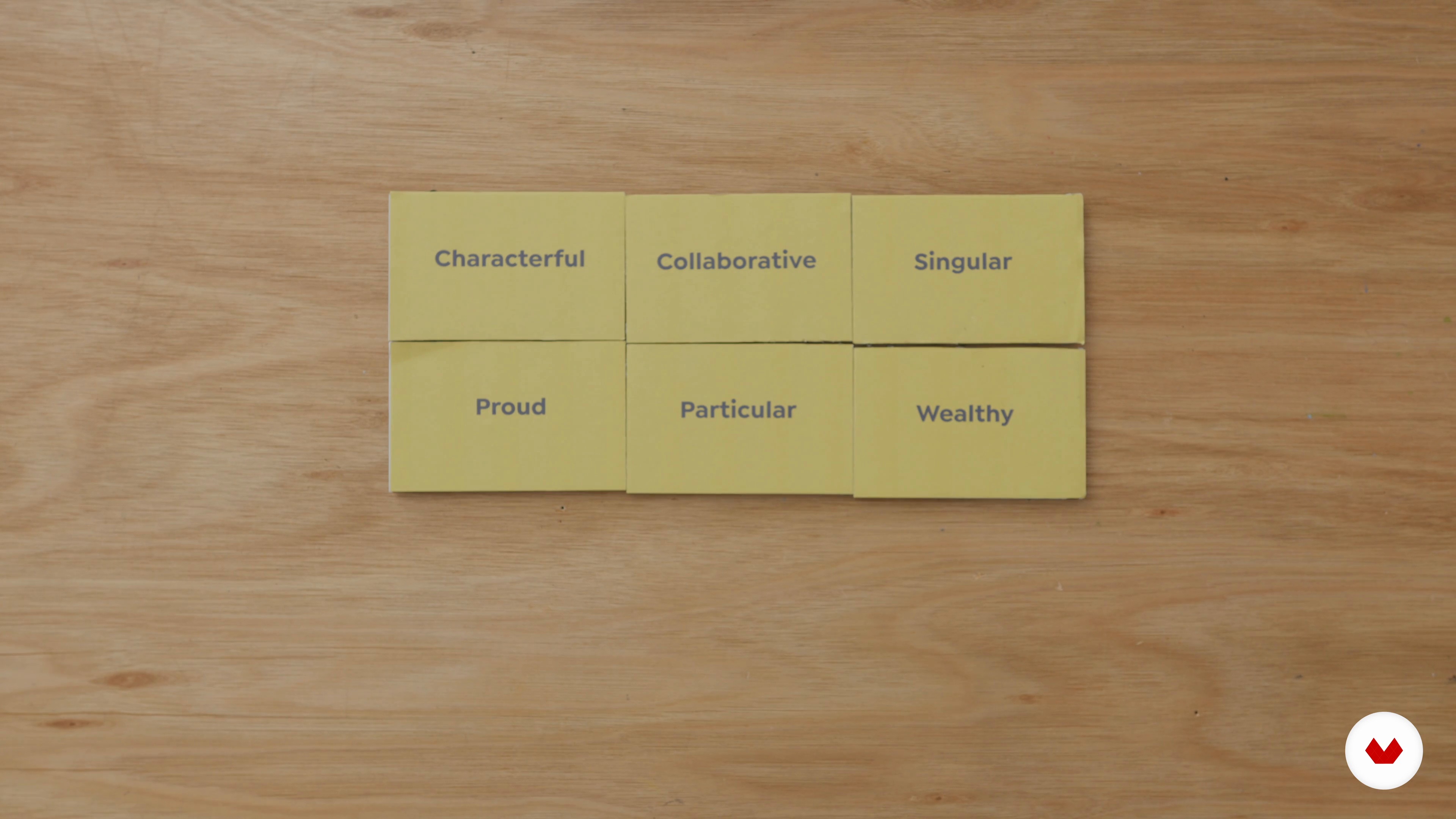
Taking the information that Sandy gave us, using the discovery workshop answers, we can now understand exactly who his specific audience is.
3m
 9
9Applying the Twelve Steps
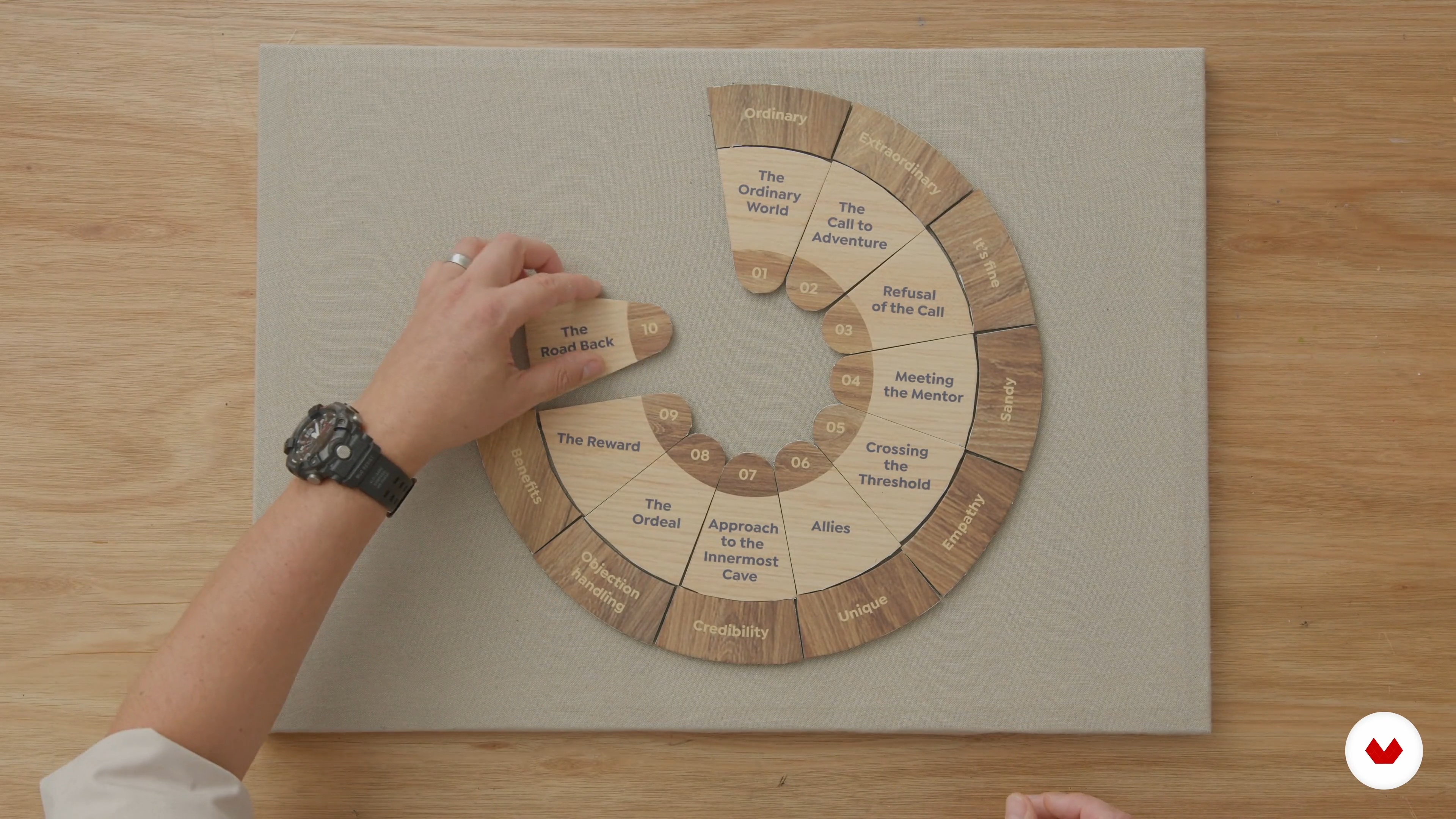
The next step is to put Sandy's answers into the simplified hero's journey we went through previously, realising all the 12 steps.
10m
 10
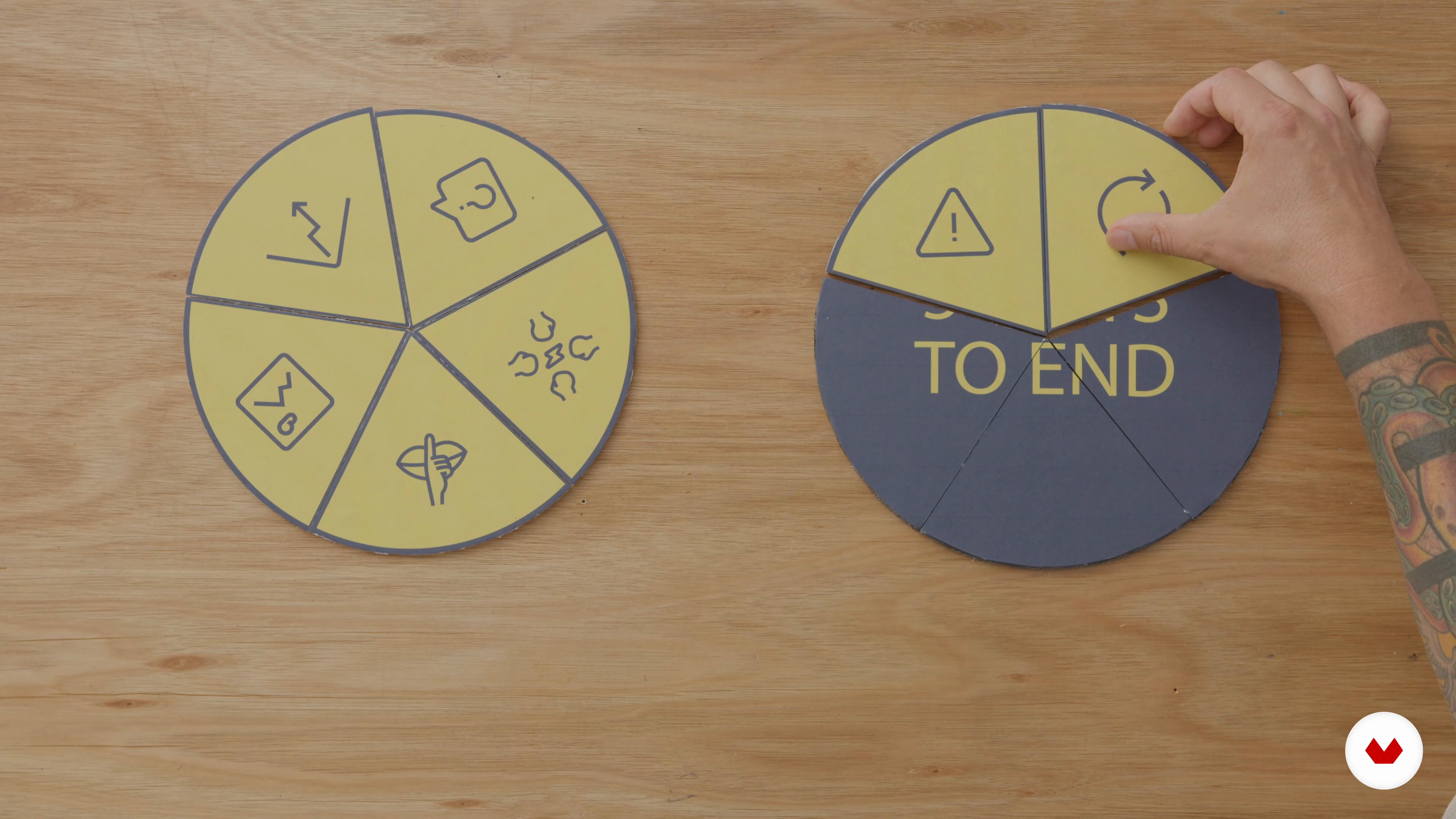
10How to Open and End a Presentation
In this lesson, we will look at how to open and end a presentation for maximum impact. By the end of this unit, you should have some great insight into how to really appeal to your audience, as well as when beginning and ending a presentation.
7m
 11
11Best Practice for Design Decisions and Slide Content
Let's first have a look at the basics of how to best show your story on a slide. You will learn slide content best practices and design decision-making.
9m
 12
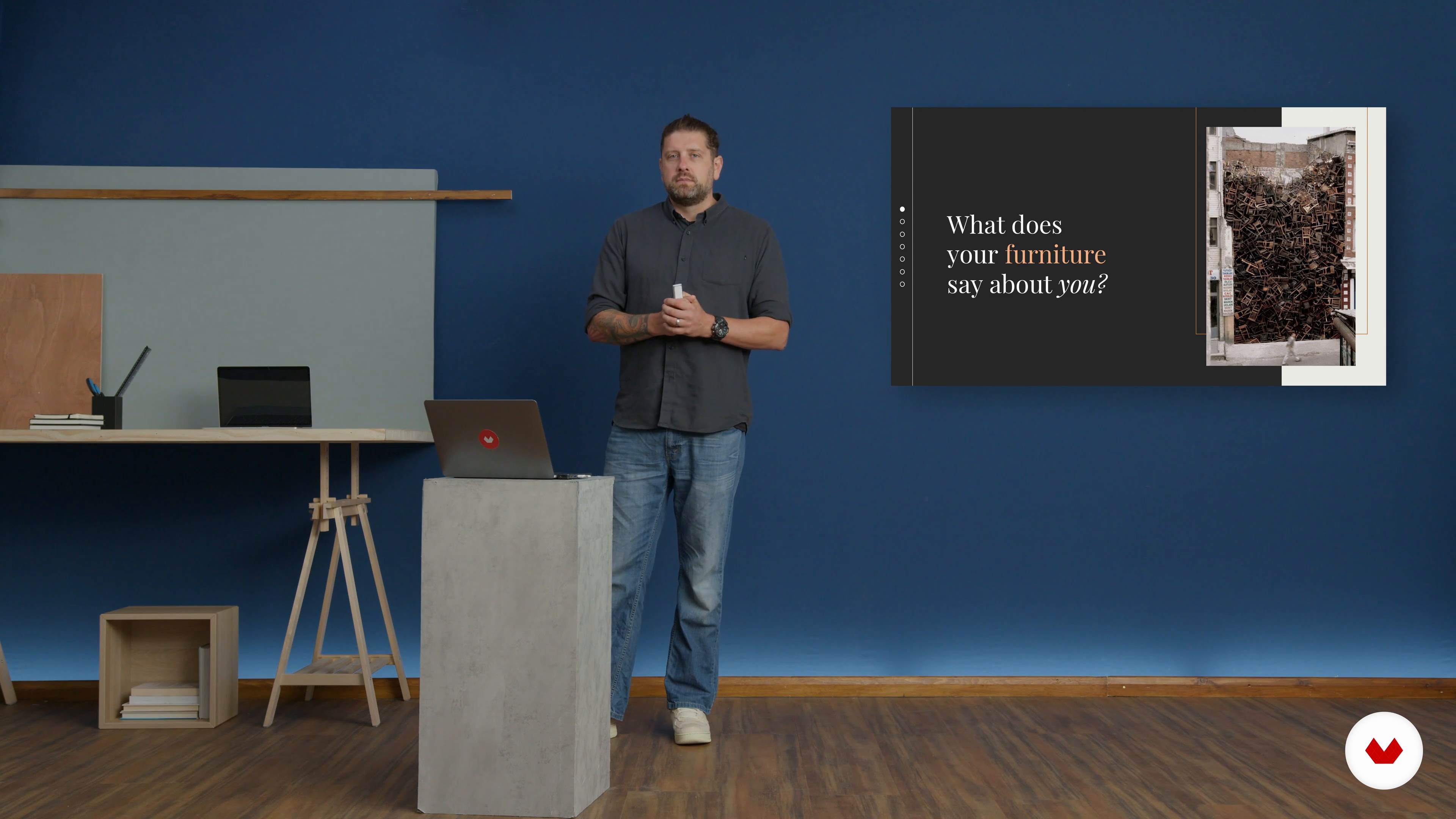
12Presenting Your Idea
It's time for the big moment! In this lesson, I will present Sandy's business as a winning presentation.
13m
 3
3The art of persuasion
Discover how the tool (of power) was created — a tool that everyone, absolutely everyone, can use to communicate their ideas, organize their thoughts, and share decisions.
9m
 4
4Aesthetic foundations
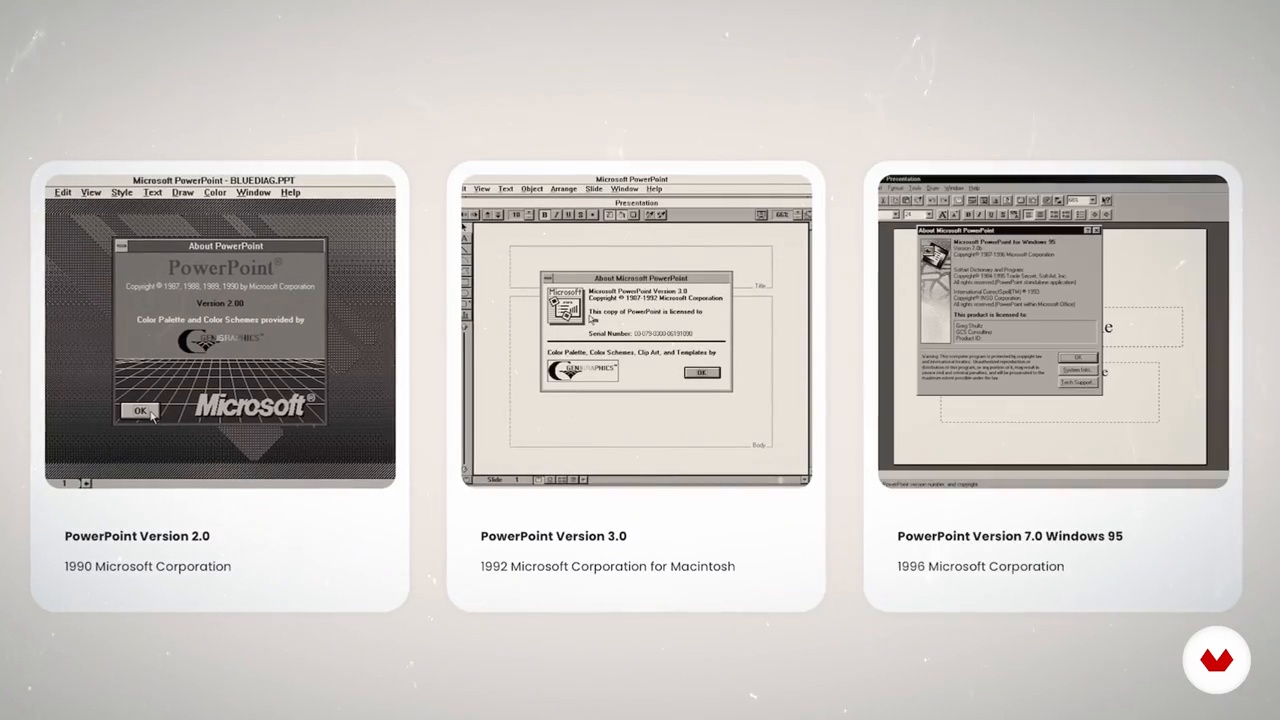
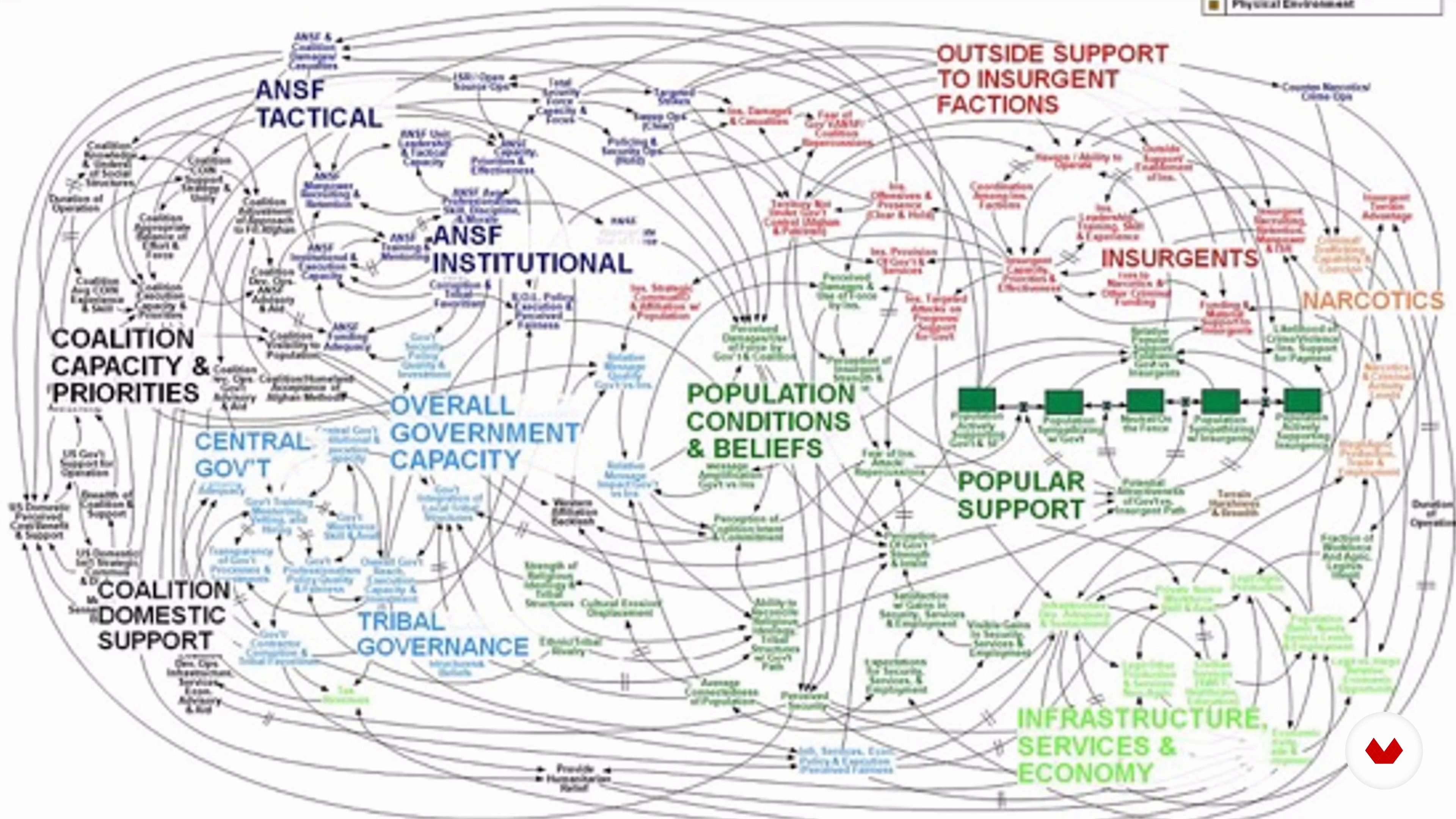
In this section we will find some meme and information that we have shared with PowerPoint one of the tools we hate by the designer (and not only).
7m
 5
5The kinesthetic thought
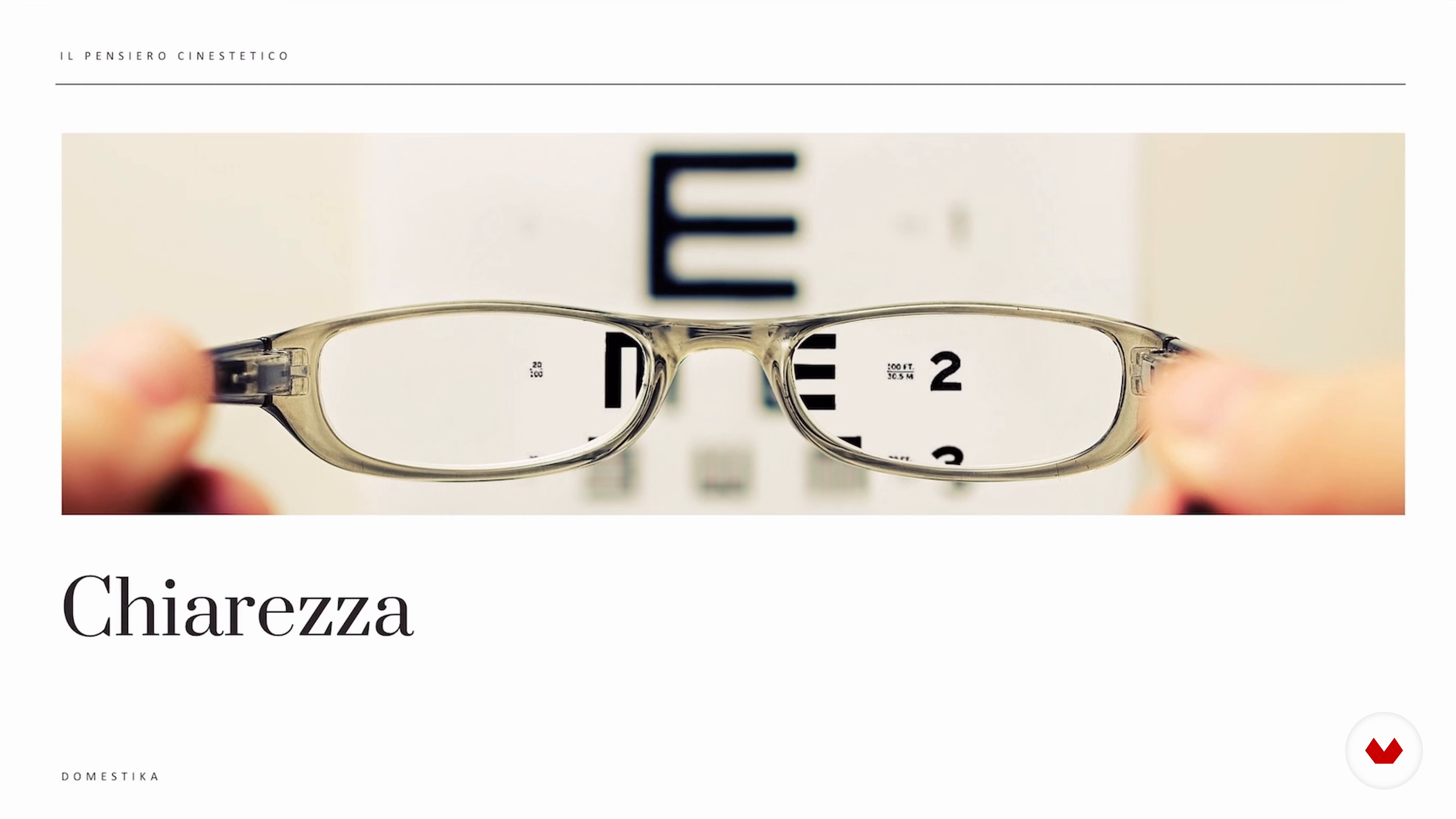
This presentation must be created to focus on an objective: learn the anatomy of the slide and use it as a thinking unit in order to guide your public in the understanding of your story.
6m
 6
6Collage and metaphor
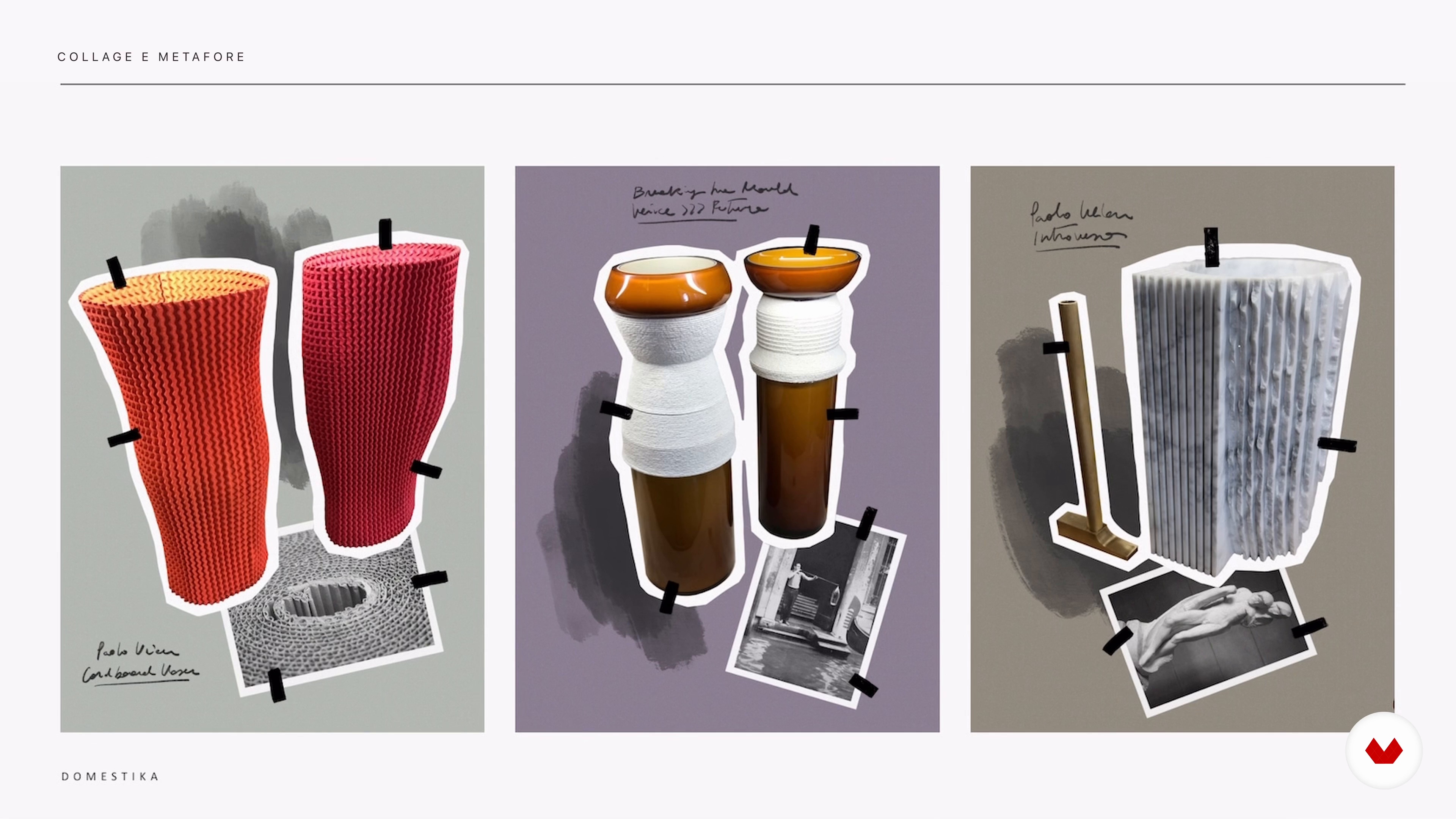
PowerPoint is the only digital instrument at the disposal of many people to combine testi and images: with this lezione you can stop the regulation of graphic composition through the collage technique and some simple exercises.
8m
 7
7Objective and structure
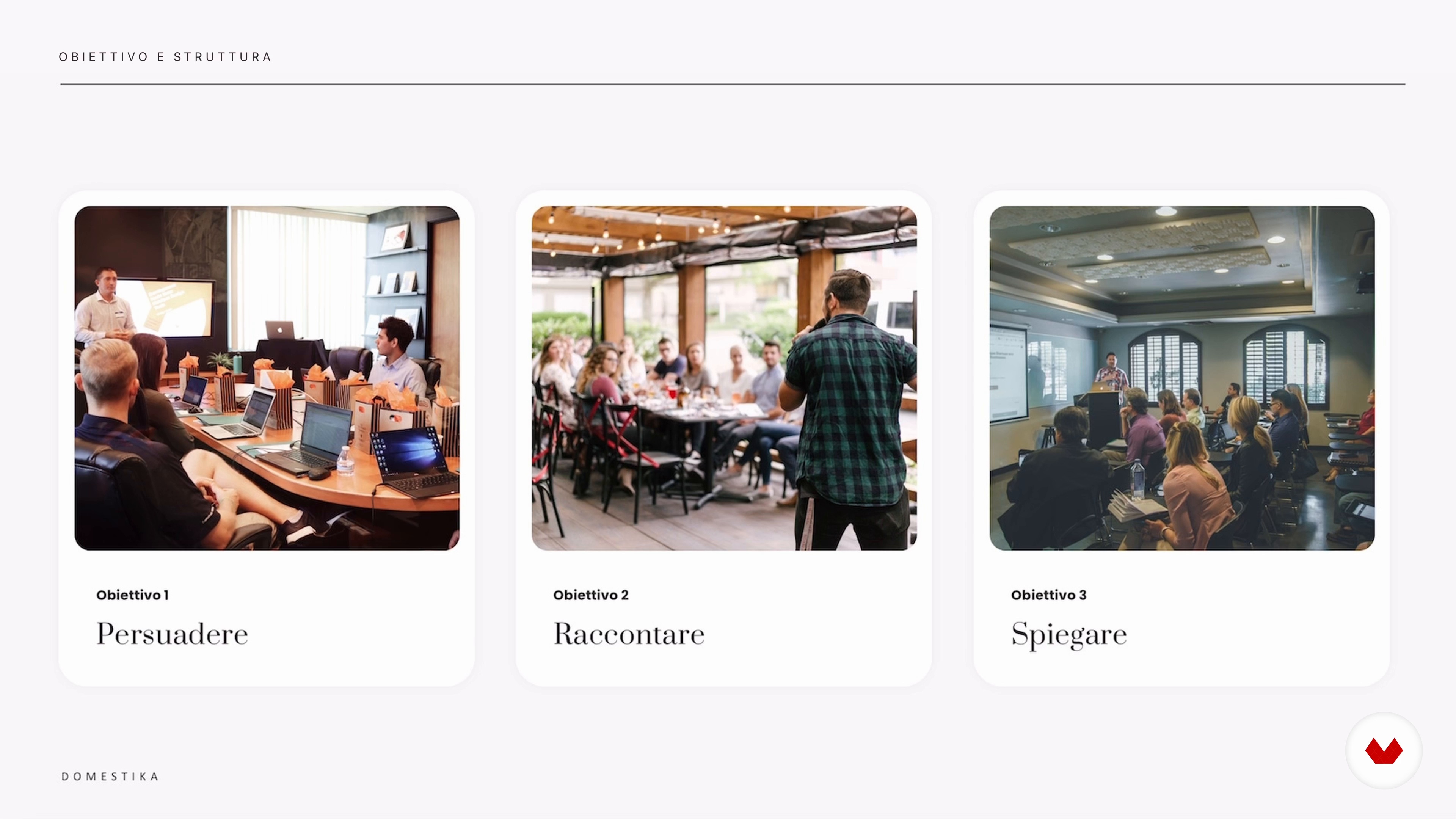
To be able to create an effective presentation, we must first define the communicative objective: start by selecting a topic that you want and that you will present to your public, organizing the index of the sections and the argomenti discussed.
6m
 8
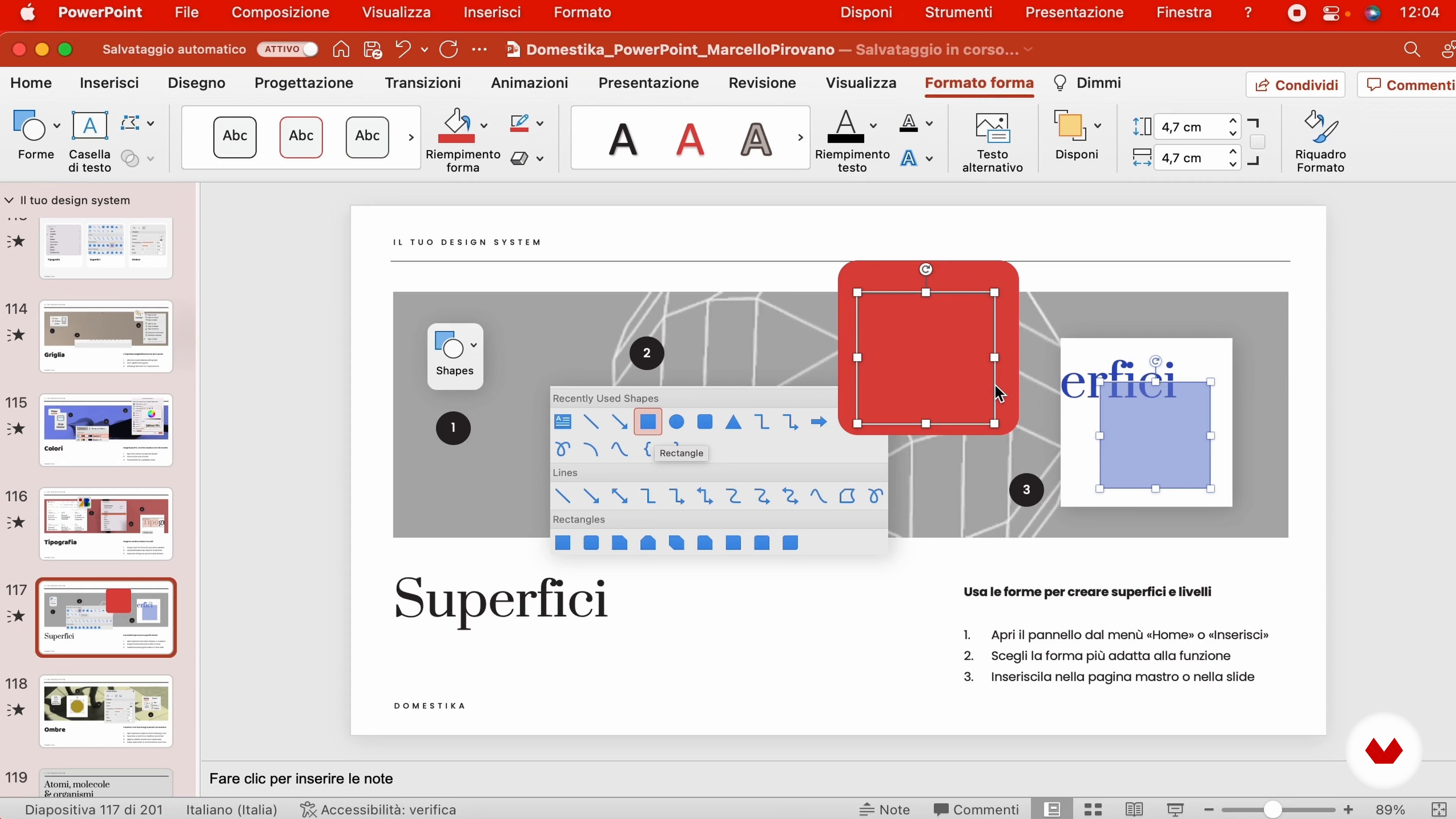
8Your design system
In this lesson we will begin to explore the PowerPoint interface, creating the fundamentally visible elements that you will find in your graphic project.
19m
 9
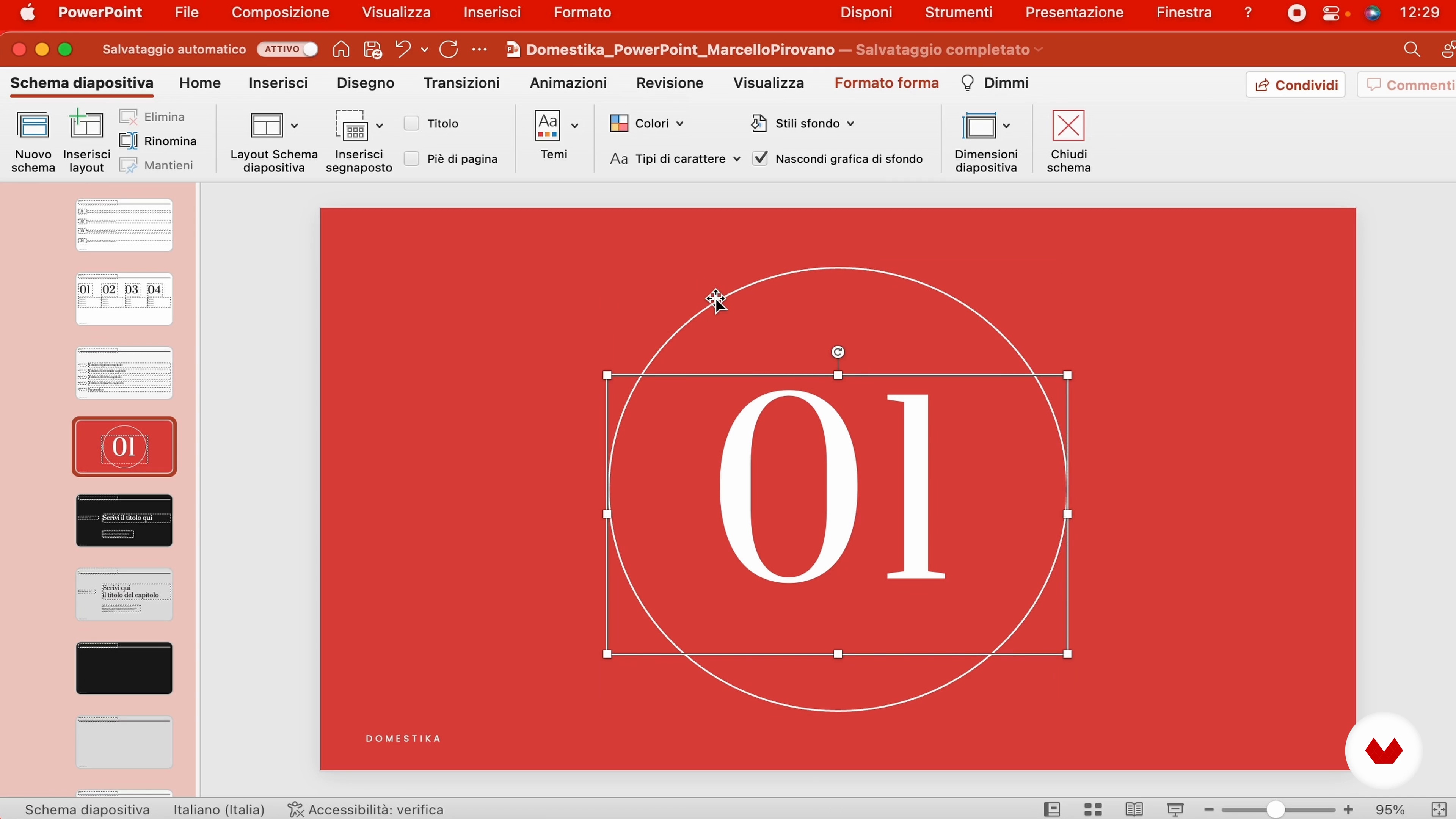
9The slide master
Discover how to speed up the production of a presentation, creating the reusable slide template - the master - so as not to waste time and optimize your work.
12m
 10
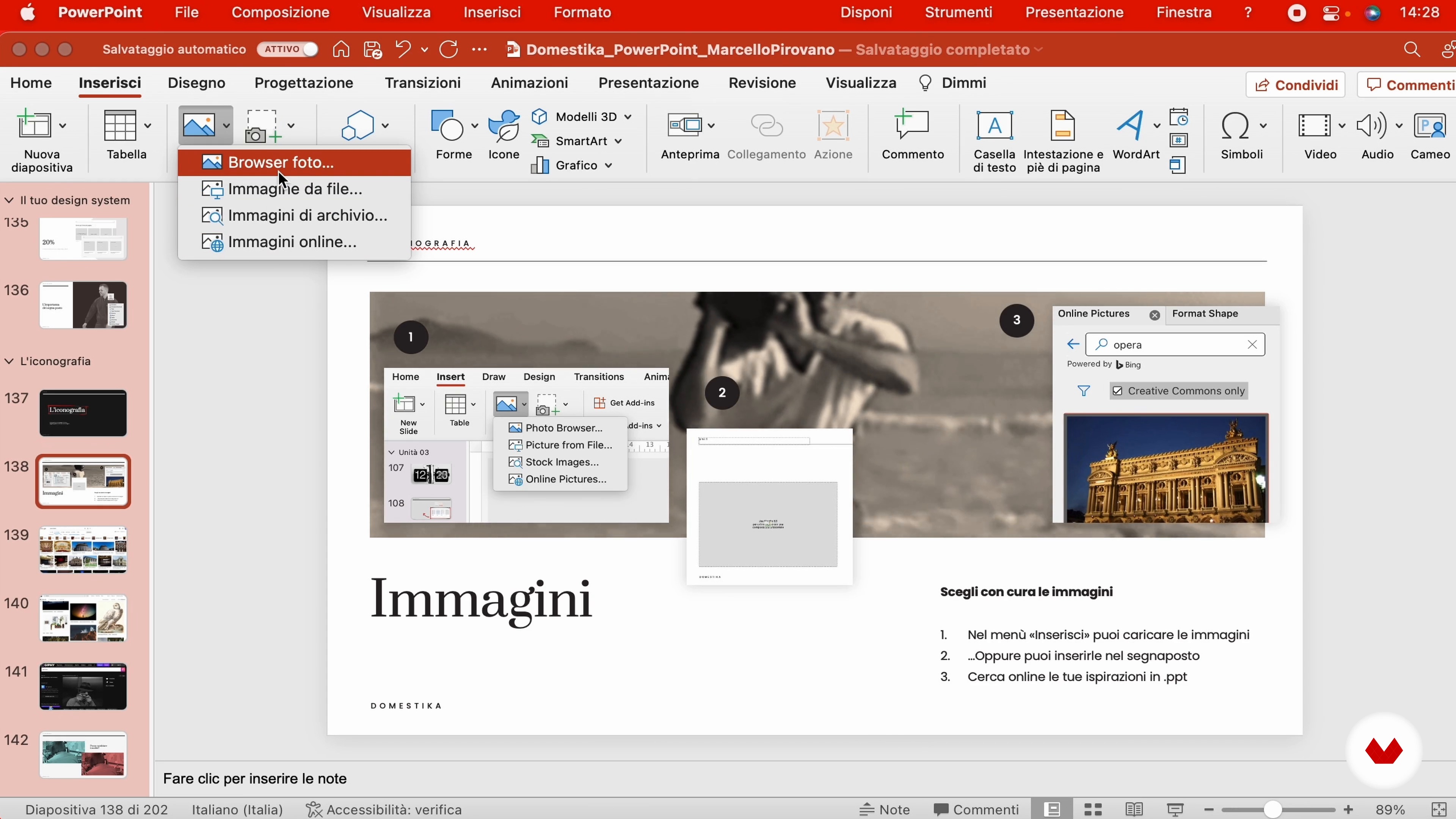
10Imaginary and iconography
An effective presentation is not limited to testimonials and image support: it is necessary to select photographs and illustrations of impact, in line with the image of your story.
12m
 11
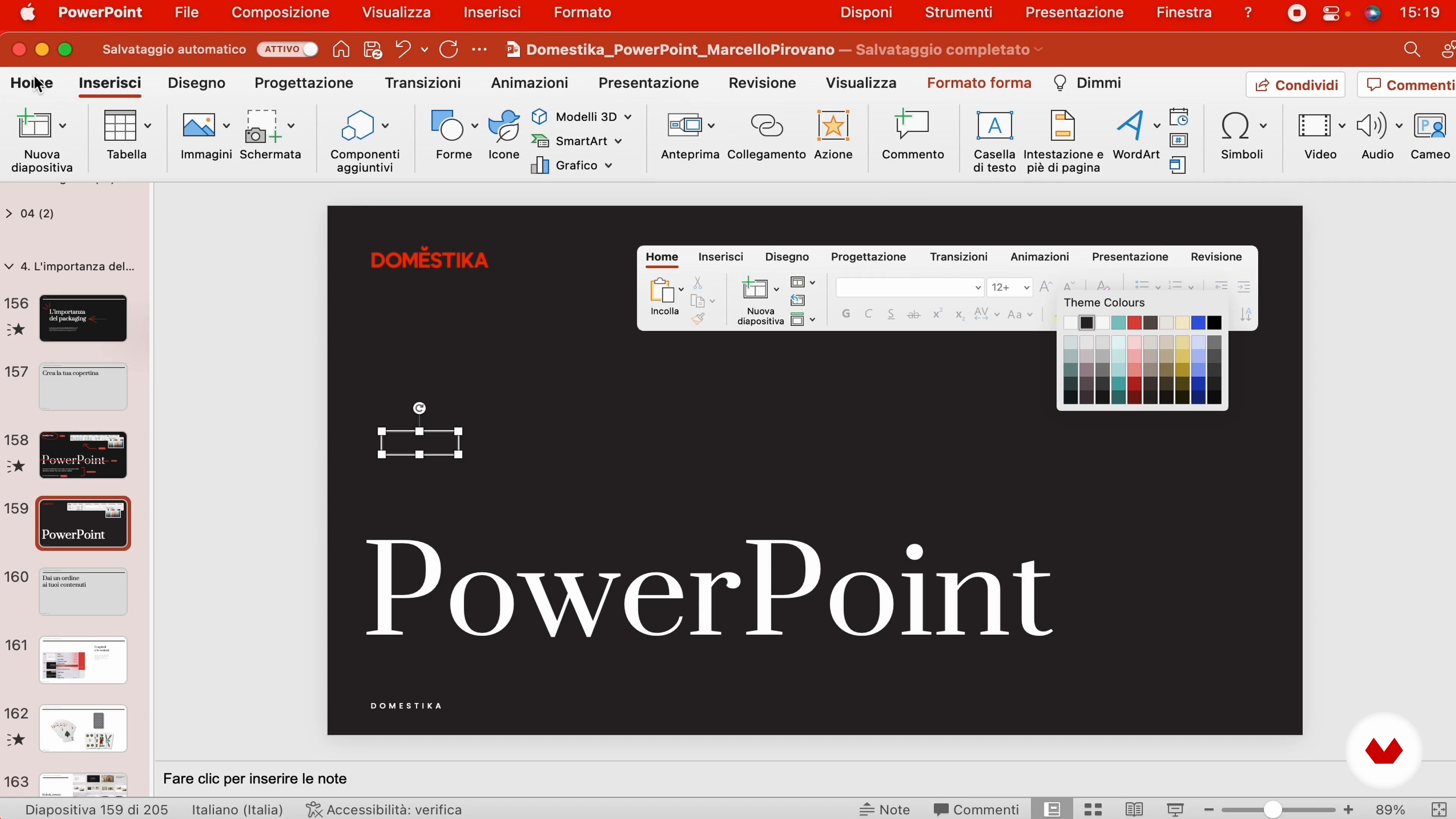
11The importance of packaging
To be able to create an effective presentation, we must first define the communicative objective: start by selecting a topic that you want and that you will present to your public, organizing the index of the sections and the argomenti discussed.
15m
 12
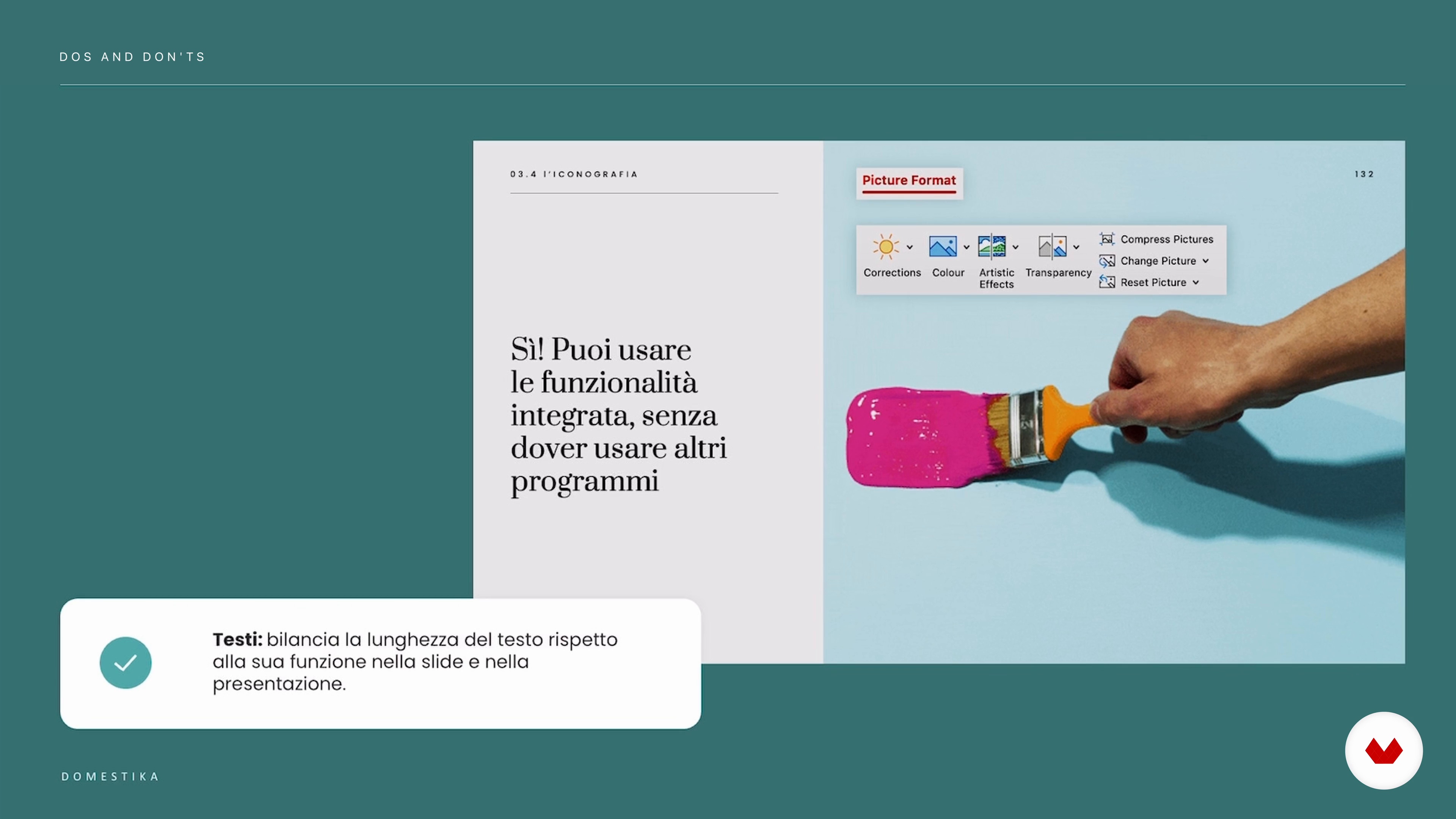
12Dos and don'ts
In this lesson we will begin to explore the PowerPoint interface, creating the fundamentally visible elements that you will find in your graphic project.
5m
 13
13Rules for an effective presentation
Discover how to speed up the production of a presentation by creating the reusable slide template — the master — so you don’t waste time and can optimize your work.
4m
 4
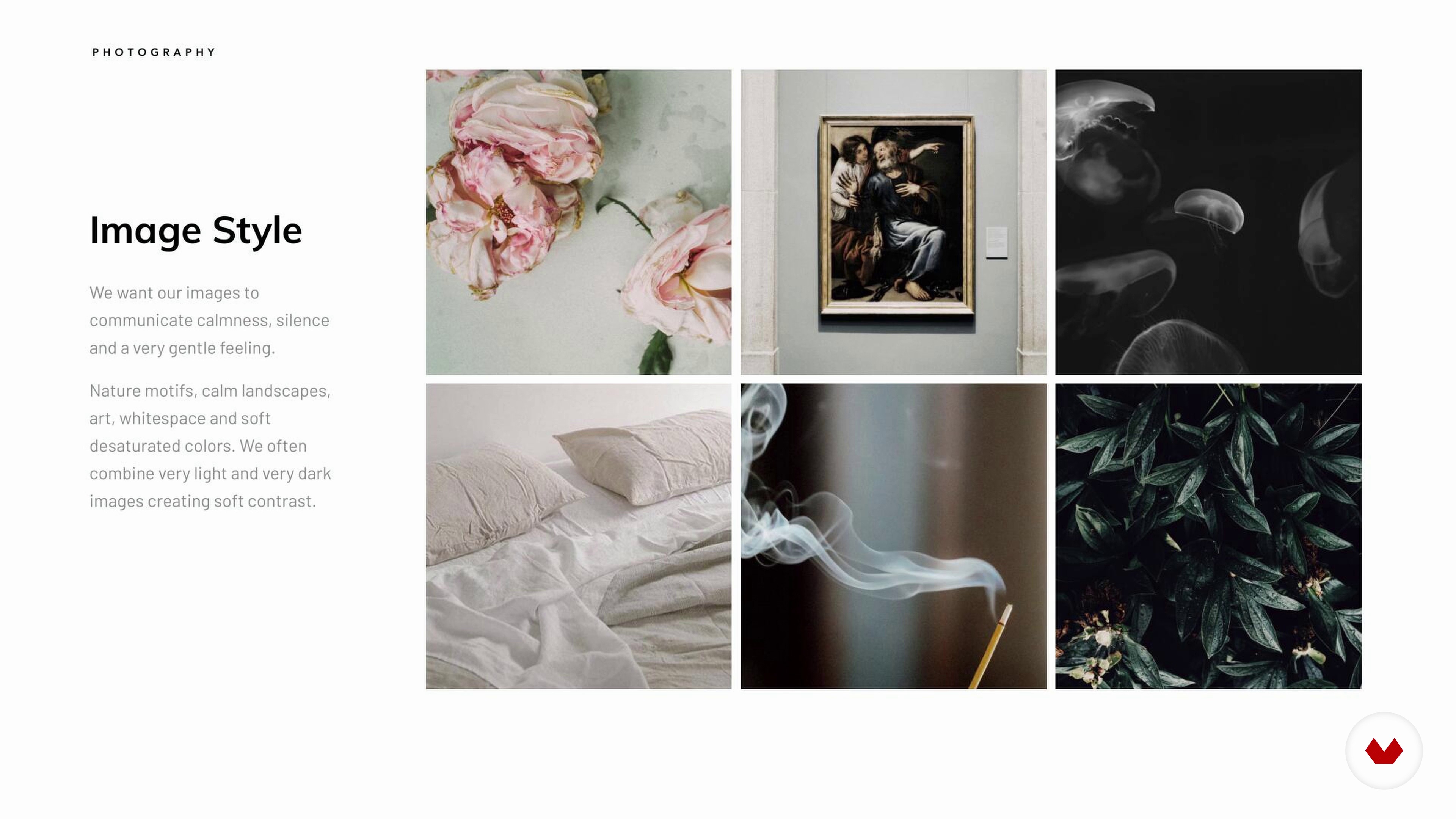
4Art Direction
There are two ways of working out the style of your presentation, one is using an existing Brandbook or Brand Manual, another is creating a mood board of visual references. In this lesson, we will review each option.
2m
 5
5Theory of Color
In this lesson, I will talk about color and its components, and explain how to create beautiful harmonies using a color wheel.
3m
 6
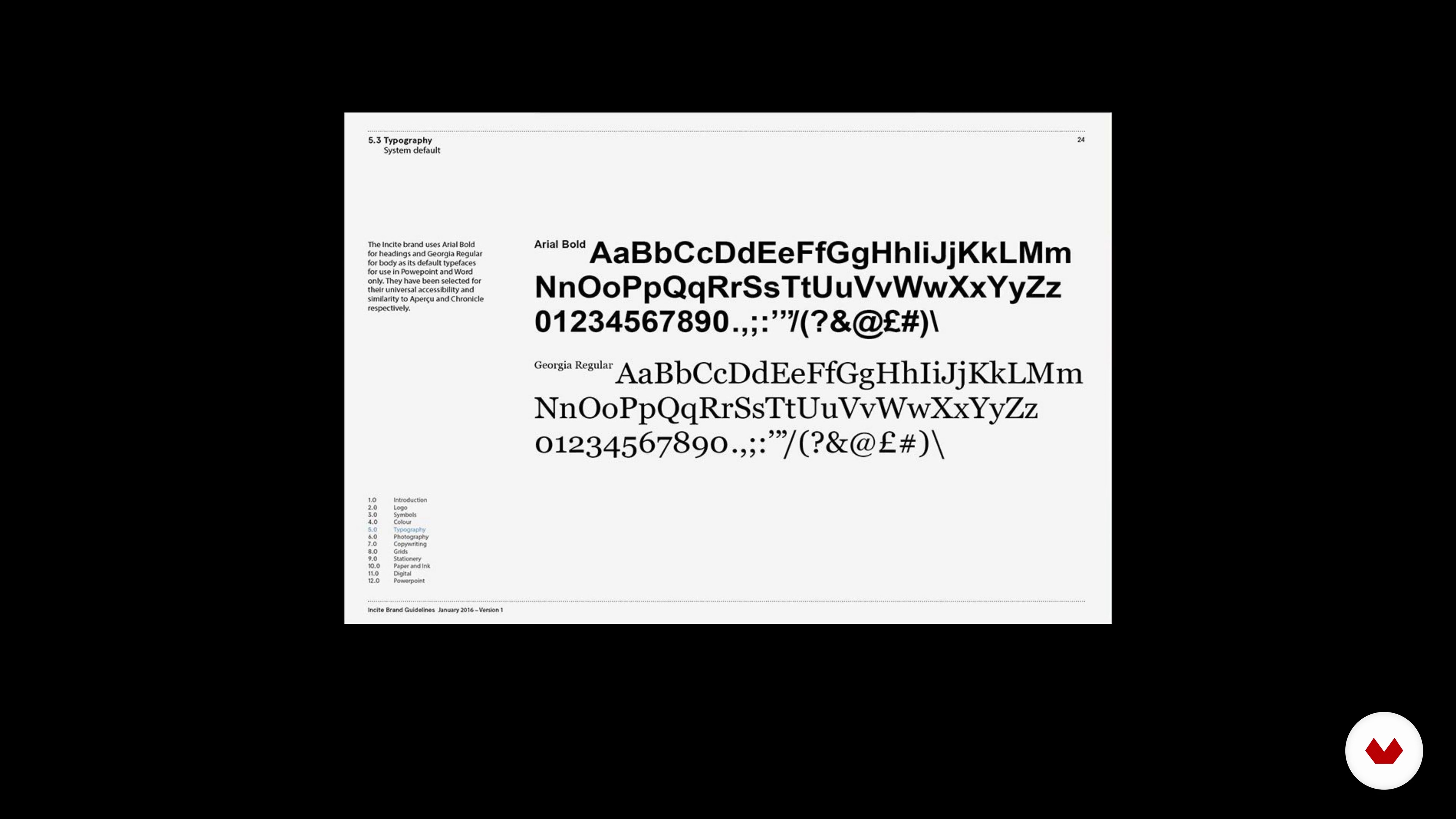
6Theory of Typography
The importance of typography is often overlooked, but it plays a critical role in any design and especially in presentation design. We are communicating information and we want it to be easy to read and pleasant to look at. In this lesson, we will cover some basic typography terms and I will share some rules of pairings and combining different fonts.
3m
 7
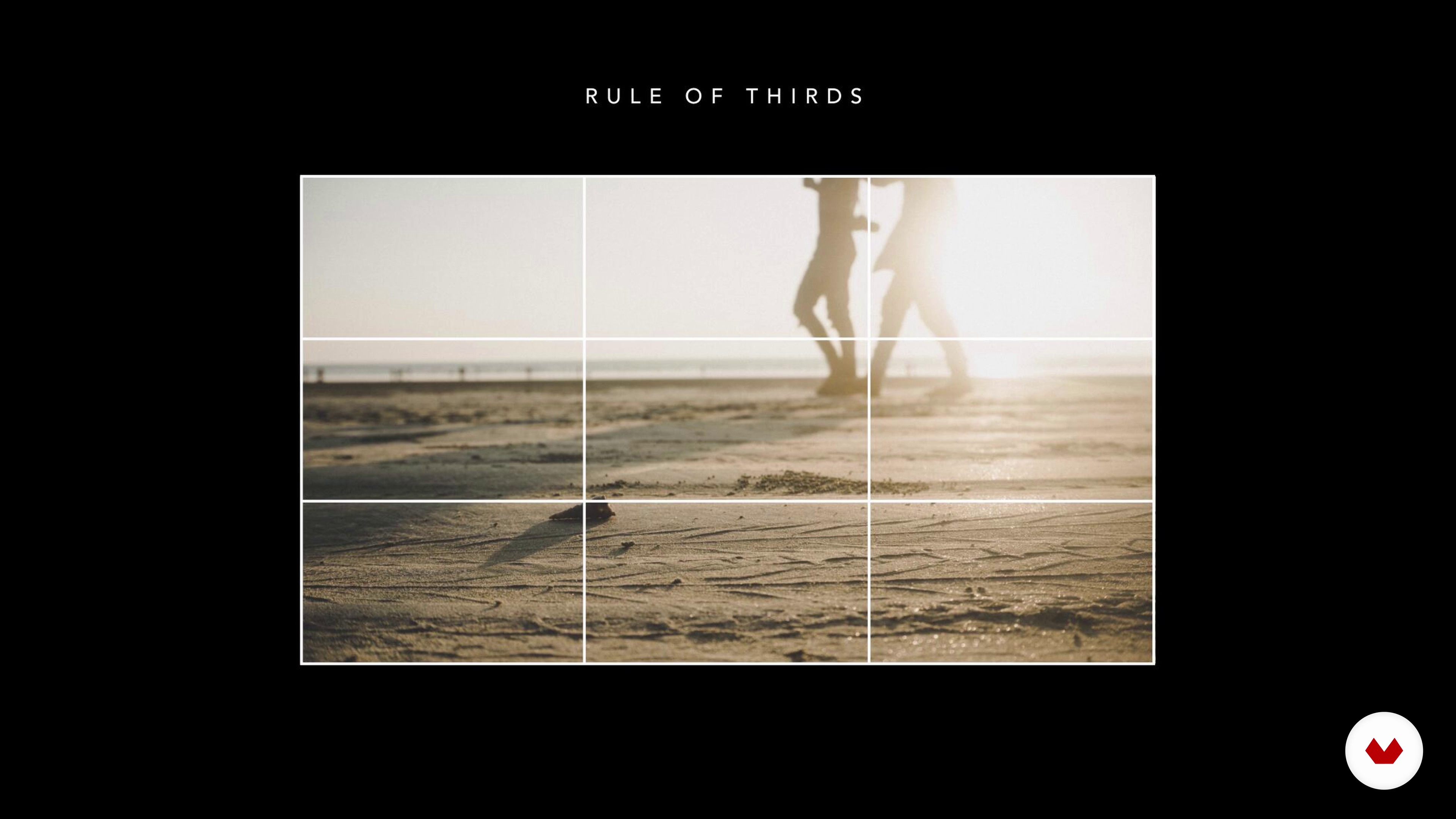
7Theory of Composition and Layout
The secret to any good design lies in the way its visual elements are organized and positioned about each other, in other words, in its layout. The layout gives meaning to your design and makes it look visually appealing. It helps maintain balance from page to page or slide to slide. In this lesson, we will talk about the layout’s main components: Grid and Grid Systems.
4m
 8
8Workspace and Format
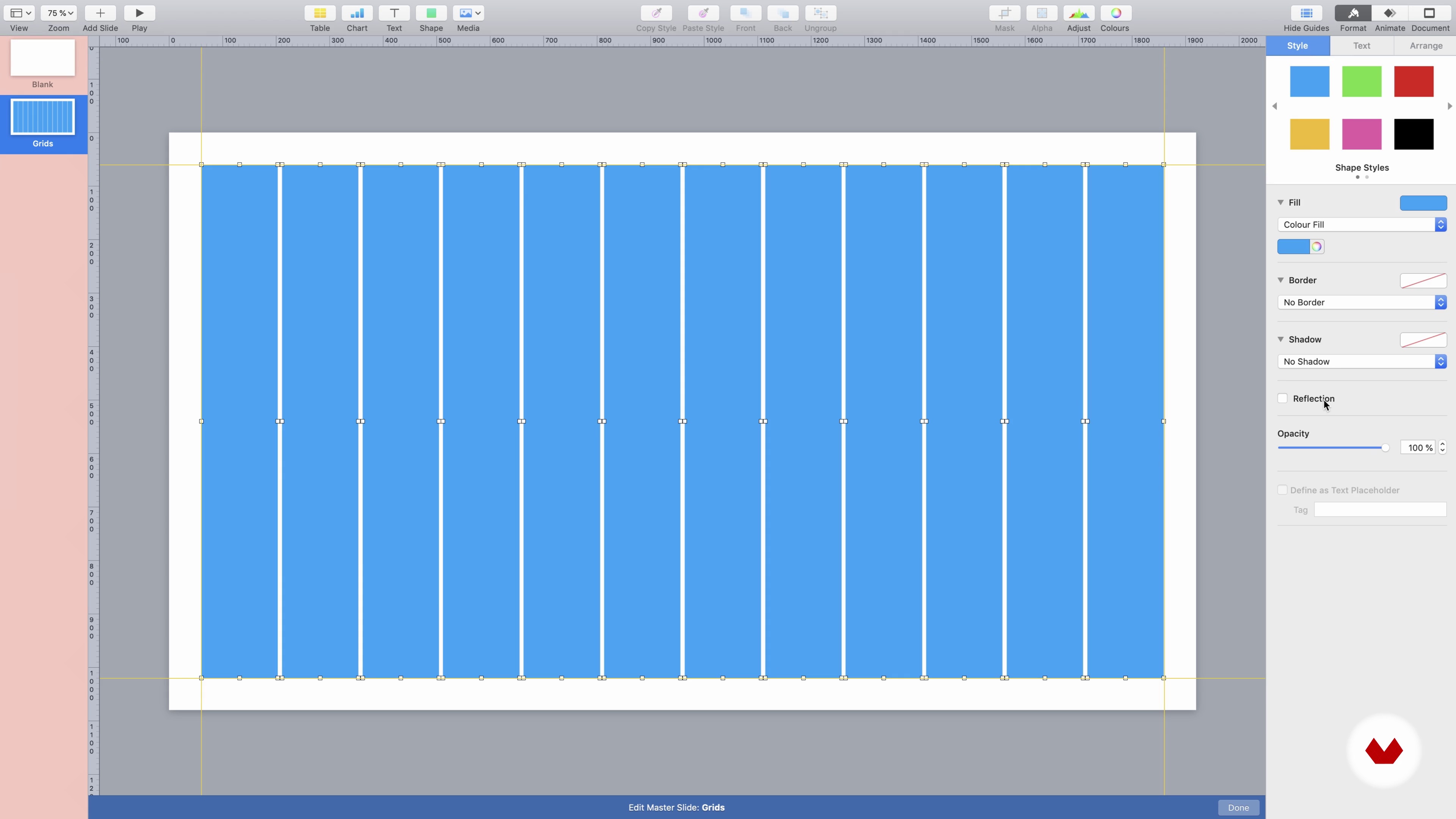
In this lesson, I’ll show you how to choose the right format and theme for your template, prepare the workspace, and build our grids for future slides.
9m
 9
9How to Work with Text 1
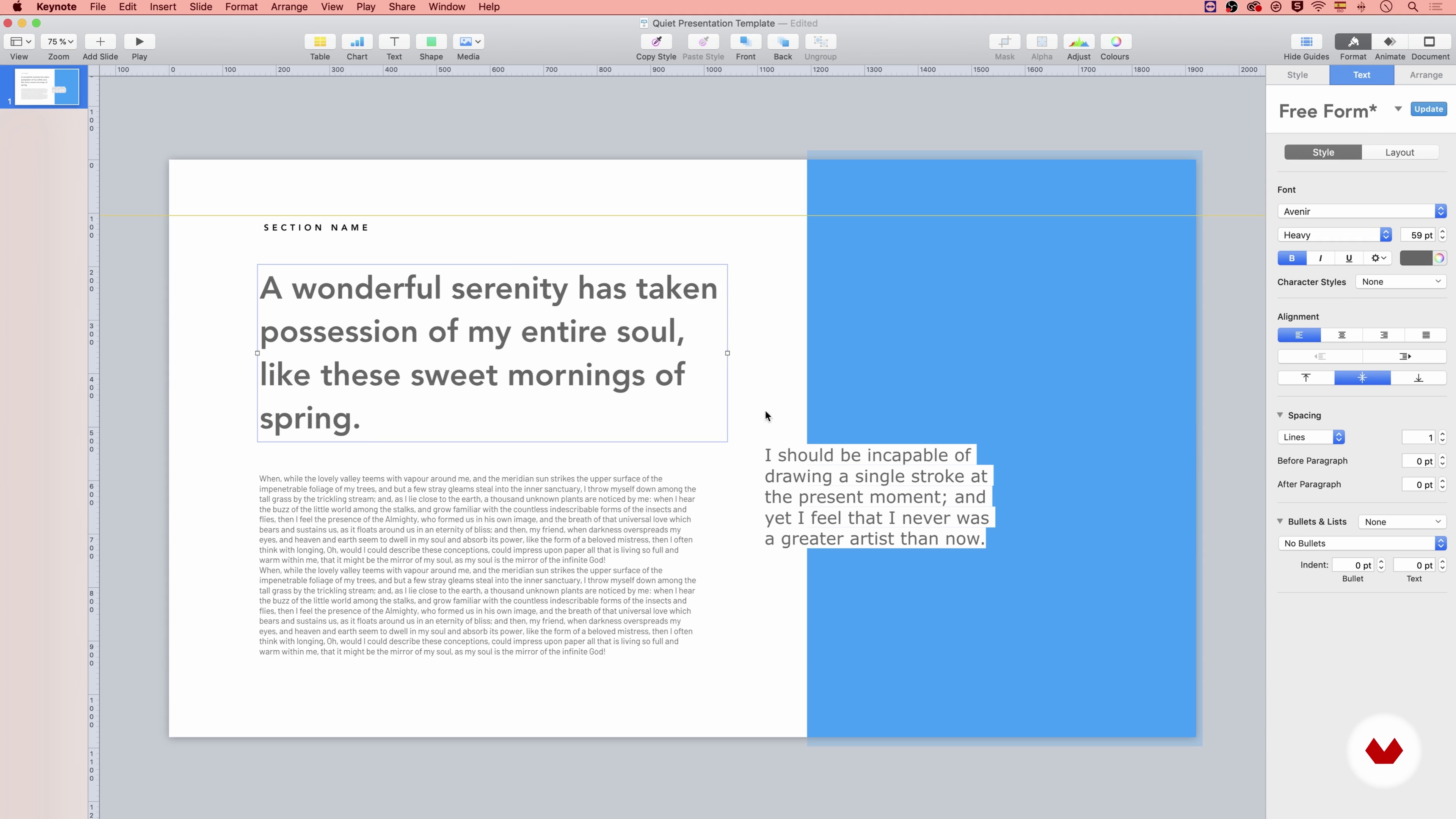
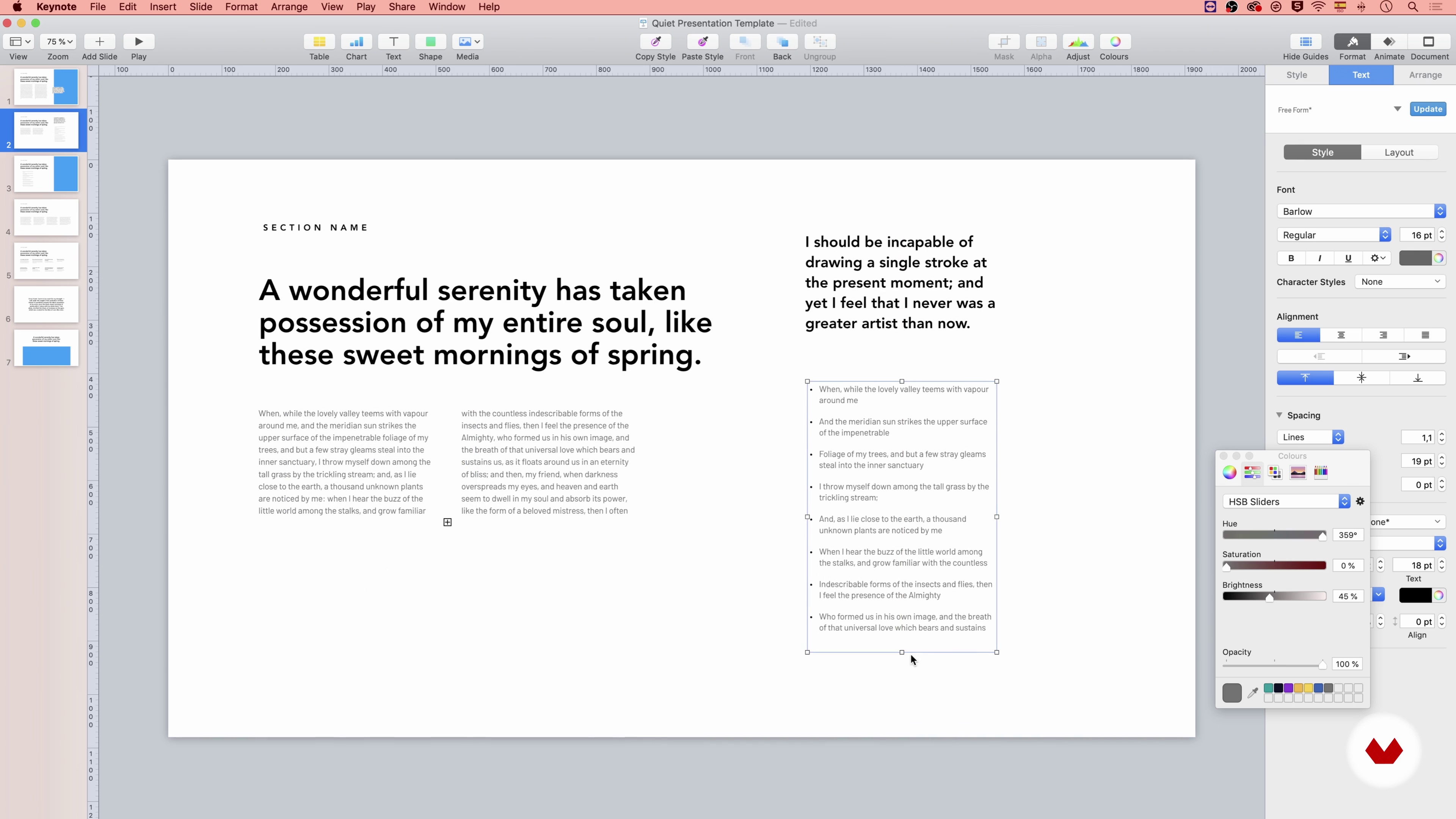
In this lesson, we will create and save the character and paragraph styles for our future template. I will also explain more in-depth about alignment, spacing, and proportions of the text elements, as well as how to create columns and lists.
15m
 10
10How to Work with Text 2
In this second part of the lesson, I will explain to you how to work on some more elements of the text.
17m
 11
11Colors and Shape Styles
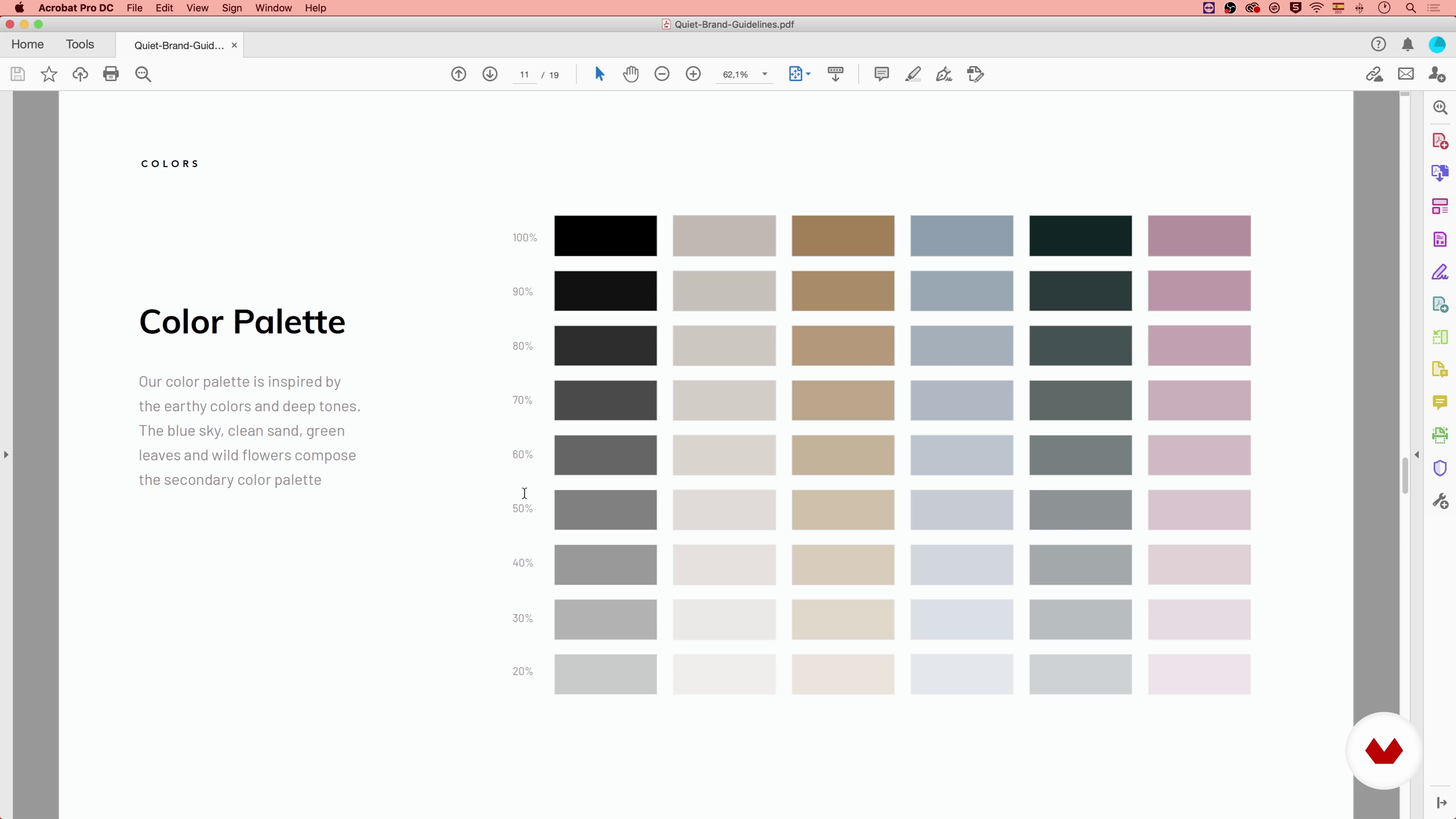
In this lesson, we will save our template’s color palette for easier access. I will also talk about shape and graph styles and give you some tips on how to use shadows and effects properly.
17m
 12
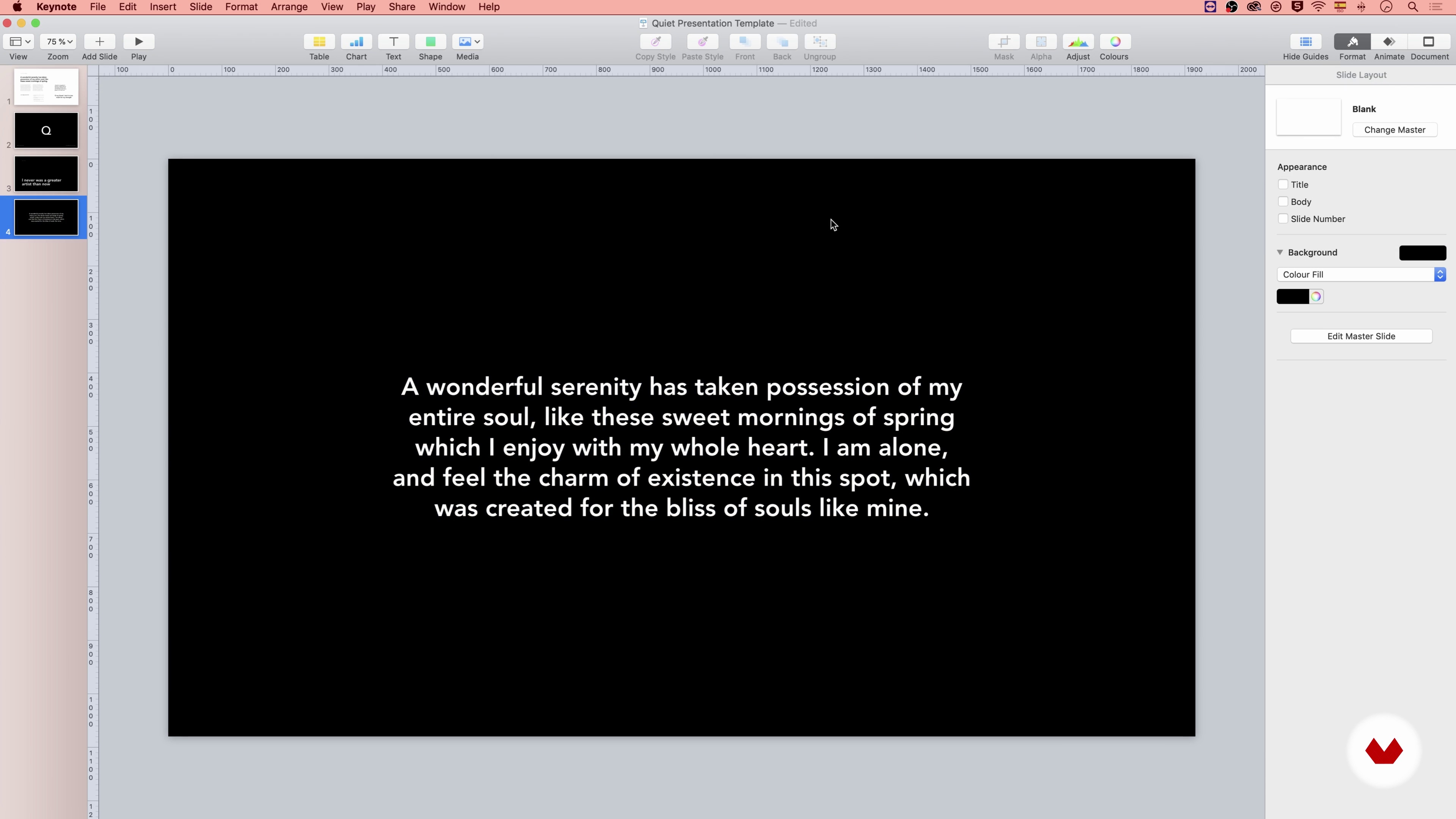
12Composition and Layout 1
Now we have all the necessary elements ready to create our slides from the list. In this lesson, I’m going to show you how to use the Grid System we built before to create different layouts.
14m
 13
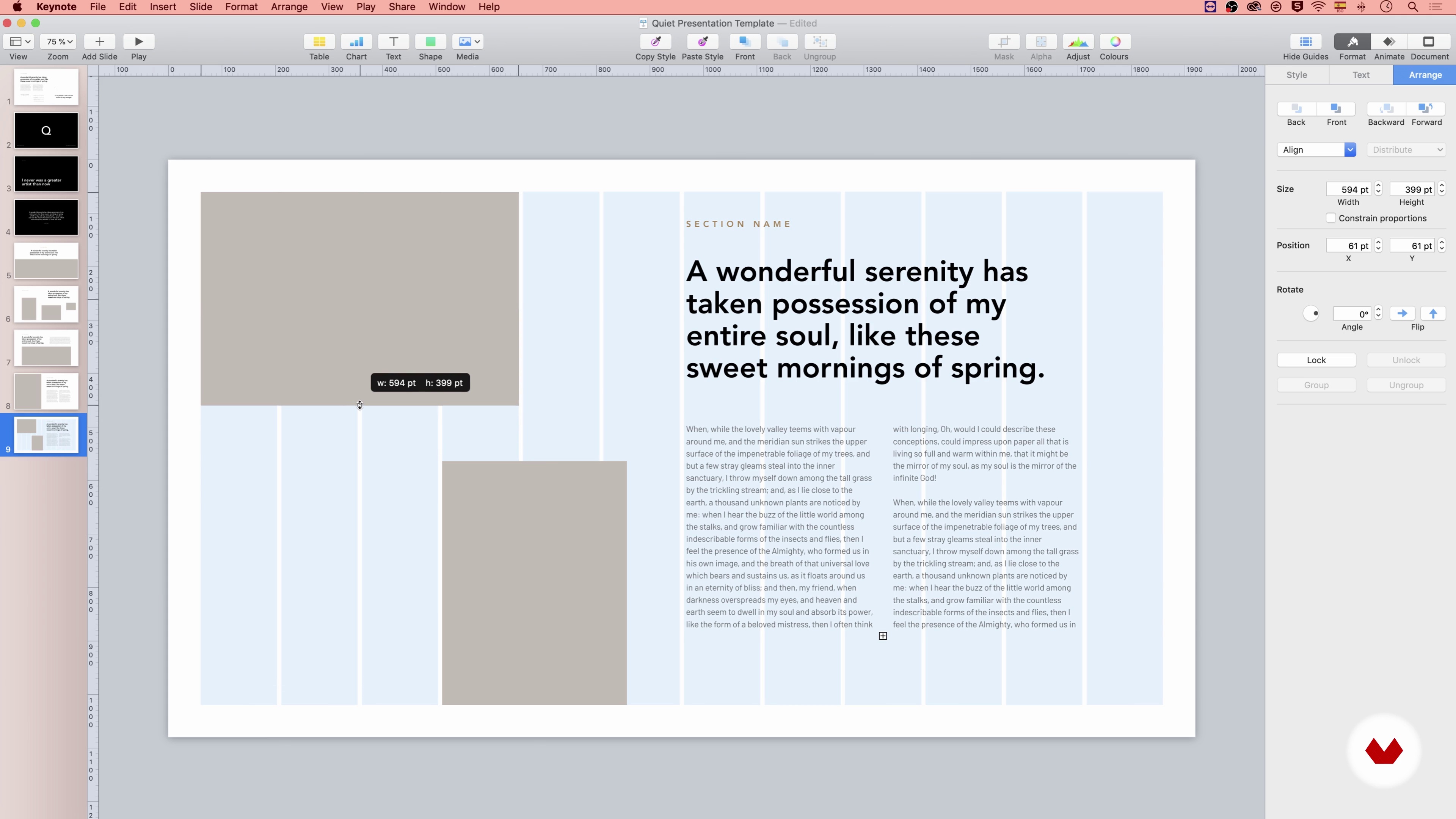
13Composition and Layout 2
In this second part of the lesson, I will explain to you three other combinations of elements.
16m
 14
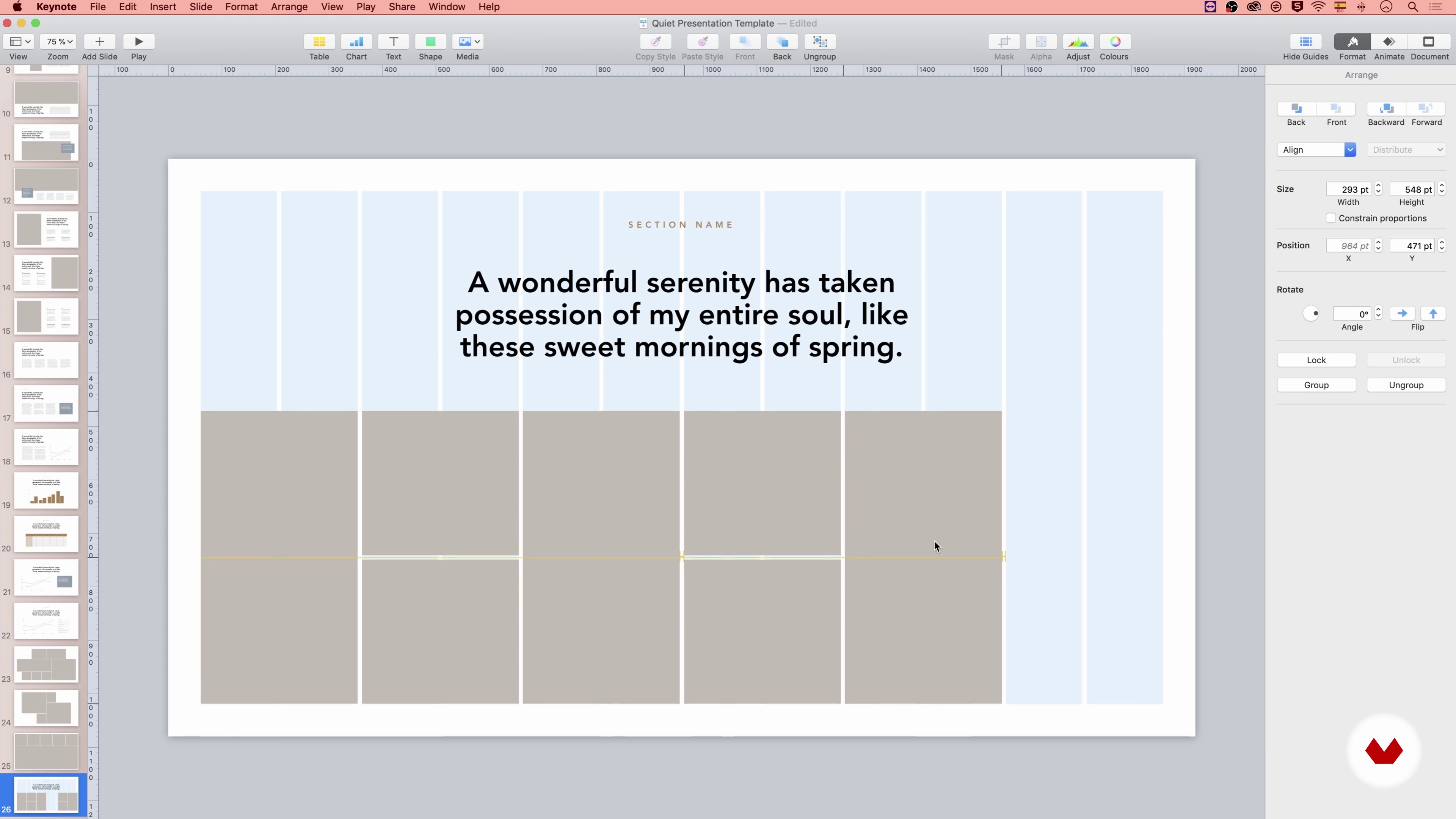
14Composition and Layout 3
Now we are going to go ahead with more options combining images and other elements.
18m
 15
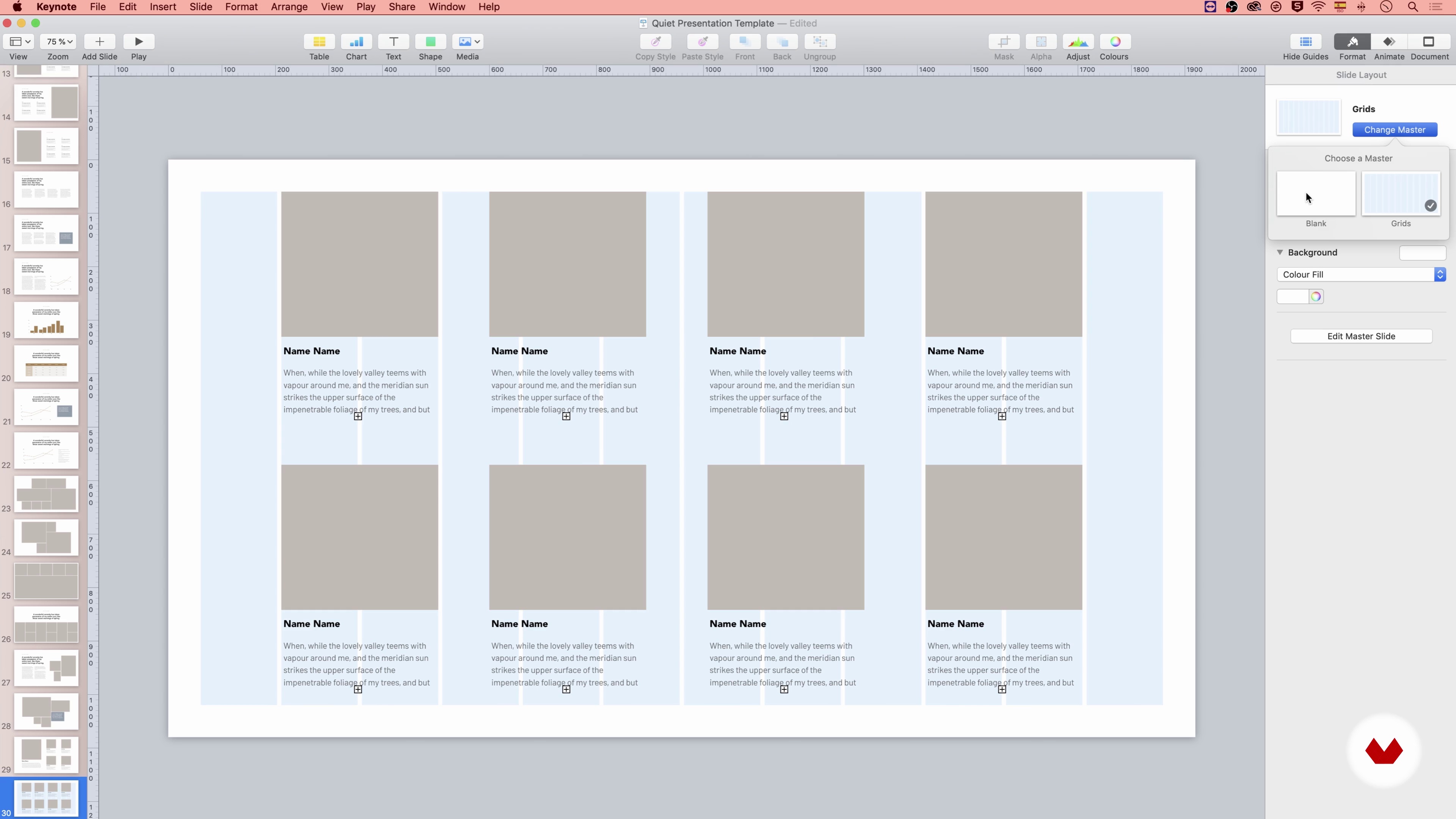
15Composition and Layout 4
In this fourth and last part of the class, I will end the composition with two versions of the finished layout.
7m
 16
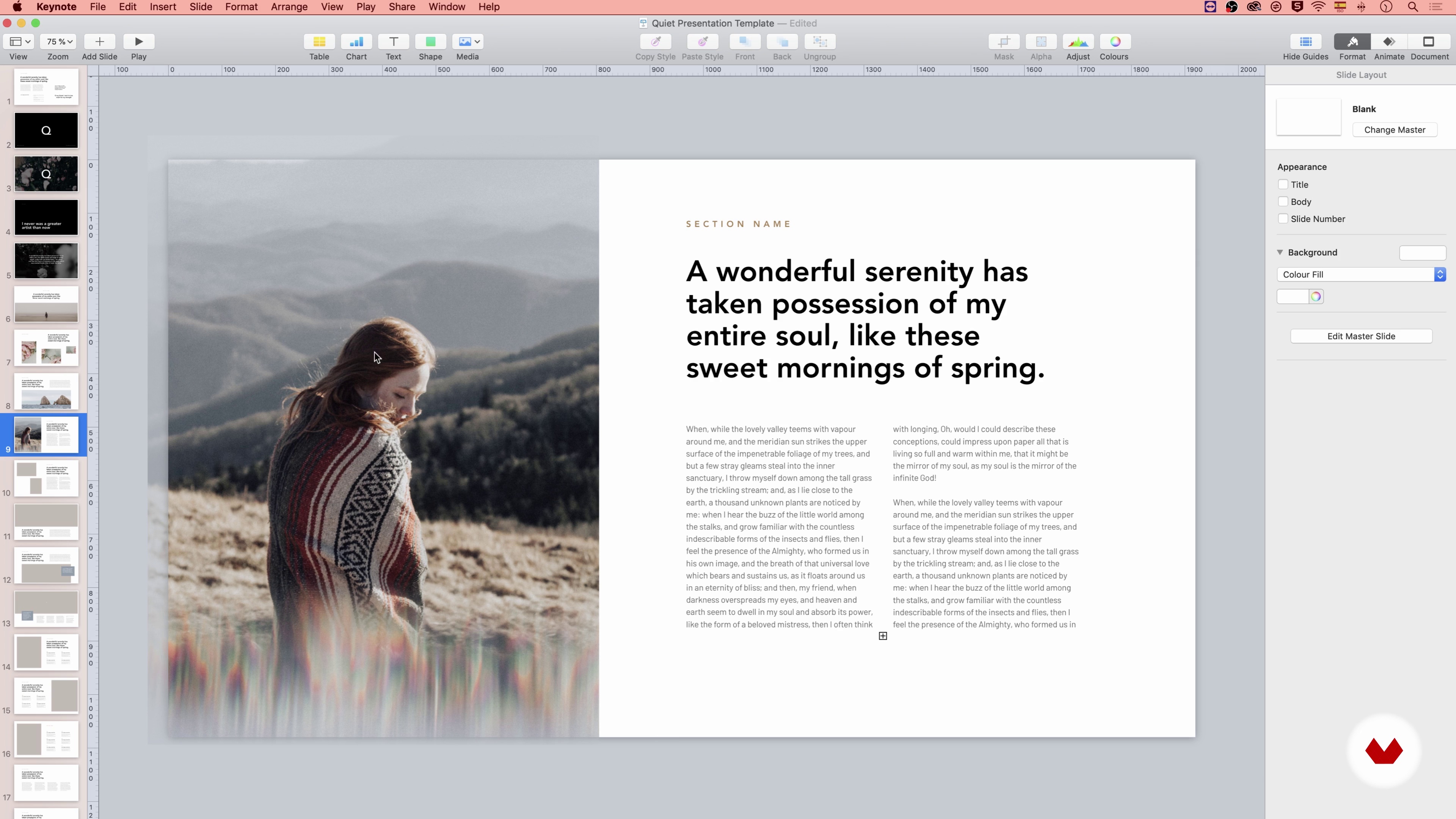
16How to Work with Images
In this lesson, I will talk about images, how to select, adjust and optimize them for presentations. I will also give you some tips on how to integrate them better into the composition by choosing the focal point.
20m
 17
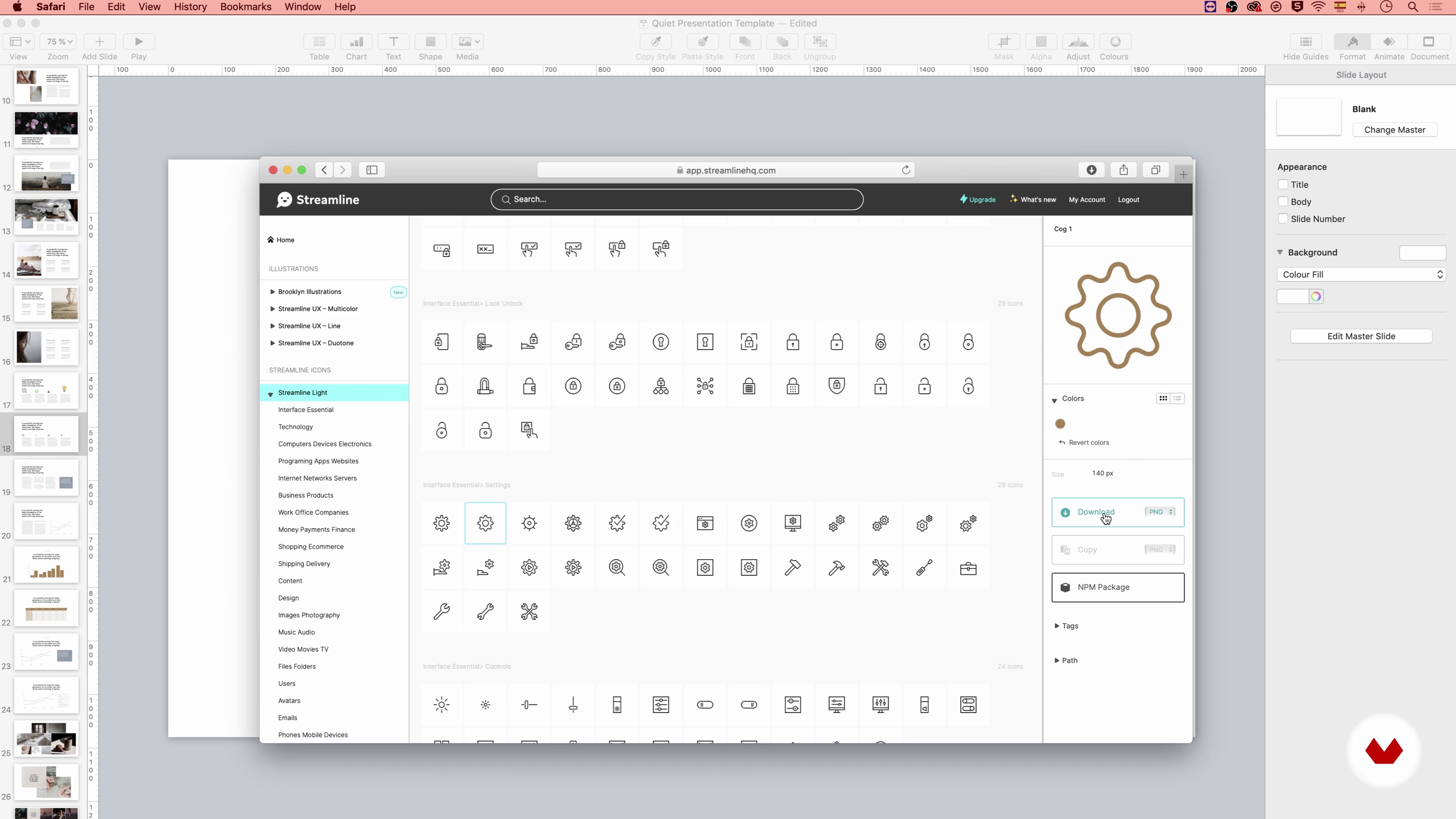
17Icons and Icon Library
In this lesson, we’ll talk about icons, their formats, and where to find them. Then, we will create an icon library slide for our template, for easier access.
6m
 18
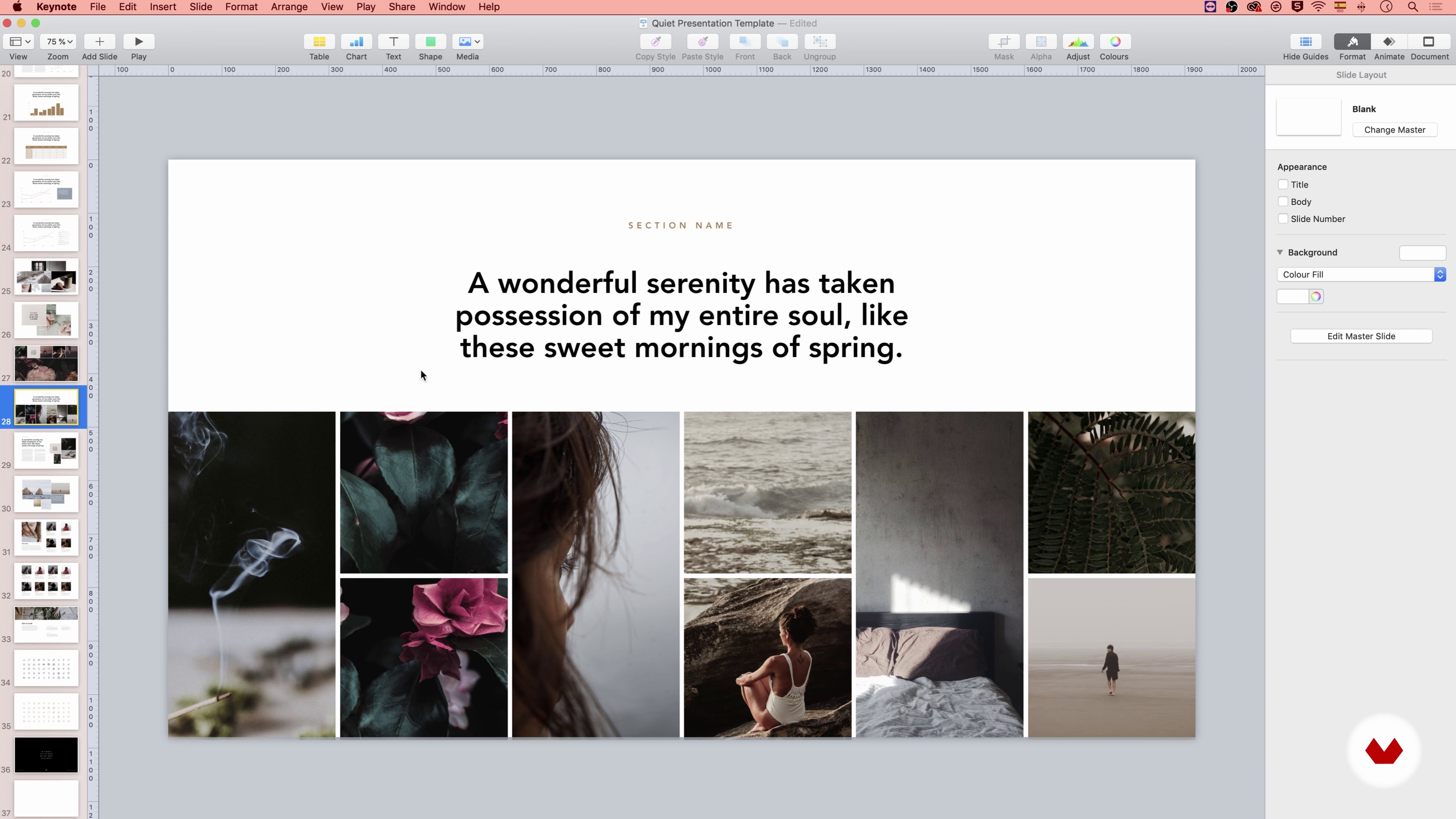
18Template, Master Slides
In this lesson, I will explain the role of Master Slides in the Template and show you how to save and export your template.
3m
 3
3The Importance of Presentation
In this class, you will understand more about presentations and what is our role in the agencies, you will even know what different types of presentations you can make.
6m
 4
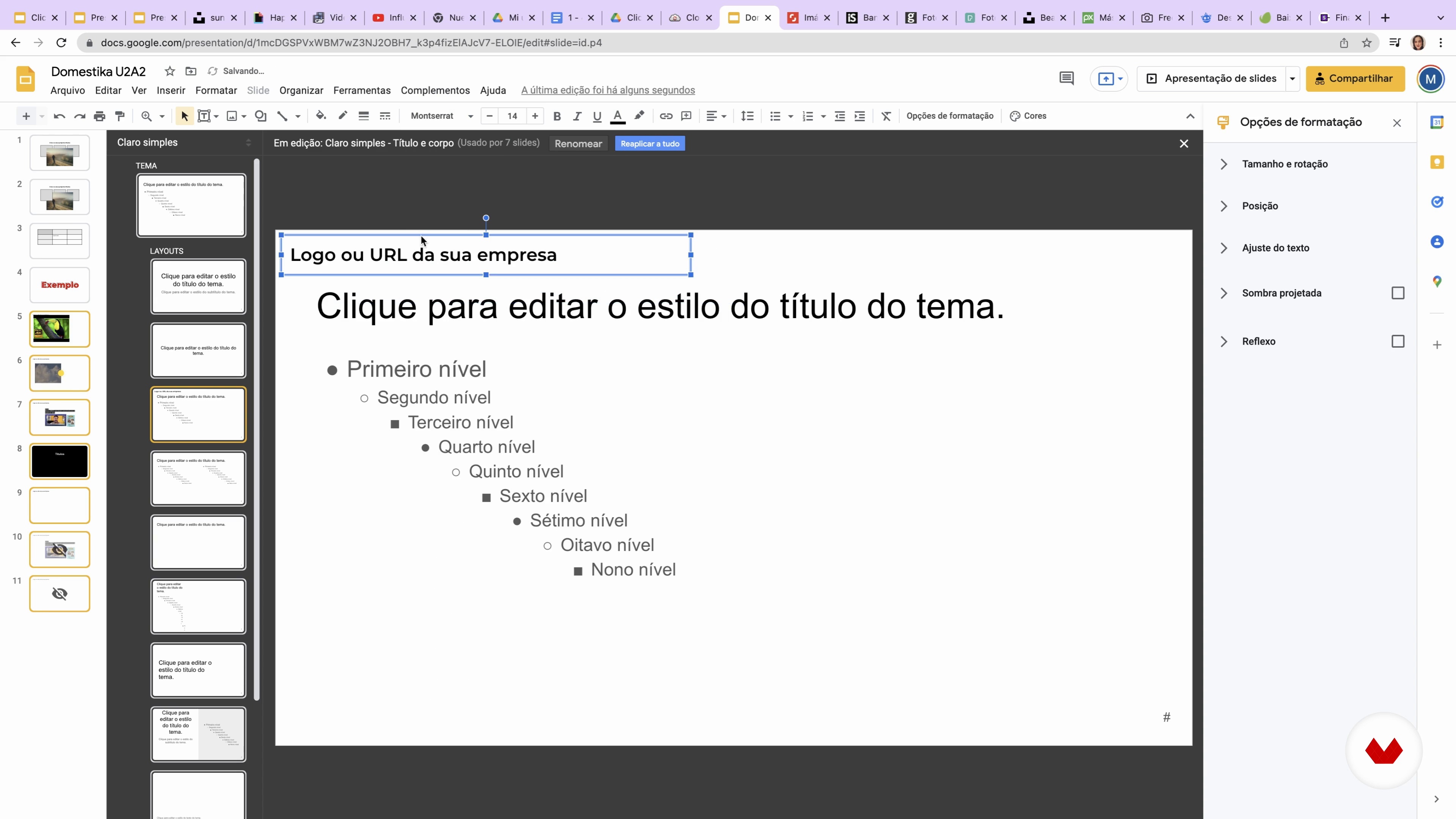
4Tools and Google Slides
When we talk about presentations, the role and variety of tools in the preparation process are often unimaginable. In this class, you will discover that to see a final presentation, we use many other tools (many indeed) that complete the work. In addition, you will delve into the technical part of building slides.
18m
 5
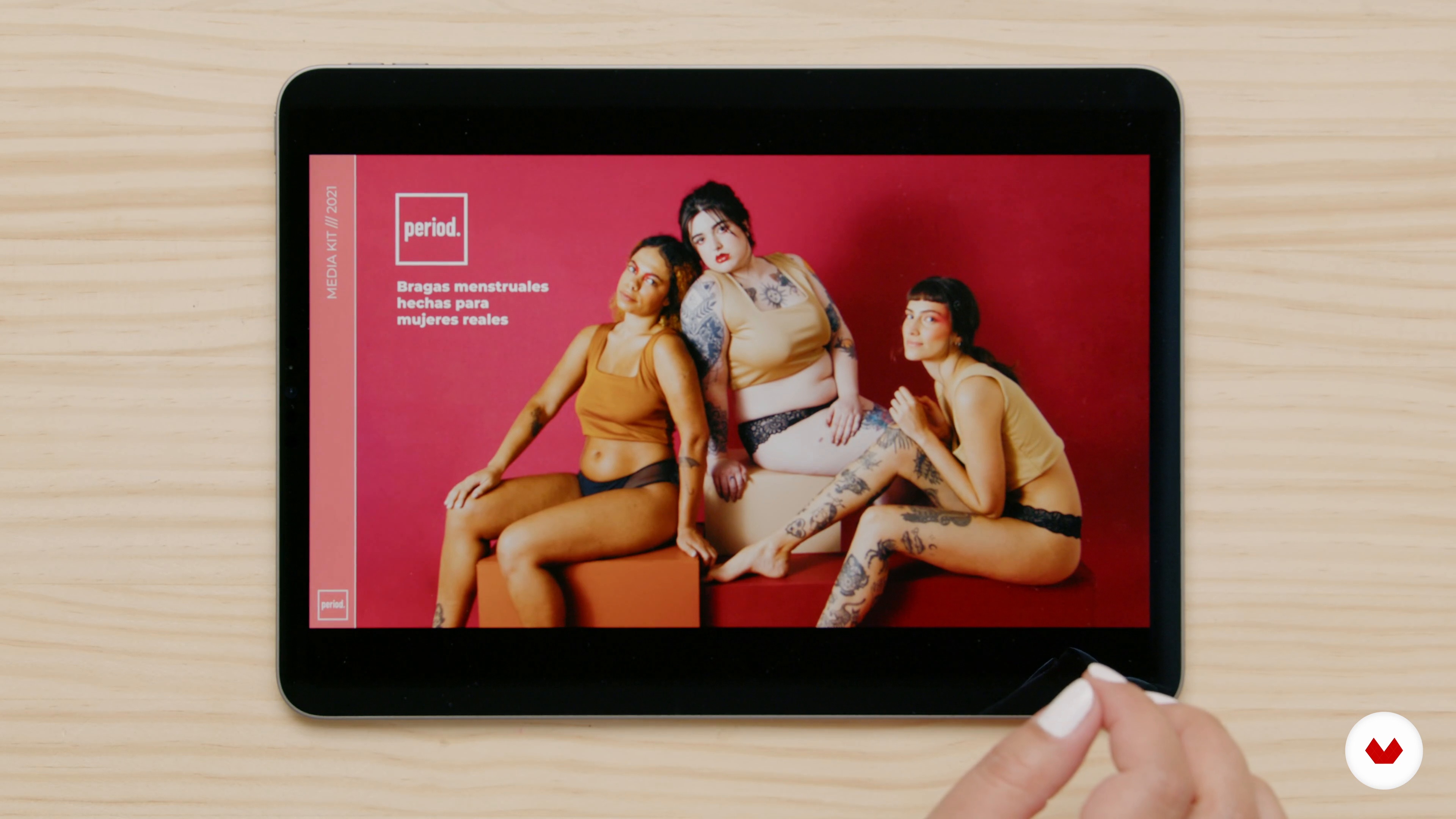
5How Do We Do It 1
More than just listening to people talk, in this class, you'll be able to see how we do it. We'll show you our day-to-day work so you can understand how we develop our clients' presentations.
10m
 6
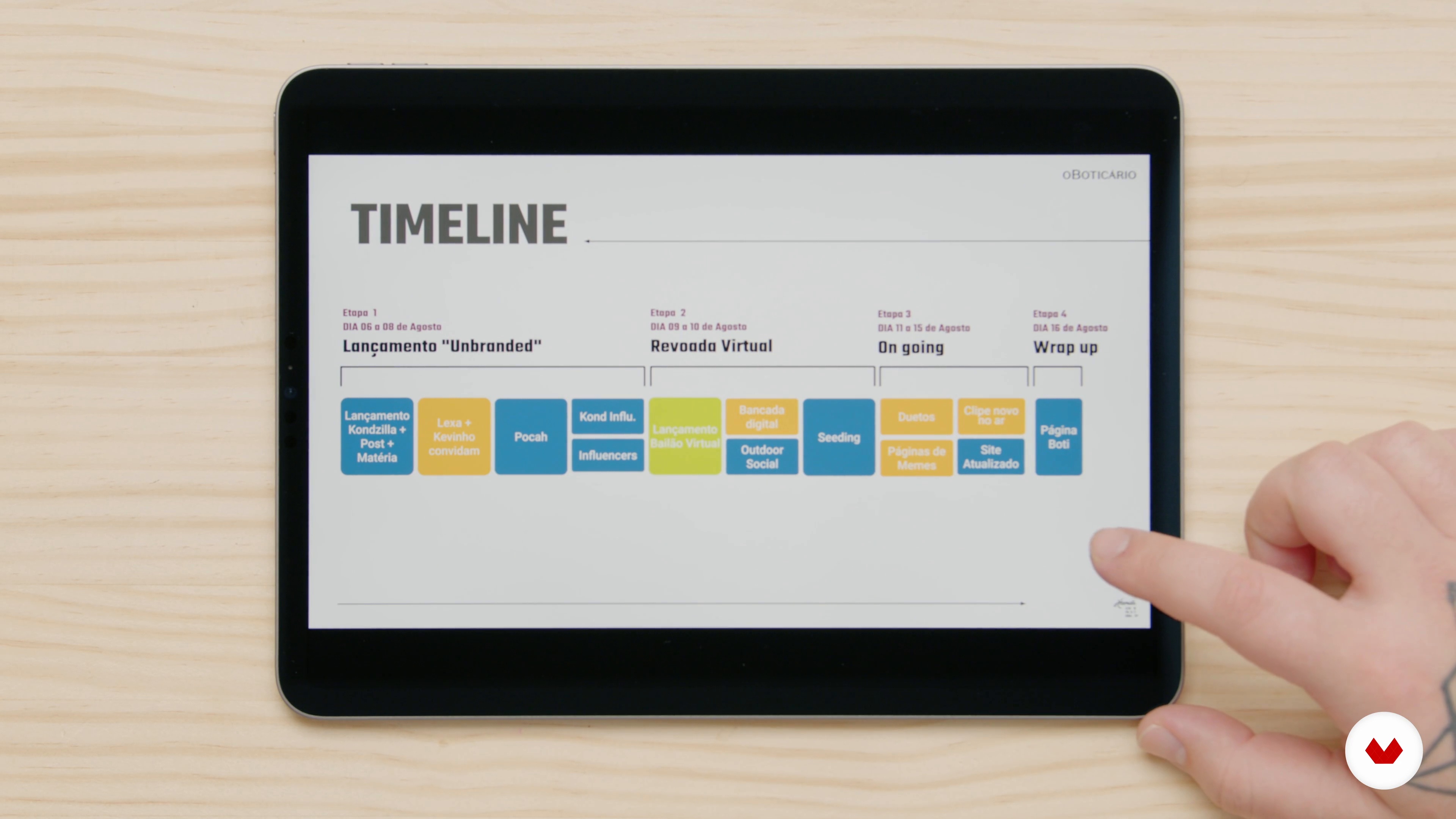
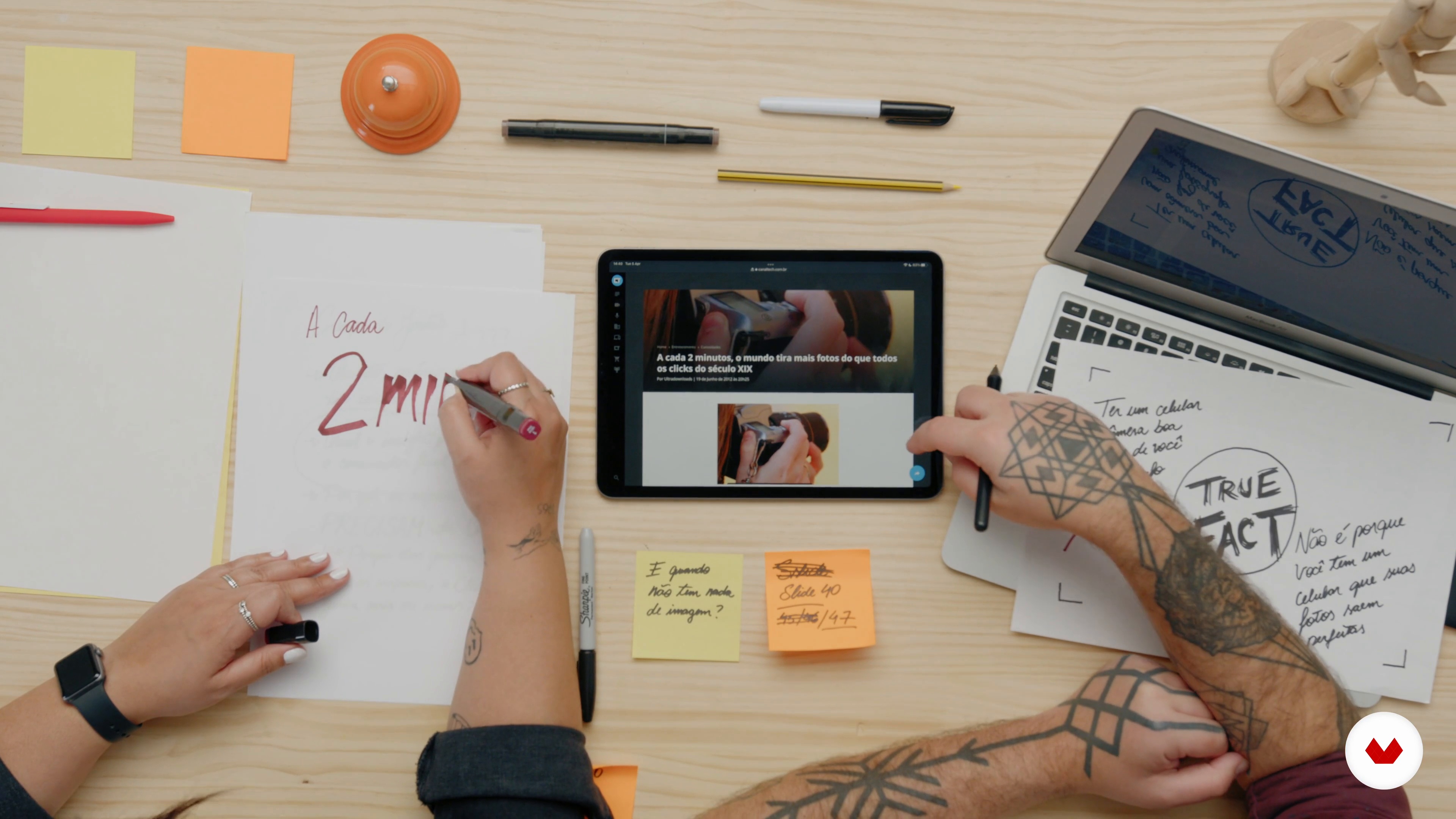
6How Do We Do It 2
By knowing the idea behind the construction and narrative of some of our presentations, you will have more options to find a method that is more comfortable for you to create and present yours. In this second part of the class, you will learn more examples of how we do it.
14m
 7
7Defining Your Goals
Why is it important to know the purpose of a presentation well? In this class, you will see our analysis process and how we put it into practice in our project. To demonstrate it in practice, we're going to have a chat with our Clic Experience client.
7m
 8
8Building the Narrative
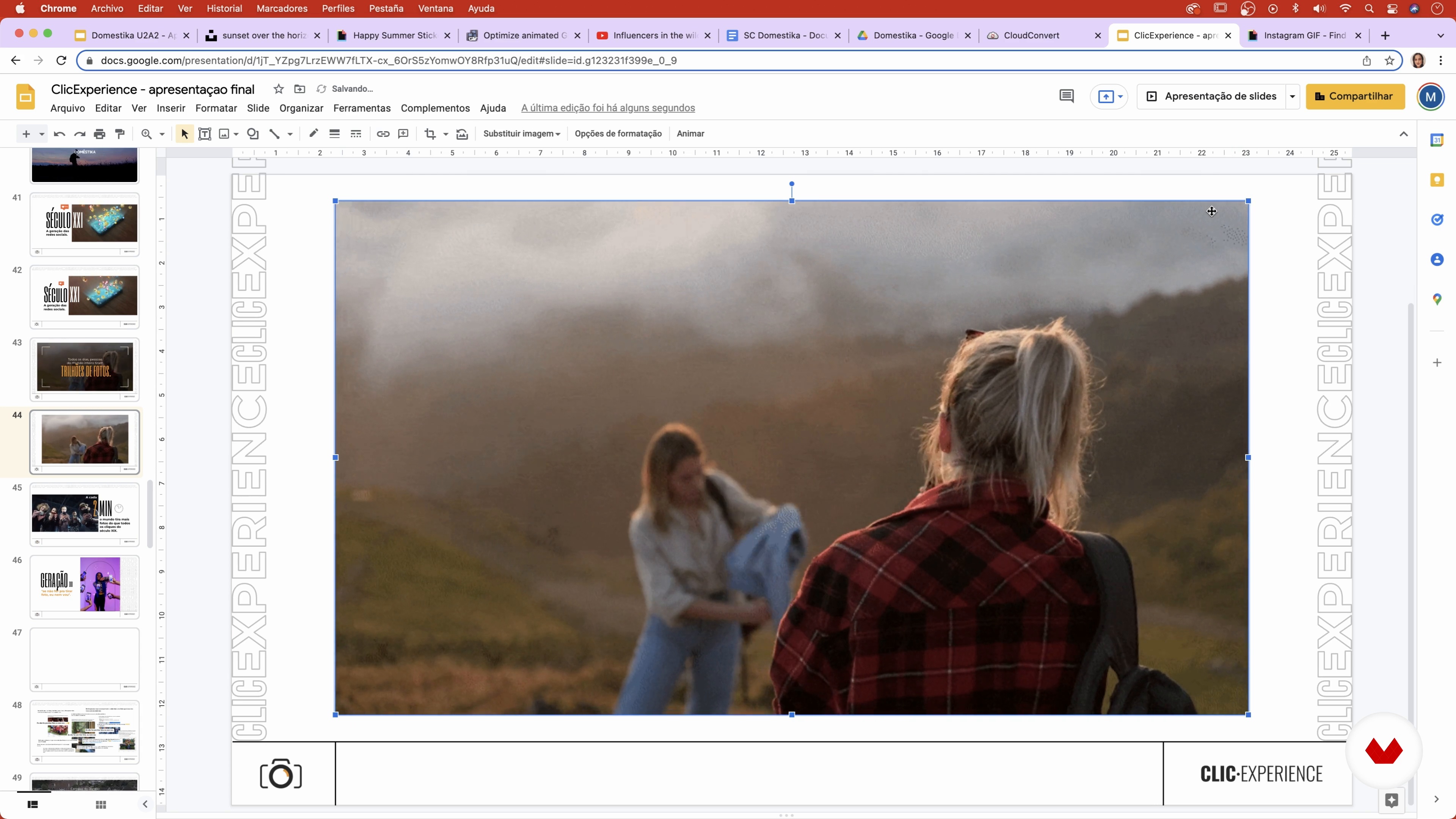
In this class, you will begin to build the narrative of your presentation. Here we will show our tactics on how to tell a story, how to defend your points and how to enrich your defense.
14m
 9
9Looking Good 1
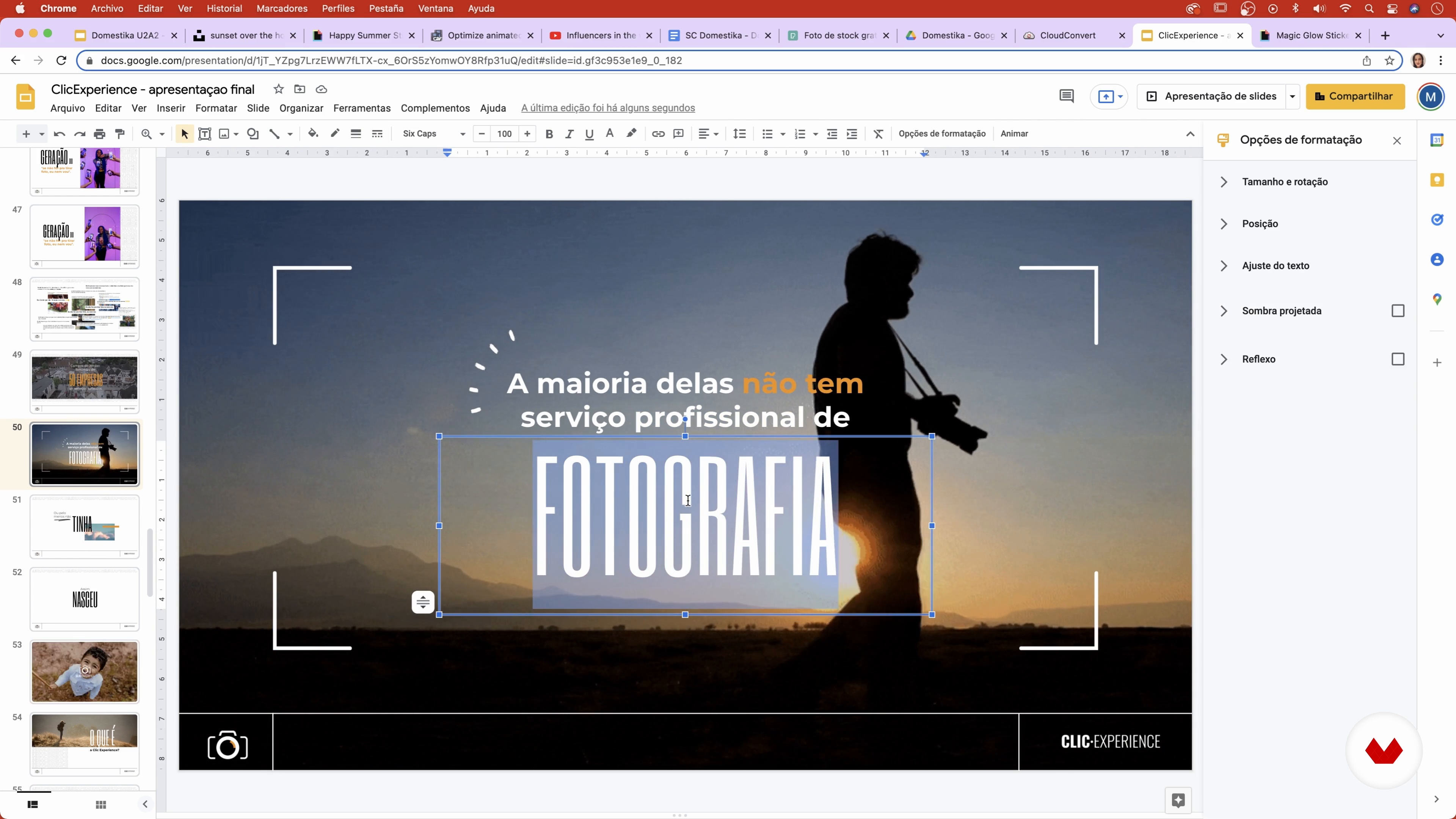
We already have the whole narrative constructed. In this class, you will see how to make the presentation layout charming.
20m
 10
10Looking Good 2
In this second part of the class, we will continue the slide creation process until the end of the presentation. You will continue to see the layout options up close and you will be able to apply them to your project as well.
18m
 11
11Showtime: Techniques for Presenting
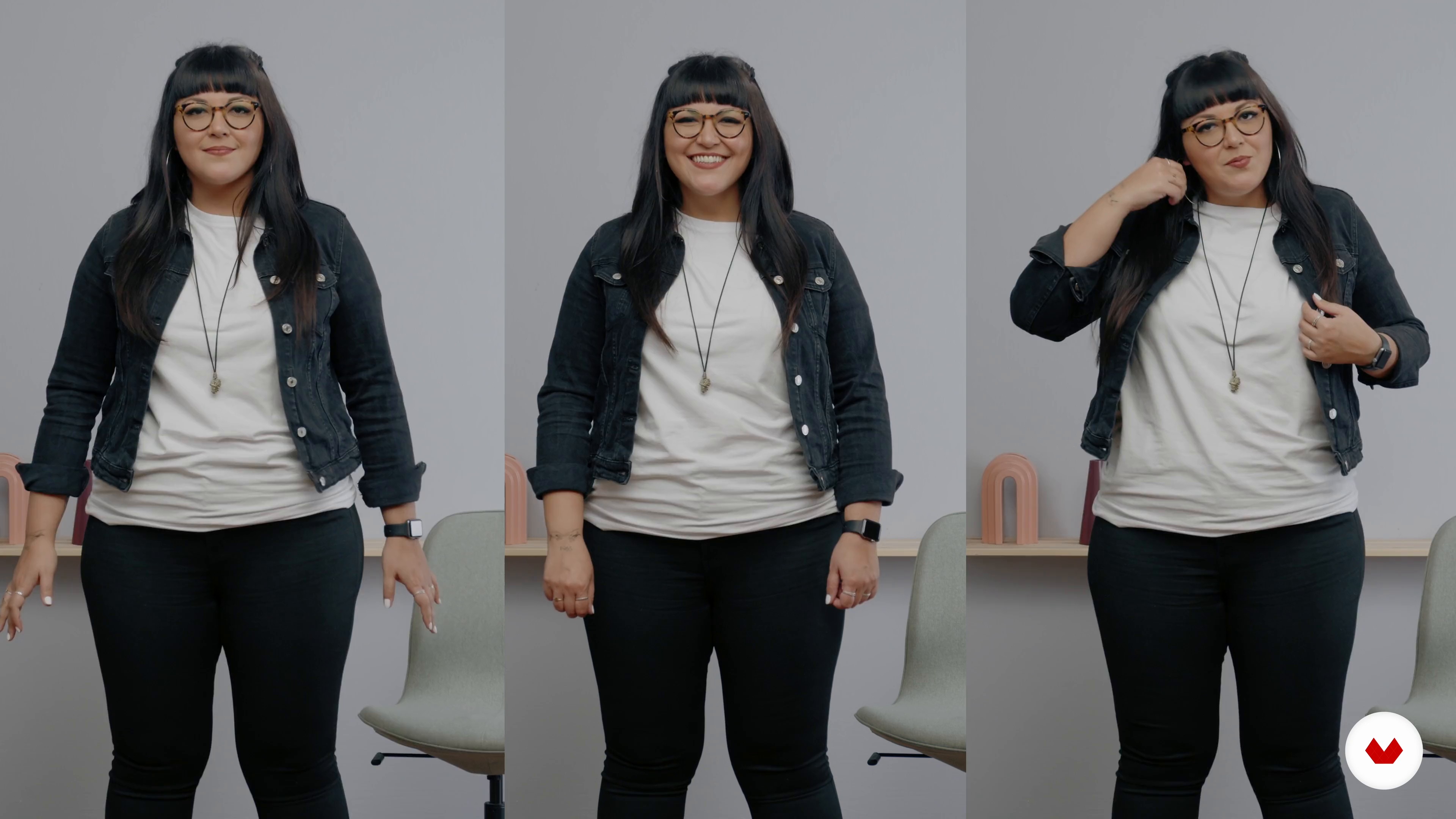
In this class, you will learn all about non-verbal communication, posture, gestures, expressions and body language to rock your presentation.
14m
 12
12Rehearsal
Rehearsing can be just as important as knowing the content of your presentation. In this class, you will see the different ways of rehearsing to present in the best possible way.
4m
 13
13Face-To-Face Presentation
We already have the slides ready, the story ready, we've already seen all the techniques, we've already rehearsed. In this class, it's time to actually make the presentation.
10m
 14
14Online Presentation
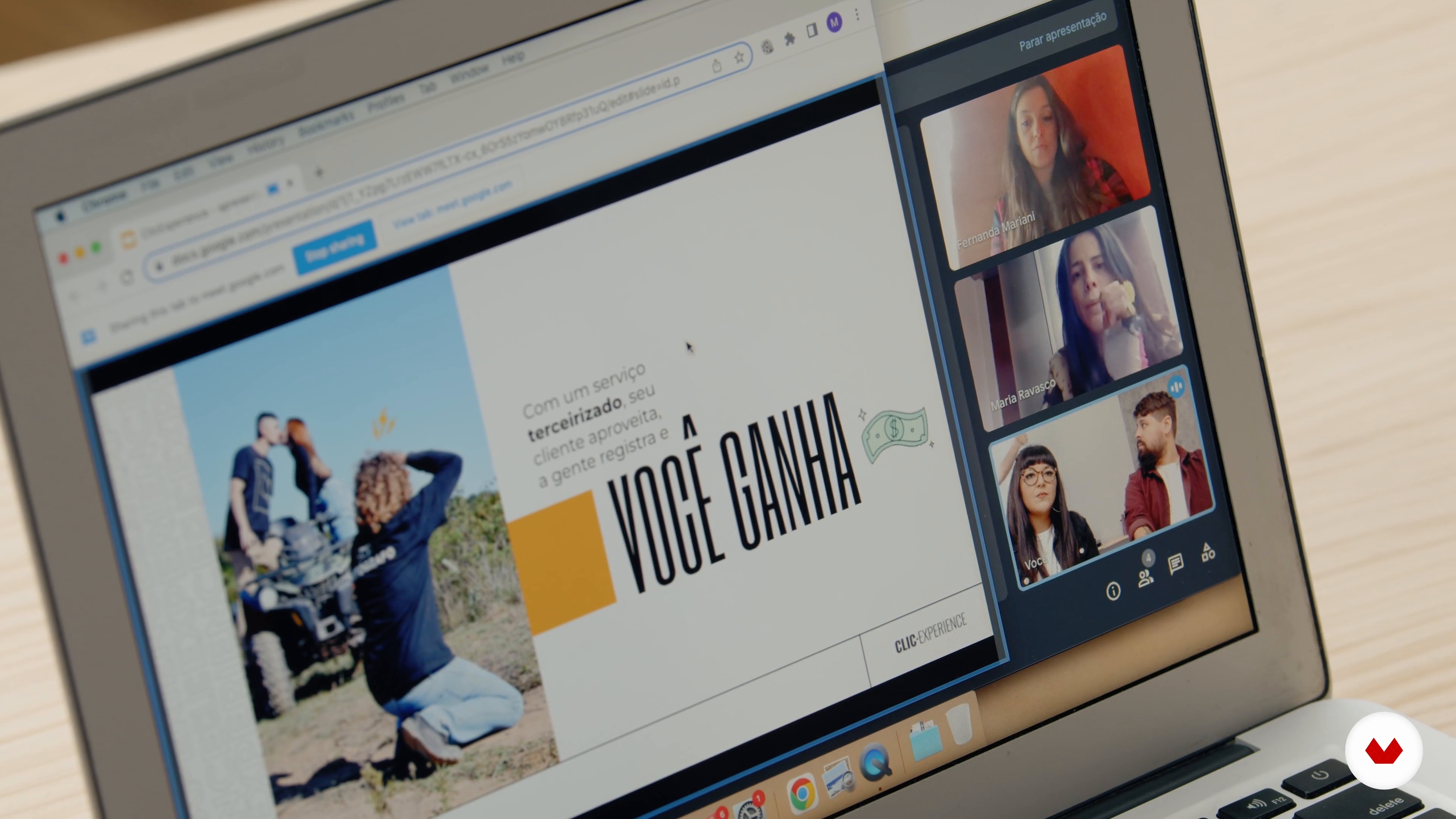
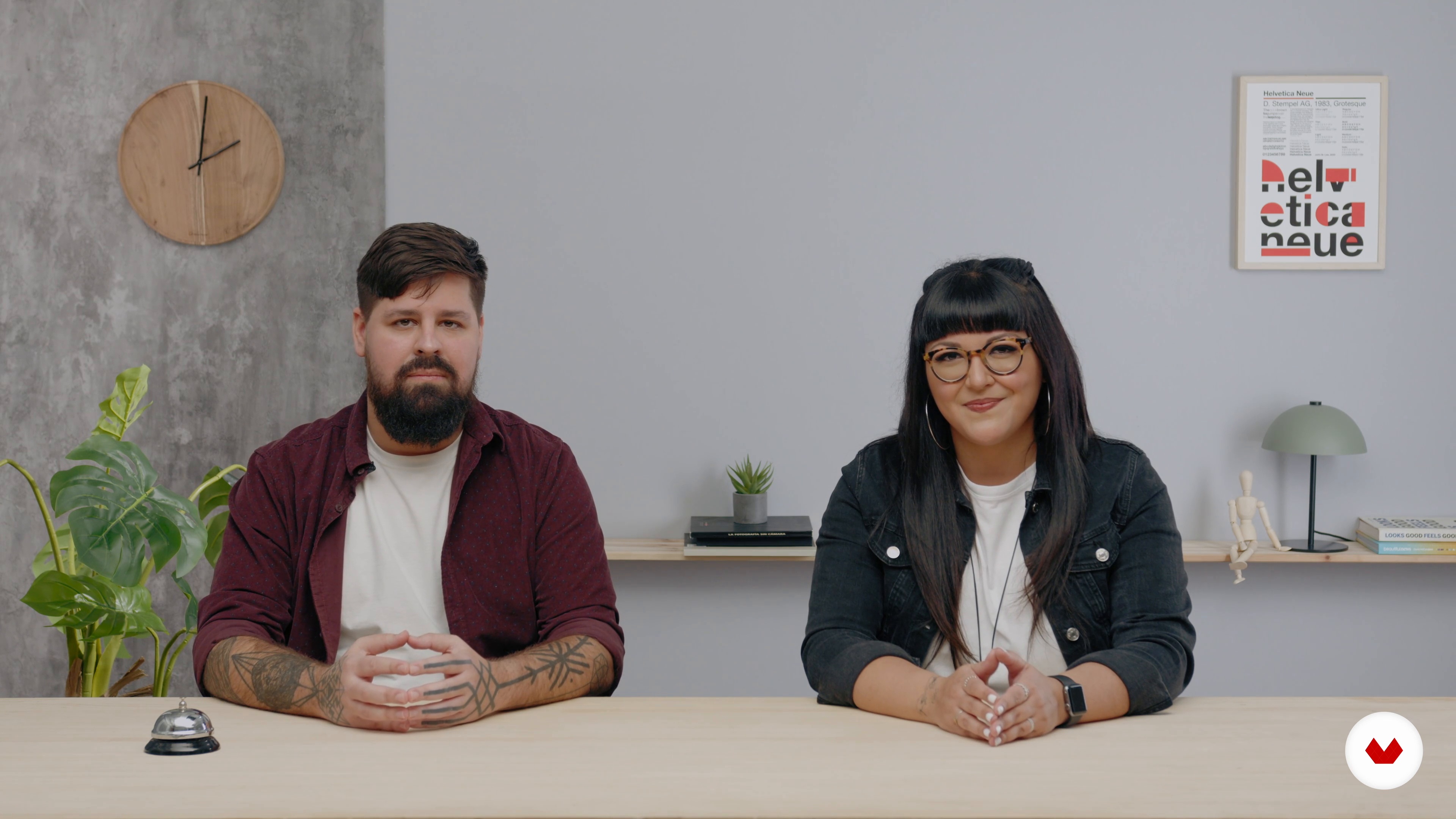
It's time to put the knowledge into practice! Here you will see our online presentation for Clic Experience. Take a good look at all virtual presentation tactics.
9m
 3
3Introduction to the science of communication
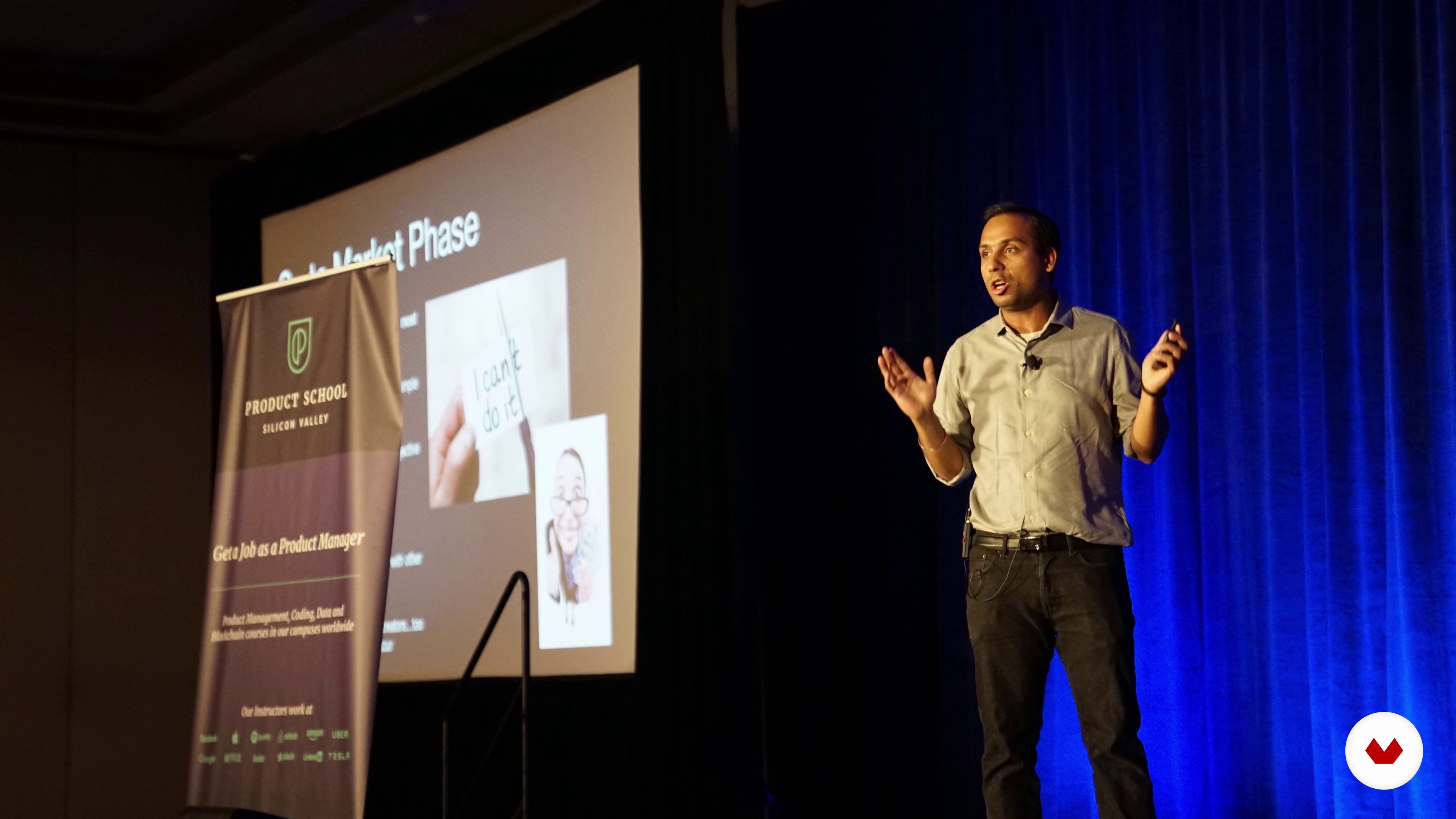
In this lesson I will explain what it means to communicate and why it is so important for our personal and professional life. Do you know why we are bad communicators?
6m
 4
4Psychology of your client
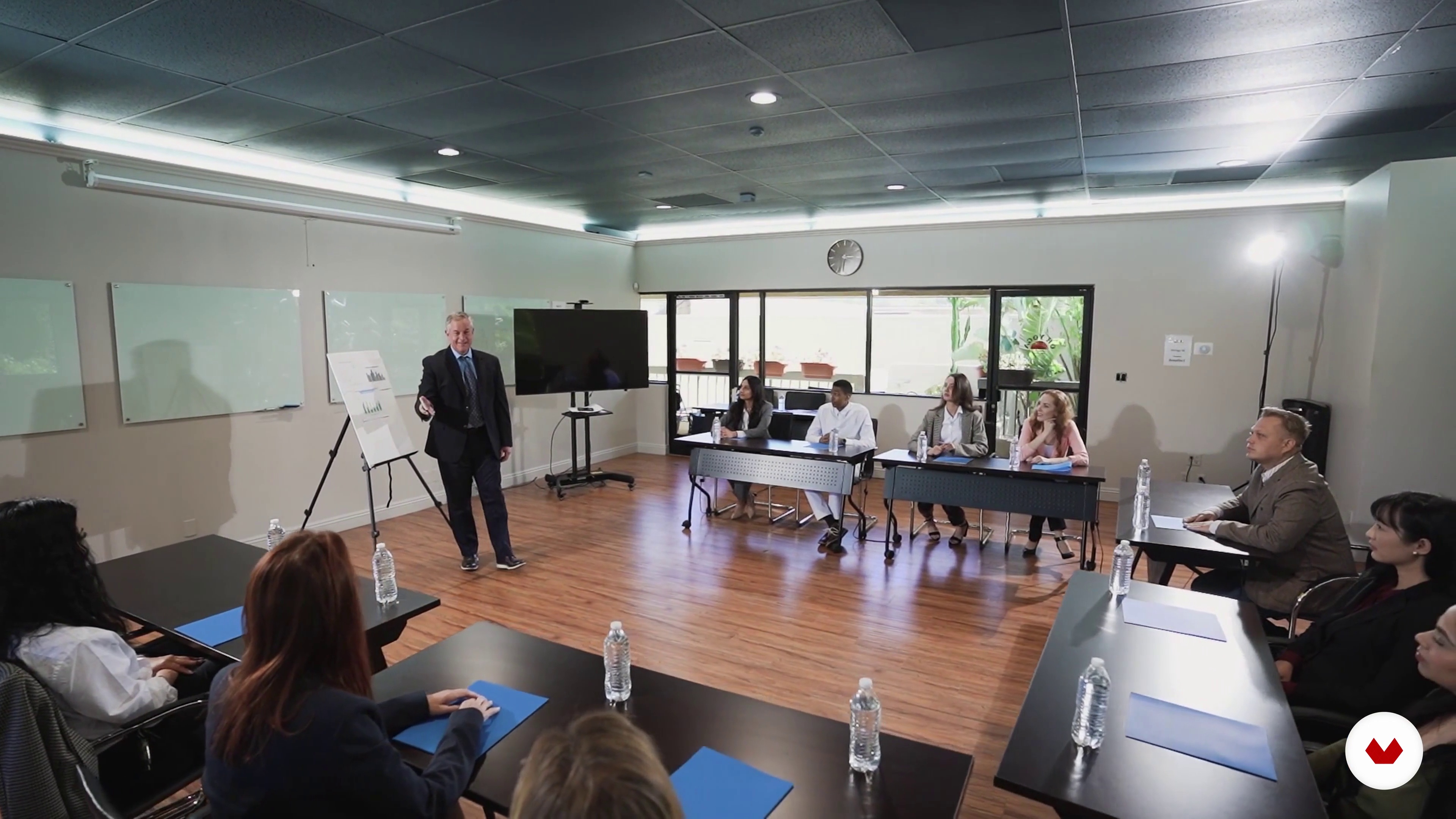
This is my favorite pick because it is so psychological. Each client and each audience is a world, and that is why we must understand how to address each one of them, otherwise they will not listen to us. We will use the DISC, a psychological tool that will help us personalize our communication according to the personality of our audience. You will see how that makes a difference in our communication.
13m
 5
5Verbal and non-verbal communication
Next, I will explain the difference between verbal communication and non-verbal communication, which are respectively the “what” and the “how” we say things during our presentation.
5m
 6
6Our project
Now I will tell you about the final project that we are going to carry out. It will be our way of putting into practice everything learned during the course.
3m
 7
7Elements that make up verbal communication
The speech is a fundamental part of our presentation. We have to prepare, know what to say, what is our key idea, etc. Let's see what work we have to do to build a speech of 10.
13m
 8
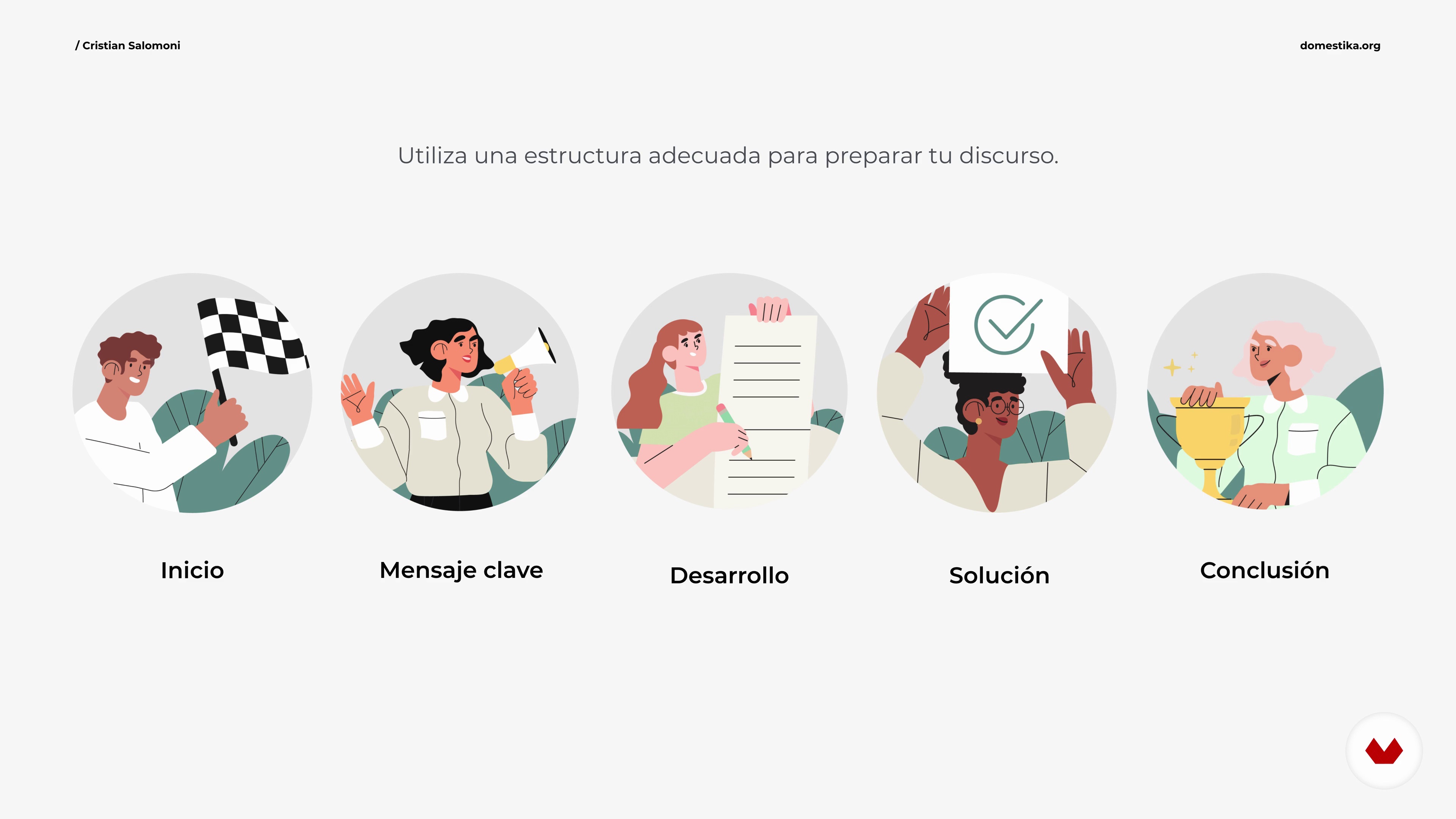
8Discourse structure
A speech is not something done at random, it is not something improvised without organization. In this lesson I will show you what structure the discourse must have so that whoever listens to us understands our project, idea or product.
9m
 9
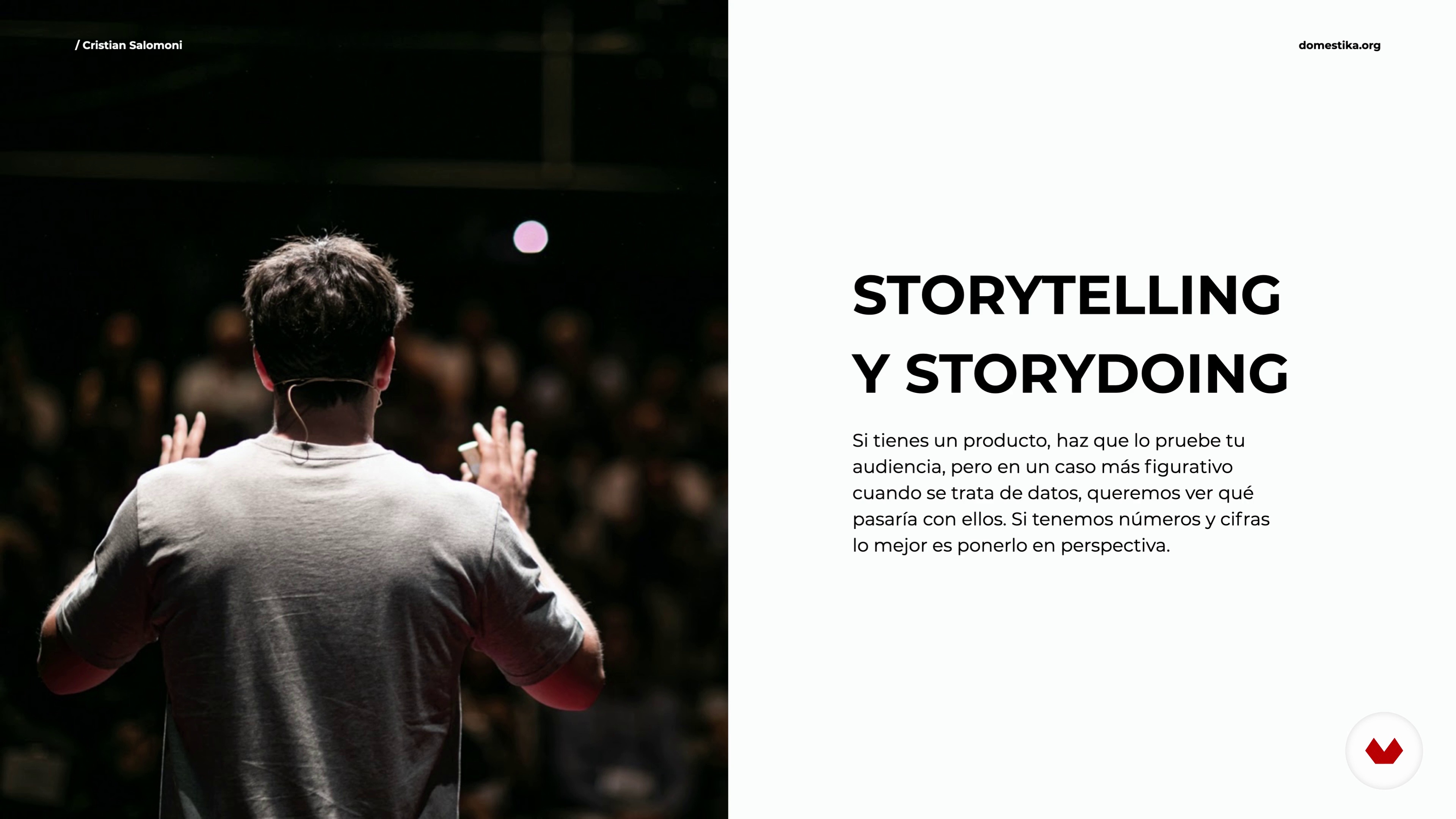
9Techniques to catch the audience
In a world full of distractions like the current one it can be difficult to seduce our audience, so we must know some technique to catch their attention. Because, in addition, if you are selling a product, without attention there are no sales.
14m
 10
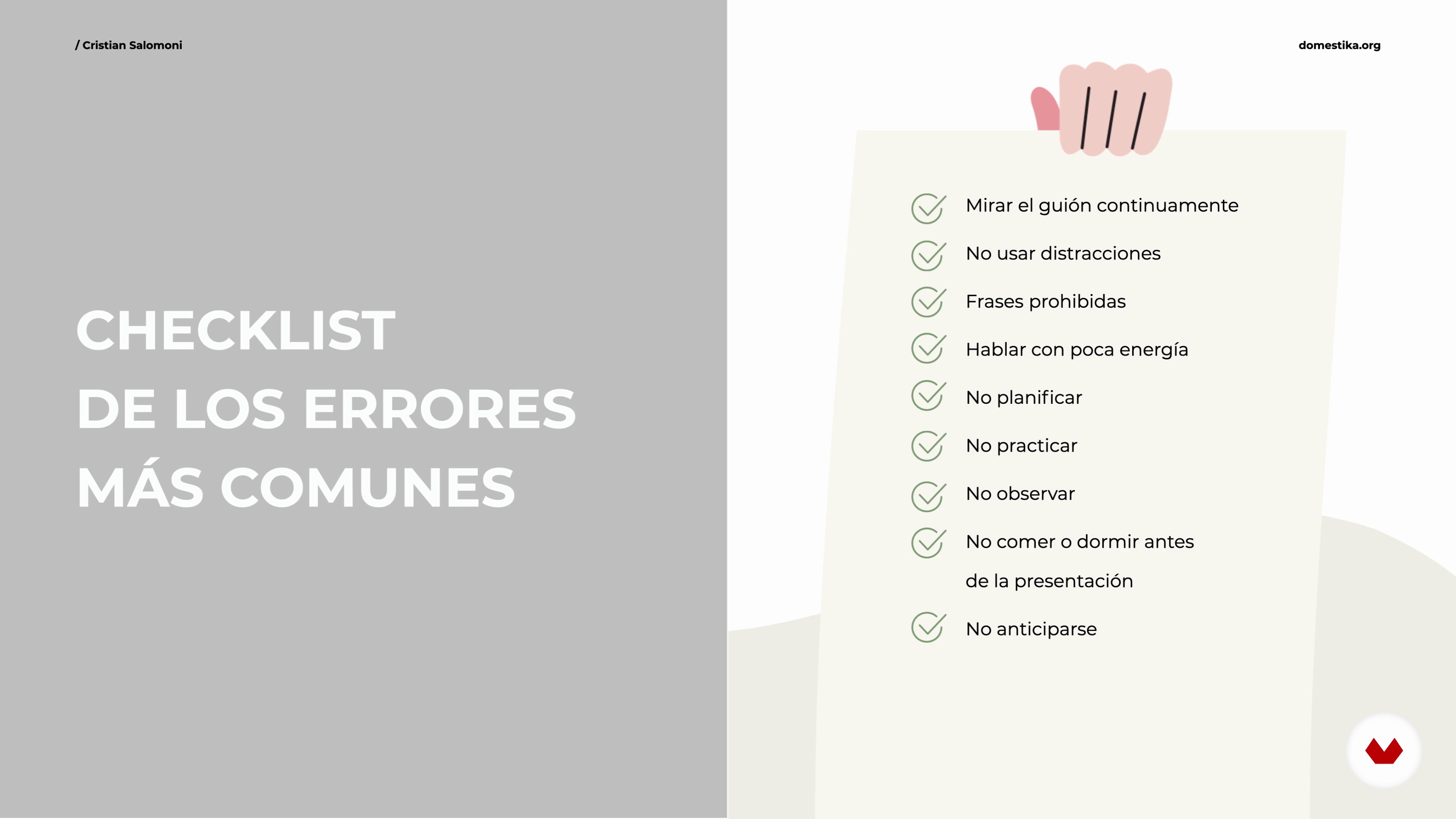
10Top errors and how to fix them
Whether you have experience presenting or your first time, it is normal to make mistakes. Nothing happens, the important thing is to know how to solve them. In this lesson I will explain how.
9m
 11
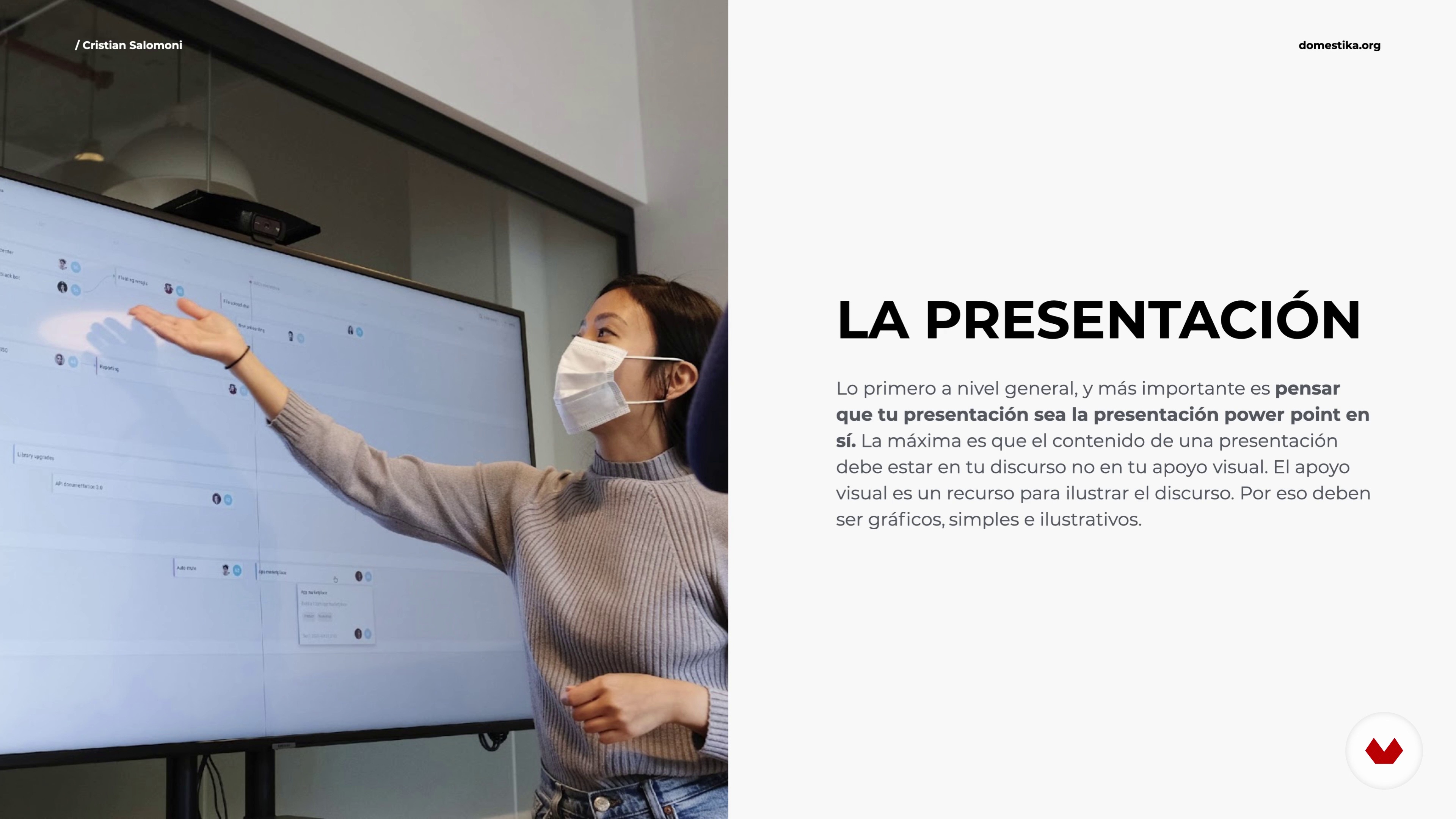
11Support elements in the presentation
It is important to have visual support, but not everything goes. In this lesson we will see what characteristics our presentations must have in order to be efficient and effective when communicating what we really want to convey.
5m
 12
12Facial expression, gestures, posture, and appearance
In this lesson we will see the first four variables of non-verbal communication that we must take care of during our presentation: facial expression, what we do with our face, gestures, postures and appearance, that is, our personal image. Let's see how to use them.
20m
 13
13Haptic and proxemic
We continue to practice with our non-verbal communication. Now we will see haptics, which is the use of touch, and proxemics, the importance of distances and spaces.
9m
 14
14Paralanguage
Your voice reflects your mood and physical state. The intonation, the volume, the silences, the accent, the timbre or the inflection of the voice are characteristics that you have to handle properly when making a presentation in public if you want to connect with them.
5m
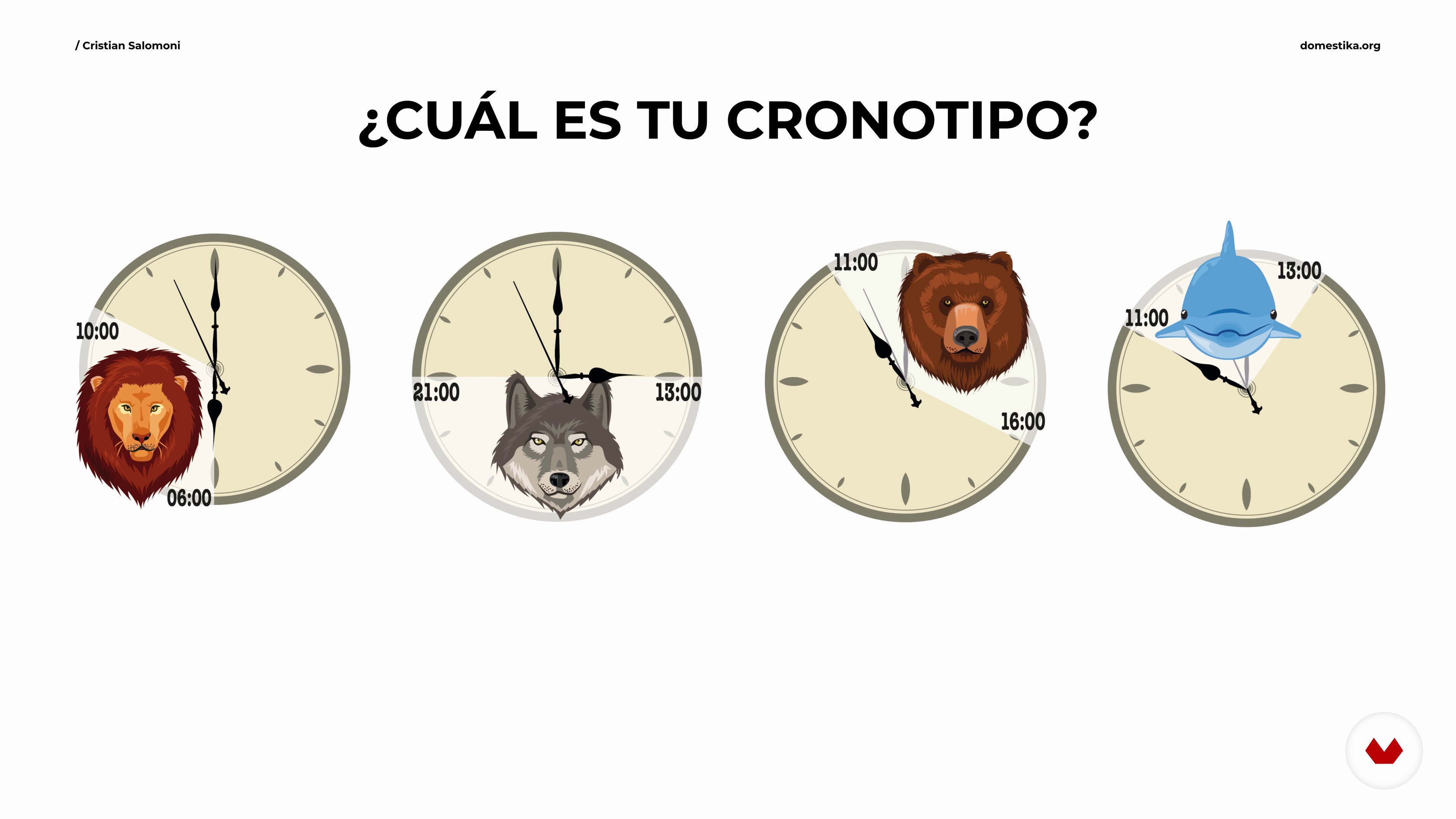 15
15Chronic: the use of time
Time also communicates. Knowing at what time of the day our body is most awake to perform according to what activity is very important to be prepared to face and organize our daily tasks, and, among them, our presentations.
3m
 16
16Final presentation and feedback
We are going to see my final project to serve as an inspiration for yours. There is only one way to learn, by practicing!
6m
 17
17Review and tips for the future
In this lesson we will see everything we have learned. You already have all the tools to communicate and you know how to prepare an important speech and how to convey it. You will be able to dominate the situation when faced with presentations, speeches, meetings and interviews. Before finishing, I'm going to also give you some tips for the future.
2m
What is this course's project?
Students will create a visually impactful presentation by applying storytelling techniques, designing cohesive templates, mastering PowerPoint tools for animations and multimedia, incorporating creative communication elements, and delivering a live presentation that combines all learned skills into a professional showcase.
Who is this specialization for?
Aspiring professionals eager to master effective presentation techniques, from crafting compelling narratives to executing visually stunning slides, will benefit. Ideal for individuals aiming to enhance their communication skills and deliver impactful presentations in corporate, educational, or creative contexts.
Requirements and materials
No extensive prior knowledge is needed. A basic grasp of presentation software like PowerPoint is helpful. Bring a computer, internet access, and creativity. Materials include a camera or smartphone for communication exercises and tools for designing visually appealing slides.
Reviews
- 1 month ago
Great content, super teachers!
- 9 months ago
très pédagogique.
Select to get to know your teachers in this specialization course


What to expect from this specialization course
Learn at your own pace
Enjoy learning from home without a set schedule and with an easy-to-follow method. You set your own pace.
Learn from the best professionals
Learn valuable methods and techniques explained by top experts in the creative sector.
Meet expert teachers
Each expert teaches what they do best, with clear guidelines, true passion, and professional insight in every lesson.
Certificates
PLUSIf you're a Plus member, get a custom certificate for every specialization course. Share it on your portfolio, social media, or wherever you like.
Get front-row seats
Videos of the highest quality, so you don't miss a single detail. With unlimited access, you can watch them as many times as you need to perfect your technique.
Share knowledge and ideas
Ask questions, request feedback, or offer solutions. Share your learning experience with other students in the community who are as passionate about creativity as you are.
Connect with a global creative community
The community is home to millions of people from around the world who are curious and passionate about exploring and expressing their creativity.
Watch professionally produced courses
Domestika curates its teacher roster and produces every course in-house to ensure a high-quality online learning experience.
FAQs
Yes, this course is designed for intermediate-level designers who want to create minimalistic, Apple-style presentations with advanced design techniques in Keynote.
Basic familiarity with Keynote and presentation design is recommended. The course covers intermediate concepts and assumes you have fundamental design knowledge.
You’ll learn how to create minimalistic presentations, apply brand guidelines, build mood boards, master color theory and typography, use grid systems, and develop compelling, visually consistent slides in Keynote.
The course covers clean presentation design, conceptual image use, color harmonies, typography, grid layouts, mood boards, brandbooks, and storytelling techniques for impactful presentations.
Yes, you’ll learn to extract logos, colors, and typography from brand manuals, create mood boards, and define visual direction even when no brand guidelines exist.
Absolutely. The course covers topics like hue, color harmonies, color wheels, and creating monochromatic, complementary, and triadic color palettes for presentations.
You’ll explore strategies like using photography, walking, and drawing inspiration from nature and books to overcome creative blocks and spark new presentation ideas.