Low Poly Set Modeling for Video Games
A course by Daniel GutiérrezArt Director and 3D Modeler
A course by Daniel Gutiérrez, Art Director and 3D Modeler

Learn to create low-poly sets with Blender and Unity
A video game allows you to build worlds that give players the opportunity to live unique experiences. From the big picture down to the smallest details, it all adds up to creating different sensations. Art director and 3D modeling specialist Daniel Gutiérrez has extensive experience designing sets for independent video games, which you can enjoy on platforms such as Xbox, PlayStation 4, and Nintendo Switch.
In this online course, Daniel teaches you how to design, 3D model, and texture a low-poly set in Blender and then integrate it into Unity, a world-famous video game development platform.
If you’ve taken his first Domestika course, Low Poly Character Modeling for Video Games, you already know how to create low-poly characters. Now it's time to bring those characters to life by creating a universe for them to inhabit.
What will you learn in this online course?
15 lessons & 14 downloads

What is low poly?
4 minutes, 39 seconds
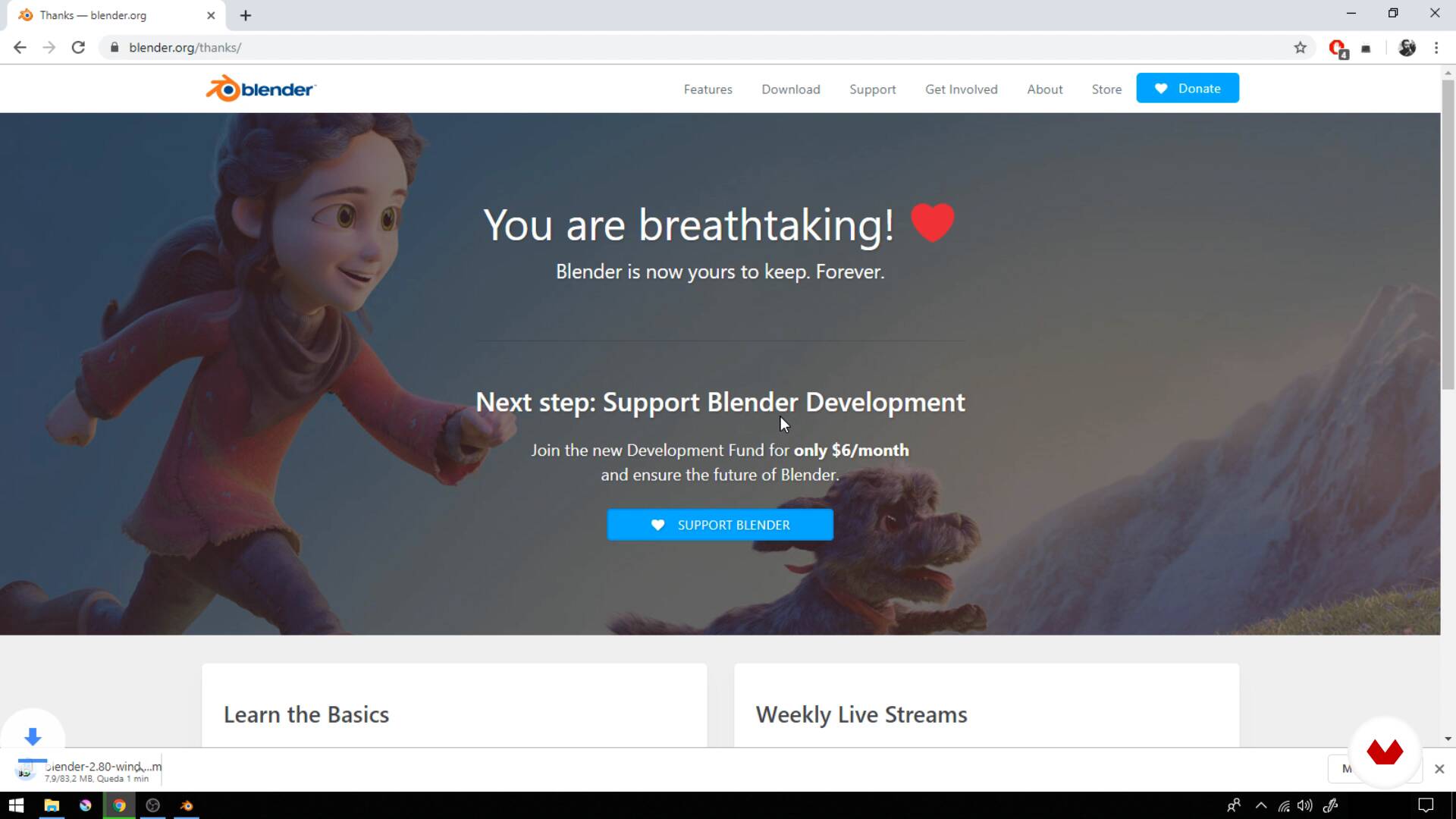
Installing and navigating in Blender
8 minutes, 11 seconds
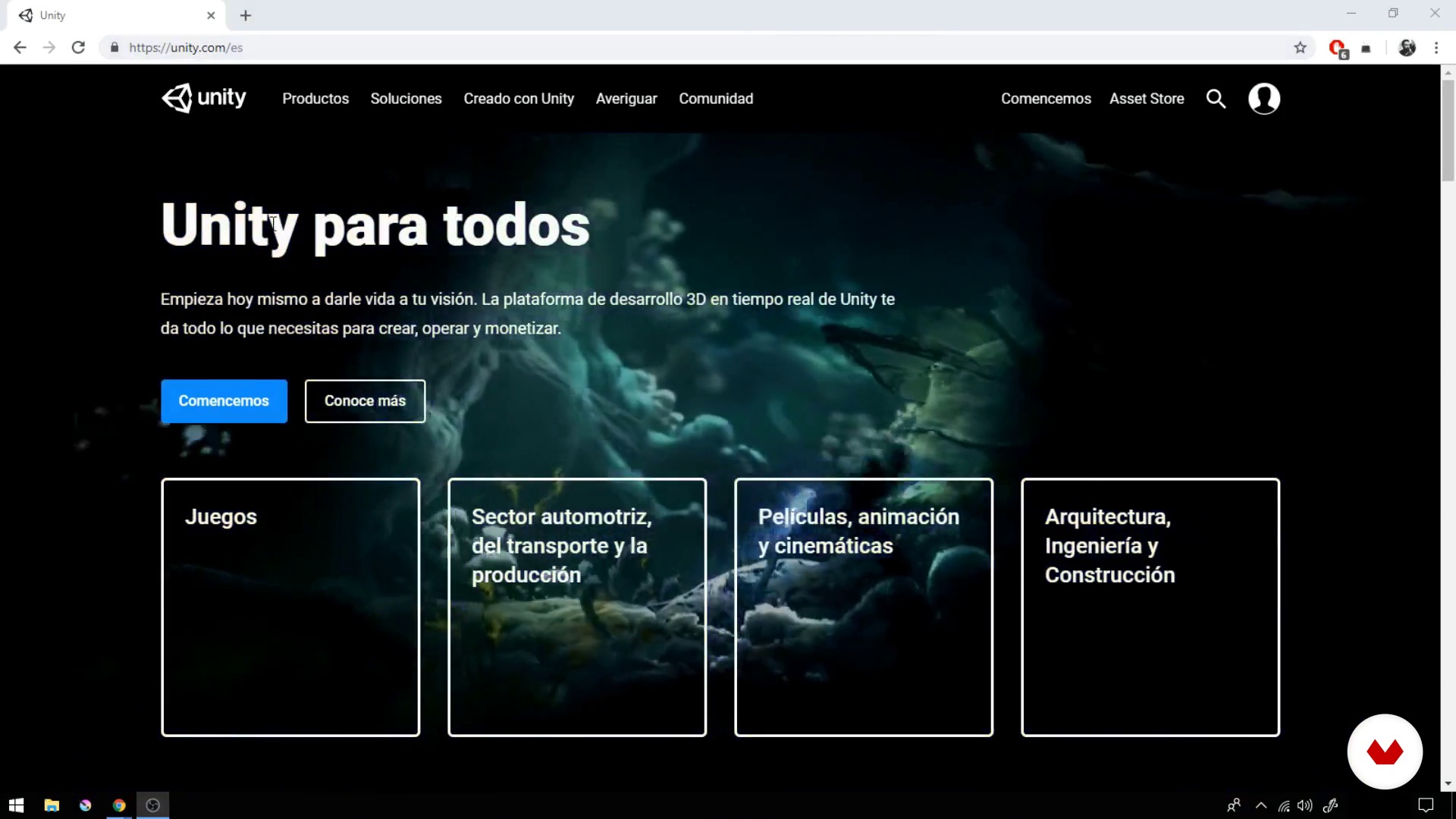
Installing and browsing Unity
6 minutes, 44 seconds
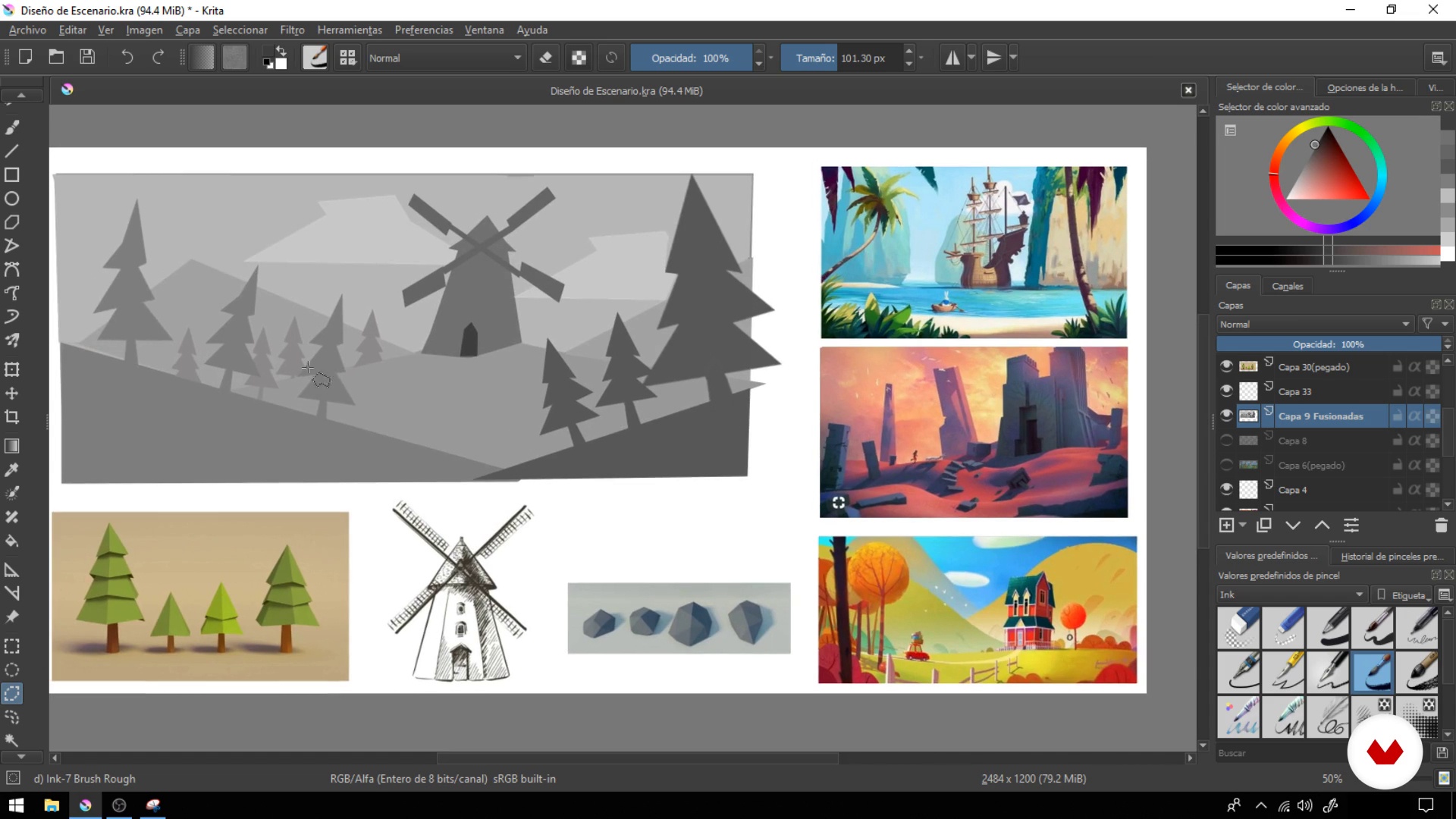
Design and templates
7 minutes, 34 seconds
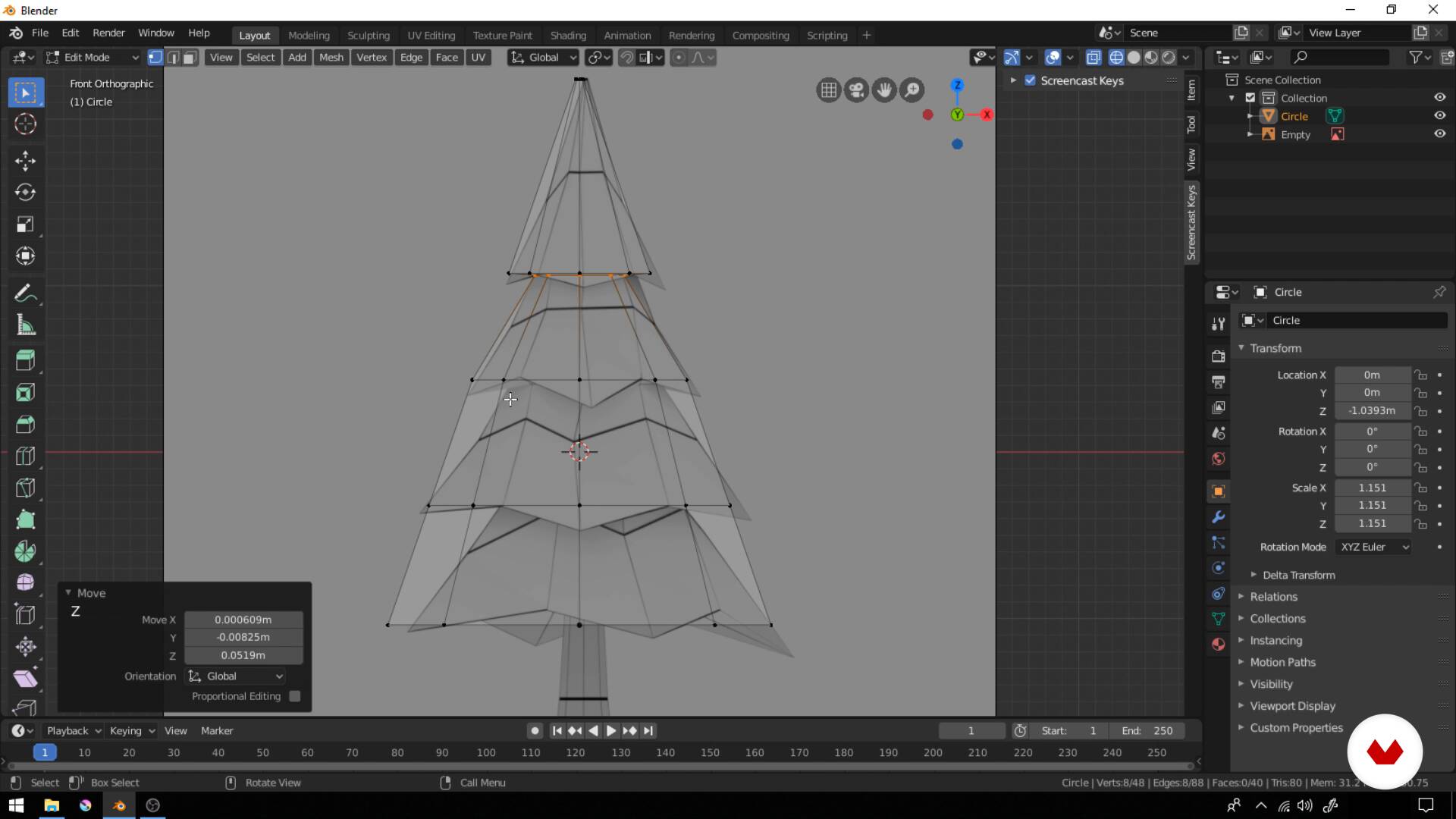
Tree modeling
7 minutes, 42 seconds
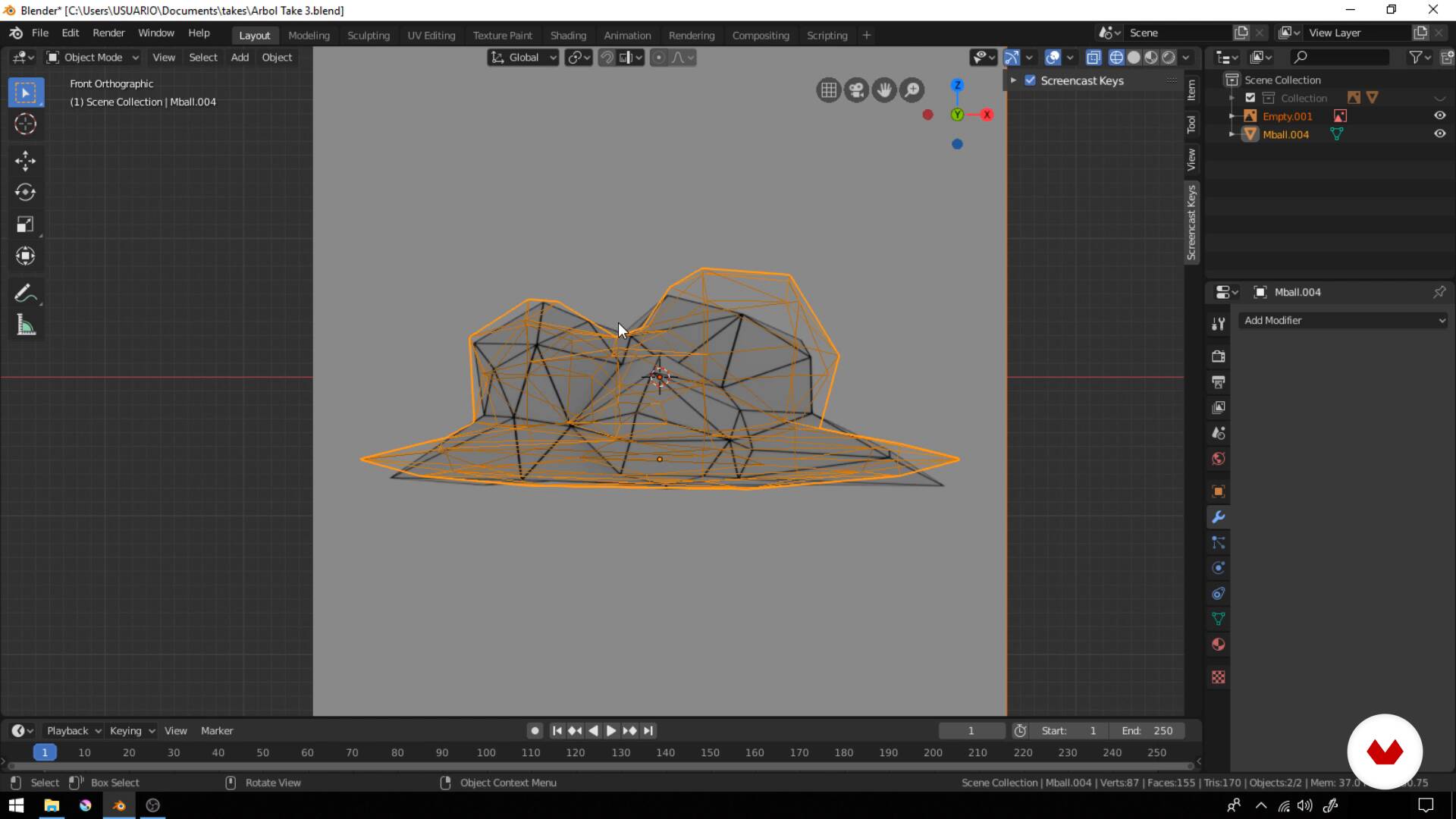
Cloud and rock modeling
8 minutes, 42 seconds
What's included in this course?
Begin by getting to know Daniel and his experience in the video game industry, as well as his main sources of inspiration and influence for his work.
After a brief introduction to the software, learn the first steps to creating a low-poly set, starting with its design. Daniel then walks you through his work process and shares some pro tips to speed up your workflow, such as the use of templates for creating and replicating models.
Continue with an explanation of the main tools, features, and shortcuts you need to model your scene's elements in Blender.
Once you've got the hang of it, start modeling your assets using basic geometric shapes and special techniques to achieve a unique low-poly style, creating trees, clouds, rocks, and a windmill.
Next, learn about the process of texturing, creating UV maps, and ambient occlusion, one of the secret ingredients to adding color to your scene.
Export your models to Unity to build your set, integrating them into a concrete space and assigning materials and textures to each. See how the camera works in this program and how to change its values to achieve the effect you want.
Finally, with Daniel's help, add a few finishing touches to complement the environment and use some extra effects to fill your low-poly scene with life.
Recommended software & tools for this course
What is this course's project?
Learn to model, texture, and compose a 3D set in a low-poly style with Blender and Unity.
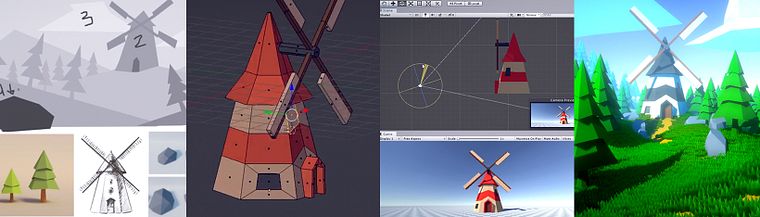
Projects by course students


Who is this online course for?
Designers, artists, programmers, independent developers, and anyone interested in getting started in 3D modeling and the world of video games. This is also a perfect follow-up course if you've already taken Low Poly Character Modeling for Video Games.
Requirements and materials
Previous knowledge of 3D modeling or Blender is not essential as Daniel explains all the tools step by step.
As far as materials go, you need a computer with Blender and Unity installed.
Reviews
- 2 months ago
Eu gostei do curso e as aulas são fáceis de entender, menos a parte da Unity. Como ela está desatualizada, me deu dor de cabeça, mas consegui me virar.
- 2 months ago
Muy bien explicado lo básico en cada uno de los programas que utiliza
- marco_isaac_gpPLUS7 months ago
Me encanta, muy buen curso. La explicación super clara y entendible. Lo recomiendo ampliamente a quien desee aprender a diseñar escenarios y personajes.
- 8 months ago
Guys the AI translated audio is very jarring to hear and makes it very hard to follow allong and concentrate. It's the same for all other spanish based courses I bought and I really regret it. You should not advertise that the courses have audio in other language if the quality is this bad. You should at least quality check your products but should really hire real voice translators.
- 10 months ago
Muy bueno, me ayudo a agilizar mi proyecto.

Content
- U1
Introduction
- Presentation
- Influences
- U2
Basic fundamentals
- What is low poly?
- Installing and navigating in Blender
- Installing and browsing Unity
- Design and templates
- U3
Modeling, materials and textures
- Tree modeling
- Cloud and rock modeling
- Modeling a windmill
- UV maps
- Mill textures
- U4
Arming stage and post-effects
- Exporting for Unity
- Build your stage
- Camera
- Final details and effects
- FP
Final project
- Create your low poly scenario for a video game
What to expect from a Domestika course
Learn at your own pace
Enjoy learning from home without a set schedule and with an easy-to-follow method. You set your own pace.
Learn from the best professionals
Learn valuable methods and techniques explained by top experts in the creative sector.
Meet expert teachers
Each expert teaches what they do best, with clear guidelines, true passion, and professional insight in every lesson.
Certificates
PLUSIf you're a Plus member, get a custom certificate signed by your teacher for every course. Share it on your portfolio, social media, or wherever you like.
Get front-row seats
Videos of the highest quality, so you don't miss a single detail. With unlimited access, you can watch them as many times as you need to perfect your technique.
Share knowledge and ideas
Ask questions, request feedback, or offer solutions. Share your learning experience with other students in the community who are as passionate about creativity as you are.
Connect with a global creative community
The community is home to millions of people from around the world who are curious and passionate about exploring and expressing their creativity.
Watch professionally produced courses
Domestika curates its teacher roster and produces every course in-house to ensure a high-quality online learning experience.
FAQs
Low poly modeling means creating 3D models with a limited number of polygons, which helps optimize game performance while achieving a stylish, minimalist look.
No prior experience is required, but basic 3D modeling knowledge or an interest in learning Blender and Unity is recommended, as this is an intermediate-level course.
You’ll learn how to create low poly models in Blender, texture them, export and assemble interactive scenes in Unity, plus apply visual effects and optimize assets for games.
You’ll need Blender installed for 3D modeling and texturing, and Unity (via Unity Hub) for scene integration and composition.
The course teaches you how to export low poly models as FBX files from Blender and import them properly into Unity for scene use.
Yes, you’ll learn how to create UV maps in Blender and apply optimized textures to low poly models, adding visual variety without overloading resources.
Yes, the course covers techniques for building narrative scenes, using real-world references, and applying color, lighting, and composition principles to craft expressive environments.