3D Hair Creation with Maya XGen
A course by Juan Paulo MardónezDesigner
A course by Juan Paulo Mardónez, Designer

Learn an effective and simple method to create a 3D character's fur
Recreating a digital imitation of a real 3D phenomenon is a very difficult technical and creative challenge, such as simulating the water, movement or hair of a character. In this course you will focus on hair and learn to approach its creation in an understandable and easy to apply way, by Juan Paulo Mardónez - 3D designer and founder of Leyenda Producciones - who has been involved in animated commercials for more than 25 years. visual effects with renowned advertising agencies such as BBDO, among others.
In this course Juan Paulo will teach you his techniques to create the hair of a 3D character. You will learn their working method and how to use Maya (2018 or higher) to create iterations of fur in a work process where the error is welcome: Juan will tell you how to solve it.
What will you learn in this online course?
22 lessons & 17 downloads

What will we do in this course?
2 minutes, 54 seconds
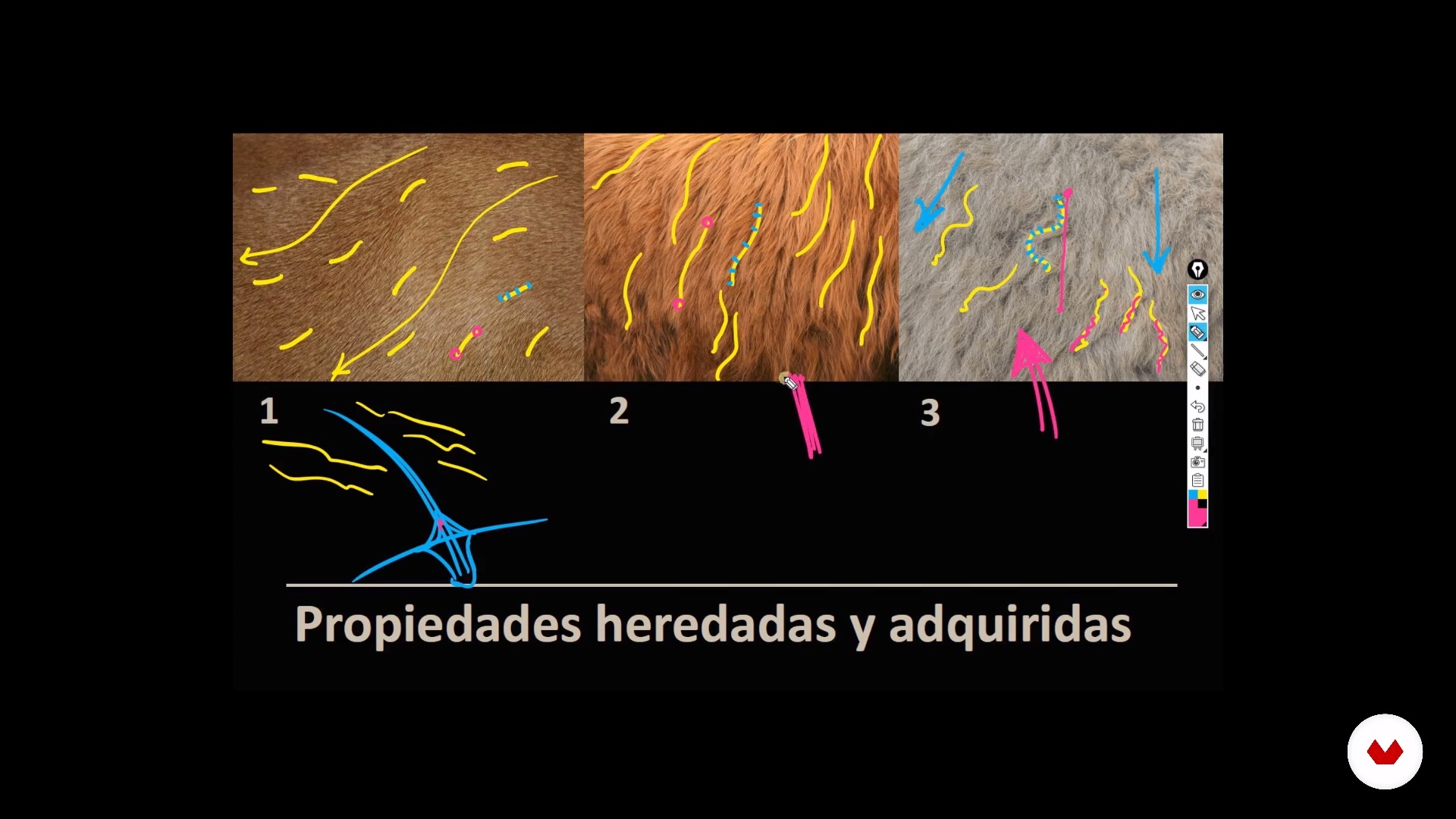
Basic concepts
13 minutes, 23 seconds
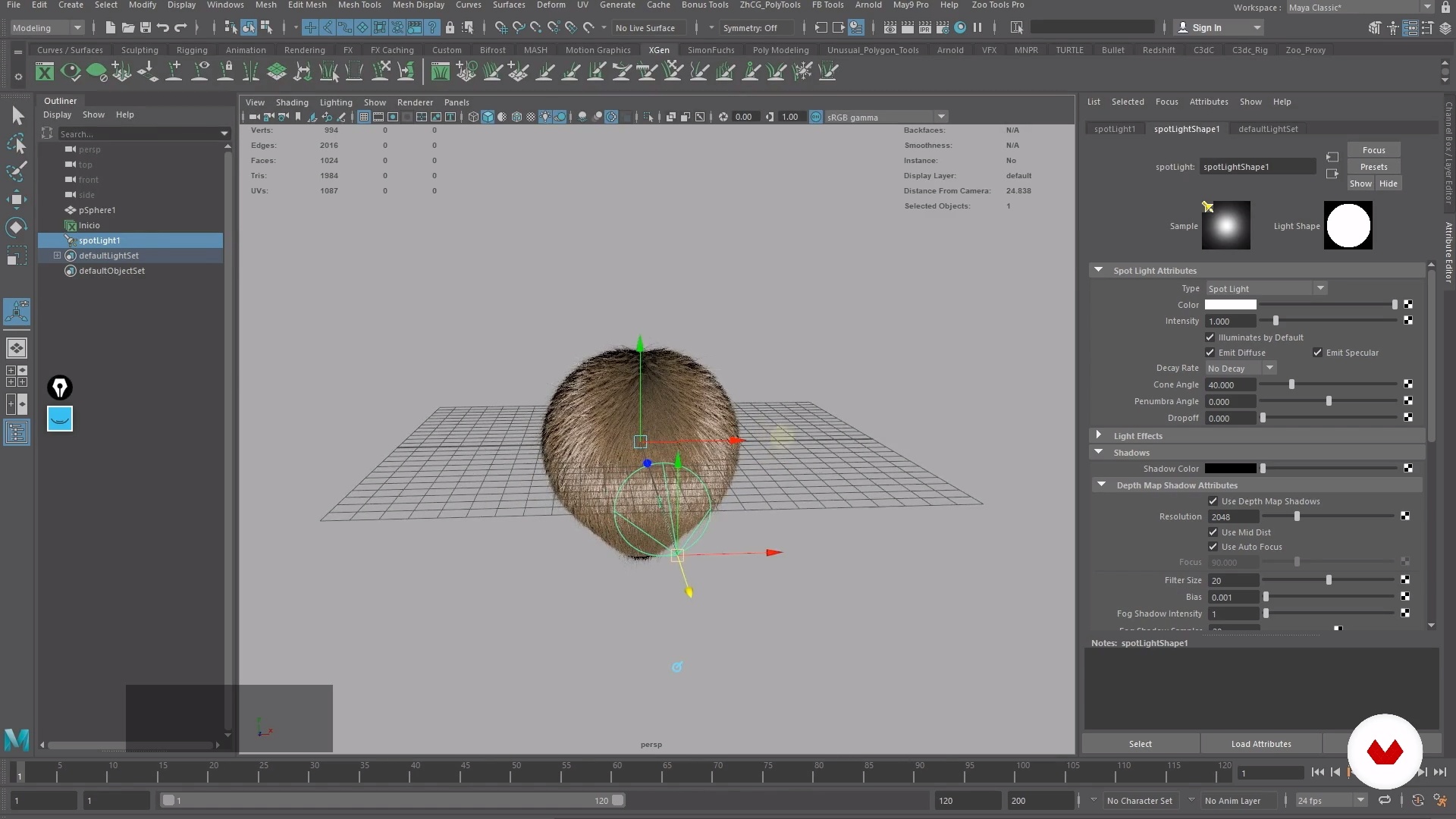
Viewport Preparation
9 minutes, 10 seconds
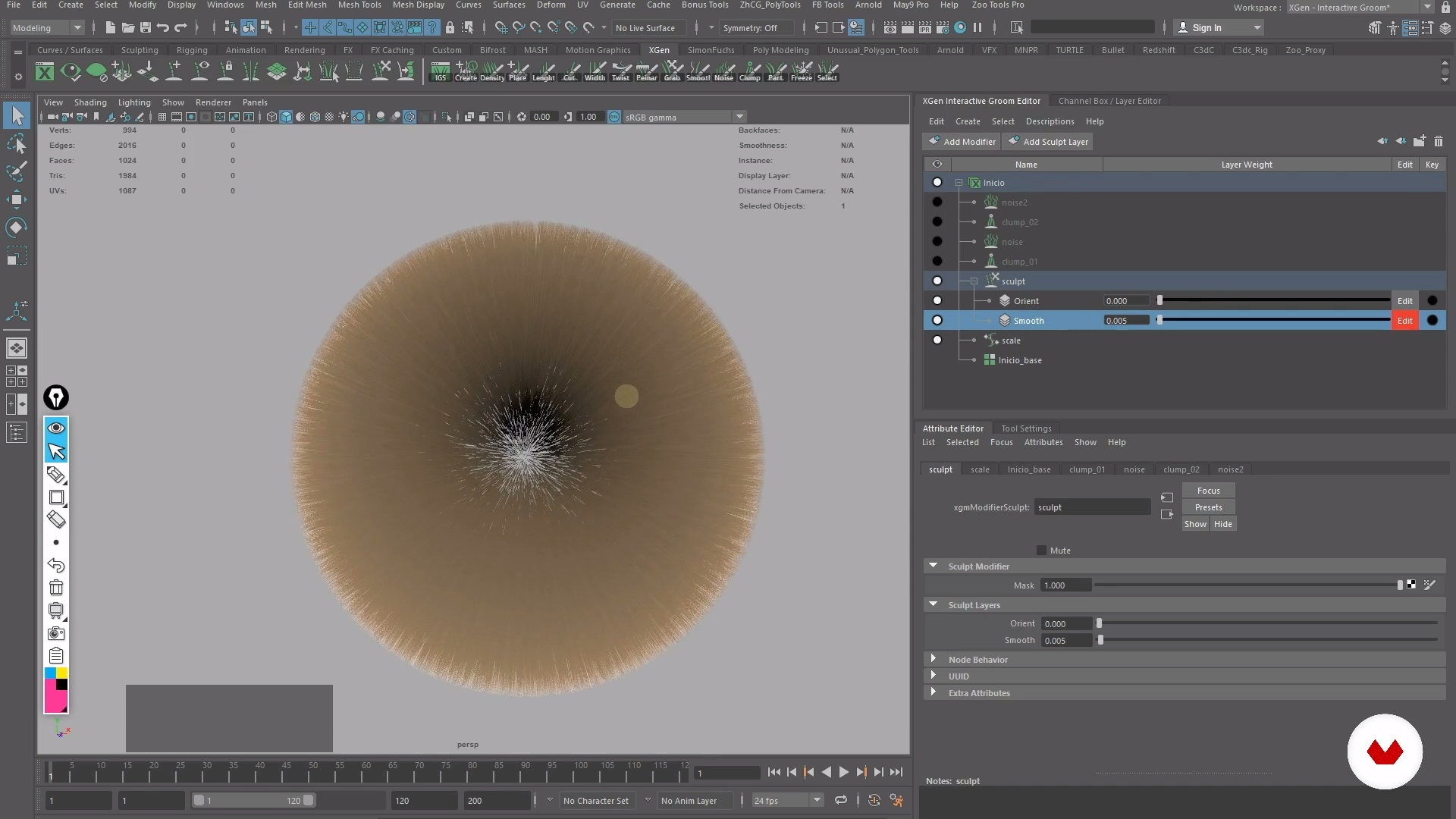
Introduction and optimization of the Xgen Interface
9 minutes, 23 seconds
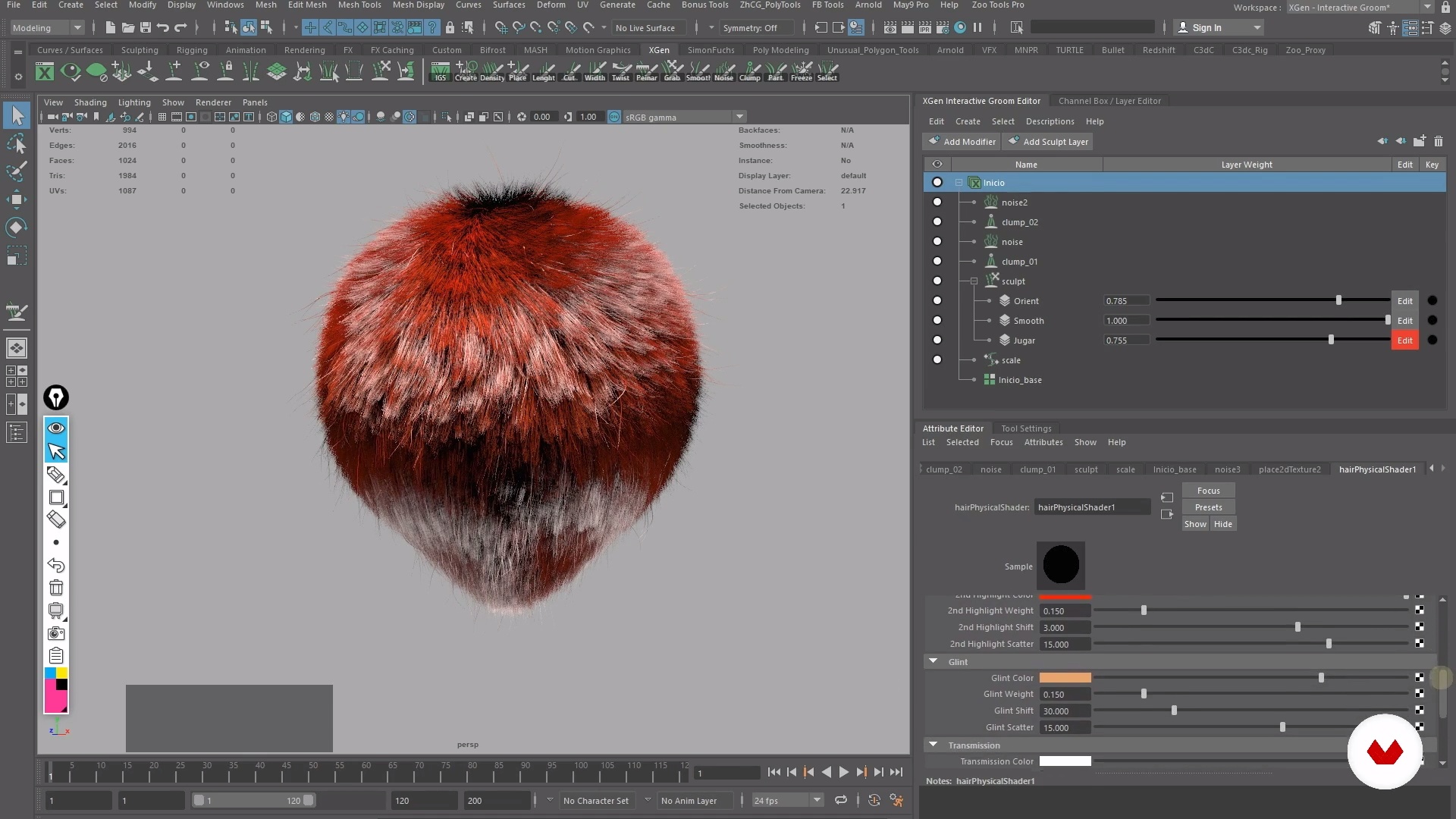
Interactive Xgen Tools
7 minutes, 57 seconds
The importance of prototyping
17 minutes, 11 seconds
What's included in this course?
You will begin by knowing Juan Paulo, his professional training and how he entered the world of 3D. Then, he will tell you his main influences from different creative areas, such as conceptual design, science fiction or photography, among many others.
You will learn the basics and key components of any character's fur. You will analyze some reference photos with Juan Paulo to replicate the effect using 3D tools.
You will prepare the technical conditions to optimize the creative work in Maya (2018) and you will understand how to sculpt the hair to achieve the result you want. Next, you will optimize the software interface to start your work in XGen Interactive and learn about the main tools involved in XGen.
You will analyze with Juan Paulo some references to understand how the different scenes were assembled and the importance of following each step to have everything under control.
You will create your first hair description from scratch, configuring the initial parameters and then follow the process step by step by changing the hairstyle of the prototype to your liking. Then, you will raise the difficulty level a bit and apply modifiers working with multiple layers and tools.
Juan Paulo will give you a character that you can modify at ease (or create a completely new one) and you will review the UV's to see how to simplify your creation process through them.
You will create the hair description step by step, with total control over your goals and without fear of being wrong. Then you will apply several modifiers, learn to polish details and create several versions of your fur.
Then you will go to the lighting phase and render . You will learn to illuminate your character with HDR and Area lights and generate several renders of presentation from different angles.
Finally, you will import the images into Adobe Photoshop to make a color correction, add a background to enhance the character and set everything to send.
Recommended software & tools for this course
What is this course's project?
You will create different types of hair for a 3D character, sculpt multiple fur attributes, illuminate the scene and make renders of presentation.

Projects by course students


Who is this online course for?
To illustrators, designers, modelers and creators of characters for any type of 3D production.
Requirements and materials
You will need basic knowledge of 3D modeling and 3D Maya management. What materials do you need? A computer with the software 3D Maya (2018 or higher) and Adobe Photoshop.

Reviews
- 3 months ago
Esta muy bueno se aprenden bases muy buenas y herramientas que nadie las explica en youtube
- 1 year ago
Es bueno esplicando pero no explica desde cero el primer ejercicio lo que lo hace confuso y hay que buscar tutoriales de como hacerlo fuera de la plataforma.
- 2 years ago
Me surpreendi positivamente por encontrar bastante conteúdo e explicação de fundamentos para uma aula de 4h 28m
- 2 years ago
Muy bueno.
- 2 years ago
Está bueno, solo que desactualizado, es Maya como del 2015, la interface cambia mucho.

Content
- U1
Introduction
- Presentation
- Influences
- What will we do in this course?
- U2
Introduction to Interactive Xgen
- Basic concepts
- Viewport Preparation
- Introduction and optimization of the Xgen Interface
- Interactive Xgen Tools
- The importance of prototyping
- Applying modifiers the prototyping
- Prototyping in depth
- Final considerations in prototyping
- U3
Project in Interactive Xgen
- References and character design
- Geometry review and improvement possibilities
- Creation of coat and orientation descriptions
- Sculpting the length and shape
- Adding Modifiers
- Final touches (part 1)
- Final touches (part 2)
- U4
Lighting and presentation
- Illumination and render of the character (part 1)
- Illumination and render of the character (part 2)
- Illumination and render of the character (part 3)
- Postproduction in Photoshop
- FP
Final project
- 3D Hair Creation with Maya XGen
What to expect from a Domestika course
Learn at your own pace
Enjoy learning from home without a set schedule and with an easy-to-follow method. You set your own pace.
Learn from the best professionals
Learn valuable methods and techniques explained by top experts in the creative sector.
Meet expert teachers
Each expert teaches what they do best, with clear guidelines, true passion, and professional insight in every lesson.
Certificates
PLUSIf you're a Plus member, get a custom certificate signed by your teacher for every course. Share it on your portfolio, social media, or wherever you like.
Get front-row seats
Videos of the highest quality, so you don't miss a single detail. With unlimited access, you can watch them as many times as you need to perfect your technique.
Share knowledge and ideas
Ask questions, request feedback, or offer solutions. Share your learning experience with other students in the community who are as passionate about creativity as you are.
Connect with a global creative community
The community is home to millions of people from around the world who are curious and passionate about exploring and expressing their creativity.
Watch professionally produced courses
Domestika curates its teacher roster and produces every course in-house to ensure a high-quality online learning experience.
FAQs
XGen is a Maya tool that lets you generate, style, and modify digital hair and 3D fur realistically. It’s mainly used in animation, film, and video games to simulate hair, fur, and other complex fibers.
The course is intermediate level; basic knowledge of 3D modeling and Maya is recommended to get the most out of the content and techniques taught.
You’ll need access to Maya (preferably with XGen and Arnold), basic modeling and UV skills, and a computer capable of handling 3D graphics. Photoshop is recommended for the post-production phase.
You’ll learn how to analyze references, create and optimize fur and digital hair in Maya with XGen, adjust materials, light scenes, render with Arnold, and refine images in Photoshop—covering the full professional workflow.
Yes, the course covers professional lighting techniques in Maya, including using lights, shader setup, and advanced rendering with Arnold to achieve realistic digital hair results.
Methods for customizing the workspace, managing icons and shelves, and setting up key tools are explained to help you quickly and efficiently access essential XGen functions.
Yes, you’ll learn retouching, color adjustment, edge correction, and compositing techniques in Photoshop to perfect character renders with fur.