Creation of animated infographics
A course by Javier Miranda NietoAnimator
A course by Javier Miranda Nieto, Animator

Learn how to breathe life and style into your infographics projects with art, design, composition, and movement
Combining animation and movement can turn a static, hard-to-digest piece of information into something enjoyable and dazzling. Javier Miranda has been creating animations—many of them infographics—for clients such as Spotify, Fernet Branca, Facebook, and more for over ten years.
In this course, Javier teaches you a simple process to animate an infographic from scratch. Create a complete project, from finding references and making sketches to the design and animation of the final piece, which will be full of life and meaning in each of its movements.
What will you learn in this online course?
18 lessons & 8 downloads
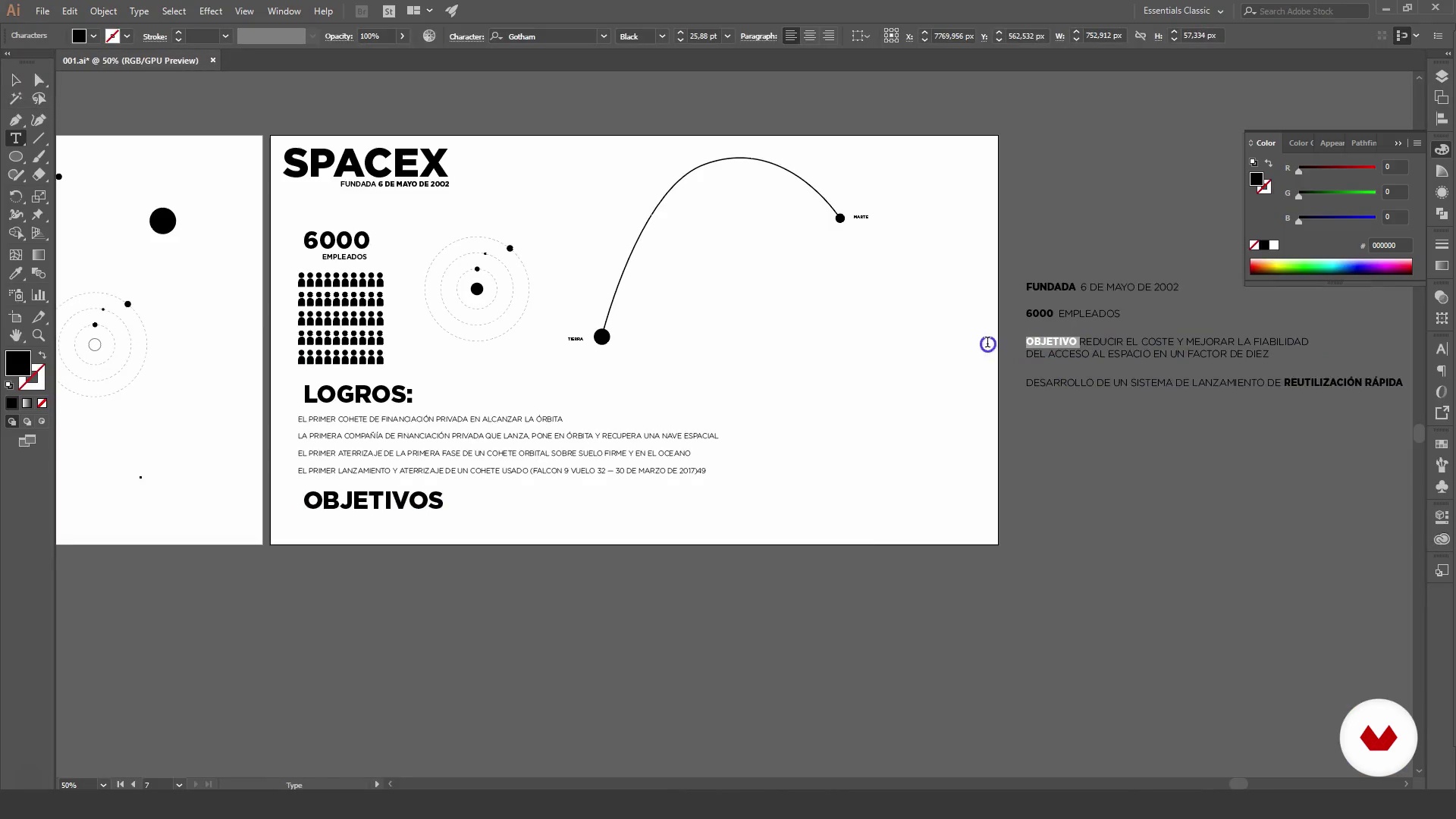
What will we do in the course?
42 seconds
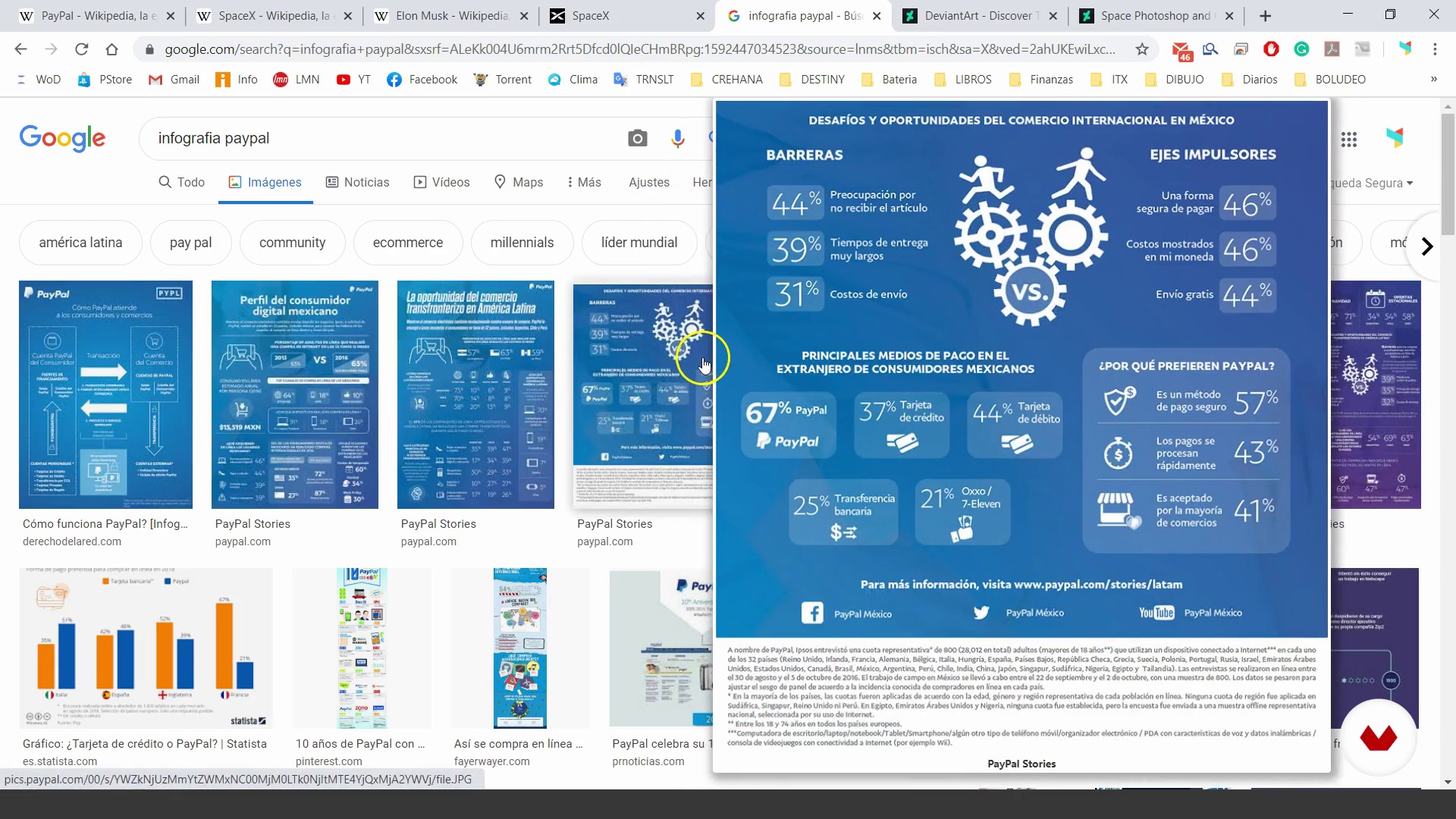
Gathering information
3 minutes, 28 seconds
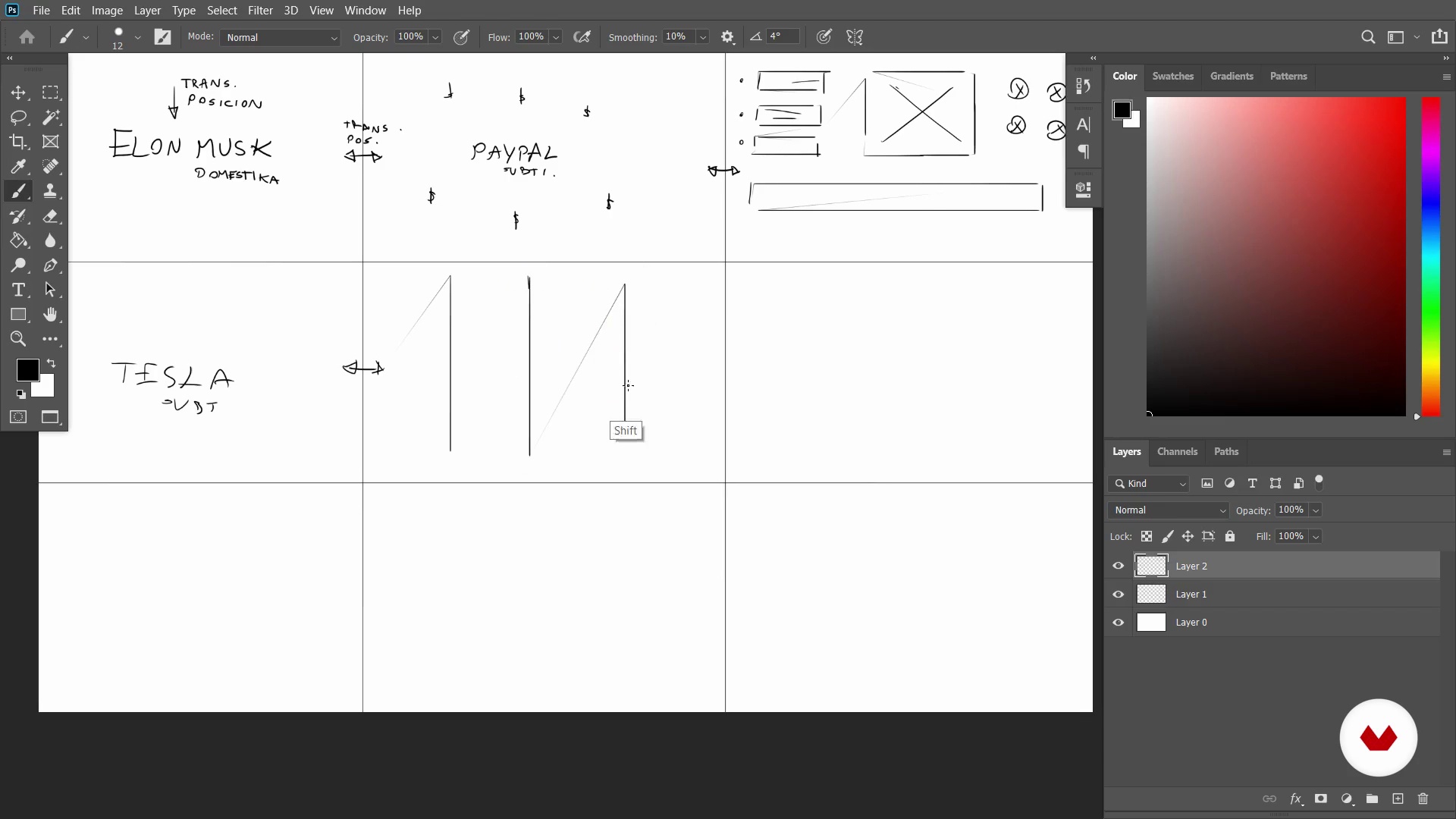
Storyboard
4 minutes, 43 seconds
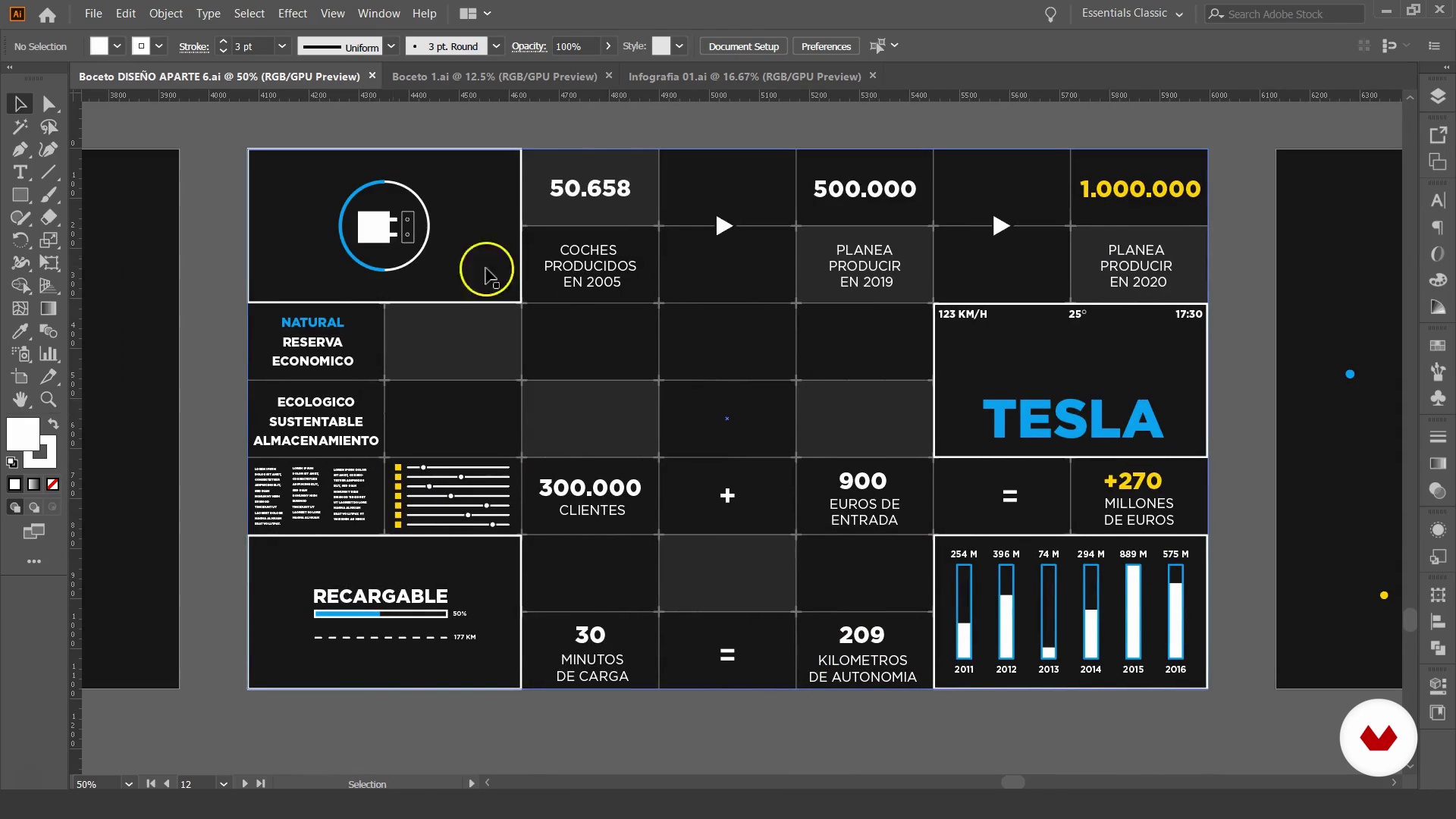
Sketches
12 minutes, 4 seconds
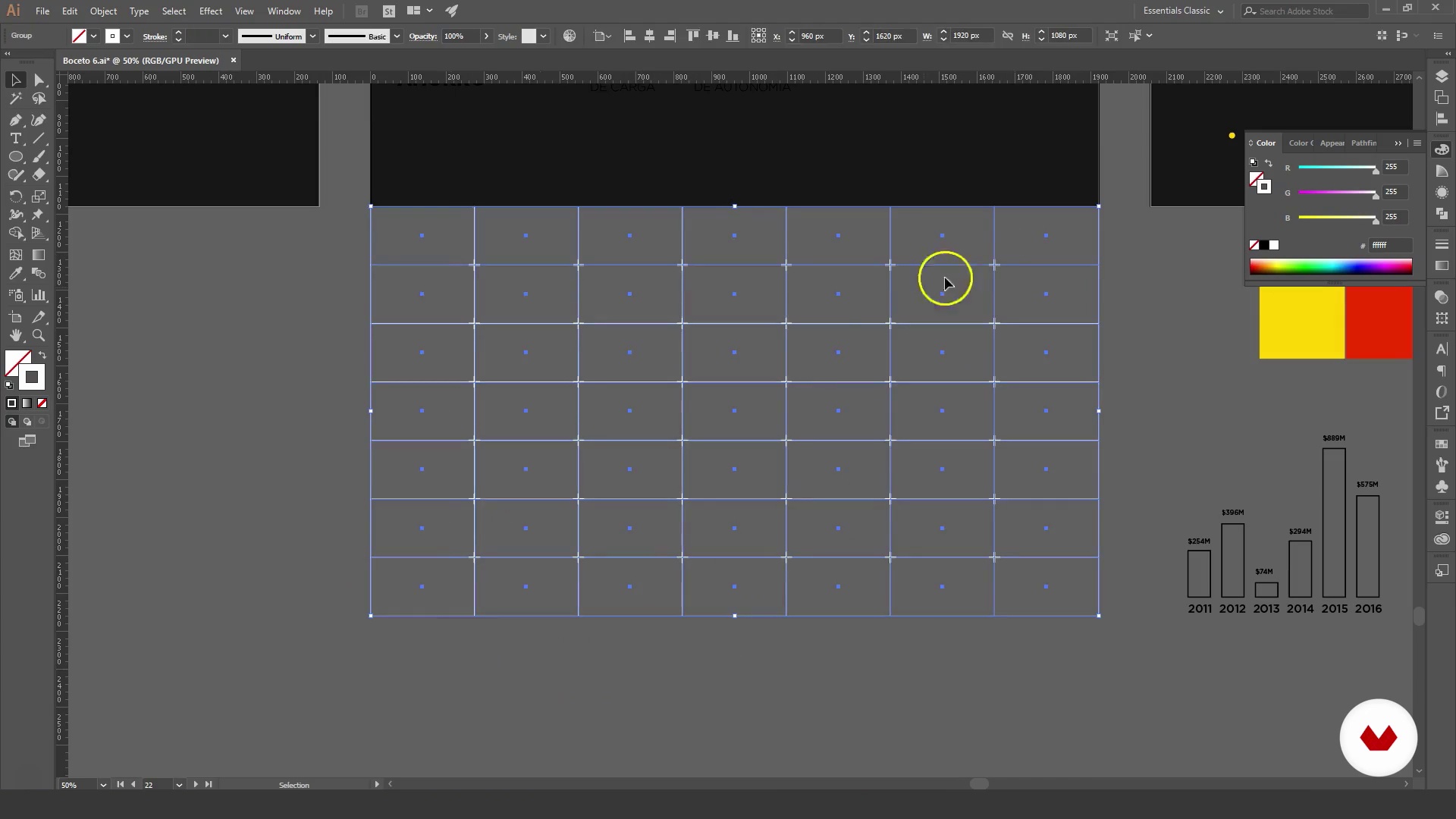
Plate design
7 minutes, 30 seconds
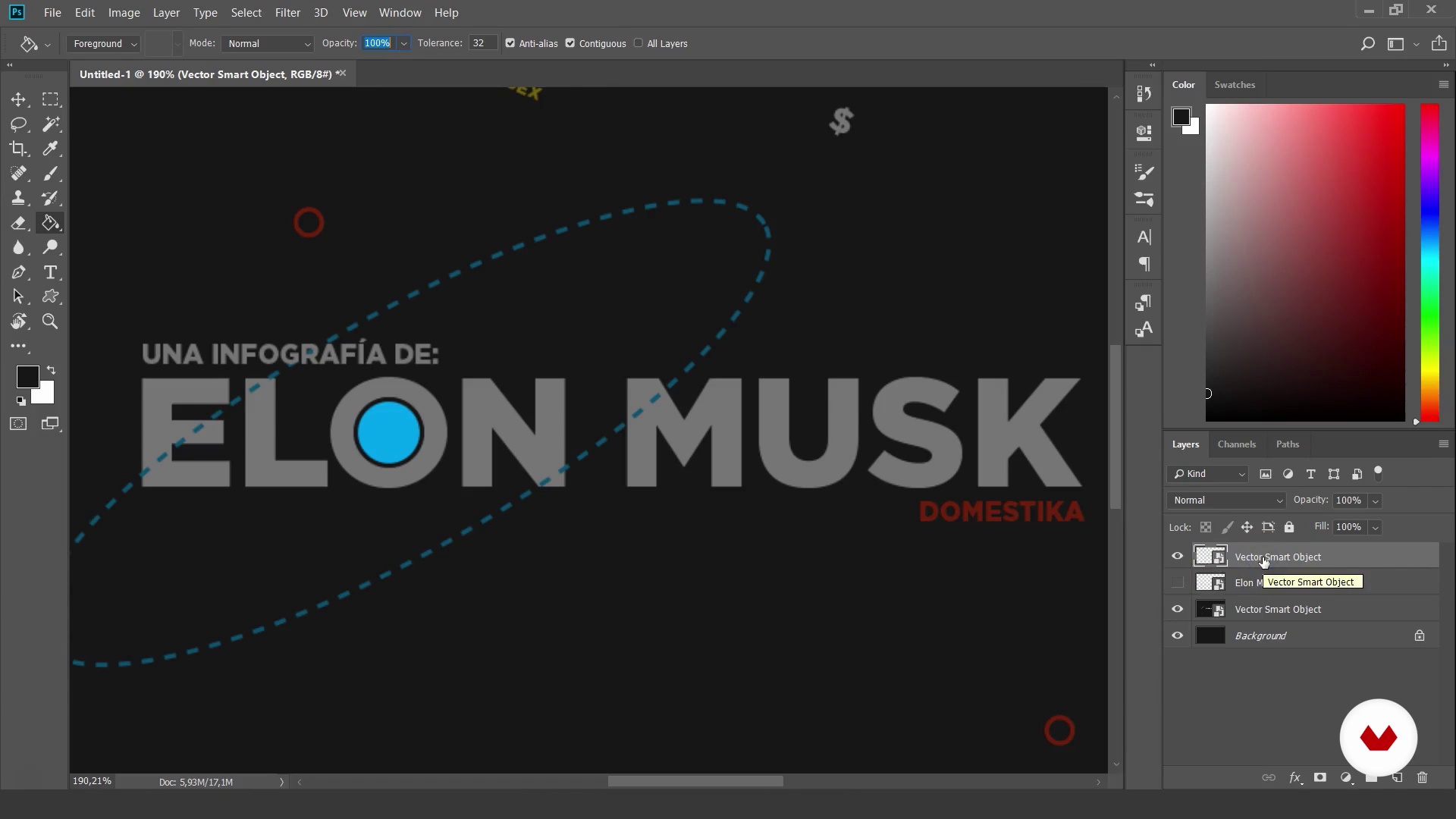
Bring designs to Photoshop
3 minutes, 28 seconds
What's included in this course?
Start by getting to know Javier, his professional career, and some of his most important work. He then also tells you who his references are in the world of animation.
Get down to work putting the information that will appear in your infographic in order and create the modules that will serve you as scenes.
Then, start to create sketches and design each of those scenes on Adobe Illustrator. Afterward, go to Adobe Photoshop to add texture to your design.
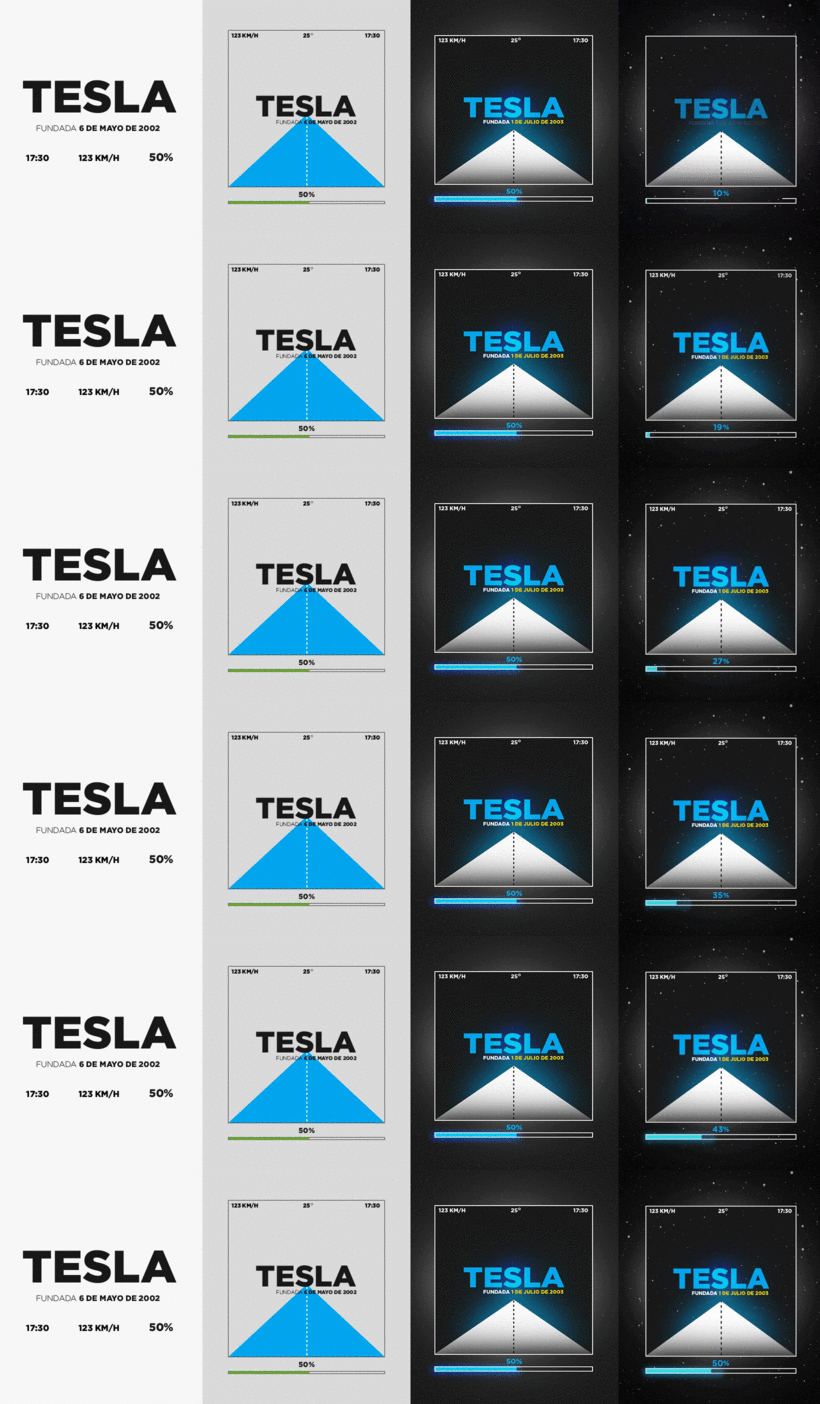
Learn how to take your designs to Adobe After Effects. Javier reviews some fundamental principles of animation. Animate in a general way the whole project using simple animations to feel how the video evolves.
Once you are happy with your animation, refine some details and animate the textures.
Learn the best way to export videos and GIFs and finally, export your final project and publish it on social media.
Recommended software & tools for this course
What is this course's project?
Create an animated infographic ready to be published on social media. With the techniques learned in this course, you will be able to animate any data-based design.
Projects by course students
Who is this online course for?
This course is for anyone who wants to add some life and animation to their projects. For illustrators, designers, animators, programmers, or anyone who is starting a career related to graphic arts.
Requirements and materials
In order to take this course, you will need to have basic knowledge of Adobe Illustrator to design the computer graphics, Adobe Photoshop to add texture, and Adobe After Effects to animate it. If you don't know how to use these programs, don't worry, by watching the course you will be able to follow step by step everything you have to do to finish the project.
Reviews
- 7 months ago
ok
- 1 year ago
Muy bueno y completo, para intermedio o avanzado. Se nesecita saber ID, PS, AE, ME, HB.
- 1 year ago
This is a well-structured and inspiring course for those who want to explore animation techniques using Adobe After Effects. While it may not be perfectly suited for complete beginners, it offers a very clear and logical workflow that is easy to follow if you already have some familiarity with the Adobe ecosystem. The course is ideal for those who appreciate structured guidance and want to understand not just the how, but also the why behind each animation step.
- 2 years ago
El curso está muy interesante, pero dice que es para un nivel de "iniciación" y la verdad es que no, sí se requiere conocer lo básico de AE porque no explica nada de la interfaz, las herramientas, etc... simplemente no le pude seguir el ritmo. Lo recomiendo solo sí ya sabes lo básico de este programa.
- 2 years ago
(y)

Among the clients that have used Javier’s services to provide animation for their projects are Spotify, Facebook, Fernet Branca, and Chocolinas.
Content
- U1
Introduction
- Presentation
- Influences
- What will we do in the course?
- U2
Preparation
- Gathering information
- Storyboard
- Sketches
- U3
Design and preparation
- Plate design
- Bring designs to Photoshop
- Textured
- U4
Animation
- Export and import designs and textures in After Effects
- Simple animation. Sorting times 1
- Simple animation. Sorting times 2
- Backgrounds, textures and animation principles
- Adding fine details of animation and textures 1
- Adding fine details of animation and textures 2
- Adding fine details of animation and textures 3
- Adding fine details of animation and textures 4
- Renders
- FP
Final project
- Creation of animated infographics
What to expect from a Domestika course
Learn at your own pace
Enjoy learning from home without a set schedule and with an easy-to-follow method. You set your own pace.
Learn from the best professionals
Learn valuable methods and techniques explained by top experts in the creative sector.
Meet expert teachers
Each expert teaches what they do best, with clear guidelines, true passion, and professional insight in every lesson.
Certificates
PLUSIf you're a Plus member, get a custom certificate signed by your teacher for every course. Share it on your portfolio, social media, or wherever you like.
Get front-row seats
Videos of the highest quality, so you don't miss a single detail. With unlimited access, you can watch them as many times as you need to perfect your technique.
Share knowledge and ideas
Ask questions, request feedback, or offer solutions. Share your learning experience with other students in the community who are as passionate about creativity as you are.
Connect with a global creative community
The community is home to millions of people from around the world who are curious and passionate about exploring and expressing their creativity.
Watch professionally produced courses
Domestika curates its teacher roster and produces every course in-house to ensure a high-quality online learning experience.
FAQs
You’ll learn to create animations, animated infographics, and montages using Photoshop, Illustrator, and After Effects—from concept to publishing on social media—applying professional digital design and animation techniques.
Yes, this course is designed for people with basic design or editing knowledge who want to deepen their skills with intermediate animation and digital multimedia techniques.
It’s recommended to have basic knowledge of Photoshop and Illustrator and a general understanding of graphic design concepts. You don’t need to be an expert, but familiarity will help you get the most out of the course.
You’ll need access to Adobe Photoshop, Illustrator, and After Effects, plus a computer capable of multimedia editing. A graphics tablet is recommended for sketching but not required.
You’ll develop skills to create abstract animations, animated infographics, storyboards, digital sketches, animations for video, TV, and video games, along with advanced techniques in layer management, texturing, and exporting animated files.
You’ll learn to edit photos in Photoshop and create video montages in After Effects, combining images, graphics, and effects to produce professional animations and multimedia compositions.
Yes, you’ll learn how to create animated GIFs from your projects and export them properly for sharing across various digital platforms and social media.