
Learn the 12 principles of frame-by-frame animation and bring your stories to life
Are you looking to get started in the world of traditional animation? All you need is a solid theoretical base and an experienced animator—like Rodrigo Miguel, better known as Numecaniq—to explain everything in detail. You may know him from his work for brands like Adobe, MTV, Spotify, Amazon, and Adult Swim, or from his course 2D Animation with Photoshop: drawing, camera and action! at Domestika.
In this online course, get to know the world of frame-by-frame animation using Photoshop to create eye-catching animations.
What will you learn in this online course?
24 lessons & 16 downloads
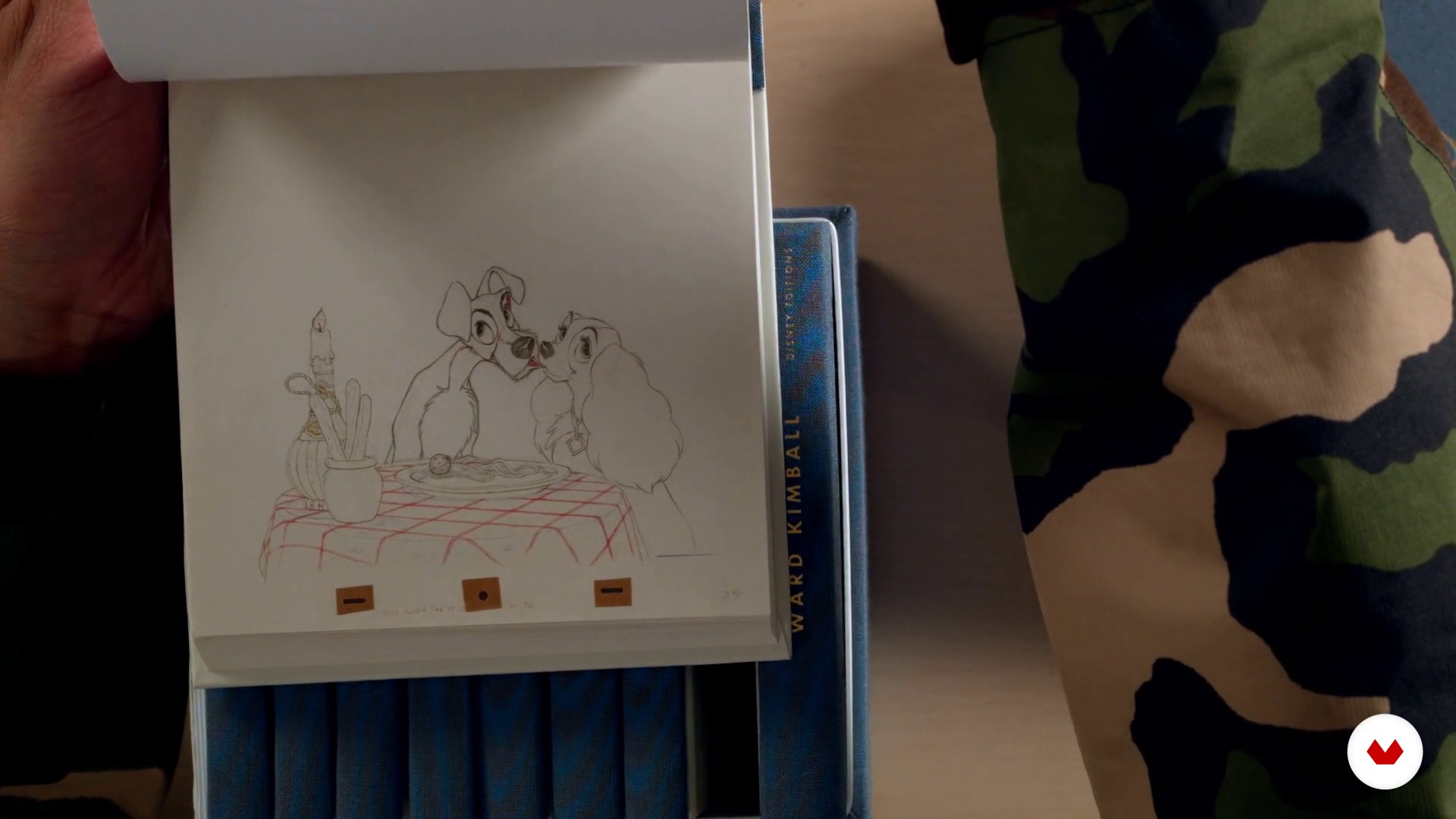
Past and futurisms of animation
11 minutes, 35 seconds
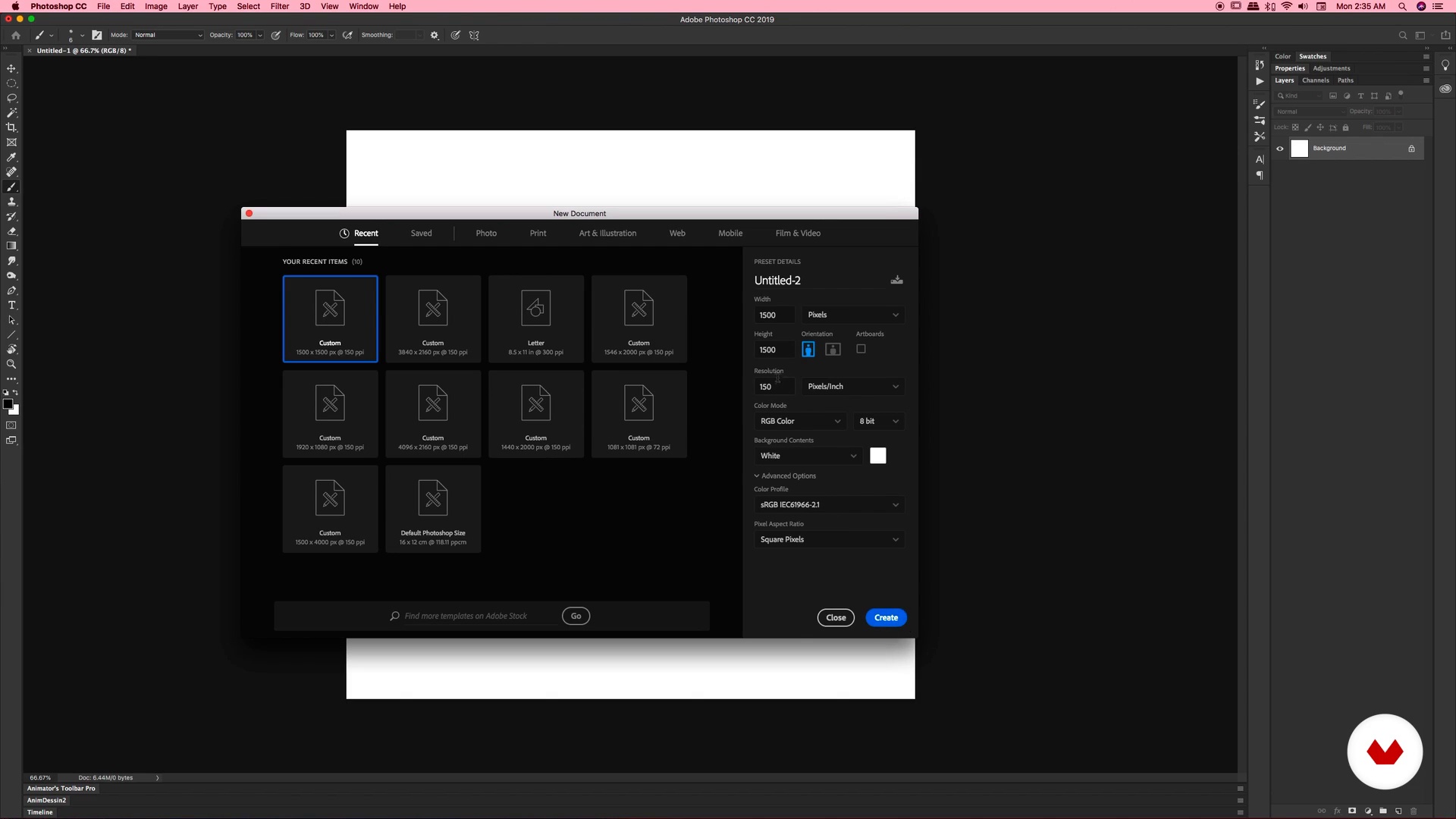
It's just a tool
25 minutes, 11 seconds
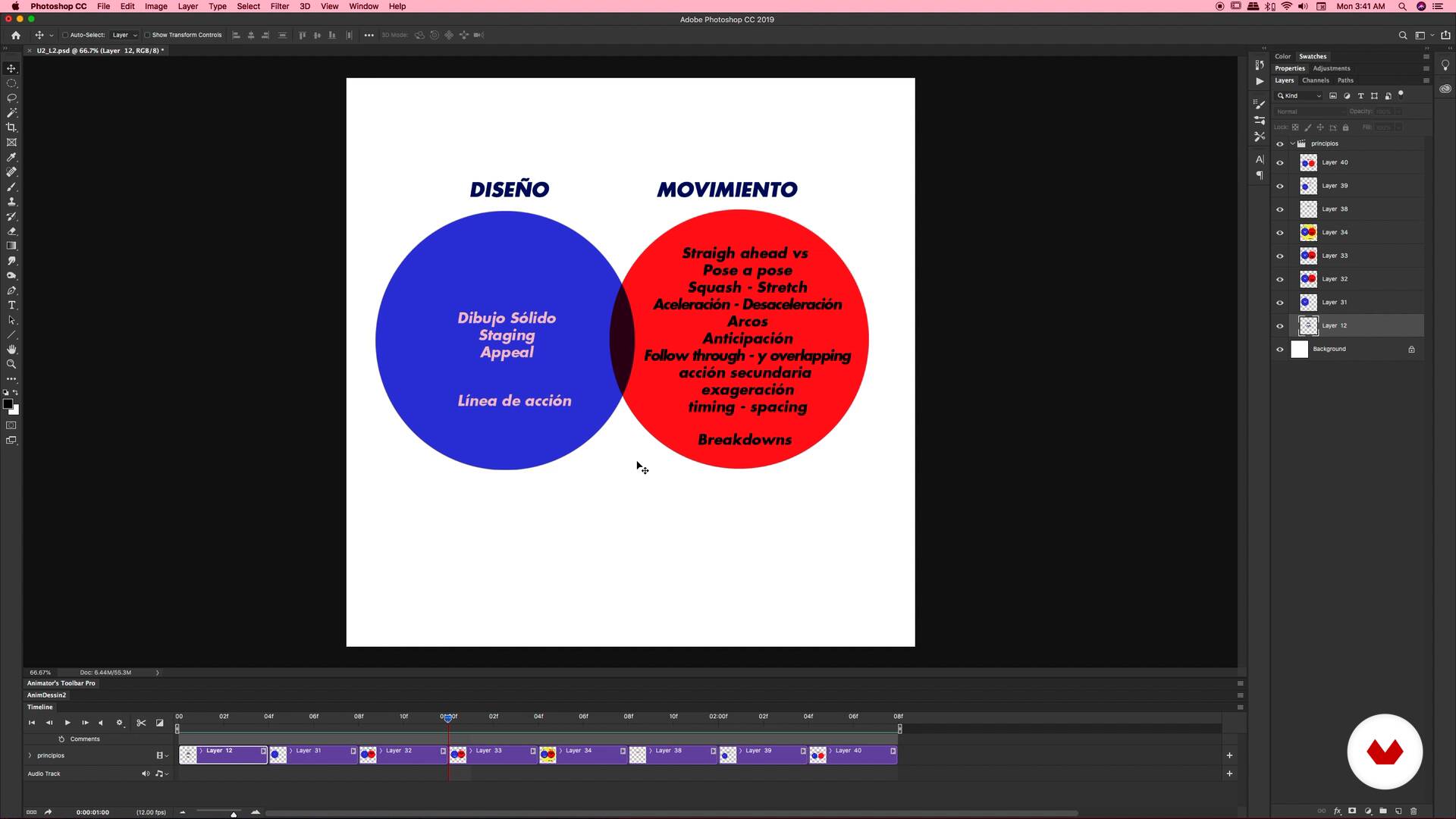
Design, movement and concept
4 minutes, 20 seconds
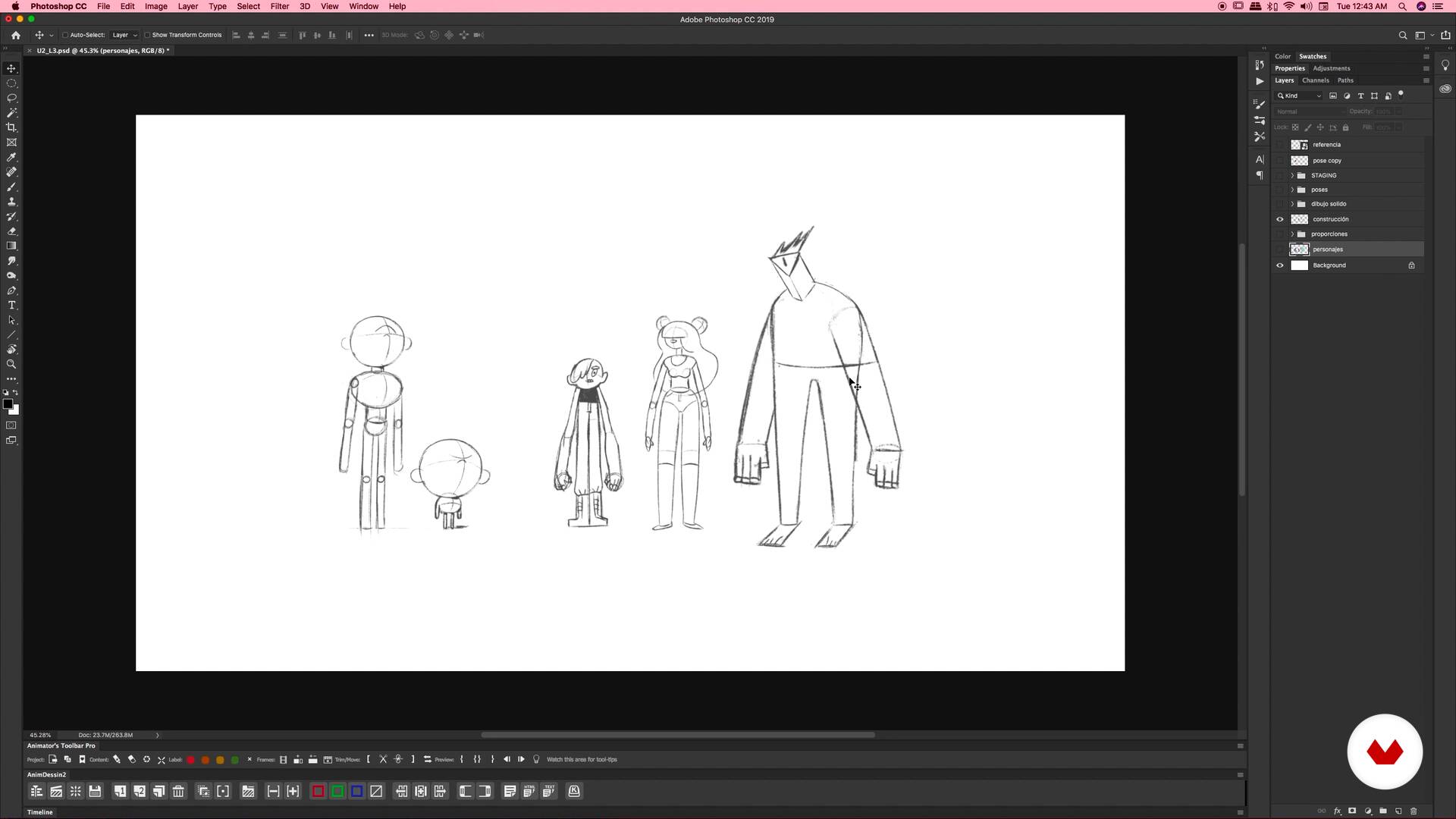
Solid drawing and staging
12 minutes, 34 seconds
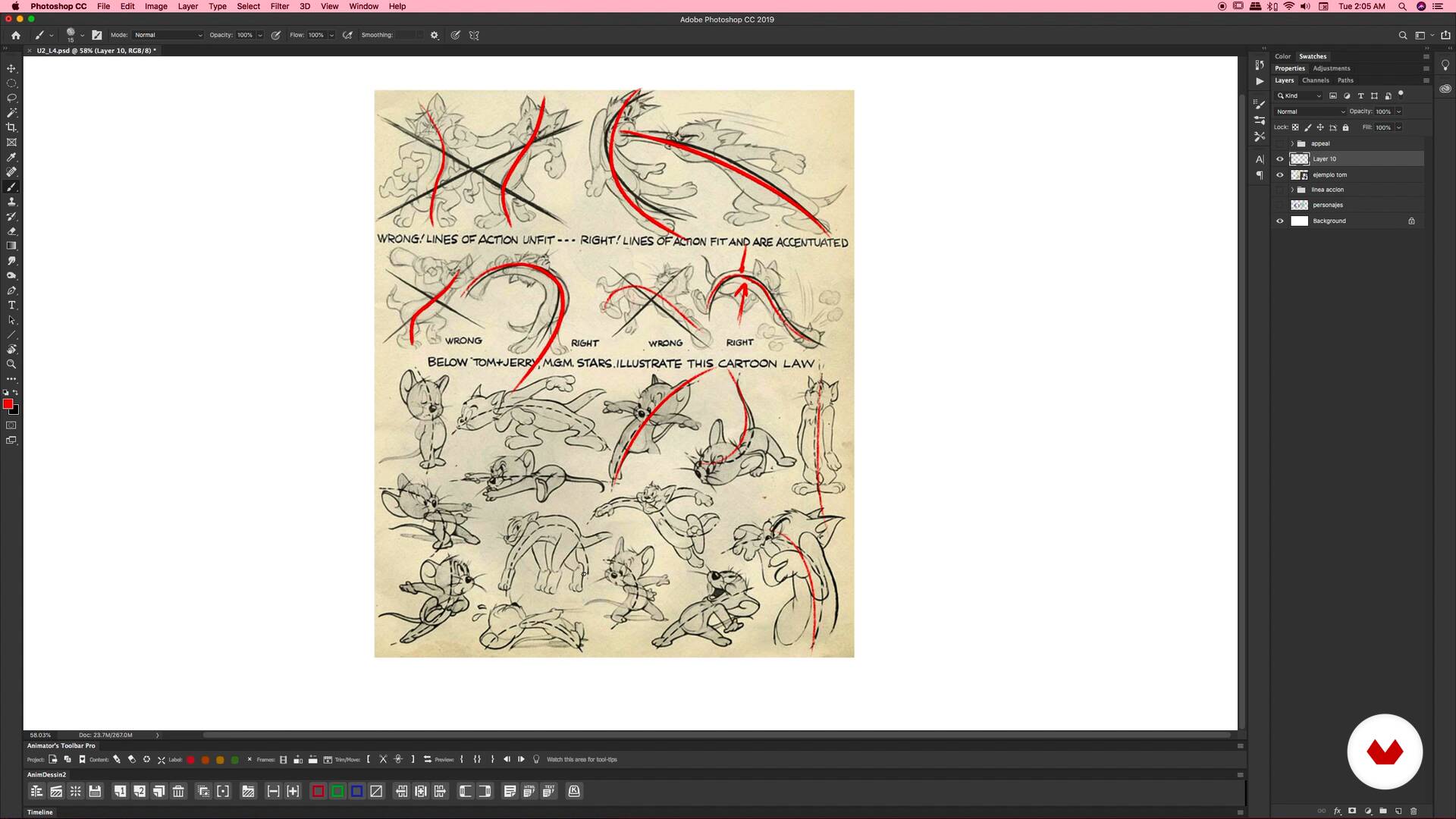
Line of action and appeal - Part 1
12 minutes, 8 seconds
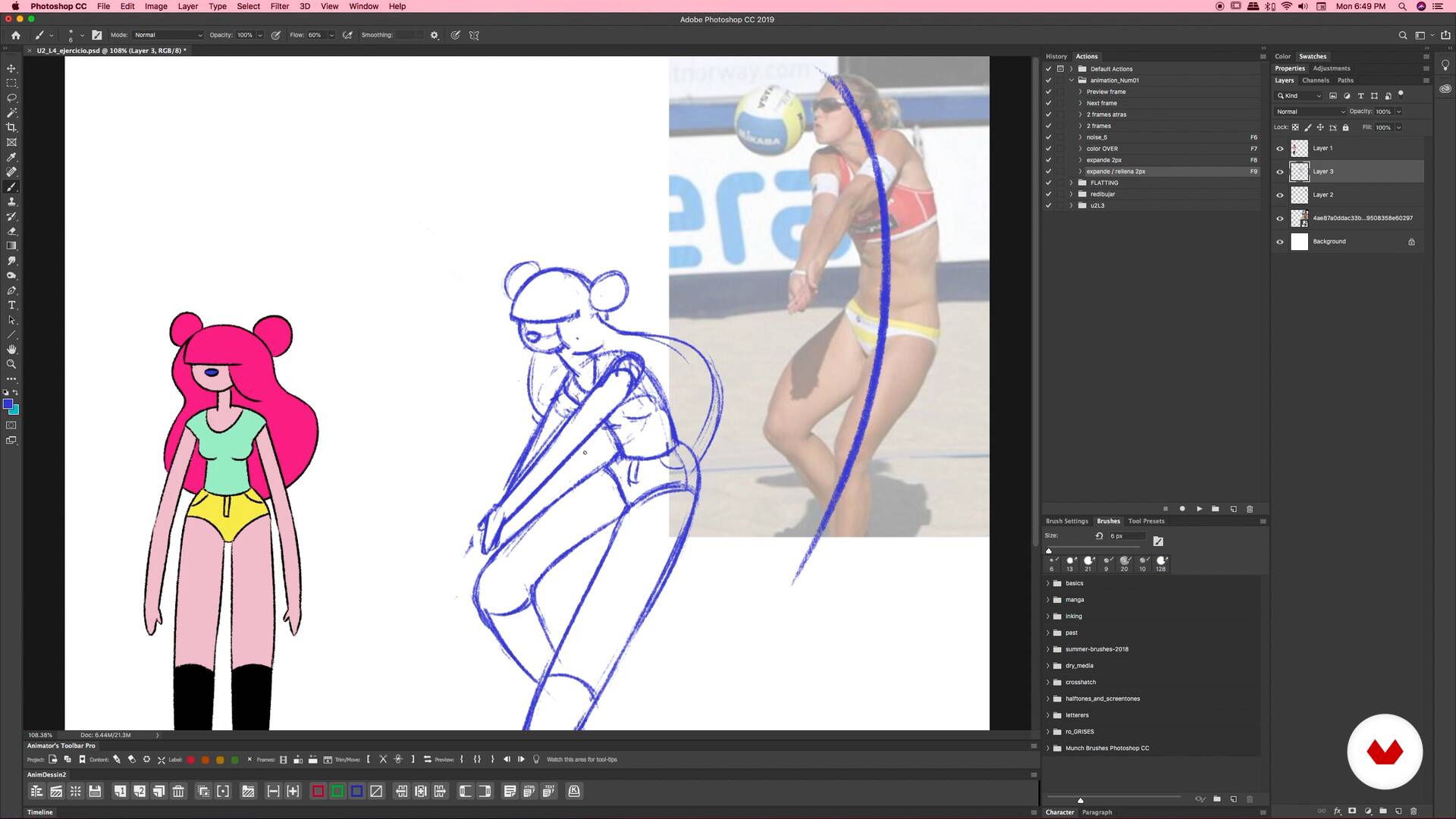
Line of action and appeal - Part 2
1 minute, 29 seconds
What's included in this course?
Start by meeting Numecaniq, who tells you about how he got started, his motivations, and his focus within the world of animation. He also shows you some of his main influences, which inspire him to this day.
Learn about his discovery of the principles of animation and explore some of the greatest examples, as well as where the sector is heading.
Then, learn more about your work tool, Adobe Photoshop, and the easiest way to make animations with this software. In addition, learn about coloring methods, some useful extensions, and tips for exporting files.
Numecaniq explains the basic principles of animation, as well as the elements that make up an animated piece and how they interact.
Then, through a series of examples and exercises, dive into the 12 principles of frame-by-frame animation in two parts: first, the principles of design, and then, those of motion. Afterwards, go deeper into the third element: the concept. Learn some techniques to come up with a concept, and go over some examples of GIF series with a theme that you can use as a reference for your final project.
Now you can use all your newfound knowledge to create natural animations that are full of life.
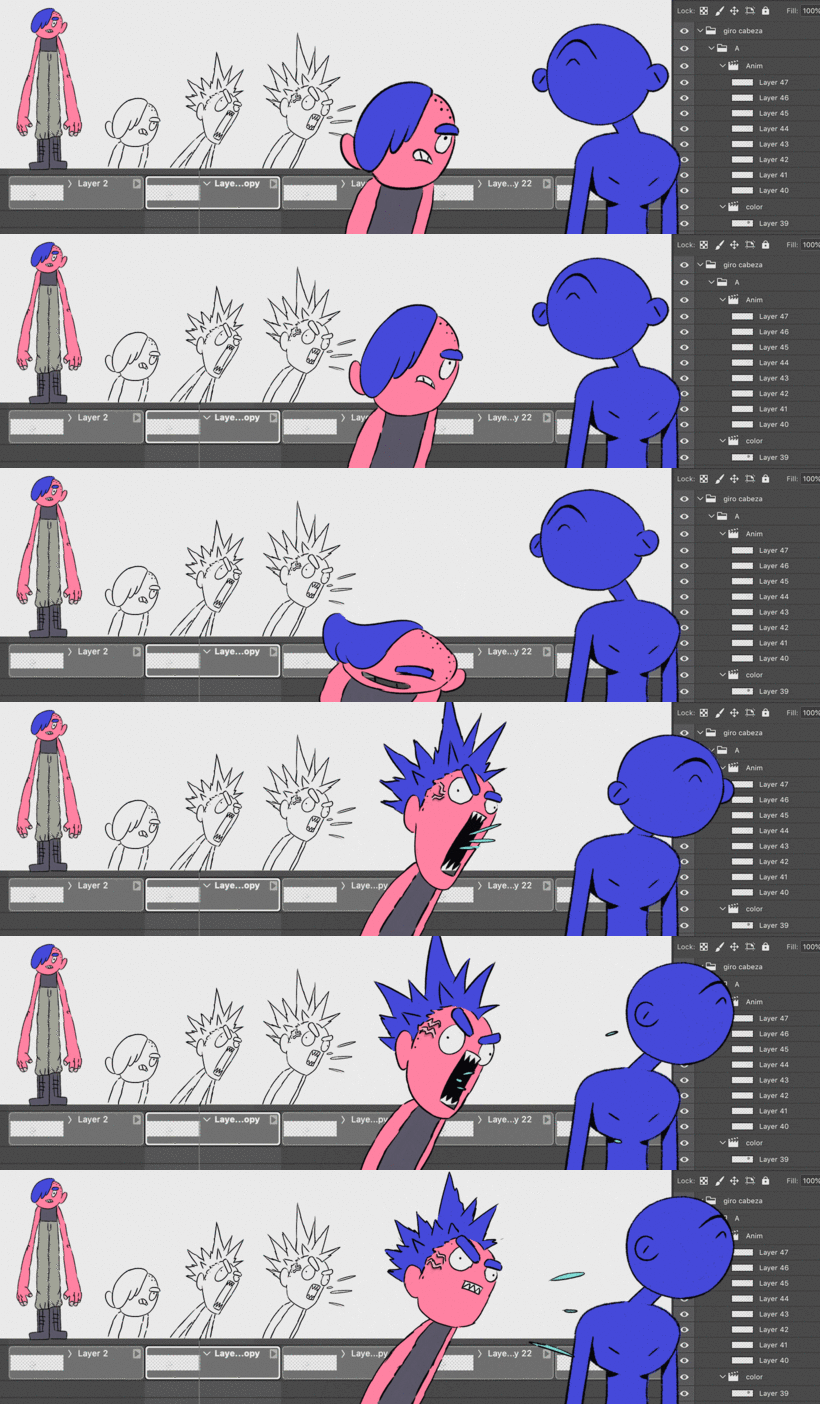
Recommended software & tools for this course
What is this course's project?
Make a series of GIFs by applying each of the principles of animation learned in the course.
Projects by course students


Who is this online course for?
To designers, illustrators, drawing lovers, and anyone interested in entering the world of animation from the beginning.
Requirements and materials
No previous animation experience is required to take this course. As for materials, you'll need paper and pencil, and a computer with Adobe Photoshop CC or higher. A graphics tablet is also recommended.
Reviews
- 4 months ago
Master! Fantastic course.
- 6 months ago
I love how informative the course is. I've learned a lot!
- 7 months ago
Excelente
- gerard_lzPLUS7 months ago
Excelente maestro, contenido y referencias, muy inspirador.
- 7 months ago
good

His work has been seen around the world thanks to collaborations with major brands and companies like Adobe, MTV, Amazon, and Spotify. He has also participated in international events like Pictoplasma in Berlin and the BDA Awards in New York.
Content
- U1
Hello!
- Presentation
- Influences
- U2
Principles of design
- Past and futurisms of animation
- It's just a tool
- Design, movement and concept
- Solid drawing and staging
- Line of action and appeal - Part 1
- Line of action and appeal - Part 2
- U3
Principles of Movement
- Straight ahead vs Pose a pose - Part 1
- Straight ahead vs Pose a pose - Part 2
- Squash - Stretch: Elasticity of the forms - Part 1
- Squash - Stretch: Elasticity of the forms - Part 2
- Arcos and slow in, slow out - Part 1
- Arcs and slow in, slow out - Part 2
- Anticipation: Preparing the action
- U4
More movement principles and a little bit of concept
- Follow through and overlapping - Part 1
- Follow through and overlapping - Part 2
- Secondary action
- Exaggeration - Part 1
- Exaggeration - Part 2
- Timing and spacing - Part 1
- Timing and spacing - Part 2
- Breakdowns
- The objective is the concept
- FP
Final project
- x Introduction to beginner animation level -1
What to expect from a Domestika course
Learn at your own pace
Enjoy learning from home without a set schedule and with an easy-to-follow method. You set your own pace.
Learn from the best professionals
Learn valuable methods and techniques explained by top experts in the creative sector.
Meet expert teachers
Each expert teaches what they do best, with clear guidelines, true passion, and professional insight in every lesson.
Certificates
PLUSIf you're a Plus member, get a custom certificate signed by your teacher for every course. Share it on your portfolio, social media, or wherever you like.
Get front-row seats
Videos of the highest quality, so you don't miss a single detail. With unlimited access, you can watch them as many times as you need to perfect your technique.
Share knowledge and ideas
Ask questions, request feedback, or offer solutions. Share your learning experience with other students in the community who are as passionate about creativity as you are.
Connect with a global creative community
The community is home to millions of people from around the world who are curious and passionate about exploring and expressing their creativity.
Watch professionally produced courses
Domestika curates its teacher roster and produces every course in-house to ensure a high-quality online learning experience.
FAQs
You’ll learn to apply the 12 classic animation principles, master 3D drawing techniques, create appealing characters, and produce frame-by-frame animations using Photoshop and specialized tools.
This is an intermediate-level course, perfect for those with basic drawing or animation knowledge who want to deepen their skills in both classic and digital techniques.
You’ll need access to Photoshop, preferably with animation support, plus a graphics tablet or digitizer. Having a sketchbook and pencils for traditional exercises is also recommended.
You’ll learn to identify, analyze, and apply the 12 animation principles in both traditional and digital exercises, boosting the fluidity, expressiveness, and believability of your animations.
Yes, the course includes step-by-step guidance on exporting animations as GIFs from Photoshop, with optimal settings for size, resolution, and frame rate.
The course explains and guides you through both techniques: 'pose to pose', which structures animation frame by frame, and 'straight ahead', which creates more spontaneous and fluid movement.
Yes, you’ll learn how to use onion skinning and blank video layers in Photoshop to streamline frame-by-frame animation and efficient coloring.