Creating Stunning Designs Using Canva's Magic Features
Course final project
A course by Roger Coles , Guides in using Canva's design tools

Joined October 2022
Joined October 2022

About the final project for: Creating Stunning Designs Using Canva's Magic Features
Introduction to Canva for Designers
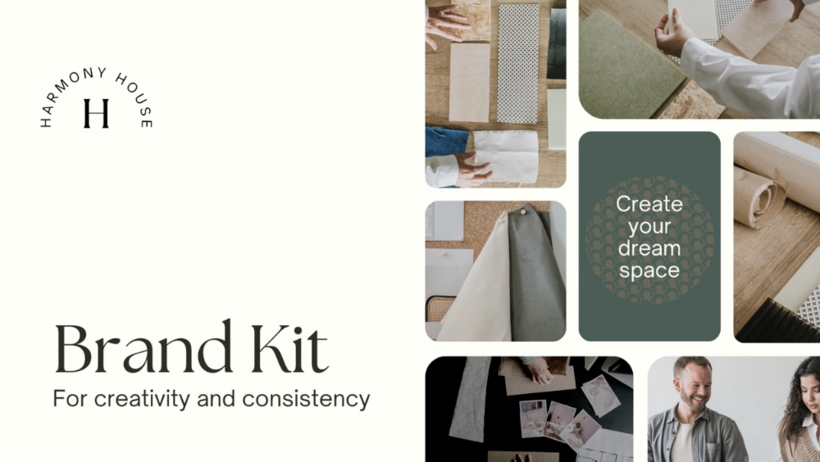
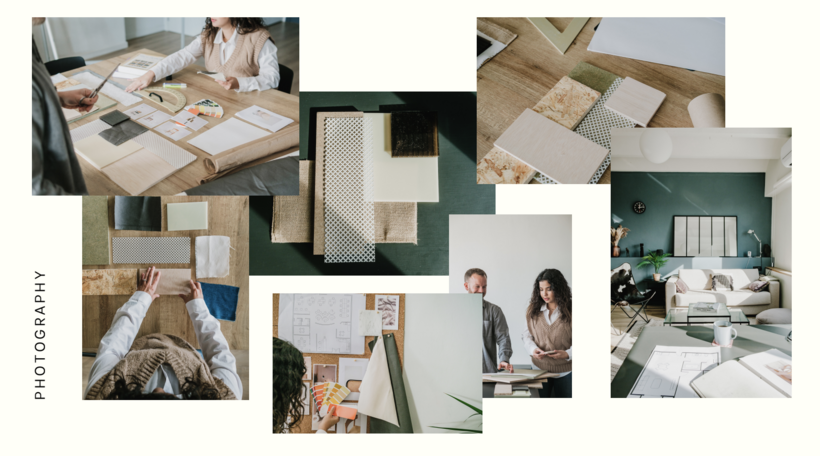
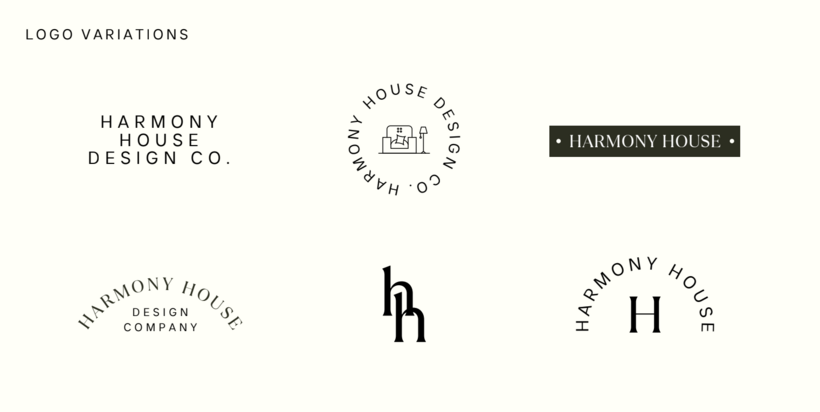
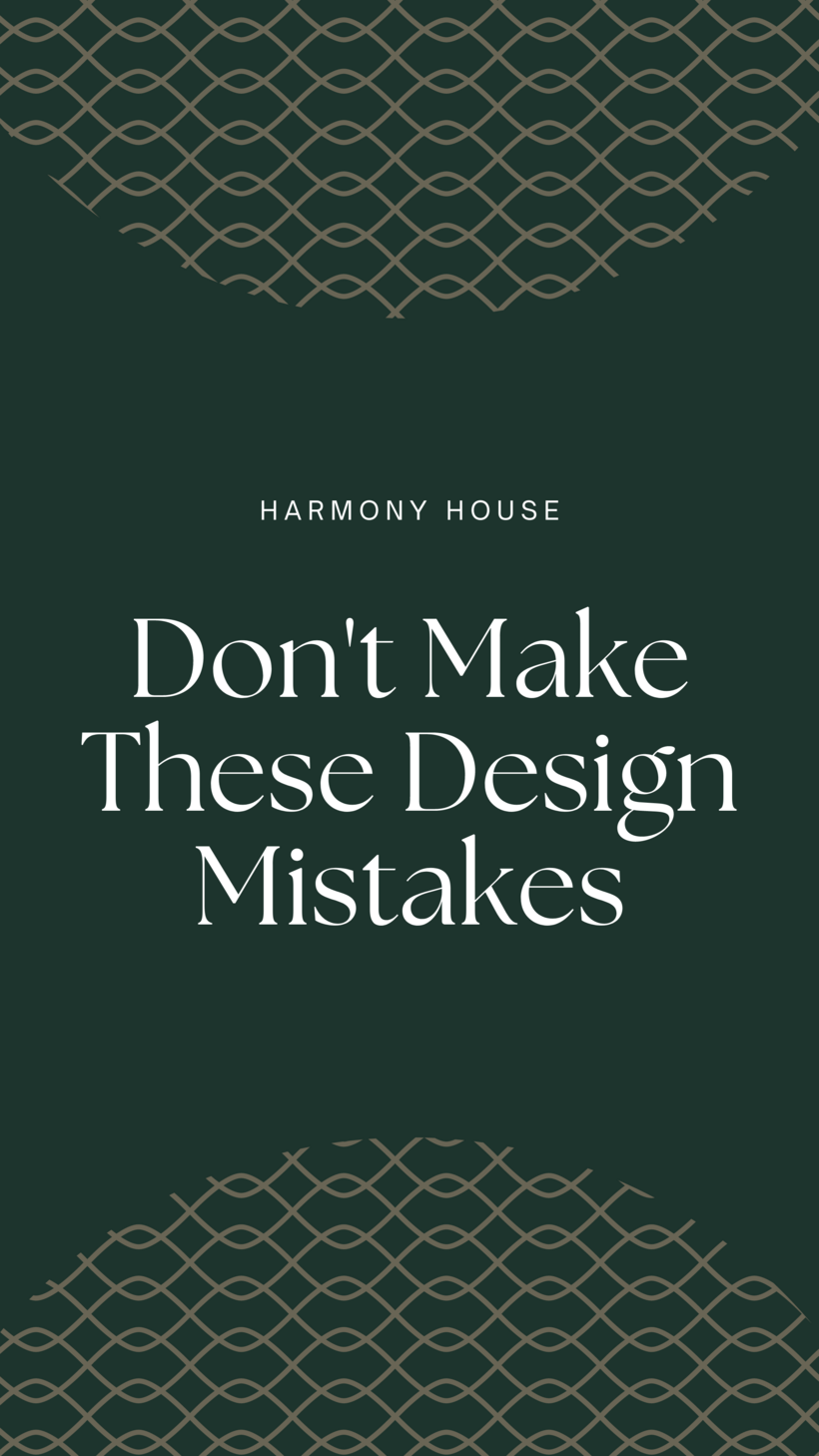
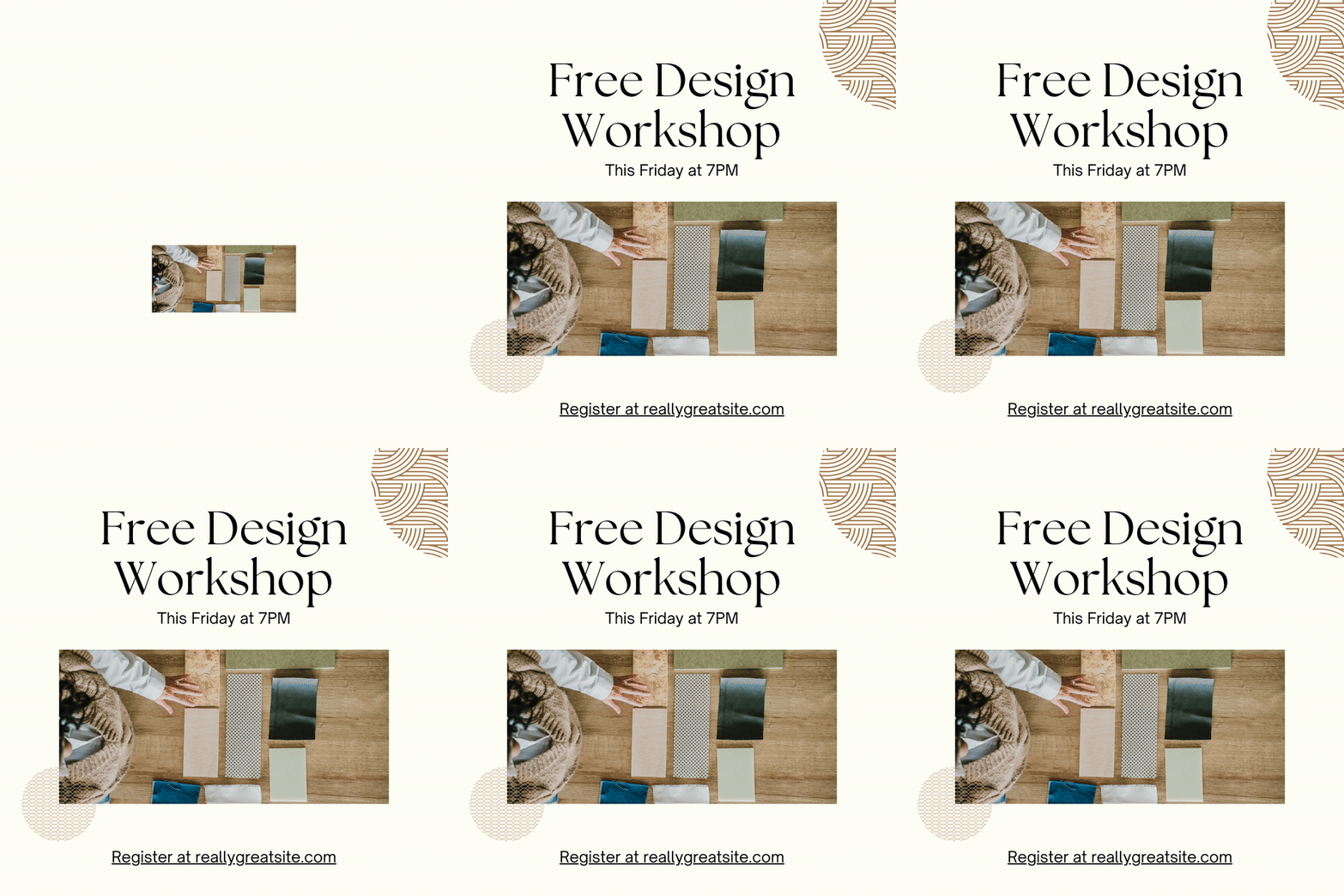
“Thank you so much for spending time with me to learn about my software crush, Canva. Congratulations on making it through the entire course. I really hope you've had a wonderfull time along the course! I've shared with you my best tips and tricks. So, now it's your turn to let your imagination take the lead and create 9 branded social media posts using Canva. Let me show you an example of how I would like to see your creative process: Mood Board As I told you before, mood boards play a crucial role in the design process. Therefore, this must be you very first step so that you can gather all the inspiration together and get ready to start working on your projects!

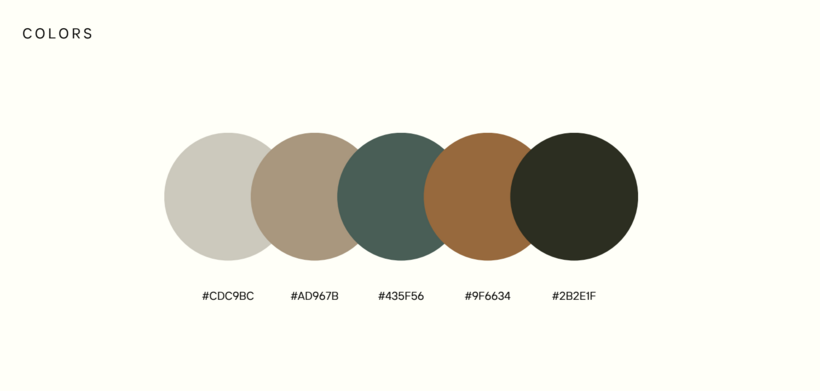
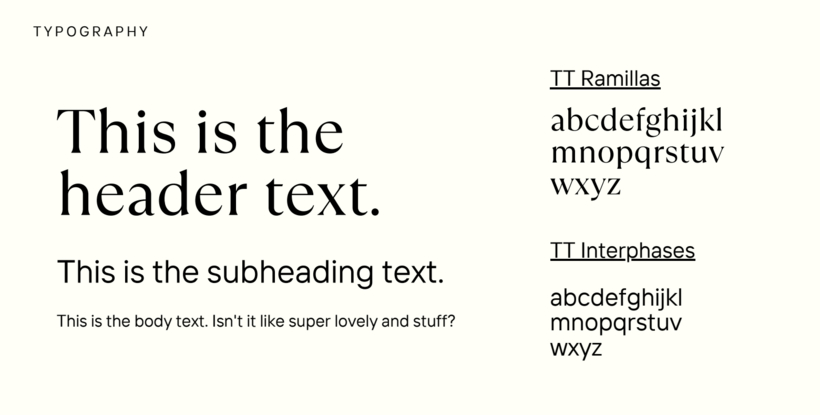
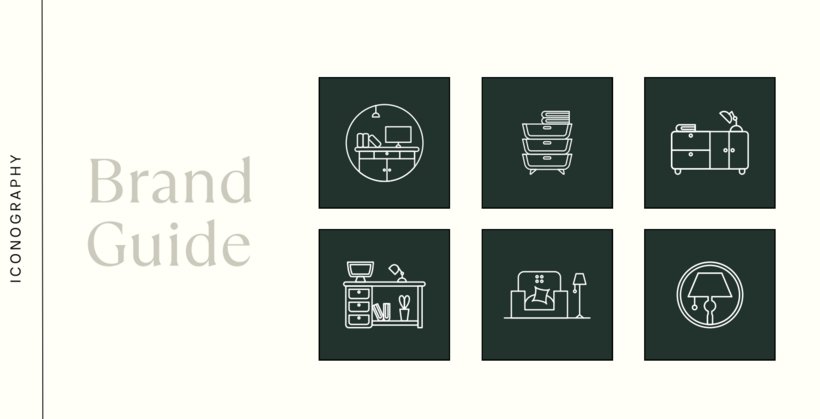
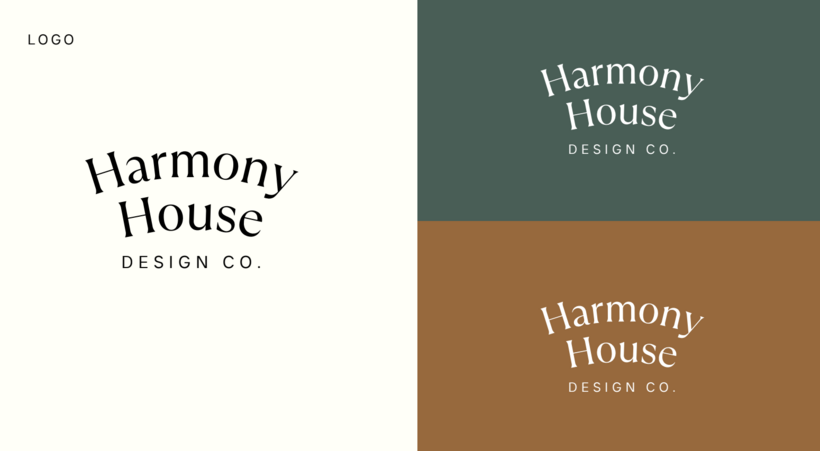

Partial transcription of the video
“Whoa, thank you so much for spending time with me to learn about my software crush, Canva. Congratulations on completing the course. Here are some final tips to make your final project a success. First of all, when gathering inspiration, make sure that you're pulling from multiple sources. I always like to say Frankenstein your design. So instead of pulling all of your inspiration from one piece of work, gather it from multiple places to create something unique. In Canva, it's super important to keep yourself organized with projects and folders. There's nothing more frustrating in the middl...”
This transcript is automatically generated, so it may contain mistakes.
Course summary for: Creating Stunning Designs Using Canva's Magic Features
-
Category
Design -
Software
Canva -
Areas
Graphic Design, Social Media, Social Media Design

Roger Coles
A course by Roger Coles
Roger Coles is a seasoned Social Media Designer based in Washington, DC, with a unique journey into the design world. Initially graduating with a degree in Religion, Roger found his passion for visual storytelling while serving as a pastor. His creative journey began with designing brochures and graphics using Photoshop, which quickly expanded to video editing and web design. This diverse skill set allowed him to work with prominent brands such as YouVersion and GoDaddy. Roger's innovative approach caught the attention of Canva, leading to his participation in their "Canva Creator" program and further showcasing his talent at global events.
Roger's design philosophy centers around authenticity and innovation, inspired by diverse influences from the design and music industries. His work seamlessly blends creativity with strategy, helping clients communicate their unique brand identities. His ability to adapt and thrive in the face of change has been a hallmark of his career, especially when transitioning from a pastoral role to full-time design work. Today, Roger uses Canva daily to create engaging content for social media channels and clients, driven by a commitment to making design accessible and enjoyable for all.
- 100% positive reviews (44)
- 2,626 students
- 16 lessons (3h 2m)
- 21 additional resources (6 files)
- Online and at your own pace
- Available on the app
- Audio: English, Spanish, French, Indonesian, Italian, Portuguese, Romanian, Turkish
- Spanish · English · Portuguese · German · French · Italian · Polish · Dutch · Turkish · Romanian · Indonesian
- Level: Beginner
- Unlimited access forever
Recommended software & tools for this course
 Canva
CanvaCategory
Areas