Children’s Illustration with Procreate: Paint Magical Scenes
A course by Lucy FlemingIllustrator and Author
A course by Lucy Fleming, Illustrator and Author

Delight young readers with magical illustrations by learning to paint enchanting scenes with charming characters in Procreate
One thing magic and children's illustration have in common is that anything is possible. Lucy Fleming loves to tell stories through the tip of her digital brush, depicting quirky characters and whimsical worlds with a flourish of magic. As an illustrator specializing in children’s books, she’s collaborated with publishers like Penguin Random House, Bloomsbury, Simon & Schuster, Macmillan, and HarperCollins.
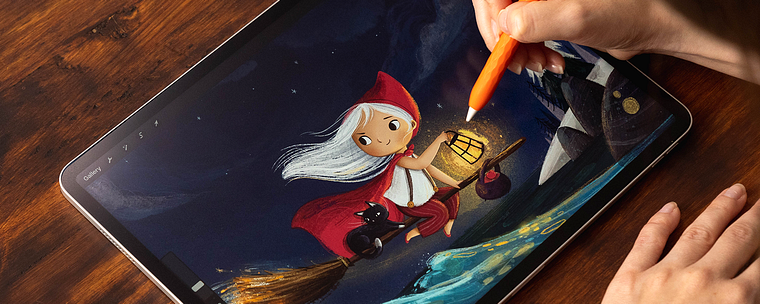
In this online course, she teaches you her techniques to paint magical illustrations in Procreate. Explore brushes, layers, textures, and color to create enchanting scenes with charming characters. Paint artwork that fills young readers with a sense of wonder and delight.
What will you learn in this online course?
16 lessons & 15 downloads
About Me
2 minutes, 39 seconds
Influences
2 minutes, 56 seconds
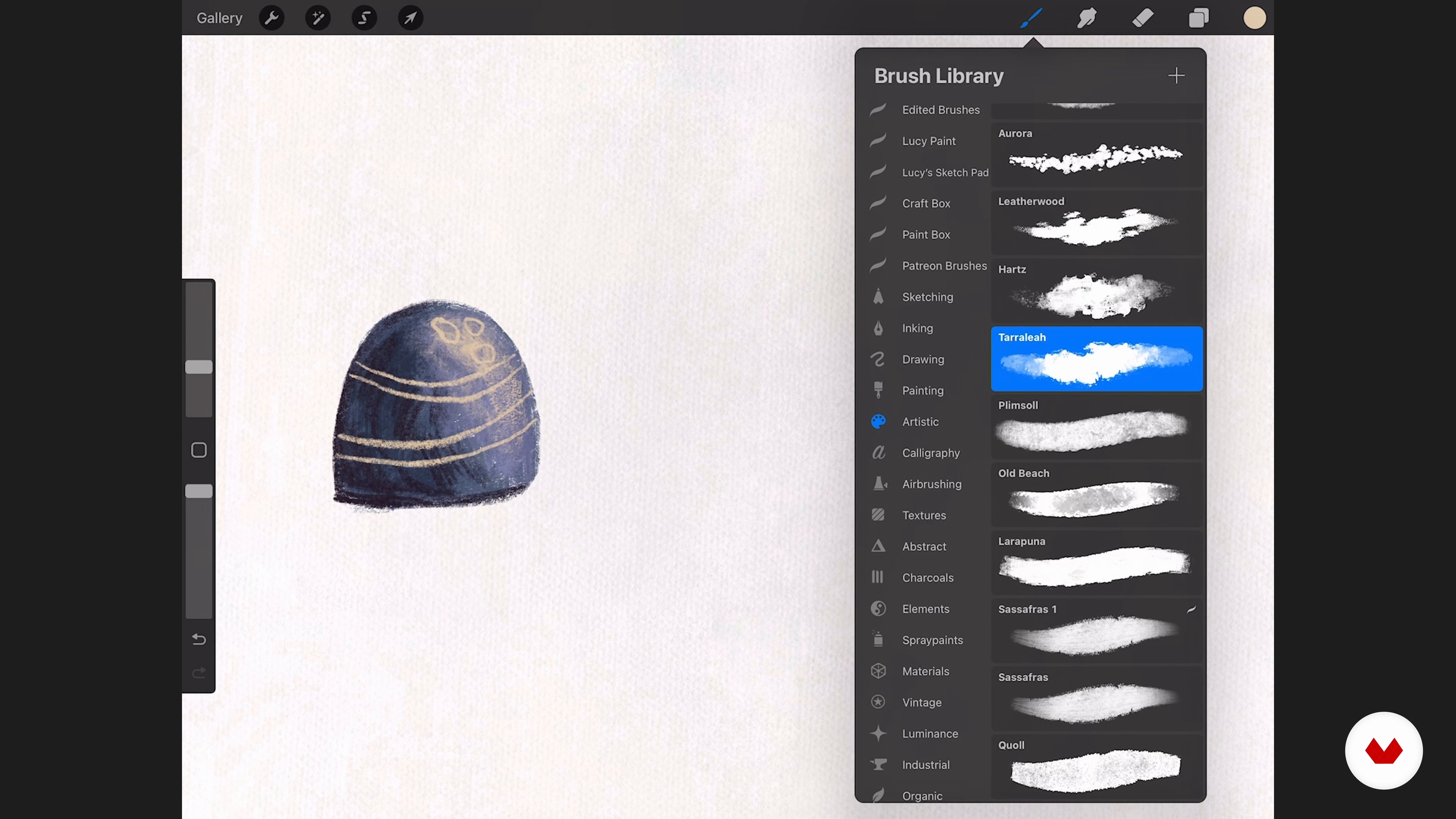
Brushes
6 minutes, 48 seconds
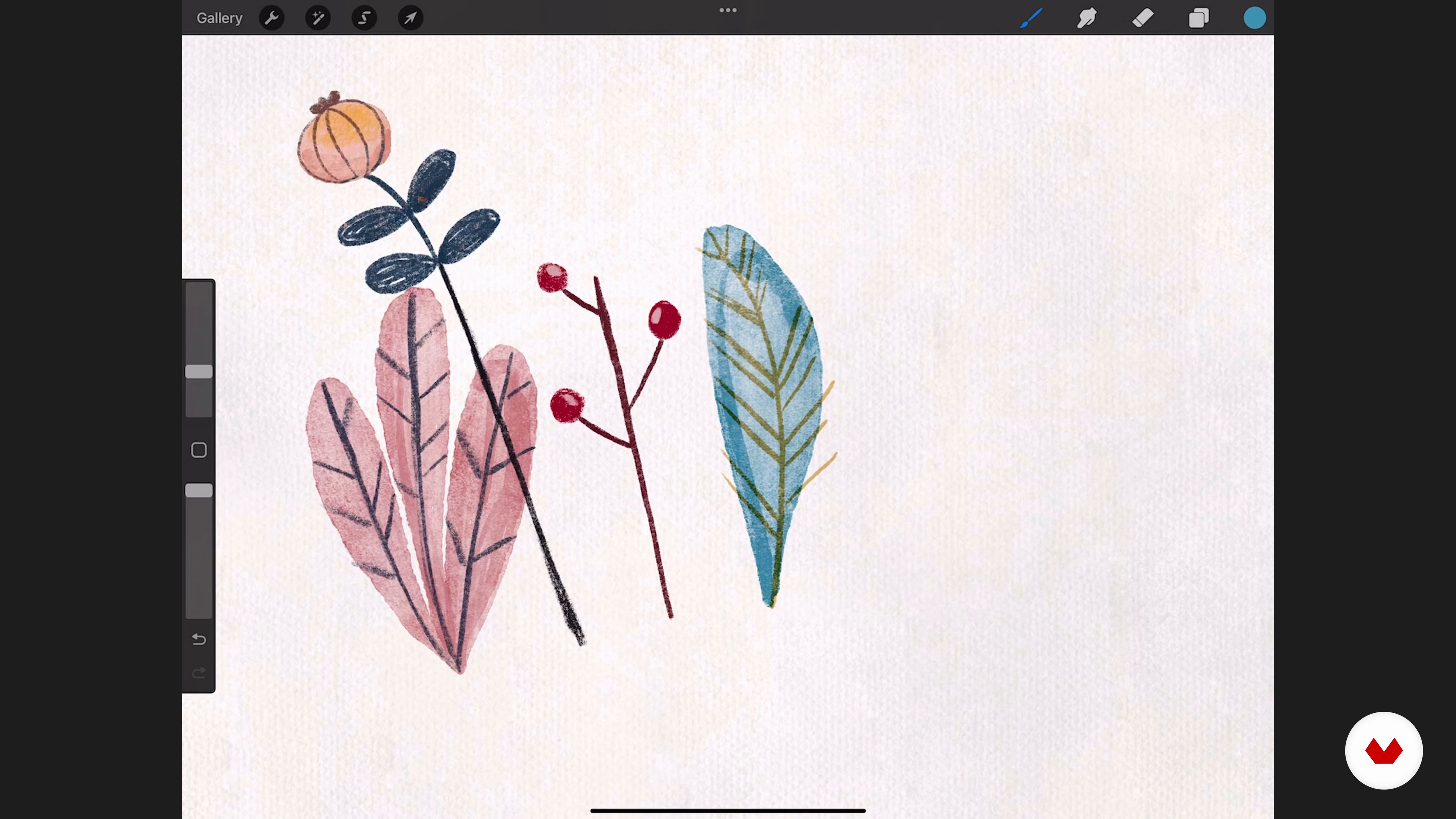
Layers and Textures
8 minutes, 15 seconds
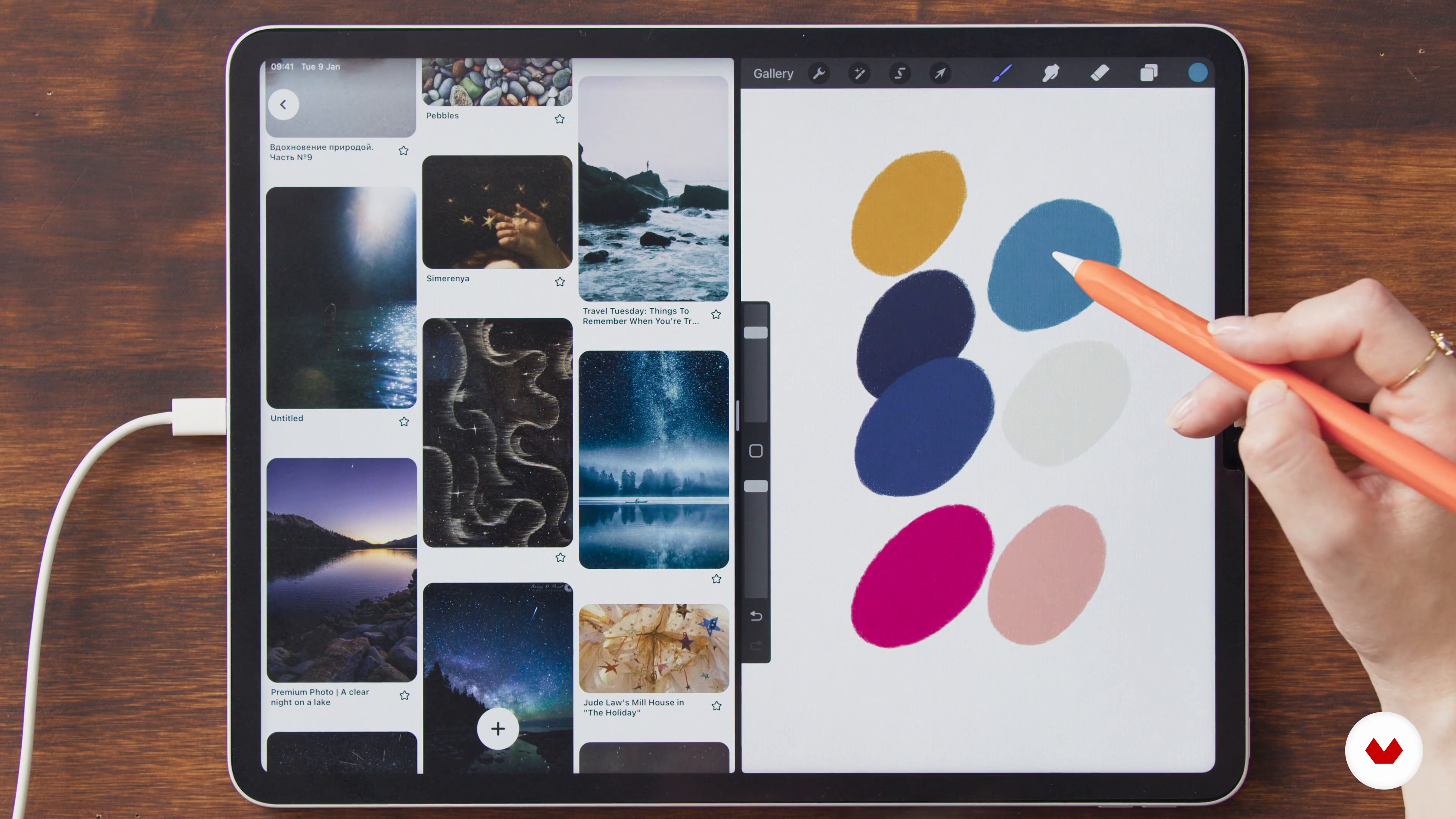
Rethinking a Classic: References, Inspiration, and Color Palette
6 minutes, 41 seconds
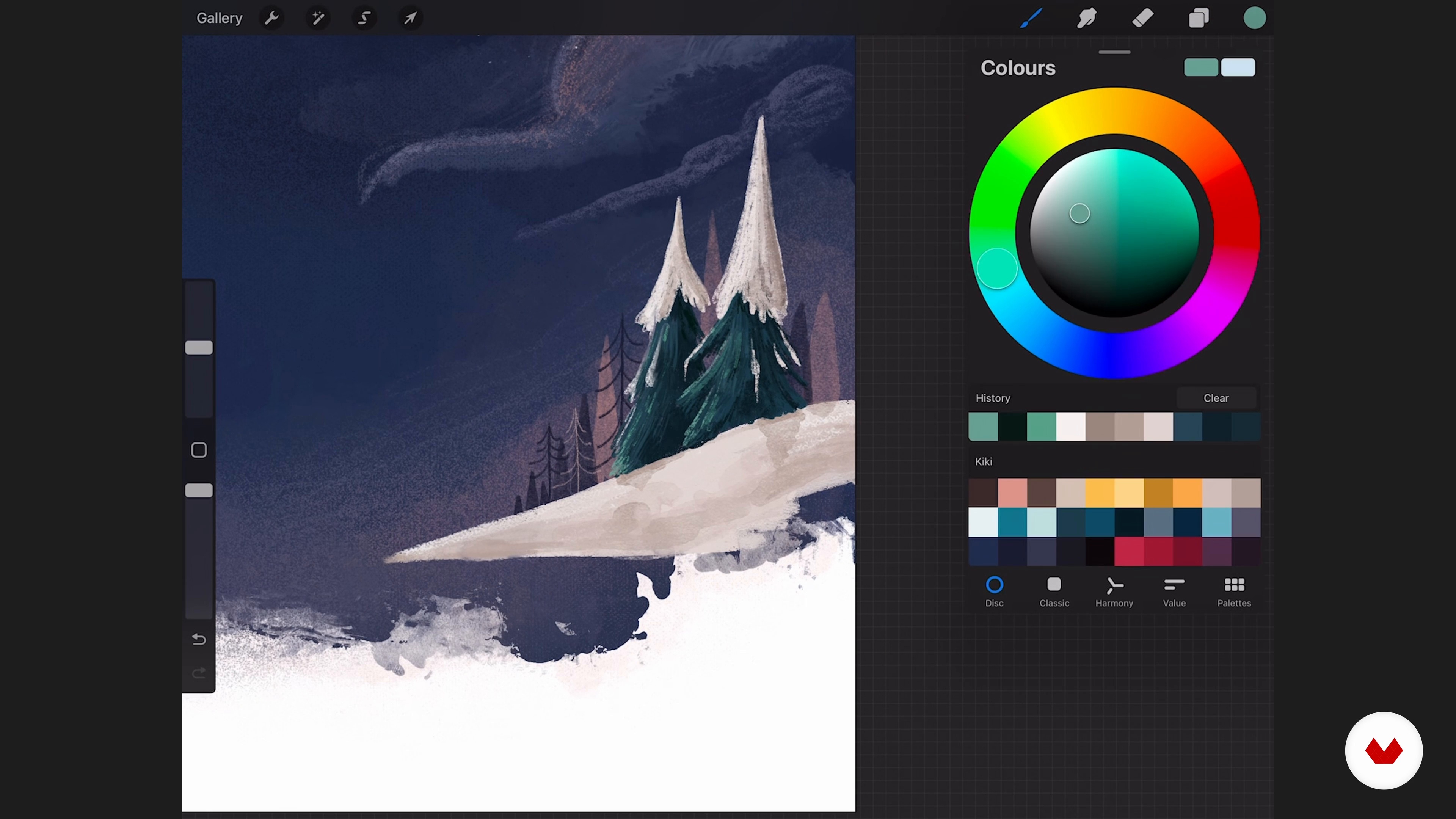
Building Textures and Coloring the Background 1
17 minutes, 48 seconds
What's included in this course?
Lucy Fleming begins the course by telling you a bit about herself, her background, and her experience as an illustrator, along with the influences that inspire her artwork.
Dive into Procreate and explore some brushes before looking at layers and textures. Then, choose a classic tale to reimagine and develop your idea by creating a mood board and a matching color palette.
Sketch a series of thumbnails to define your composition and then get to painting. Working from the background forward, color and texture your scene, followed by the main characters and other creatures. Bring your illustration to life by adding extra scenery and expressive details.
After putting the finishing touches to your piece, Lucy offers advice about sharing your artwork on social media and building a portfolio.
Recommended software & tools for this course
What is this course's project?
Paint an illustration in Procreate depicting a magical scene centered around a main character.
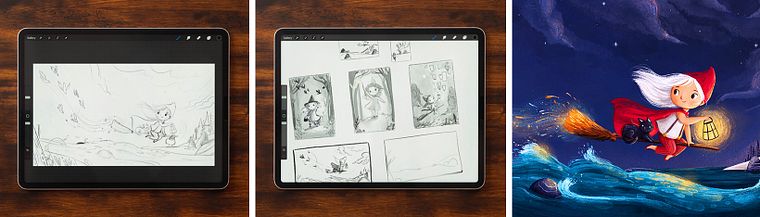
Projects by course students


Who is this online course for?
Illustrators, artists, and anyone who wants to learn how to digitally paint scenes and characters for children’s books.
Requirements and materials
Basic notions of digital drawing or painting are recommended.
As for materials, you need an iPad with the Procreate app and an Apple Pencil, or stylus of your choice.
Reviews
- 15 days ago
невероятна работа
- 1 month ago
Inspiring and detailed. Helpful to start with procreate.
- 2 months ago
really good and very usefull , she go through the whole process
- 2 months ago
Useful to go through the whole process from inspiration to palette selection to composition to sketching and to painting.
- 2 months ago
Perfect, especially the use of the different brushes

After completing a degree in illustration at the University of Lincoln, she launched her freelance career, specializing in children's books. Her work is influenced by her love of storytelling and nature, often featuring quirky characters and whimsical worlds sprinkled with magic.
Lucy has illustrated children's books for major publishers including Penguin Random House, Bloomsbury, Simon & Schuster, Walker Books, Macmillan, and HarperCollins. She has also created artwork for brands like Unilever, as well as greetings cards, toys, puzzles, and packaging. She published his first author/illustrator picturebook Ella's Night Lights in 2020, which has been translated into multiple languages worldwide.
Content
- U1
Introduction
- About Me
- Influences
- U2
An Introduction to Procreate: Prepping for Your Painting
- Brushes
- Layers and Textures
- Rethinking a Classic: References, Inspiration, and Color Palette
- U3
Designing the Illustration and Learning Self-Critique
- Thumbnailing and Composition
- Analyzing and Selecting the Design
- Building Textures and Coloring the Background 1
- Building Textures and Coloring the Background 2
- Coloring the Characters 1
- Coloring the Characters 2
- Coloring the Characters 3
- Bringing Life into the Painting 1
- Bringing Life into the Painting 2
- U4
The Finishing Flourishes
- Extra Details and Adjustments
- Exporting, Sharing, and Portfolio Tips
- FP
Final project
- Children’s Illustration with Procreate: Paint Magical Scenes
What to expect from a Domestika course
Learn at your own pace
Enjoy learning from home without a set schedule and with an easy-to-follow method. You set your own pace.
Learn from the best professionals
Learn valuable methods and techniques explained by top experts in the creative sector.
Meet expert teachers
Each expert teaches what they do best, with clear guidelines, true passion, and professional insight in every lesson.
Certificates
PLUSIf you're a Plus member, get a custom certificate signed by your teacher for every course. Share it on your portfolio, social media, or wherever you like.
Get front-row seats
Videos of the highest quality, so you don't miss a single detail. With unlimited access, you can watch them as many times as you need to perfect your technique.
Share knowledge and ideas
Ask questions, request feedback, or offer solutions. Share your learning experience with other students in the community who are as passionate about creativity as you are.
Connect with a global creative community
The community is home to millions of people from around the world who are curious and passionate about exploring and expressing their creativity.
Watch professionally produced courses
Domestika curates its teacher roster and produces every course in-house to ensure a high-quality online learning experience.
FAQs
This course is designed for intermediate users familiar with Procreate basics. It builds on foundational skills and introduces advanced digital painting, character design, and portfolio development techniques.
You need an iPad, the Procreate app, and an Apple Pencil or compatible stylus. Access to Pinterest and reference images is also recommended for mood boards and creative exercises.
You’ll learn digital painting techniques, character design, portfolio creation, using Procreate brushes and textures, finding inspiration, building mood boards, and creating illustrations for children’s books and brands.
Yes, the course includes portfolio development. You'll curate your best work, refine your visual style, and learn strategies for presenting artwork professionally to attract clients or publishers.
You'll explore layering, blending modes, texture brushes, color palettes, composition techniques, and non-destructive editing. The course also covers advanced brushwork, opacity adjustments, and workflow tips for painterly illustrations.
Yes, you’ll learn how to create engaging children’s picture book illustrations, from concept development and thumbnailing to final digital painting and narrative storytelling.
Absolutely. The course teaches effective ways to collect, analyze, and synthesize reference images, as well as how to build and use mood boards for inspiration and planning.