Best seller

No-Code Web Design with Elementor and Wordpress

Course final project

A course by Isa Macías , Web designer and developer

Web designer and developer. Sevilla, Spain.
Joined October 2021
Best seller
98% positive reviews (263)
14,672 students
Audio: Spanish, English, French, Indonesian, Italian, Portuguese, Romanian, Turkish
Spanish · English · Portuguese · German · French · Italian · Polish · Dutch · Turkish · Romanian · Indonesian

About the final project for: No-Code Web Design with Elementor and Wordpress

No-Code Web Design with Elementor and Wordpress

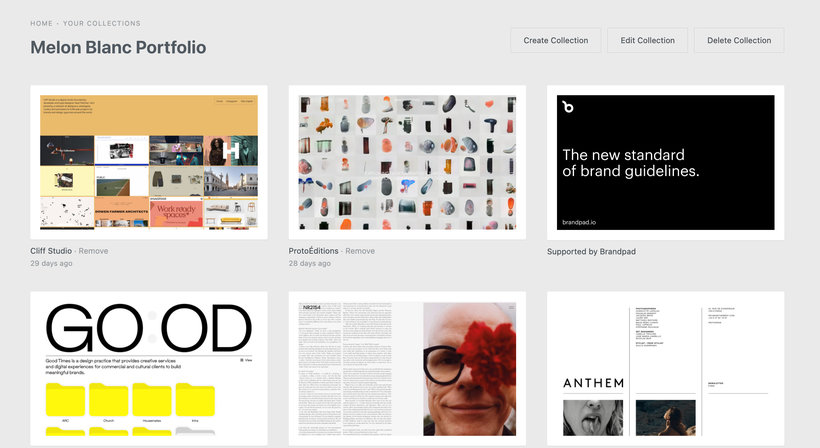
“ Now we are going to review the key phases of the development of your website so that you can present your project to the Domestika Community. I would like you to briefly explain what you have done in each one and accompany the explanation with one or more images. Concept and references Start by developing the entire concept of your website. To do this, first, gather visual references that inspire you and save them in a folder or bookmarks. oh! And don't forget that you can be inspired by anything, not just web pages, but any object around you, music, your city, a landscape... Whatever!
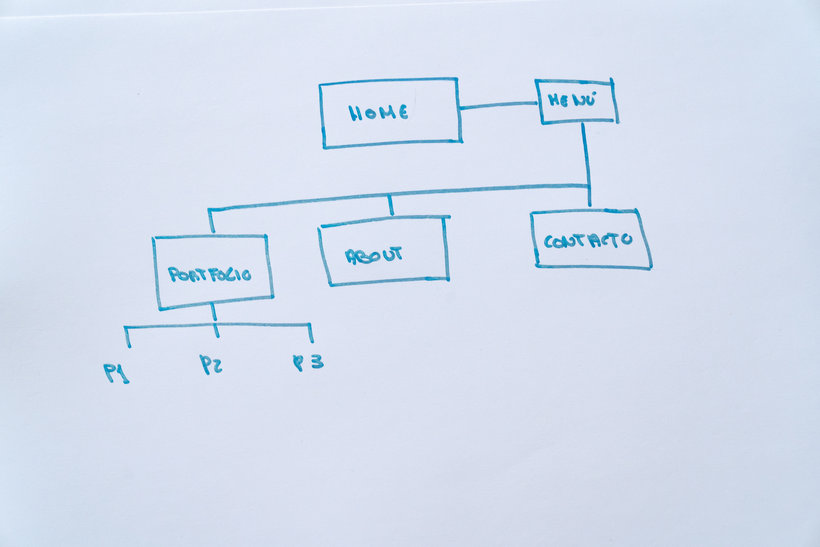
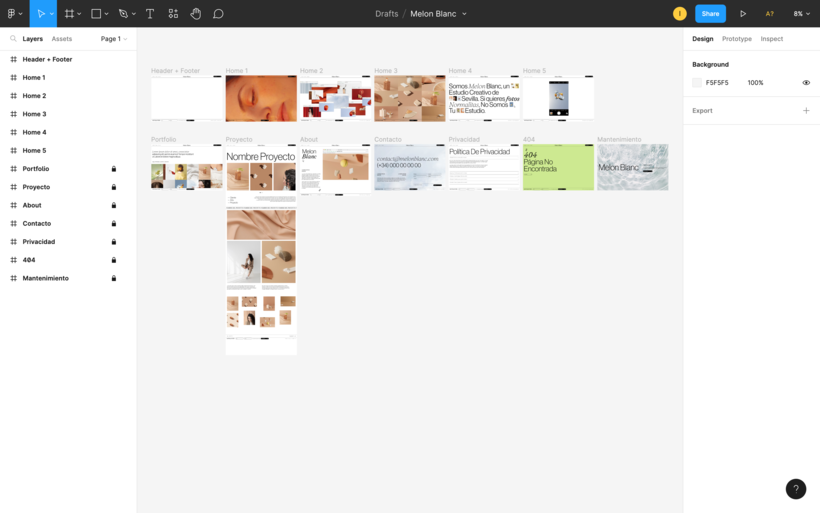
Map of your website Second, draw a website map where you define the pages that will make up your site's navigation and how the user will move through them.
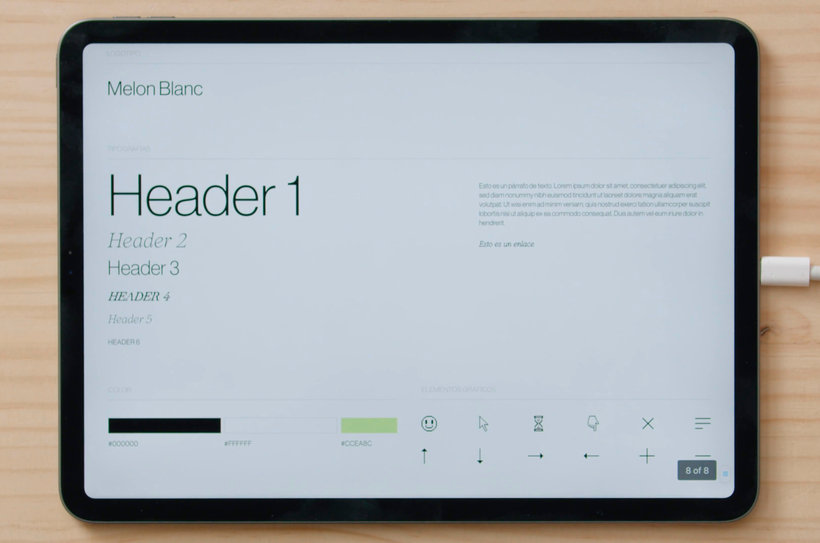
Style Guide Then, gather all the general elements and styles you want for your website: logo, font set, color palette and, optionally, graphic elements. Create a style guide with all of this.
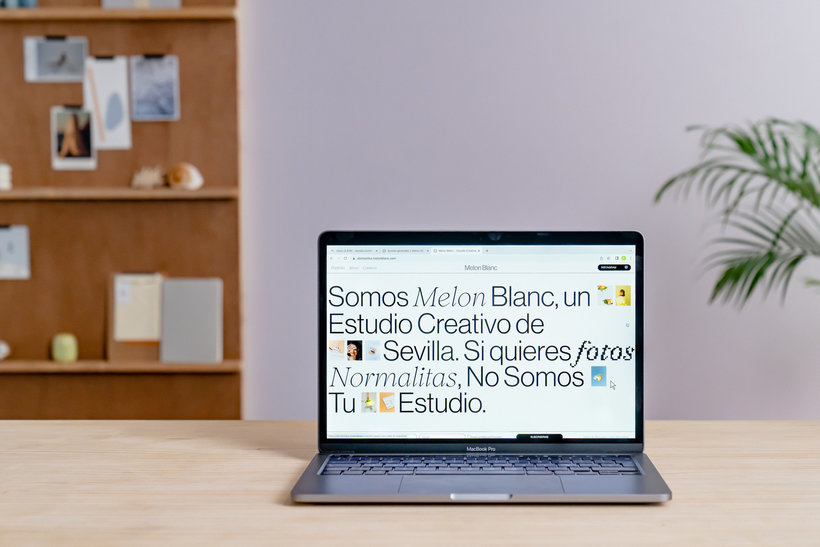
Design proposal Now you are going to work on the design proposal, which is one of the most exciting parts of the whole process. For this you can work with the design program you want. Using all the elements of your style guide, design each of the sections that make up your website and that you have previously defined in the site map. Remember that if you don't know what content or structures to use in each of these sections, you can always take a look at the visual references again for inspiration. The most important thing about the design proposal is that it helps you visualize what your site will look like when you later work with Elementor.
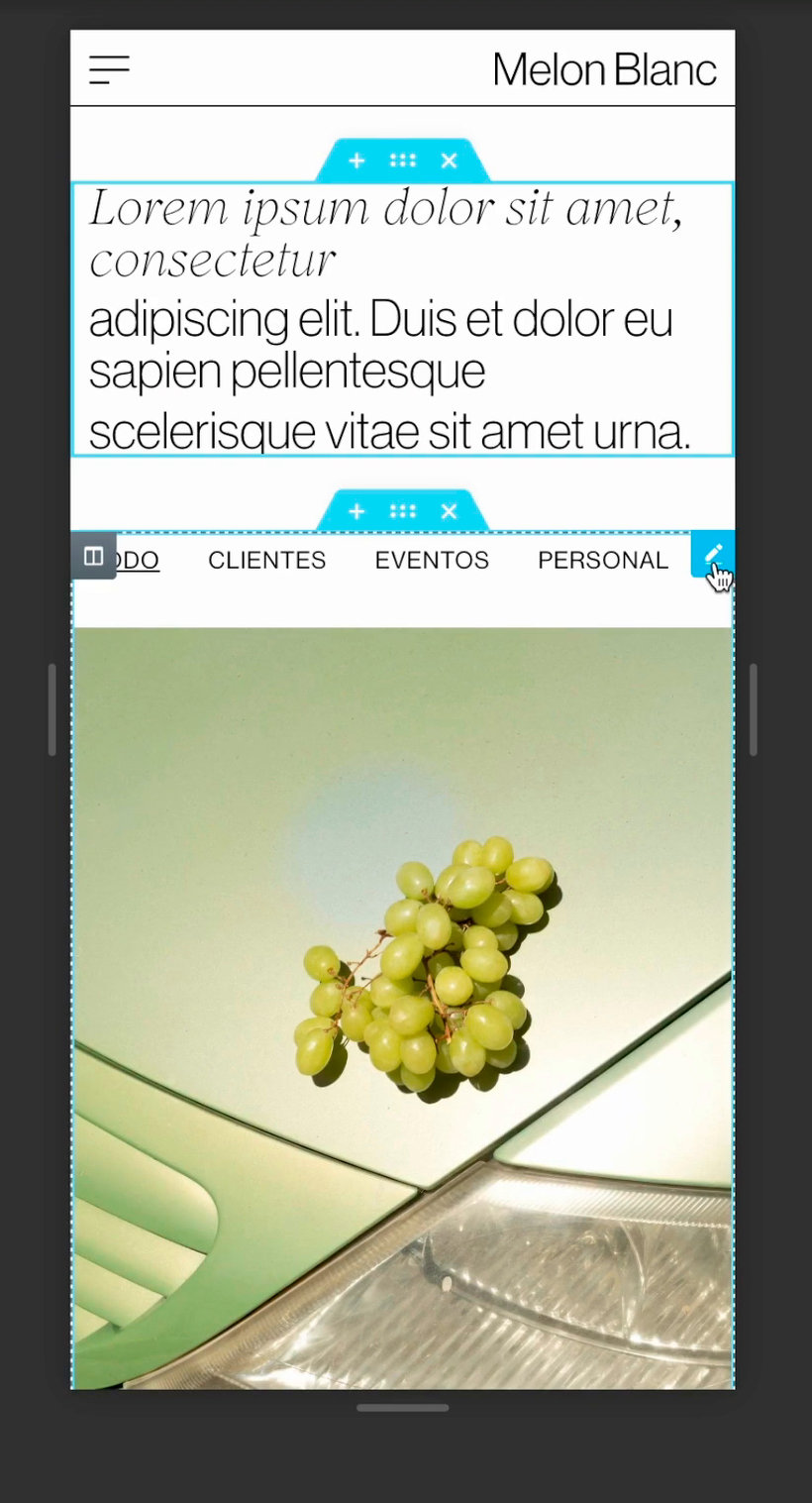
Design in WordPress and Elementor Install and configure the tools you will work with in this course to create your entire site. To do this, first of all, make sure you have a hosting and domain where you can install WordPress. When you have it installed, configure it and create the pages and navigation menus of your website. The next step will be to install the Elementor plugin and the theme that you are going to use as a base: "Hello Theme". Now all you have to do is download and install Elementor Pro, which includes amazing features to build your entire website design. It is time to transfer the entire web design proposal to a 100% real and functional site, for this you will work with Elementor, the default kit, its theme builder and template options. Remember that at this point you must keep in mind at all times the web design proposal that you have previously prepared. Start by creating the header and footer. Continue designing the home page and don't forget to include animation effects to make it much more visual and attractive.
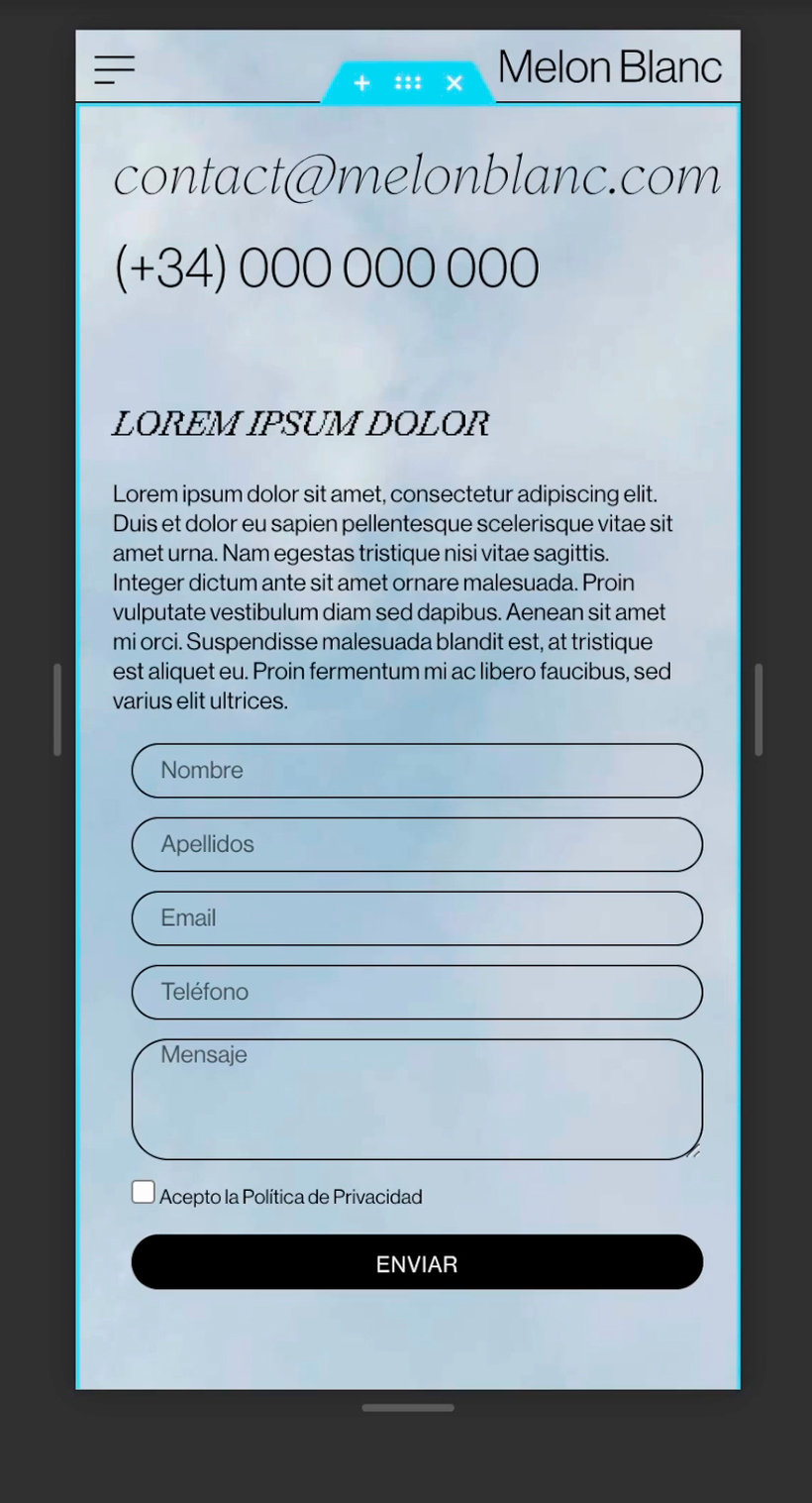
Now, create the project template and portfolio home page. And also hit the "About" and "Contact" sections. oh! Do not forget to optimize the images on your website so that they do not weigh too much and load quickly, and remember to accompany these images with texts that contribute, contextualize and humanize your work.
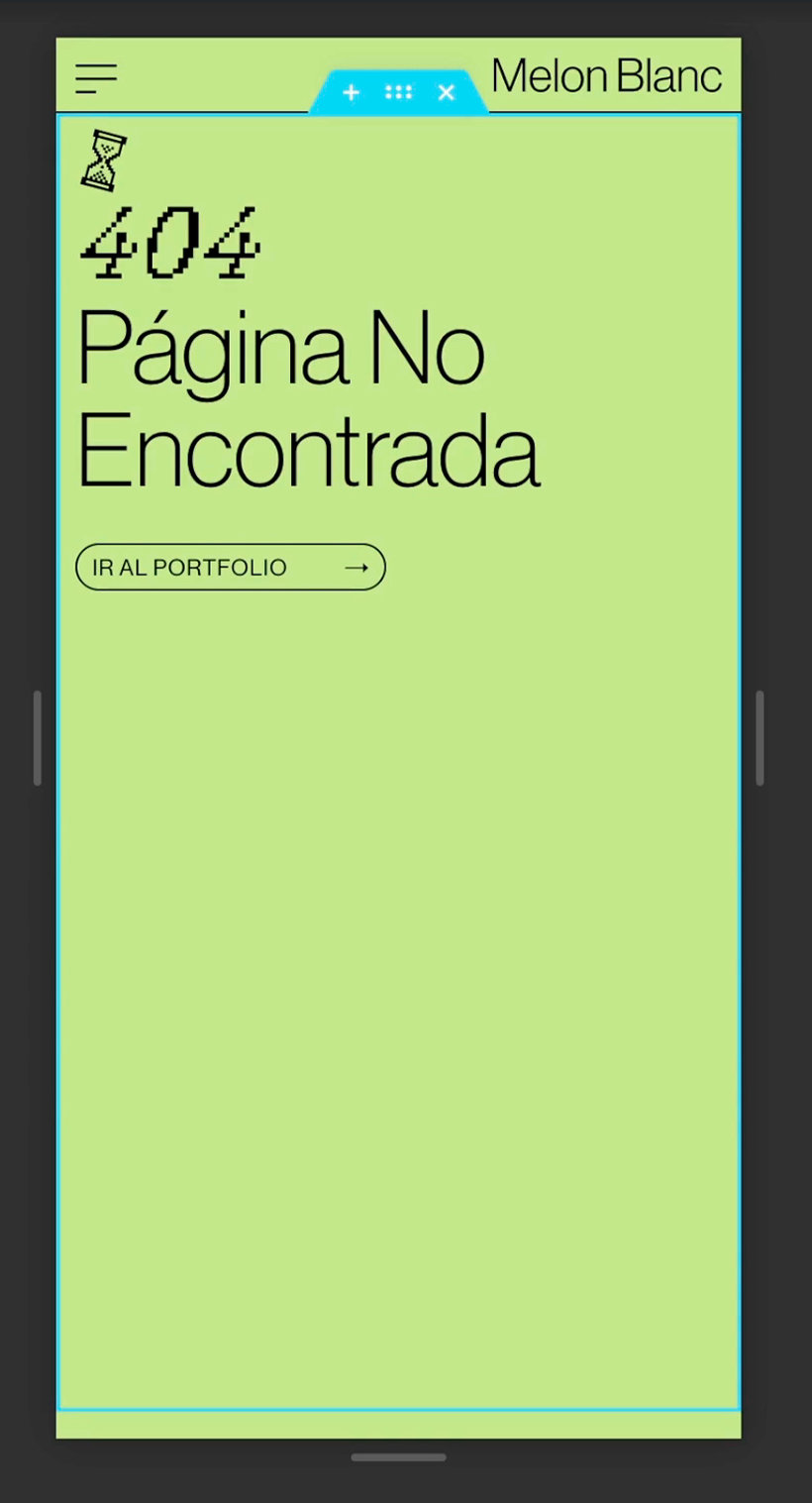
Finally, also work on the design of the secondary sections of your website, such as the privacy policy page, the "Error 404" page and the maintenance page.
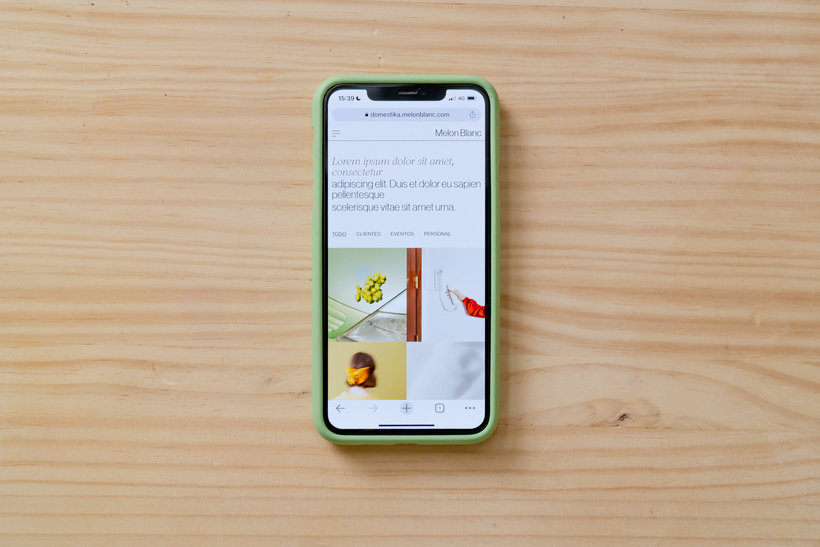
Testing and release You have very little left to finish! It is the turn to test the web in different browsers and devices, since sometimes a web appears slightly different in some of them. Write down all the details that are not working or displaying as expected and correct them later in Elementor. When you have corrected everything, everything is ready for your website to be seen by the whole world! Once you launch it, don't forget to keep it updated Ah! And remember to make a backup before doing each update.
The time has come for you to share your final project with the community by clicking on "Create your project". Remember to share the link to see the website you have designed and also tell us all the creative process that has led you to it. If at any time you have put the website in maintenance mode, please deactivate it so that we can see your website in its entirety. It sure is amazing :). I look forward to seeing your project and giving you feedback. Although I ask for your patience, I will try to access the forum as much as I can and what my professional projects allow me. Finally, I want to invite you to actively participate in the forum, not only sharing your progress, but also giving advice and trying to help the rest of the community. See you in the forum! ”

Partial transcription of the video

“The time has come for you to learn some crucial steps to build your own website. and I'm here to guide you through the process. The truth is. there was a lot of new information. so feel incredibly proud of reaching this point and overcoming your fear of web design. Always remember to begin by gathering all necessary resources and some visual references that inspire you. You can save them in a folder or make a mood board with them. Then. draw a map of your site including all the sections you want for your website. Remember here that there is no limit to sections nor are there any mandatory s...”

This transcript is automatically generated, so it may contain mistakes.


Course summary for: No-Code Web Design with Elementor and Wordpress

  • Level: Beginner
  • 98% positive reviews (263)
  • 14672 students
  • 4 units
  • 20 lessons (3h 28m)
  • 5 downloads
  • Category

    Web & App Design
  • Areas

    App Design, Digital Product Design, Portfolio Development, Web Design

Isa Macías

Isa Macías
A course by Isa Macías

Teacher Plus
Web designer and developer

Isa Macías is a web designer and developer at Melon Blanc. She's been typing and working with WordPress for eight years, creating incredible websites.

Her appreciation for design and the smallest details is evident in her work. Isa creates delightf...


  • 98% positive reviews (263)
  • 14,672 students
  • 20 lessons (3h 28m)
  • 26 additional resources (5 files)
  • Online and at your own pace
  • Available on the app
  • Audio: Spanish, English, French, Indonesian, Italian, Portuguese, Romanian, Turkish
  • Spanish · English · Portuguese · German · French · Italian · Polish · Dutch · Turkish · Romanian · Indonesian
  • Level: Beginner
  • Unlimited access forever

Category

Areas

No-Code Web Design with Elementor and Wordpress. Web, and App Design course by Isa Macías Best seller

No-Code Web Design with Elementor and Wordpress

A course by Isa Macías
Web designer and developer. Sevilla, Spain.
Joined October 2021
  • 98% positive reviews (263)
  • 14,672 students