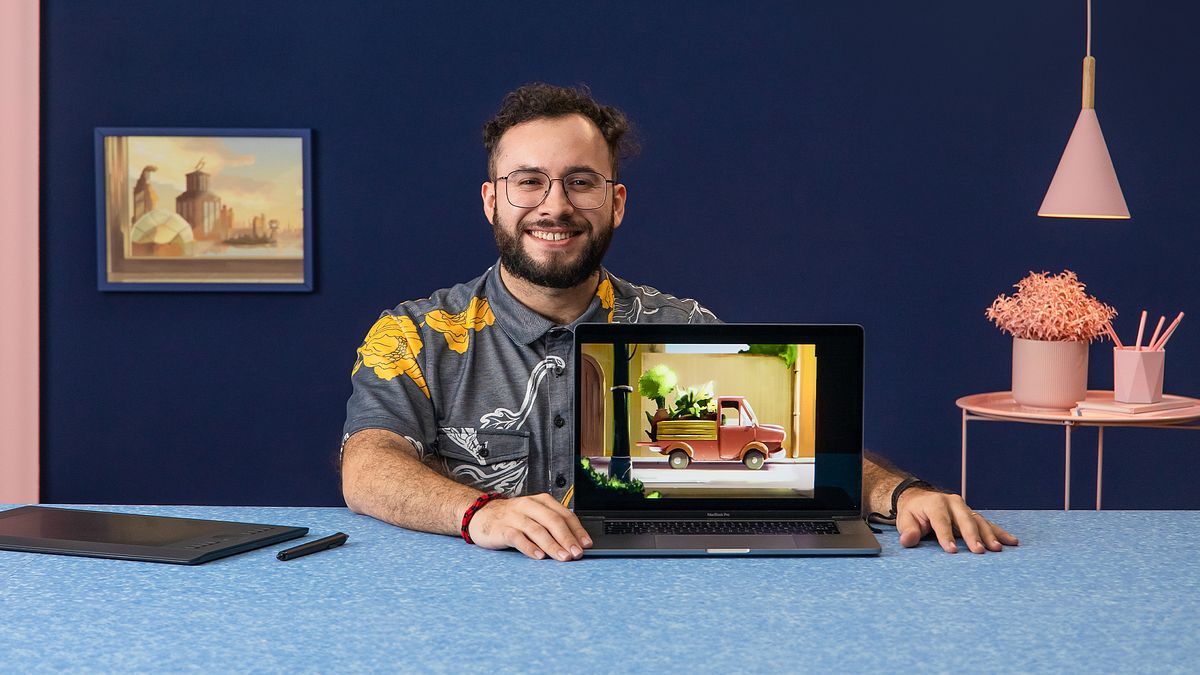
Digital Painting: Improve Your Textures
A course by Misael MéndezIllustrator
A course by Misael Méndez, Illustrator

Take your digital painting skills to the next level and learn to understand and create textures
In this online course, you will immerse yourself in the fascinating world of digital art with Misael Méndez, a talented digital painter with experience in conceptual art and art direction for important audiovisual projects. You will discover how to bring settings and objects to life through the creative use of textures and materials in digital painting.
Misael's process focuses on analyzing and transferring elements and textures that we perceive in the real world to his digital art, constantly questioning the way we see our environment. Throughout the lessons, you will explore various materials such as plastic, wood, metal, stones, crystals and liquids, learning to represent them with precision and mastery.
What will you learn in this online course?
19 lessons & 18 downloads
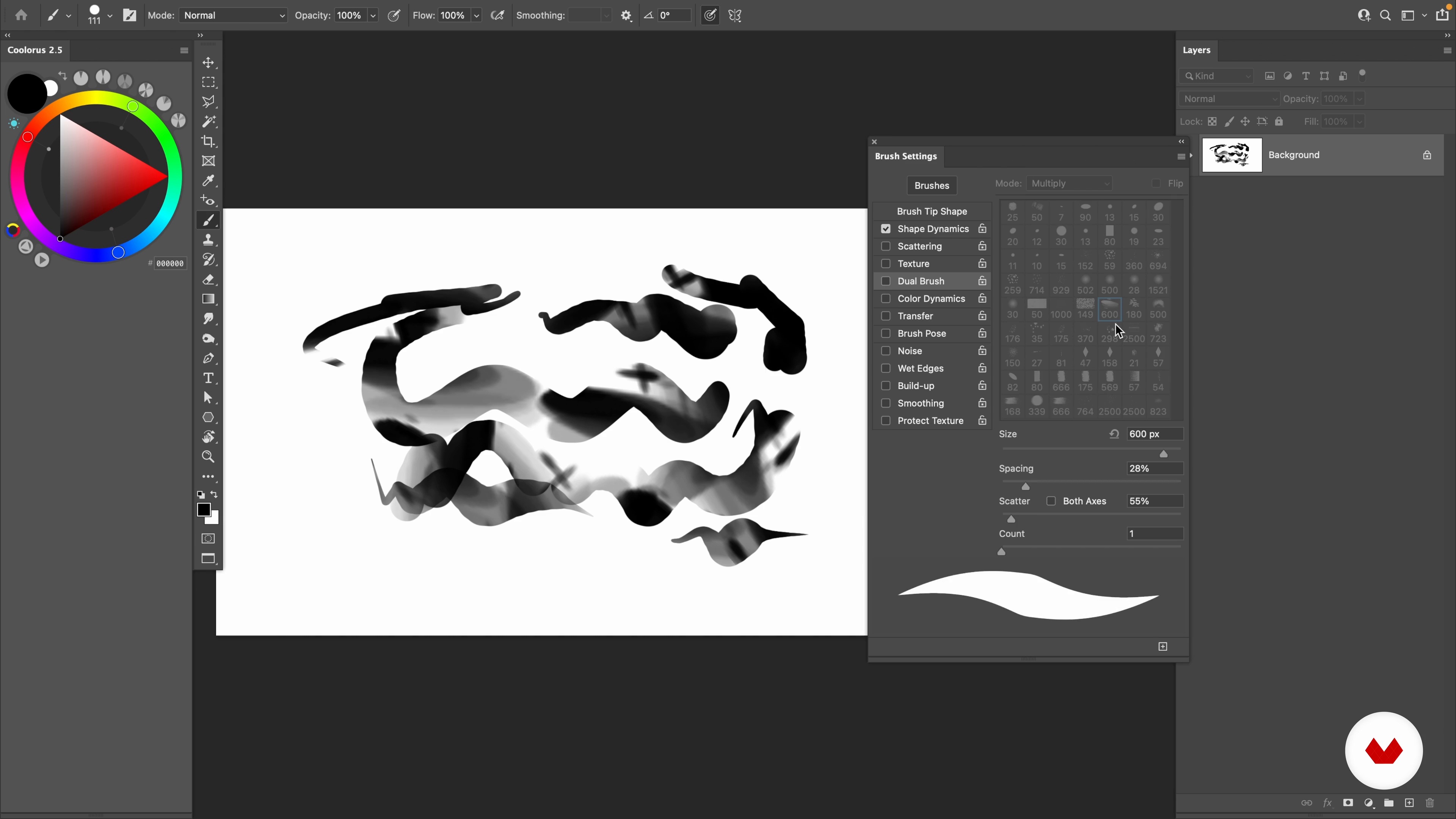
Workspace and brushes
15 minutes, 9 seconds
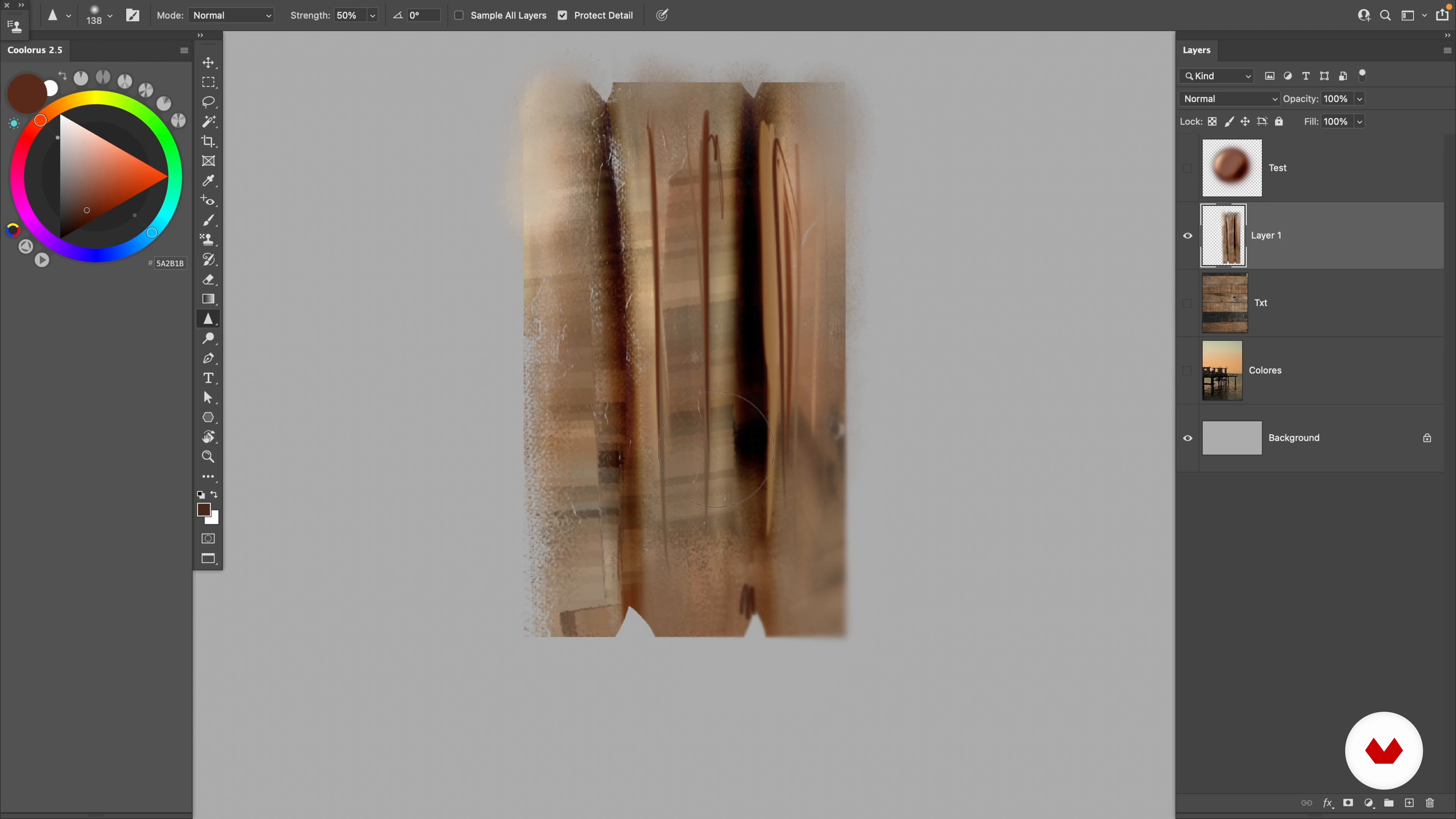
Creative use of the brush
11 minutes, 21 seconds
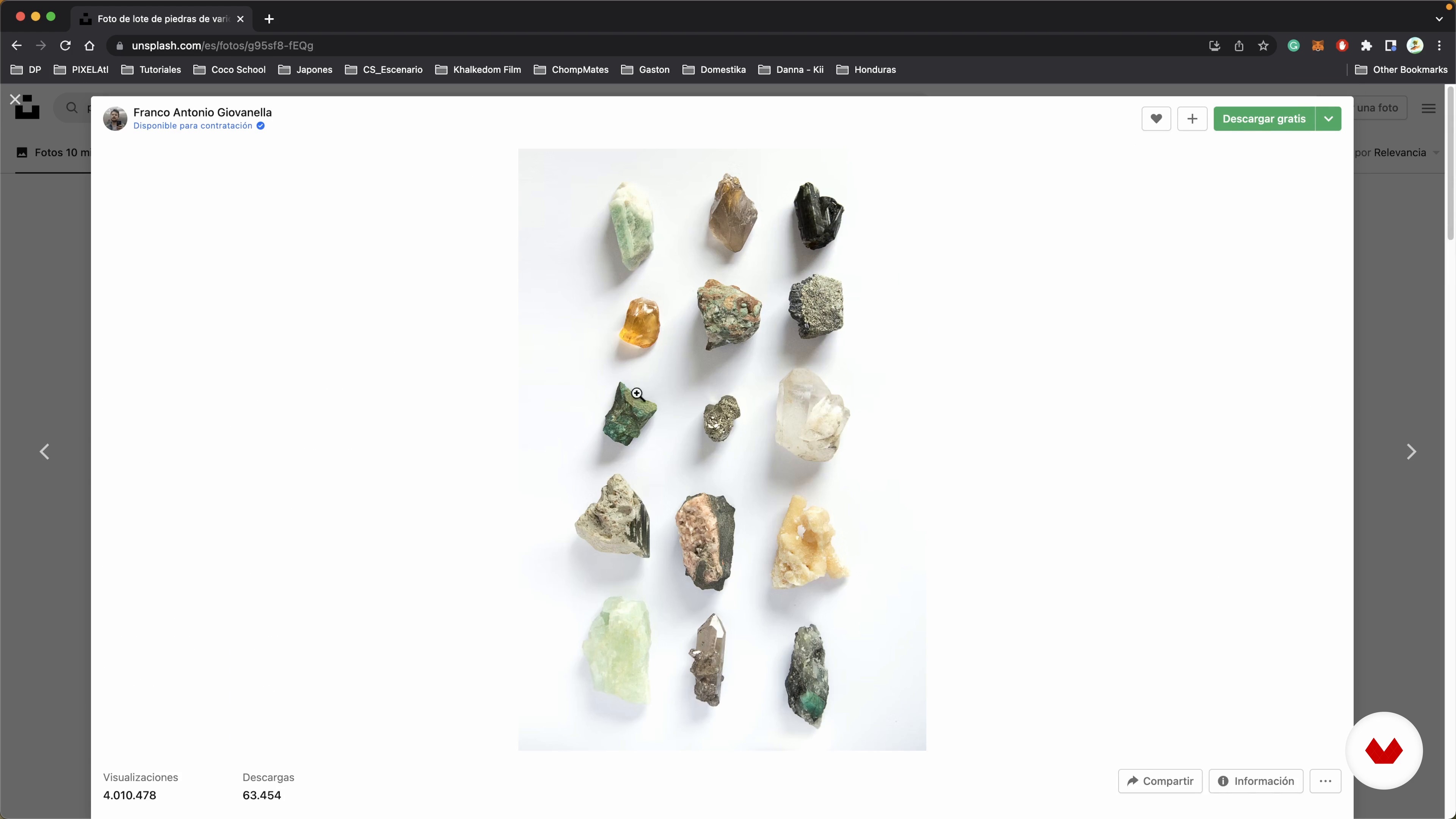
Where to find references
4 minutes, 26 seconds
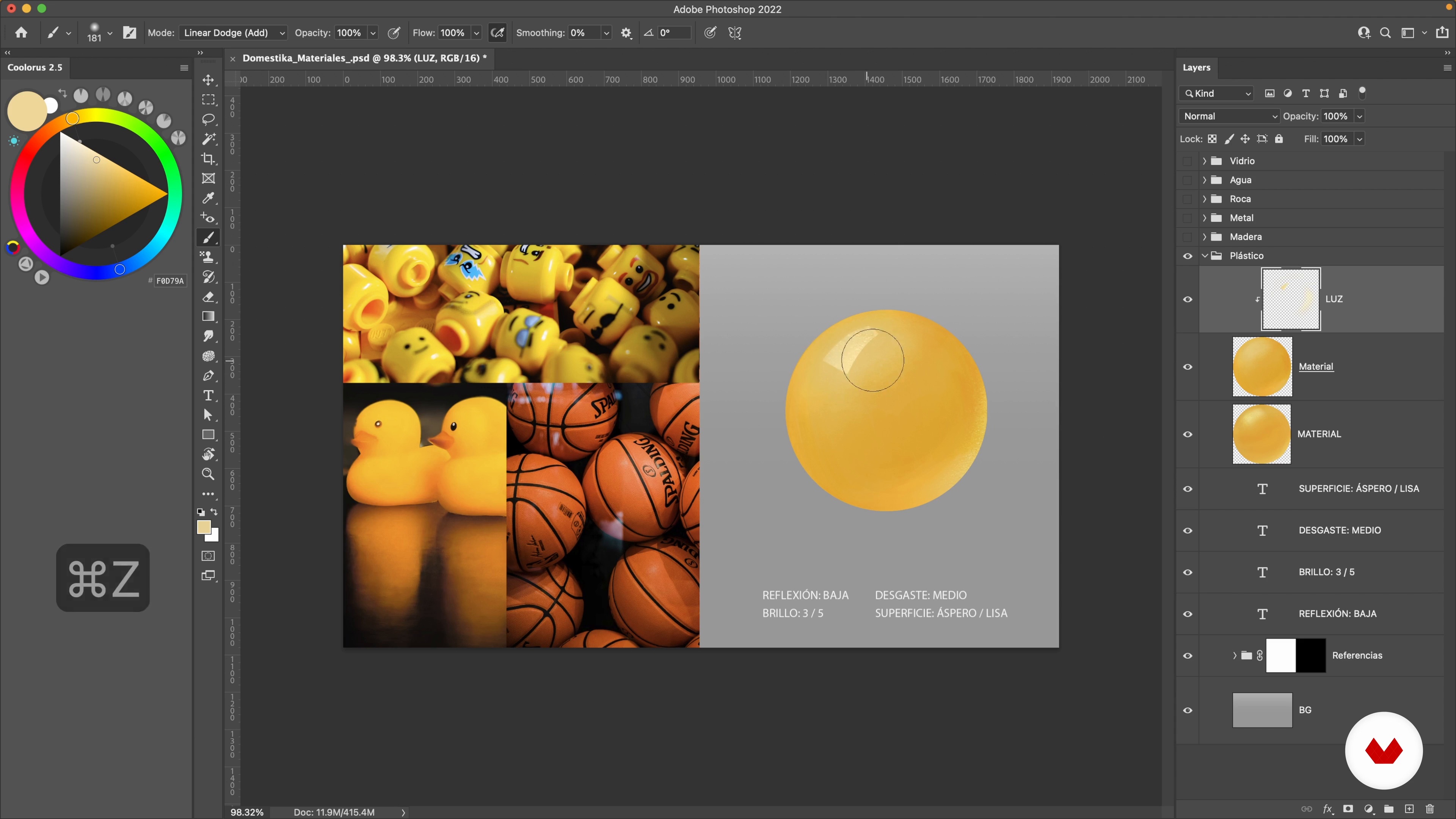
The plastic
8 minutes, 7 seconds
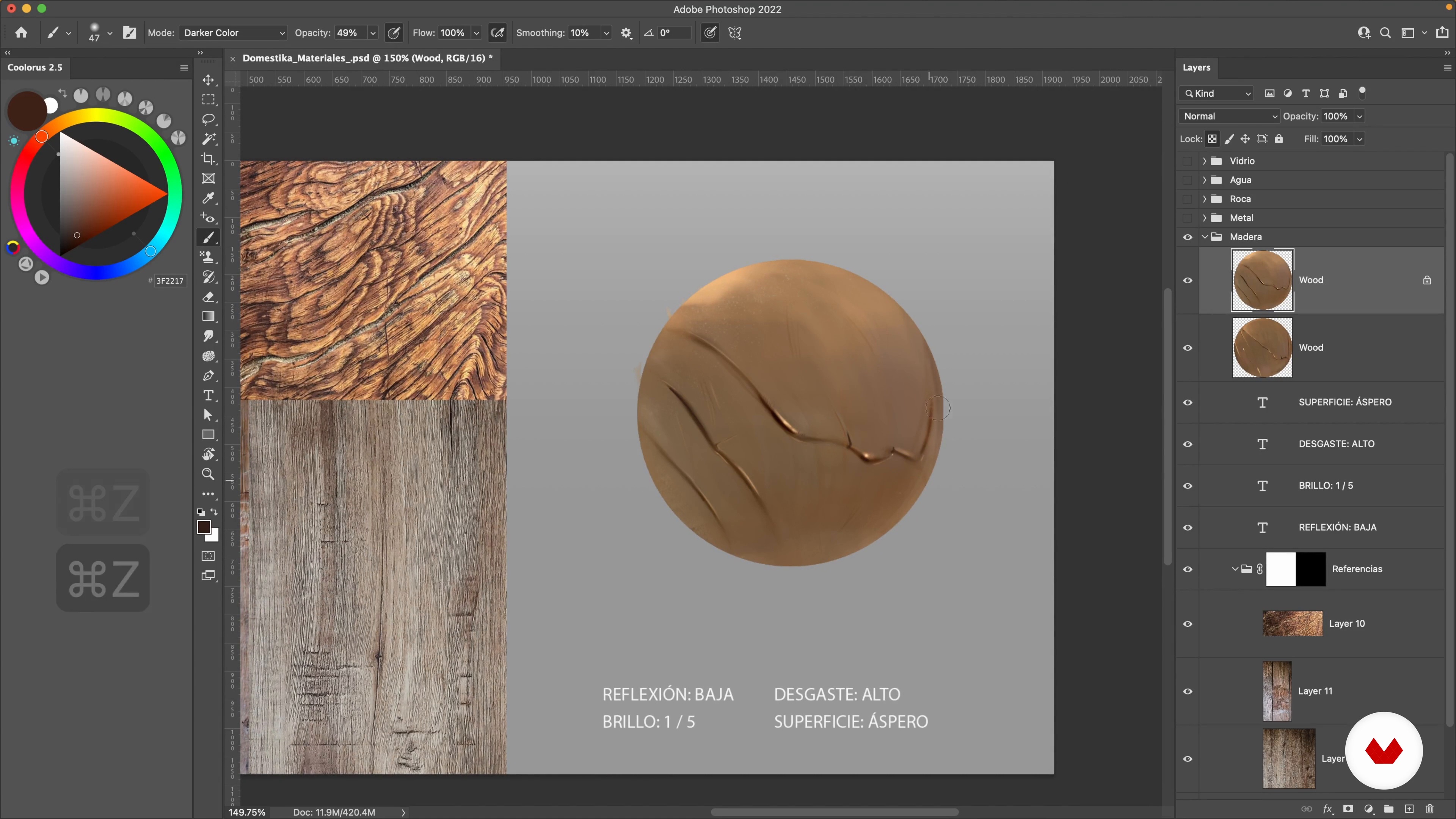
Timber
11 minutes, 9 seconds
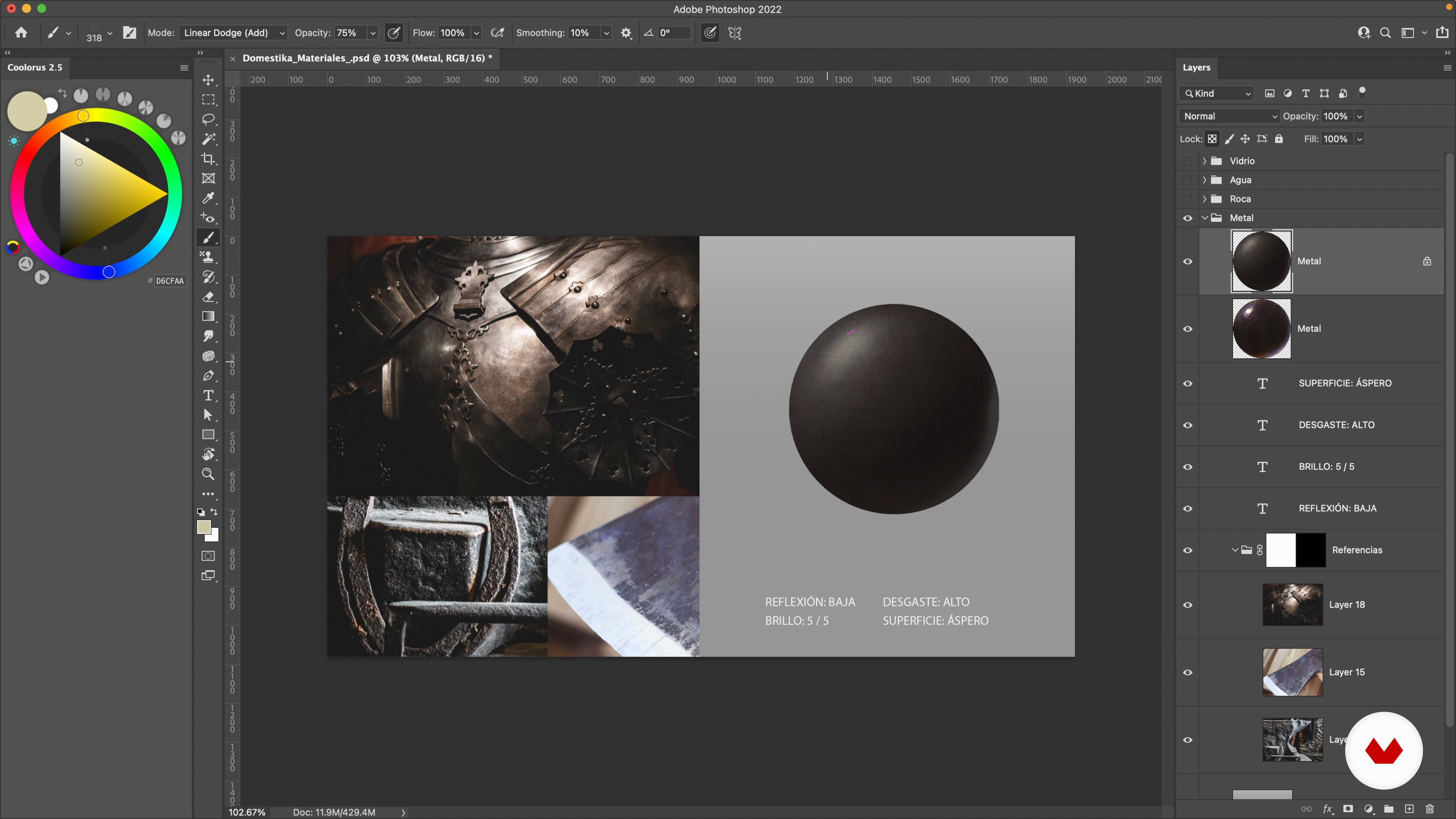
The metal
5 minutes, 50 seconds
What's included in this course?
To begin, you will familiarize yourself with Photoshop tools and learn how to use the brush creatively, essential to bringing your creations to life. Next, Misael will guide you to find your references and be inspired by nature and the world around you.
Then, immerse yourself in the fascinating world of materials and textures: plastic, wood, metal, stones, crystals and liquids. You will learn to interpret and recreate them in your digital works, giving your illustrations realism and depth.
In the final stretch of the course, you will reach the exciting moment of integrating everything you have learned into the composition of your final project. You will add colors, lights and shadows to polish your creations and give them a professional finish.
By the end of the lessons, you will have acquired the skills necessary to represent various materials and textures in your digital painting and achieve immersive and captivating environments.
Recommended software & tools for this course
What is this course's project?
You will create an artistic piece where you will capture your skills to interpret and recreate different textures and materials through digital painting. You will use all the techniques learned to integrate these elements into a unique and visually striking composition.
Projects by course students
Who is this online course for?
This course is aimed at all those passionate about digital art and painting, regardless of their level of experience. If you already have basic knowledge of Photoshop and have a digital tablet, this course will give you the necessary tools and techniques to take your digital paintings to a higher level.
Requirements and materials
To fully enjoy this course, you will need to have basic knowledge of Photoshop and have a digital tablet. Also, make sure you have a large dose of creativity and inspiration, as you will be exploring and recreating various textures and materials in your digital creations.
Reviews
- 3 months ago
si recomendaria el curso...
- 5 months ago
Buen curso para profundizar en materiales
- 9 months ago
bravo
- 1 year ago
Podia ser melhor e trabalhar com mais precisão e tempo as texturas.
- 2 years ago
Este es un muy buen curso, enseña muy bien diferentes materialidades aplicando luces y diferentes tonalidades, y aplicar las texturas a un proyecto hace una gran diferencia en el resultado final

With an extensive background in conceptual art and art direction, Misael has worked on projects for renowned brands and animation studios, leaving his mark in the creation of backgrounds and settings that tell stories on their own.
Passionate about transmitting his knowledge, Misael embarks on the role of teacher to share his skills and techniques with digital art and painting enthusiasts. His experience in art direction gives him a unique perspective, which is reflected in each of his teachings. With Misael Méndez as your guide, you will discover a world full of creative possibilities and you will immerse yourself in the magic of capturing textures and materials in your digital paintings.
Content
- U1
Introduction
- Presentation
- Influences
- U2
Preparation and tools
- Workspace and brushes
- Creative use of the brush
- Where to find references
- U3
The materials and their characteristics
- The plastic
- Timber
- The metal
- The stone
- The glass
- The liquids
- U4
Combination of textures!
- Layout and composition
- The local color
- Planning
- Lights and shadows 1
- Lights and shadows 2
- Lights and shadows 3
- Final details 1
- Final details 2
- FP
Final project
- Digital Painting: Improve Your Textures
What to expect from a Domestika course
Learn at your own pace
Enjoy learning from home without a set schedule and with an easy-to-follow method. You set your own pace.
Learn from the best professionals
Learn valuable methods and techniques explained by top experts in the creative sector.
Meet expert teachers
Each expert teaches what they do best, with clear guidelines, true passion, and professional insight in every lesson.
Certificates
PLUSIf you're a Plus member, get a custom certificate signed by your teacher for every course. Share it on your portfolio, social media, or wherever you like.
Get front-row seats
Videos of the highest quality, so you don't miss a single detail. With unlimited access, you can watch them as many times as you need to perfect your technique.
Share knowledge and ideas
Ask questions, request feedback, or offer solutions. Share your learning experience with other students in the community who are as passionate about creativity as you are.
Connect with a global creative community
The community is home to millions of people from around the world who are curious and passionate about exploring and expressing their creativity.
Watch professionally produced courses
Domestika curates its teacher roster and produces every course in-house to ensure a high-quality online learning experience.
FAQs
You’ll learn how to analyze and depict materials like wood, metal, glass, and stone using professional digital painting techniques in Photoshop, blending textures and lighting to create realistic and expressive illustrations.
This course is aimed at those with basic digital illustration skills, perfect for intermediate learners looking to master texturing and material rendering techniques in Photoshop.
You’ll need basic Photoshop knowledge, access to the software, a graphics tablet, and the motivation to practice texturing and digital composition techniques.
The course offers detailed lessons on observing, analyzing, and painting textures of wood, metal, and glass, using digital brushes, blending modes, and visual references to achieve realistic finishes.
Yes, you’ll learn how to create, modify, and fine-tune digital brushes, set up brush dynamics, and save custom presets to simulate different textures and finishes.
Yes, the course covers workspace organization, layer management, and professional workflow tips to help you integrate into creative teams and streamline your artistic process.
The course uses royalty-free photos, Unsplash images, and digital resources to teach you how to find, select, and organize effective visual references for texturing.