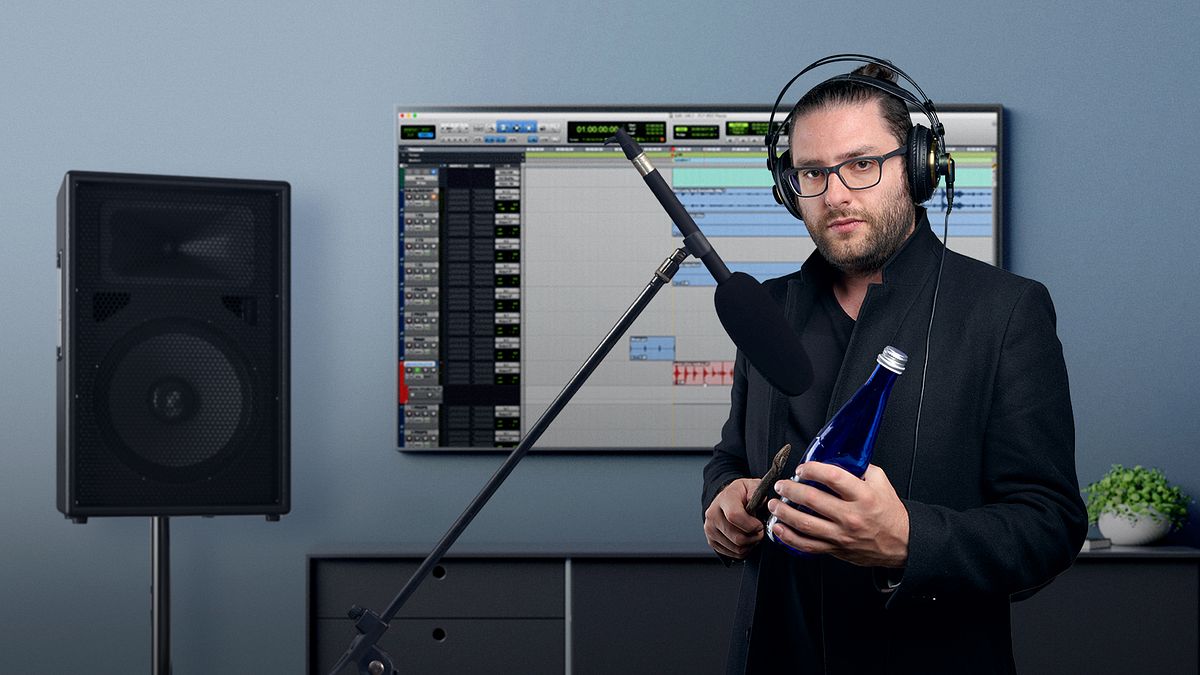
Introduction to Foley: Create and Record Sound Effects
A course by Manuel José GordilloComposer and Sound Designer
A course by Manuel José Gordillo, Composer and Sound Designer

Learn to tune in to the sounds of your environment and enrich your audiovisual storytelling with Foley
Working with Foley is like composing music for a movie scene, but with unconventional instruments: everyday objects. In this online course, composer and sound designer Manuel José Gordillo teaches you the secrets to making a rich audiovisual experience.
Under his guidance, learn to produce and record sound effects for films, videos, and other AV content. Discover the ins and outs of the Foley process and how to replicate an array of sounds, from footsteps and the swishing of clothing to objects like telephones and even nature itself. Create realistic sounds using objects you never would have imagined!
What will you learn in this online course?
18 lessons & 27 downloads
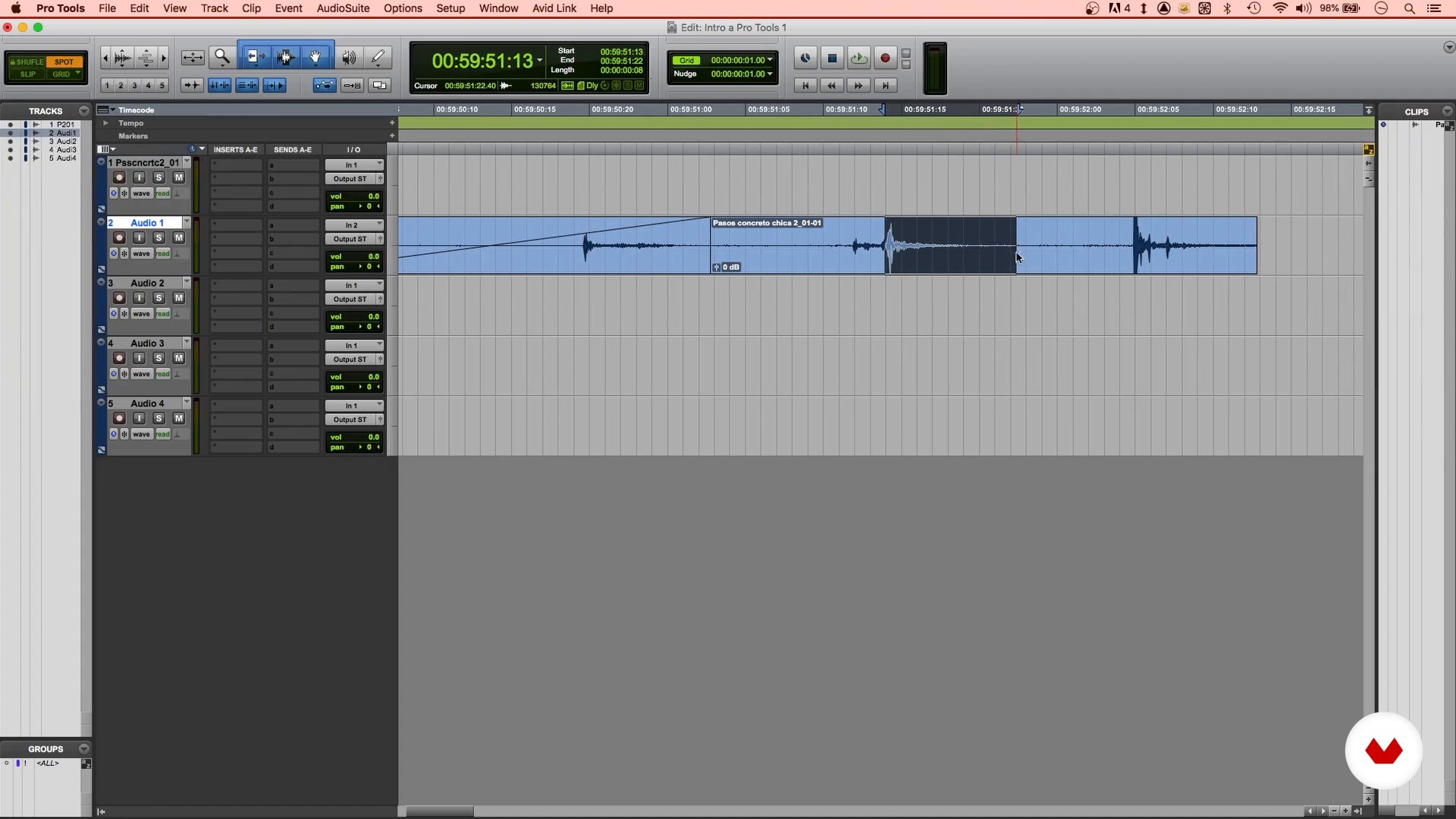
Introduction to Pro Tools
13 minutes, 25 seconds
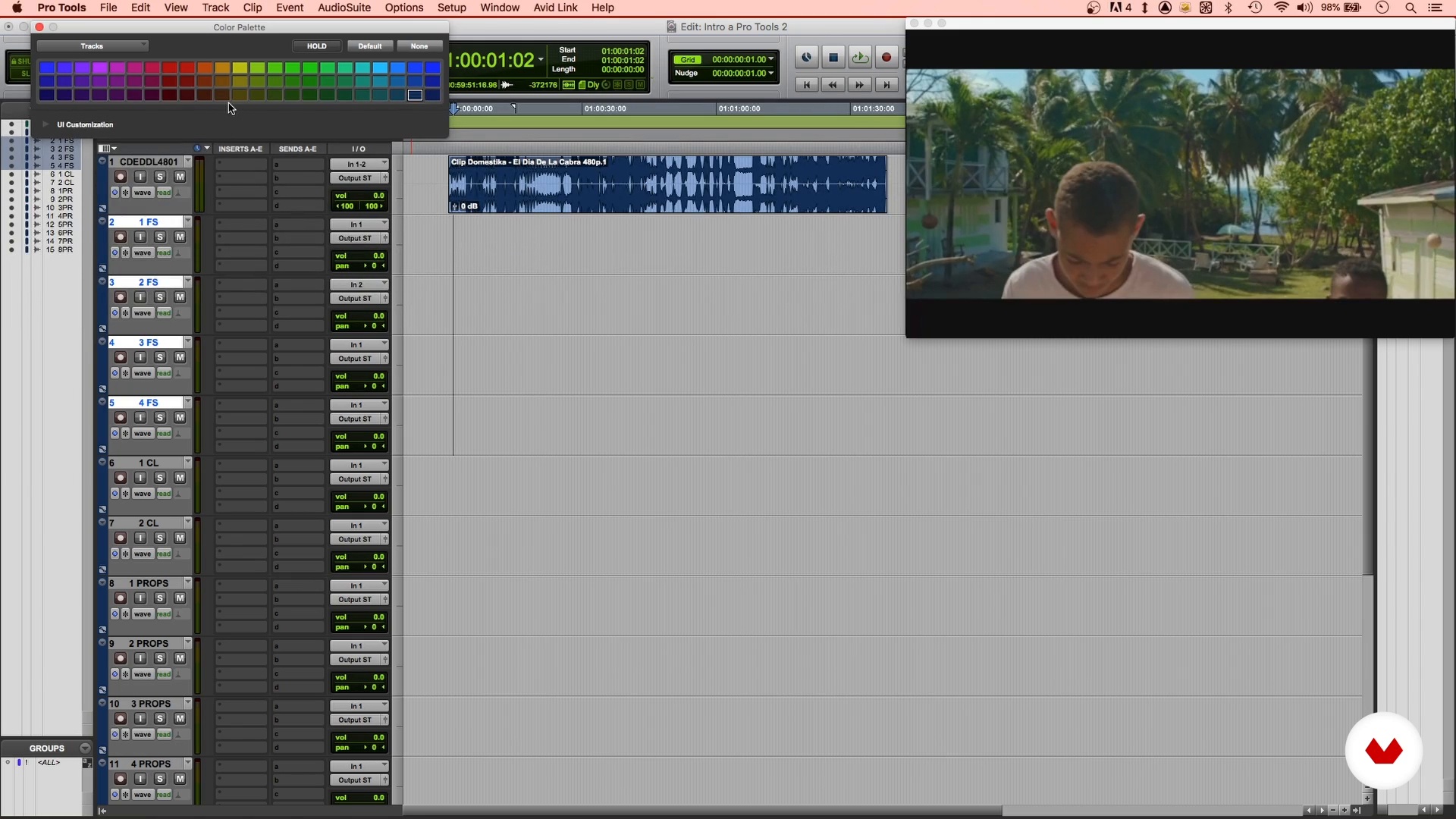
Working with video in Pro Tools
11 minutes, 18 seconds
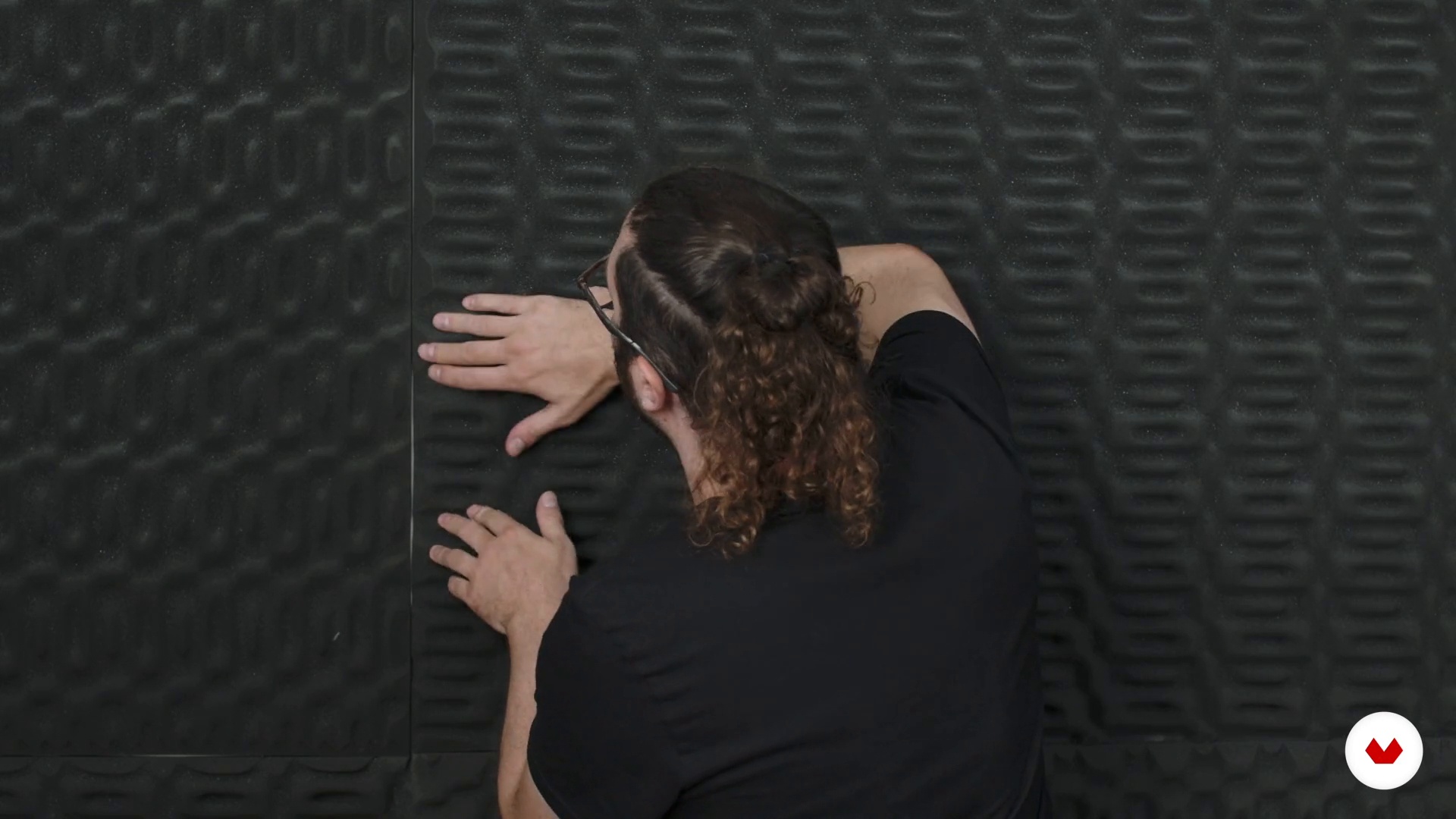
Space preparation
3 minutes, 13 seconds
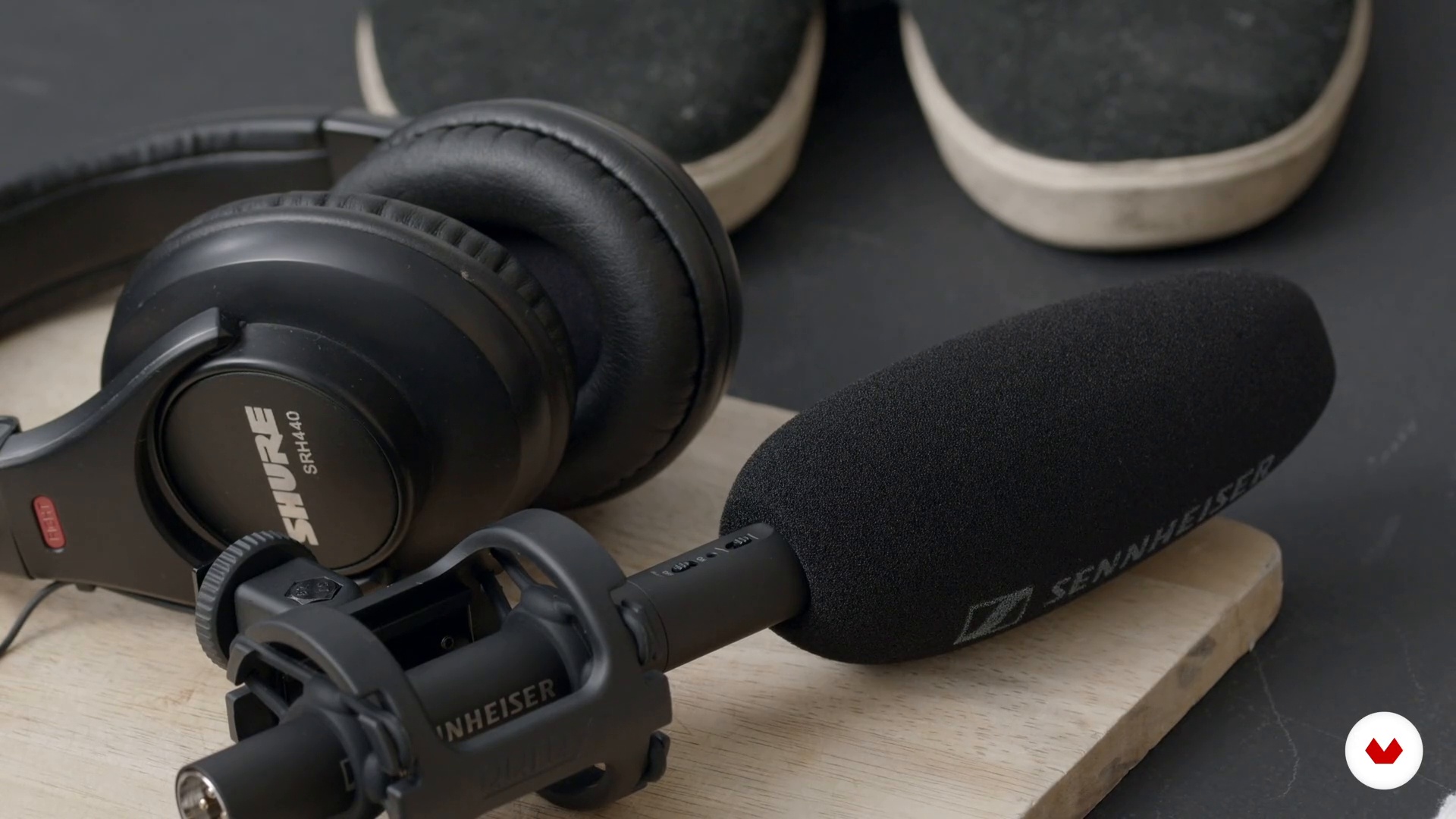
Preparation of materials
2 minutes, 30 seconds
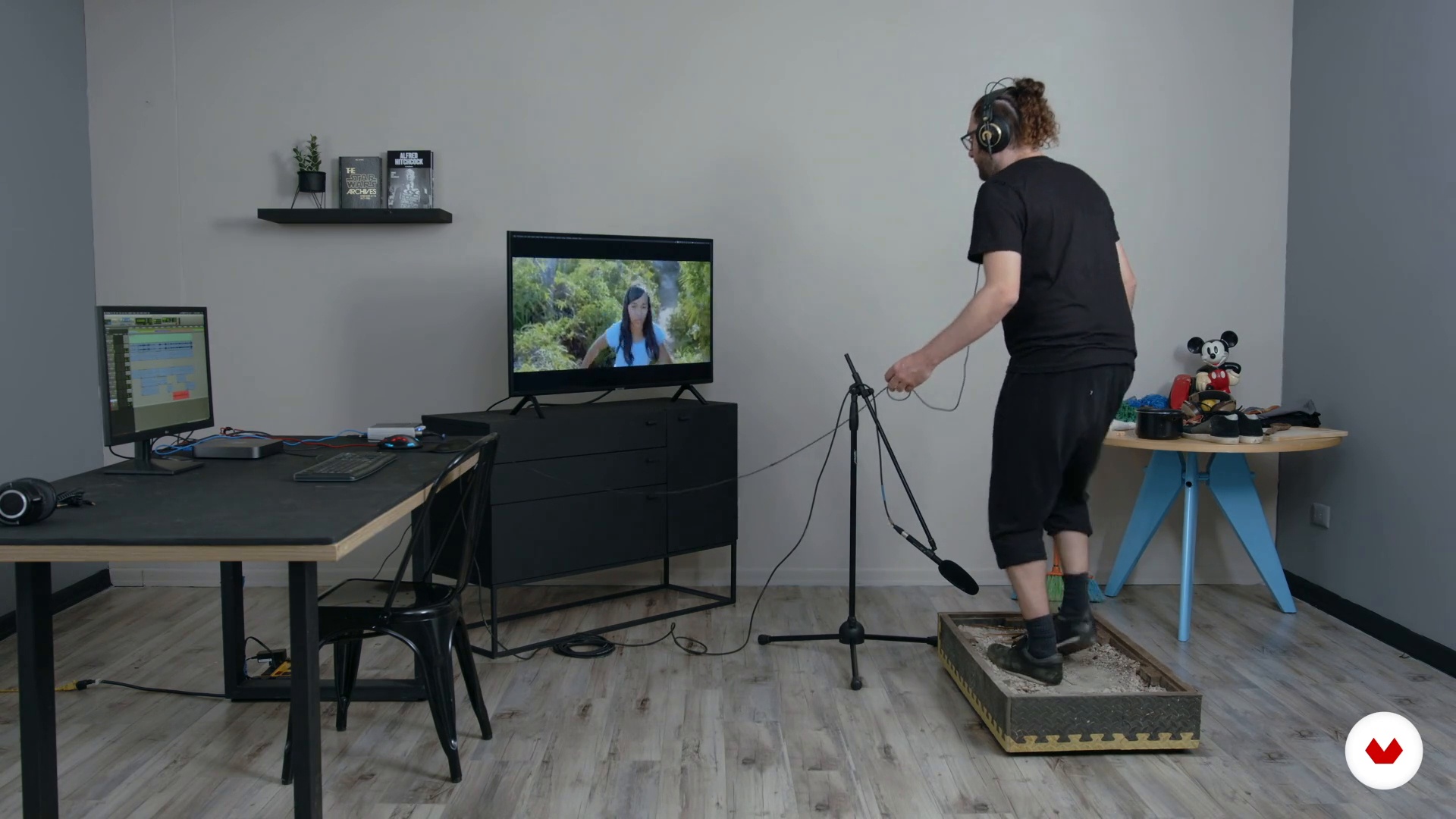
Step recording
12 minutes, 59 seconds
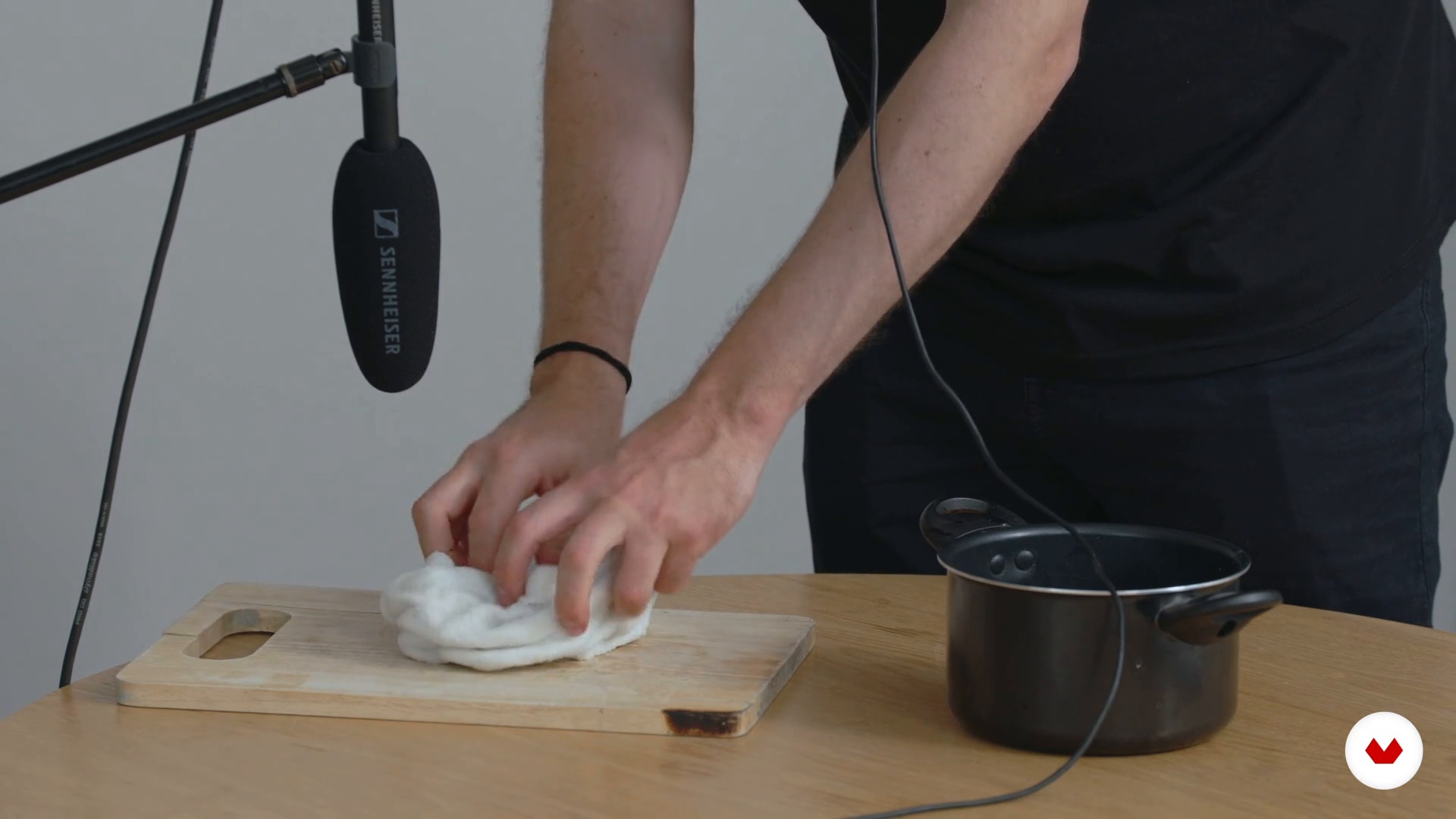
Prop recording
10 minutes, 24 seconds
What's included in this course?
Manuel José Gordillo begins by telling you about his professional career and experience in music and sound design for the movie industry. He also shows you a variety of films that have influenced him and the way he works with sound.
Continue with a course overview and dive into the fundamental concepts for your project. Discover what Foley is and take an in-depth look at a DAW, its tools, and how to use it.
Next, learn why planning and preparation is key to an efficient Foley session. See how to set up a workspace and organize your materials, as well as how to make a spotting sheet to ensure the process runs smoothly.
Time to enter the studio. Record the different sounds from your list one by one, such as footsteps, clothing, and a range of objects that enrich the auditory experience and enhance the film's story.
To wrap up, Manuel teaches you how to edit, organize, and sync your audio clips for the final mix. You now have a professional-grade Foley session that's ready to use for a project or to showcase your talent.
What is this course's project?
Create and record sound effects for a movie scene.
Projects by course students

Who is this online course for?
Anyone interested in audio and sound effects for films.
Requirements and materials
To take this course, you need recording equipment and a basic understanding of digital audio recording and editing for video in a DAW.
In terms of materials, you need a simple recording studio that includes headphones or speakers, a monitor, an audio production program (DAW) that supports video, and a microphone, as well as a quiet space and different objects to create the sound effects.
Reviews
- 2 months ago
Ótimo curso, muito boas referências e demonstrações
- 1 year ago
excelente curso! recomiendo
- 2 years ago
Amazing start up to sound design!
- 2 years ago
Great course and good teaching
- 2 years ago
Great course

Throughout his career, he's worked in every step of the sound post-production process for film, holding positions as a sound supervisor, an FX, direct, and ambient sound editor, a Foley artist, and a mixing engineer. He currently devotes his time to composing original music for feature-length films in a variety of genres, from dramas to thrillers and horror movies. With his company, La Tina, he's done sound and music post-production work for projects at both a local and international level, as well as platforms such Netflix, HBO, and Amazon Prime.
Content
- U1
Introduction
- About Me
- Influences
- U2
The bases
- Introduction to foley
- Introduction to Pro Tools
- Working with video in Pro Tools
- U3
Planning and preparation
- The recording plan
- Space preparation
- Preparation of materials
- U4
Recording
- Step recording
- Clothing recording
- Prop recording
- Other props
- U5
Editing and mixing
- Editing, cleaning and synchronization of recorded sound 1
- Editing, cleaning and synchronization of recorded sound 2
- Editing, cleaning and synchronization of recorded sound 3
- Editing, cleaning and synchronization of recorded sound 4
- The premix
- Delivery
- FP
Final project
- Introduction to Foley: Create and Record Sound Effects
What to expect from a Domestika course
Learn at your own pace
Enjoy learning from home without a set schedule and with an easy-to-follow method. You set your own pace.
Learn from the best professionals
Learn valuable methods and techniques explained by top experts in the creative sector.
Meet expert teachers
Each expert teaches what they do best, with clear guidelines, true passion, and professional insight in every lesson.
Certificates
PLUSIf you're a Plus member, get a custom certificate signed by your teacher for every course. Share it on your portfolio, social media, or wherever you like.
Get front-row seats
Videos of the highest quality, so you don't miss a single detail. With unlimited access, you can watch them as many times as you need to perfect your technique.
Share knowledge and ideas
Ask questions, request feedback, or offer solutions. Share your learning experience with other students in the community who are as passionate about creativity as you are.
Connect with a global creative community
The community is home to millions of people from around the world who are curious and passionate about exploring and expressing their creativity.
Watch professionally produced courses
Domestika curates its teacher roster and produces every course in-house to ensure a high-quality online learning experience.
FAQs
Foley is the art of recreating sound effects in a studio using everyday objects, perfectly syncing them with film, TV, or animation to add realism and depth to the audiovisual story.
This course is designed for intermediate learners, so having basic knowledge of digital recording and audio editing is recommended.
You’ll need a computer with Pro Tools installed, a microphone, headphones, and some common objects to practice Foley effects. A quiet space for recording is also recommended.
You’ll learn how to record, edit, and sync Foley effects, clean up audio, organize tracks in Pro Tools, and apply sound design techniques for film and audiovisual projects.
The course teaches you how to create sessions, select and record objects, organize Foley tracks, edit clips, apply fades, reduce noise, and sync audio with video in Pro Tools.
Tools like the grid, timecode, and markers in Pro Tools are used to precisely align and sync sound effects with the visuals.
Yes, the course includes practical exercises to record footsteps, clothing sounds, and objects, plus experimenting with alternative materials to create realistic and creative effects.