Creative Architectural Design & Modeling in Revit
Course final project
A course by BIM it , Architecture Collective


About the final project for: Creative Architectural Design & Modeling in Revit
Creative Architectural Design & Modeling in Revit
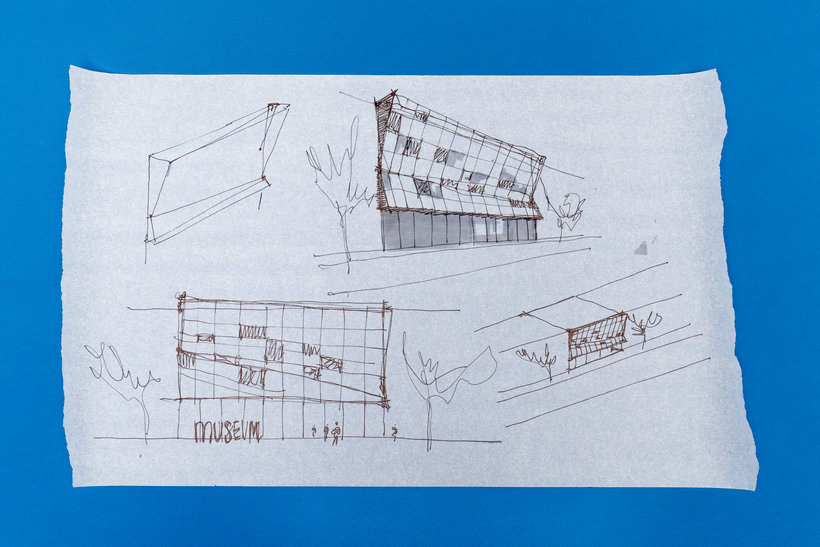
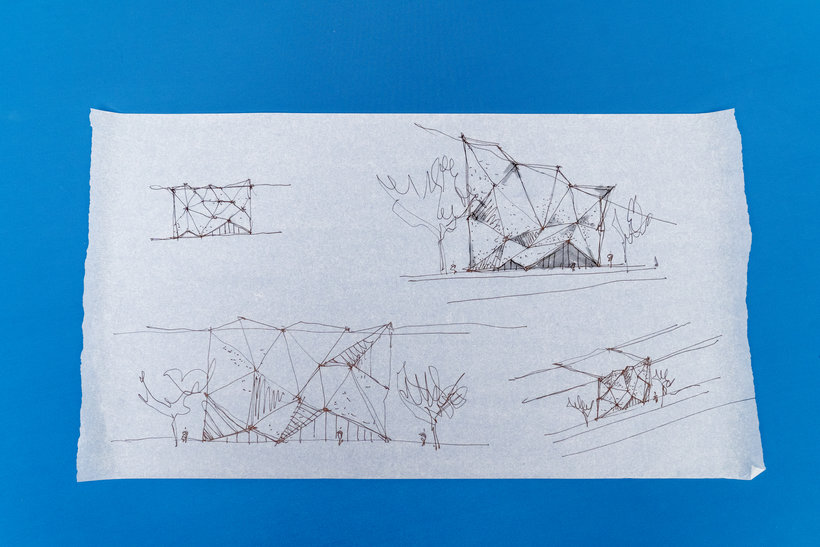
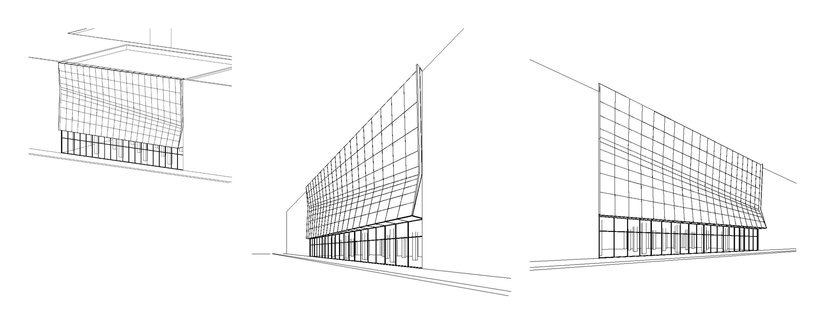
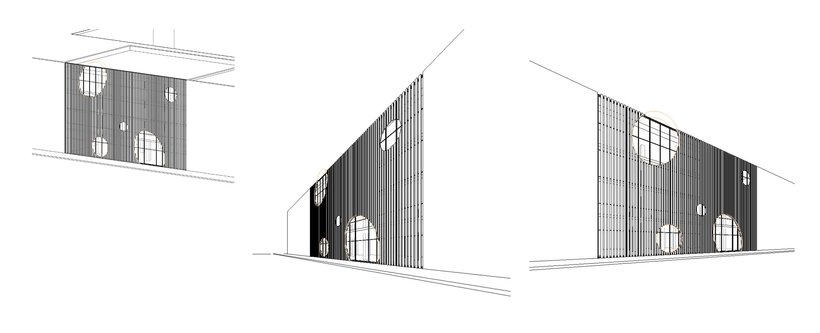
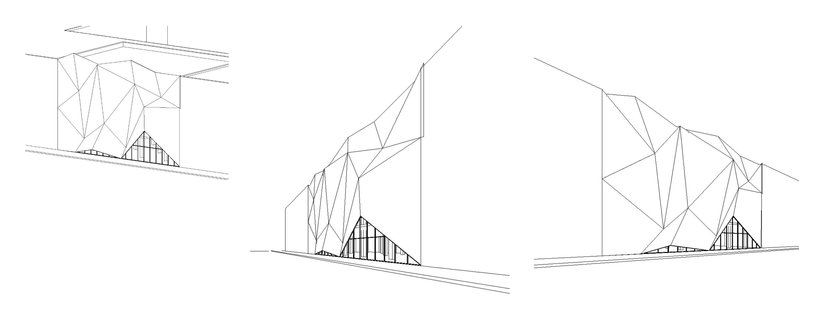
“Congratulations! You have reached the end of this course. Thank you so much for taking part; it has been a great experience sharing our creative process with you! We hope you learned something new and you're now able to apply and adapt the techniques you have learned to your own work. Now it's time to complete and share your project. Make sure to keep track of your progress with different pictures of each step. It would be great if you could also explain the choices you have made along the way and tell us if you have any doubts. This will help us guide you better if you need advice. We encourage you to be creative and test as much as you can. This is the best way to learn! Each building and design is different and will teach you different things. Here are a few important tips for you to consider while working on your project: • Before modeling, make sure you have your ideas sketched, then analyze all the possible modeling approaches. Don't design directly in Revit!
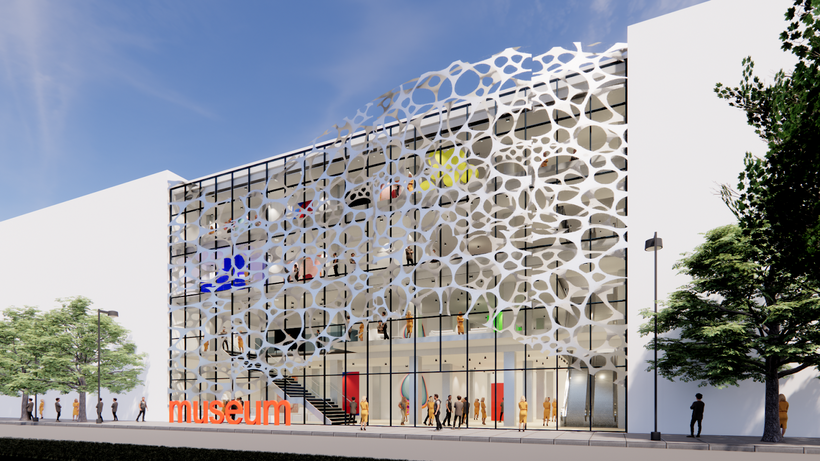
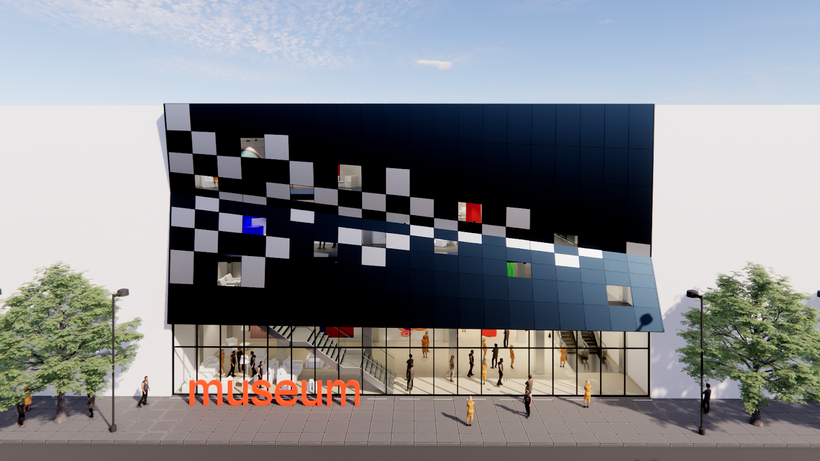
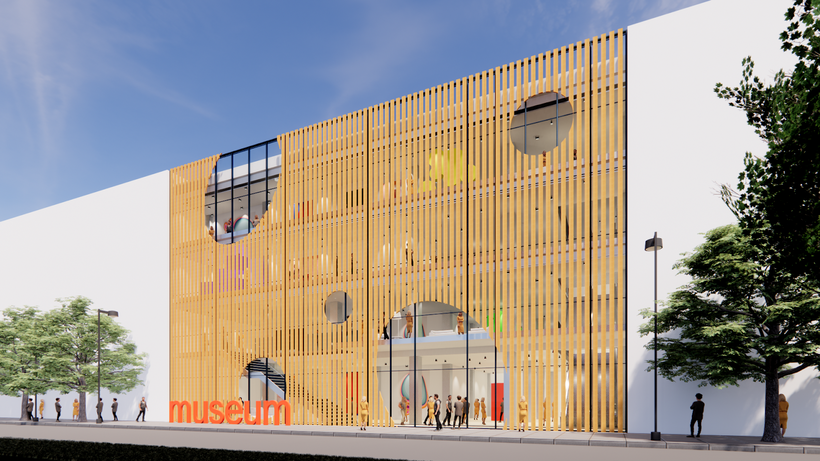
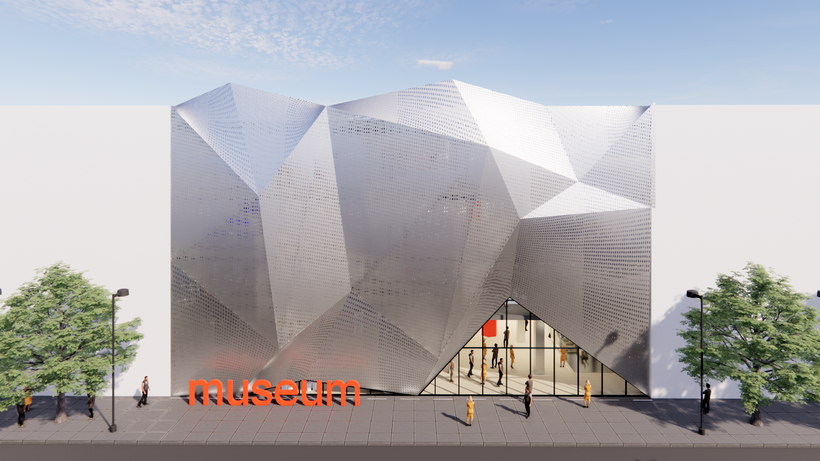
Partial transcription of the video
“Congratulations, you have reached the end of this Domestika course. We hope you have enjoyed and learned a lot. We want you to be original and creative with your final projects. So here are a few tips to help you achieve this. Before modeling, make sure you have your ideas sketched. Then analyze all the possible modeling approaches. Don't design directly in Revit. Don't overdo it. Choose the simplest and most efficient way in accordance with what you need to do. If you're doing a simple test, it's not necessary to model in a very detailed way. When selecting the modeling approach, Always ke...”
This transcript is automatically generated, so it may contain mistakes.
Course summary for: Creative Architectural Design & Modeling in Revit
-
Category
Architecture & Spaces -
Software
Revit Architecture -
Areas
ArchVIZ, Digital Architecture

BIM it
A course by BIM it
Paula Cabral and Nataliya Tokmacheva are two Barcelona-based architects, and together, they form BIM it. Their work consists of developing big-scale projects entirely in Autodesk Revit, hand in hand with other BIM managers and architects within internationally renowned architectural practices such as Chapman Taylor, Intercon, and Ricardo Bofill Taller de Arquitectura (RBTA).
In the last several years, they have successfully delivered around a dozen large-scale projects, including shopping centers and other complexes, in many different countries such as Uzbekistan, Kazakhstan, and Ukraine, among others.
- 99% positive reviews (71)
- 5,432 students
- 16 lessons (3h 12m)
- 16 additional resources (8 files)
- Online and at your own pace
- Available on the app
- Audio: English, Spanish (Latam), French, Indonesian, Italian, Portuguese, Romanian, Turkish
- Spanish · English · Portuguese · German · French · Italian · Polish · Dutch · Turkish · Romanian · Indonesian
- Level: Beginner
- Unlimited access forever
Recommended software & tools for this course
 Revit Architecture
Category
Areas

