Design of 3D Sets for Products
A course by Alejandro Herrada GonzálezGraphic Designer and Art Director
A course by Alejandro Herrada González, Graphic Designer and Art Director

Learn to create advertising sets in 3D for Cinema 4D
When designing an environment for a product, the physical world presents some limitations to creativity that can be solved through the use of 3D: from budget problems to others related to materials and spaces. In 3D you can create without limiting your imagination.
This was what led Alejandro Herrada to found Ah. Studio, a studio specialized in 3D design with clients such as Nivea and Hatsu. In this online course, Alejandro teaches you his process to create publicity sets in a 3D environment using Cinema 4D.
What will you learn in this online course?
18 lessons & 17 downloads
Analysis of the brief
4 minutes, 40 seconds
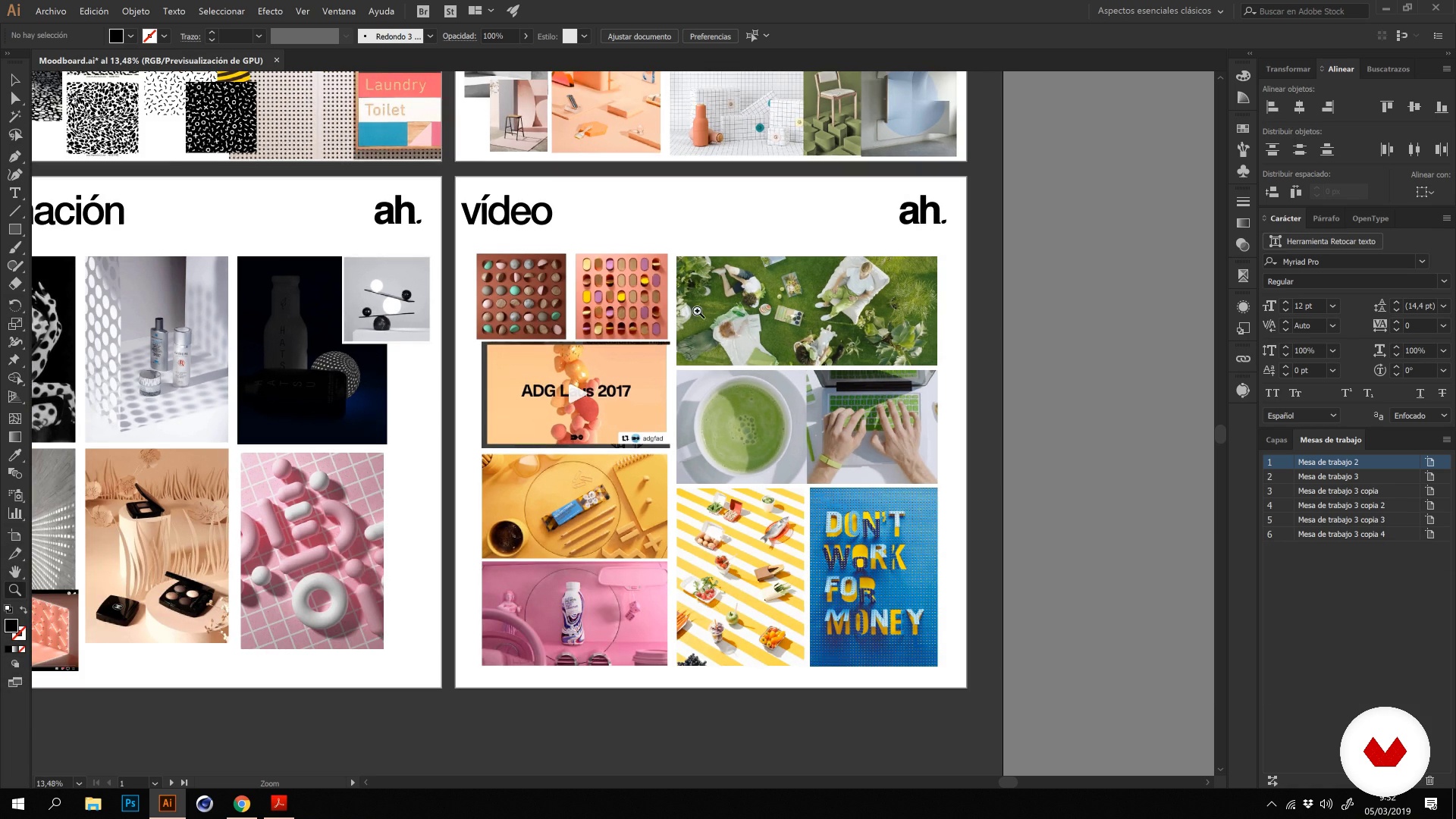
Art direction moodboard
12 minutes, 15 seconds
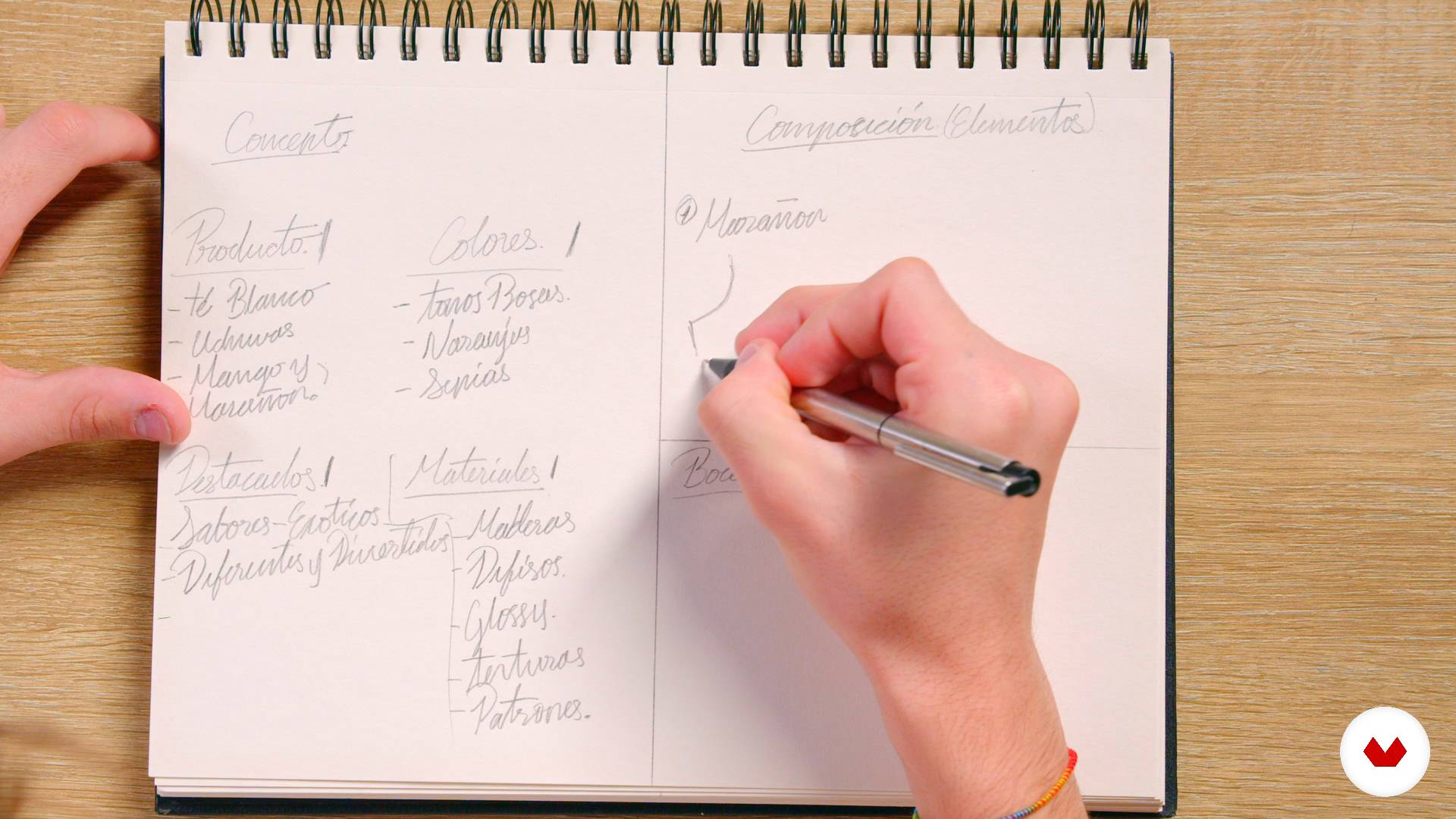
Conceptualization and sketches
3 minutes, 13 seconds
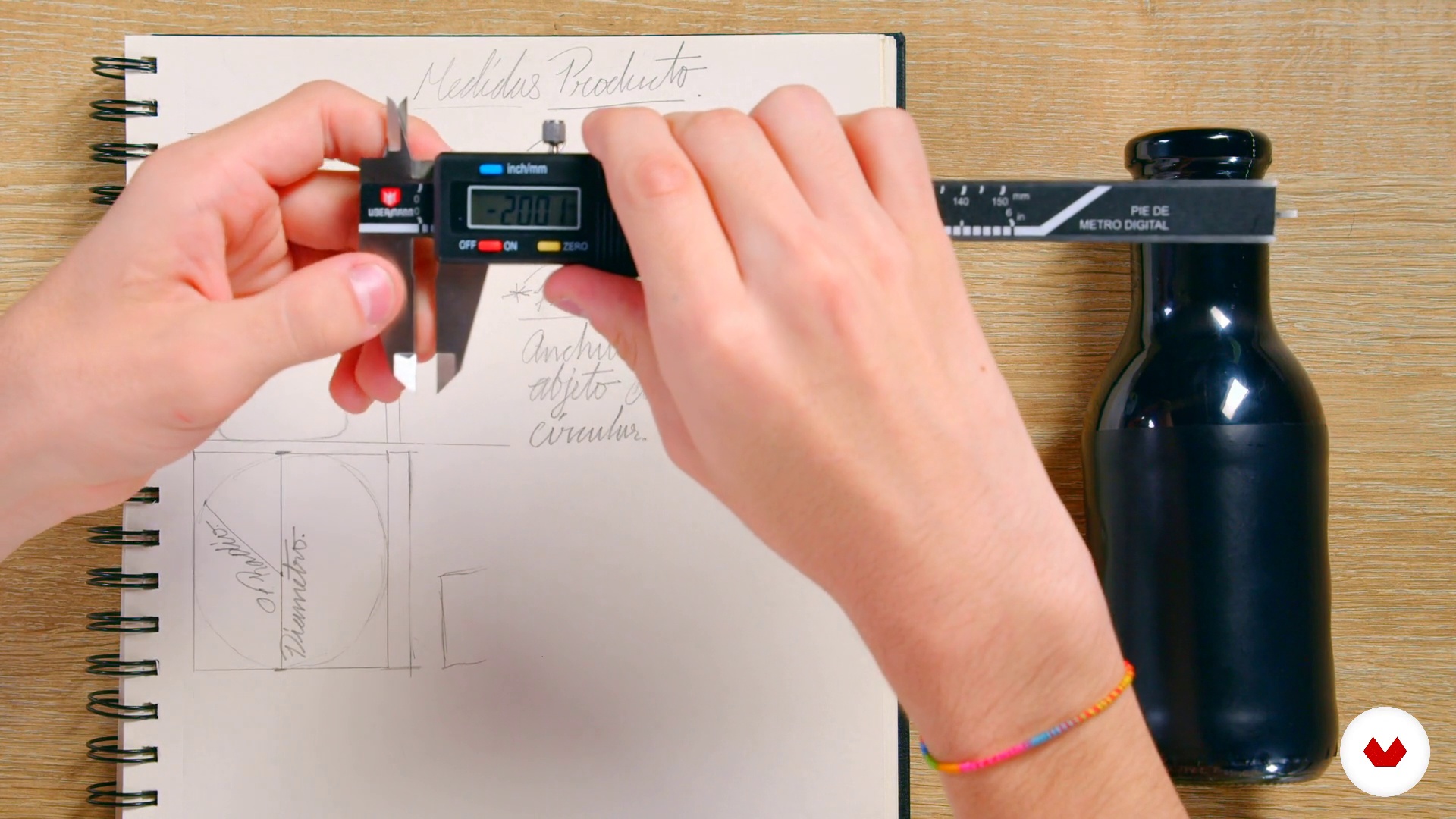
Take product measurements
1 minute, 31 seconds
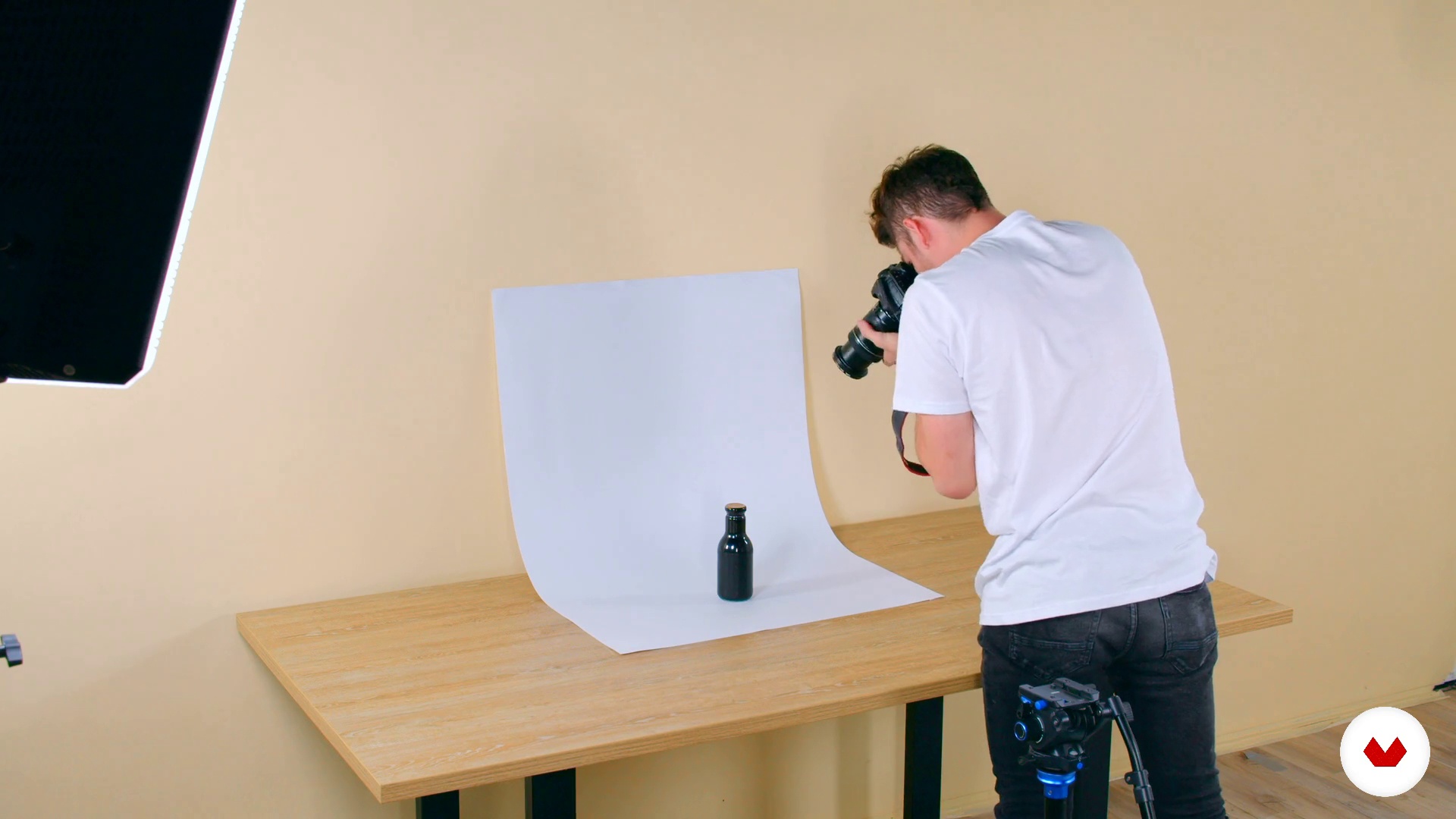
Photographs the product
1 minute, 21 seconds
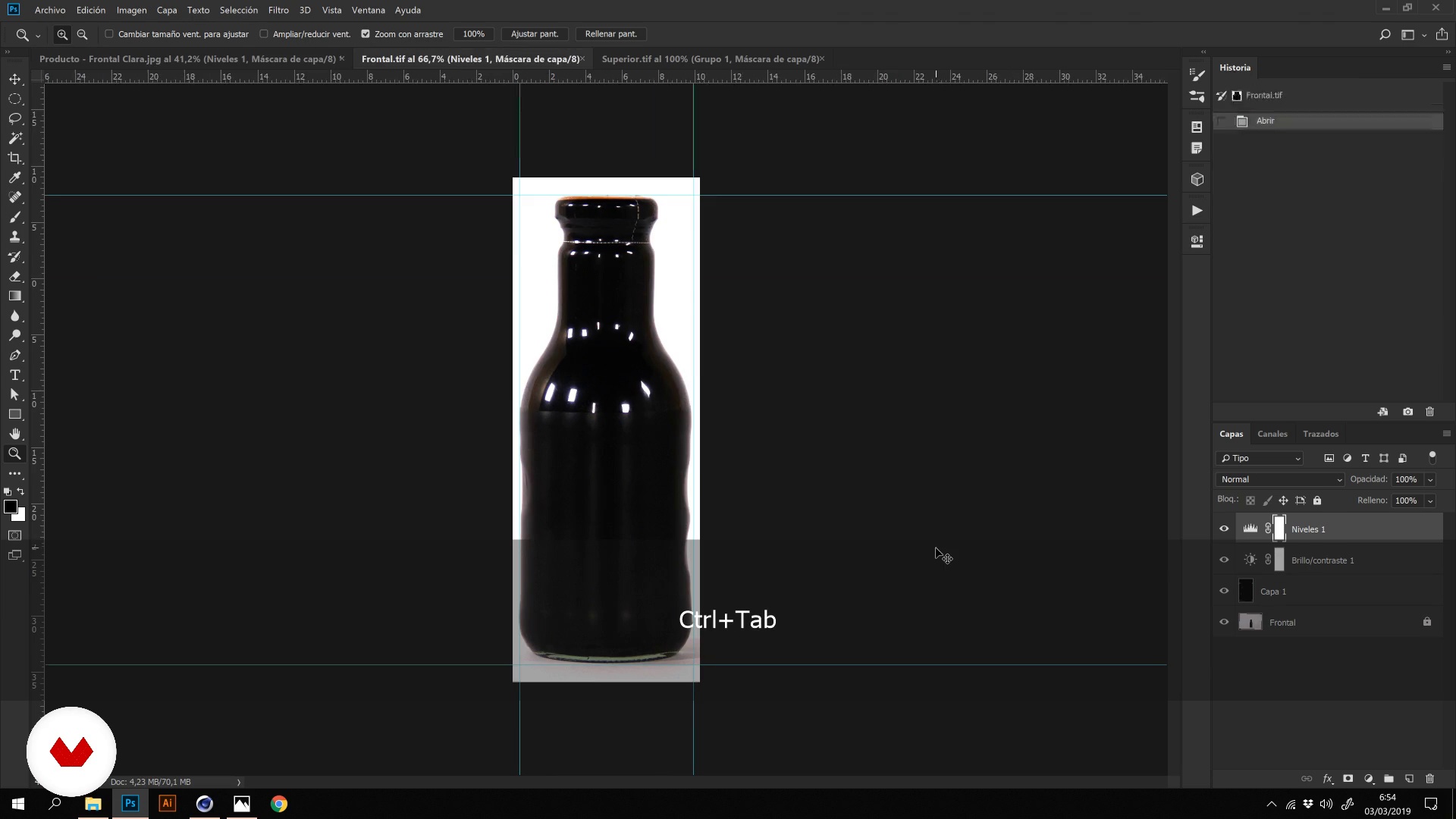
From photographs to 3D
5 minutes, 9 seconds
What's included in this course?
Start by meeting Alejandro, who tells you about his beginnings in the advertising world, his influences, and some of Ah. Studio's most important projects.
Before designing a set, learn how to analyze the client's brief and create a mood board of your ideas. Then create sketches of your set and describe the idea of what you want to convey with it.
Time to use your camera to photograph the product from all angles, then use the photos as guides to set up your Cinema 4D file.
Move on to product modeling and the generation of materials before making the final render of your file.
Once you have created your product in Cinema 4D, generate a set with various elements that you also create in 3D.
Finally, create a supporting document to serve as a compilation of the entire process to present your work to the client.
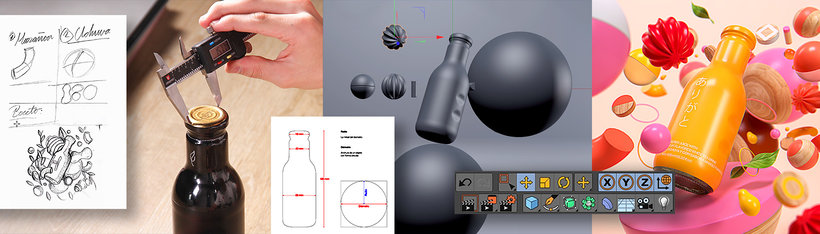
Recommended software & tools for this course
What is this course's project?
Develop a product and different elements in 3D, to later compose a product set.
Projects by course students


Who is this online course for?
Designers and anyone who wants to expand their vision of art direction and learn how to create a 3D set for products.
Requirements and materials
To take this course you need basic knowledge of Cinema 4D, Adobe Illustrator, and Photoshop.
Reviews
- 1 year ago
El curso ha resultado interesante y ameno, ya que los videos eran breves y presentaban la información de manera clara, abarcando lo justo y necesario. En mi opinión, podría haberse profundizado un poco más en la explicación de las funciones de la aplicación. Por otro lado, un aspecto que considero negativo es que, al igual que en otros cursos que he realizado, las aplicaciones utilizadas son de pago, lo que limita la posibilidad de poner en práctica lo aprendido.
- 1 year ago
很棒的課程推薦給大家
- 2 years ago
No fue de mi agrado el curso, ya que nosotros no sabemos como usar los programas, y el no los explica. Como hizo cada uno de los elementos. Tenia ilusión de aprender hacer 3d pero con este curso ya no me dan ganas
- 2 years ago
Muito bom
- 2 years ago
Excellent course, I definitely recommend it!

Nivea, Hatsu, and Neon Glasses are some of the brands with which he has collaborated and DDB Colombia, FCB Shanghai, and Ogilvy are some of the agencies that have relied on his experience designing product sets.
Content
- U1
Introduction
- Presentation
- Influences
- U2
Setting the foundations of our piece
- Analysis of the brief
- Art direction moodboard
- Conceptualization and sketches
- U3
From the physical product to 3D
- Take product measurements
- Photographs the product
- From photographs to 3D
- U4
Modeling
- Product modeling I
- Product modeling II
- Materials and render
- Post-Production
- U5
Set design
- Modeling elements
- Final composition and lighting
- Materials and render tips
- Materials and rendering tips II
- U6
Additional
- Creation of additional piece
- Support document
- FP
Final project
- x Set design for 3D product
What to expect from a Domestika course
Learn at your own pace
Enjoy learning from home without a set schedule and with an easy-to-follow method. You set your own pace.
Learn from the best professionals
Learn valuable methods and techniques explained by top experts in the creative sector.
Meet expert teachers
Each expert teaches what they do best, with clear guidelines, true passion, and professional insight in every lesson.
Certificates
PLUSIf you're a Plus member, get a custom certificate signed by your teacher for every course. Share it on your portfolio, social media, or wherever you like.
Get front-row seats
Videos of the highest quality, so you don't miss a single detail. With unlimited access, you can watch them as many times as you need to perfect your technique.
Share knowledge and ideas
Ask questions, request feedback, or offer solutions. Share your learning experience with other students in the community who are as passionate about creativity as you are.
Connect with a global creative community
The community is home to millions of people from around the world who are curious and passionate about exploring and expressing their creativity.
Watch professionally produced courses
Domestika curates its teacher roster and produces every course in-house to ensure a high-quality online learning experience.
FAQs
You’ll learn how to conceptualize, model, texture, and render 3D products, applying art direction, moodboards, and visual composition techniques to communicate messages and professionally present creative proposals.
This is an intermediate-level course. Basic 3D modeling skills and some design or art direction knowledge are recommended to fully benefit from the content.
You’ll need access to Cinema 4D, Octane Render, and Photoshop. Having a Pinterest account and a physical caliper for product measurements is also recommended.
Yes, the course teaches you how to create, blend, and apply textures, as well as use bump maps and UV mapping to achieve realistic materials on your 3D models.
You’ll learn how to find, organize, and curate visual references on platforms like Pinterest, create effective moodboards, and extract color palettes to guide your art direction projects.
Yes, the course covers setting up Octane Render, creating glossy and diffuse materials, and using depth of field and autofocus to produce professional-quality images.
You’ll be able to visually conceptualize products, model in 3D, apply materials and textures, create appealing compositions, prepare renders, and present persuasive visual proposals for clients or portfolios.