Visual Language with Analogue & Digital Illustration Techniques
A course by Lucy SherstonArtist and illustrator
A course by Lucy Sherston, Artist and illustrator

Find your own personal visual language and experiment with analogue and digital illustration techniques.
In this online course with Lucy Sherston, an acclaimed artist and illustrator, you'll dive into the fascinating world of creating art that blurs the line between abstract and figurative. Lucy's artistic journey moves seamlessly between the physical and the virtual, allowing her ideas to flow from sketchbook to screen and back to tangible pieces of art. She'll teach you her unique method of unleashing your creativity through free pencil sketches, which you'll then transform into captivating digital collages.
Throughout the course, you'll embark on a creative adventure, learning to produce meaningful mind maps, gather photo inspiration, and explore both observational and imaginative sketching techniques. With the help of Photoshop, you'll scan, manipulate, and refine your drawings, playing with colors, textures, and layouts to create stunning visual compositions. As the final project, you'll illustrate an A4 poster inspired by your personal memories, putting your newfound skills into practice.
In this inspiring course, you'll gain valuable insights into Lucy Sherston's artistic process, blending digital and analog techniques to let your creative energy flow into each medium. Join this online creative journey to unleash your potential and bring your artistic vision to life.
What will you learn in this online course?
15 lessons & 15 downloads
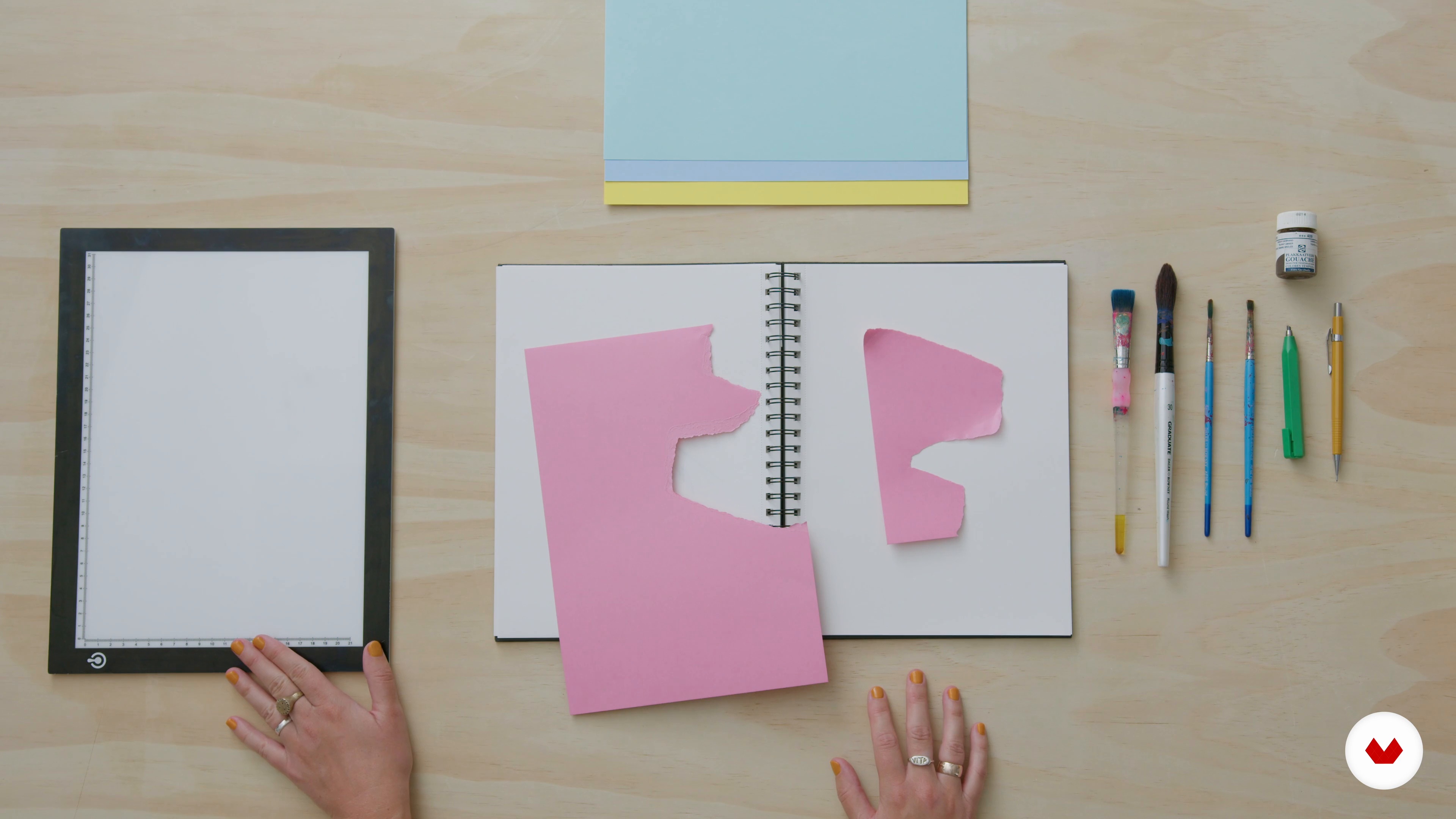
Analogue and Digital Tools
11 minutes, 35 seconds
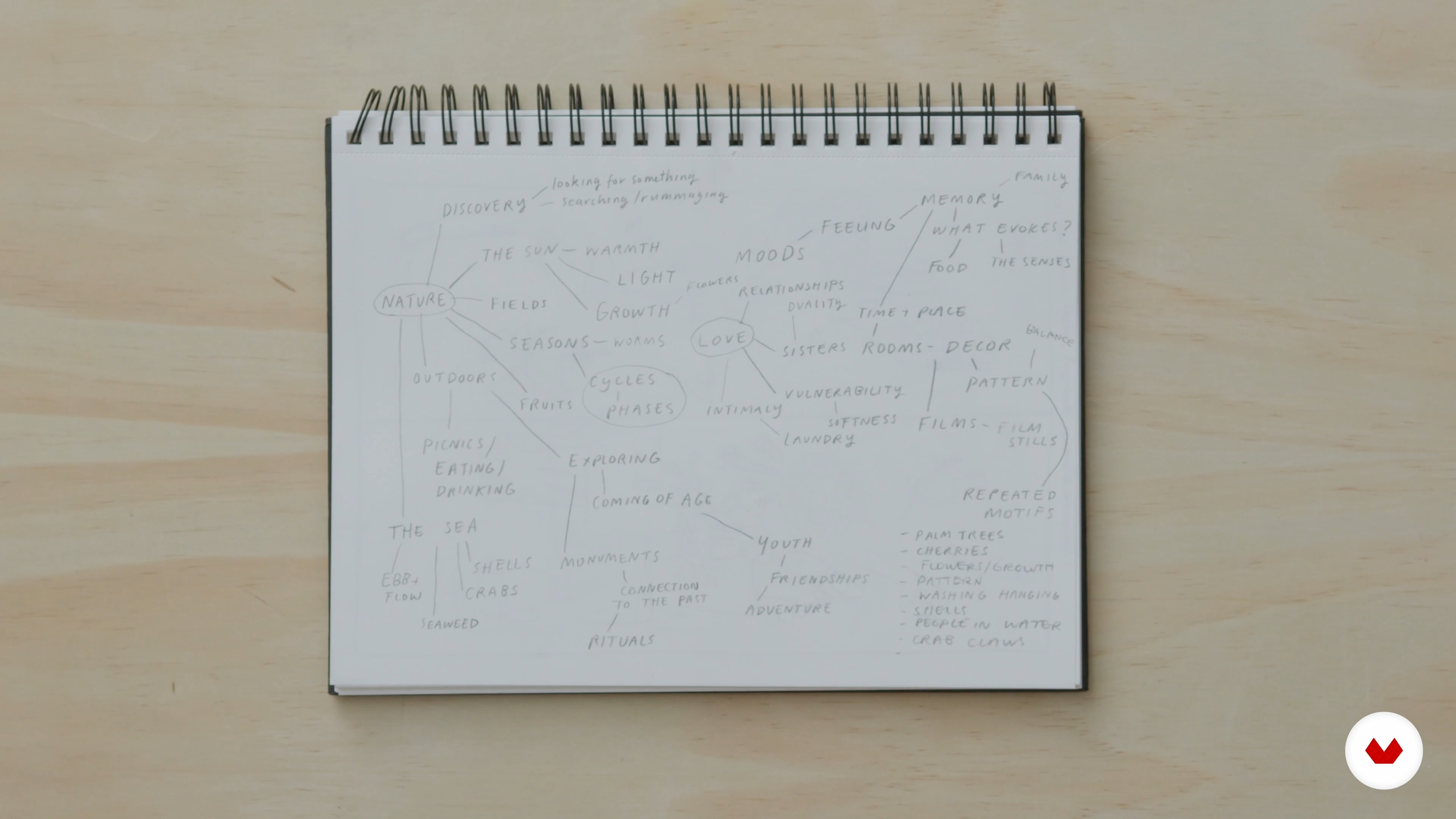
Mind Mapping and Photos
13 minutes, 37 seconds
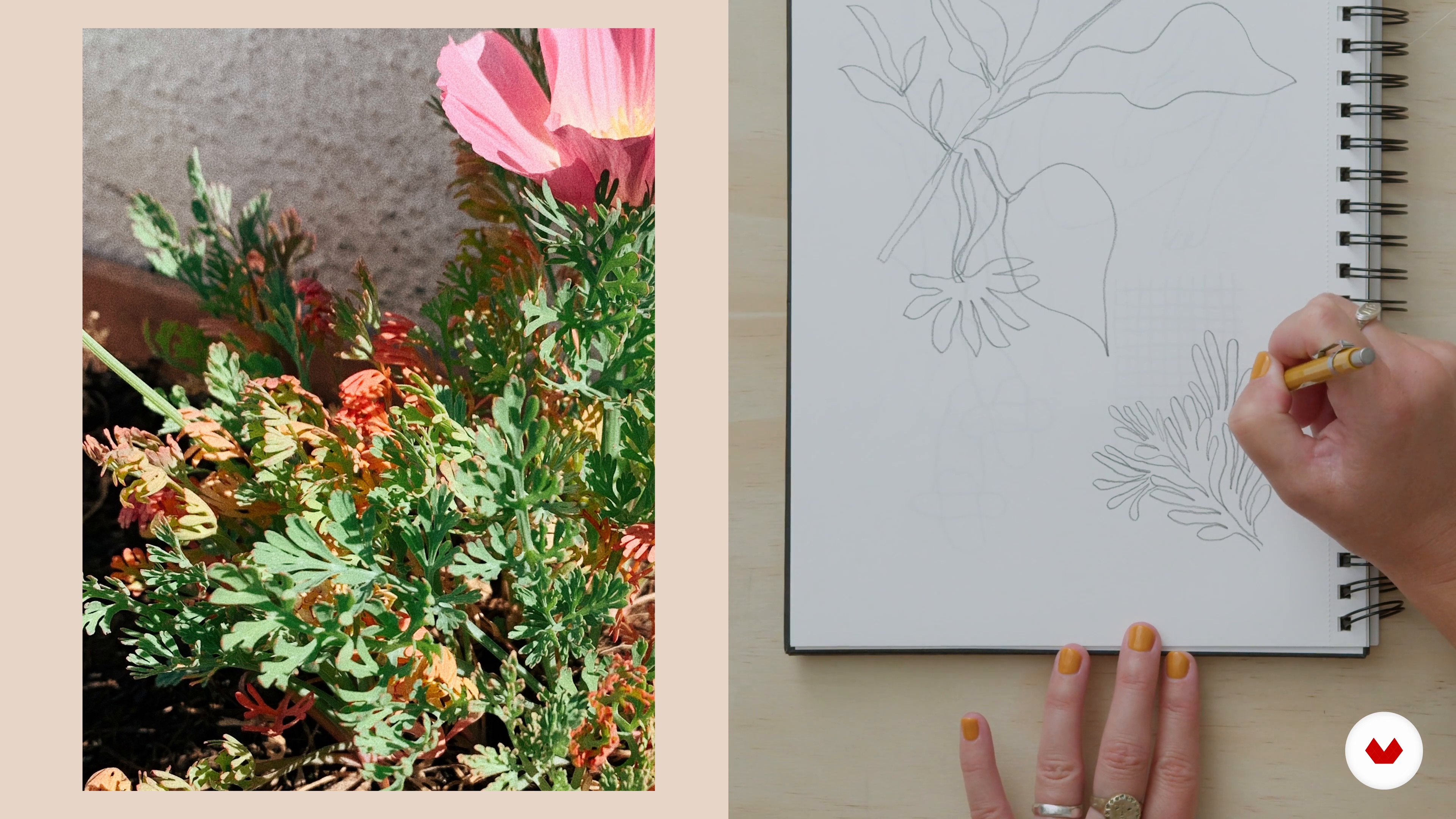
Sketchbooking from Reference
14 minutes, 4 seconds
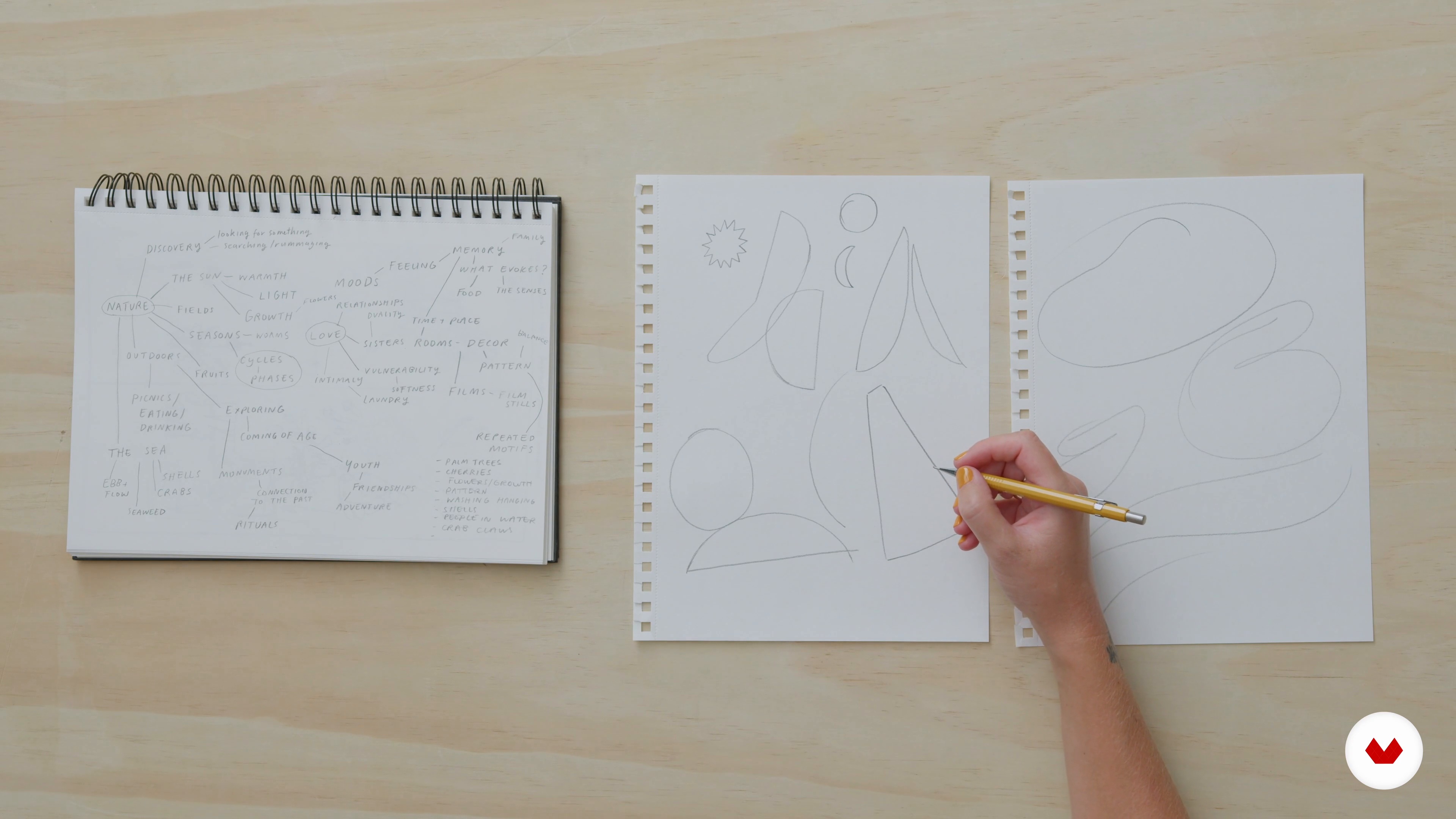
Sketchbooking from Imagination
5 minutes, 40 seconds
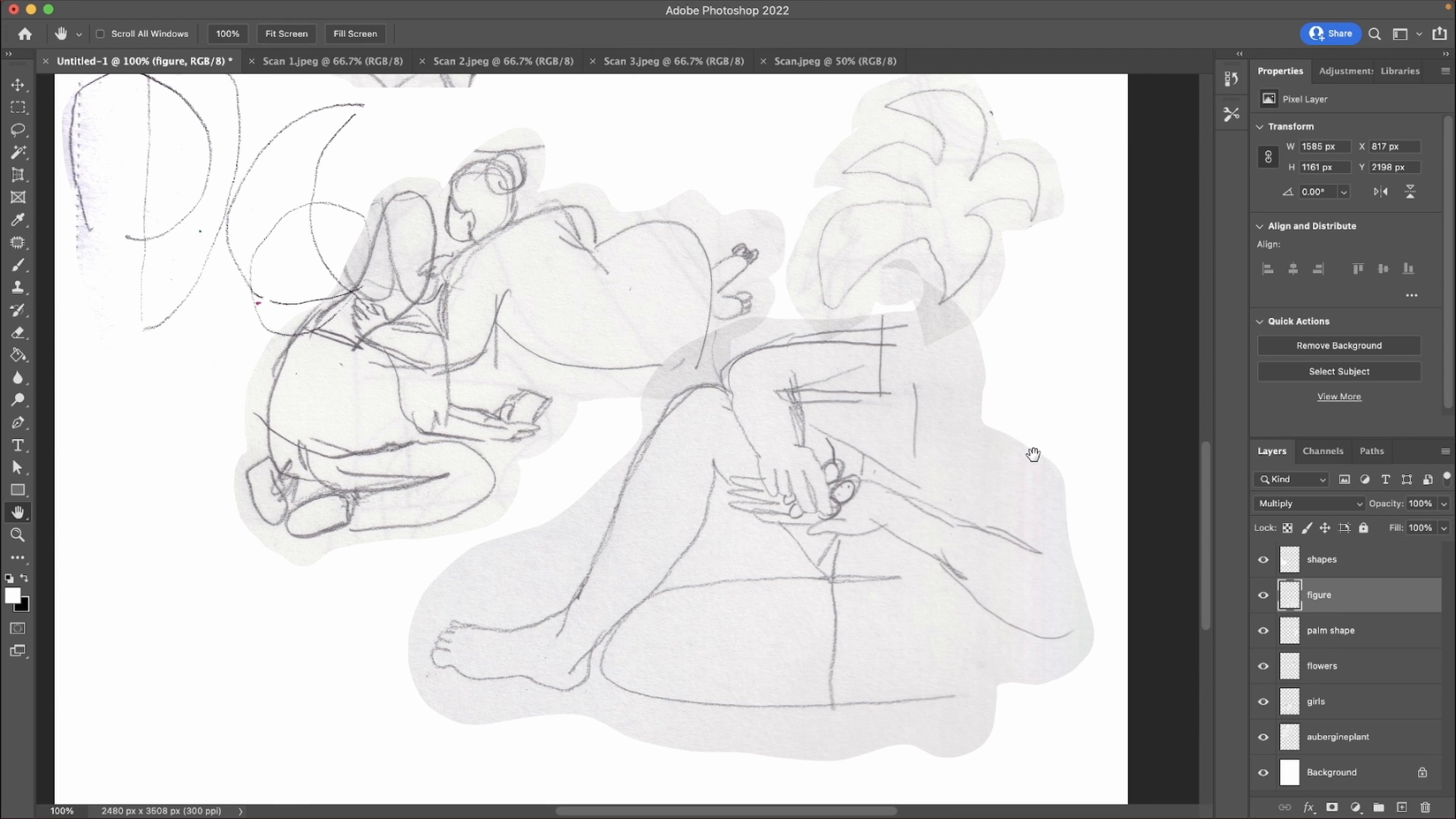
Playing with the Layout
14 minutes, 14 seconds
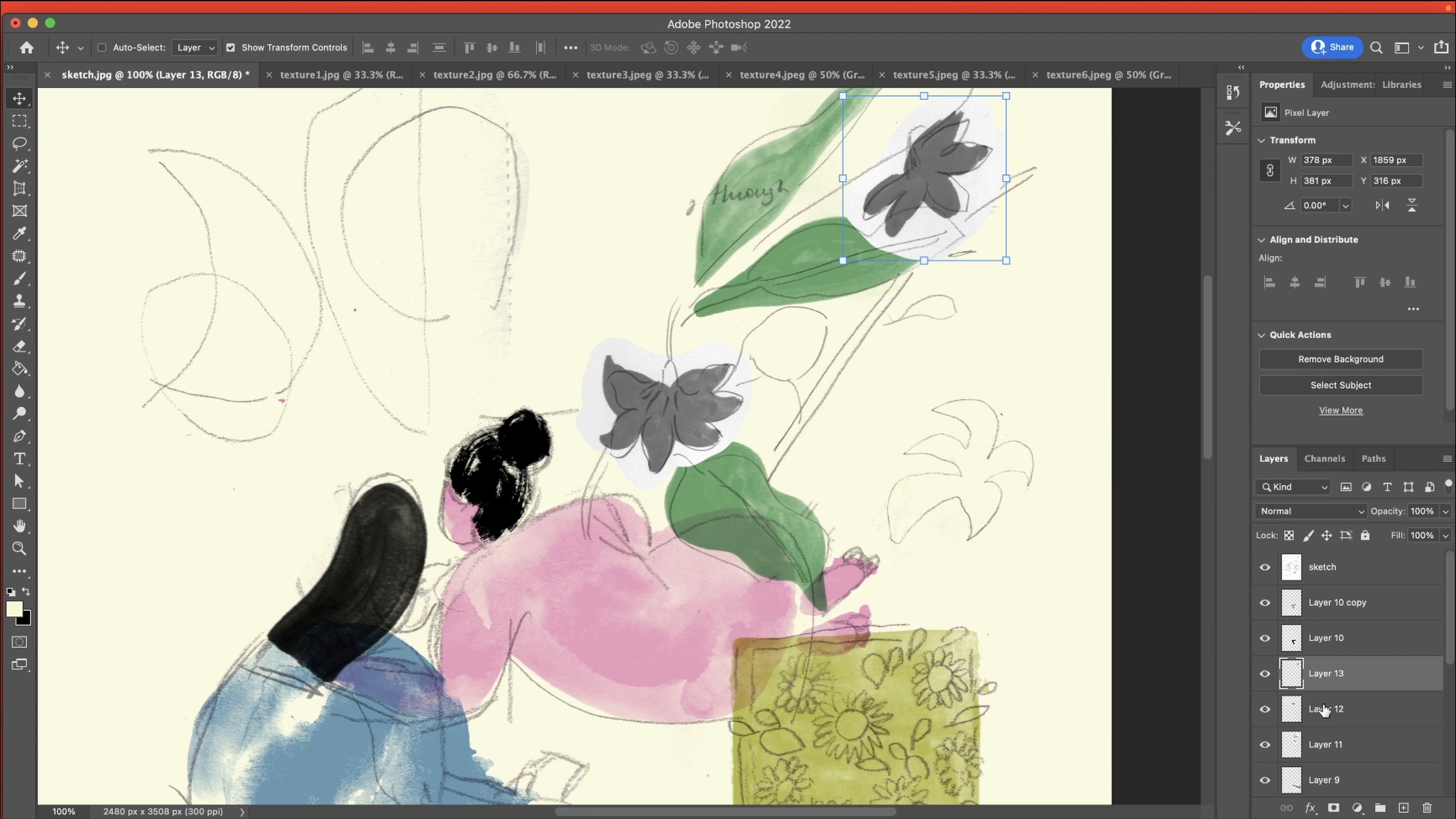
Colouring Digitally 1
20 minutes, 52 seconds
What's included in this course?
To start, Lucy will introduce you to all the essential tools you'll need for the course. You'll learn how to create a meaningful mind map and use photos as inspiration for your artwork. Next, you'll delve into observational sketching, capturing details from the real world, and then transition to pure imagination as you explore limitless creative possibilities.
Afterward, it's time to bring your sketches into the digital realm using Photoshop. Lucy will guide you through the scanning process and teach you how to arrange, texture, and color your collages until they reach their final form. Additionally, she'll share the concept of Morning Pages, turning your art practice into a regular routine for ongoing creativity.
By the end of this online course, you'll be equipped with the skills to utilize your sketchbook as a powerful tool for generating ideas and refining them with design software. Let Lucy Sherston's expertise lead you on a creative journey of self-expression and visual storytelling.
Recommended software & tools for this course
What is this course's project?
As the culmination of your creative journey, the final project for this course is to illustrate an A4 poster. Inspired by your personal memories, this poster will showcase your newfound skills in creating captivating collages that beautifully blend the abstract and the figurative. It's a wonderful opportunity to apply all the techniques you've learned and create a meaningful piece of art.
Projects by course students


Who is this online course for?
This course is perfect for anyone who wants to explore the world of art and illustration, whether you're a beginner or an experienced artist looking to expand your creative horizons. No previous knowledge of Photoshop is required—just a willingness to experiment and a passion for artistic expression. If you're eager to mix digital and analog techniques and unleash your creativity, this course with Lucy Sherston is tailored for you.
Requirements and materials
To participate in this course, all you need is a sketchbook, pencils, and an open mind. Lucy will guide you through the rest, utilizing Photoshop for the digital aspect of the course. No prior experience with Photoshop is necessary, making this course accessible to aspiring artists from all walks of life. So, gather your materials and get ready to embark on an inspiring journey of artistic discovery.
Reviews
- 3 months ago
Zapowiada się ciepły fajny kurs poetycki metaforyczny :) lubię takie
- 8 months ago
Amazing artist with a wonderful way of teaching her knowledge. Totally recommend her course.
- mail_38PLUS9 months ago
A fresh look at getting inspiration and workflow
- tatialvarez676PLUS11 months ago
Es un curso muy enriquecedor. Lucy tiene una generosidad inmensa al compartir cada paso del proceso. Es excelente transmitiendo, hasta el minimo detalle tiene en cuenta. Quedo a la espera de su proximo curso.
- 11 months ago
Great course for beginners and experienced artists. Really like the approach of digitally collaging images, textures etc. Very well explained.

Her artistic approach involves mixing techniques to maximize their potential, using manual drawing to nurture creativity and design software to focus on colors, proportions, and harmony. In this course, Lucy generously shares her method for unleashing your creativity through free pencil sketches and creating engaging digital collages. By the end of this creative journey, you'll be empowered to infuse your artwork with energy and meaning, embracing the synergy between digital and analog techniques.
Content
- U1
Introduction
- About Me
- Influences
- U2
Tools and Inspiration
- Analogue and Digital Tools
- Mind Mapping and Photos
- Sketchbooking from Reference
- Sketchbooking from Imagination
- U3
The Illustration
- Selecting and Scanning In Drawings
- Playing with the Layout
- Creating Textures and Adding to the Layout 1
- Creating Textures and Adding to the Layout 2
- Colouring Digitally 1
- Colouring Digitally 2
- Saving and Exporting
- U4
How to Boost Creativity and Work in Illustration
- Nurturing Your Practice: Morning Pages
- Applications: Ways to Use the Illustration
- FP
Final project
- Exploring your own Visual Language
What to expect from a Domestika course
Learn at your own pace
Enjoy learning from home without a set schedule and with an easy-to-follow method. You set your own pace.
Learn from the best professionals
Learn valuable methods and techniques explained by top experts in the creative sector.
Meet expert teachers
Each expert teaches what they do best, with clear guidelines, true passion, and professional insight in every lesson.
Certificates
PLUSIf you're a Plus member, get a custom certificate signed by your teacher for every course. Share it on your portfolio, social media, or wherever you like.
Get front-row seats
Videos of the highest quality, so you don't miss a single detail. With unlimited access, you can watch them as many times as you need to perfect your technique.
Share knowledge and ideas
Ask questions, request feedback, or offer solutions. Share your learning experience with other students in the community who are as passionate about creativity as you are.
Connect with a global creative community
The community is home to millions of people from around the world who are curious and passionate about exploring and expressing their creativity.
Watch professionally produced courses
Domestika curates its teacher roster and produces every course in-house to ensure a high-quality online learning experience.
FAQs
Yes, this course is designed for beginners and guides you step by step through developing your illustration skills, no prior experience required.
You'll need basic art supplies like sketchbooks, pencils, gouache, a scanner or camera, and access to Adobe Photoshop for digital editing.
You'll learn how to develop your unique illustration style, combine analogue and digital techniques, create textured artwork, and build a personal visual language using both traditional and digital tools.
Yes, the course teaches you how to scan artwork, clean up scans, adjust colors, and use Photoshop tools for digital illustration.
Through exercises in mind mapping, sketchbooking, and experimenting with different media, you'll explore your interests and influences to develop a personal artistic voice.
Yes, you'll discover how to use personal photos, document home life, and draw from reference images to inspire and inform your artwork.
The course combines both traditional (analogue) techniques like gouache painting with digital processes in Photoshop for a mixed-media approach.