Fantasy Photography: Composition and Editing Techniques
A course by Lillian LiuPhotographer
A course by Lillian Liu, Photographer

Learn to shoot creative portraits and use digital retouching techniques to produce compelling fantasy images that transport viewers to another world
The magic of fantasy photography is that everything lies within the realm of possibility. Lillian Liu is a photographer who specializes in bringing fictional worlds to life through her camera lens and computer. She has collaborated with art galleries and brands such as Elinchrom and Lume Cube, and her photos have been featured in magazines including Marie Claire Taiwan and Vogue Taiwan.
In this online course, learn how to photograph and edit fantasy-style portraits. Explore composition and color as well as styling, shooting, and retouching techniques to produce compelling scenes with a surreal atmosphere. Channel your imagination and create images that turn fantasy into reality.
What will you learn in this online course?
21 lessons & 16 downloads
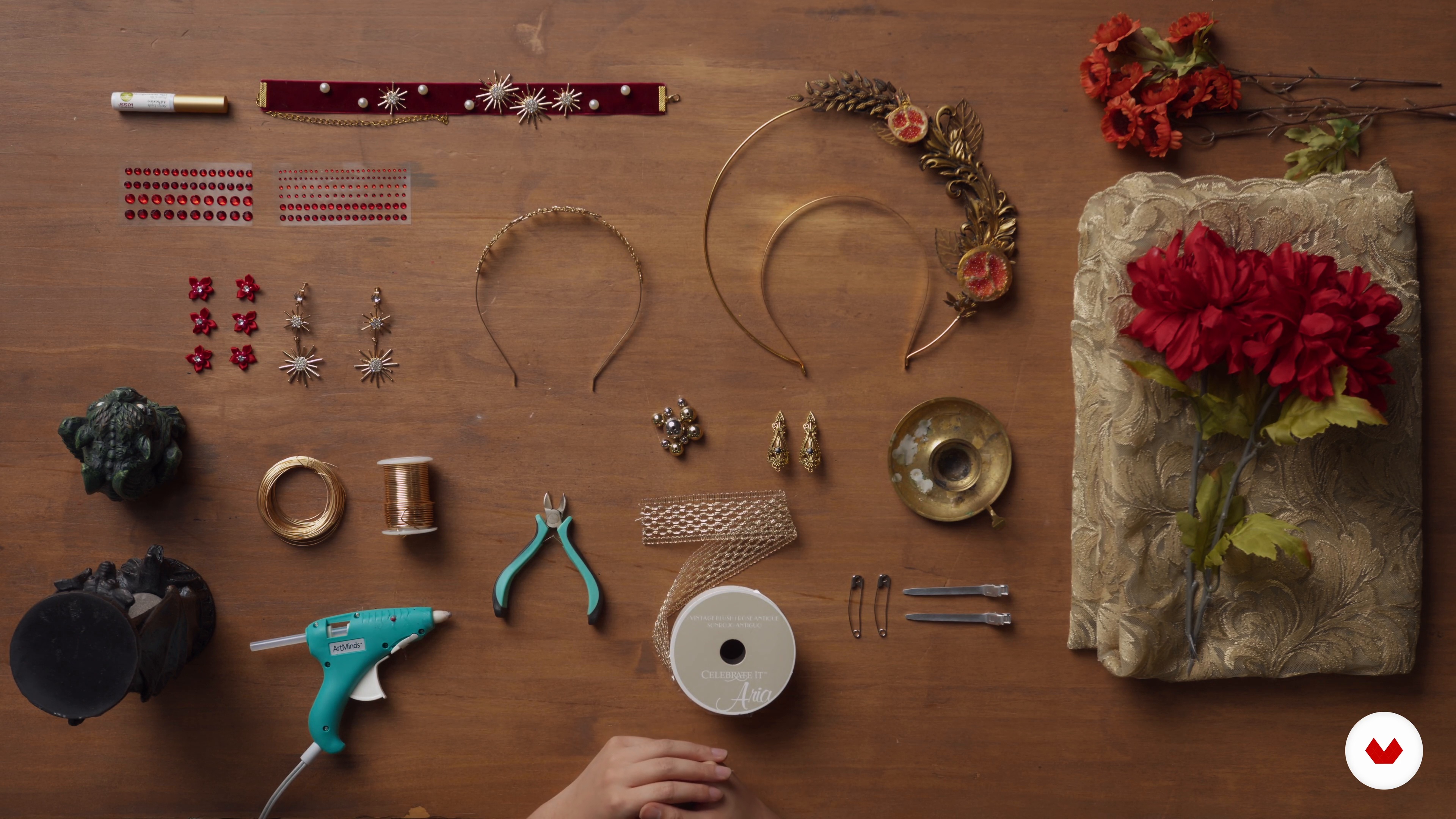
Makeup and Styling 1
9 minutes, 45 seconds
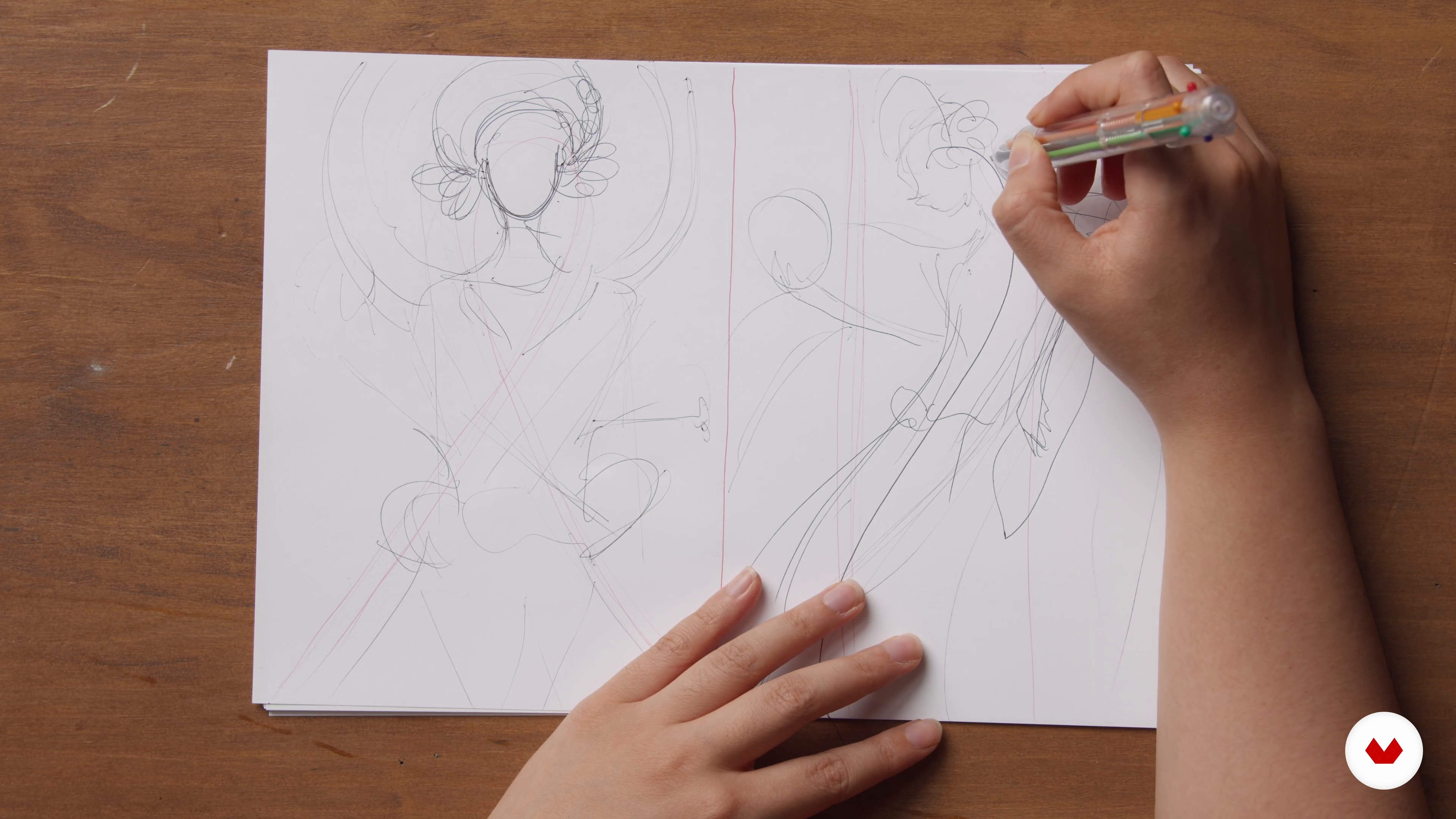
Sketching
8 minutes, 21 seconds
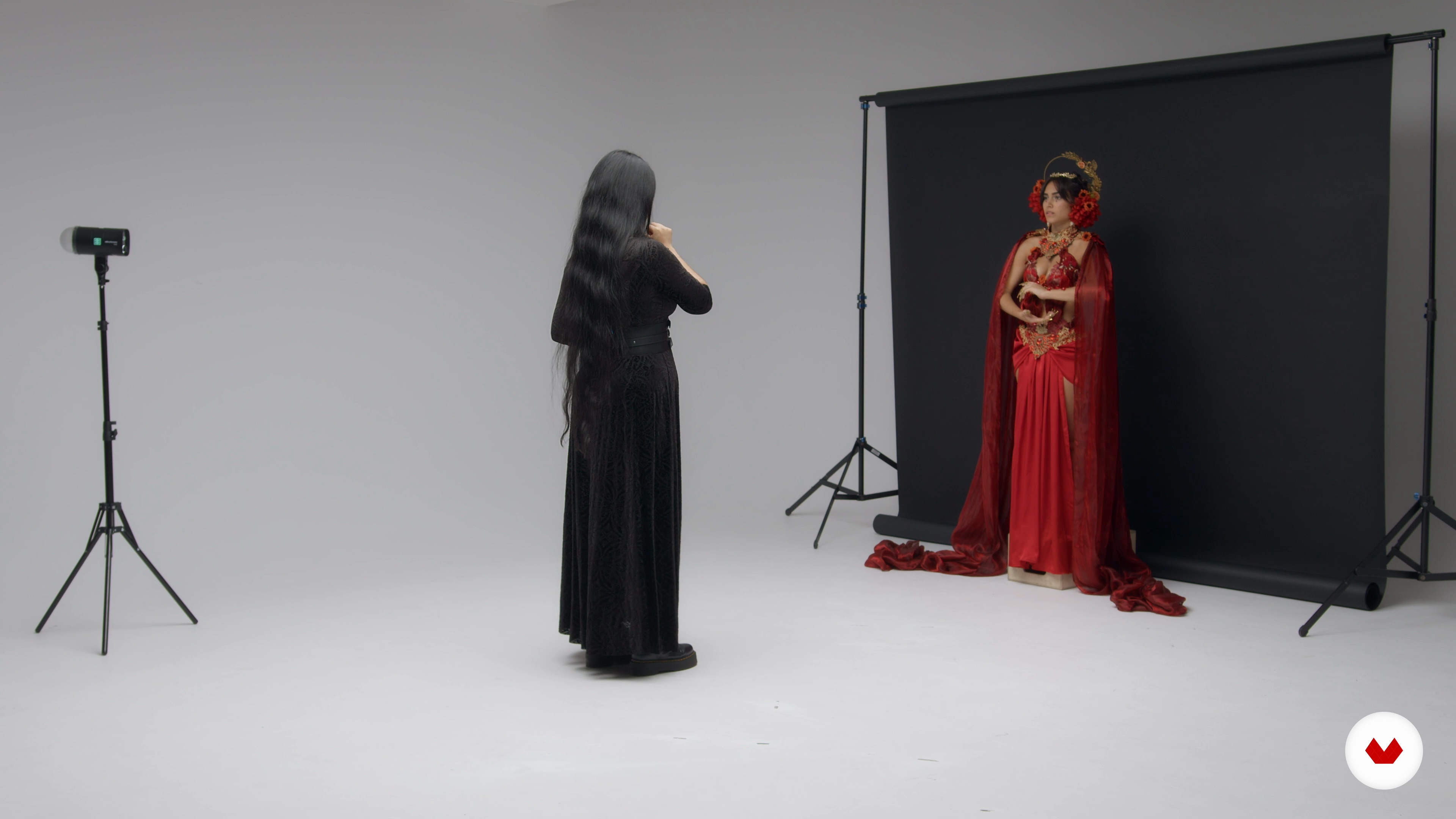
The Photoshoot
14 minutes, 57 seconds
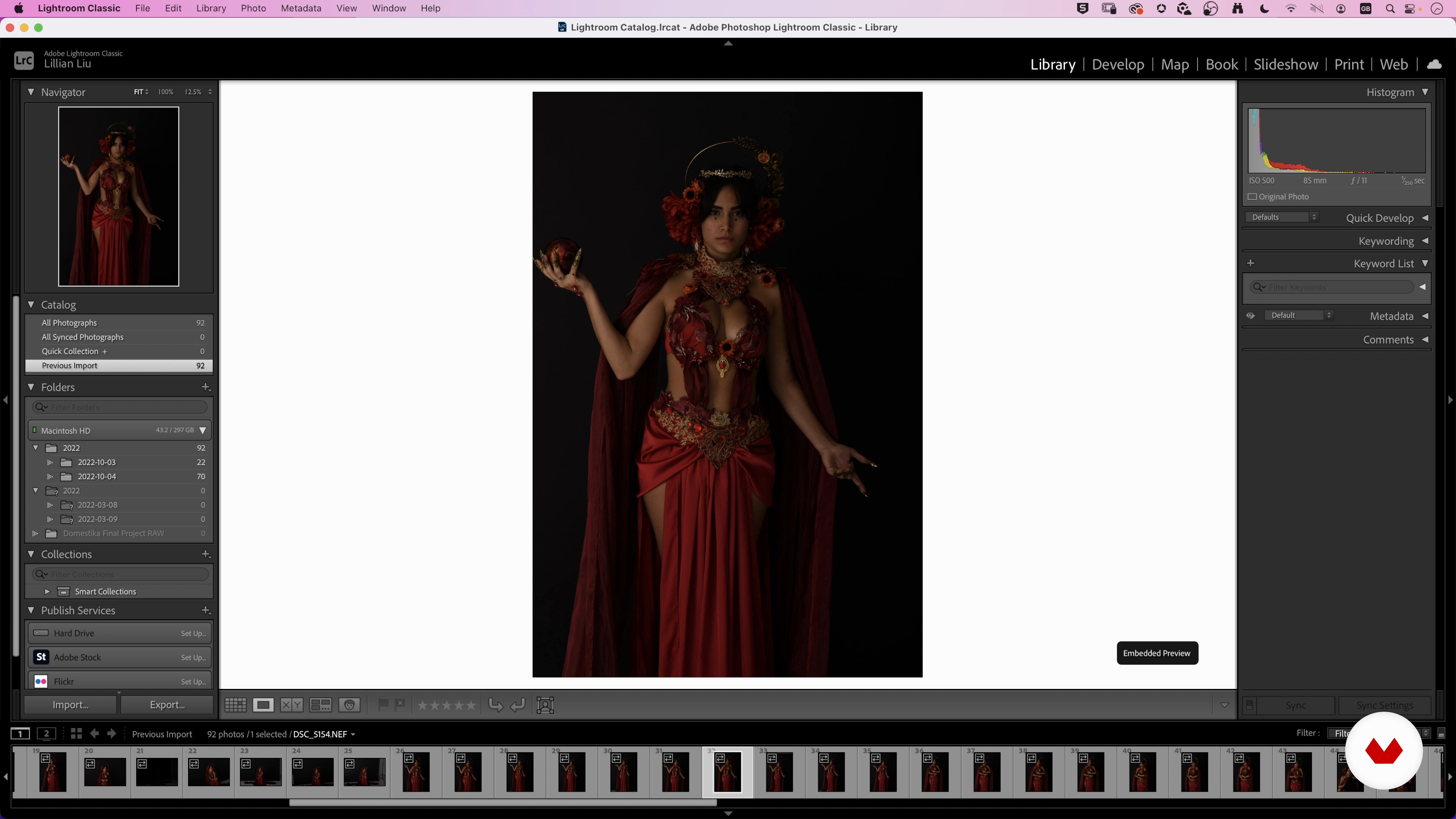
Organizing and Selecting Files
12 minutes, 55 seconds
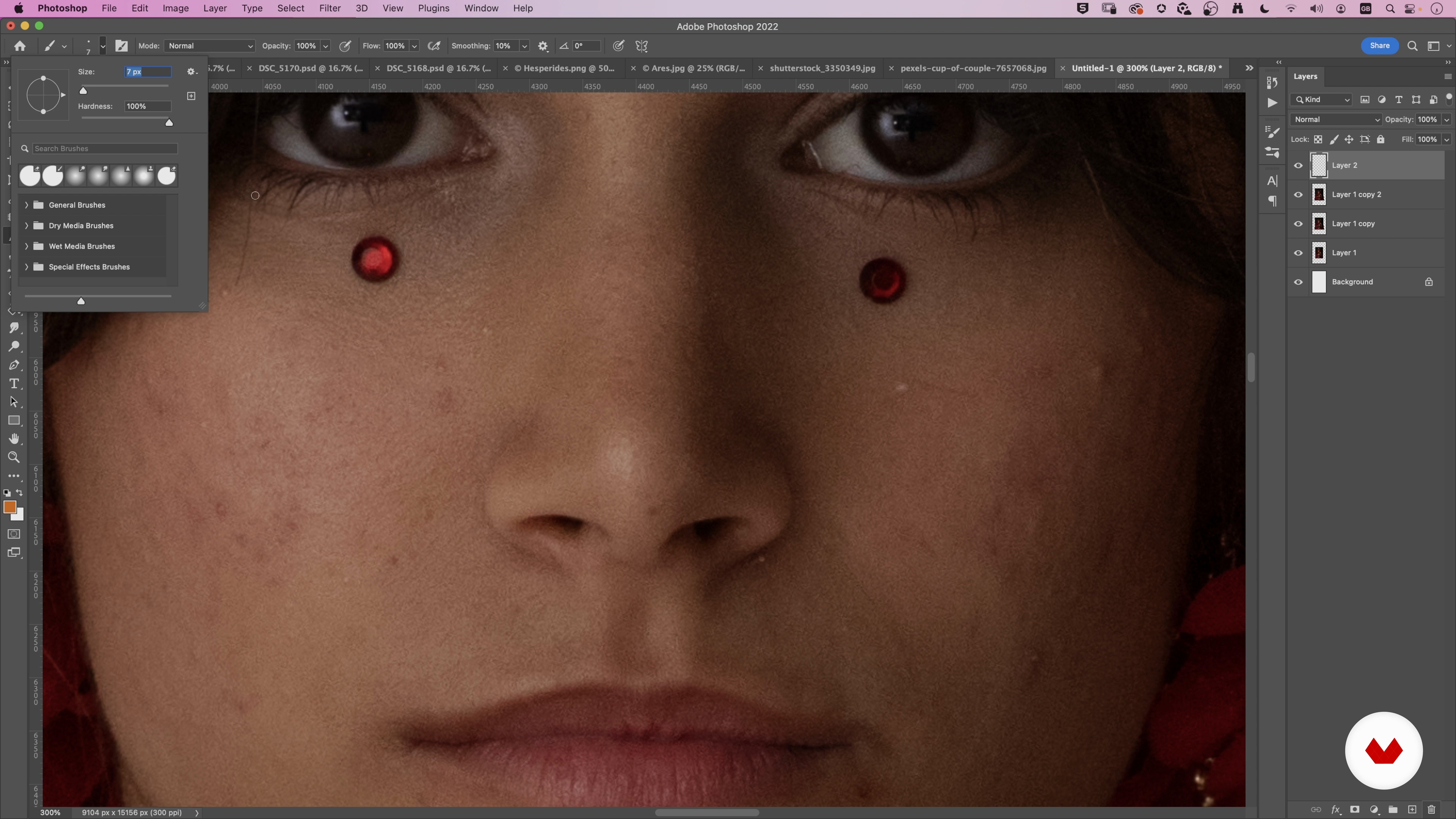
Developing and Preparing the Edits
17 minutes, 52 seconds

Model Retouching 1
9 minutes, 54 seconds
What's included in this course?
Begin the course by getting to know your teacher, Lillian Liu. Hear about her artistic journey from pianist to fantasy photographer, along with the influences that inspire her work.
Next, learn the fundamentals of composition and color, as well as how to direct and style your model to tell the story behind their character. Map out the look of your portrait in a mood board and find the right framing by drawing a sketch.
Time to build your fantasy world. Discover the equipment you need and budget-friendly options for a creating set before stepping behind the camera to capture your scene. After the shoot, Lillian teaches you how to select the best photos to edit and use the magic of retouching to bring your vision to life.
Wrap up the course with some tips on correcting color, lights, and shadows. Lillian also shows how to export your files in different formats to share online.
Recommended software & tools for this course
What is this course's project?
Plan, shoot, and edit a fantasy-style portrait.
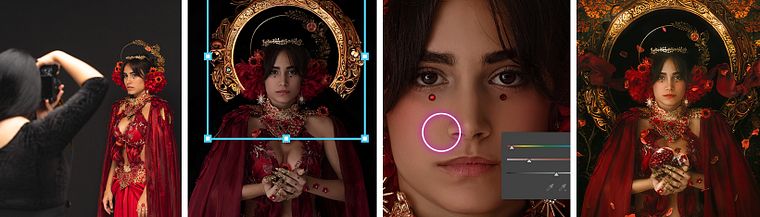
Projects by course students


Who is this online course for?
Anyone with an interest in photography and retouching who wants to create fantasy-inspired images.
Requirements and materials
Basic knowledge of Photoshop is recommended.
As for materials, you need a camera, a dark-colored backdrop, and a computer with Photoshop and the Camera RAW plugin. Studio lighting or a flash is also recommended.
Reviews
- 5 months ago
Cudowny kurs, cudowna nauczycielka, cudowne zdjęcia, cudowny świat fantazji - cudownie, że tu byłam;) Zachwyt. Polecam!!
- 2 years ago
Ottima esperienza!
- 3 years ago
Excelente curso.
- 3 years ago
Outstanding class! Lillian showed me new ways of editing that I have never seen before, and they make so much more sense than they way I have been taught. Her style is very clear and logical.
- 3 years ago
Great material, as stated it is helpful to have a basic understanding of photography and photoshop. The methods she uses ,her workflow, in post edit was my main interest and for me it delivered that very well

Influenced by her artistic background and boundless imagination, Lillian’s high-fantasy style of storytelling has led her to collaborate with brands like Elinchrom and Lume Cube, in addition to publishers such as Penguin Random House and HarperCollins. Her photos have been featured in art galleries in Canada and the US, as well as major magazines including Marie Claire Taiwan and Vogue Taiwan. She also won several awards at the 2020 edition of WPPI and an ARTS 2022 from the Arts Council of Surrey.
Content
- U1
Introduction
- About Me
- Influences
- U2
Defining the Photography
- Foundations of Composition
- Foundations of Colour 1
- Foundations of Colour 2
- Foundations of Posing
- Makeup and Styling 1
- Makeup and Styling 2
- Mapping the Idea
- Sketching
- U3
Creating the Photography
- Setting Up
- The Photoshoot
- Organizing and Selecting Files
- Developing and Preparing the Edits
- Model Retouching 1
- Model Retouching 2
- Compositing All the Elements 1
- Compositing All the Elements 2
- U4
Last Steps
- In-Depth Colour Toning and Tricks
- Adjusting Light and Shadows
- Saving and Exporting
- FP
Final project
- Fantasy Photography: Composition and Editing Techniques
What to expect from a Domestika course
Learn at your own pace
Enjoy learning from home without a set schedule and with an easy-to-follow method. You set your own pace.
Learn from the best professionals
Learn valuable methods and techniques explained by top experts in the creative sector.
Meet expert teachers
Each expert teaches what they do best, with clear guidelines, true passion, and professional insight in every lesson.
Certificates
PLUSIf you're a Plus member, get a custom certificate signed by your teacher for every course. Share it on your portfolio, social media, or wherever you like.
Get front-row seats
Videos of the highest quality, so you don't miss a single detail. With unlimited access, you can watch them as many times as you need to perfect your technique.
Share knowledge and ideas
Ask questions, request feedback, or offer solutions. Share your learning experience with other students in the community who are as passionate about creativity as you are.
Connect with a global creative community
The community is home to millions of people from around the world who are curious and passionate about exploring and expressing their creativity.
Watch professionally produced courses
Domestika curates its teacher roster and produces every course in-house to ensure a high-quality online learning experience.
FAQs
Yes, this course is designed for those with some experience in photography or art, aiming to deepen skills in portraiture, photo manipulation, and creative composition techniques.
You’ll need a digital camera or smartphone, basic art supplies, and access to photo editing software like Photoshop. Some lessons also recommend inexpensive props and materials for styling and accessories.
You’ll learn advanced portrait techniques, creative photo manipulation, posing, composition, color theory, and practical styling tips for crafting expressive, storytelling-driven images.
Yes, the course includes lessons on fantasy styling, accessory creation, digital effects, and storytelling methods to create immersive, visually striking fantasy portraits.
Absolutely. The course guides you through building an online portfolio, sharing work, and finding supportive artist communities for feedback and collaboration.
Yes, you’ll explore color grading, the use of color harmony, and building cohesive color palettes to enhance mood, narrative, and visual impact in your photos.
Basic familiarity with Photoshop or similar editing tools is recommended, as the course covers intermediate to advanced photo editing and compositing techniques.