Online portfolio design: Creating Figma websites
A course by Lu YuDesigner
A course by Lu Yu, Designer

Enhance your online presence and career opportunities by creating an online portfolio website with Figma.
Discover the secrets of building an authentic and visually stunning design portfolio in this online course. Dive into the world of personal branding and learn how to find your own distinctive voice as a designer. Led by Lu Yu, a renowned product and brand designer, this course will equip you with the tools and strategies to create a portfolio that truly expresses your identity and values.
In this inspiring journey, you'll explore the importance of personal branding and how to establish a strong brand that resonates with your target audience. Through practical exercises and insightful guidance, you'll develop a deep understanding of design fundamentals and learn to apply them effectively. Yu will guide you through the process of setting up a mood board, creating wireframes, and transforming them into high-fidelity designs.
Unlock your creative potential as you delve into the world of design with Lu Yu. Through his pragmatic approach, you'll gain the skills to build a visually cohesive and engaging portfolio website. With Figma as your creative playground and a web builder like Semplice at your disposal, you'll craft a portfolio that attracts clients and ensures a delightful experience for users. Join this course and embark on a transformative journey to find your unique voice as a designer.
What will you learn in this online course?
15 lessons & 14 downloads
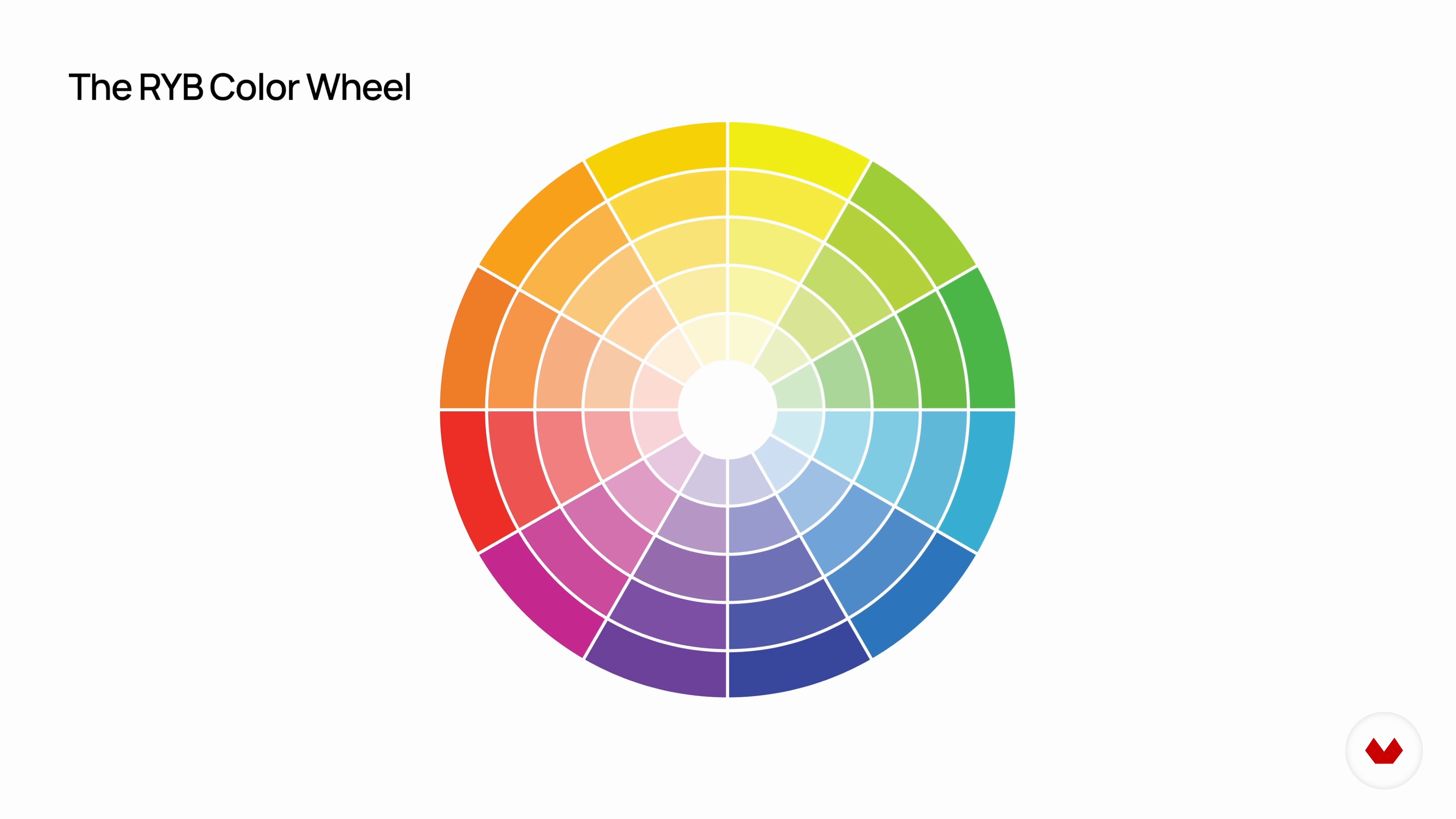
Your Brand and Web Design Fundamentals 1
7 minutes, 2 seconds
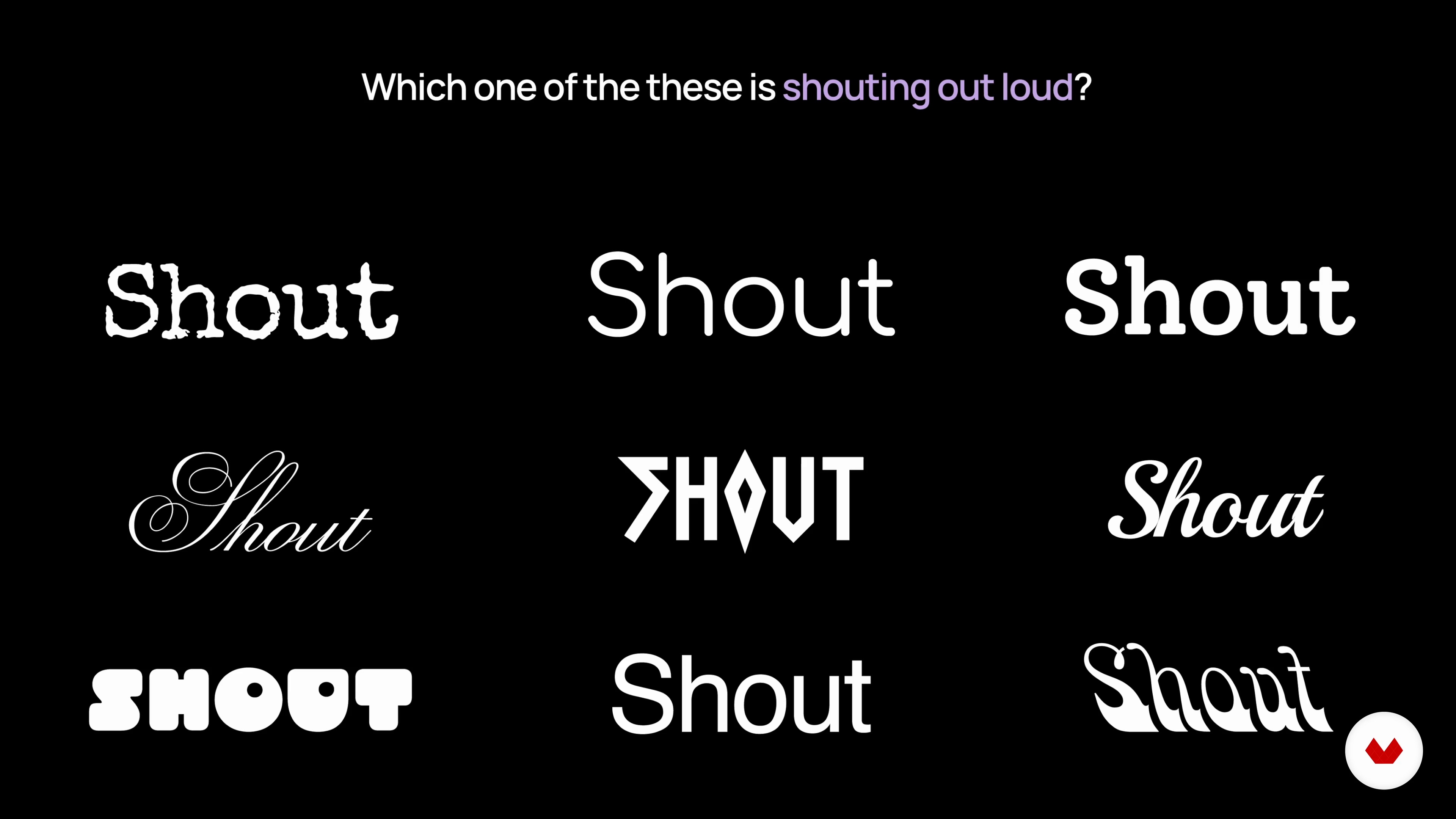
Your Brand and Web Design Fundamentals 2
15 minutes, 17 seconds
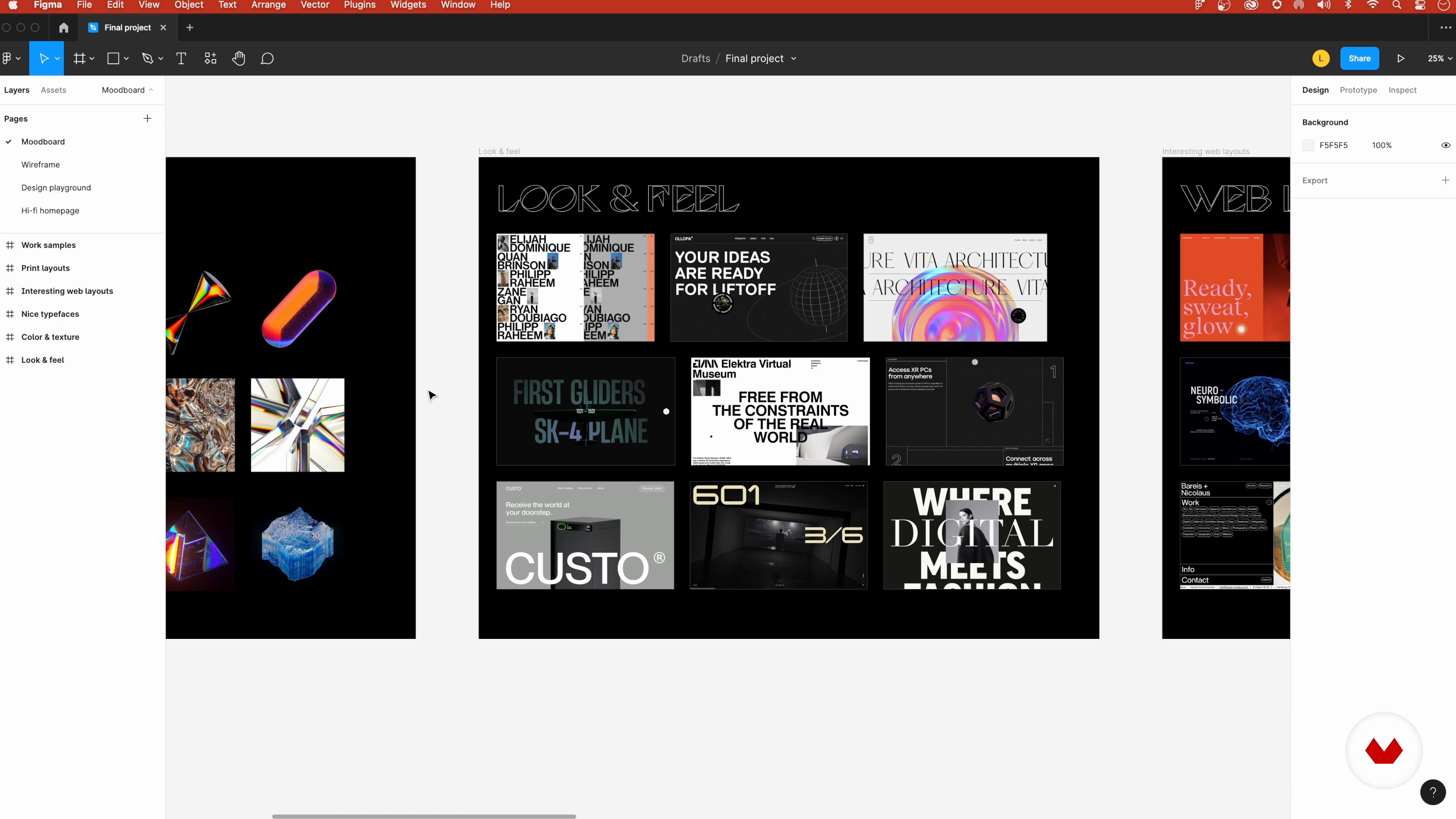
Creating a Mood Board
4 minutes, 29 seconds
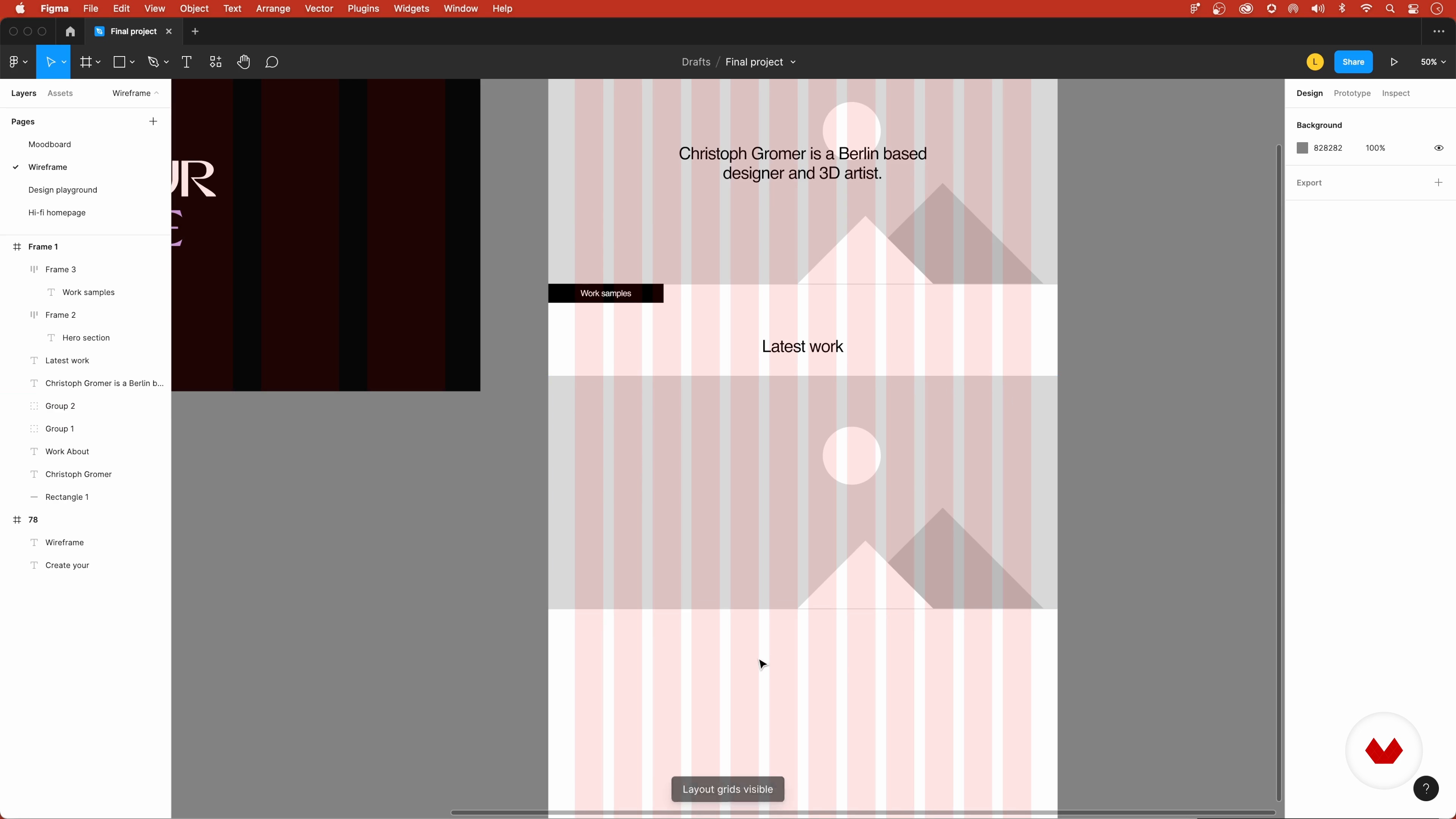
The Homepage Wireframe, a Case Study, and the Figma "About Page" 1
18 minutes, 7 seconds
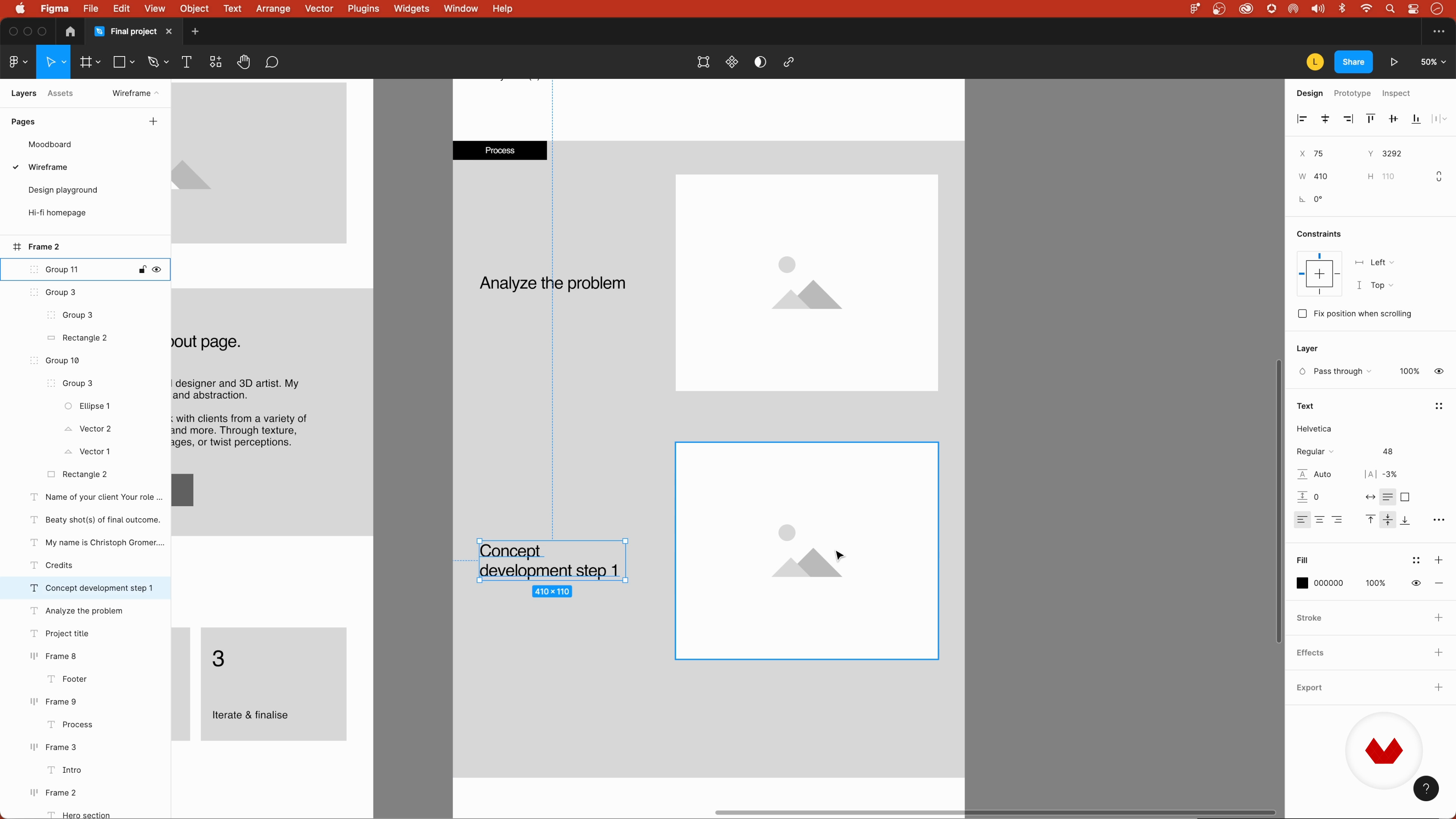
The Homepage Wireframe, a Case Study, and the Figma "About Page" 2
8 minutes, 45 seconds
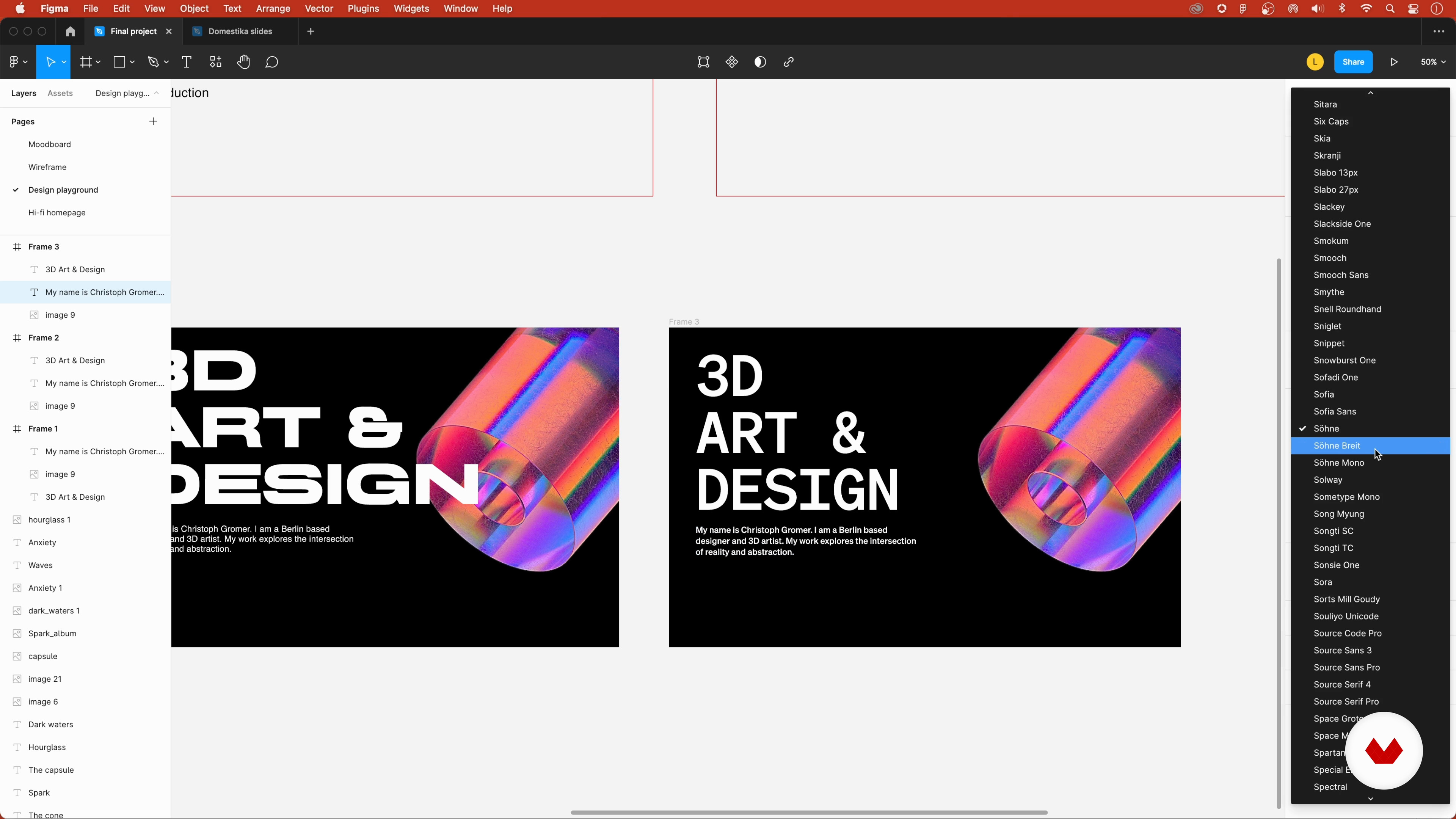
Designing a High-Fidelity Homepage: The Header 1
11 minutes, 46 seconds
What's included in this course?
To start, you'll discover the importance of personal branding and how to establish your own strong brand identity. Gain a deep understanding of design fundamentals and apply them effectively in your portfolio. After setting up a mood board, you'll learn to create wireframes and elevate them into high-fidelity designs. Next, you'll explore platforms for creating webpages without coding, using Semplice as the main example. Master the art of transforming your designs into functional and visually stunning web pages. Develop skills in grid systems, color palettes, and typography styles to create a cohesive and captivating portfolio. Finally, you'll learn how to optimize your online presence and bring your unique brand to the market.
Throughout the course, Lu Yu will share his expertise and guide you through pragmatic exercises and strategies. By the end, you'll have all the tools you need to create a standout design portfolio that truly represents your identity and values.
Recommended software & tools for this course
What is this course's project?
In the final project of this course, you will create a portfolio website that showcases your design skills and personality. This website will serve as a powerful tool to establish and strengthen your online presence. Through the guidance of Lu Yu, you'll develop a visually cohesive and engaging website that captivates potential clients and employers. The portfolio project will be the culmination of your learning journey, allowing you to bring your unique brand onto the market with confidence.

Who is this online course for?
This course is designed for aspiring designers and creatives who want to build a distinctive and visually stunning portfolio. Whether you're a beginner or already have some experience in design, this course will help you refine your skills and develop an authentic design voice. If you're passionate about personal branding and eager to create a portfolio that stands out in a competitive industry, this course is perfect for you. Join Lu Yu on this creative journey and unlock your full potential as a designer.
Requirements and materials
To take this course, you'll need access to a computer with an internet connection. Additionally, you'll need to have Figma, a powerful design tool, and a web builder like Semplice. These tools will be essential for creating your design portfolio. No prior knowledge of specific software is required, as the course will guide you through the necessary steps. Prepare your creative mindset and get ready to dive into the world of design!

Reviews
- 7 months ago
I would have expected a little bit more Figma and Semplice learning, like actually showing what one can and cannot do with the software, what are the possibilities, the pros and cons of the software etc. but overall, it was a good intro course in the software
- 8 months ago
Me gusta mucho como este curso te explica de manera directa a buscar referencias y crear tu portafolio muy util para cuando empiezas a buscar trabajo o bien mejorar tu perfil.
- 9 months ago
Muy buen curso!!!
- canivenaticiPLUS10 months ago
Misleading and disjointed. -Figma is only used for basic wireframes, which are never implemented. -It follows onto creating a “header page” from scratch, unrelated to the wireframes, implemented in Semplice, a platform the lecturer helped creating. -Other platforms aren’t explored despite being promised. Final lessons repeat the header design yet again without showing how to publish. You won’t create a full portfolio. Without a Semplice license, you can’t finish. Figma is mostly unnecessary.
- 1 year ago
Mu buena información y explicación de cada parte de un portafolio que debes de tomar en cuenta, no importa en la área que te dediques es de gran ayuda.

Having worked with notable organizations such as Pitch, Semplice, WAVE, and Memomi, Lu has extensive experience in creating visually stunning designs that fuse brand and product seamlessly. Her expertise spans multiple areas, including UI/UX design, personal branding, and marketing collateral. As a speaker, judge, and lover of photography and illustration, Lu continuously seeks to push boundaries and inspire others in the creative industry. Through his passion and knowledge, Lu Yu is dedicated to helping aspiring designers find their own authentic and distinctive design voice.
Content
- U1
Introduction
- About Me
- Inspirations
- U2
Finding Your Own Brand Strategy
- Setting the Scene and Finding Your Brand
- Your Brand and Web Design Fundamentals 1
- Your Brand and Web Design Fundamentals 2
- Creating a Mood Board
- U3
Designing the Website
- The Homepage Wireframe, a Case Study, and the Figma "About Page" 1
- The Homepage Wireframe, a Case Study, and the Figma "About Page" 2
- Designing a High-Fidelity Homepage: The Header 1
- Designing a High-Fidelity Homepage: The Header 2
- Designing a High-Fidelity Homepage: Finalizing the Page
- Setting up a Style Guide and Components in Figma
- U4
Post-production
- Suggested Tools to Build the Site and Setting up Semplice
- Building the Homepage Header in Semplice
- Finalizing the Homepage in Semplice
- FP
Final project
- Digital Brand Design - Complete Course
What to expect from a Domestika course
Learn at your own pace
Enjoy learning from home without a set schedule and with an easy-to-follow method. You set your own pace.
Learn from the best professionals
Learn valuable methods and techniques explained by top experts in the creative sector.
Meet expert teachers
Each expert teaches what they do best, with clear guidelines, true passion, and professional insight in every lesson.
Certificates
PLUSIf you're a Plus member, get a custom certificate signed by your teacher for every course. Share it on your portfolio, social media, or wherever you like.
Get front-row seats
Videos of the highest quality, so you don't miss a single detail. With unlimited access, you can watch them as many times as you need to perfect your technique.
Share knowledge and ideas
Ask questions, request feedback, or offer solutions. Share your learning experience with other students in the community who are as passionate about creativity as you are.
Connect with a global creative community
The community is home to millions of people from around the world who are curious and passionate about exploring and expressing their creativity.
Watch professionally produced courses
Domestika curates its teacher roster and produces every course in-house to ensure a high-quality online learning experience.
FAQs
Yes, this course is designed for beginners and guides you step-by-step in creating a professional portfolio website using no-code tools like Simplice and Figma.
No prior coding or advanced design experience is required. The course covers all the basics and gradually builds your skills in digital design, layout, and branding.
You'll learn to plan, design, and build an effective online portfolio website, including content strategy, layout, branding, color theory, typography, and showcasing your creative work for career opportunities.
You’ll use Figma for design and wireframing, and web builders like Simplice for building and launching your online portfolio. Both have user-friendly interfaces suitable for beginners.
The course teaches best practices for curating your creative work, structuring case studies, and presenting projects in a way that highlights your strengths and attracts potential clients or employers.
Topics include portfolio planning, brand identity, color and typography, Swiss design principles, mood boards, grid systems, wireframing, case study structure, and using no-code tools for website creation.
Yes, you’ll develop a unique brand identity, set art direction, and apply design fundamentals to create a cohesive personal brand and digital presence.