
Illustration Techniques with Digital Watercolor
A course by Ricard López IglesiasPainter and illustrator
A course by Ricard López Iglesias, Painter and illustrator

Learn to create customized portraits with Adobe Photoshop
The secret to developing a versatile illustration style is not sticking to a single technique. Ricard López, better known as Ricardilus, has made that statement the basis of his work, and has found in portraiture the perfect canvas to merge and try out different styles and techniques. This has greatly enriched his professional life and has led him to take on all kinds of commissions.
In this online course, learn to experiment with illustration. Ricardilus teaches you how to create portraits from a photograph, develop it with analog techniques, and add color with digital watercolor using Adobe Photoshop and a graphics tablet.
What will you learn in this online course?
18 lessons & 12 downloads
Final project
2 minutes, 17 seconds
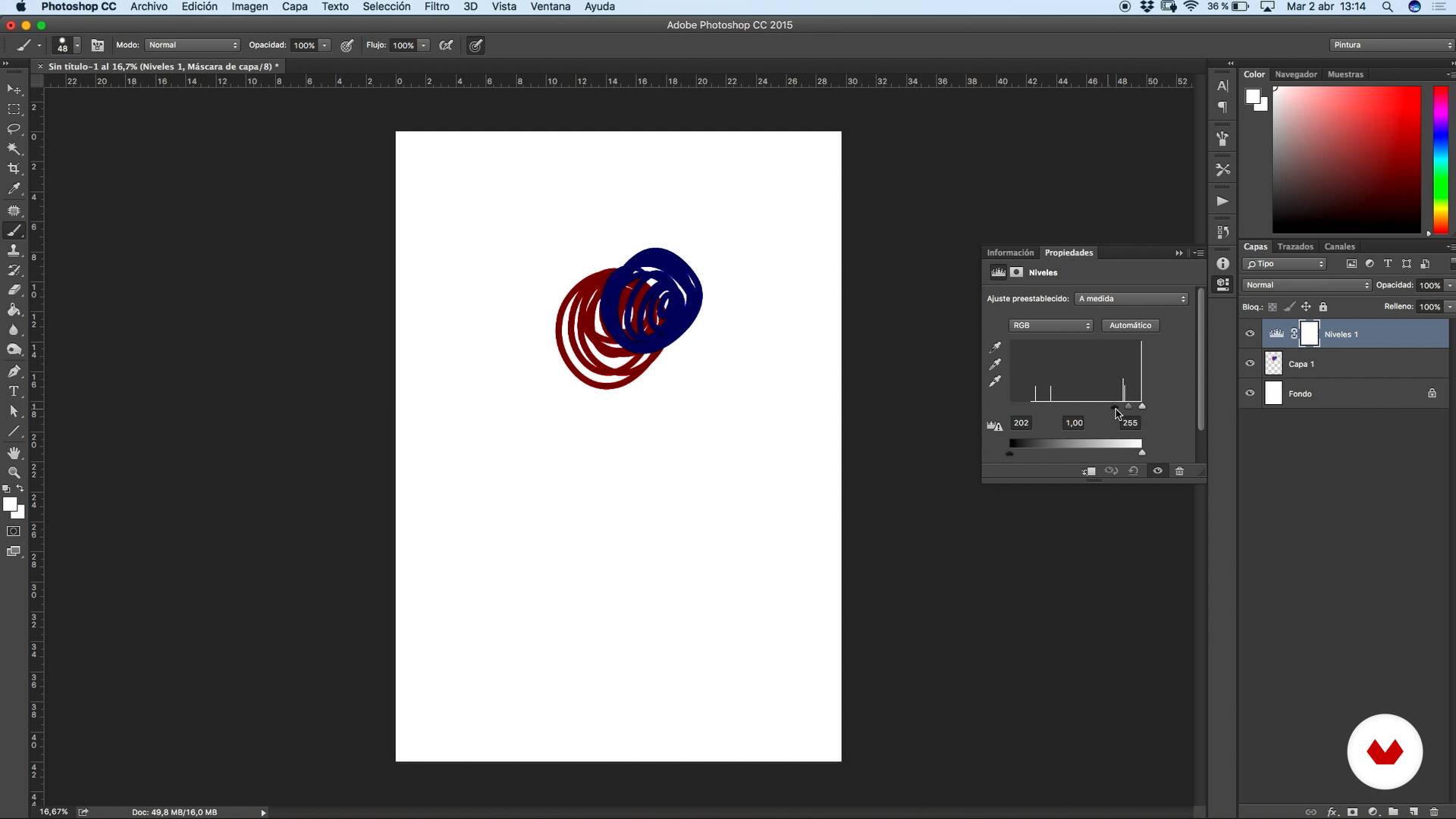
Introduction to Photoshop 1
11 minutes, 47 seconds
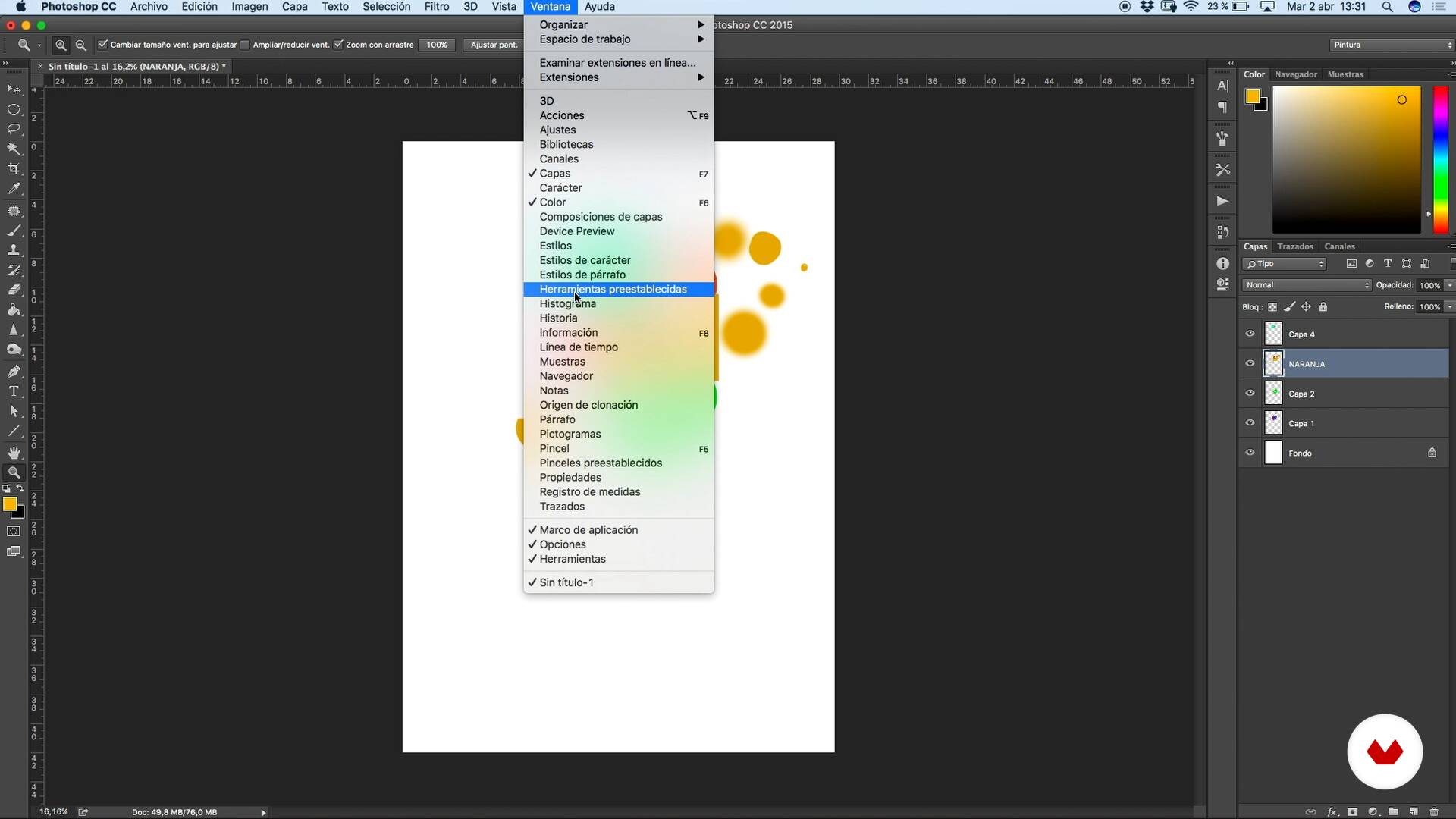
Introduction to Photoshop 2
10 minutes, 46 seconds
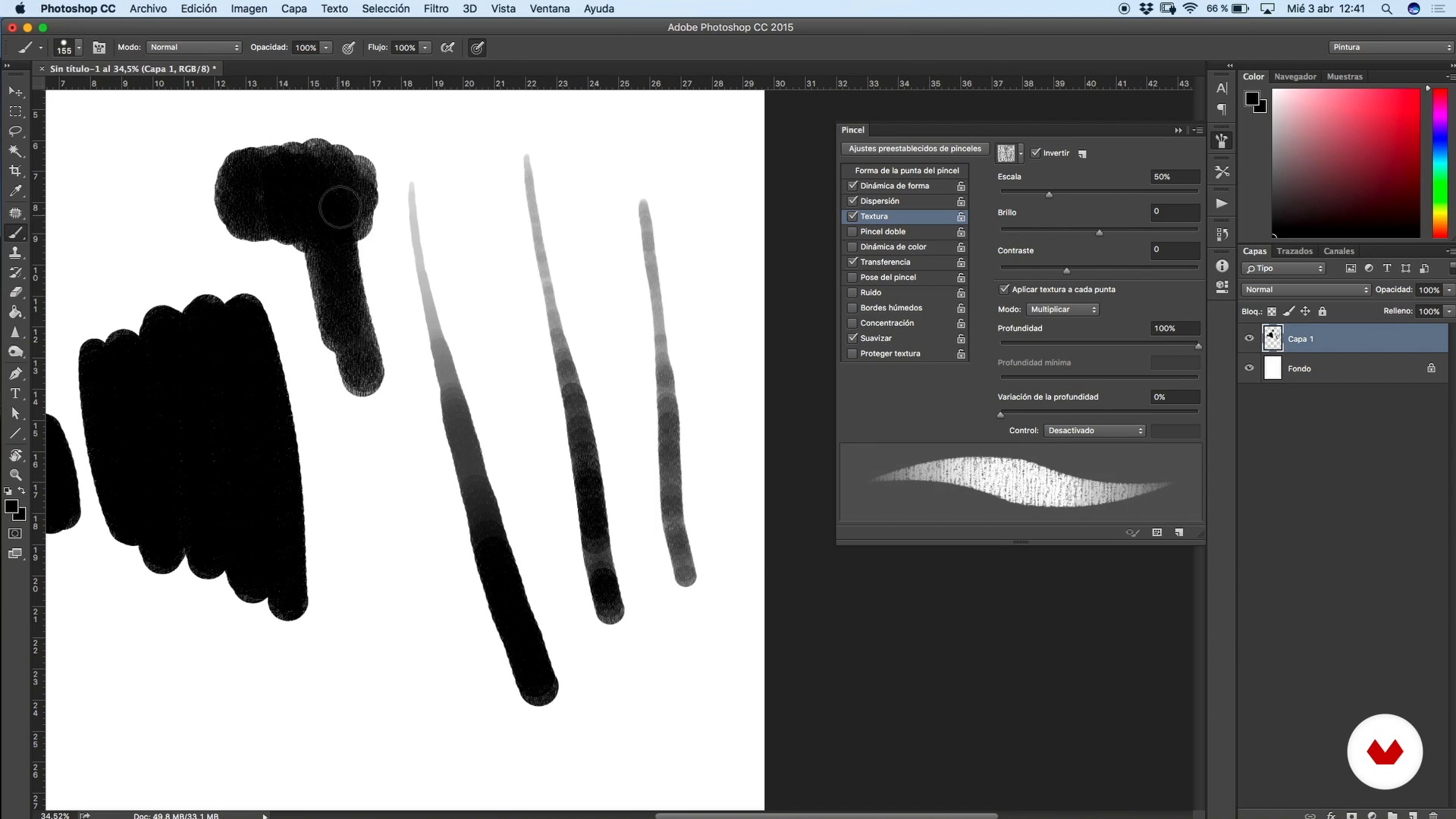
Let's get to know the digital pen!
12 minutes, 42 seconds
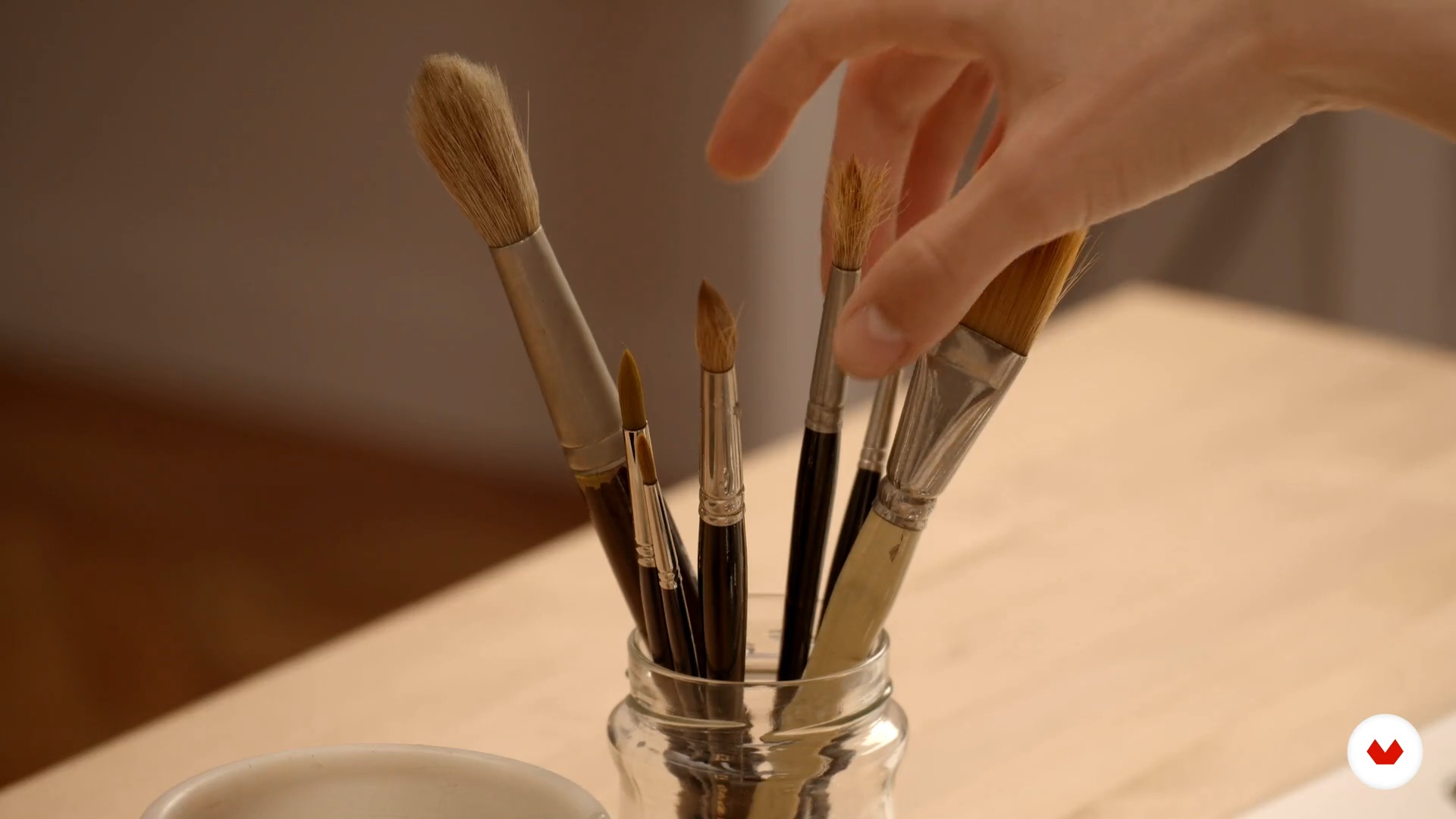
Creating our own digital watercolor brushes - Analog work
11 minutes, 12 seconds
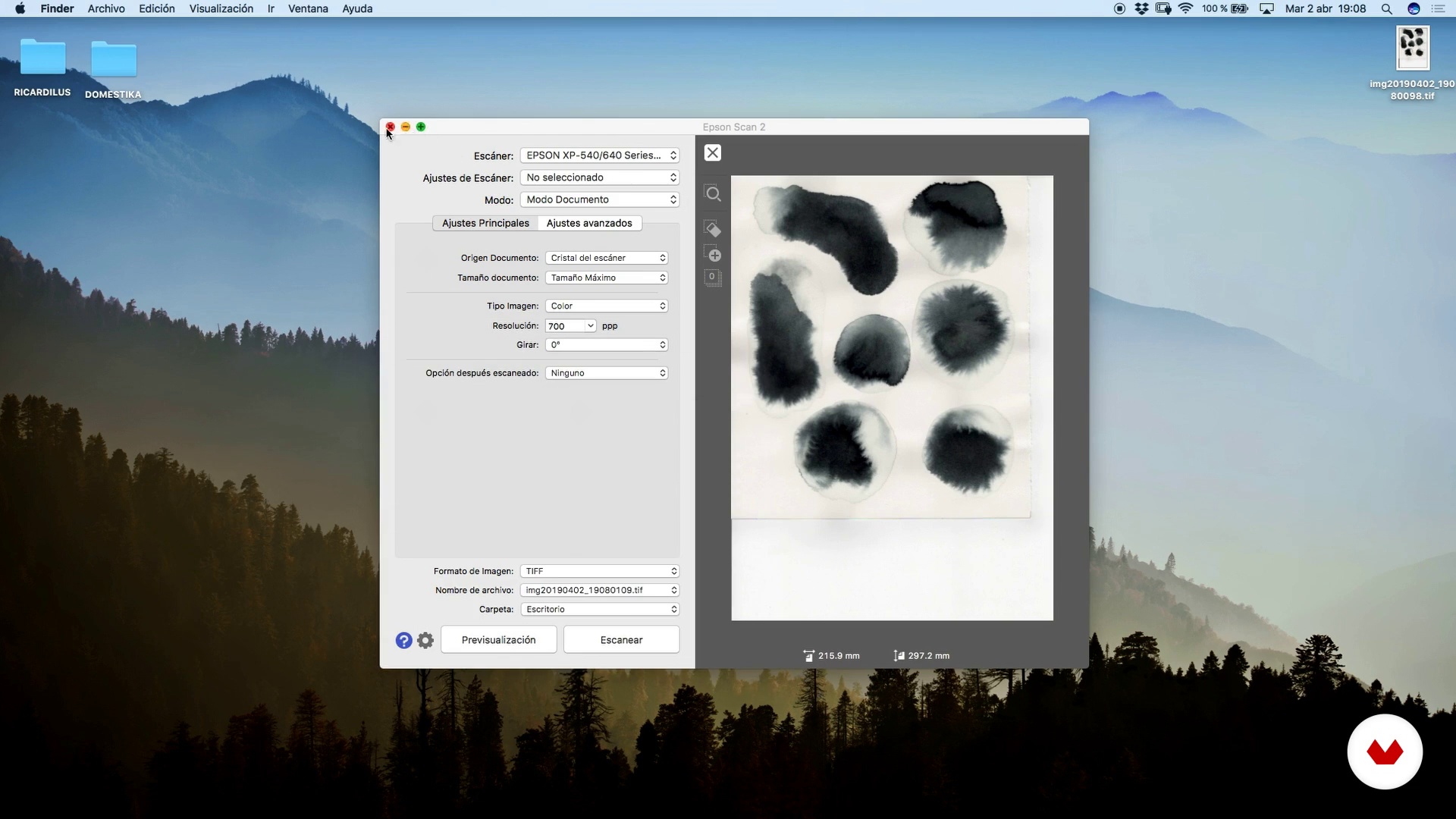
Creating our own digital watercolor brushes - Digital work
14 minutes, 54 seconds
What's included in this course?
First, learn more about Ricardilus's work, who talks about the subjects that inspire him, the techniques he uses, and the artists he admires.
He also goes over the basic tools you'll need to carry out the course project. Take an in-depth look at the possibilities of Photoshop brushes and learn how to take full advantage of the different settings.
Ricardilus explains, step by step, how to create a digital brush that simulates graphite to create the base of the portrait, and he teaches you how to create custom digital watercolor brushes from watercolor stains, India ink, and watercolor graphite. Then, create a mood board to serve as inspiration and help develop a final composition for your project. Using the reference photographs, make a sketch with the graphite brush.
Learn how to apply color and use the digital watercolor brushes to add depth and dynamism to your illustrations. To finish up, Ricardilus guides you in the process of applying textures, filters, and effects. See how to export your work correctly so it looks perfect on all kinds of mediums.
Recommended software & tools for this course
What is this course's project?
Using analog techniques and textures as a base, create a digital portrait from a photograph.

Projects by course students


Who is this online course for?
This course is for illustrators, sketch artists, and anyone interested in learning new techniques, both analog and digital, to create portraits with a unique style.
Requirements and materials
No prior knowledge of illustration is necessary, but you'll achieve better results if you have basic knowledge of drawing. You also do not need to know how to use Photoshop, since Ricardilus guides you step by step in the creation of your digital portrait.
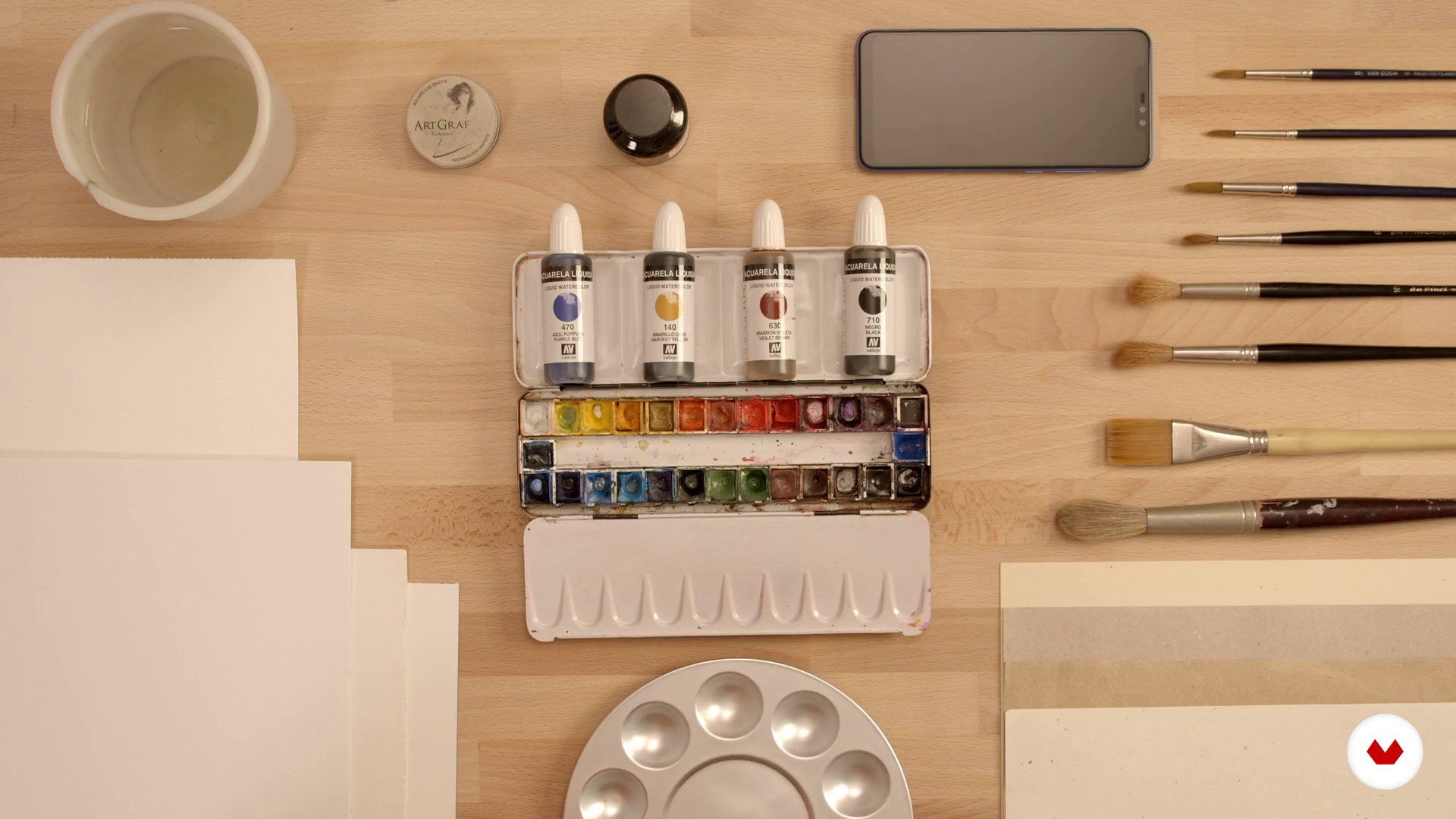
As for the materials, you need different kinds of paper, brushes, and paints to create textures, a scanner or camera, a computer with Adobe Photoshop, and a graphics tablet.

Reviews
- 2 months ago
Excelente curso, bien organizado
- 3 months ago
espectacular!!!! me inspira cada sesion!
- 8 months ago
Maravilhoso!
- 11 months ago
un Gran curso. mejor de lo que esperaba
- 1 year ago
Ótimo curso.

He started with Fine Art studies for one year, which he later changed for Higher Level studies in Animation and 3D at EASD Pau Gargallo, in Barcelona, Spain, as he always loved the idea of bringing his drawings to life. During that time, he also took several illustration courses and completed his studies with a short animated film (La Folie), for which he was selected and rewarded by many renowned competitions. He then studied Graphic Arts at the Escuela Joso in Barcelona and graduated in 2017. Currently, he devotes all his professional energy into illustration, alternating many different types of projects that all relate to art in some shape or form.
His illustrations are usually based on the female figure, although he strongly believes that a good illustrator should never stay within a particular style, and is always looking for new areas and techniques to learn and include in his work. This has secured a long list of major clients for Ricard, including Penguin Random House, Planeta, TSL Jewellery (Hong Kong), Joyería Suárez, SofarSounds, or the National Art Museum of Cataluña (MNAC), in Barcelona, Spain.
Content
- U1
Introduction
- Presentation
- Influences
- Final project
- U2
Before start working...
- Introduction to Photoshop 1
- Introduction to Photoshop 2
- Let's get to know the digital pen!
- Creating our own digital watercolor brushes - Analog work
- Creating our own digital watercolor brushes - Digital work
- U3
Preparation of our portrait
- Preparation of a good moodboard
- Creation of the composition of our portrait
- U4
Let's do it!
- Digital pencil drawing - The basis of our drawing
- Digital pencil drawing - Latest details
- Coloring with watercolors - Base color of our drawing 1
- Coloring with watercolors - Base color of our drawing 2
- Coloring with watercolors - Shading and last details
- U5
Textures, filters and export
- Application of textures for our work
- Application of filters and effects
- How to export your work efficiently and correctly
- FP
Final project
- Portrait illustrated with digital watercolor
What to expect from a Domestika course
Learn at your own pace
Enjoy learning from home without a set schedule and with an easy-to-follow method. You set your own pace.
Learn from the best professionals
Learn valuable methods and techniques explained by top experts in the creative sector.
Meet expert teachers
Each expert teaches what they do best, with clear guidelines, true passion, and professional insight in every lesson.
Certificates
PLUSIf you're a Plus member, get a custom certificate signed by your teacher for every course. Share it on your portfolio, social media, or wherever you like.
Get front-row seats
Videos of the highest quality, so you don't miss a single detail. With unlimited access, you can watch them as many times as you need to perfect your technique.
Share knowledge and ideas
Ask questions, request feedback, or offer solutions. Share your learning experience with other students in the community who are as passionate about creativity as you are.
Connect with a global creative community
The community is home to millions of people from around the world who are curious and passionate about exploring and expressing their creativity.
Watch professionally produced courses
Domestika curates its teacher roster and produces every course in-house to ensure a high-quality online learning experience.
FAQs
You’ll learn to create female illustrations using both digital and traditional techniques, mastering Photoshop, composition, layer management, custom brushes, and texture digitization, all while building a professional portfolio with editorial and artistic-quality results.
Yes, it’s perfect for students with basic drawing or Photoshop skills who want to refine their techniques in female illustration, anatomy, composition, and advanced digital resource creation.
Basic drawing and Photoshop knowledge is recommended to get the most out of the course, though techniques and tools are explained with a practical approach.
You’ll need a graphics tablet, access to Adobe Photoshop, traditional materials like watercolors or graphite for digitizing textures, and an internet connection to access the course content.
You’ll learn digital drawing techniques, composition, color palettes, brush creation, layer use, texture digitization, watercolor and graphite simulation, plus basic traditional animation concepts like stop motion.
Yes, you’ll explore depicting the female figure inspired by Gustav Klimt, Mucha, James Jean, and other icons, applying artistic styles that convey sensuality, fragility, and visual strength.
Yes, you’ll learn how to develop and showcase a professional portfolio, blending diverse styles and techniques to stand out in editorial and artistic fields.