Designing Characters with Personality in Procreate
A course by Natália DiasIllustrator
A course by Natália Dias, Illustrator

Learn to design characters in Procreate by capturing the expressions and actions that encompass who they are, what they do, and where they're from
When moved by a story you hear, watch, or read, the likelihood is, it's due to the strength of the characters. Creating them, however, is not the simplest of tasks. With the help of Natália Dias, illustrator who's collaborated with companies like TeleCine and Cartoon Network and has over 300K Instagram followers, discover everything you need to get started.
In this online course, learn the first steps in character creation with digital design. Using Procreate, Natália shows you the processes along with the main concepts involved in the creation of an illustrated character. If you want to keep exploring digital design to create stunningly imaginative portraits, take a look at Natália's previous Domestika course Female Character Portraits in Procreate.
What will you learn in this online course?
17 lessons & 41 downloads
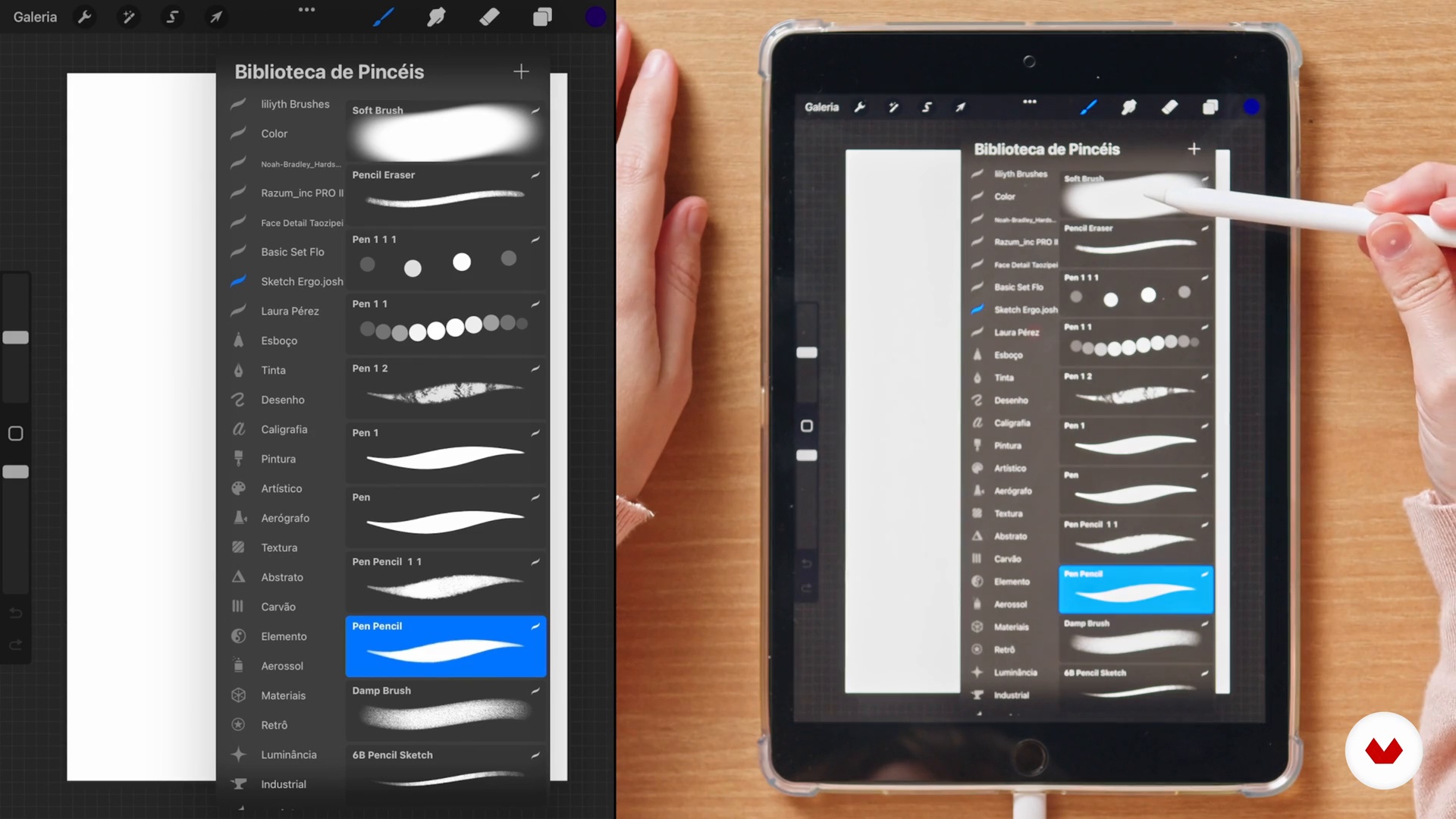
The Procreate Software
6 minutes, 53 seconds
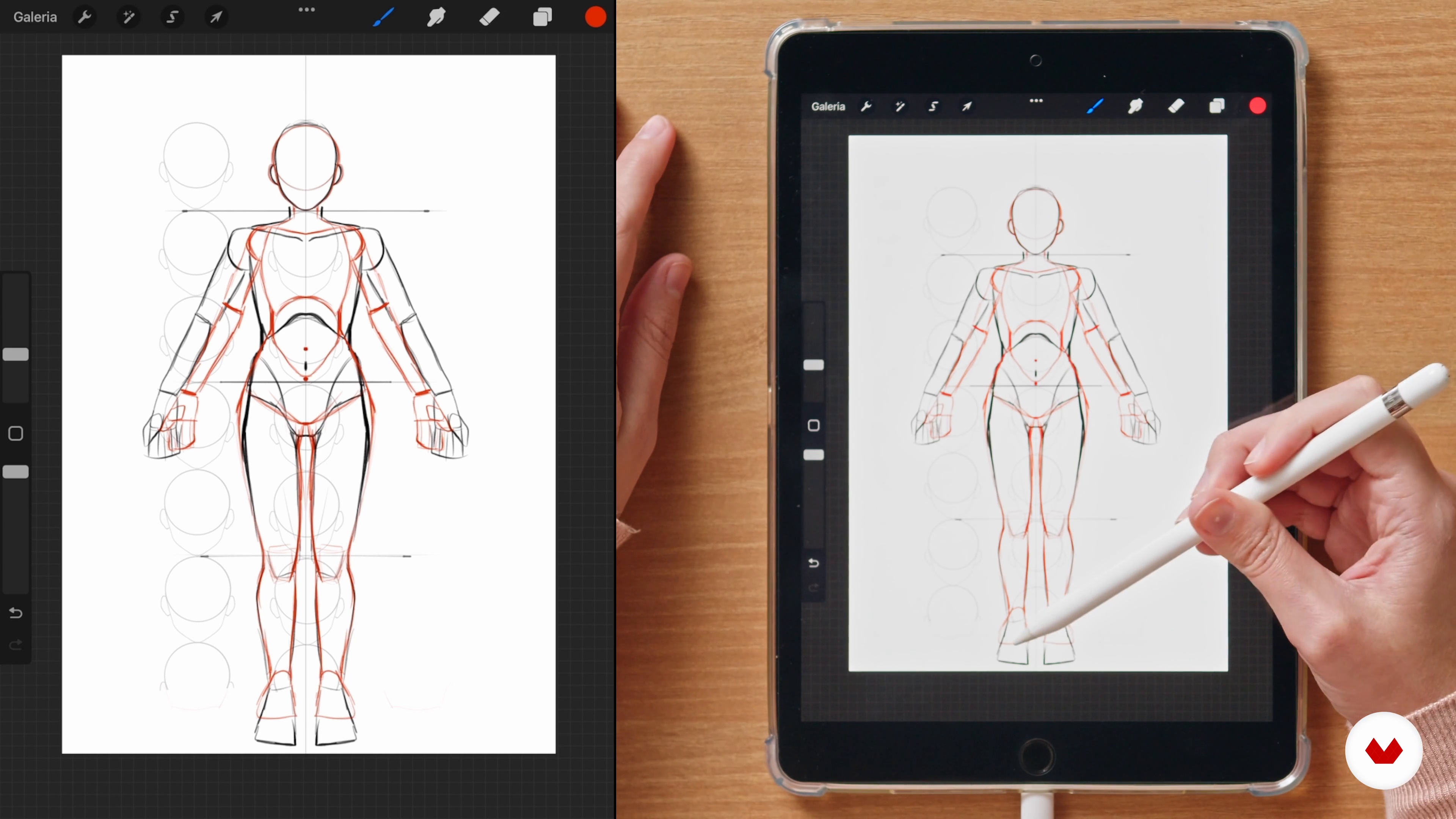
Body
5 minutes, 56 seconds
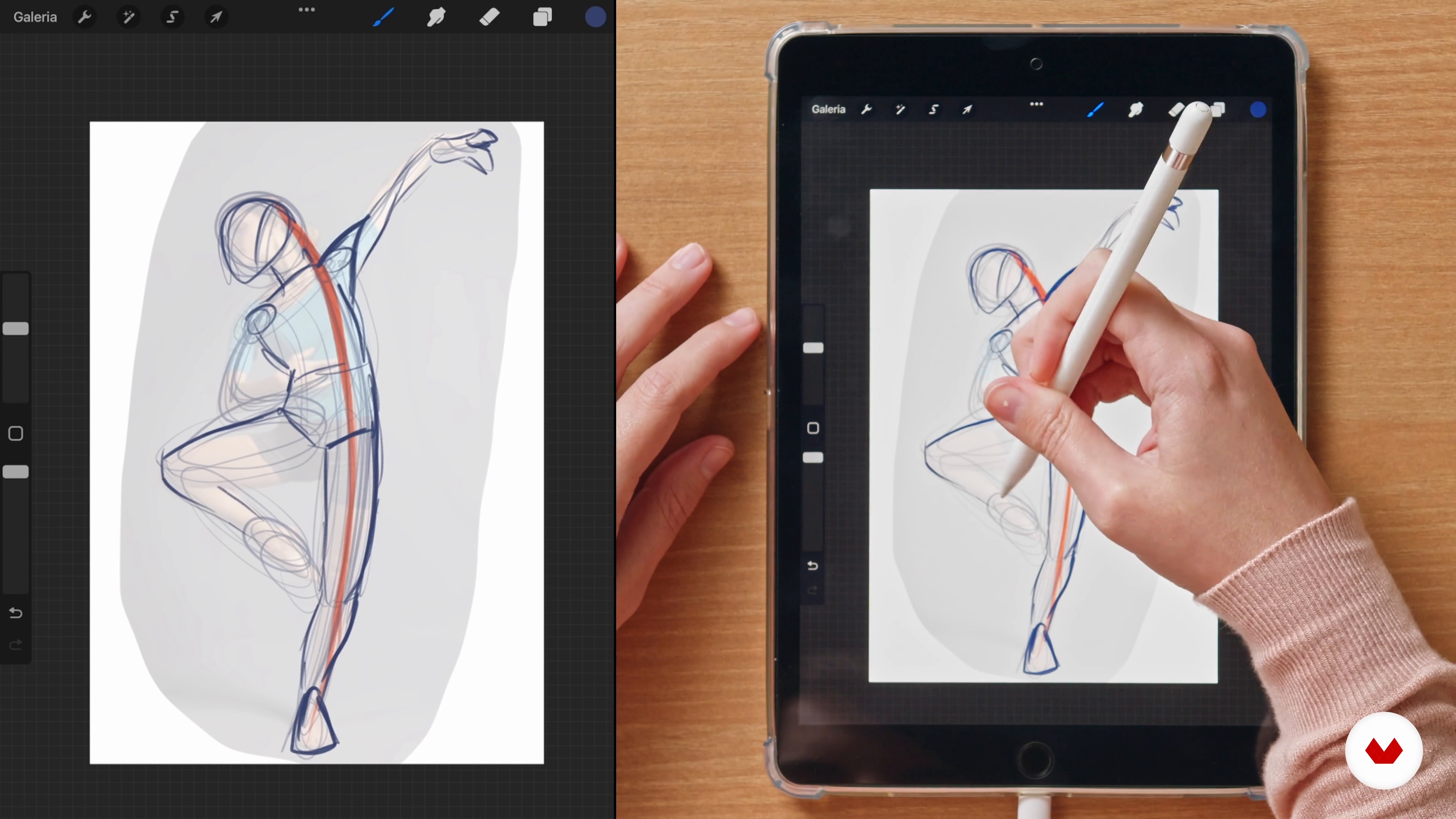
Poses and gestures
4 minutes, 40 seconds
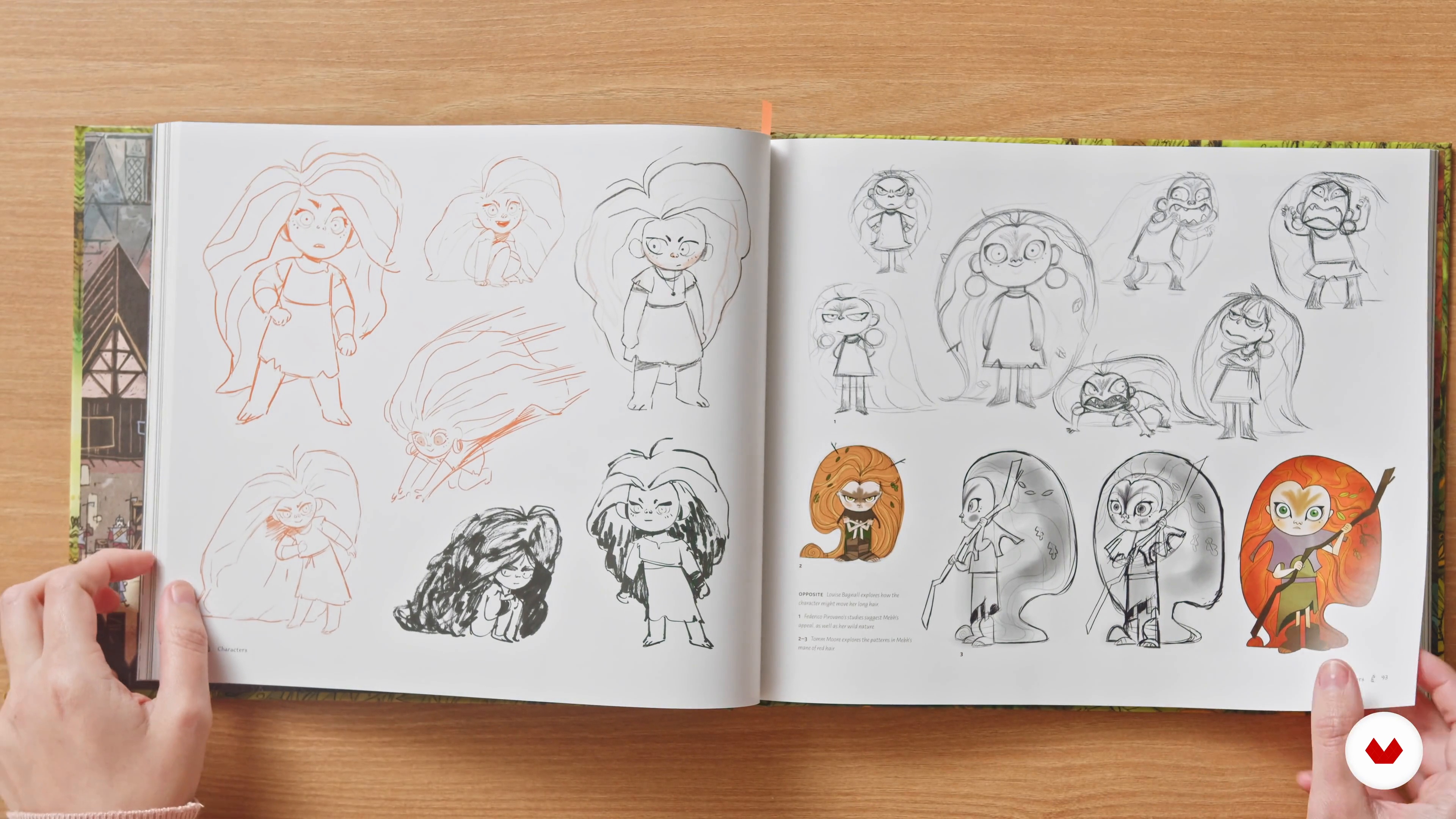
The idea: project briefing
9 minutes, 44 seconds

Mood board and survey
2 minutes, 45 seconds
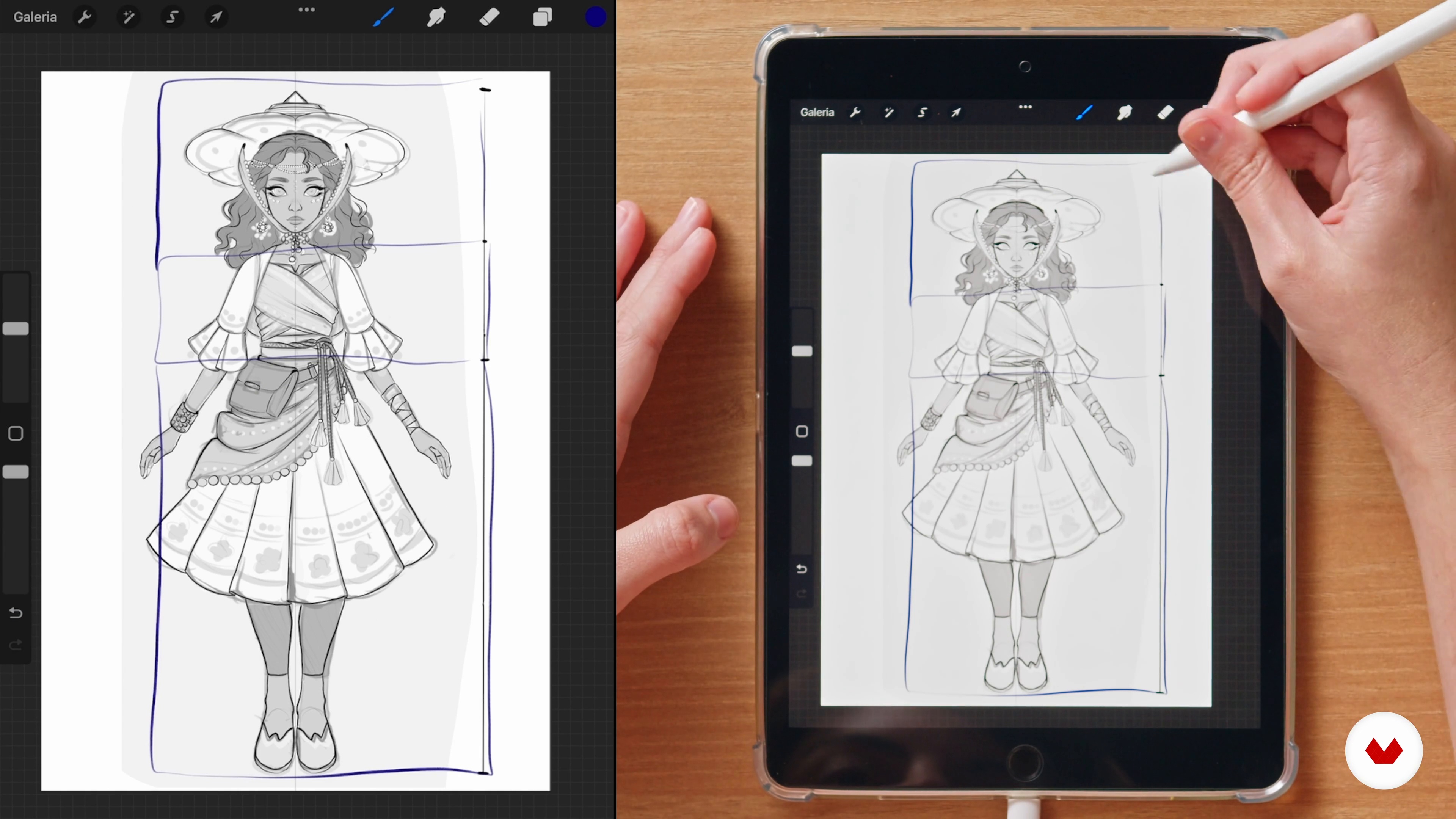
Draft and turnaround
12 minutes, 40 seconds
What's included in this course?
Meet your teacher, Natália Dias. She talks about how she turned her design hobby into a professional career, as well as shares the artists that most inspire her.
Next, get a brief introduction to Procreate, the software for the course. You can use another similar program if you prefer. Learn about the importance of anatomy and how your design choices affect how people perceive the characters, before discovering a gestural technique for more dynamic poses.
It's time to draw! After choosing a theme for your project and putting together a mood board of references, start to develop your character. Do some initial sketching in this order: from the front, from behind, the face structure, and facial expressions based on different narratives. Natália then teaches you to apply color theory to help convey emotion.
Wrap up the course by exploring two different ways to paint, with and without line art, to use for your character's skin, eyes, hair, and clothes. Get ready to wow the world with your characters, using graphic elements to express who they are, what they do, and where they're from.
Recommended software & tools for this course
What is this course's project?
Compose your own detailed character from a range of angles so it can be used in various mediums.
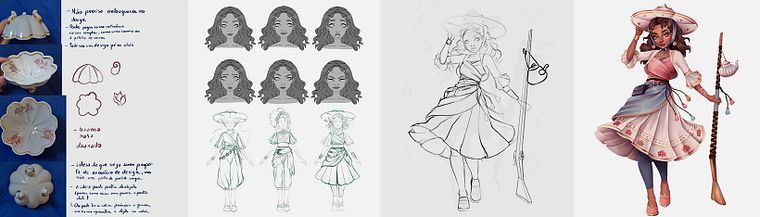
Projects by course students

Who is this online course for?
Beginner to intermediate level illustrators and anyone wanting to better understand the design process for illustrated characters.
Requirements and materials
Basic knowledge of illustration and digital painting is required for this course.
In terms of materials, you need an iPad with Procreate or any device with a similar illustration program.
Reviews
- gigomess237PLUS17 days ago
Didática incrivel, e muitas referencias, amei o curso
- 3 months ago
Muito boa didática e técnicas!
- 7 months ago
Çok faydalı bir eğitim
- 7 months ago
A lot of tips and materials ! Thank you ☺️
- 1 year ago
Este curso es muy recomendable, me enseño muchas cosas a tener en cuenta al crear un personaje 10/10.

Illustration has long been her hobby, but, more recently, she managed to break into the professional sphere, producing commissions for companies such as Telecine. She is currently working as a freelance illustrator and shares her work online with her more-than-300K Instagram followers.
Content
- U1
Introduction
- About Me
- Influences
- U2
Tools, proportions and gestures
- The Procreate Software
- Body
- Poses and gestures
- U3
Research and drafts
- The idea: project briefing
- Mood board and survey
- Draft and turnaround
- Character's facial expression
- Pose with storytelling
- Colors
- U4
Digital painting
- Lineart, basic colors and simple painting 1
- Lineart, basic colors and simple painting 2
- Painting without lineart: skin
- Painting without lineart: eyes, mouth and hair
- Painting without lineart: clothing
- Project presentation
- FP
Final project
- Designing Characters with Personality in Procreate
What to expect from a Domestika course
Learn at your own pace
Enjoy learning from home without a set schedule and with an easy-to-follow method. You set your own pace.
Learn from the best professionals
Learn valuable methods and techniques explained by top experts in the creative sector.
Meet expert teachers
Each expert teaches what they do best, with clear guidelines, true passion, and professional insight in every lesson.
Certificates
PLUSIf you're a Plus member, get a custom certificate signed by your teacher for every course. Share it on your portfolio, social media, or wherever you like.
Get front-row seats
Videos of the highest quality, so you don't miss a single detail. With unlimited access, you can watch them as many times as you need to perfect your technique.
Share knowledge and ideas
Ask questions, request feedback, or offer solutions. Share your learning experience with other students in the community who are as passionate about creativity as you are.
Connect with a global creative community
The community is home to millions of people from around the world who are curious and passionate about exploring and expressing their creativity.
Watch professionally produced courses
Domestika curates its teacher roster and produces every course in-house to ensure a high-quality online learning experience.
FAQs
The course is intermediate level, recommended for those who already have basic digital drawing skills and want to deepen their character design techniques in Procreate.
You’ll need a compatible iPad, the latest version of Procreate installed, and an Apple Pencil or similar stylus to follow the lessons and practical exercises.
You’ll learn anatomy, proportions, gesture, color use, lighting and shading, facial expressions, stylized character creation, digital painting techniques, portfolio building, and adapting characters for games and animation.
It’s recommended to have basic drawing knowledge to get the most out of the course, as it covers intermediate and advanced digital illustration techniques.
Yes, the course covers developing characters for games and animation, including briefing concepts, turnarounds, dynamic poses, and adapting for different media.
You’ll learn to apply lighting and shading techniques using layers, clipping masks, blend modes like Multiply and Add, and explore volume and 3D effects on skin, hair, and clothing.
Yes, there are specific modules on portfolio assembly, project selection criteria, and visual presentation for various platforms and professional goals.