
Introduction to Digital Sound Design
A course by Jürgen BranzSound Designer and Composer
A course by Jürgen Branz, Sound Designer and Composer

Explore digital sound design and music creation in this dynamic course.
Explore the world of sound design and sound engineering in this course where Jürgen Branz will guide you through his unique approach to capturing and manipulating sounds. You'll learn how to use everything from advanced synthesizers to everyday objects to create sound effects that will enrich any audiovisual project.
On this sonic journey, you will understand how sounds affect our emotions and how to use this powerful tool to enhance your audiovisual narrative. Using practical and creative techniques, this course is an introduction to the world of sound that will allow you to transform the ordinary into something extraordinary.
What will you learn in this online course?
16 lessons & 15 downloads
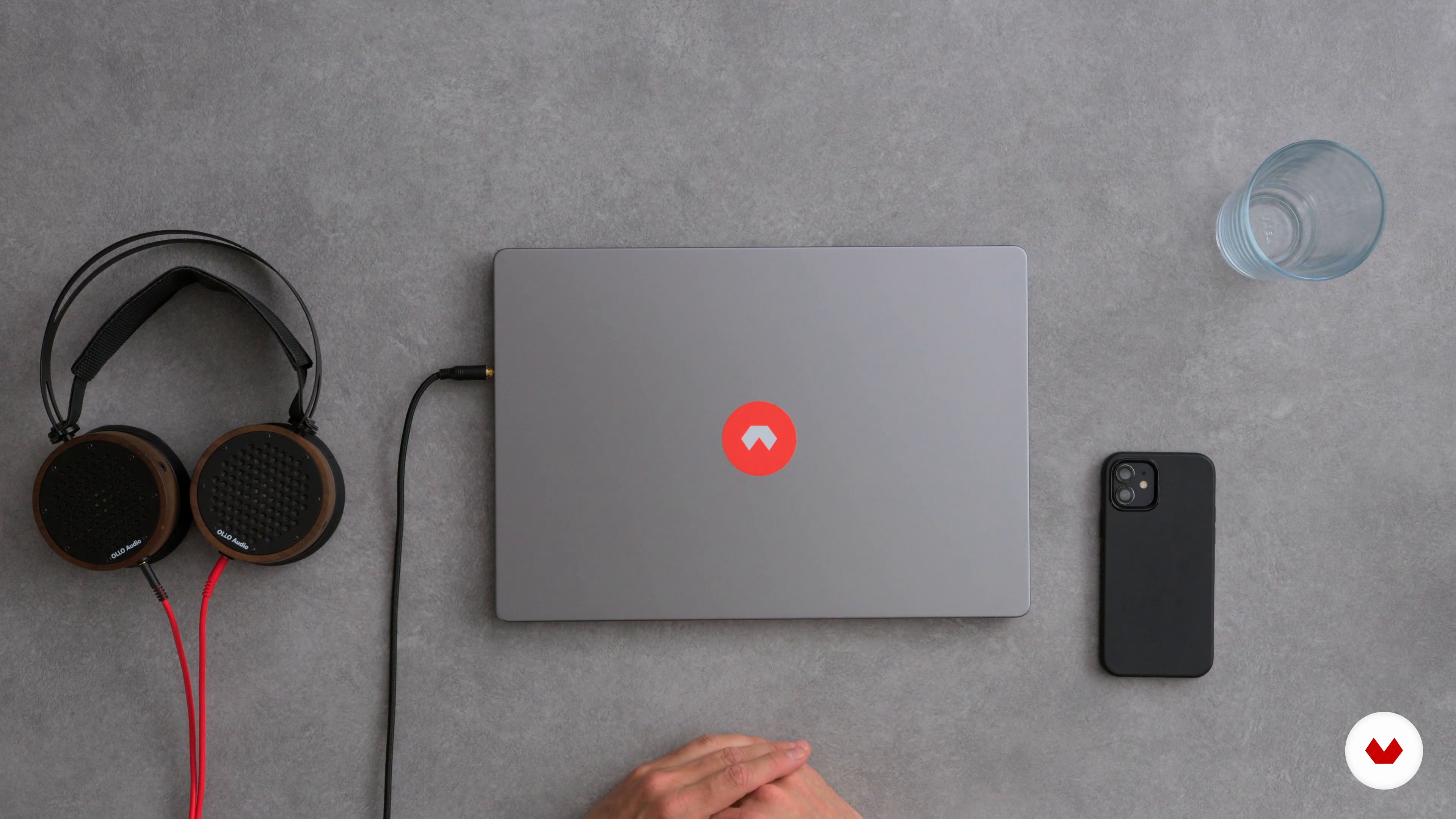
The material
2 minutes, 36 seconds
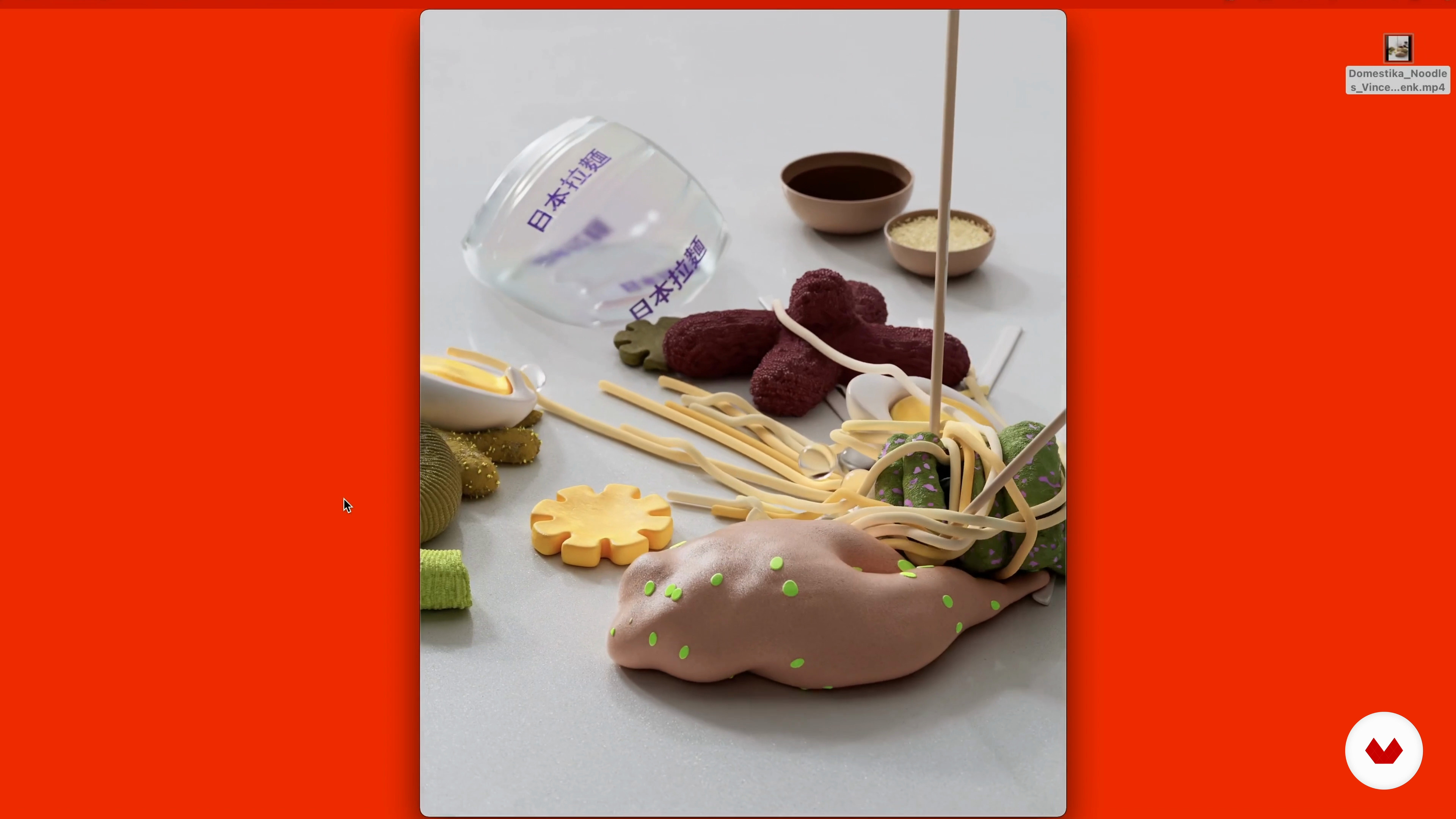
Sound for animation and analysis of the clip
3 minutes, 25 seconds
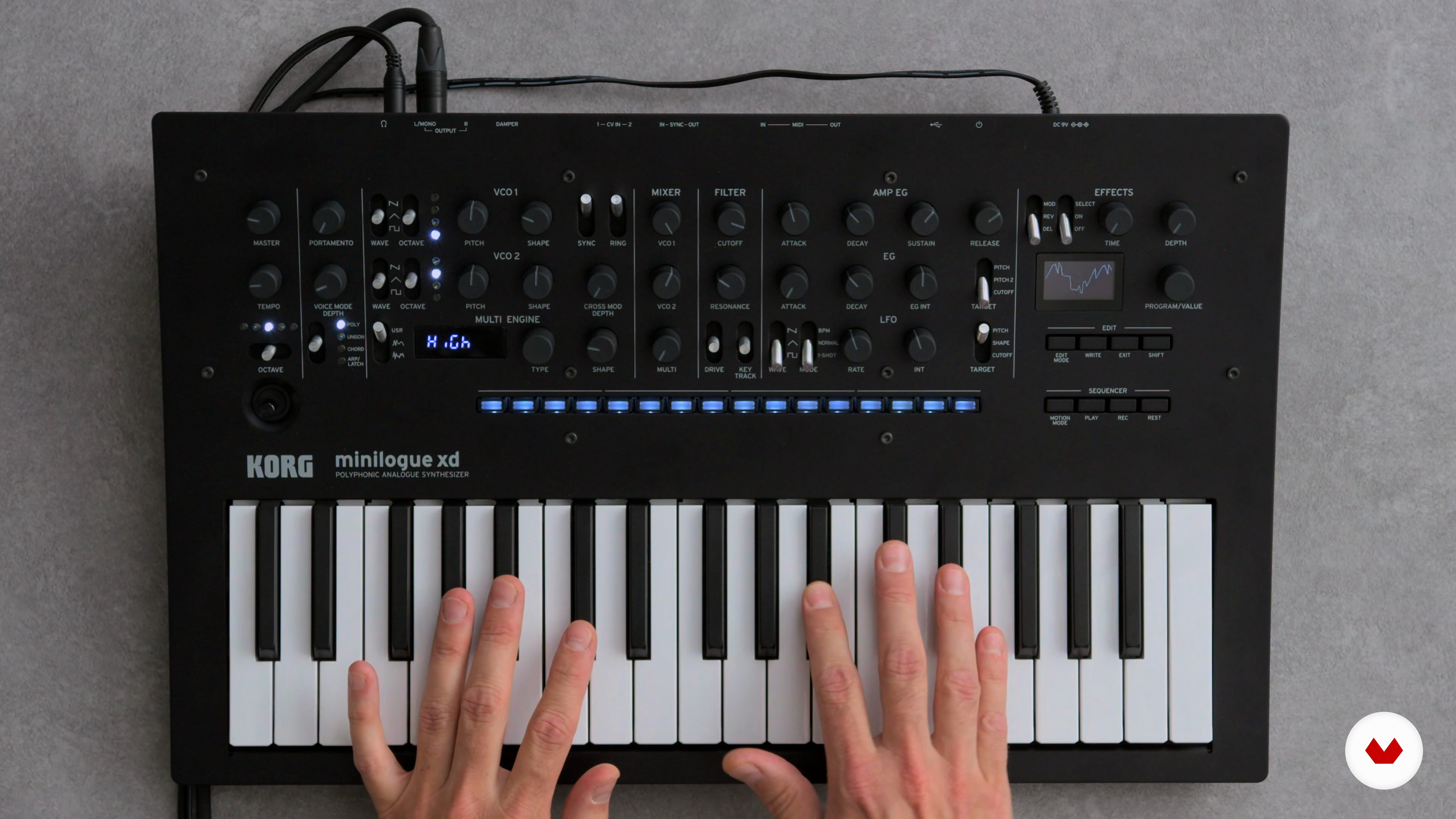
The Synthesizer
2 minutes, 56 seconds
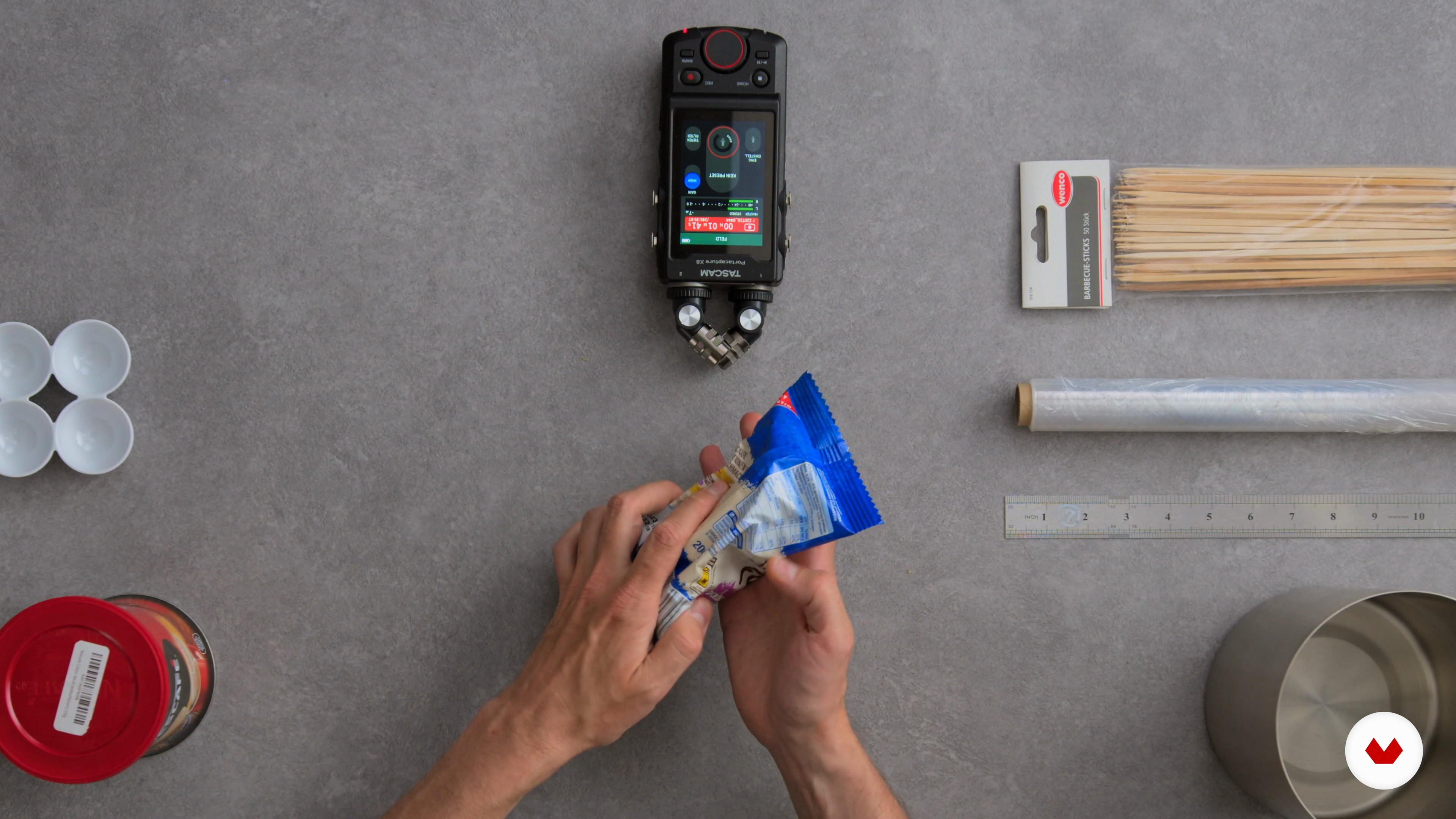
Foley
5 minutes, 18 seconds
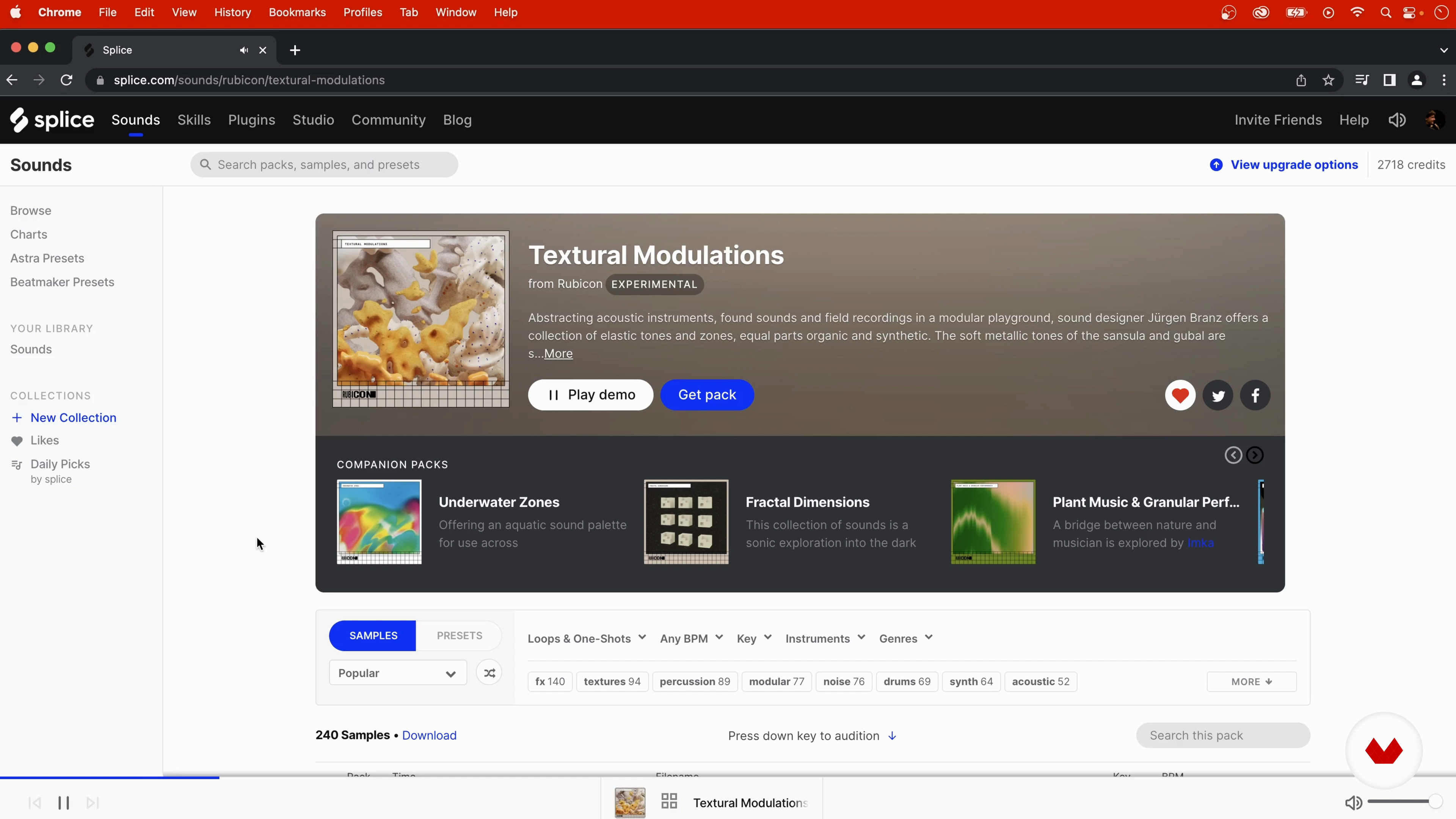
Sample Libraries
8 minutes, 57 seconds
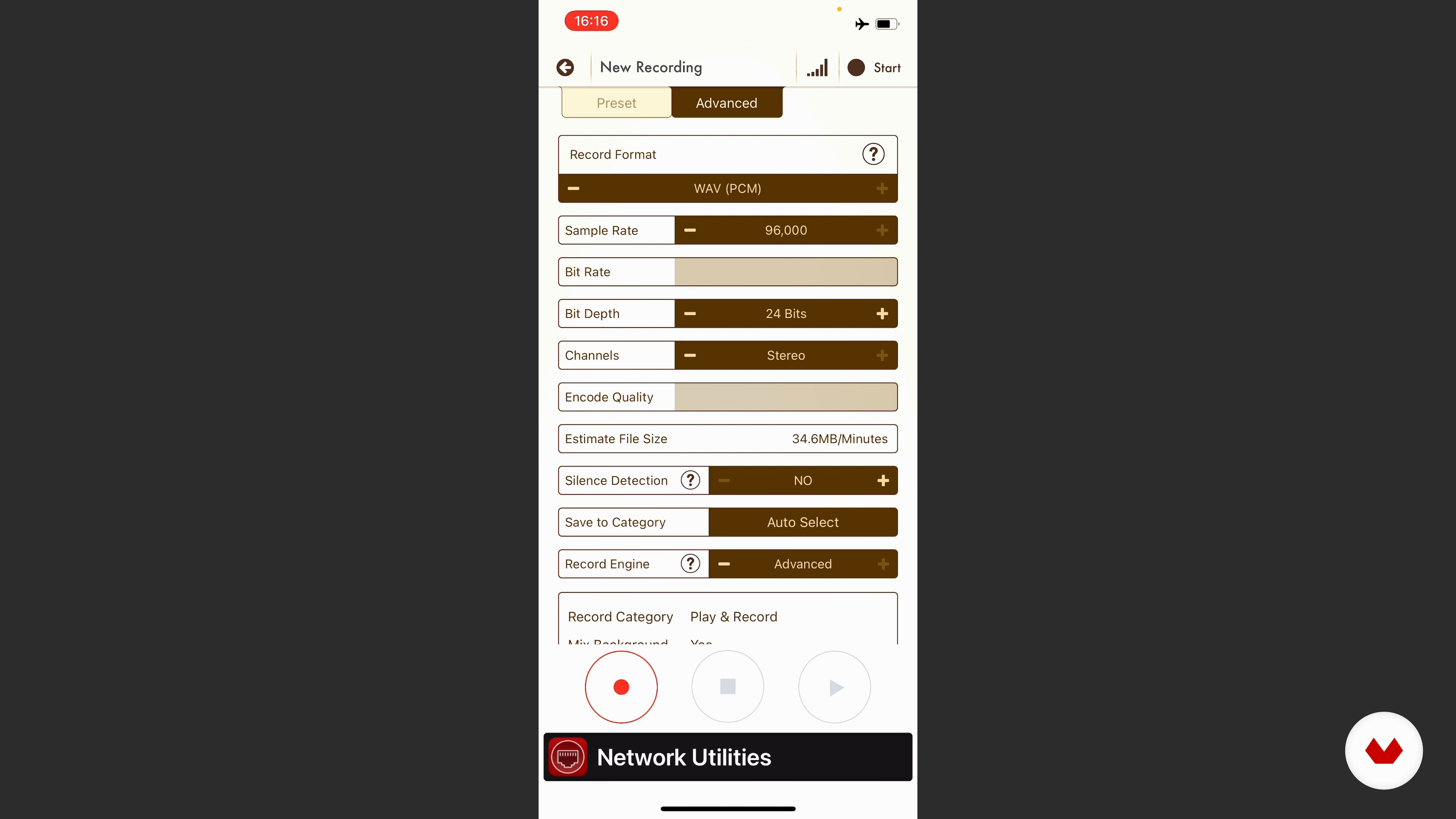
Recording sounds
7 minutes, 3 seconds
What's included in this course?
To begin with, Jürgen will introduce the fundamentals of sound design, starting with an exploration of different devices such as synthesizers and other electronic equipment that are essential to creating unique sounds.
Next, you'll learn how to select and manipulate common household objects to create interesting sounds that you can incorporate into your projects. Next, you'll explore using audio editing software like Ableton to organize and manipulate recorded sounds.
Finally, you will learn mixing and mastering techniques that will allow you to add a professional touch to your sound creations and integrate them into visual or interactive media.
Recommended software & tools for this course
What is this course's project?
The final project consists of creating the soundtrack and sound effects for an abstract 3D animation. In this exercise, you can apply all the techniques learned in the course to achieve a coherent and emotional sound result.
Projects by course students


Who is this online course for?
This course is aimed at musicians, sound designers, audiovisual content creators and anyone who wants to learn how to design and manipulate sounds for different media.
It is ideal for anyone who wants to expand their sonic capabilities and explore new forms of sonic expression.
Requirements and materials
To take this course you will need high-quality headphones, a mobile phone with a camera and a computer with Ableton Live software installed.
With these tools you can record, edit and produce sounds professionally.
Reviews
- 1 year ago
me parece interesante
- 1 year ago
Ta buenardo
- 1 year ago
Gostei do curso. Recomendo.
- 1 year ago
Excelente muy dinámico
- 2 years ago
Excelente curso, me ayuda mucho a comprender mas como funciona y se crea el sonido

In his career spanning more than two decades, Jürgen Branz has worked on numerous multimedia projects, from 3D animations to art installations and theater plays.
His ability to transform ordinary sounds into extraordinary aural experiences has been celebrated in numerous creative contexts, demonstrating his ability to connect with audiences through the emotional power of sound.
Content
- U1
Introduction
- About me
- Inspirations
- U2
The synthesizer
- The material
- Sound for animation and analysis of the clip
- The Synthesizer
- Foley
- Sample Libraries
- U3
The sound production
- Recording sounds
- Import sounds into Ableton
- Editing and arranging sounds in Ableton 1
- Editing and arranging sounds in Ableton 2
- U4
The music production
- Creating a melody
- Creating a bassline
- U5
Post-production
- Mixdown
- Prepare export
- Export and listen on different systems
- FP
Final project
- Introduction to Digital Sound Design
What to expect from a Domestika course
Learn at your own pace
Enjoy learning from home without a set schedule and with an easy-to-follow method. You set your own pace.
Learn from the best professionals
Learn valuable methods and techniques explained by top experts in the creative sector.
Meet expert teachers
Each expert teaches what they do best, with clear guidelines, true passion, and professional insight in every lesson.
Certificates
PLUSIf you're a Plus member, get a custom certificate signed by your teacher for every course. Share it on your portfolio, social media, or wherever you like.
Get front-row seats
Videos of the highest quality, so you don't miss a single detail. With unlimited access, you can watch them as many times as you need to perfect your technique.
Share knowledge and ideas
Ask questions, request feedback, or offer solutions. Share your learning experience with other students in the community who are as passionate about creativity as you are.
Connect with a global creative community
The community is home to millions of people from around the world who are curious and passionate about exploring and expressing their creativity.
Watch professionally produced courses
Domestika curates its teacher roster and produces every course in-house to ensure a high-quality online learning experience.
FAQs
Yes, this course is designed for beginners and covers all the essential techniques for sound design, music production, and working with Ableton Live.
You’ll need a computer with Ableton Live (a trial version works), headphones, and ideally a smartphone or field recorder for capturing your own sounds.
You’ll learn how to record, edit, and creatively arrange sounds. The course covers field recording, Foley, synthesizers, sample libraries, music composition, mixing, and mastering.
No, you don’t need any prior musical knowledge. The course is structured so that complete beginners can jump right in.
You’ll explore different recording techniques, use everyday objects or your body as sound sources, and edit your recordings in Ableton Live for creative projects.
Yes, you can use your phone with apps like VoiceRecord Pro to capture sounds and import the files directly into Ableton.
You’ll analyze animation scenes, develop a sound concept, and apply fitting sounds, music, and effects to enhance the visuals.