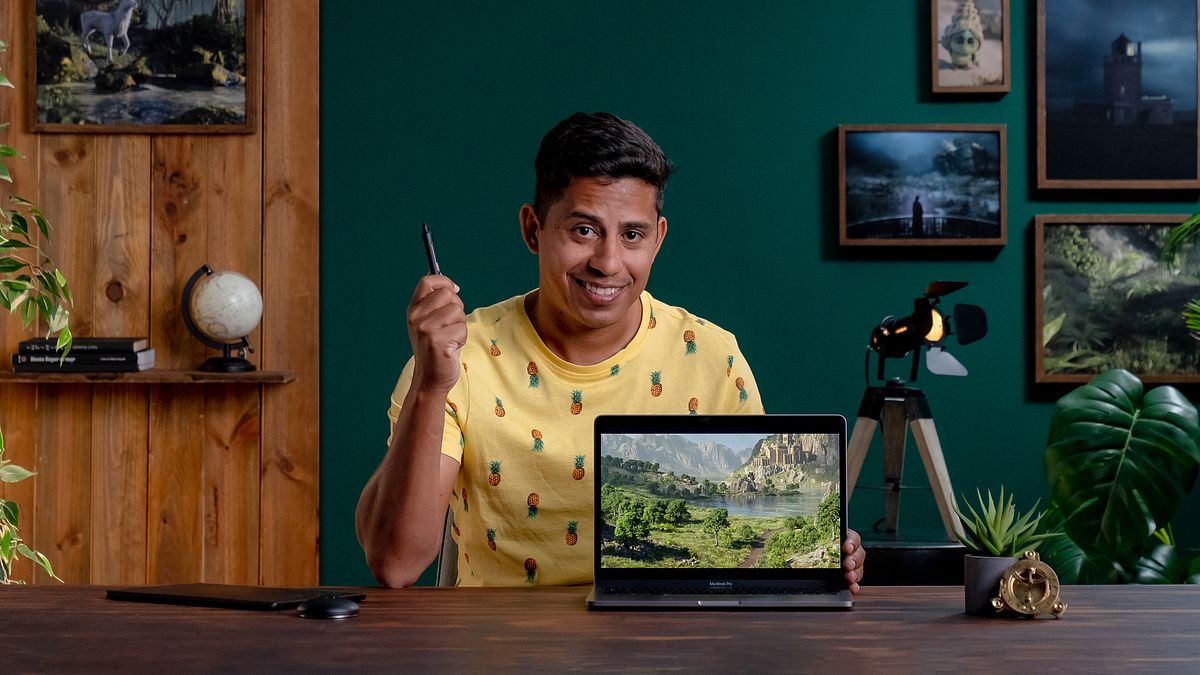
3D Environments: Create Otherworldly Fantasy Lands
A course by Ale Barbosa3D Artist
A course by Ale Barbosa, 3D Artist

Unleash your creativity and build a mystical 3D environment based on your fantasy world
‘The computer is like a pencil, it is an extension of your brain and heart,’ according to Ale Barbosa. The digital environments we witness in games and television can seem so intricate they almost look real. But they have all been devised in the brain of someone like Ale Barbosa, a 3D artist focused on Digital Environments. He spent more than fifteen years as a generalist in his field before realizing his true passion is the sci-fi and medieval settings.
In this online course, Ale shares his workflow in building fantastical digital environments from start to finish, and teaches how to simplify what seems to be complicated. Join Ale and overcome the complexities of 3D design!
What will you learn in this online course?
59 lessons & 18 downloads
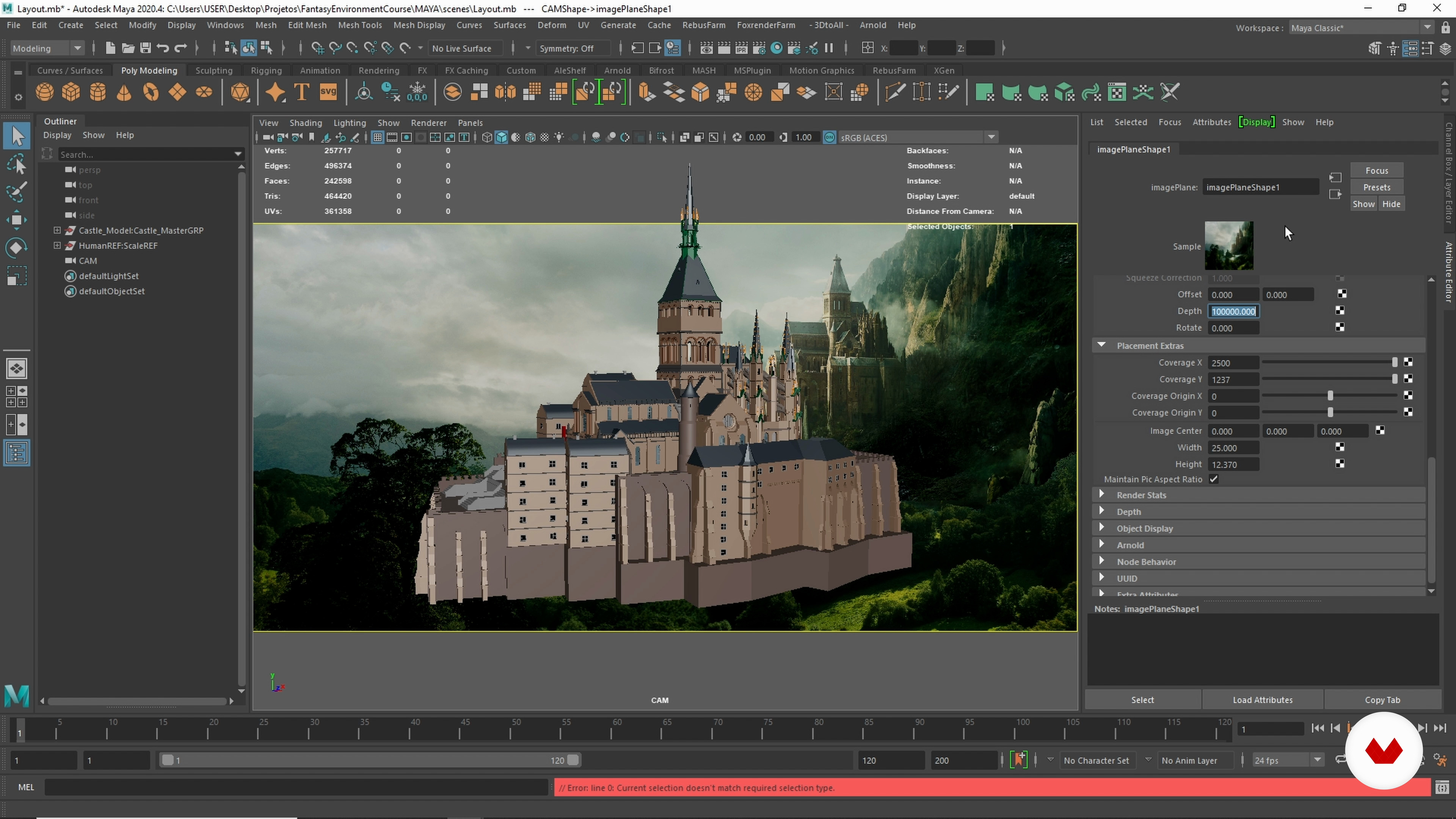
The Layout 1
11 minutes, 47 seconds
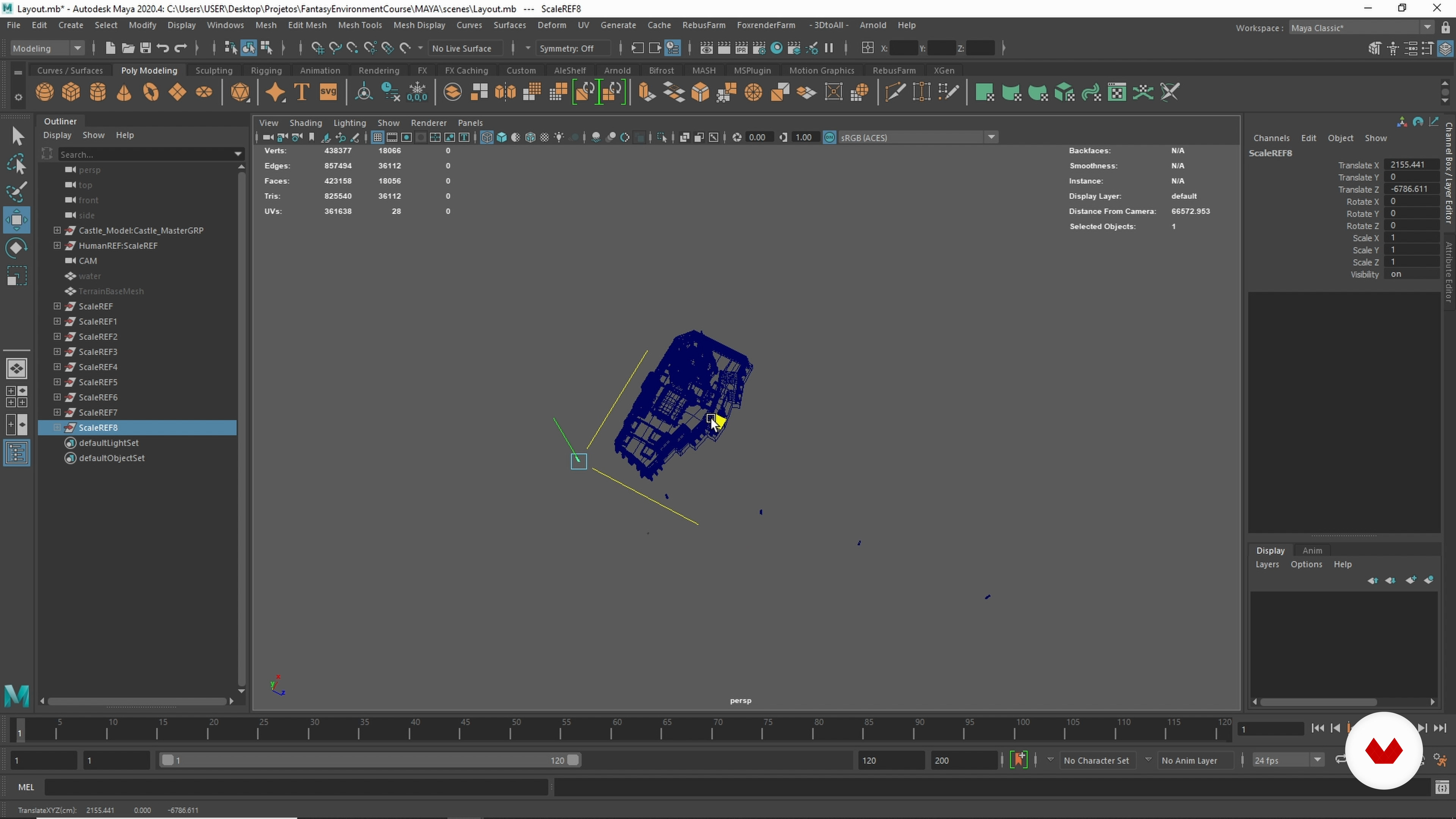
The Layout 2
12 minutes, 48 seconds
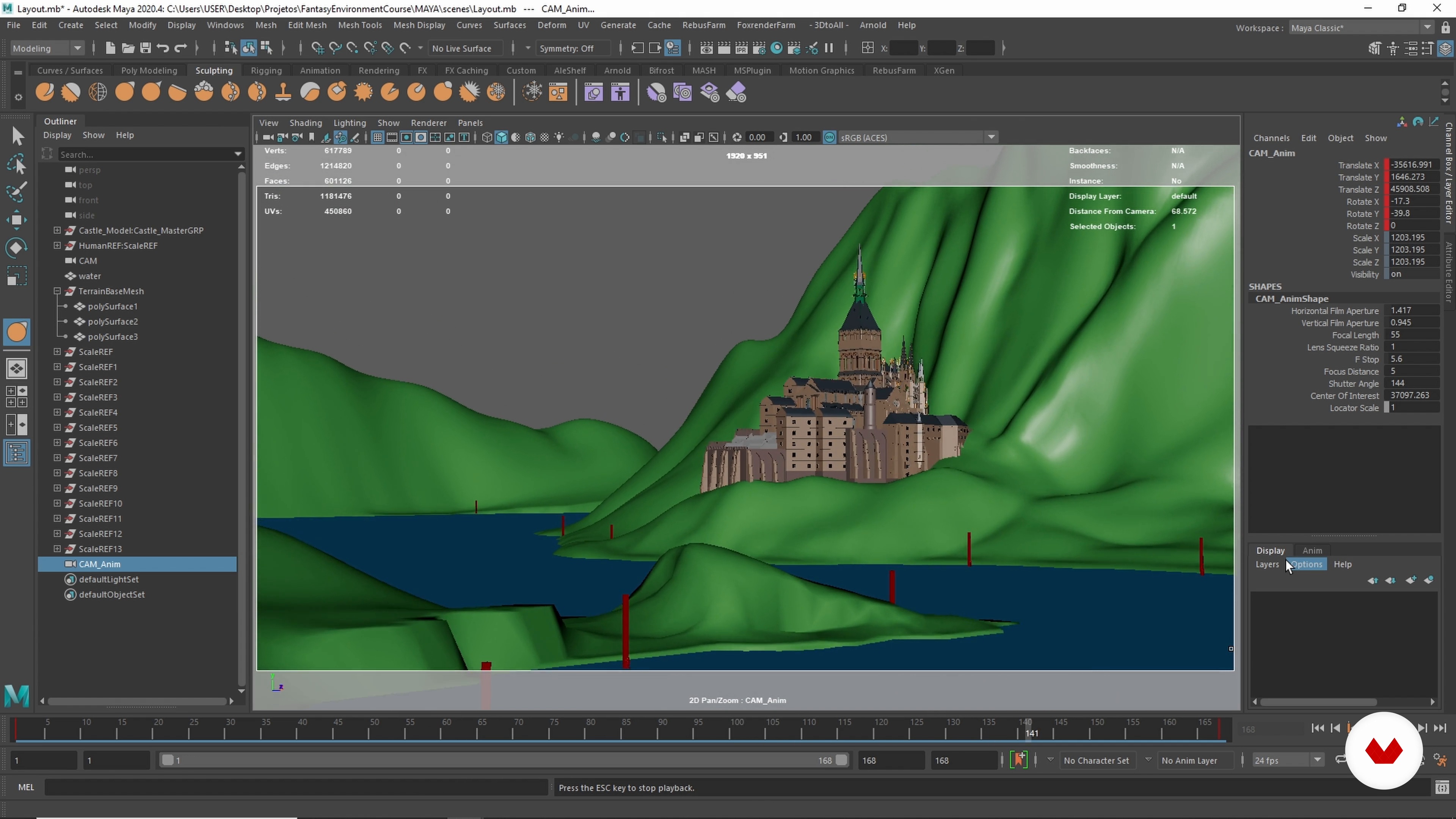
The Interim Review
16 minutes, 29 seconds
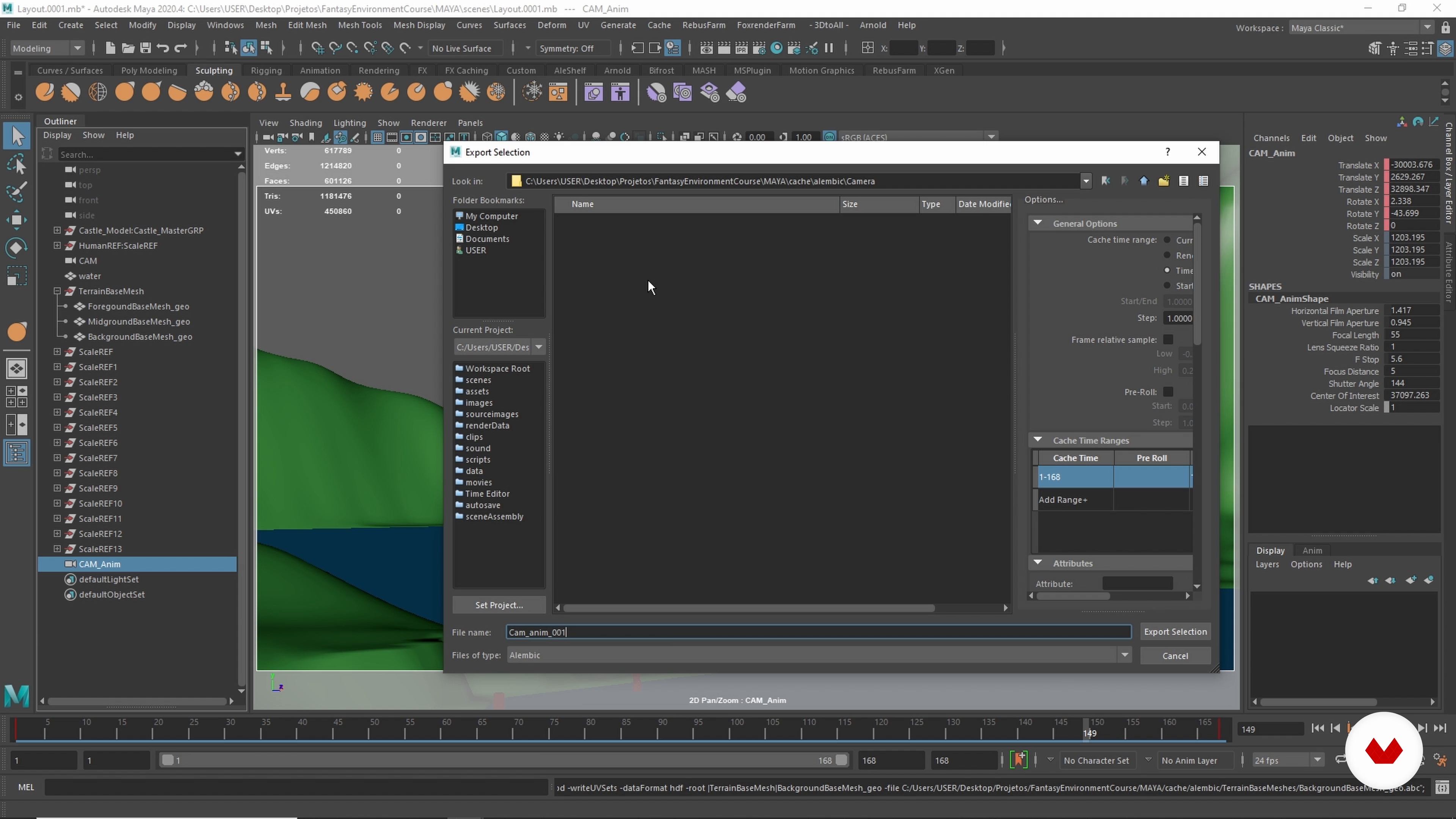
Exporting to Houdini
5 minutes, 30 seconds
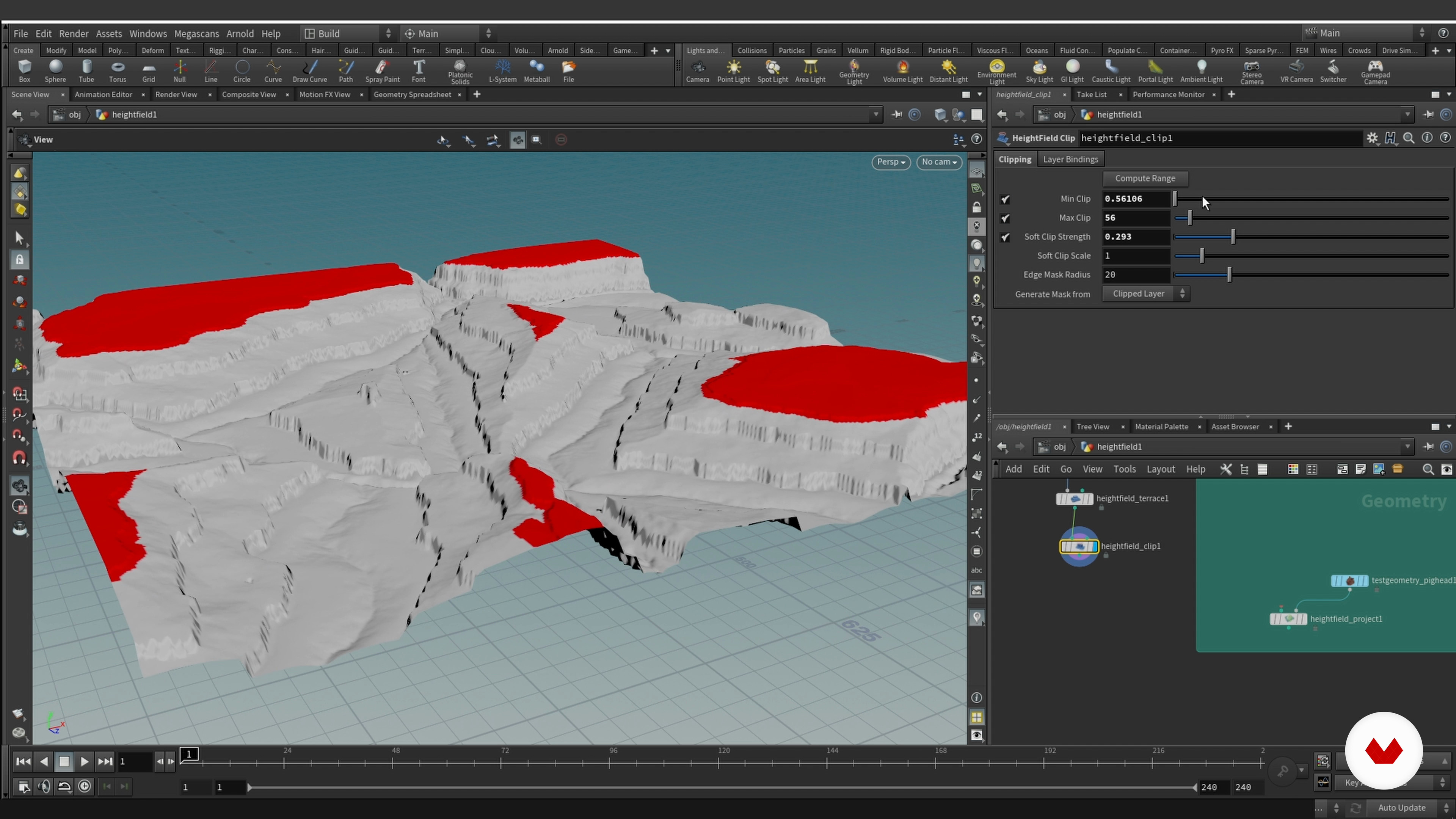
An Overview of Heightfields in Houdini 1
13 minutes, 58 seconds
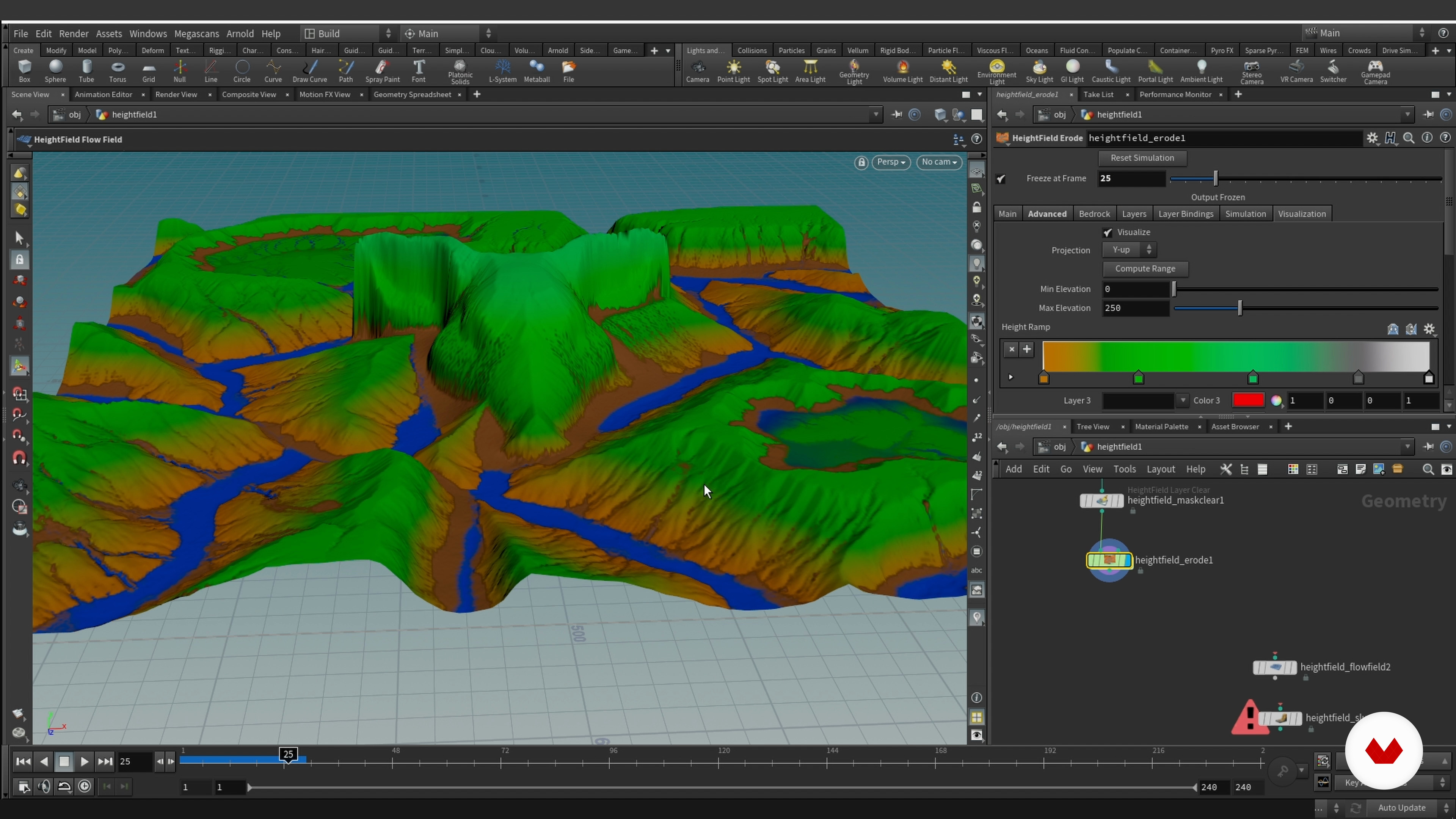
An Overview of Heightfields in Houdini 2
14 minutes, 3 seconds
What's included in this course?
To start, get to know your teacher, Ale Barbosa. He will take you through his path as a 3D designer, how he found his passion in fantasy environments, and who inspires him.
Become familiar with the Pipeline software and workflow Ale uses. You search for references and assemble a moodboard to inform your work.
Next, layout the scene. Once you have the desired result, export the files to Houdini and add details to the background, such as the main mountain, the foreground, and the underwater terrain.
Then, export your piece to Clarisse and make magic happen. Learn how to use the software, do a first pass of lighting, and add personal touches.
Next, tackle the look of your castle, terrains, and river. Assemble some rocks and scatter grass and trees. Finally, add volume, render, and composite your scene.
By the end of the course, nail the different processes of 3D design and come up with truly mystical environments devised by you.
Recommended software & tools for this course
What is this course's project?
Build a fantasy scenario with its own story and your personal touch.

Who is this online course for?
Anyone looking to elevate their 3D environment skills, with some basic notions of 3D art.
Requirements and materials
3D Software (Ale uses Maya, but you can use similar ones such as 3D Max or Blender), Houdini, and Clarisse.

Reviews
- 1 year ago
Tuve que abandonarlo, porque no hay asesoramiento.
- 2 years ago
muy bueno genial
- 2 years ago
Incrível o trabalho do Alê, queria que fosse em português mas tá ótimo
- 2 years ago
To me, this course is an open door to creativity and utilizing one's potential. I find everything useful to me.
- 3 years ago
CURSO MARAVILHOSO!! OBRIGADO ALÊ E DOMESTIKA POR COMPARTILHAREM TANTO CONHECIMENTO POR UM VALOR TÃO ACESSÍVEL!

Content
- U1
Introduction
- About Me
- Influences
- U2
Workflow
- Pipeline and Workflow
- The Mood Board
- U3
The Layout and Blocking the Scene
- The Layout 1
- The Layout 2
- The Layout 3
- The Interim Review
- Exporting to Houdini
- U4
Houdini Terrain Modeling
- An Overview of Heightfields in Houdini 1
- An Overview of Heightfields in Houdini 2
- Working on the Background Mountain 1
- Working on the Background Mountain 2
- Working on the Background Mountain 3
- Working on the Background Mountain 4
- The Castle Mountain 1
- The Castle Mountain 2
- The Castle Mountain 3
- The Foreground Terrain 1
- The Foreground Terrain 2
- The Water Terrain and Export to Clarisse iFX
- U5
Pre-lighting
- An Overview of Clarisse iFX 1
- An Overview of Clarisse iFX 2
- Creating an Asset Library 1
- Creating an Asset Library 2
- Creating an Asset Library 3
- The First Pass of Lighting and References 1
- The First Pass of Lighting and References 2
- U6
Look Development
- Texture and Look Development for the Castle 1
- Texture and Look Development for the Castle 2
- Texture and Look Development for the Castle 3
- Texture and Look Development for the Castle 4
- Texture and Look Development for the Castle 5
- Texture and Look Development for the Castle 6
- Procedural Look Development for the Terrain 1
- Procedural Look Development for the Terrain 2
- Procedural Look Development for the Terrain 3
- Procedural Look Development for the Terrain 4
- Procedural Look Development for the Terrain 5
- Look Development for the River 1
- Look Development for the River 2
- Look Development for the Atmosphere
- U7
Dressing the Set
- Assembling the Rocks 1
- Assembling the Rocks 2
- Assembling the Rocks 3
- Assembling the Rocks 4
- Scattering Small Rocks 1
- Scattering Small Rocks 2
- Scattering Grass and Flowers 1
- Scattering Grass and Flowers 2
- Scattering Grass and Flowers 3
- Scattering Bushes 1
- Scattering Bushes 2
- Scattering Trees 1
- Scattering Trees 2
- Scattering Trees 3
- Adding Volumes
- U8
Rendering and Compositing
- Creating Layers, Optimizing the Render, and Rendering
- The Final Composite
- FP
Final project
- 3D Environments: Create Otherworldly Fantasy Lands
What to expect from a Domestika course
Learn at your own pace
Enjoy learning from home without a set schedule and with an easy-to-follow method. You set your own pace.
Learn from the best professionals
Learn valuable methods and techniques explained by top experts in the creative sector.
Meet expert teachers
Each expert teaches what they do best, with clear guidelines, true passion, and professional insight in every lesson.
Certificates
PLUSIf you're a Plus member, get a custom certificate signed by your teacher for every course. Share it on your portfolio, social media, or wherever you like.
Get front-row seats
Videos of the highest quality, so you don't miss a single detail. With unlimited access, you can watch them as many times as you need to perfect your technique.
Share knowledge and ideas
Ask questions, request feedback, or offer solutions. Share your learning experience with other students in the community who are as passionate about creativity as you are.
Connect with a global creative community
The community is home to millions of people from around the world who are curious and passionate about exploring and expressing their creativity.
Watch professionally produced courses
Domestika curates its teacher roster and produces every course in-house to ensure a high-quality online learning experience.
FAQs
Yes, this course is designed for intermediate learners with some experience in 3D modeling or digital art, looking to advance their skills in environment creation for VFX using industry-standard software.
You will need Maya, Houdini, Clarisse iFX, Nuke, and Quixel Bridge, as well as access to Megascans and Alembic for asset management and exporting. Basic familiarity with these tools is recommended.
You'll learn how to design, model, and render 3D fantasy landscapes, set up lighting, manage assets and exports, and integrate software like Maya, Houdini, and Clarisse for professional VFX pipelines.
Yes, the course includes comprehensive lessons on look development, lighting setup, and rendering techniques to create mood and guide the viewer’s eye within 3D fantasy landscapes.
While not for absolute beginners, the course is ideal for those with a basic understanding of 3D modeling and digital art, aiming to expand their skills in environment creation and VFX workflows.
The course guides you through personal and commercial project workflows, helping you showcase advanced environment art and VFX skills relevant for a professional portfolio.
Yes, you'll learn best practices for exporting and importing assets, scenes, and animations using Alembic and other formats, ensuring smooth cross-software integration.