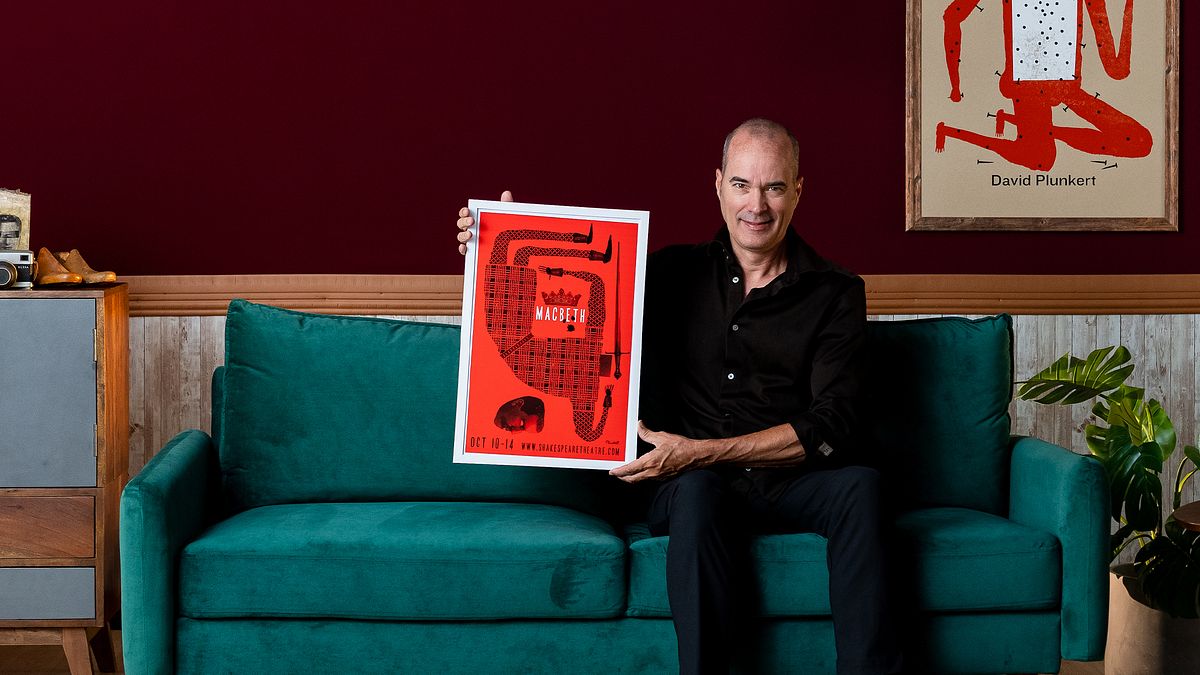
Illustrating Memorable Theater Posters
A course by David PlunkertGraphic Designer and Illustrator
A course by David Plunkert, Graphic Designer and Illustrator

Illustrate stunning Theater Posters! Learn to solve design problems, craft captivating visuals, and choose the perfect typography.
Dive into the captivating world of theater poster creation with David Plunkert, a renowned graphic designer and illustrator.
Plunkert will share with you the secrets behind conceptual problem-solving techniques and their direct application to theater posters. You'll learn to illustrate posters that generate immediate reactions using simple tools like pens, pencils, ink, and collage.
You'll also discover the power of humor, wit, and conceptualization in poster design.
Throughout the course, you'll learn about the intricacies of generating ideas, composing designs, exploring different mediums, and utilizing software like Adobe Photoshop and InDesign.
What will you learn in this online course?
10 lessons & 26 downloads
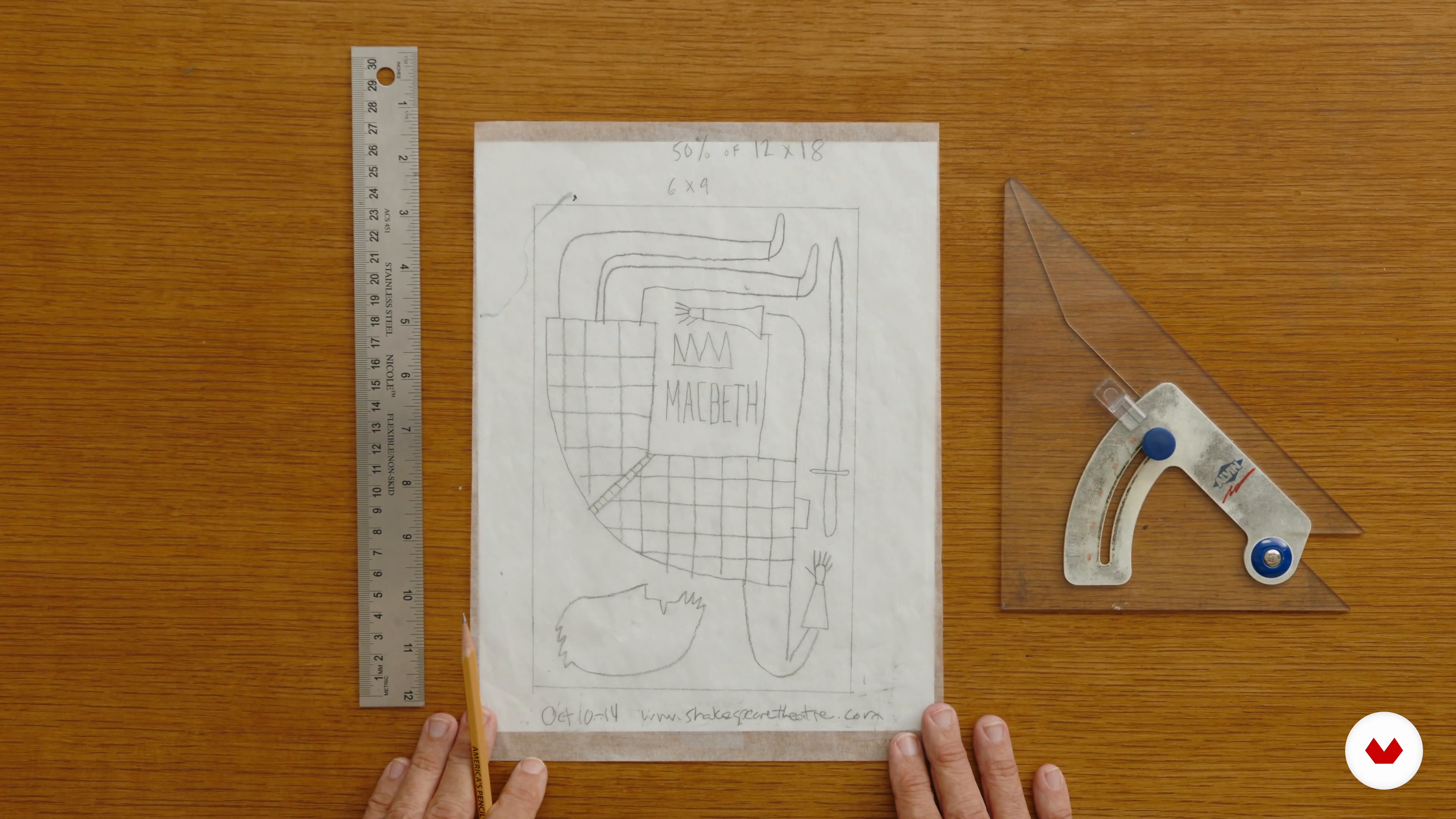
Composing the Initial Poster Design
1 minute, 40 seconds
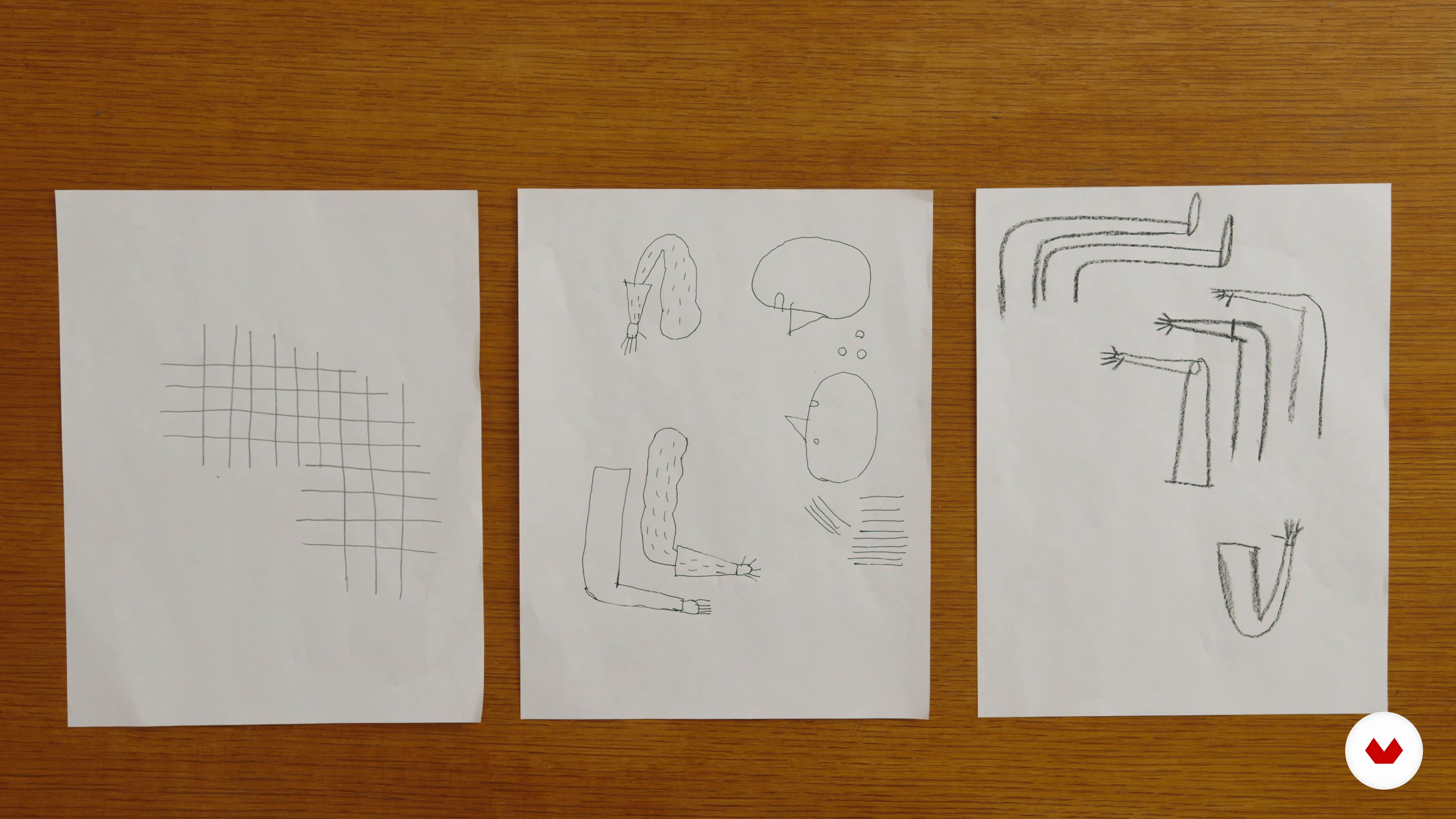
Creating Poster Art Elements with Pencils, Pens, or China Markers
4 minutes, 37 seconds
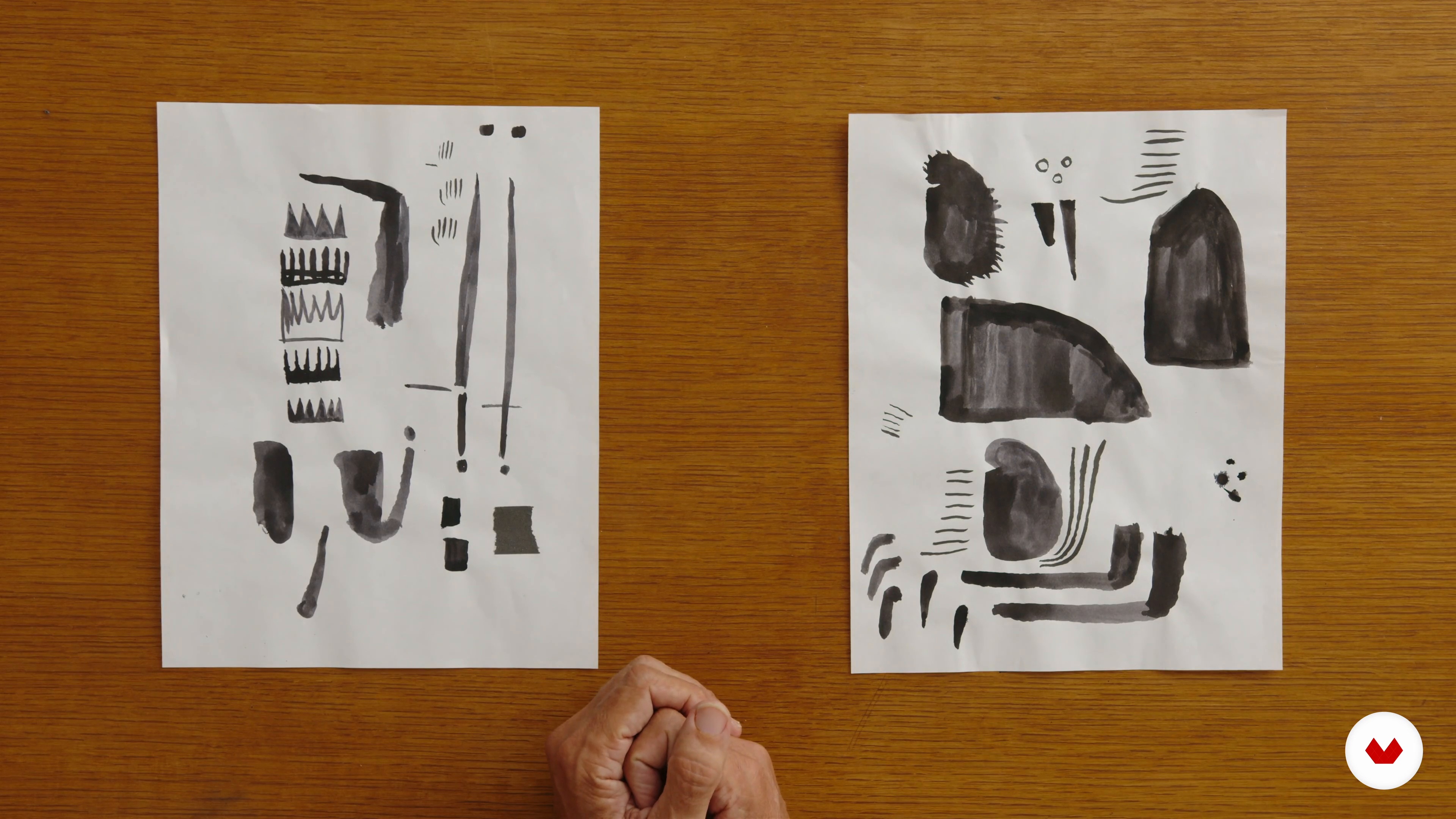
Creating Poster Art Elements with Brushes and Ink
5 minutes, 34 seconds
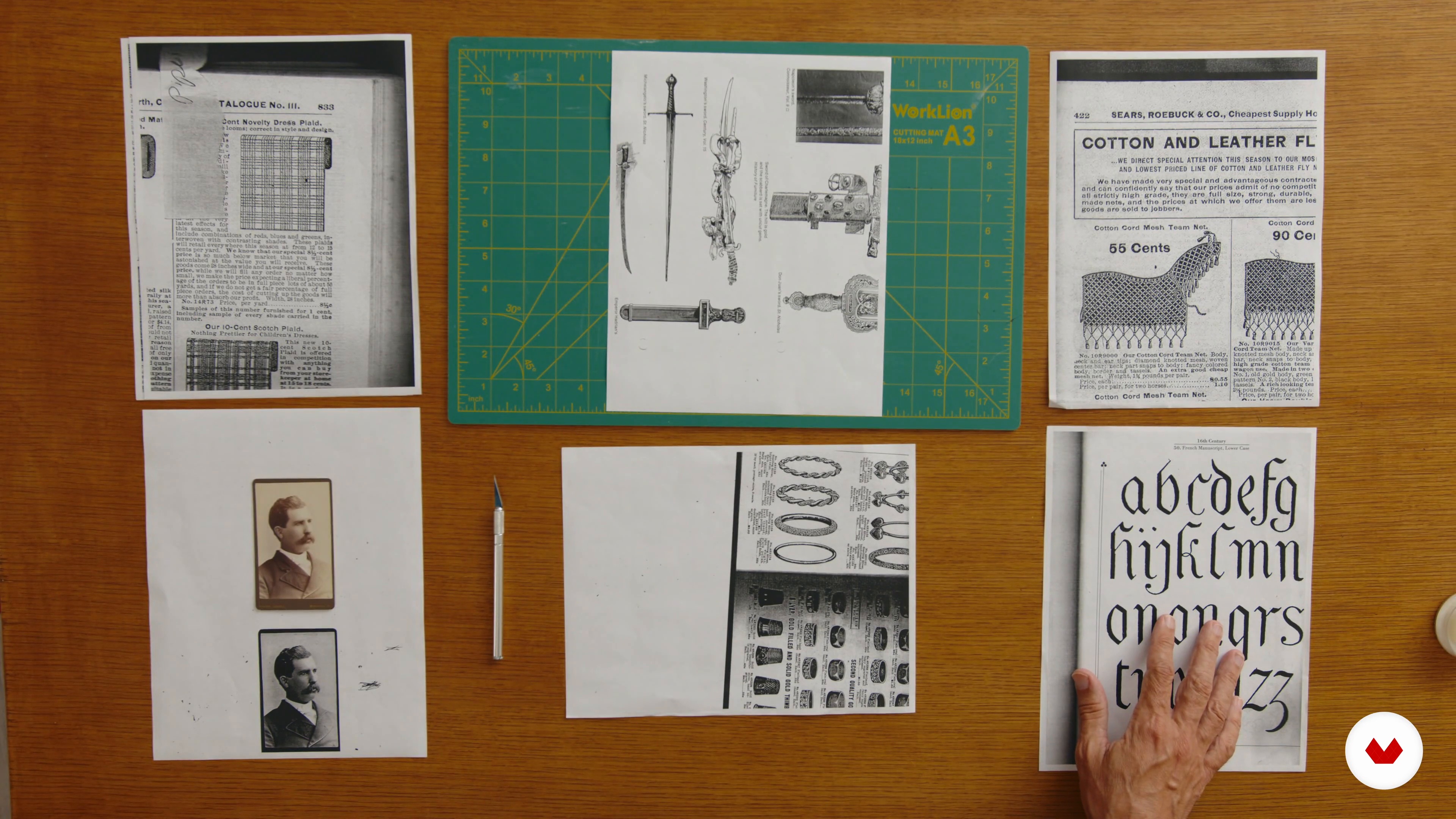
Creating Poster Art Elements with Collage
1 minute, 35 seconds
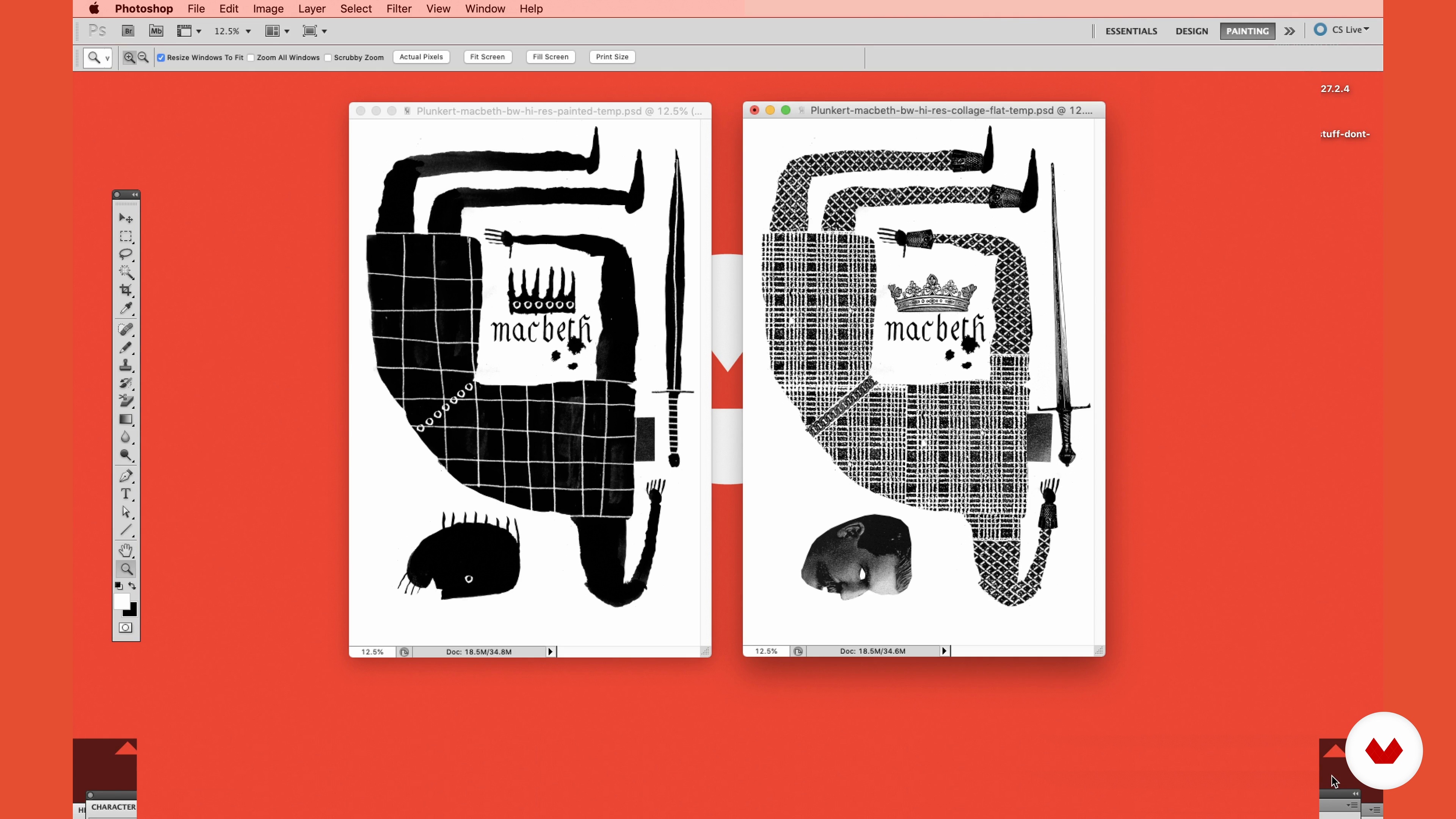
Putting the Elements of the Poster Art Together in Adobe Photoshop
4 minutes, 21 seconds

Finalizing the Layout, Adding Color, and Preparing the File for Printing
3 minutes, 31 seconds
What's included in this course?
You'll dive into a step-by-step exploration of creating posters for plays. You will start by generating ideas and sketches to compose designs and then you will go on to create the elements of the poster using various media: pencils, pens, ink and collage.
Later, you will learn how to combine all these elements using software such as Photoshop and InDesign to bring your posters to life.
Throughout the course, David Plunkert will share valuable insights into his creative process, placing special emphasis on the importance of visual vocabulary, humor, and concept in poster design.
Recommended software & tools for this course
What is this course's project?
You will create your own poster for a play using a combination of traditional and digital tools. The project involves ideating, sketching, exploring media, and finally using Photoshop and InDesign to produce a poster for a play that encapsulates the essence of the play.
Projects by course students


Who is this online course for?
For graphic designers, illustrators and anyone passionate about visual storytelling. It is ideal for those who want to explore the world of theater poster design, learn from an industry expert and improve their design skills.
Requirements and materials
Solid knowledge of Adobe Photoshop and InDesign is required. Having a basic command of graphic design and illustration will also greatly enrich your learning experience.
You'll need materials like pens, pencils, ink, collage supplies, and a creative mindset ready to explore the world of theater poster design.
Reviews
- 3 months ago
This made my whole year!
- 5 months ago
It's a great course that invites into just getting started without worry. It's making the process fun and playful, yet the teaching is profound. It's short, but I highly recommend it!
- 5 months ago
really good and proactive course, which helps you to release your ideas, David explains everything very clearly and analytically. It is suitable for beginners
- 6 months ago
Very inspiring course, all the steps are very clear and easy to follow.
- dirkbrandtsPLUS6 months ago
David Plunkert demonstrator a direct and straightforward way to devise interesting visual results. It allows an artist's manual touch to appear, and it's applicable to more than just poster art. Thumbs up.

As the co-founder of Spur Design in Baltimore, he is renowned for his skill in creating captivating posters that blend wit, humor, and concept to leave a lasting impression.
His portfolio boasts an impressive array of achievements, including designing over 75 posters for the Baltimore Theatre Project and working with distinguished clients such as They Might Be Giants, Patton Oswalt, and The Criterion Collection.
Plunkert's art transcends conventional boundaries, with his work featured in international exhibitions and prestigious museums like the Library of Congress, the Cooper Hewitt National Design Museum, and Poster House NY.
Content
- U1
Introduction
- About Me
- Influences
- U2
First Steps
- Presentation of the Materials
- Reading the Text to Generate Ideas and Thumbnail Sketches
- Composing the Initial Poster Design
- U3
Poster Production: Making the Artwork
- Creating Poster Art Elements with Pencils, Pens, or China Markers
- Creating Poster Art Elements with Brushes and Ink
- Creating Poster Art Elements with Collage
- U4
Completing the Poster
- Putting the Elements of the Poster Art Together in Adobe Photoshop
- Finalizing the Layout, Adding Color, and Preparing the File for Printing
- FP
Final project
- Illustrating Theater Posters That Get Noticed
What to expect from a Domestika course
Learn at your own pace
Enjoy learning from home without a set schedule and with an easy-to-follow method. You set your own pace.
Learn from the best professionals
Learn valuable methods and techniques explained by top experts in the creative sector.
Meet expert teachers
Each expert teaches what they do best, with clear guidelines, true passion, and professional insight in every lesson.
Certificates
PLUSIf you're a Plus member, get a custom certificate signed by your teacher for every course. Share it on your portfolio, social media, or wherever you like.
Get front-row seats
Videos of the highest quality, so you don't miss a single detail. With unlimited access, you can watch them as many times as you need to perfect your technique.
Share knowledge and ideas
Ask questions, request feedback, or offer solutions. Share your learning experience with other students in the community who are as passionate about creativity as you are.
Connect with a global creative community
The community is home to millions of people from around the world who are curious and passionate about exploring and expressing their creativity.
Watch professionally produced courses
Domestika curates its teacher roster and produces every course in-house to ensure a high-quality online learning experience.
FAQs
You’ll learn how to conceptualize, design, and create posters using collage, hand-drawn, and digital techniques. The course covers transforming text into visuals, assembling collage elements, refining layouts, and finishing posters in Photoshop.
This course is best for students with some prior experience in art or design. It’s considered intermediate and assumes basic familiarity with drawing tools and digital editing software like Photoshop.
You’ll need drawing supplies (pencils, pens, brushes, ink, tracing paper), collage tools (scissors, X-Acto knife, glue), vintage images or catalogs, and access to Adobe Photoshop for digital assembly and finishing.
You’ll create hand-drawn or collage elements, scan them, and use Photoshop to compose, adjust, and blend layers, integrating both analog and digital techniques for a unique poster style.
Yes, the course covers sourcing, selecting, and assembling collage elements from vintage photos and catalogs, along with strategies to organize and recontextualize found imagery for conceptual poster art.
Basic familiarity with Photoshop is recommended, as the course includes digital assembly, using layers, blending modes, and preparing artwork for print.
You’ll complete thematic poster projects, including concept development from text, thumbnail sketching, creating and assembling collage elements, and finishing professional-quality posters for print or display.