Creative Lab: Illustrate Characters for Children
A course by Anna SüßbauerIllustrator
A course by Anna Süßbauer, Illustrator

Learn creative techniques to illustrate fictional characters that captivate young readers, from adorable little creatures to more extravagant ones
"I get bored easily and stereotypical illustrations, especially in children's books, really put me to sleep." The goal of illustrator Anna Süßbauer is to make memorable, eye-catching art that entices viewers to take a closer look, which typically involves breaking a few drawing rules and defying the laws of nature.
In this online course, she shows you techniques to create your own experimental characters. Learn how to piece them together following the building-block principle and explore your imagination until you've created never-before-seen creatures. Then, experiment with texture and funny features to give your characters a special look before assembling them all in a collage on a poster.
What will you learn in this online course?
18 lessons & 15 downloads
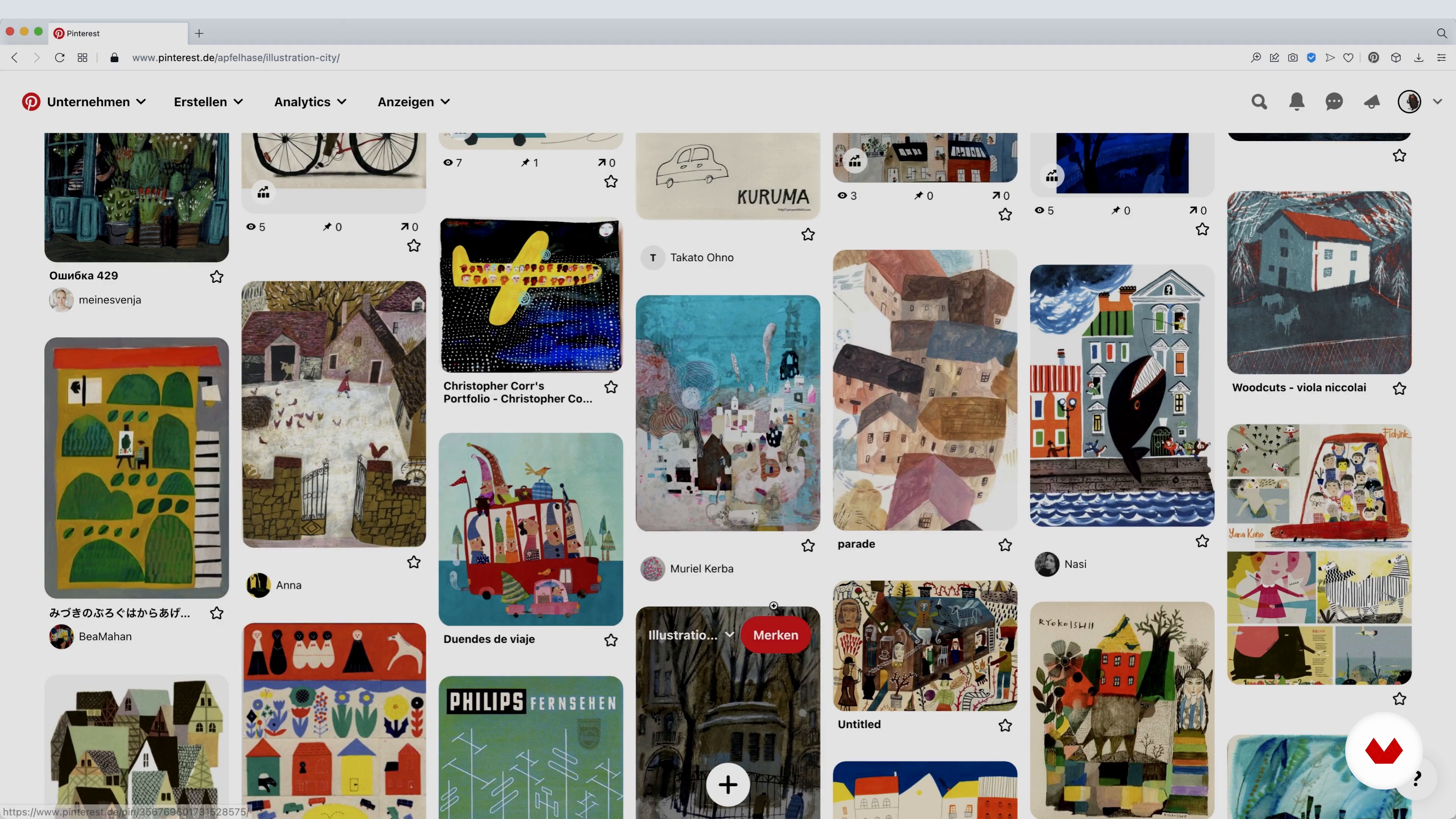
Finding Inspiration
5 minutes, 29 seconds
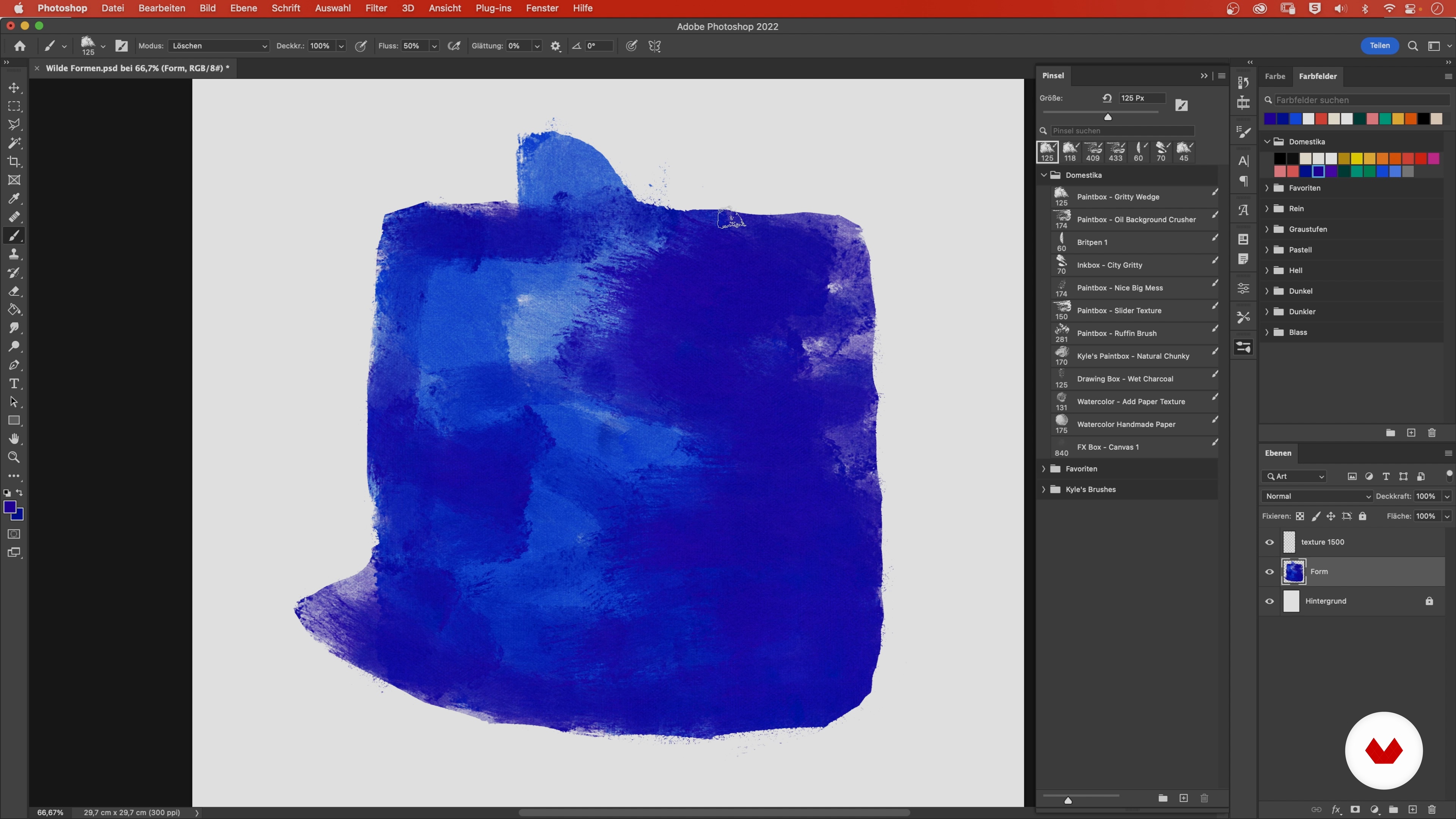
Creativity Techniques
7 minutes, 11 seconds
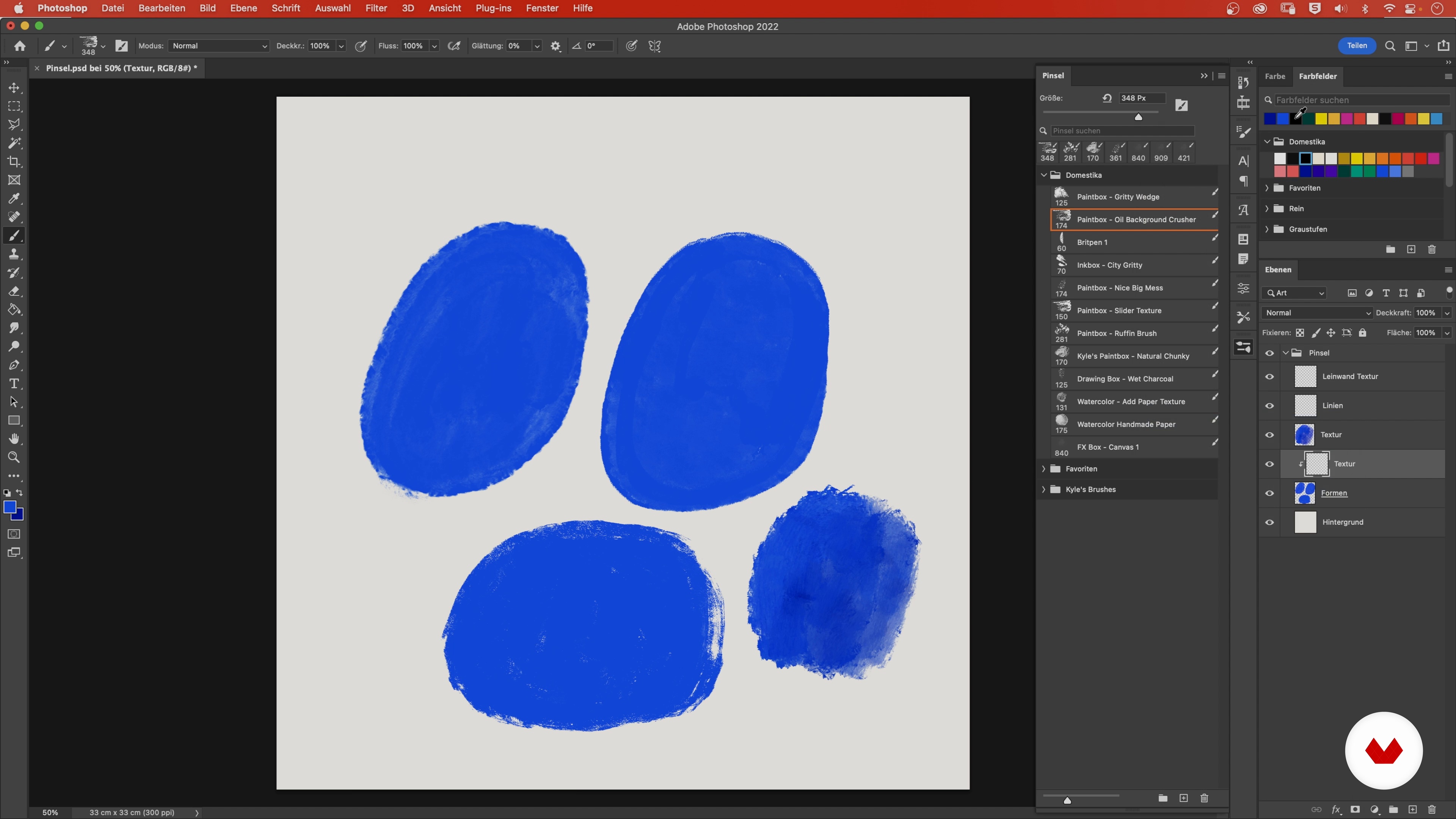
The Necessary Brushes
8 minutes, 3 seconds
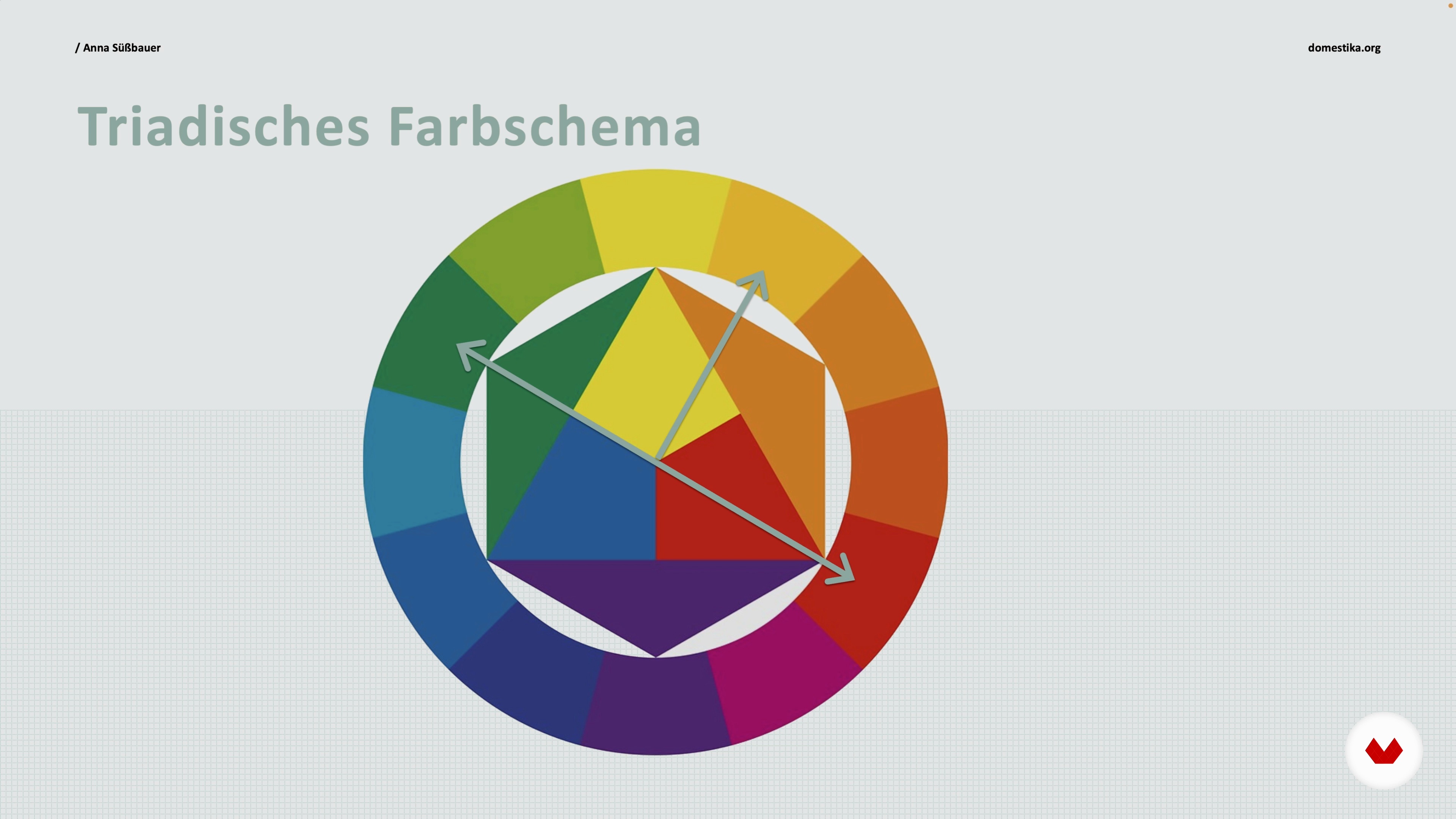
Finding the Right Color Palette
3 minutes, 49 seconds
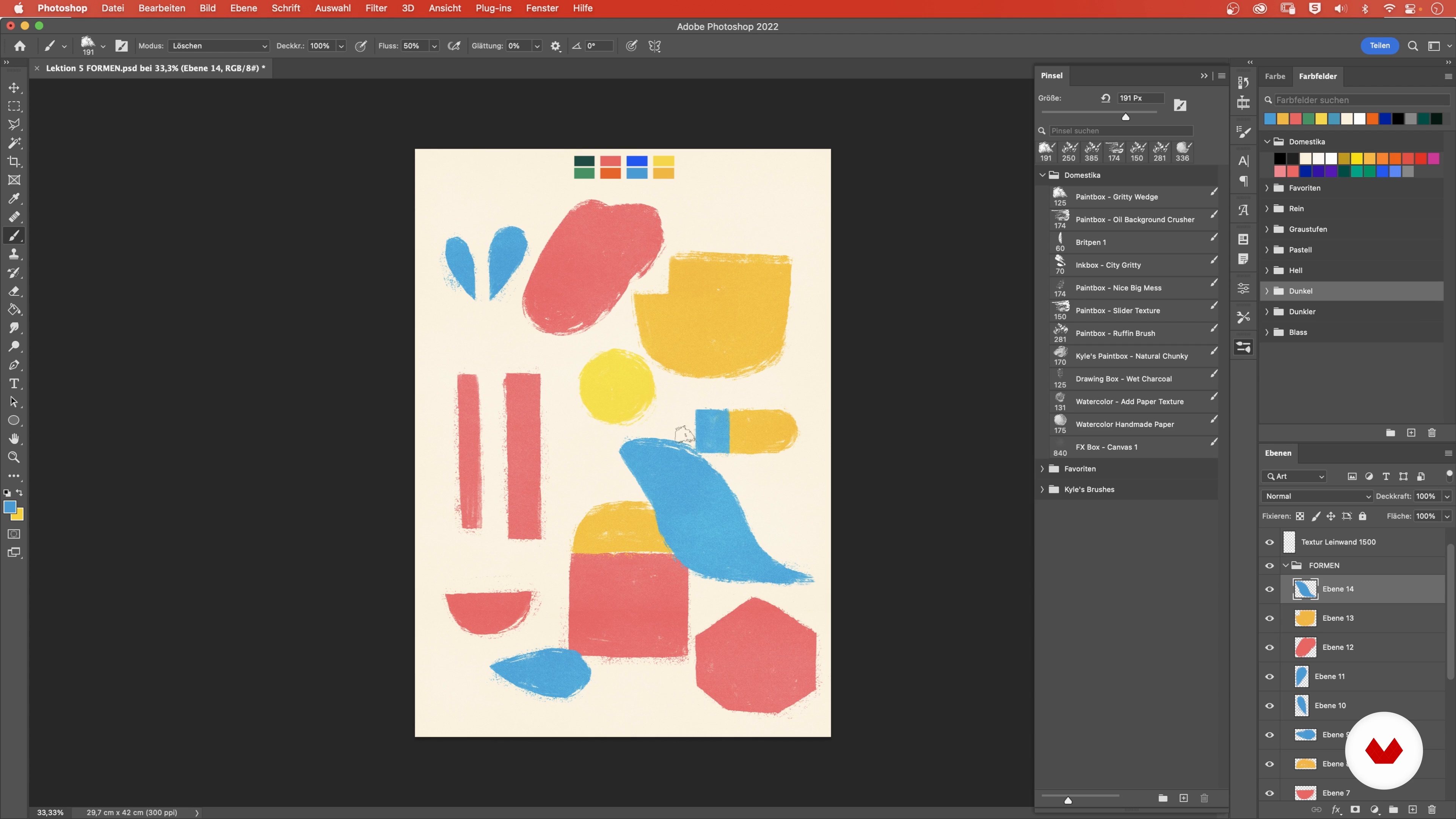
Creating and Editing Shapes
13 minutes, 52 seconds
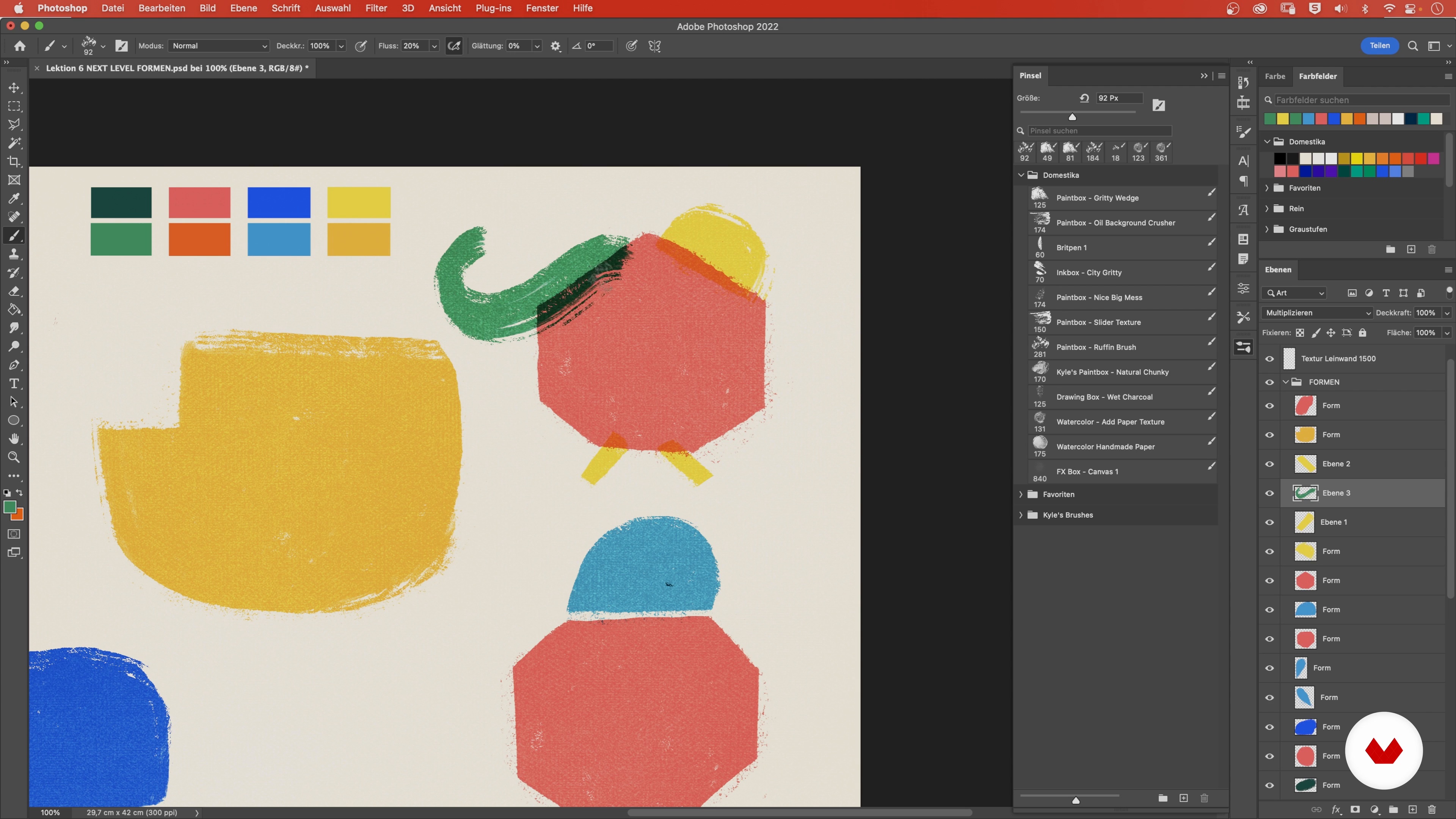
Combination of Shapes and Lines 1
19 minutes, 48 seconds
What's included in this course?
Begin the course by getting to know illustrator Anna Süßbauer, who tells you about her background, her career in illustration, and the artists who inspire her work.
Explore where to find different sources of inspiration and follow Anna through a series of creative techniques to help you get your ideas flowing. Then, look at the tools and building blocks you can use to create your characters and make a group of original figures by combining simple lines and shapes.
Once you've got your cast of creatures, design the layout for your poster and place them accordingly before adding background elements and the finishing touches, like shadows and interactions between your characters.
Anna rounds out the course with a few tips on how to boost your productivity by setting some exciting challenges for yourself.
Recommended software & tools for this course
What is this course's project?
Create a cast of fun, unique, and colorful characters and arrange them in a collage on a poster.
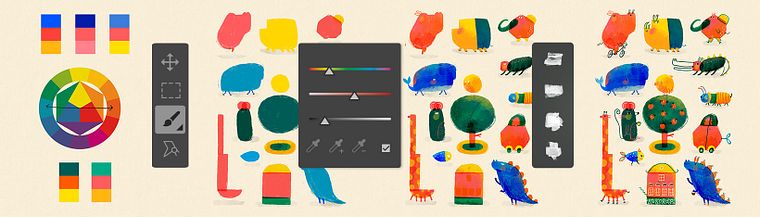
Projects by course students


Who is this online course for?
Illustrators, creative professionals, families with kids (those in pre-school or elementary school), and anyone who enjoys digital painting.
Requirements and materials
Basic knowledge of Adobe Photoshop and its tools, including how to work with layers and color palettes, is required for this course.
The only materials you need are a computer and access to the program itself.
Reviews
- 11 months ago
I love it!
- 1 year ago
Amei
- 2 years ago
J'ai bien apprécié !
- 2 years ago
Gostei muito do processo criativo! Inspirador!
- 2 years ago
Interessant!

She's illustrated books for major clients like Miles Kelly, DK Children, Little Tiger, Hachette Worthy Kids, and Combel Editorial, where she was given the creative freedom to explore her style in ¡Tengo un hambre de dragón! by Mar Benegas. In the publishing field, she got to complete her dream project for the magazine Brigitte and has already illustrated the children's puzzle page of Die kleine Brigitte several times.
Content
- U1
Introduction
- About Me
- Inspirations
- U2
Creating Creative Characters
- Finding Inspiration
- Creativity Techniques
- The Necessary Brushes
- Finding the Right Color Palette
- Creating and Editing Shapes
- Combination of Shapes and Lines 1
- Combination of Shapes and Lines 2
- Combination of Shapes and Lines 3
- Texture: Depth, Shadows, and Transitions
- Adding Movement
- Working Out Special Elements
- U3
Creating the Poster
- The Layout and the Sketch
- Arranging the Figures on the Poster
- Adding Details and Elements
- The Finishing Touch
- U4
Additional Information
- Staying Productive: Tips for Instagram
- FP
Final project
- Creative Lab: Illustrate Characters for Children
What to expect from a Domestika course
Learn at your own pace
Enjoy learning from home without a set schedule and with an easy-to-follow method. You set your own pace.
Learn from the best professionals
Learn valuable methods and techniques explained by top experts in the creative sector.
Meet expert teachers
Each expert teaches what they do best, with clear guidelines, true passion, and professional insight in every lesson.
Certificates
PLUSIf you're a Plus member, get a custom certificate signed by your teacher for every course. Share it on your portfolio, social media, or wherever you like.
Get front-row seats
Videos of the highest quality, so you don't miss a single detail. With unlimited access, you can watch them as many times as you need to perfect your technique.
Share knowledge and ideas
Ask questions, request feedback, or offer solutions. Share your learning experience with other students in the community who are as passionate about creativity as you are.
Connect with a global creative community
The community is home to millions of people from around the world who are curious and passionate about exploring and expressing their creativity.
Watch professionally produced courses
Domestika curates its teacher roster and produces every course in-house to ensure a high-quality online learning experience.
FAQs
Yes, this course is specifically designed for beginners who want to learn the basics of illustration, collage, and digital techniques—especially focused on children's books and editorial work.
You’ll need basic drawing supplies like gouache, brushes, paper, plus a computer or tablet with Photoshop or Procreate for digital illustration.
You’ll learn how to create imaginative characters, use color intentionally, apply collage techniques, and design your own compositions tailored for children’s books.
The course offers practical advice on selecting and presenting illustrations for your portfolio, and how to showcase your work on social media platforms like Instagram and Pinterest.
We cover layer techniques, using texture and pattern brushes, color management, collage methods, and efficient workflows in Photoshop and Procreate.
Yes, you’ll be guided step-by-step on composing images, arranging characters, and creating harmonious layouts for children’s books and editorial projects.
The course includes strategies for sharing your work on social media, building an audience, and connecting with other illustrators.