Digital Collage for Editorials
A course by Israel GVEditorial Designer and Illustrator
A course by Israel GV, Editorial Designer and Illustrator

Create dynamic illustrations for magazines, newspapers and other publications
At first glance, collage and editorial design appear to be completely unrelated art forms, even diametrically opposed: on one hand, you have the seemingly chaotic nature of collage, and on the other, the meticulously crafted structure of editorial design. That space in between is the sweet spot for editorial designer and illustrator Israel G. Vargas, who combines the two worlds with a logical balance through digital collage. His work has been featured in renowned publications like Wired and The New York Times.
In this course, learn the concepts and techniques behind creating a digital collage. Discover the expressive power this type of illustration has and its applications in publishing.
What will you learn in this online course?
13 lessons & 8 downloads
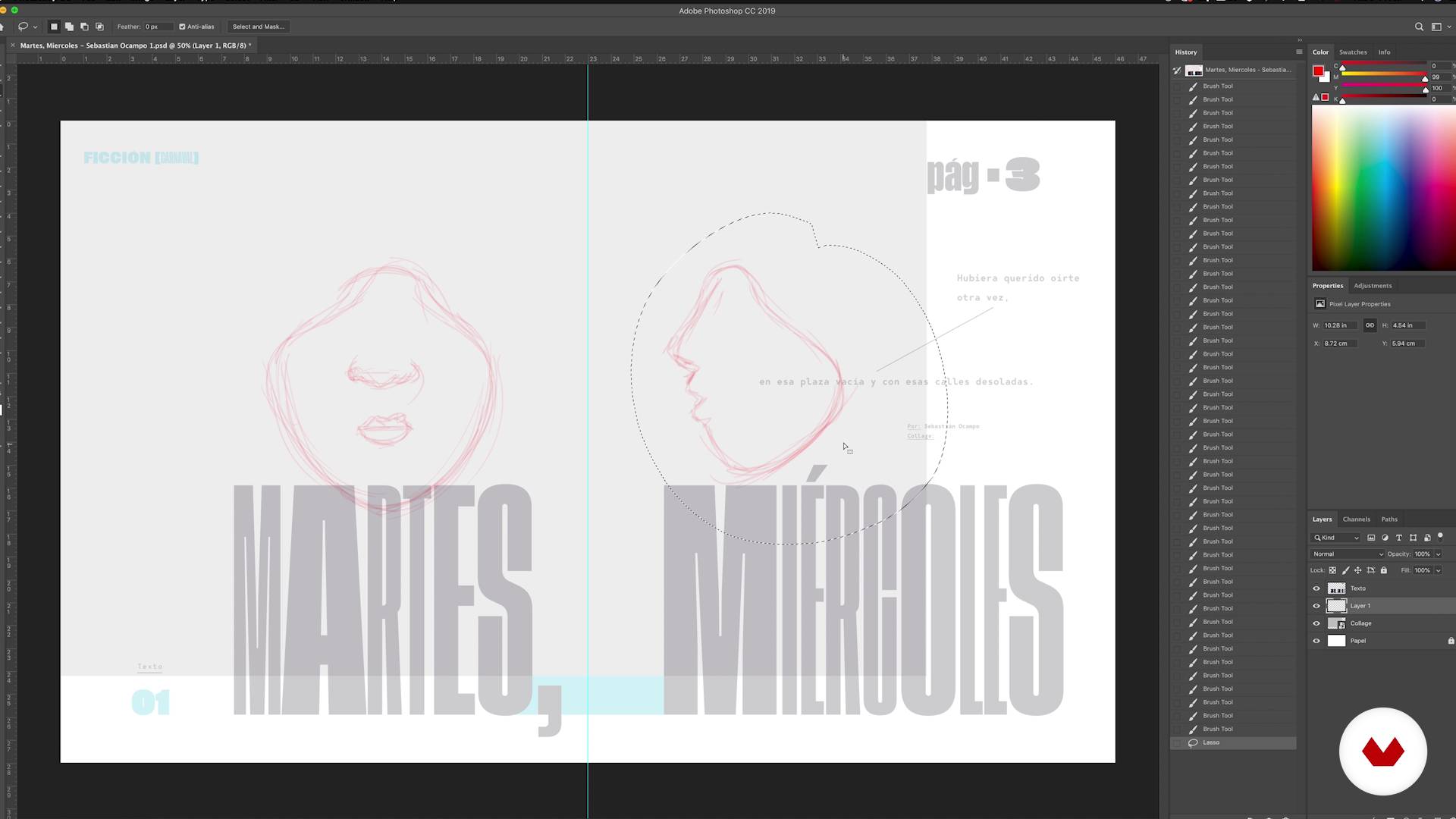
Sketch
13 minutes, 30 seconds
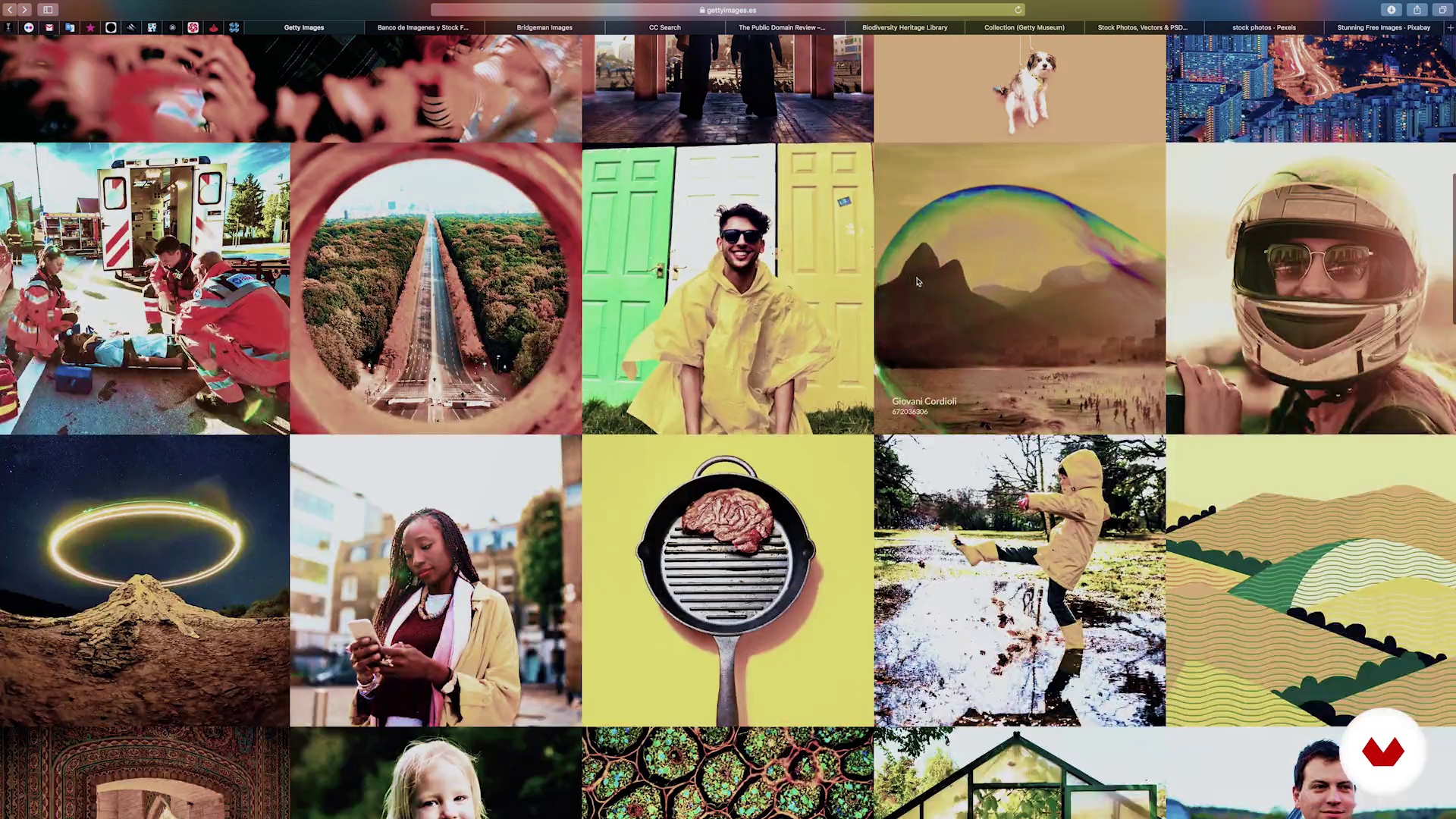
The images
19 minutes, 13 seconds
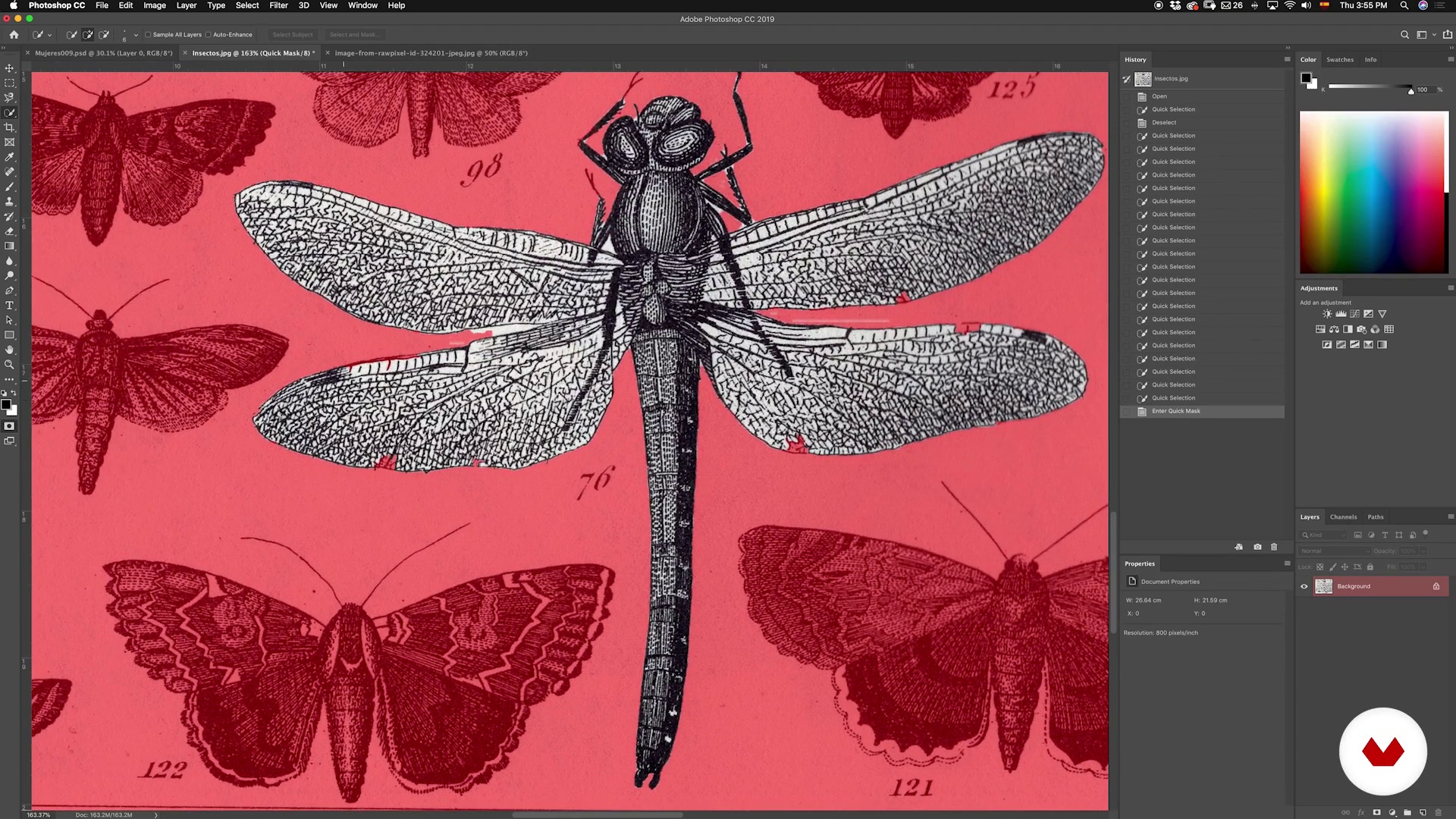
The first cut
20 minutes, 28 seconds
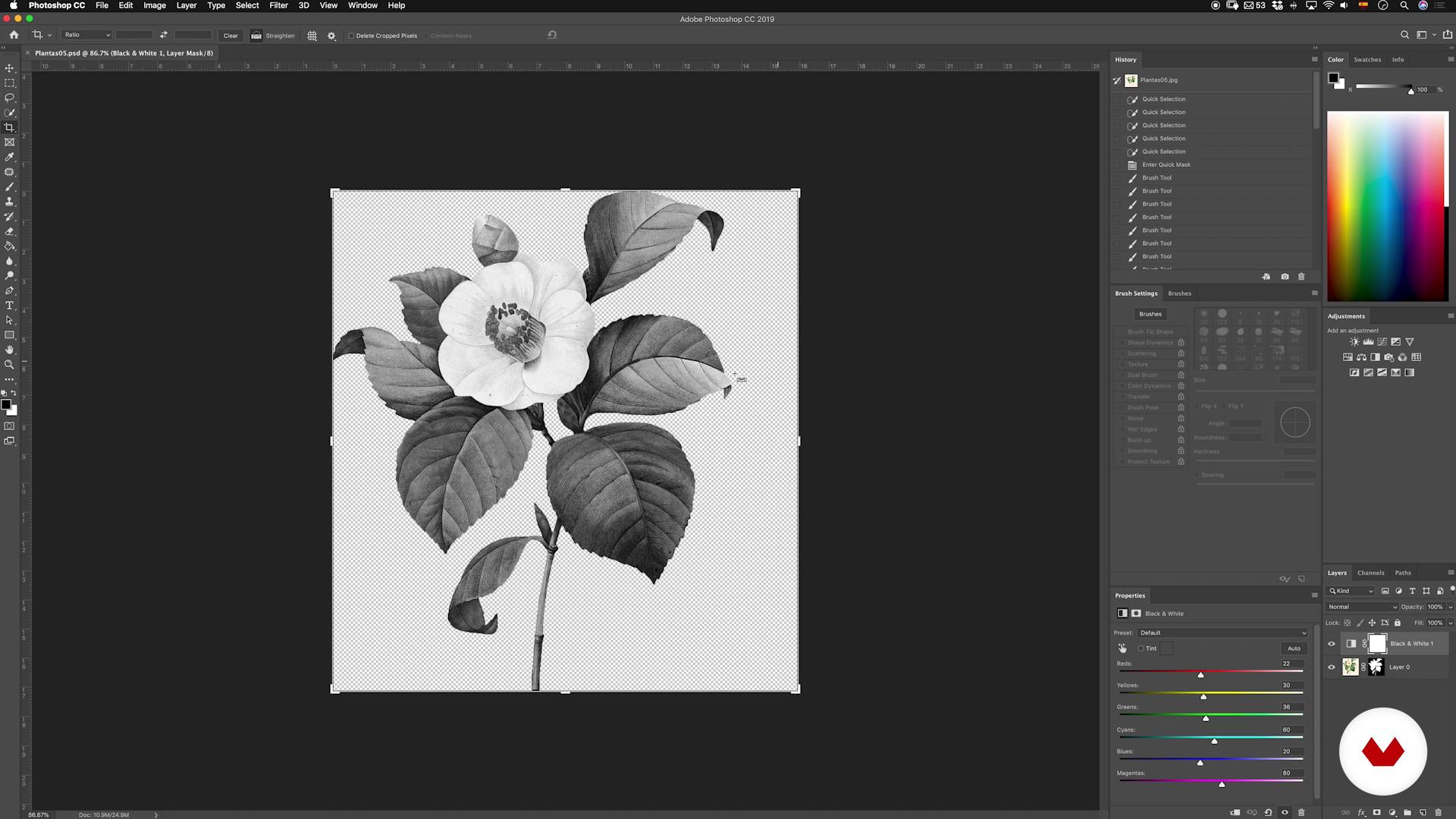
Composition and assembly P1
15 minutes, 21 seconds
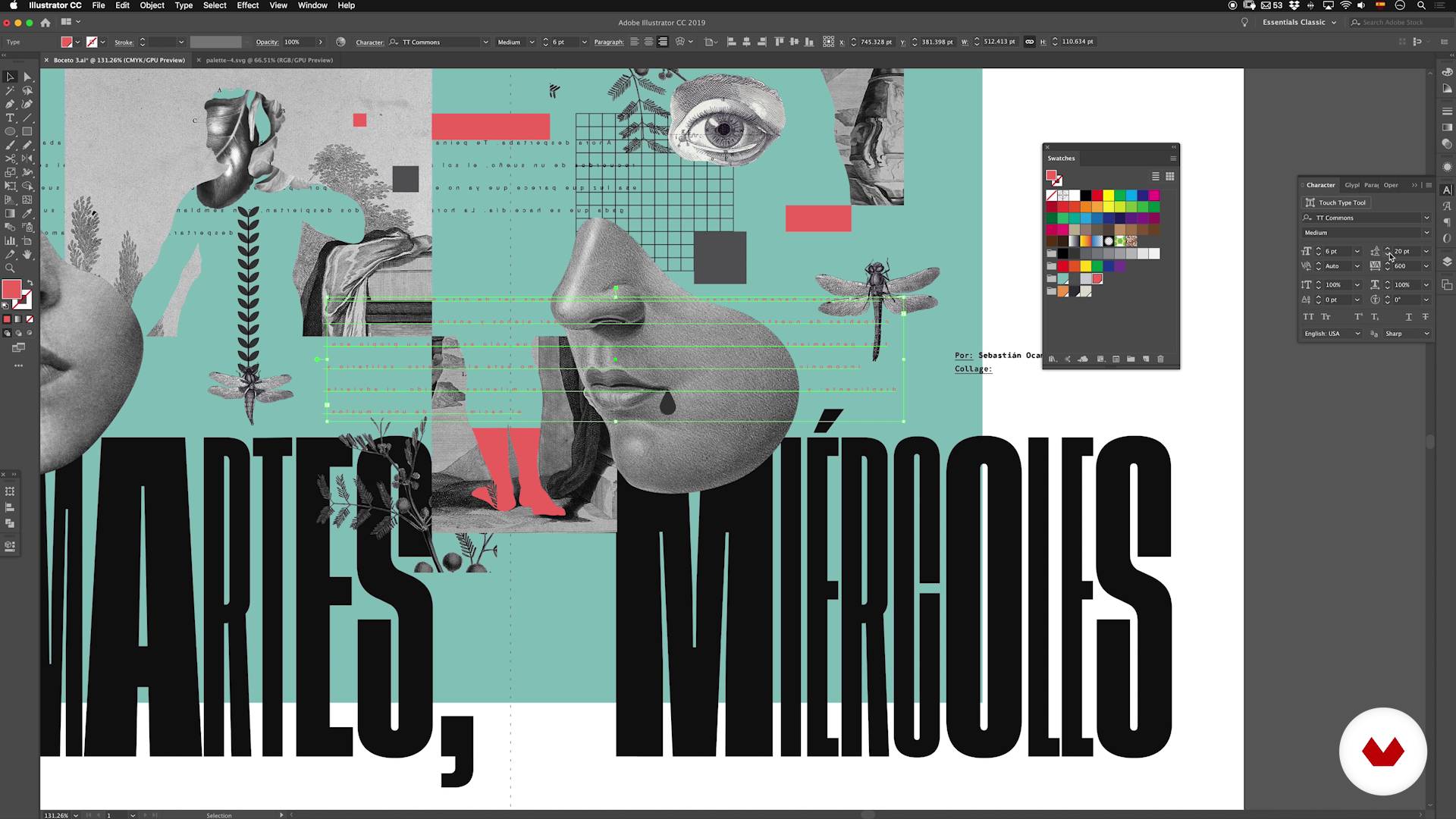
From illustrator to photoshop
16 minutes, 40 seconds
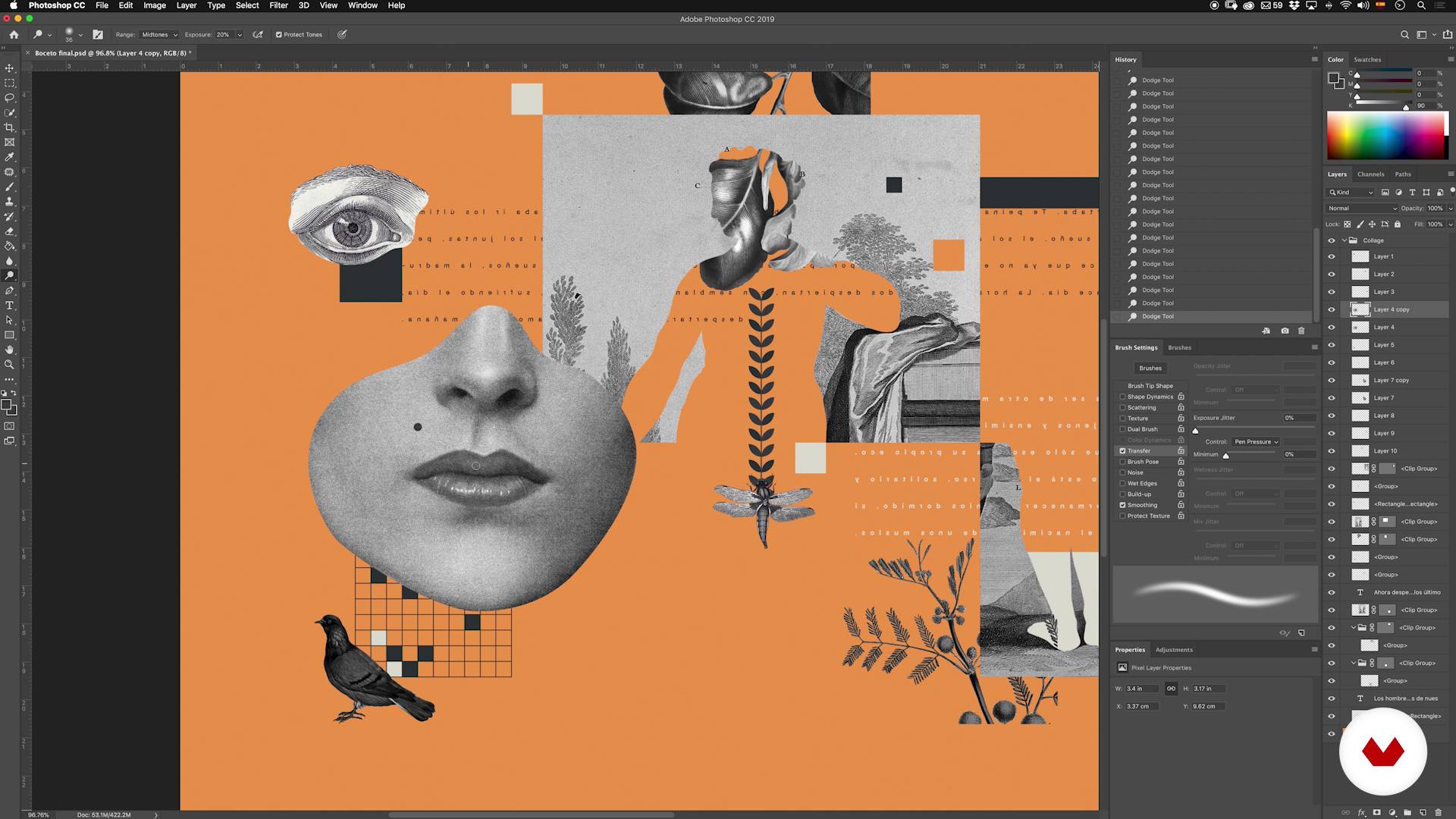
Retouching, filters and textures
20 minutes, 15 seconds
What's included in this course?
Begin the course by getting to know Israel Vargas and how he found his way into editorial design and illustration. See a few of his favorite projects and the artists that inspire his work.
Before you dive into making your collage, Israel gives you a short and entertaining introduction to this compositional technique, explaining its history, how it came about, and what it's used for.
Continue laying the foundation for your project by exploring the editorial process. Learn about the people and steps involved, as well as the aspects you need to consider when creating a collage for a publisher. Then, put together a mood board and create a sketch in Photoshop to capture your initial ideas and give your piece direction.
Build on those ideas to design a coherent composition and find out how to piece it all together into a collage. Israel gives you tips on what images to use, where to find them, and how to enhance them using Illustrator and Photoshop. Create your composition in black and white to see how the elements fit together as a whole, then discover how to bring it to life by adding colors from the selected palette.
Finally, put the finishing touches on your piece by applying filters and retouching textures, and learn how to prepare the final file for printing.
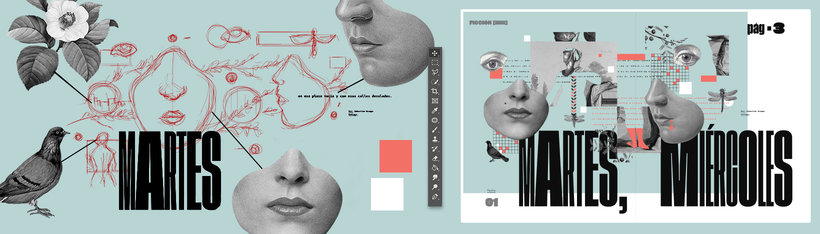
Recommended software & tools for this course
What is this course's project?
Create an illustration for an opening spread in a magazine, taking into account the layout and space for the text.
Projects by course students


Who is this online course for?
Design students and professionals interested in editorials processes, illustration, collage, and creative art direction.
Requirements and materials
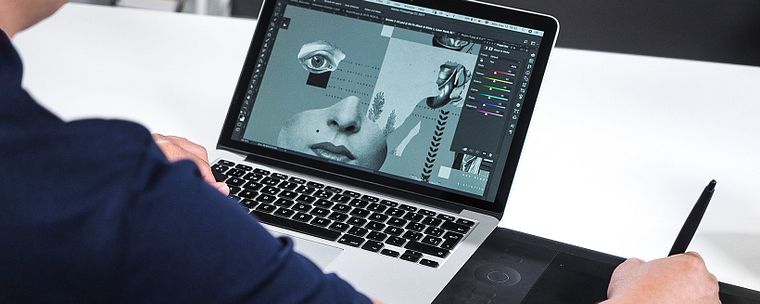
To take this course, you need a computer with Adobe Photoshop and Illustrator, as well as pencils, a notebook for sketching, and old photographs and magazines. A graphics tablet is also recommended, but not essential.
Reviews
- 9 months ago
Very well explained
- 1 year ago
Ótimo curso, muito bem explicativo e com um conteúdo muito útil! recomendo muito ele!
- 1 year ago
great course!
- 1 year ago
¡Excelente curso!
- 1 year ago
This course was so helpful to see a methodical process. I have taken other course on collage and Israel's way of teaching was the best for me. Gracias!

As an illustrator, he has collaborated with a broad range of international magazines and brands like Wired, Texas Monthly, Atlanta, Entrepreneur, Fast Company, The Atlantic, Adidas, T brand Studio from The New York Times, and Metaleap Creative, as well as Mexican publications such as Tierra Adentro, Expansión, Accent, and Chilango. He is also a partner and the graphic editor at La Peste, a free magazine covering literature, illustration, and photography.
Content
- U1
Introduction
- Presentation
- Influences
- What is collage?
- U2
The collage in the editorial process
- Editorial process
- Before the collage
- Sketch
- U3
Composition and assembly
- The images
- The first cut
- Composition and assembly P1
- Composition and assembly P2
- From illustrator to photoshop
- U4
Finishes
- Retouching, filters and textures
- Final files, assembly and last advice
- FP
Final project
- Digital collage Illustration for editorial media
What to expect from a Domestika course
Learn at your own pace
Enjoy learning from home without a set schedule and with an easy-to-follow method. You set your own pace.
Learn from the best professionals
Learn valuable methods and techniques explained by top experts in the creative sector.
Meet expert teachers
Each expert teaches what they do best, with clear guidelines, true passion, and professional insight in every lesson.
Certificates
PLUSIf you're a Plus member, get a custom certificate signed by your teacher for every course. Share it on your portfolio, social media, or wherever you like.
Get front-row seats
Videos of the highest quality, so you don't miss a single detail. With unlimited access, you can watch them as many times as you need to perfect your technique.
Share knowledge and ideas
Ask questions, request feedback, or offer solutions. Share your learning experience with other students in the community who are as passionate about creativity as you are.
Connect with a global creative community
The community is home to millions of people from around the world who are curious and passionate about exploring and expressing their creativity.
Watch professionally produced courses
Domestika curates its teacher roster and produces every course in-house to ensure a high-quality online learning experience.
FAQs
Editorial digital collage is a technique that blends images, illustrations, and text using digital tools to create visual compositions for publications like magazines and fanzines. It’s used to express complex ideas, develop unique styles, and enhance editorial projects.
This is an intermediate-level course. Basic graphic design knowledge and some experience with Photoshop are recommended to get the most out of the content and techniques covered.
You should have basic design skills, know how to work with layers in Photoshop, and understand general visual composition. Familiarity with illustration and image editing concepts is also helpful.
You’ll need a computer with Photoshop installed, access to image libraries (either free or public domain), an optional graphics tablet, and internet access for resources and downloads.
You’ll learn how to create editorial illustrations using digital collage, incorporate elements like typography, textures, and photos, plan editorial projects, select images, and apply advanced cutting and composition techniques for print or digital publications.
You’ll discover how to creatively incorporate experimental typography into your work, strengthening the visual storytelling and giving your editorial illustrations and designs a unique flair.
The course covers methods like quick selection, pen tool, channel-based cutting, and masking in Photoshop, enabling you to make precise cuts tailored to different image types.