Studio Product Photography: Color, Styling, and Editing
A course by Lizzie DardenCreative Director and Commercial Photographer
A course by Lizzie Darden, Creative Director and Commercial Photographer

Learn to shoot vibrant images from your own home studio by exploring set design, lighting, compositing, and retouching techniques in Photoshop
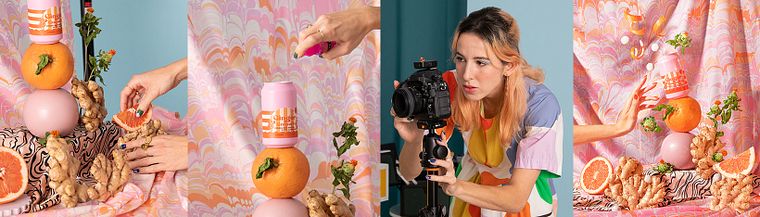
When it comes to photography, working in a studio is one of the best ways to take control over your creative vision. Lizzie Darden is a creative director and commercial photographer who specializes in taking stylized product shots in a studio setting. She also shares her work with over 90K followers on Instagram. She has worked with brands such as:
In this online course, Lizzie teaches you how to take studio-level product photographs at home and edit them in Photoshop. Learn to bring a concept to life from start to finish through lighting, set design, and retouching techniques. Create smart and thoughtful object photography from home and share it with the world!
What will you learn in this online course?
11 lessons & 17 downloads
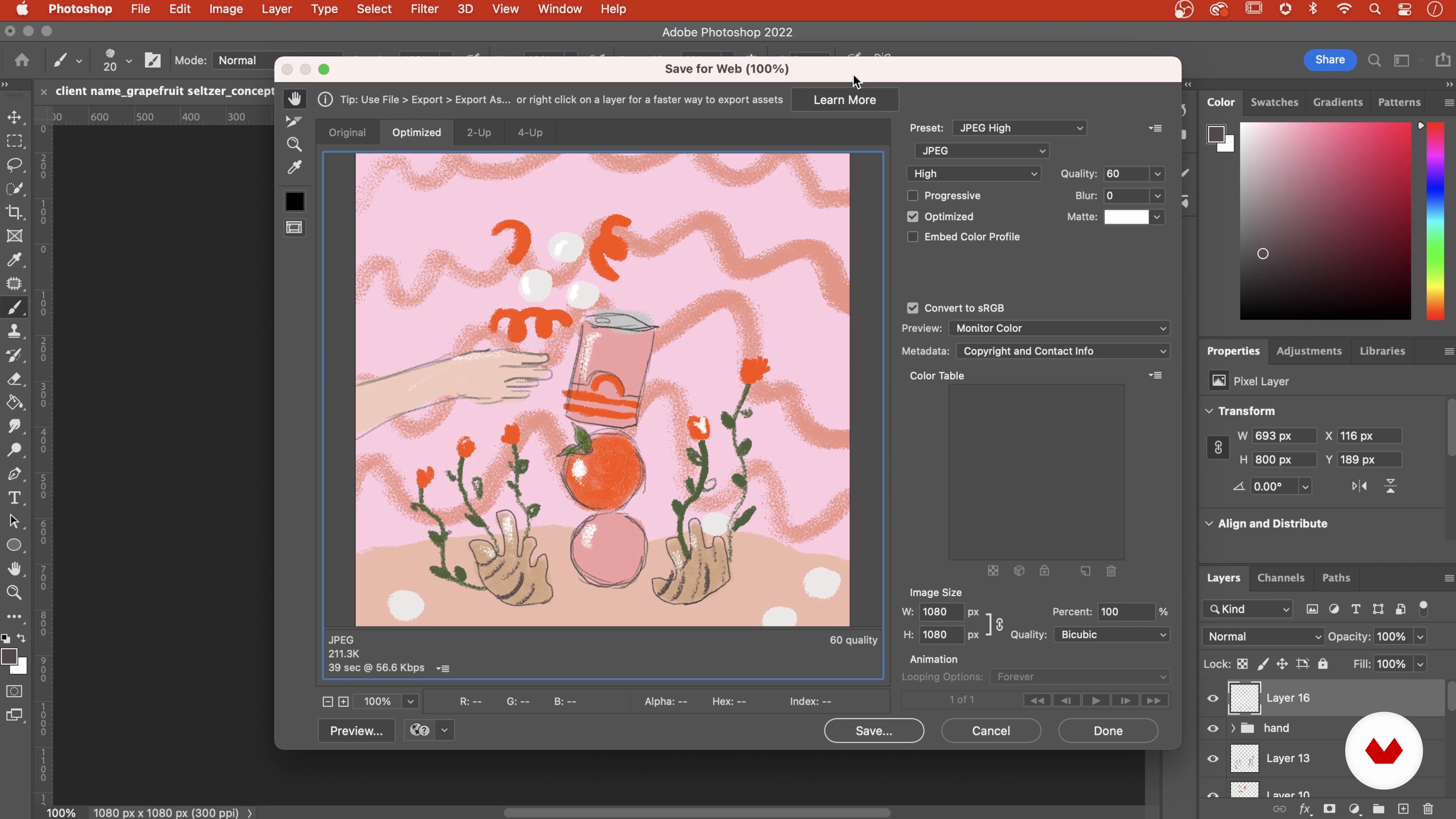
Developing a Concept
14 minutes, 21 seconds
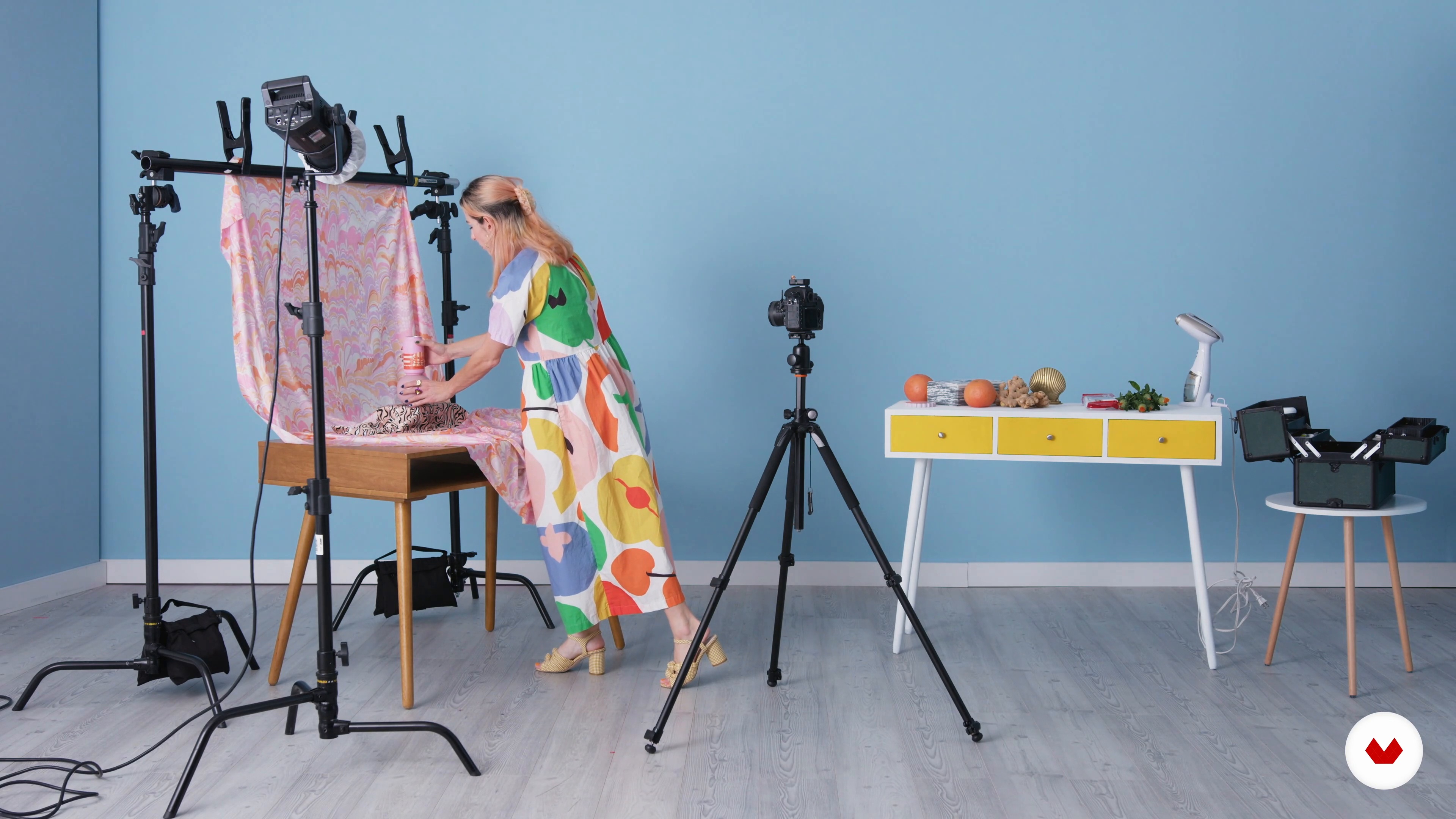
Preparing the Studio Space: Studio Setup
5 minutes, 19 seconds
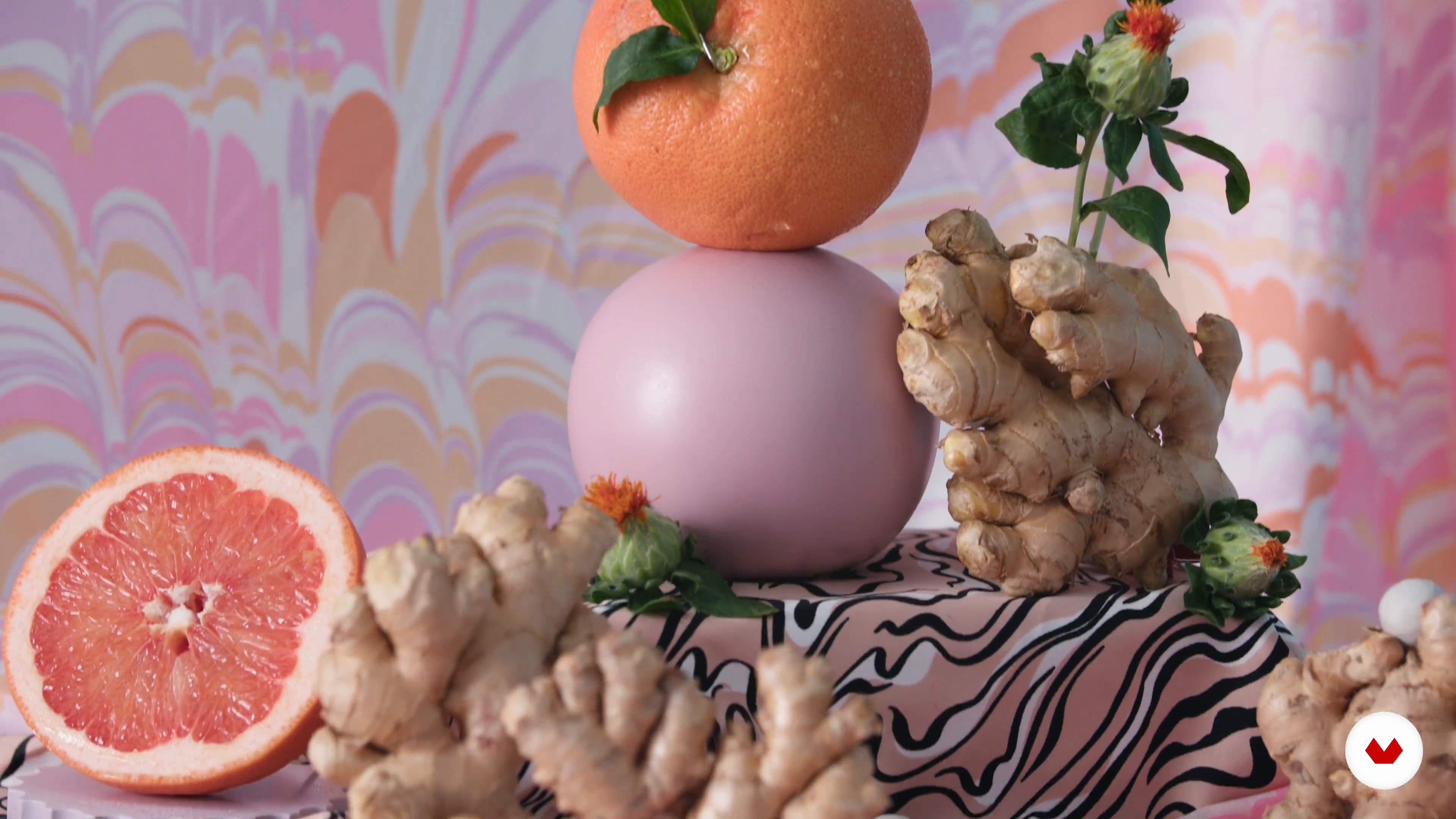
On-set Styling Tips
3 minutes, 16 seconds
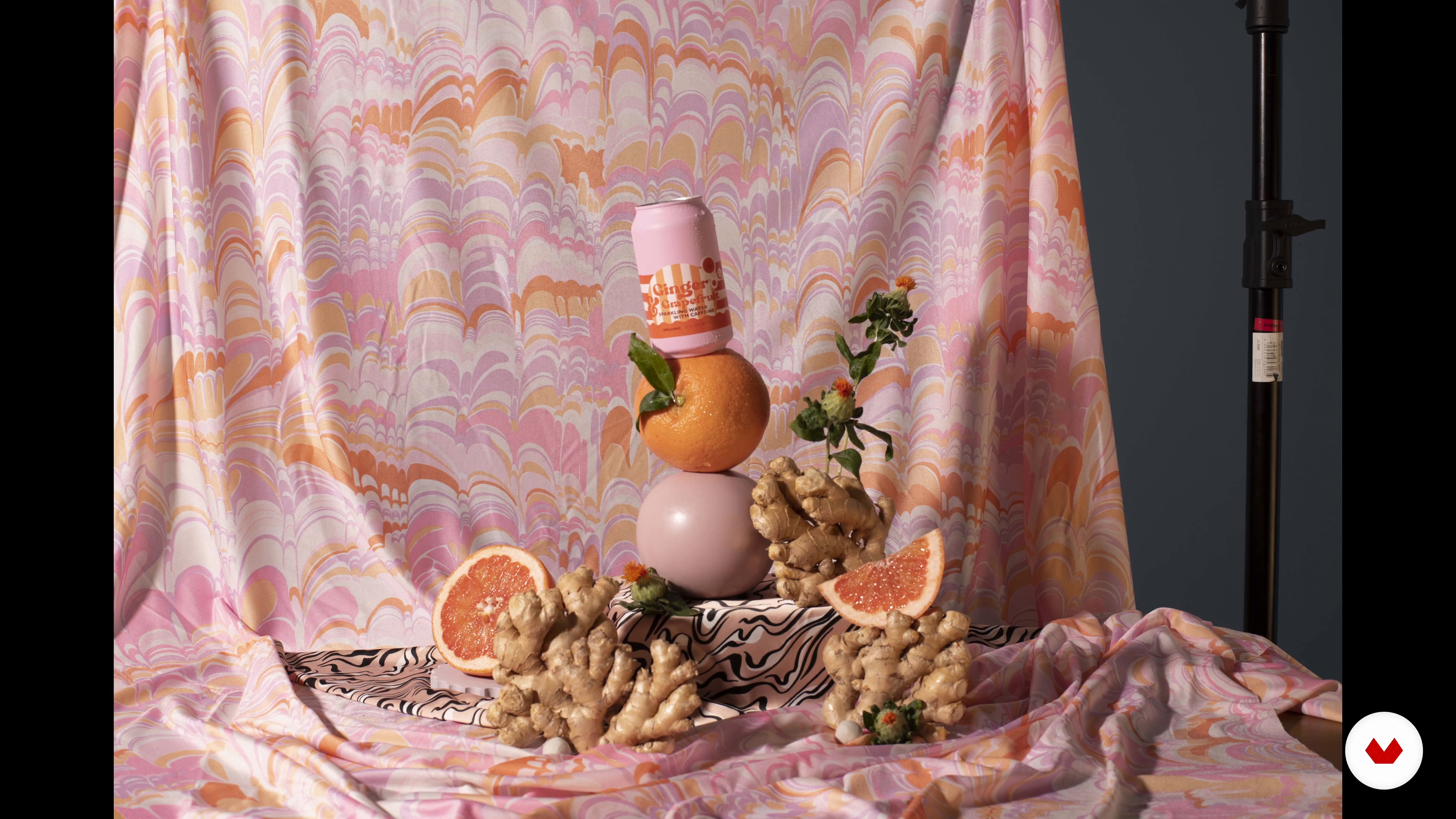
Shooting the Photos
6 minutes, 11 seconds
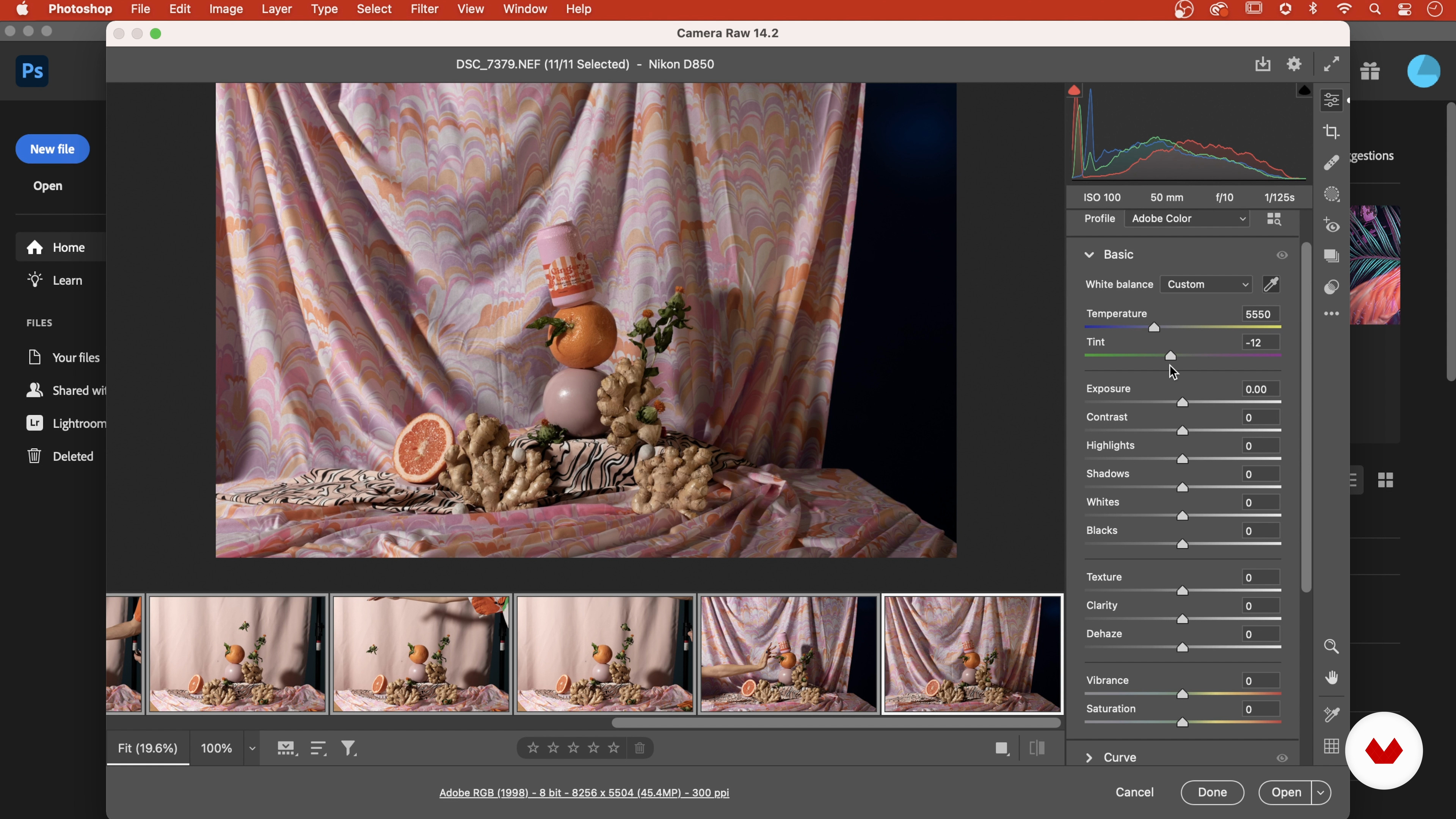
First Photo Edits, the Basics
6 minutes, 40 seconds
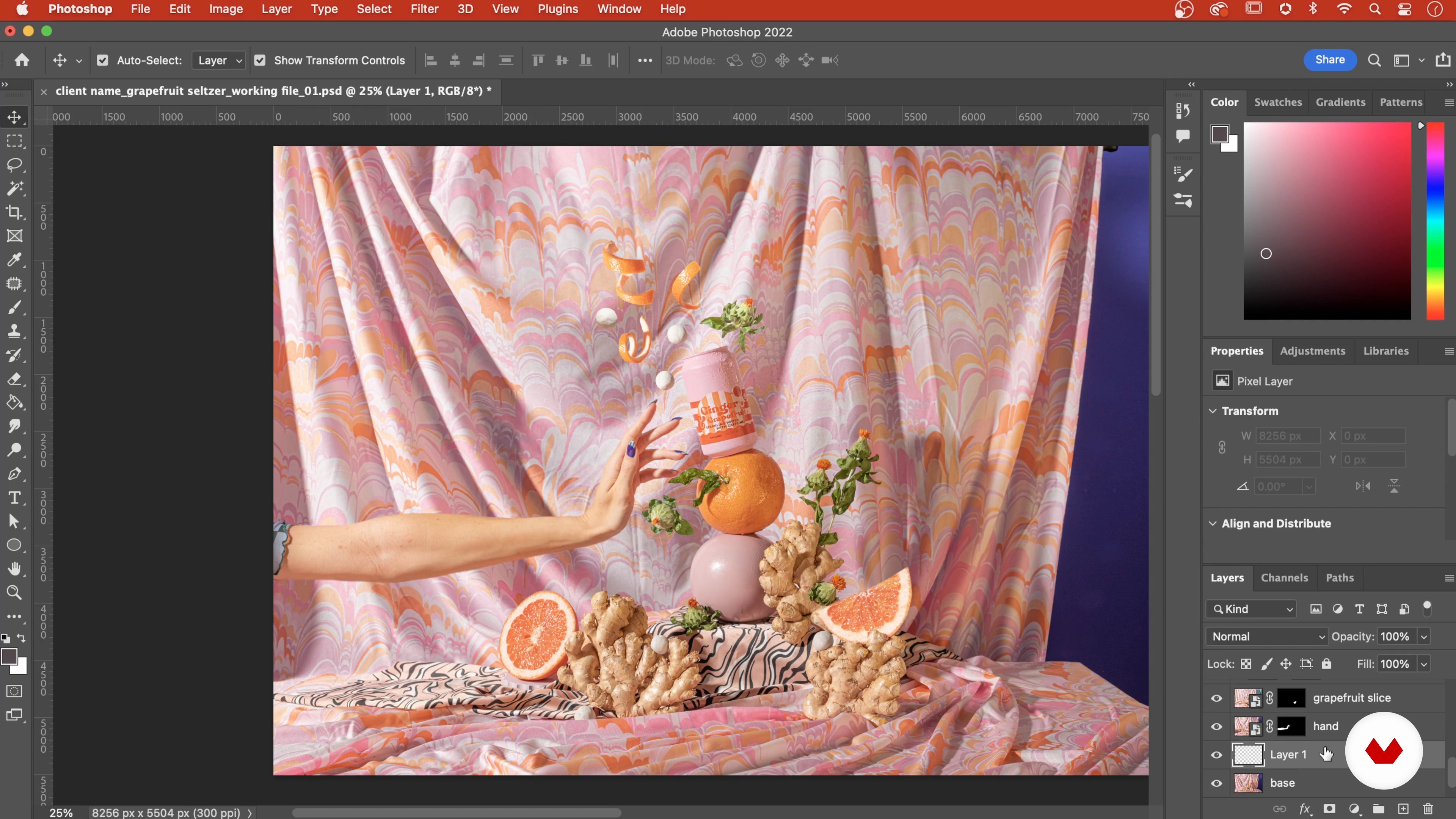
Layers and Masking 1
18 minutes, 52 seconds
What's included in this course?
Begin the course by getting to know photographer Lizzie Darden. Discover the creative career that has led her to work with world-leading brands along with the influences that inspire her art.
Learn to develop a strong concept for a product photograph, before exploring how to set up your home studio space with lighting equipment, a backdrop, props, and more.
Hear Lizzie’s on-set styling tips. Then explore lighting and camera settings to capture your images. Make the initial edits using digital tools like color correction and white balance, and learn how to combine separate photos into one composition.
Make the final adjustment to make your products shine, from contrast to brightness. To wrap up the course, Lizzie shows you how to save and export your work to share on different platforms.
Recommended software & tools for this course
What is this course's project?
Produce a composite image featuring an object and other miscellaneous elements shot separately.
Who is this online course for?
Anyone who is interested in creating product-based photography from a home studio.
Requirements and materials
Previous knowledge of Adobe Photoshop is required.
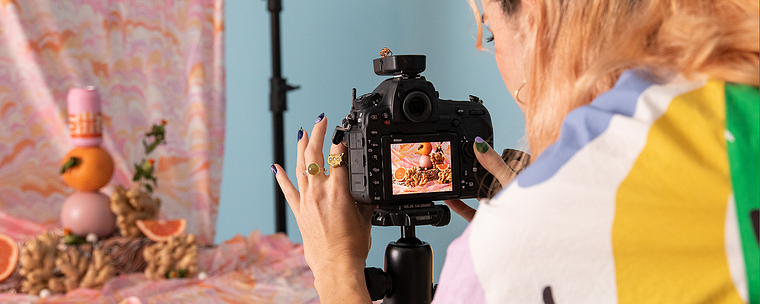
In terms of materials, you need a product to shoot, a backdrop or piece of fabric, a fishing line, a DSLR camera, and access to Photoshop.
Reviews
- 10 months ago
interesting presentation
- 1 year ago
buen curso lo recomiendo
- 1 year ago
Loved this course, thank you!
- 1 year ago
It is an interesting course. I recommend a lot.
- 2 years ago
Excellent course. Even though Domestika courses don't do deep dives into a subject ( and they dont have to at the price which is always incredible value), I love that they allow you to explore an industry or technique to see if it interests me enough to explore further. There was a lot of info in this course and I thought Lizzie did a great job of explaining her process in a really approachable way.

Soon, brands began to reach out to create content for their own profiles. Since then, Lizzie has collaborated with Taco Bell, Pepsi, Adobe, Benefit Cosmetics, and Betsey Johnson, and continues to share her work with over 90K followers on Instagram.
Content
- U1
Introduction
- About Me
- Influences
- U2
Getting Ready for the Photos
- Developing a Concept
- Preparing the Studio Space: Studio Setup
- U3
The Styling and Photoshoot
- On-set Styling Tips
- Shooting the Photos
- First Photo Edits, the Basics
- Layers and Masking 1
- Layers and Masking 2
- U4
Combining Separate Photos to Create One Image
- Final Edits: Revisiting the Design
- Final Touch-ups and Exporting
- FP
Final project
- Studio Product Photography: Color, Styling, and Editing
What to expect from a Domestika course
Learn at your own pace
Enjoy learning from home without a set schedule and with an easy-to-follow method. You set your own pace.
Learn from the best professionals
Learn valuable methods and techniques explained by top experts in the creative sector.
Meet expert teachers
Each expert teaches what they do best, with clear guidelines, true passion, and professional insight in every lesson.
Certificates
PLUSIf you're a Plus member, get a custom certificate signed by your teacher for every course. Share it on your portfolio, social media, or wherever you like.
Get front-row seats
Videos of the highest quality, so you don't miss a single detail. With unlimited access, you can watch them as many times as you need to perfect your technique.
Share knowledge and ideas
Ask questions, request feedback, or offer solutions. Share your learning experience with other students in the community who are as passionate about creativity as you are.
Connect with a global creative community
The community is home to millions of people from around the world who are curious and passionate about exploring and expressing their creativity.
Watch professionally produced courses
Domestika curates its teacher roster and produces every course in-house to ensure a high-quality online learning experience.
FAQs
Yes, this course is designed for photographers with intermediate skills who want to enhance their studio setup, creative direction, and post-production workflows for commercial and conceptual photography.
You'll need a DSLR or mirrorless camera, studio lighting or flashes, basic props, backdrops, a tripod, and access to Photoshop. Everyday objects and household items are also used creatively in the course projects.
You’ll learn how to create 3D elements, combine 2D and 3D art, use practical effects, style props, master studio lighting, organize Photoshop files, and develop unique, playful compositions for commercial and personal projects.
Yes, the course teaches you how to plan, style, and shoot compelling commercial brand and product images using professional studio techniques and creative concepts.
Absolutely. The course shows how to transform everyday items and food into visually striking props, adding humor, playfulness, and surreal elements to your photos.
Yes, the course covers advanced Photoshop techniques like masking, layer management, non-destructive editing, and creating realistic composites for polished, professional results.
Basic familiarity with Photoshop is recommended, as the course covers intermediate and advanced editing techniques for compositing, masking, and color correction.