A course by Marta CorteseSurface Designer
A course by Marta Cortese, Surface Designer
- 5.0100% positive reviews(49)
- 1,492 students
- 15 lessons (2h 34m)
- 14 additional resources (4 files)
- Online and at your own pace
- Available on the app
- Audio: Italian
- Spanish · English · Portuguese · German · French · Italian · Polish · Dutch · Turkish · Romanian · Indonesian
Level:
Beginner- Unlimited access forever

Master the art of hand-drawn patterns with digital enhancements on Photoshop. Learn to craft versatile designs adaptable to various scales and backgrounds.
Explore the art of creating captivating repeatable patterns in this online course led by Marta Cortese, a seasoned textile and interior designer renowned for her versatile creations. Throughout this journey, you'll delve into the world of patterns that can adorn everything from fabrics to wallpaper and household items.
In this course, Marta will guide you through the intricate process of crafting stunning patterns in Photoshop, making them ready for reproduction on various materials, be it fabric, wallpaper, or large panels. With Marta's expertise, you'll embark on a creative adventure where you'll learn to draw inspiration from your surroundings, refine your concepts, and transform them into delightful patterns. Dive into the exciting realm of pattern creation, and discover the art of designing spaces that are both welcoming and unique, or infusing garments and products with a stylistic identity aligned with brand aesthetics.
By the end of this course, you'll have the skills and knowledge to develop modern, original patterns that can be scaled and reproduced on different formats, letting you bring your artistic vision to life in a whole new way.
What will you learn in this online course?
15 lessons & 18 downloads
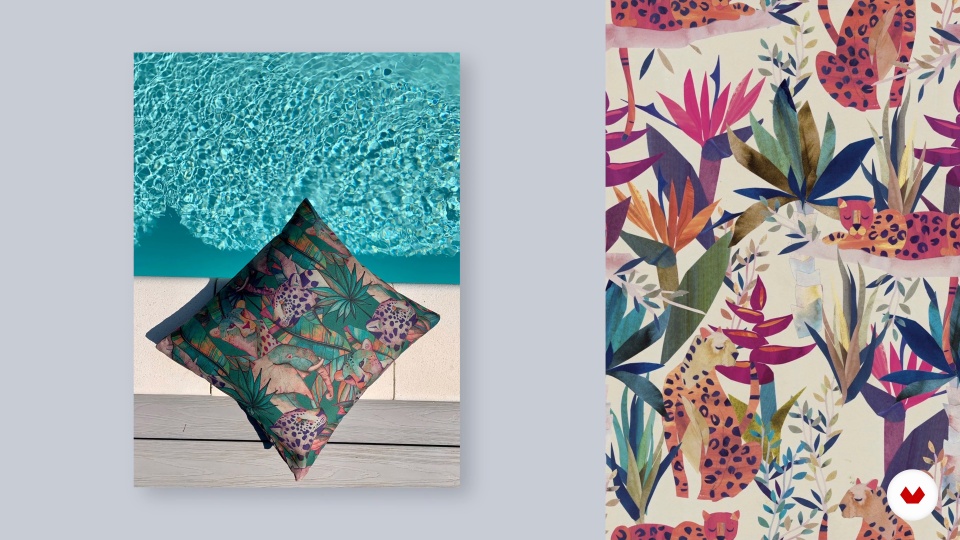
Choice of theme and search for inspiration
3 minutes, 24 seconds
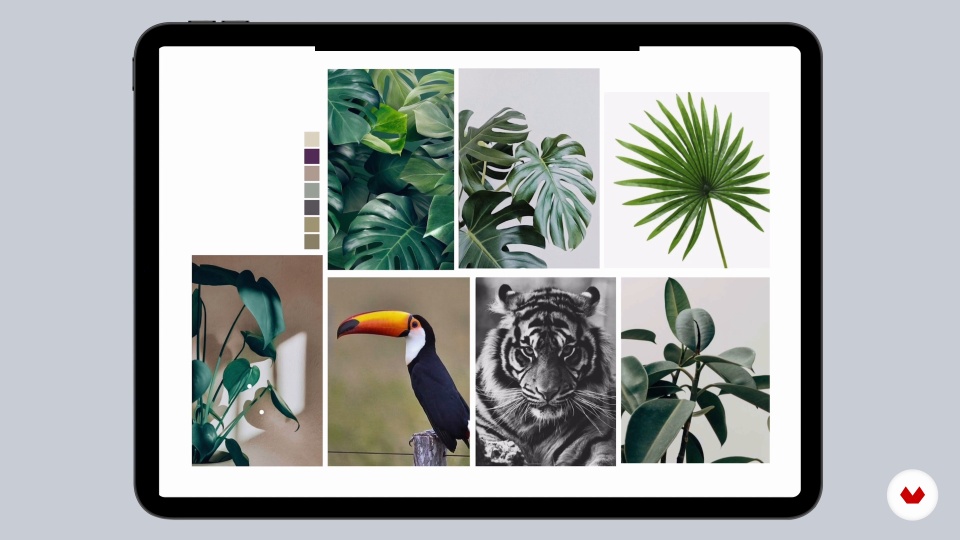
The mood board
2 minutes, 43 seconds
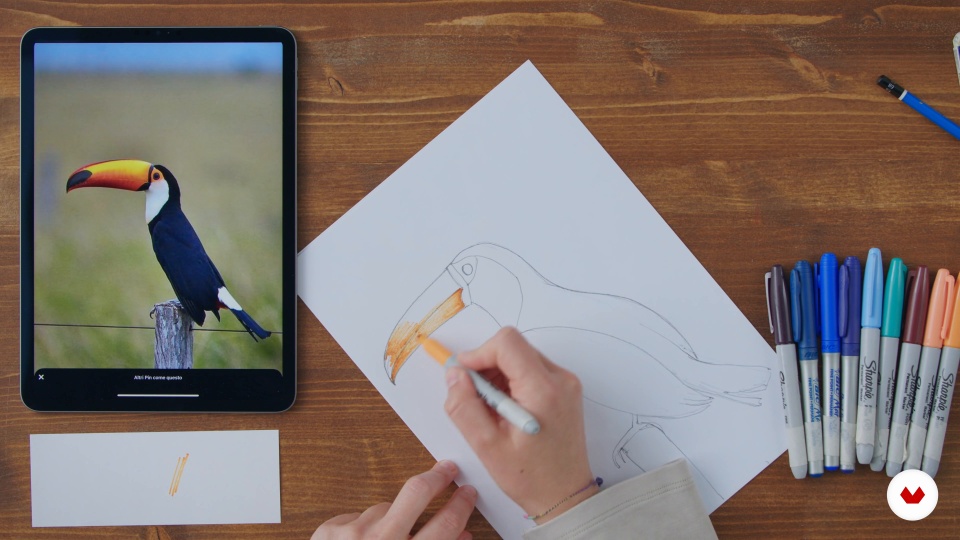
The drawing of the subjects of the pattern
14 minutes, 47 seconds
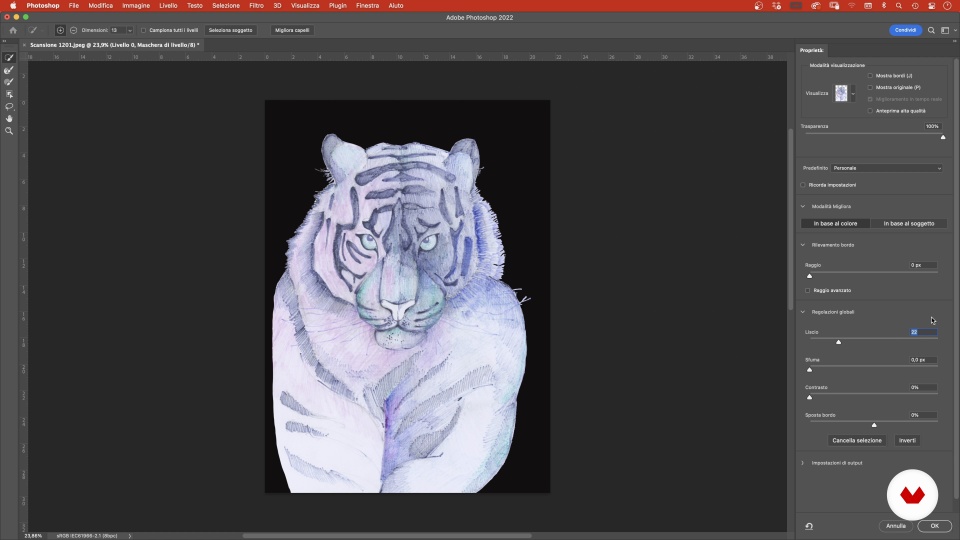
Outlining subjects in Photoshop 1
14 minutes, 58 seconds
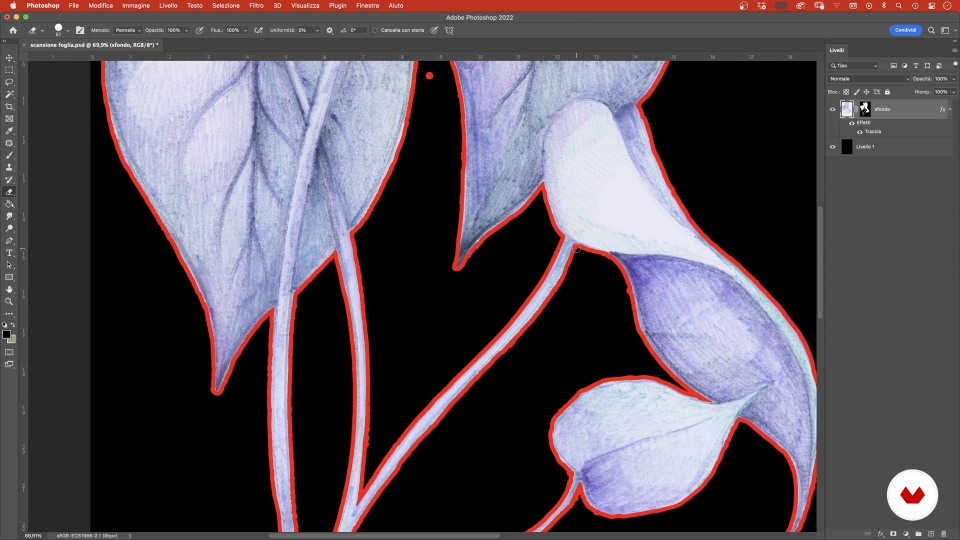
Cutout subjects in Photoshop 2
7 minutes, 24 seconds
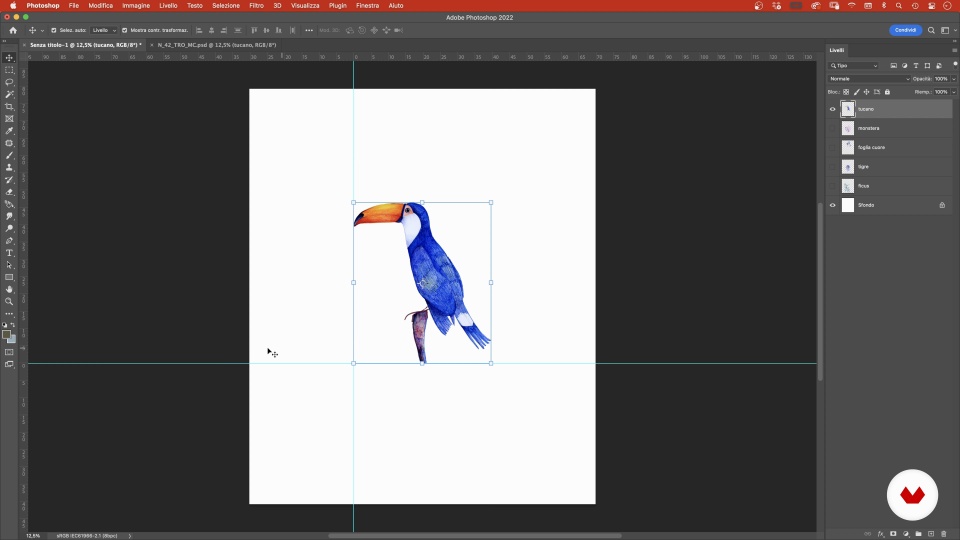
Composition of the module 1
19 minutes, 0 seconds
What's included in this course?
Marta will take you on a journey through the world of pattern creation. To start, you'll explore various themes and discover sources of inspiration. You'll create mood boards, sketch subjects using pencils and markers, and then transition into the digital realm. Here, Marta will teach you to contour and process individual design elements, strike a balance in composition, define texture, colors, and shading, and explore different chromatic variants. You'll even have the opportunity to test your designs on different media.
Marta will also share additional techniques and styles to expand your creative horizons, helping you develop your own unique approach to pattern design. By the end of the course, you'll have the skills to create versatile, original patterns that can be reproduced across various materials and scales, giving you the power to infuse your creativity into the world around you.
Recommended software & tools for this course
What is this course's project?
Your final project will be to create a modular composition with different color variations, showcasing your newfound pattern design skills. This project will be your opportunity to apply everything you've learned and bring your unique artistic vision to life in the form of captivating repeatable patterns.
Who is this online course for?
This course is designed for creative minds seeking to master the art of pattern design. Whether you're a budding artist looking to expand your skills or a seasoned designer aiming to explore new horizons, Marta Cortese's course offers a rich learning experience. It's perfect for individuals who have a basic grasp of Photoshop and are ready to delve into the world of patterns. If you're passionate about bringing your ideas to life through captivating, reproducible designs, this course is tailor-made for you.
Requirements and materials
To embark on this creative journey, you'll need a few essentials. First, ensure you have access to a computer with the necessary software, particularly Adobe Photoshop. While not essential, a graphics tablet can be a valuable tool to enhance your workflow. Additionally, be prepared with your creative spirit, as you'll dive into the world of pattern design and explore your unique artistic vision. No prior experience in pattern design is required; Marta Cortese will guide you every step of the way. So, gather your enthusiasm and let's get started on this exciting pattern design adventure with Marta!
Reviews
What students say
Students most often praise Marta’s clear, detailed, well-structured explanations, which guide learners from choosing a theme and preparing drawings to creating a finished repeat pattern. They value the practical pattern-making, painting, and printing techniques, along with useful tips and fresh ideas that inspire their work.
- 4 months ago
Just amazing. I am assolute beginner with digital but will try, using a different program btw
- 4 months ago
Detailed and useful. Recommended!
- 8 months ago
The course is visually inspiring and the instructor clearly has strong expertise. The videos include English subtitles, which is very helpful. However, the spoken instructions are in Italian, and some of the Photoshop steps can be a bit difficult to follow in real time.
The additional materials are also only available in Italian. It would be very helpful if these were translated into English as well, as it would make the course easier to follow for international students.
- 11 months ago
Me encanta como explica y su técnica de pintado 😍
- 1 year ago
Me han parecido muy claras las explicaciones, muchas gracias por hacerlo fácil.

Marta's work transcends traditional boundaries, spanning fabrics, wallpapers, tableware, and more. Her relentless pursuit of inspiration is evident in her diverse influences, from the world of textiles to her adventures in wildlife photography. Marta's unique ability to translate the world around her into captivating patterns is a testament to her artistic depth. She brings a wealth of experience and creativity to her courses, offering students a glimpse into her world of design and a chance to refine their own creative journeys.
Content
- U1
Introduction
- Presentation
- Reference models
- U2
Preparation
- Choice of theme and search for inspiration
- The mood board
- The drawing of the subjects of the pattern
- U3
Digital composition
- Outlining subjects in Photoshop 1
- Cutout subjects in Photoshop 2
- Composition of the module 1
- Composition of the module 2
- Texture research and comparison
- Color assembly of the module
- Lights and shadows
- Chromatic variation
- U4
Application of the module in different contexts
- Different module sizes and their application
- Other techniques and results
- FP
Final project
- Creation of Hand-painted Modules Digitized in Photoshop
What to expect from a Domestika course
Learn at your own pace
Enjoy learning from home without a set schedule and with an easy-to-follow method. You set your own pace.
Learn from the best professionals
Learn valuable methods and techniques explained by top experts in the creative sector.
Meet expert teachers
Each expert teaches what they do best, with clear guidelines, true passion, and professional insight in every lesson.
Certificates
PLUSIf you're a Plus member, get a custom certificate signed by your teacher for every course. Share it on your portfolio, social media, or wherever you like.
Get front-row seats
Videos of the highest quality, so you don't miss a single detail. With unlimited access, you can watch them as many times as you need to perfect your technique.
Share knowledge and ideas
Ask questions, request feedback, or offer solutions. Share your learning experience with other students in the community who are as passionate about creativity as you are.
Connect with a global creative community
The community is home to millions of people from around the world who are curious and passionate about exploring and expressing their creativity.
Watch professionally produced courses
Domestika curates its teacher roster and produces every course in-house to ensure a high-quality online learning experience.
FAQs
A digital pattern is a repeatable graphic design used on fabrics or surfaces. With Photoshop, you can digitize hand drawings, cut out elements, and compose seamless tiles ready for printing or use on various materials.
Yes, the course is designed for those with basic Photoshop knowledge who want to deepen their skills in digitization, pattern creation, and application on different materials.
Basic familiarity with Photoshop is recommended, along with access to a scanner or camera to digitize your drawings. You'll also need paper, pencil, and faded markers for practical exercises.
You’ll learn how to turn hand-drawn sketches into repeatable digital patterns, create textures and color variations, build mood boards, cut out elements, manage layers and masks in Photoshop, and apply patterns to fabric or wallpaper.
Use the magic wand or pen tool to select outlines, remove the background, and refine edges with layer masks and brushes, creating clean elements ready to assemble into a tile.
Traditional tools like pencils, faded markers, and other hand techniques are used to draw flowers, leaves, and botanical elements, which are then digitized and refined in Photoshop.
You can adjust colors using adjustment layers, blending modes, and gradient maps to easily create light, dark, and harmonious color variants of your patterns.