Introduction to Adobe Substance 3D Painter
A course by Pedro Henrique Plácido Silva3D Artist
A course by Pedro Henrique Plácido Silva, 3D Artist

Learn how to use Adobe Substance 3D Painter, the most widely used 3D texturing tool in the games and movies industry.
Immerse yourself in the art of bringing 3D objects and scenes to life through Look Development, the technique behind the creation of materials, lights, and textures that make animations and games look realistic and attractive.
In this course, you will learn how to use Substance Painter, Blender, and Photoshop to transform 3D assets from their most basic state to complete digital works of art.
Throughout this journey, you'll discover the power of precise texturing, the importance of proper lighting, and how the final details can completely change the perception of a scene.
With practical examples and real projects, this program is not only a gateway to new technical skills but also to a form of creative expression that can be as therapeutic as it is exciting.
What will you learn in this online course?
18 lessons & 27 downloads
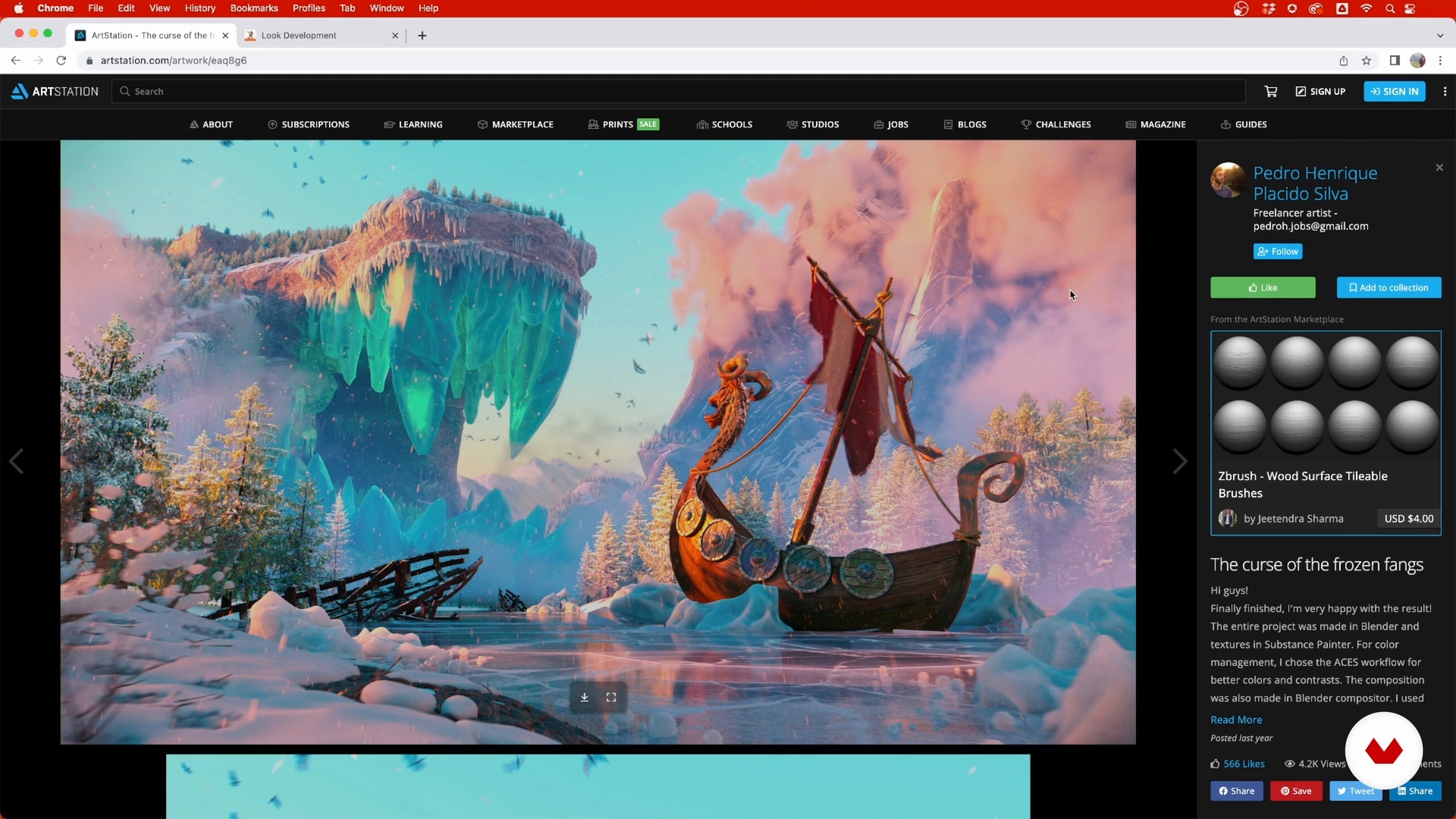
What is look development?
6 minutes, 44 seconds
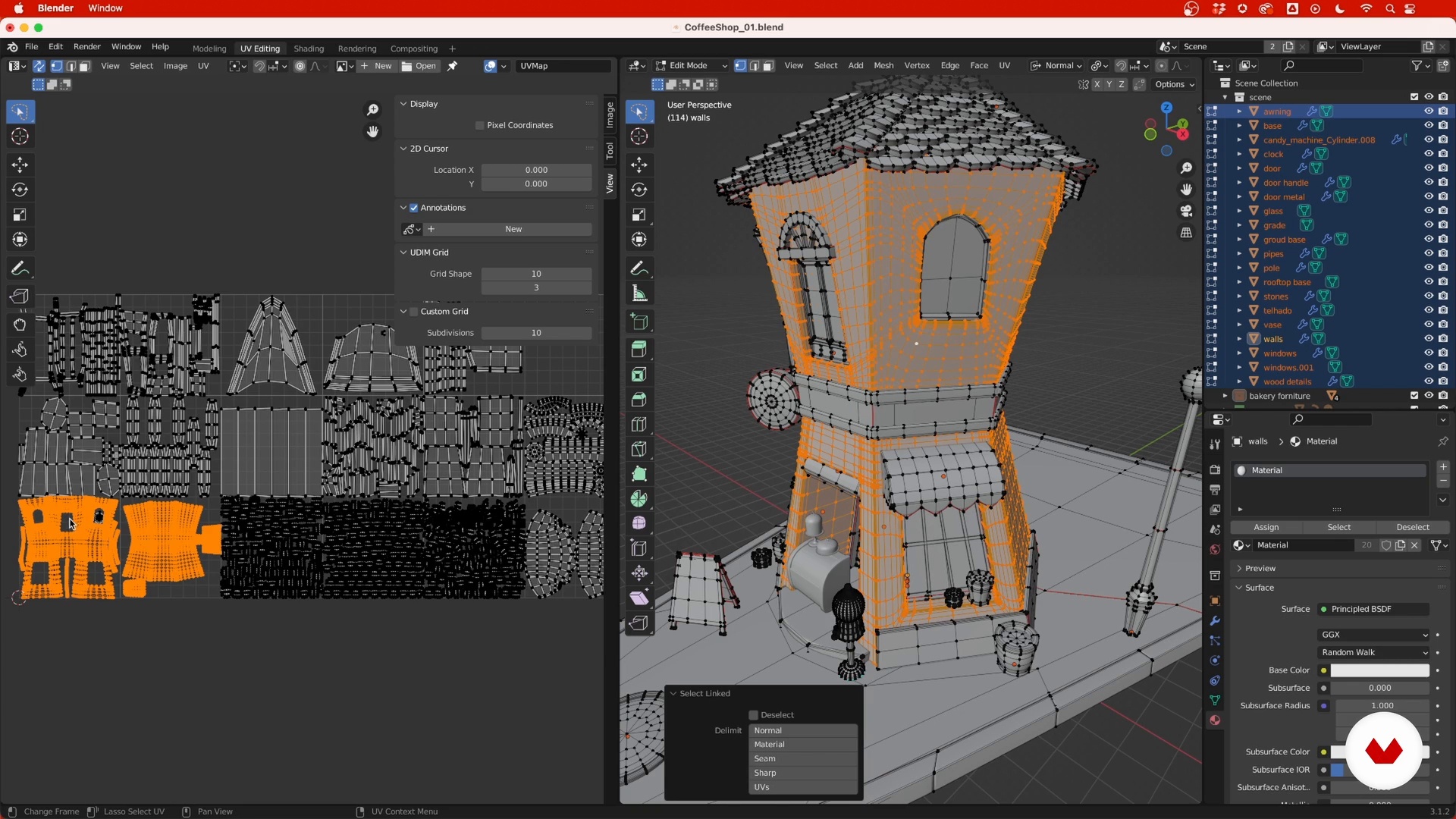
3D model preparation
4 minutes, 7 seconds
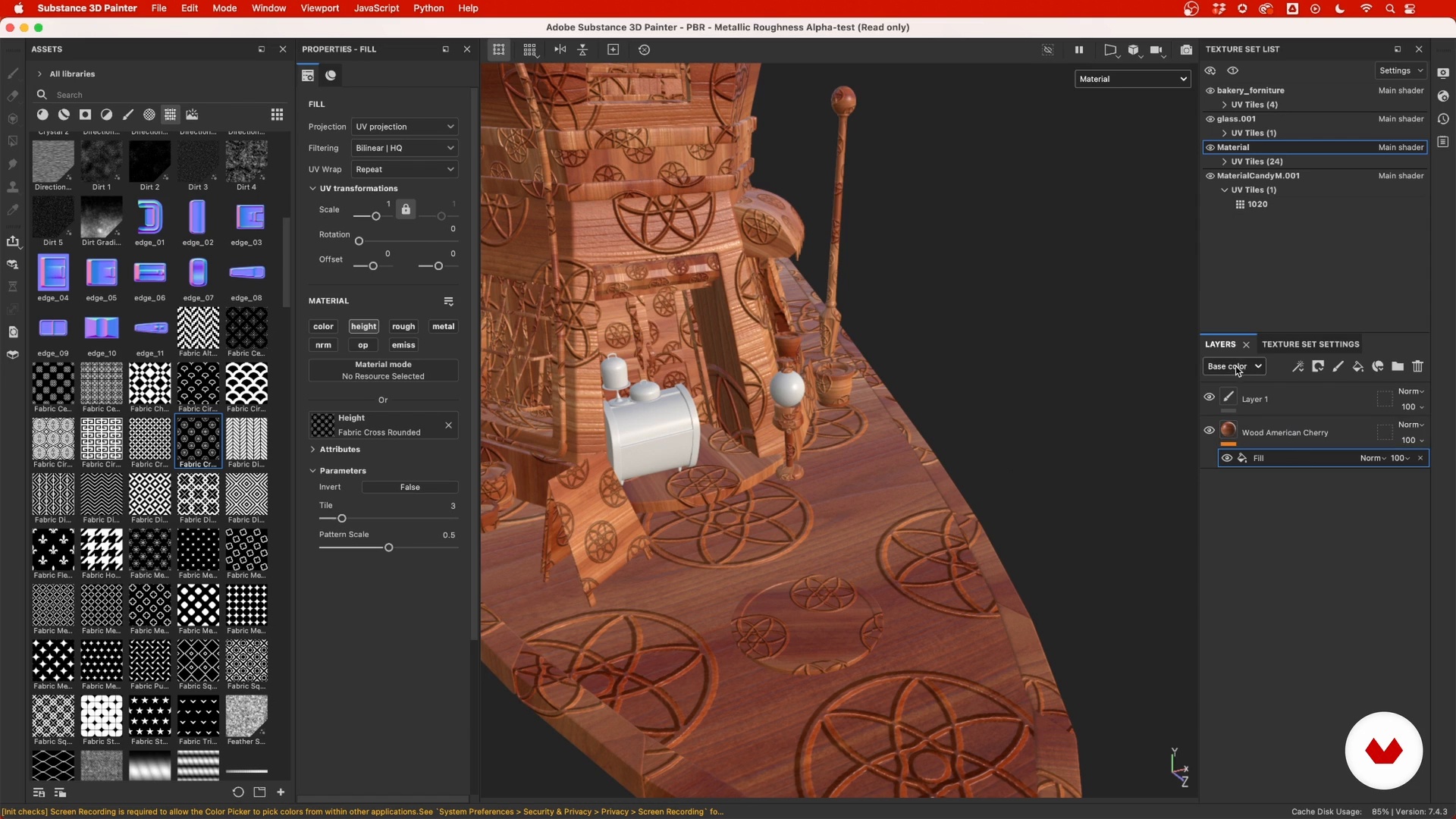
Getting to know Substance 3D Painter
12 minutes, 9 seconds
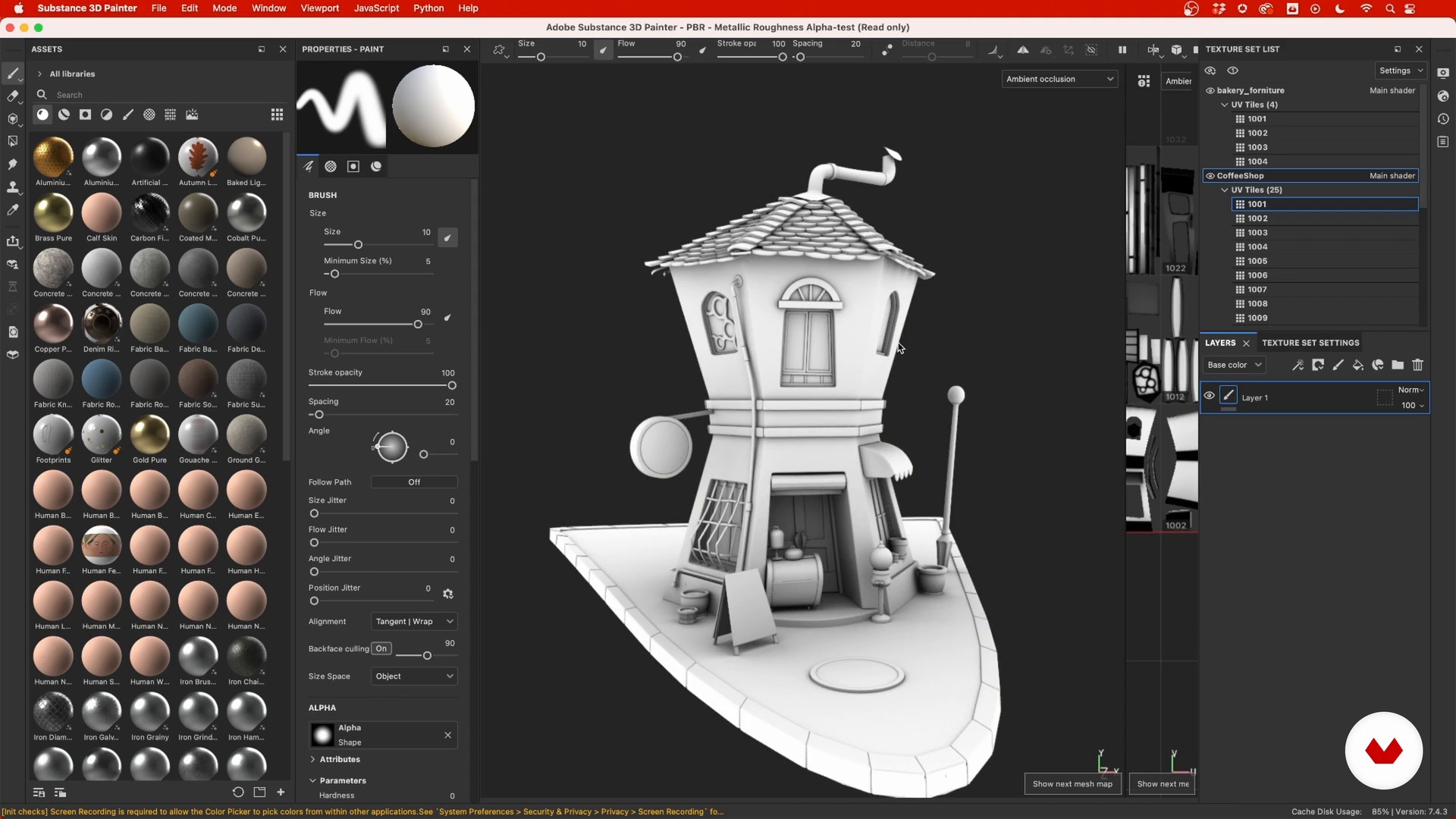
Starting the project
13 minutes, 55 seconds
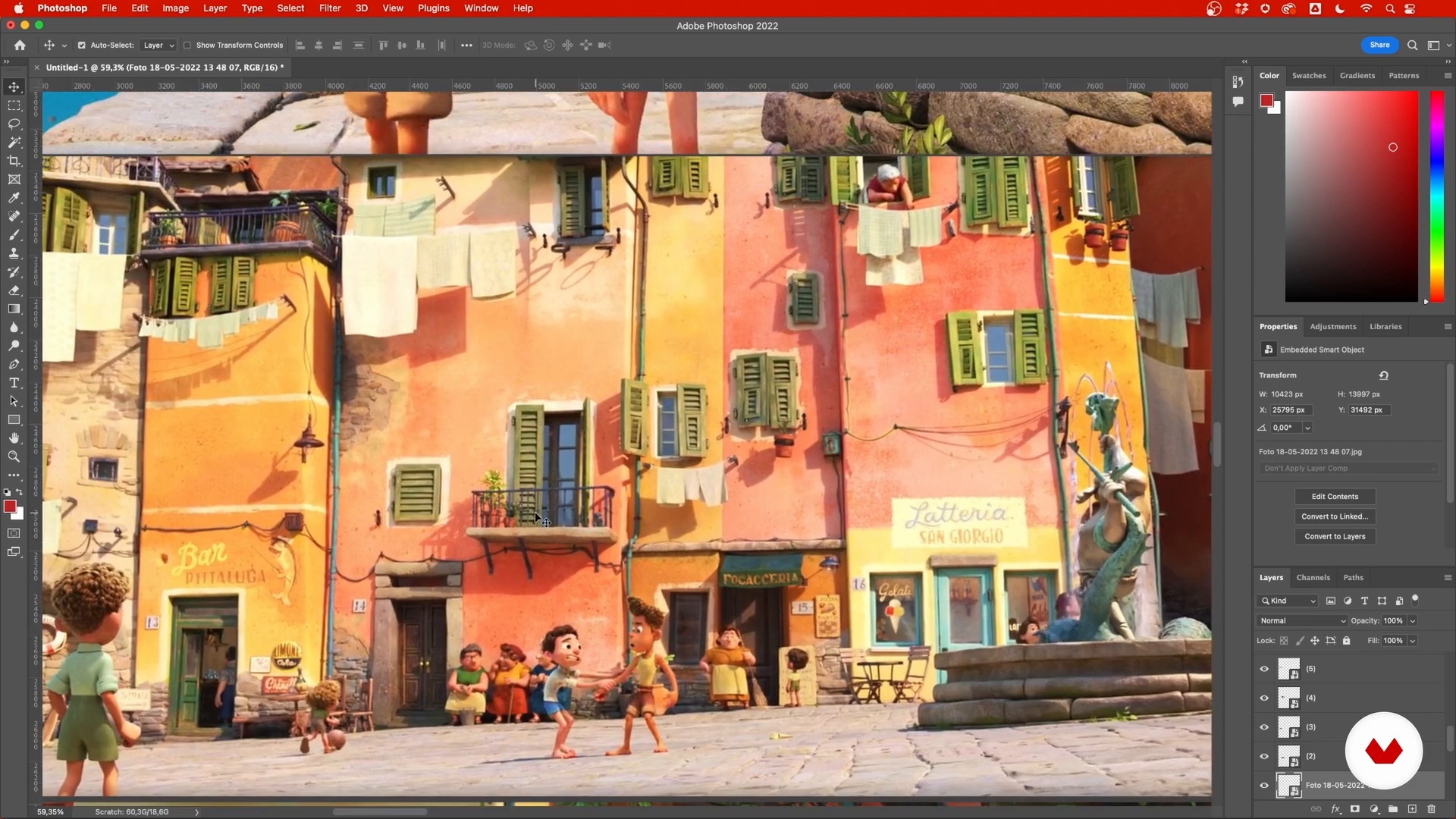
Texture scene elements
2 minutes, 57 seconds
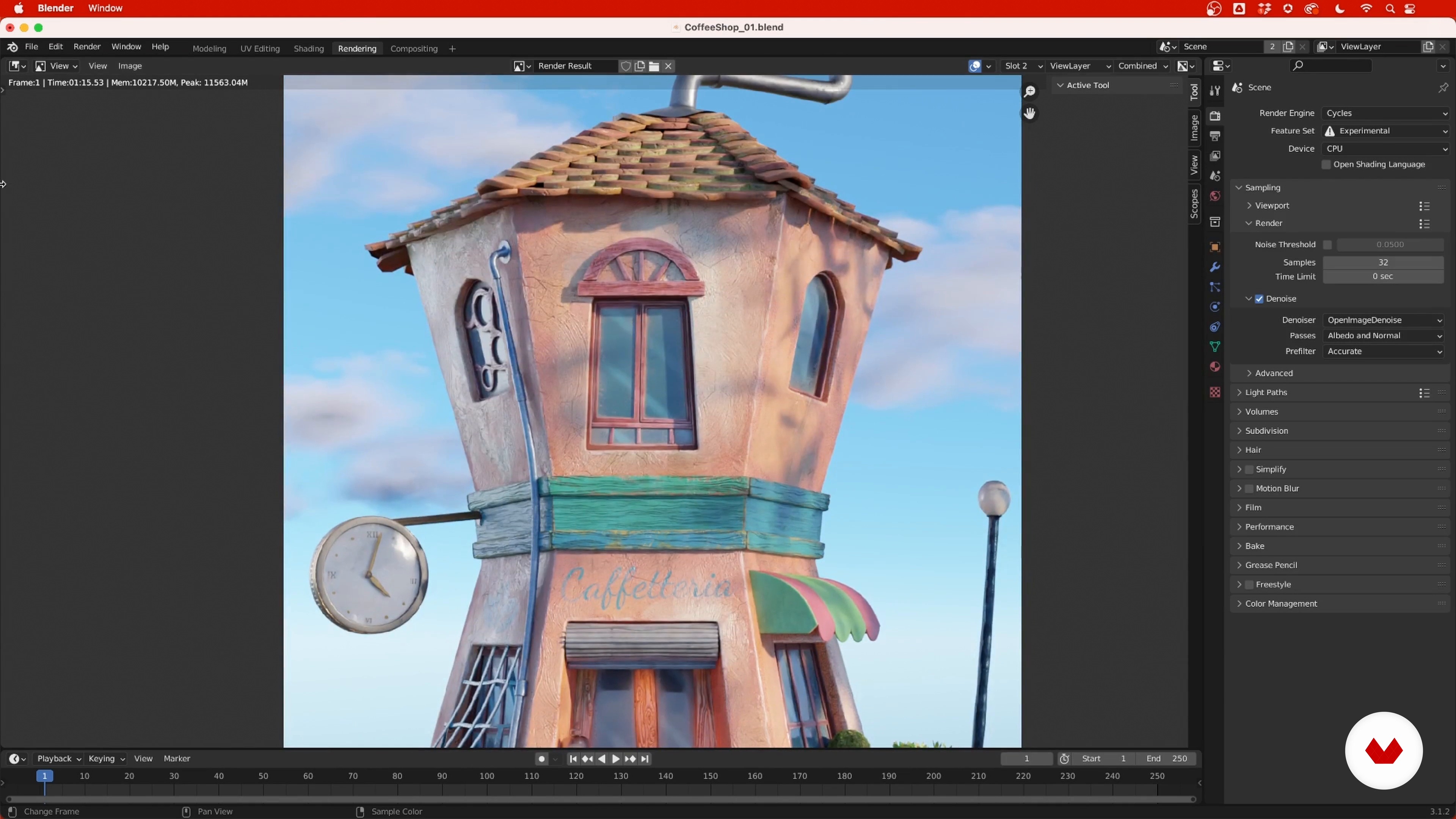
How to use Blender's composer
8 minutes, 32 seconds
What's included in this course?
To begin, you will be introduced to the fascinating universe of Look Development, understanding its crucial role in audiovisual production. You'll discover how to select and apply references for your projects, ensuring that each creation has a solid foundation.
Next, you'll dive into Substance Painter, where you'll learn how to prepare your scene and organize your tools and layers effectively. This phase will equip you with the skills to apply basic but vital textures and materials. You'll then move on to more complex techniques such as texturing specific surfaces and creating realistic effects using anchor points and filters. Additionally, you'll explore how stenciling tools can add an unexpected level of detail and realism to your works.
Finally, you will bring your creations to life in Blender, where lighting and shadows will play a main role in the final result. You will adjust materials and details so that each element of your scene shines with its own light.
Recommended software & tools for this course
What is this course's project?
The final project of the course consists of creating a complete scene applying texturing, materials, and lighting techniques learned.
This hands-on exercise will demonstrate your ability to integrate diverse elements and bring a creative vision to life with a professional finish.
Projects by course students


Who is this online course for?
This course is designed for 3D artists, designers, and digital creatives looking to delve deeper into Look Development and texturing of 3D assets.
It is ideal for those interested in raising the quality of their animation projects, video games or any other audiovisual production that requires a realistic and detailed finish.
Requirements and materials
It is essential to have Substance Painter, Blender, and an image editor like Photoshop. The course focuses on the practical use of these tools, so a basic familiarity with the software will benefit your learning.
The willingness to explore and experiment with new techniques will be your best resource.
Reviews
- 2 months ago
me parece un buen curso pero introductorio no, algo mas como complementario, estaría bien que hicieran un domestika basics con varios cursos sobre este programa muy bueno
- 3 months ago
muy bueno
- 4 months ago
buen curso
- 6 months ago
ya está desactualizado para la herramienta que es hoy día adobe substance.. igual es buen curso, pero ahora hay mas tela por cortar
- esinfografia_1PLUS7 months ago
Buen curso, es completo y actualizado, con flujos de trabajo en los softwares utilizados que se suelen usar en la mayoría de estudios y producciones.

One of his most notable works includes a music video for Moby, praised for its socio-environmental message and visual quality. Pedro is known for his ability to create digital universes that are not only visually stunning but also emotionally resonant.
His passion for cinema, animation, and special effects has guided his professional path, making him a reference in the audiovisual production industry.
Content
- U1
Introduction
- Presentation
- Influences
- U2
Preparation
- What is look development?
- References
- 3D model preparation
- Getting to know Substance 3D Painter
- U3
Starting to texturize
- Starting the project
- Texture scene elements
- Work from largest to smallest element 1
- Work from largest to smallest element 2
- Anchor Point
- Color variation
- Stencil tool
- Export textures
- U4
Integrate Substance 3D Painter with Blender
- Shaders in Blender
- Lighting
- U5
Post production
- How to use Blender's composer
- Check out the improvements
- FP
Final project
- Introduction to Adobe Subance 3D Painter
What to expect from a Domestika course
Learn at your own pace
Enjoy learning from home without a set schedule and with an easy-to-follow method. You set your own pace.
Learn from the best professionals
Learn valuable methods and techniques explained by top experts in the creative sector.
Meet expert teachers
Each expert teaches what they do best, with clear guidelines, true passion, and professional insight in every lesson.
Certificates
PLUSIf you're a Plus member, get a custom certificate signed by your teacher for every course. Share it on your portfolio, social media, or wherever you like.
Get front-row seats
Videos of the highest quality, so you don't miss a single detail. With unlimited access, you can watch them as many times as you need to perfect your technique.
Share knowledge and ideas
Ask questions, request feedback, or offer solutions. Share your learning experience with other students in the community who are as passionate about creativity as you are.
Connect with a global creative community
The community is home to millions of people from around the world who are curious and passionate about exploring and expressing their creativity.
Watch professionally produced courses
Domestika curates its teacher roster and produces every course in-house to ensure a high-quality online learning experience.
FAQs
This course is ideal for those who already have basic 3D knowledge and want to deepen their skills in Look Development, texturing, and composition using Blender and Substance Painter. It’s considered intermediate level.
It’s recommended to have basic 3D modeling skills to get the most out of this course, as the lessons dive into texturing, lighting, and composition in detail.
You’ll need Blender and Substance 3D Painter installed on your computer to follow the practical lessons and exercises in the course.
You’ll learn Look Dev techniques, UV organization, PBR texturing, lighting, final composition, creating realistic and cartoon materials, plus professional workflows between Blender and Substance Painter.
The course teaches how to prepare, export, and import models between Blender and Substance Painter, organize UVs and materials, texture, and integrate texture maps for final rendering.
Yes, the course covers detailing techniques, applying special effects, advanced texturing, and creating realistic or cartoon-style vegetation and surfaces for characters and scenes.
Yes, you’ll learn how to set up lighting with HDRI, Area Lights, Sky Texture, and post-processing in Blender, along with render settings for professional results.