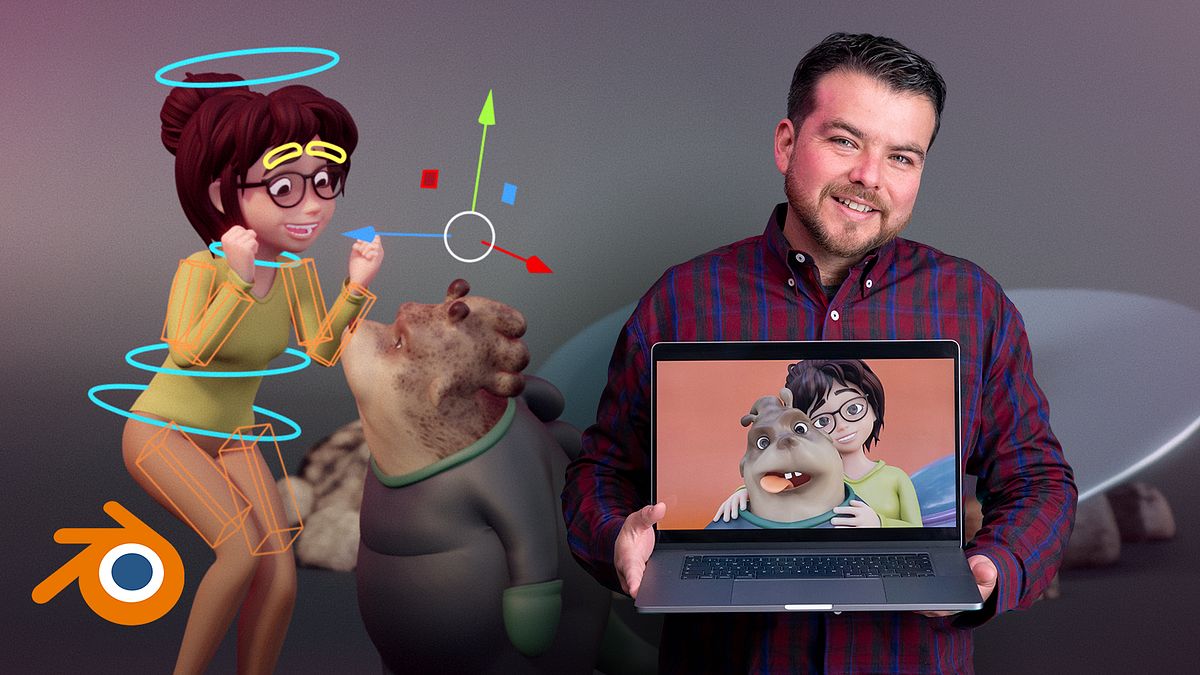
Animating 3D Cartoon Characters in Blender
A course by Ulises Cervantes3D Character Animator and Artist
A course by Ulises Cervantes, 3D Character Animator and Artist

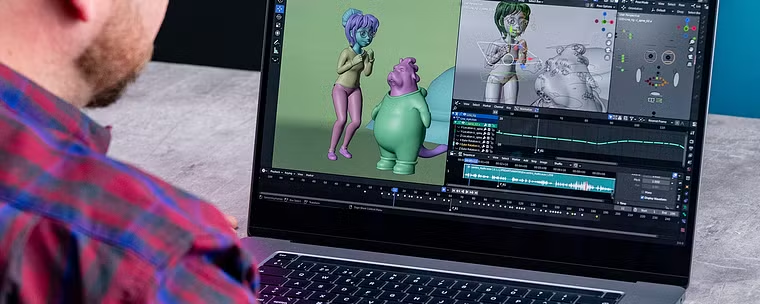
Learn to bring cartoon-style characters to life through their poses, gestures, and actions using fun and effective tools
Acting is one of the most important tools in animation, as it reveals a character's thoughts and feelings through their behavior. In this online course, learn how to exaggerate actions and expressions to shape imaginary individuals and scenes that still fit within the realm of credibility.
Animator and 3D artist Ulises Cervantes teaches you how to bring cartoon-style characters to life in Blender, following the principles of acting. He shows you a fun and efficient approach to animation and how to amaze viewers through the movements and gestures of your characters in an animated take.
What will you learn in this online course?
32 lessons & 28 downloads
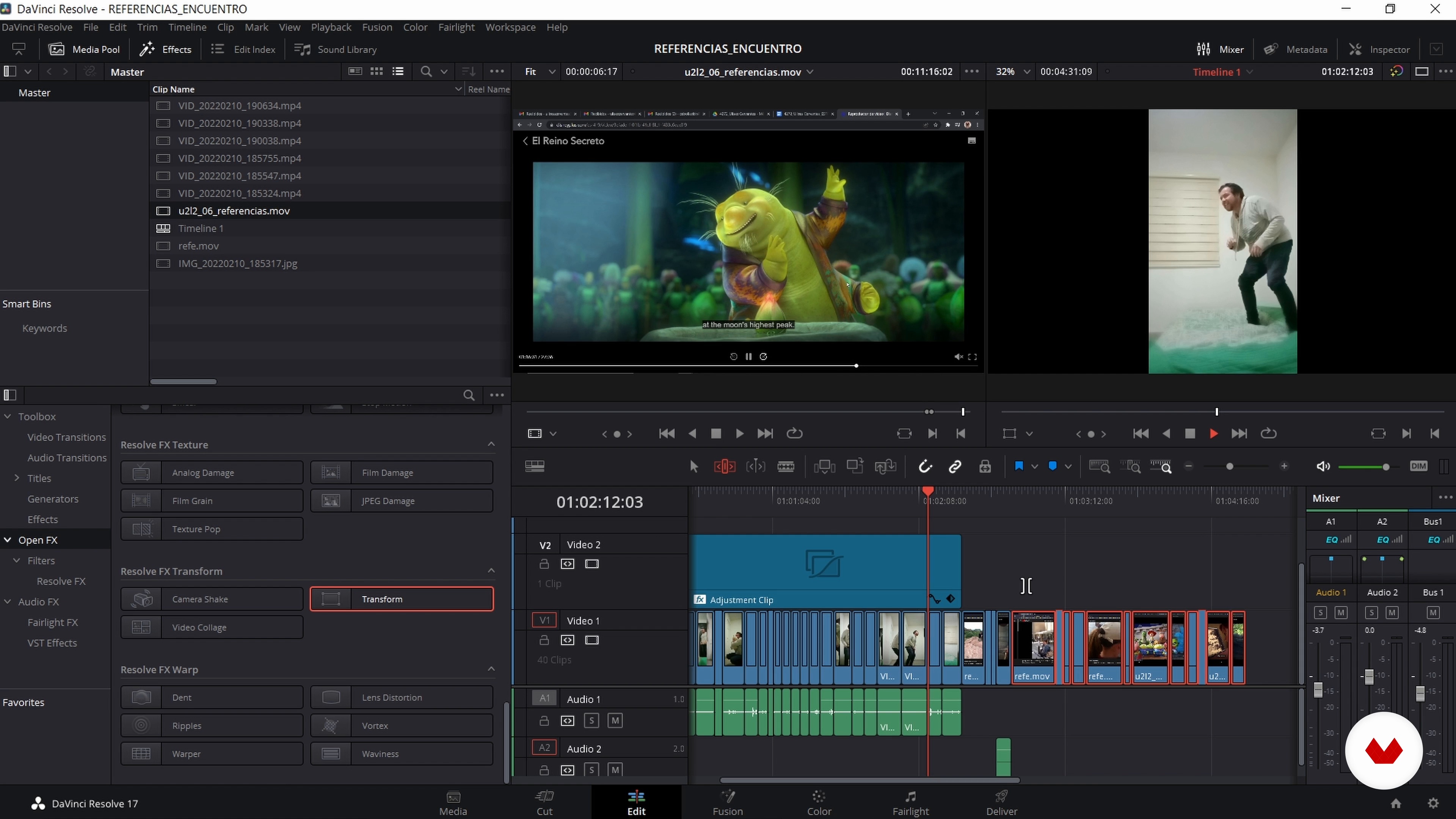
Reference library
6 minutes, 27 seconds
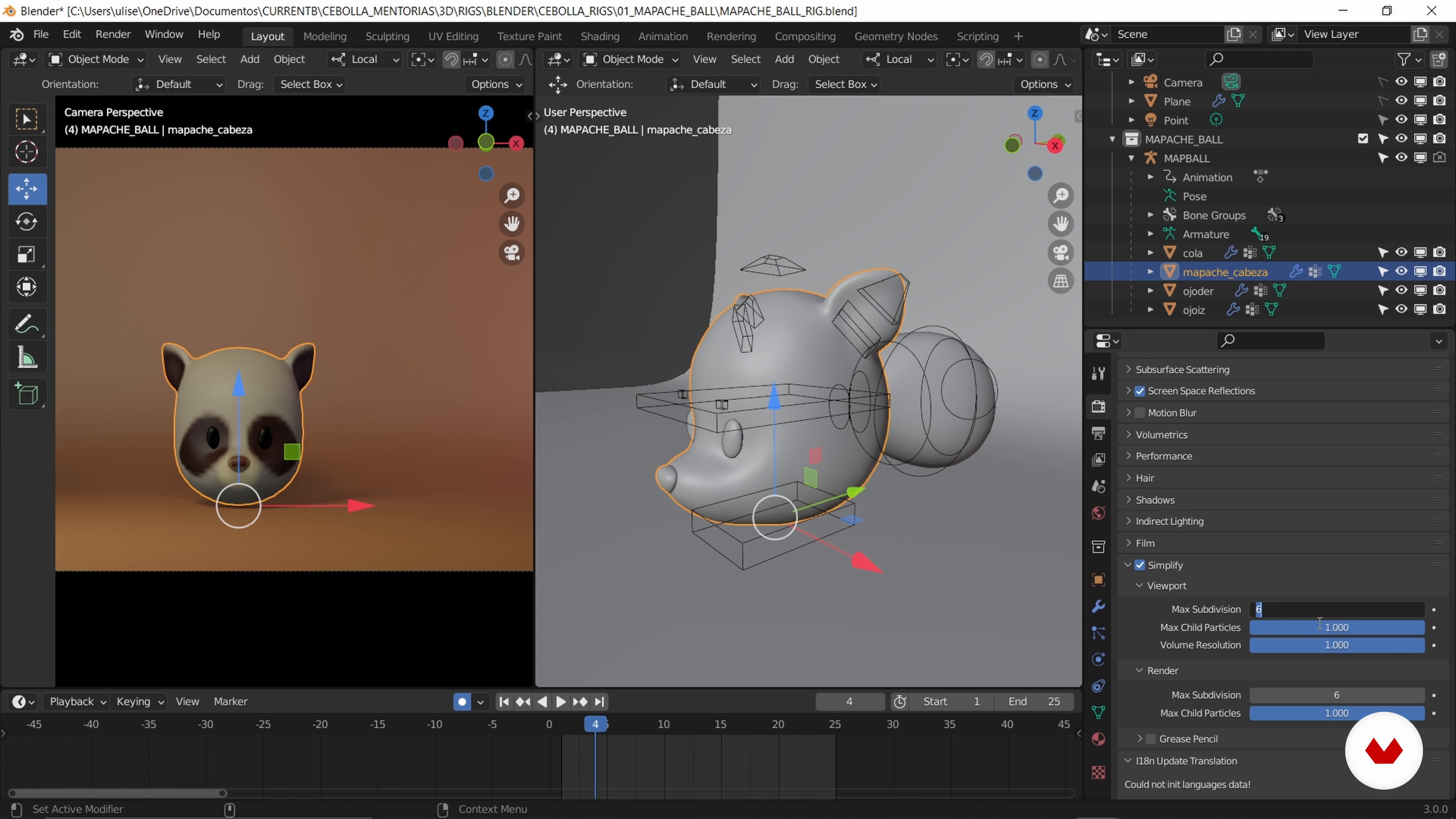
Optimizing our physical and digital world
9 minutes, 44 seconds
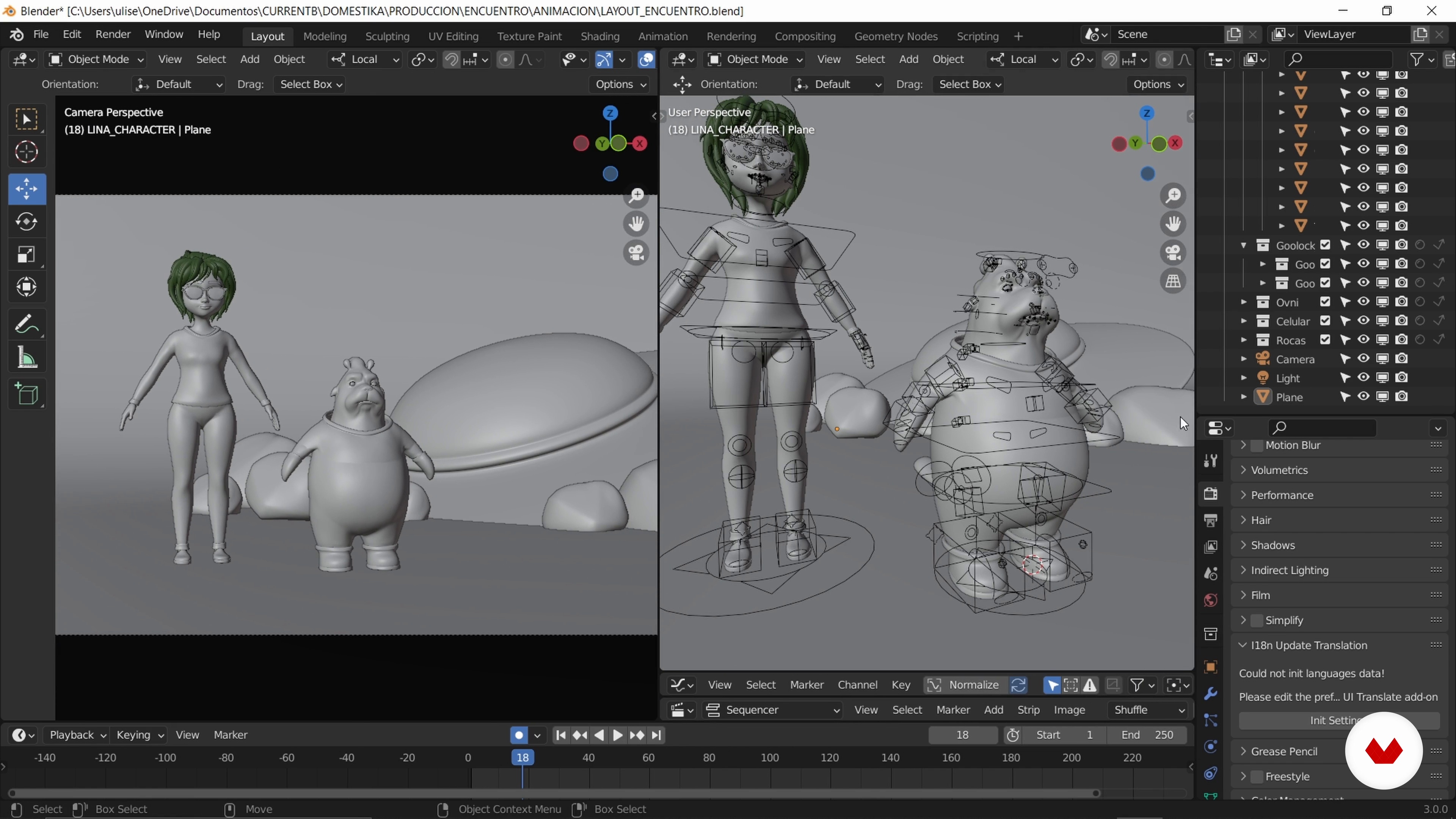
Begining to work
17 minutes, 22 seconds
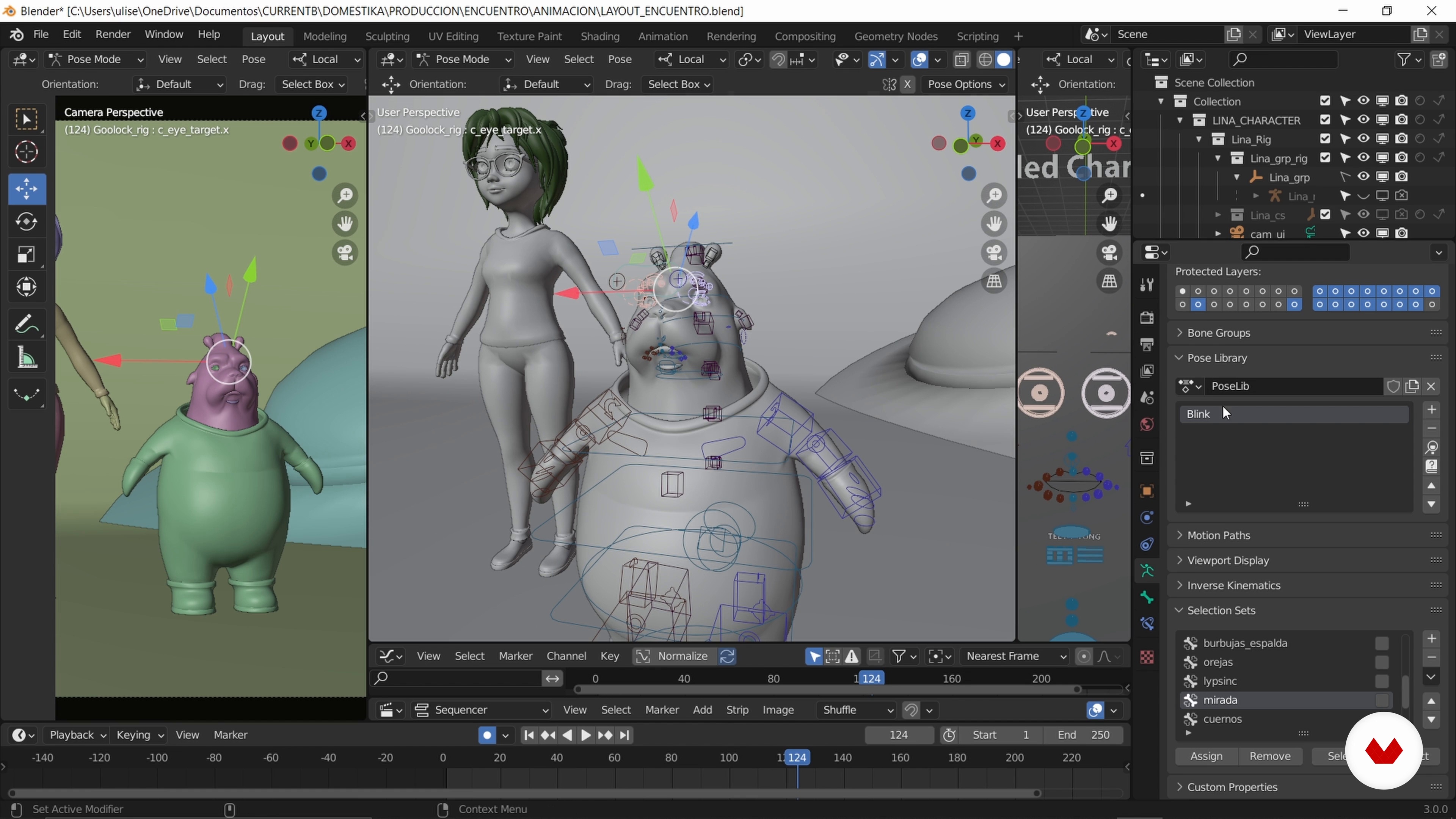
Optimizing rigs
11 minutes, 7 seconds
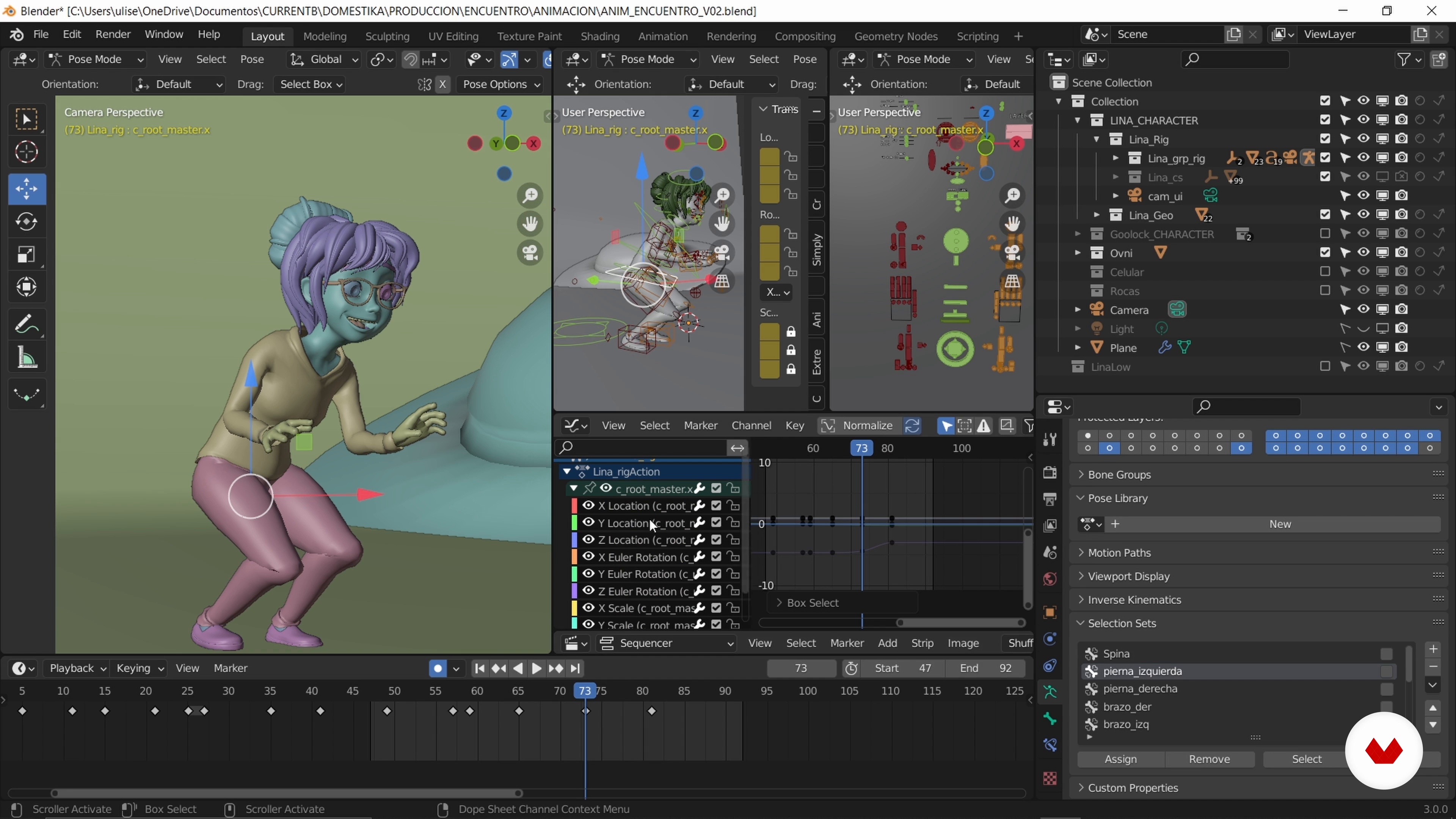
First Pass: Lina Comes to Life 1
17 minutes, 44 seconds
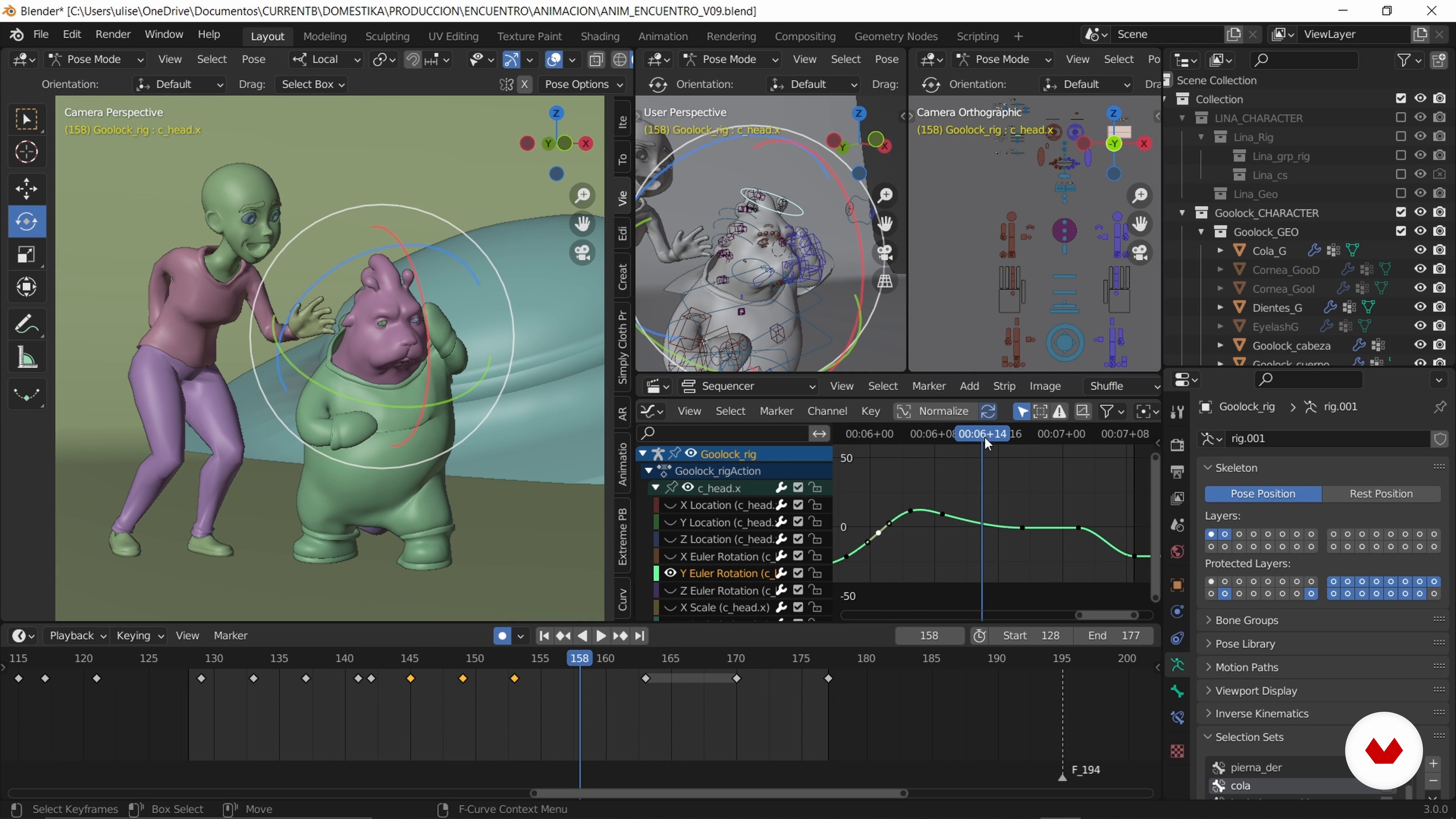
First pass: Goolock softens us 1
20 minutes, 11 seconds
What's included in this course?
Get to know Ulises Cervantes as he tells you about his career, his influences, and the artists that inspire him. He also discusses the most common obstacles people encounter on the road to becoming professional character animators.
Next, learn the basic concepts of cartoon-style animation and start working on your final project, approaching it as if it were a real commission from a studio. Create a storyboard for your animation with a sequence of thumbnails and find out how to structure the timing for the actions in your scene to match the audio. Then, draw your characters in 2D using Blender's Grease Pencil tool.
Now it's time to bring your characters to life in 3D. Explore the rigging process alongside your teacher and see how to work with Splines, paying close attention to both the physical and emotional traits of your characters to ensure their actions are in line with their personality. Discover how to effectively use the graph editor, as well as how to control interactions with constraints and animate secondary movements.
Once you've got a decent take, Ulises shows you how to fine-tune your animation and achieve a more prominent cartoon look. Finally, create a basic lighting set-up for your render and get some tips on how to seamlessly incorporate your animation into the studio's workflow.
Recommended software & tools for this course
What is this course's project?
Create an animated take with 3D characters in Blender, applying the principles of acting.
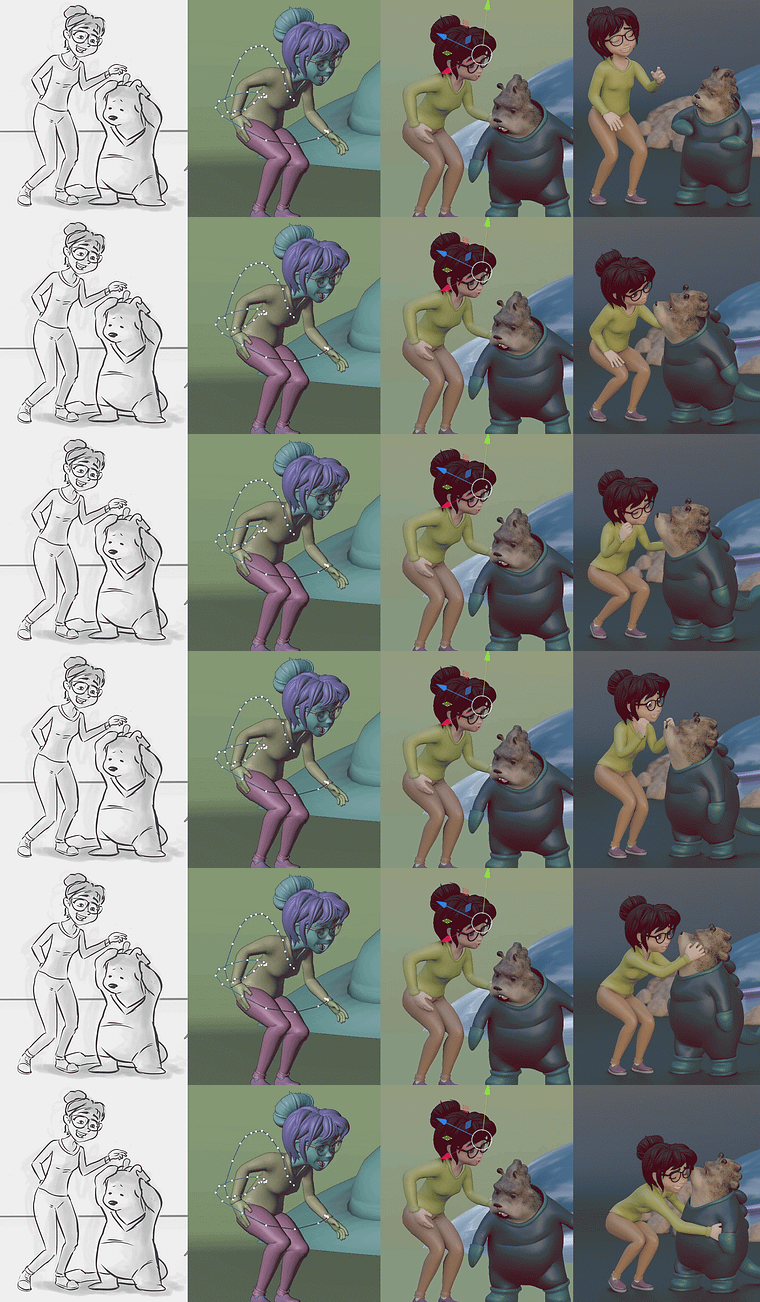
Projects by course students
Who is this online course for?
Anyone interested in streamlining their animation processes, regardless of their style. This course is also ideal for 3D artists who know how to work with Blender on a basic level, as well as artists who use other programs and would like to explore Blender with a simple and easy approach.
Requirements and materials
Basic notions of 3D programs are required to take this course.
In terms of materials, you need:
- a notebook
- a pen or pencil
- a camera or smartphone
- screenshot software
- a media player or video program
- blender 3.0 or later (you can download it for free from the website)
Reviews
- 2 months ago
estuvo interesante al principio pero despues no despues no te explica como hizo para llegar a ese resultado o como hacerlo
- 5 months ago
muy buenoooo
- 6 months ago
exelente forma de aprender
- 8 months ago
No vale la pena, si quieres aprender a animar en blender y con los atajos de teclado de blender como un principiante no te servirá de nada, ya que el profesor utiliza los atajos de maya, y pues explica todo conforme los atajos que tiene el profesor, así que buena suerte intentando ubicarte a la hora de querer hacer las cosas que dice el profesor y de seguirle el ritmo porque llega un momento donde ya no explica nada y solamente edita el video y se brinca a otras partes.
- 8 months ago
Al principio me gustó, pero luego me arrepentí de comprar “Animación de personajes 3D con Blender”. Empieza bien, pero después deja de explicar paso a paso y solo usa rigs ya hechos. No enseña rigging ni animación real.
No lo recomiendo: es pérdida de tiempo y dinero. Con casi 10 mil estudiantes, solo hay 18 proyectos, lo que demuestra que no funciona.

He currently works full-time as a freelance animator and collaborates with the US-based video game studio Secret Location, the Mexican advertising studio Ploop, and the Brazilian production studio Brape.
He also runs his own YouTube channel called Cebolla Skin and teaches online classes.
Content
- U1
Introduction
- Presentation
- Influences
- U2
Create a performance in cartoon style
- The Cartoon Style
- Capture the essence of the characters and the story
- Reference library
- Our thumbnail sequence 1
- Our sequence of thumbnails 2
- 2D animation in Grease Pencil, timing test
- Optimizing our physical and digital world
- U3
Bringing the characters to life
- Begining to work
- Optimizing rigs
- First Pass: Lina Comes to Life 1
- First Pass: Lina Comes to Life 2
- First Pass: Lina Comes to Life 3
- First pass: Goolock softens us 1
- First pass: Goolock softens us 2
- First pass: Goolock softens us 3
- Second pass: Lina and Goolok, consolidating animation 1
- Second pass: Lina and Goolok, consolidating animation 2
- Second pass: Lina and Goolok, consolidating animation 3
- Second pass: Lina and Goolok, consolidating animation 4
- Second pass: Lina and Goolok, consolidating animation 5
- Second pass: connecting the interactions with constraints
- Third pass: polish and child element animation 1
- Third pass: polish and child element animation 2
- U4
Scans, detailed and render
- Detailing process and corrections 1
- Detailing process and corrections 2
- Browse toon options linearly, directly on keys
- Explore non-linear options, using Animation Layers
- Lighting, Render and Pipeline 1
- Lighting, Render and Pipeline 2
- Lighting, Render and Pipeline 3
- FP
Final project
- Animating 3D Cartoon Characters in Blender
What to expect from a Domestika course
Learn at your own pace
Enjoy learning from home without a set schedule and with an easy-to-follow method. You set your own pace.
Learn from the best professionals
Learn valuable methods and techniques explained by top experts in the creative sector.
Meet expert teachers
Each expert teaches what they do best, with clear guidelines, true passion, and professional insight in every lesson.
Certificates
PLUSIf you're a Plus member, get a custom certificate signed by your teacher for every course. Share it on your portfolio, social media, or wherever you like.
Get front-row seats
Videos of the highest quality, so you don't miss a single detail. With unlimited access, you can watch them as many times as you need to perfect your technique.
Share knowledge and ideas
Ask questions, request feedback, or offer solutions. Share your learning experience with other students in the community who are as passionate about creativity as you are.
Connect with a global creative community
The community is home to millions of people from around the world who are curious and passionate about exploring and expressing their creativity.
Watch professionally produced courses
Domestika curates its teacher roster and produces every course in-house to ensure a high-quality online learning experience.
FAQs
You’ll learn how to create, animate, and bring 3D characters to life, mastering expressive posing, timing, lipsync, using references, and tools like Blender, while exploring cartoon styles and optimizing your creative and technical workflow.
This course is aimed at intermediate students; basic knowledge of digital animation and 3D software like Blender or Maya is recommended.
You’ll need a computer with Blender installed, internet access, and basic digital animation skills. A graphics tablet is recommended for sketching and visual references.
The course explores French animation for its artistic approach, originality, and expressiveness, alongside the distinctive elements of cartoon style like exaggeration, contrast, and visual humor.
Blender is primarily used for character creation and animation, along with tools like Grease Pencil for sketching and editing animations.
Yes, the course covers designing and modeling original characters, as well as exploring personality, silhouettes, and action lines for animation.
Yes, the methods and techniques taught align with industry standards, including file organization, efficient workflows, and high-quality 3D production.