Moody Digital Illustration with Procreate
A course by Jim SpendloveIllustrator
A course by Jim Spendlove, Illustrator

Explore composition, line work, color, and overlays to create atmospheric artwork that tells a story
Through a careful combination of digital tools and techniques, you can create captivating artwork that appears attractive at a glance, but also invites the viewer to look deeper. Illustrator Jim Spendlove specializes in creating cover art for digital streaming platforms, vinyl sleeves for labels like Chillhop Music and Lofi Records, and independent artists.
In this online course, he teaches you to tell stories through atmospheric images. Learn how to use the tools of Procreate to craft powerful illustrations through solid compositions and impactful effects. Ready to create evocative artwork on your iPad?
What will you learn in this online course?
16 lessons & 15 downloads
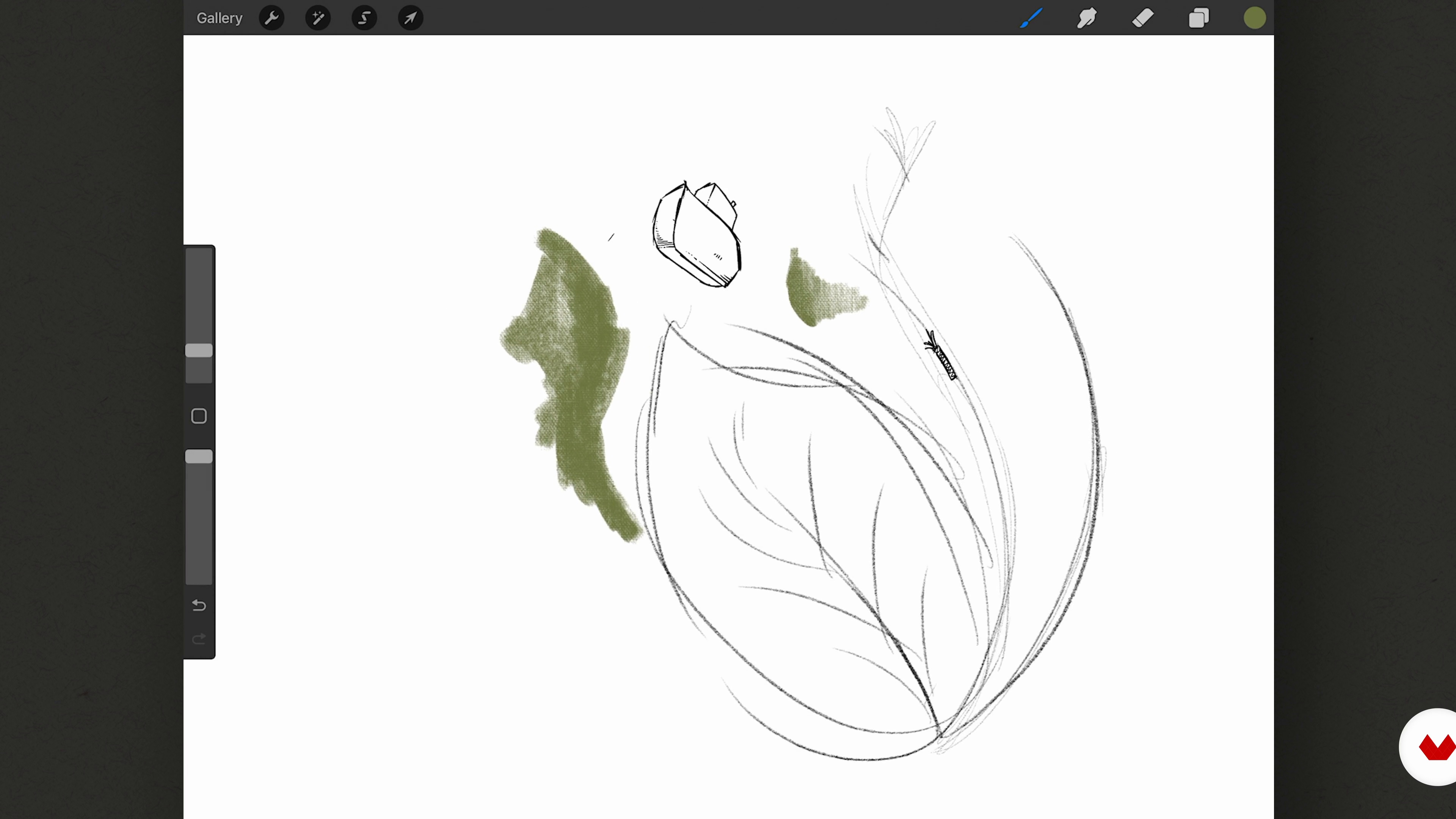
Introducing Procreate
17 minutes, 9 seconds
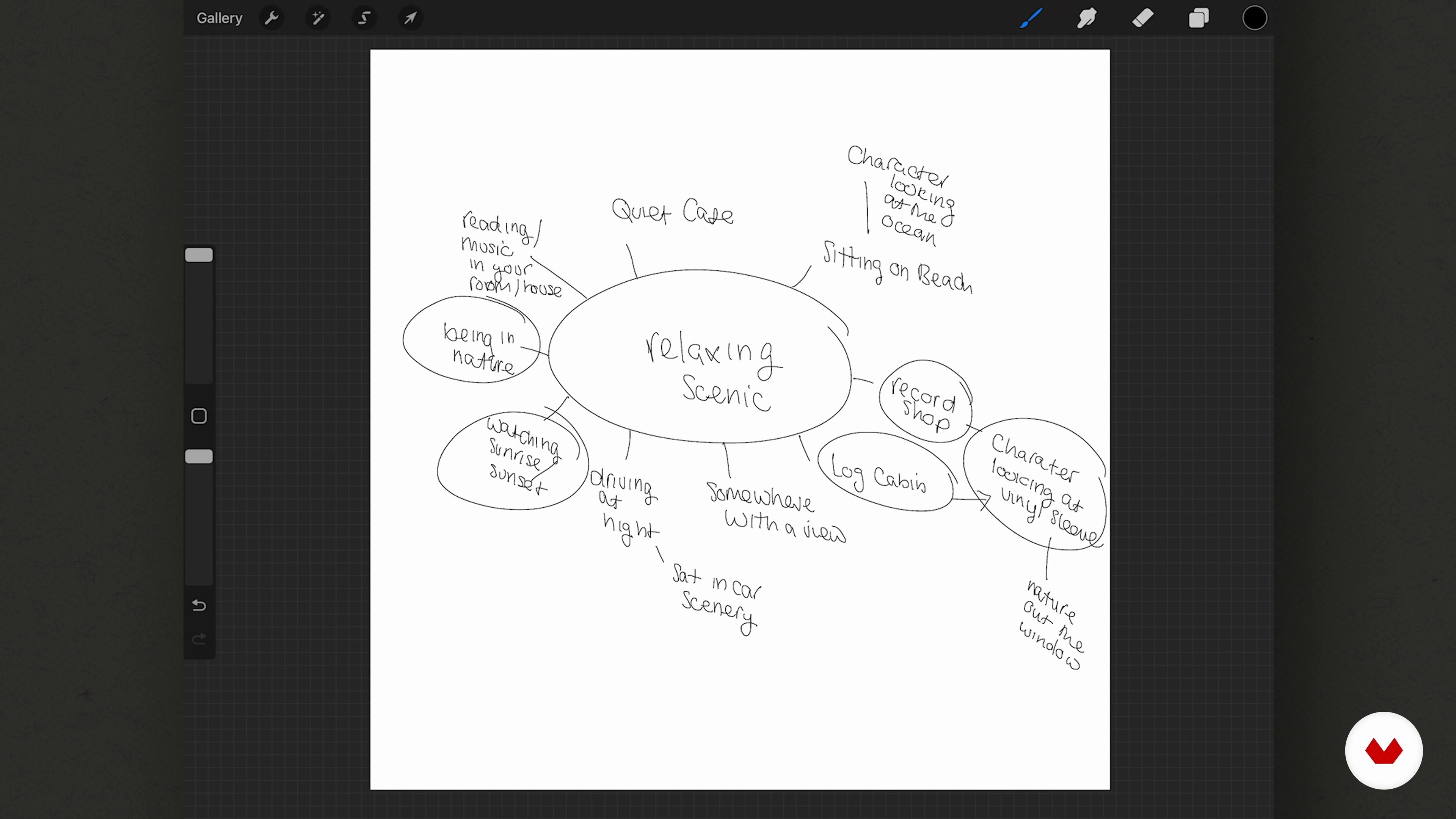
Concept Development
7 minutes, 3 seconds
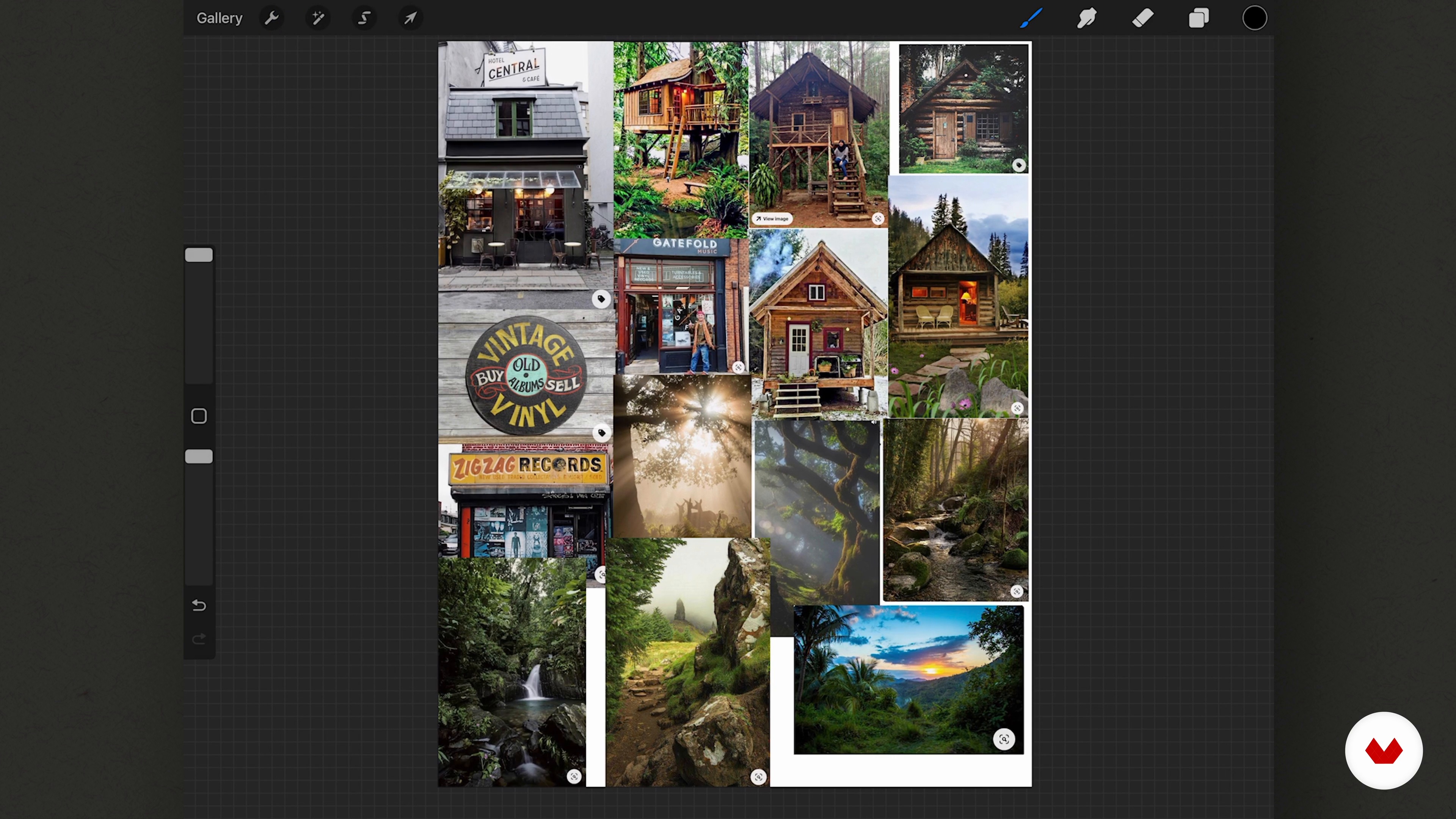
References and Mood Board
4 minutes, 31 seconds
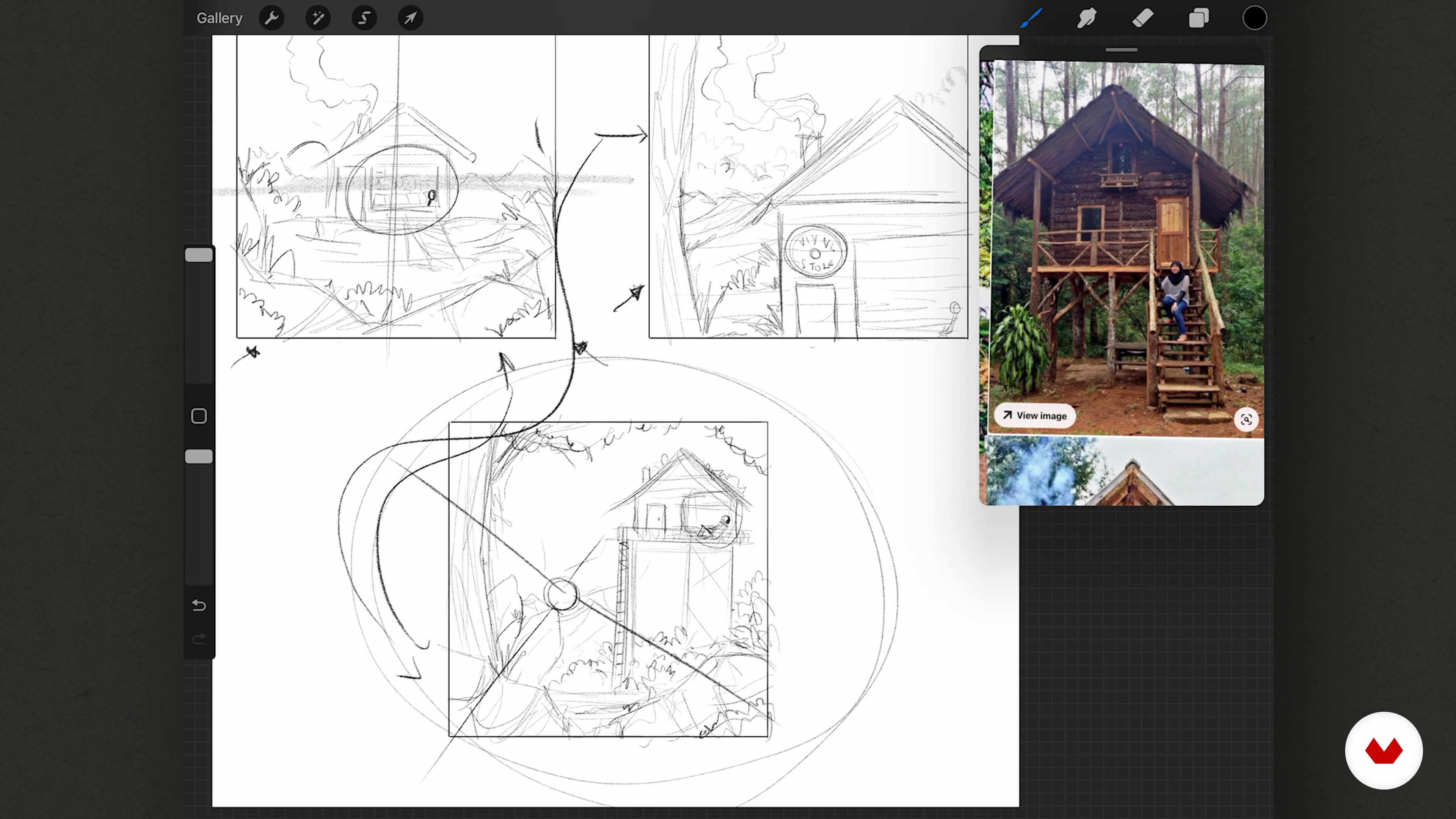
Composition and Thumbnails
13 minutes, 15 seconds
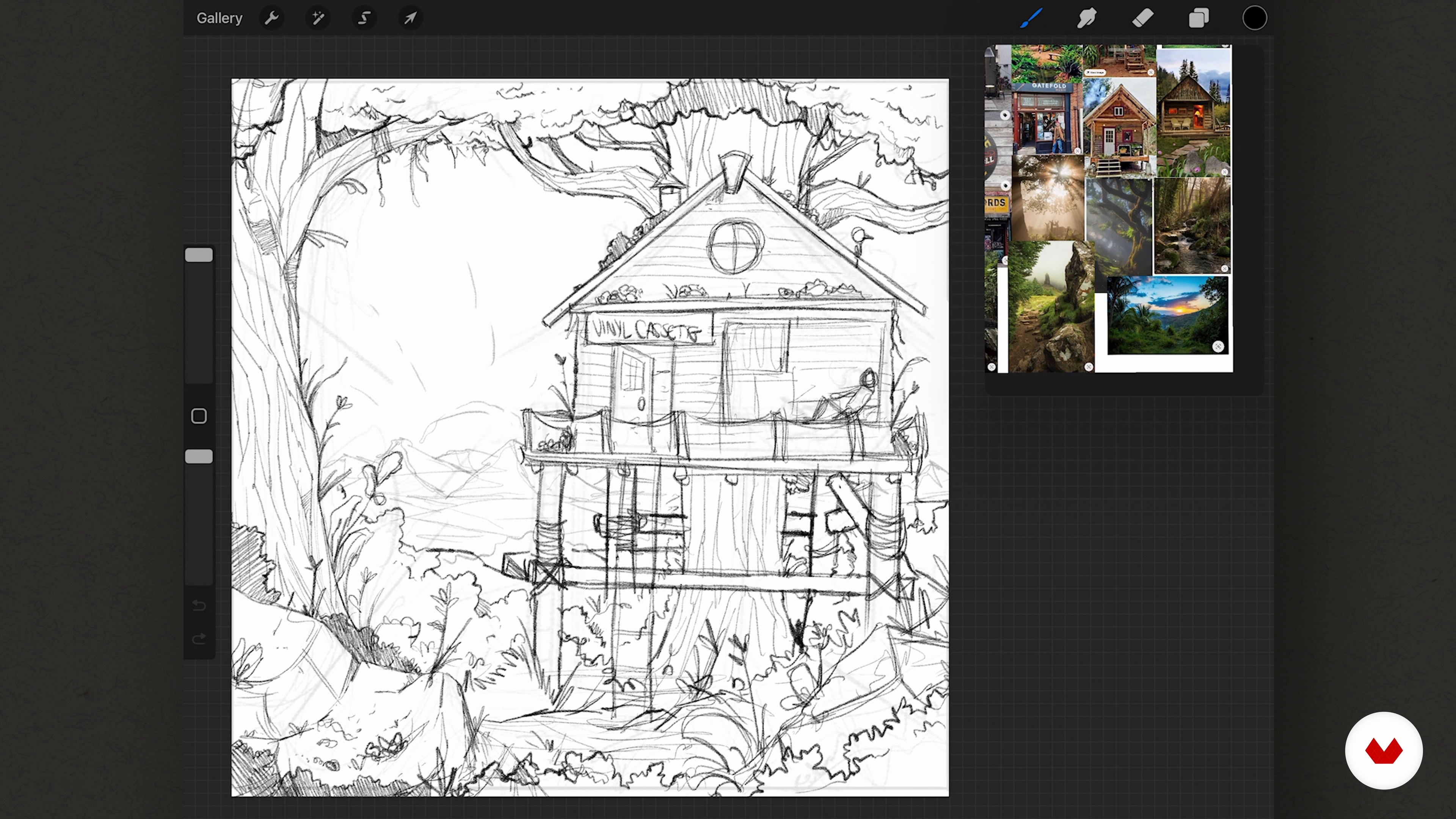
The Initial Sketch 1
13 minutes, 47 seconds
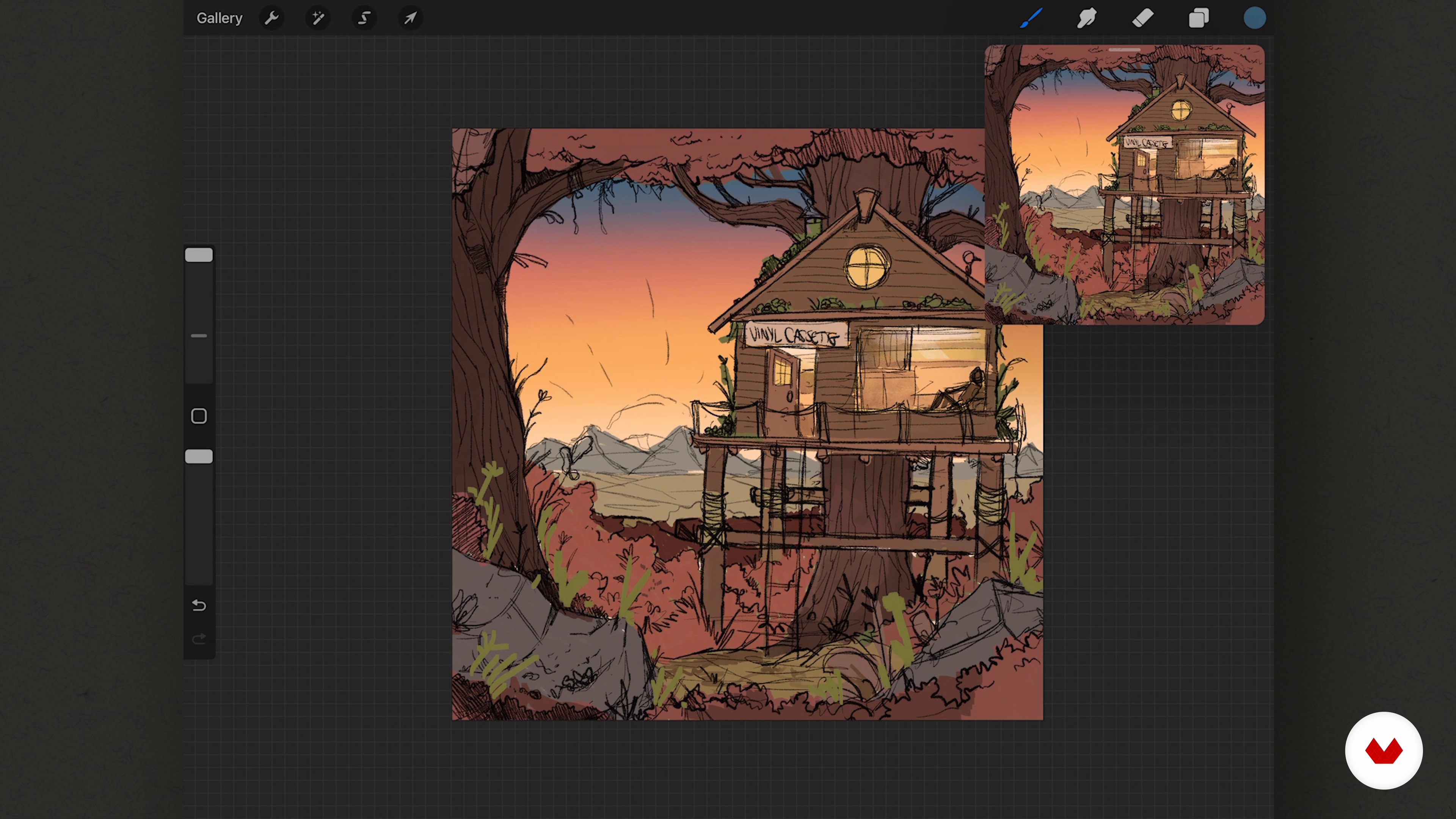
The Initial Sketch 2
13 minutes, 25 seconds
What's included in this course?
Begin the course by getting to know freelance illustrator Jim Spendlove. Discover how he turned his childhood love of drawing into a full-time career, along with the influences that inspire him and the work he creates.
Get an introduction to Procreate and its features. Then see Jim’s process for coming up with a concept for your illustration. Create a mood board of references and use it to draw three thumbnail sketches, experimenting with composition.
Use your favorite sketch as a base to create your initial illustration before developing it into a more refined line drawing. Add color to your work, and incorporate shadow for depth. Then work on the lighting before adding the finishing touches to your drawing.
Learn how to create your own textures for digital illustration. Jim also shows you how to add movement to turn your image into a simple animation. To wrap up the course, he guides you through the process of formatting and exporting the finished project.
Recommended software & tools for this course
What is this course's project?
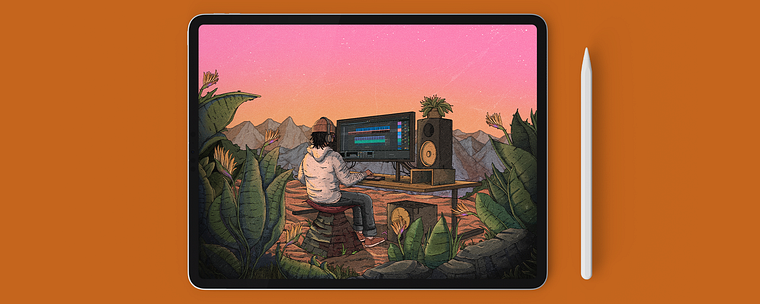
Illustrate a narrative digital illustration in Procreate with the option to turn it into a simple animation.
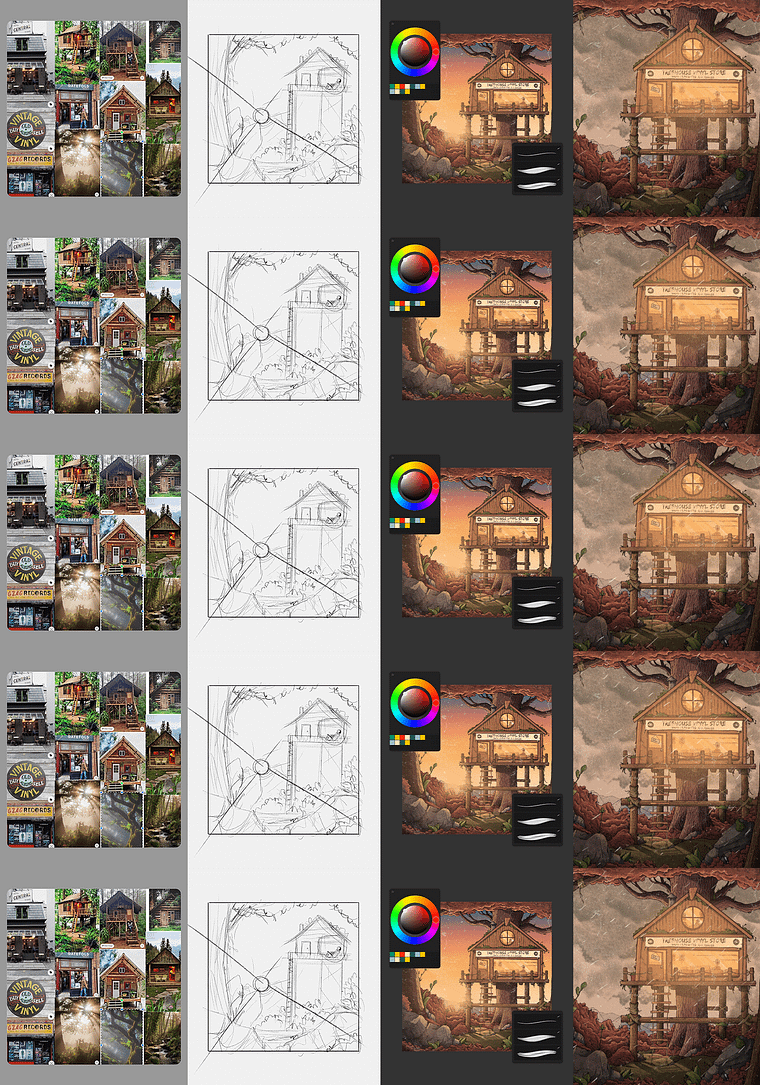
Projects by course students


Who is this online course for?
This course is for anyone interested in creating atmospheric artwork on their iPad.
Requirements and materials
No previous experience is required.
In terms of materials, you will need an iPad with Procreate installed, and an Apple Pencil.
Reviews
- 8 days ago
It's a painting style that I've wanted to do for a long time. It's worth buying this course.
- 8 months ago
Very inspiring course!
- 9 months ago
Great course! The classes flow in a very natural rhythm and the details of Procreate are well explained.
- 1 year ago
Great course and very inspiring style!
- 1 year ago
Me ha gustado muchísimo este curso. Me encanta el estilo de dibujo y los resultados que se pueden conseguir si se siguen los pasos de las lecciones. La técnica de dibujo es más complicada que en otros cursos de ilustración, pero con algo de conocimiento de dibujo se pueden lograr grandes cosas.

Since then, he’s worked for Lofi Records, Chillpop Music, and a number of independent artists. He also creates loop animations for social media and YouTube and sells his work online.
Content
- U1
Introduction
- About Me
- Influences
- U2
Learning the Basics
- Introducing Procreate
- Concept Development
- References and Mood Board
- Composition and Thumbnails
- U3
Creating the Artwork
- The Initial Sketch 1
- The Initial Sketch 2
- The Line Drawing
- Adding Colour
- Adding Shadow
- The Lighting
- The Final Touches
- U4
Going One Step Further
- Creating Texture
- Adding Slight Movement in Procreate
- Formatting and Exporting the Image
- FP
Final project
- Moody Digital Illustration with Procreate
What to expect from a Domestika course
Learn at your own pace
Enjoy learning from home without a set schedule and with an easy-to-follow method. You set your own pace.
Learn from the best professionals
Learn valuable methods and techniques explained by top experts in the creative sector.
Meet expert teachers
Each expert teaches what they do best, with clear guidelines, true passion, and professional insight in every lesson.
Certificates
PLUSIf you're a Plus member, get a custom certificate signed by your teacher for every course. Share it on your portfolio, social media, or wherever you like.
Get front-row seats
Videos of the highest quality, so you don't miss a single detail. With unlimited access, you can watch them as many times as you need to perfect your technique.
Share knowledge and ideas
Ask questions, request feedback, or offer solutions. Share your learning experience with other students in the community who are as passionate about creativity as you are.
Connect with a global creative community
The community is home to millions of people from around the world who are curious and passionate about exploring and expressing their creativity.
Watch professionally produced courses
Domestika curates its teacher roster and produces every course in-house to ensure a high-quality online learning experience.
FAQs
Yes, this course is designed for beginners and covers foundational techniques in digital illustration, including linework, coloring, and composition, using tools like Procreate and Photoshop.
You will need a tablet or iPad with Procreate installed, and access to Photoshop is recommended. A stylus and internet connection are also required for following along with lessons and assignments.
You'll learn digital line drawing, coloring, texture creation, composition, mood board building, portfolio development, and animation basics for music-related artwork using Procreate and Photoshop.
Yes, the course includes dedicated lessons on designing hip hop album covers, setting up canvas sizes for Spotify, and building a strong portfolio for music industry clients.
Most projects are designed for Procreate, including custom brush creation, layer management, and exporting files. Some supplementary content uses Photoshop for additional coloring techniques.
Yes, you'll learn to create looped animations, apply frame-by-frame techniques, and export animated artwork in formats suitable for social media and music projects.
No previous drawing experience is needed. The course starts with basic drawing and illustration techniques, gradually building up to more advanced digital workflows.