3D Design for Commercials with Cinema 4D and Redshift
A course by Linus Zoll3D Artist and Designer
A course by Linus Zoll, 3D Artist and Designer

Unlock the power of 3D animation and create captivating commercials with Cinema 4D and Redshift. Enroll now and bring your ideas to life!
Dive into the captivating world of 3D design with Linus Zoll, a seasoned expert in the advertising industry, who will teach you how to create realistic 3D images using Cinema 4D and Redshift.
From setting up scenes to crafting visually appealing compositions, you will explore every detail to master the art of 3D. You will also learn to work with various materials like glass, plastic, and fabric, and to light your scenes with precision.
Become proficient in design and lighting setup, and gain the ability to transform ideas into photorealistic visualizations, free from physical or budgetary constraints.
What will you learn in this online course?
19 lessons & 13 downloads
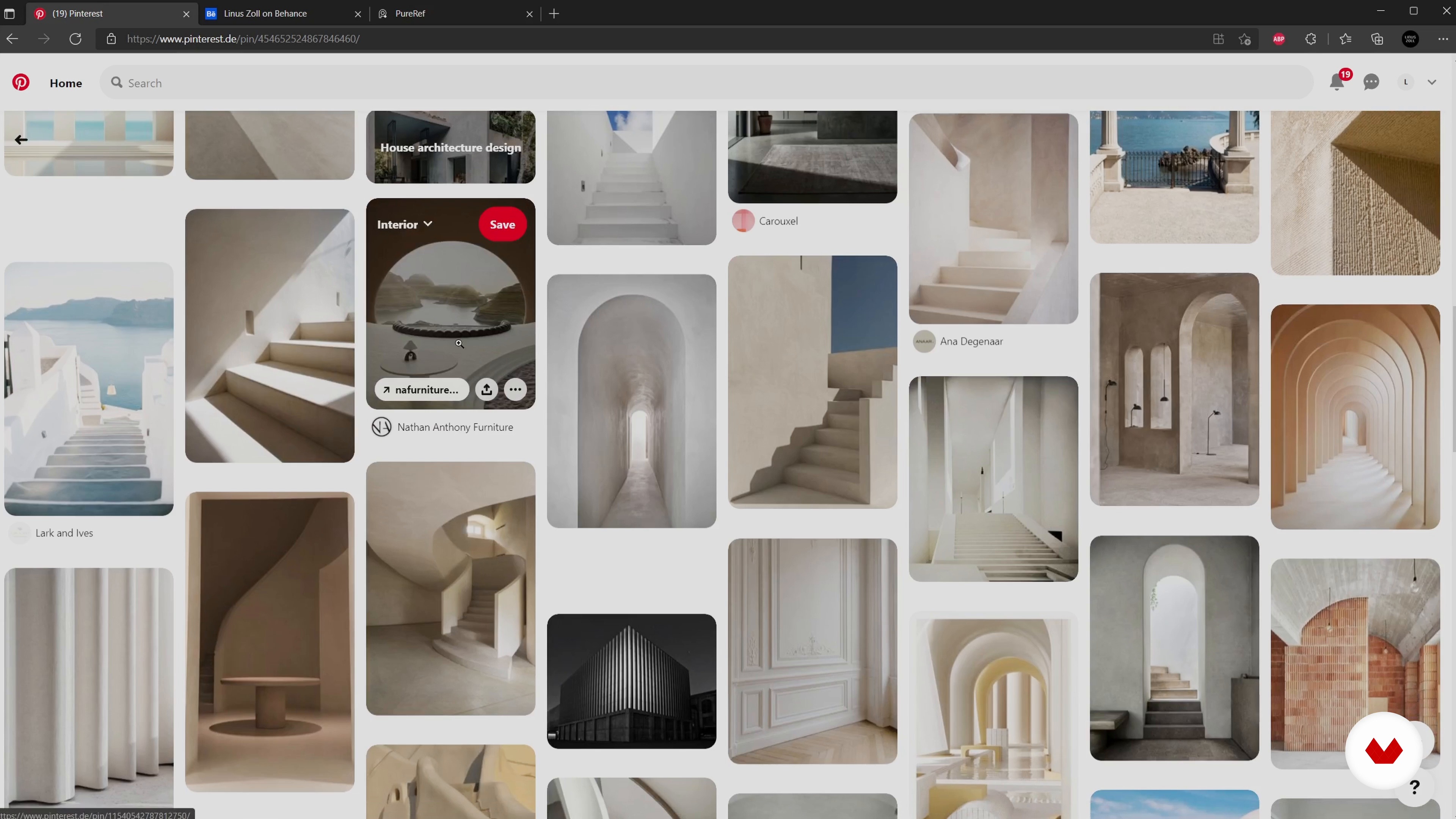
The mood board
8 minutes, 23 seconds
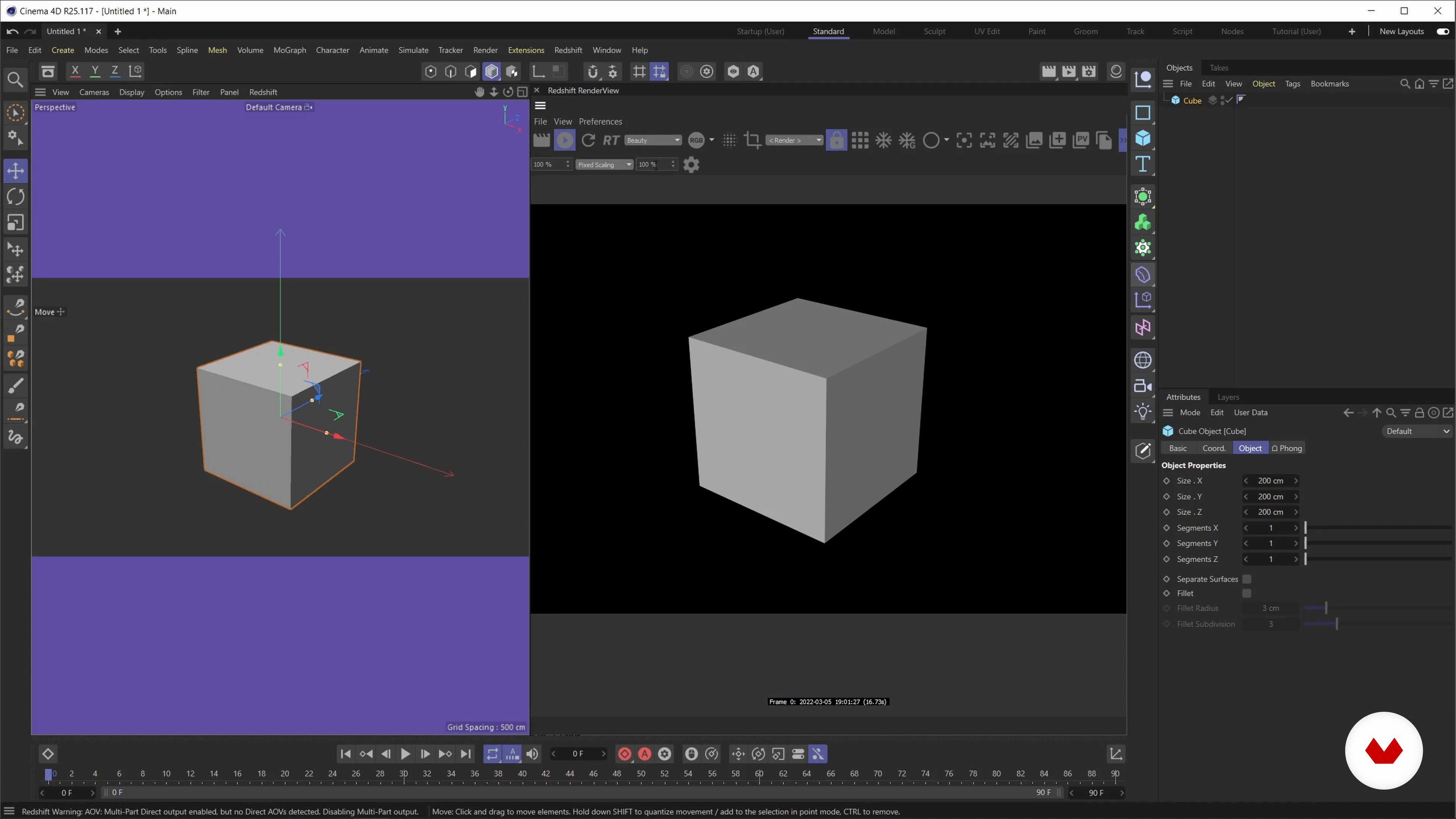
Getting started with Cinema 4D and Redshift
19 minutes, 11 seconds
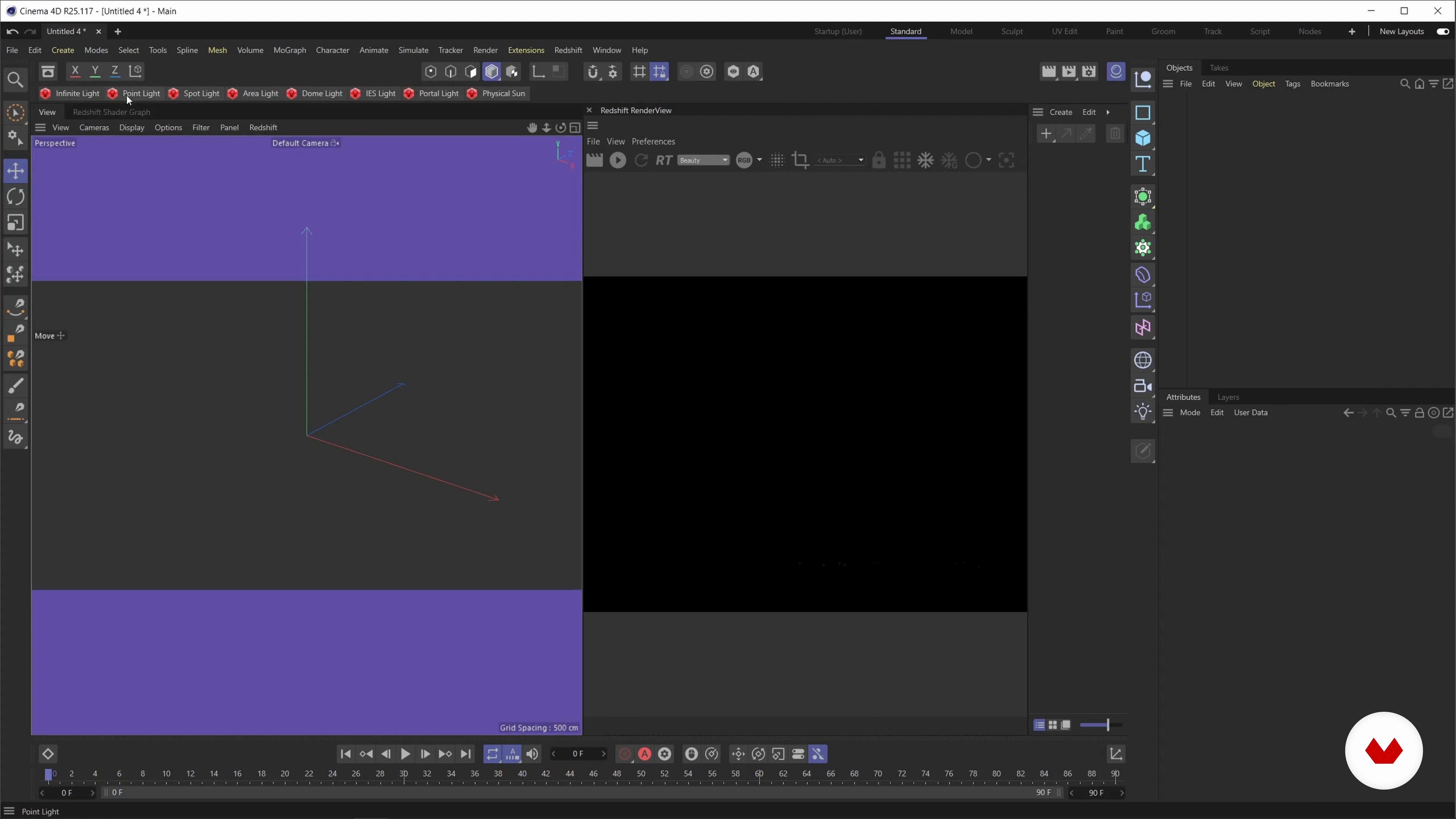
My Cinema 4D Layout
7 minutes, 9 seconds
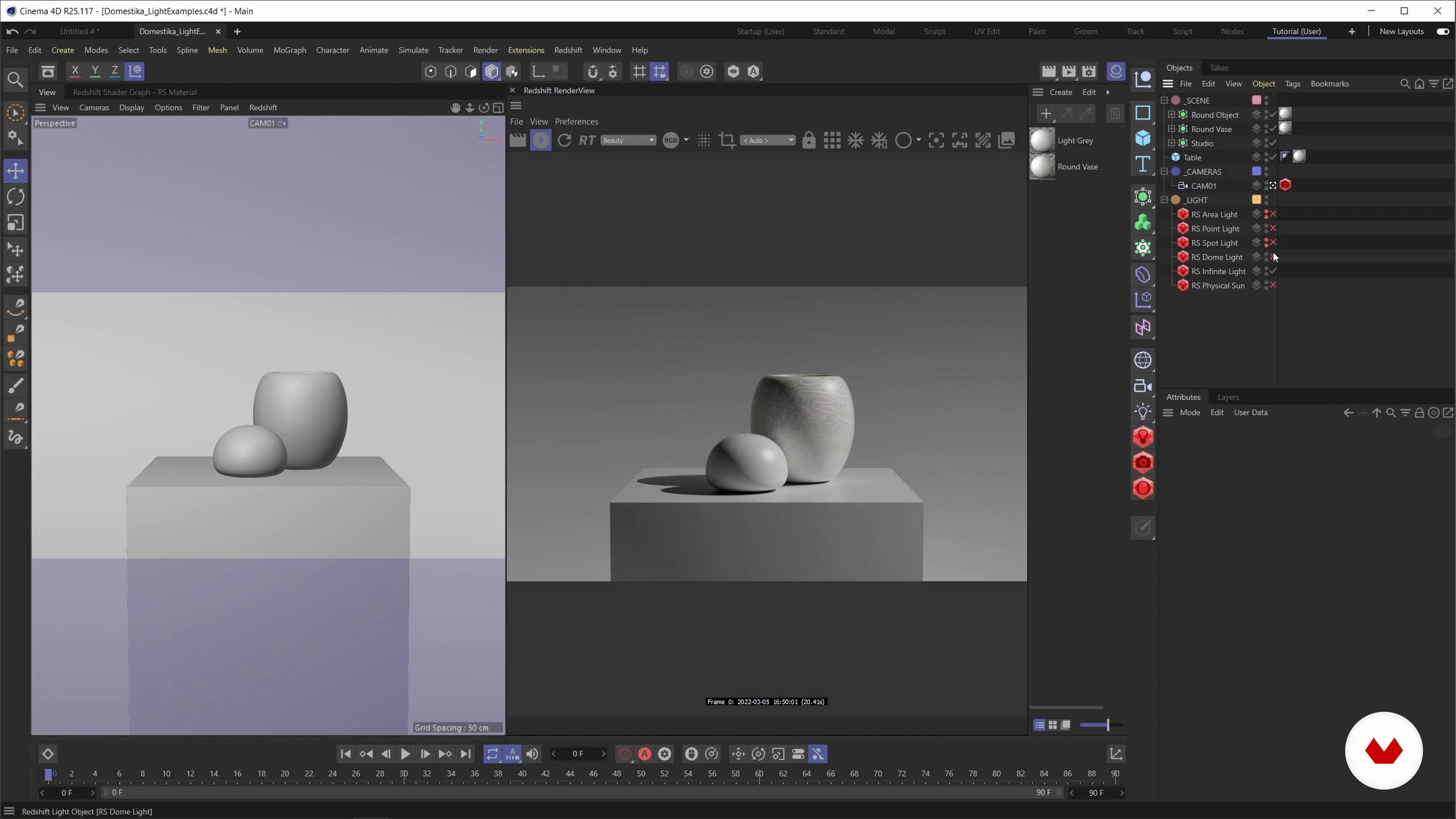
Overview of the lights
14 minutes, 24 seconds
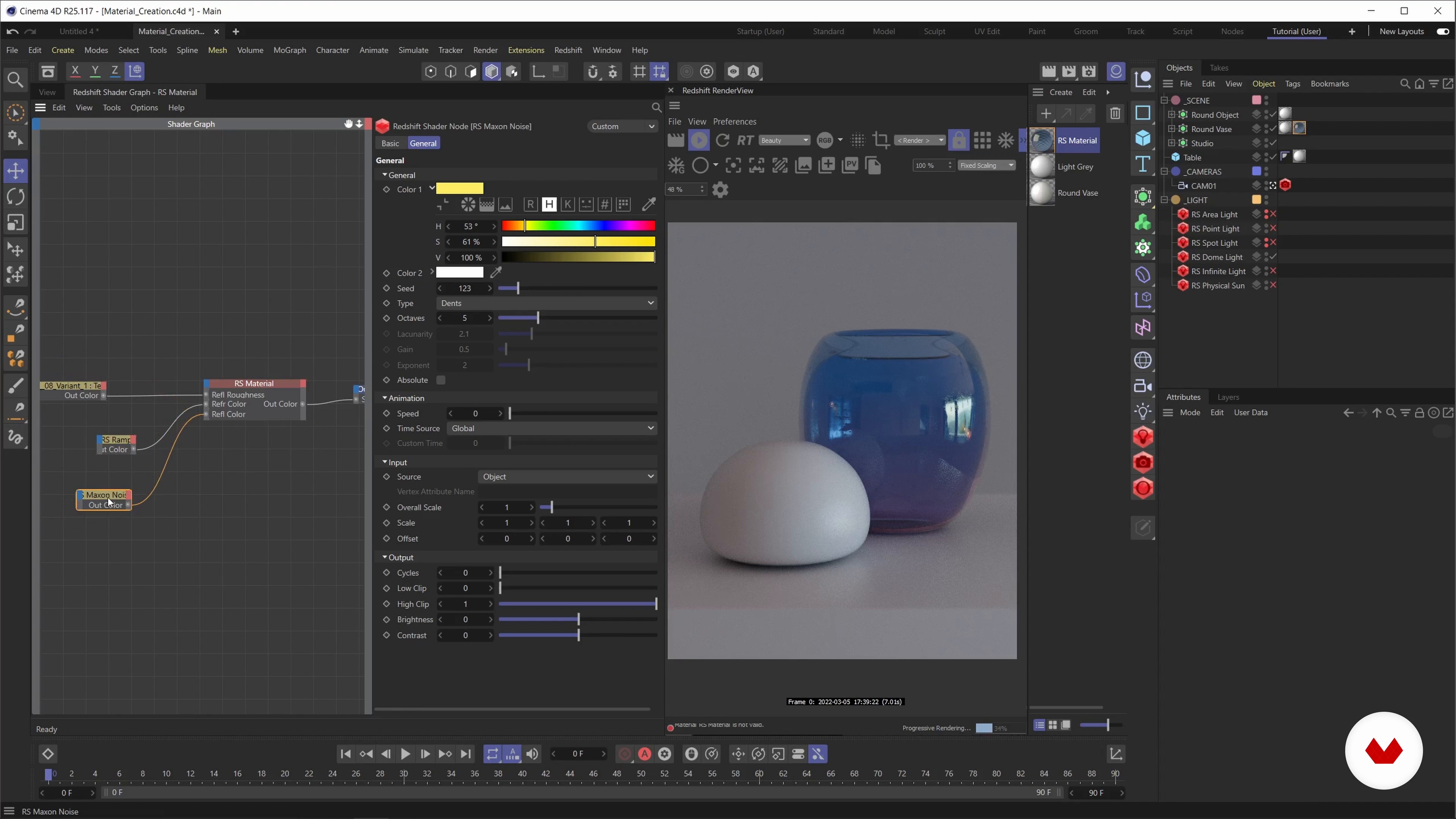
The materials and the node system
15 minutes, 24 seconds
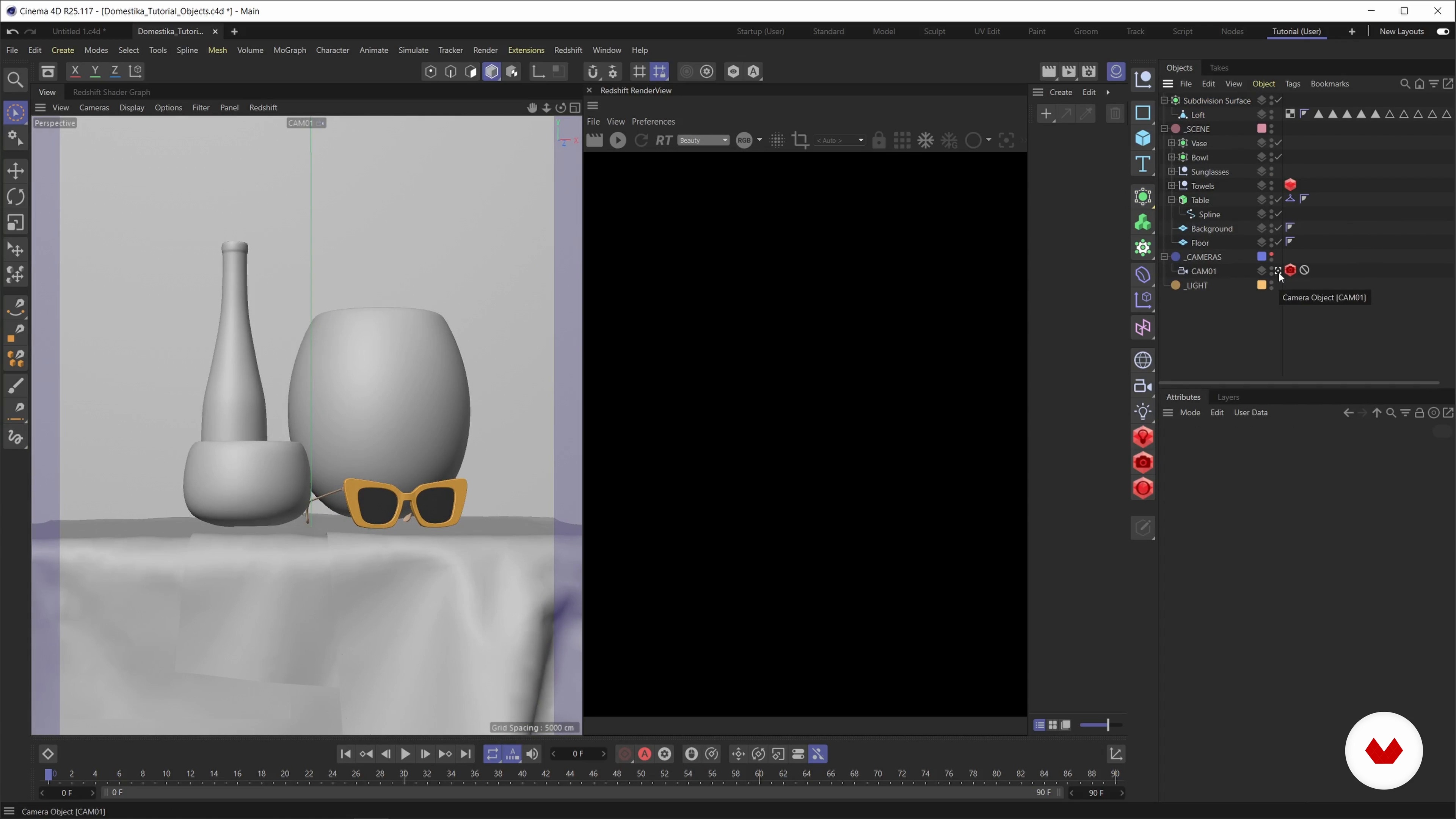
Modelling of objects 1
18 minutes, 6 seconds
What's included in this course?
To start, you'll explore the basic principles of Cinema 4D, getting acquainted with the interface and the tools that form the foundation of all 3D projects.
Next, you'll focus on Redshift, discovering how to use this advanced render engine to create highly realistic materials from scratch. Following that, you'll learn to manipulate different types of lights and apply lighting techniques that enhance the texture and shape of objects in the scene.
Finally, you'll integrate all these elements into a series of practical exercises, allowing you to see how each adjustment affects the final outcome, giving you a deep understanding of rendering techniques.
Recommended software & tools for this course
What is this course's project?
The project involves designing and rendering a 3D still life scene using Redshift for Cinema 4D.
This exercise will let you directly apply the lighting and material techniques you've learned, resulting in a realistic and visually stunning image.

Who is this online course for?
Designed for Cinema 4D users who want to delve deeper into rendering with Redshift.
It is ideal for designers, animators and digital artists looking to improve the visual quality of their projects using advanced lighting and material techniques.
Requirements and materials
It is essential to have basic knowledge of Cinema 4D and have the software installed. Additionally, you will need to have access to Redshift and the PureRef program for visual reference management. This course is using Cinema 4Ds Shader Graph for material creation and not the new Node Editor that was introduced in 2022.
Reviews
- 10 months ago
Good course
- 1 year ago
Buen curso
- 1 year ago
I loved this course! Linus is a great teacher, patient, knowledgeable and great at what he does, I would highly recommend this course to anyone wanting to learn C4D and Redshift! ⭐️⭐️⭐️⭐️⭐️
- 2 years ago
De mucha ayuda lo que se comparte para mejorar el flujo de trabajo en Redshift.
- 2 years ago
Moin, ein schöner Kurs um in das Thema Materialien reinzukommen. Ich arbeite schon etliche Jahre mit 3D und dieser Kurs ist eher für Anfänger, das hat leider nichts mit Fortgeschritten zutun.

He has collaborated with major 3D studios and global brands such as Microsoft, Google, eBay, and Versace. Throughout his career, he has worked with renowned studios like NotReal, Buck, and Tendril, creating impactful visual projects.
Linus has shared his expertise in presentations for Autodesk in Berlin and Las Vegas, and has conducted a livestream with Adobe, establishing himself as an influential figure in the 3D design world.
Content
- U1
introduction
- About me
- Inspirations
- U2
Light, shadows and textures
- The mood board
- Getting started with Cinema 4D and Redshift
- My Cinema 4D Layout
- Overview of the lights
- The materials and the node system
- U3
production
- Modelling of objects 1
- Modelling of objects 2
- Modelling of objects 3
- The still life scene
- Overview of assets
- The light settings
- The materials 1
- The materials 2
- The materials 3
- U4
Postproduction
- Fine-tuning and rendering
- Additional materials 1
- Additional materials 2
- FP
Final project
- Lighting in 3D with Cinema 4D and Redshift
What to expect from a Domestika course
Learn at your own pace
Enjoy learning from home without a set schedule and with an easy-to-follow method. You set your own pace.
Learn from the best professionals
Learn valuable methods and techniques explained by top experts in the creative sector.
Meet expert teachers
Each expert teaches what they do best, with clear guidelines, true passion, and professional insight in every lesson.
Certificates
PLUSIf you're a Plus member, get a custom certificate signed by your teacher for every course. Share it on your portfolio, social media, or wherever you like.
Get front-row seats
Videos of the highest quality, so you don't miss a single detail. With unlimited access, you can watch them as many times as you need to perfect your technique.
Share knowledge and ideas
Ask questions, request feedback, or offer solutions. Share your learning experience with other students in the community who are as passionate about creativity as you are.
Connect with a global creative community
The community is home to millions of people from around the world who are curious and passionate about exploring and expressing their creativity.
Watch professionally produced courses
Domestika curates its teacher roster and produces every course in-house to ensure a high-quality online learning experience.
FAQs
This course is aimed at users with basic knowledge of 3D design or Cinema 4D. Prior experience with Redshift is helpful but not mandatory. Beginners should first familiarize themselves with Cinema 4D fundamentals.
You’ll learn how to create photorealistic interiors, still lifes, and abstract renderings using targeted lighting and realistic materials in Cinema 4D and Redshift.
You’ll need Cinema 4D and a compatible NVIDIA graphics card for Redshift. Check Redshift’s current system requirements, as a powerful GPU is recommended for smooth performance.
The course walks you through installing Redshift step-by-step, including integrating it into Cinema 4D, activating the render engine, and customizing your workspace.
Redshift is a powerful GPU-based render engine for Cinema 4D that delivers fast, photorealistic results. It offers advanced material and lighting features for professional 3D projects.
You’ll learn how to create materials in Redshift, set up light sources, and use references to enhance the realism of your renderings for convincing photorealistic effects.
The course covers area lights, point lights, spotlights, dome lights with HDRI, and physical sun. You’ll discover how different light types affect mood, shadows, and material appearance.