Video Editing with Premiere Pro: Tell Engaging Stories
A course by Gonzalo Gallardo IvanovićAdvertising Art Director and Audiovisual Editor
A course by Gonzalo Gallardo Ivanović, Advertising Art Director and Audiovisual Editor

Explore the narrative possibilities of video editing to tell unforgettable stories through montage and post-production
As an art director, Gonzalo Gallardo is inspired by the power of communication, aesthetics, and storytelling, and the impact these elements have on viewers. For him, it's just a matter of achieving great editing to convey fascinating and addictive messages.
Gonzalo has collaborated with brands such as Samsung, Unimarc, and Loto, and has received important awards, such as Cannes Lions, El Ojo de Iberoamérica, and FIAP. In this online course, learn how to tell a story through the editing of a commercial audiovisual piece with Premiere Pro or similar software.
What will you learn in this online course?
16 lessons & 20 downloads
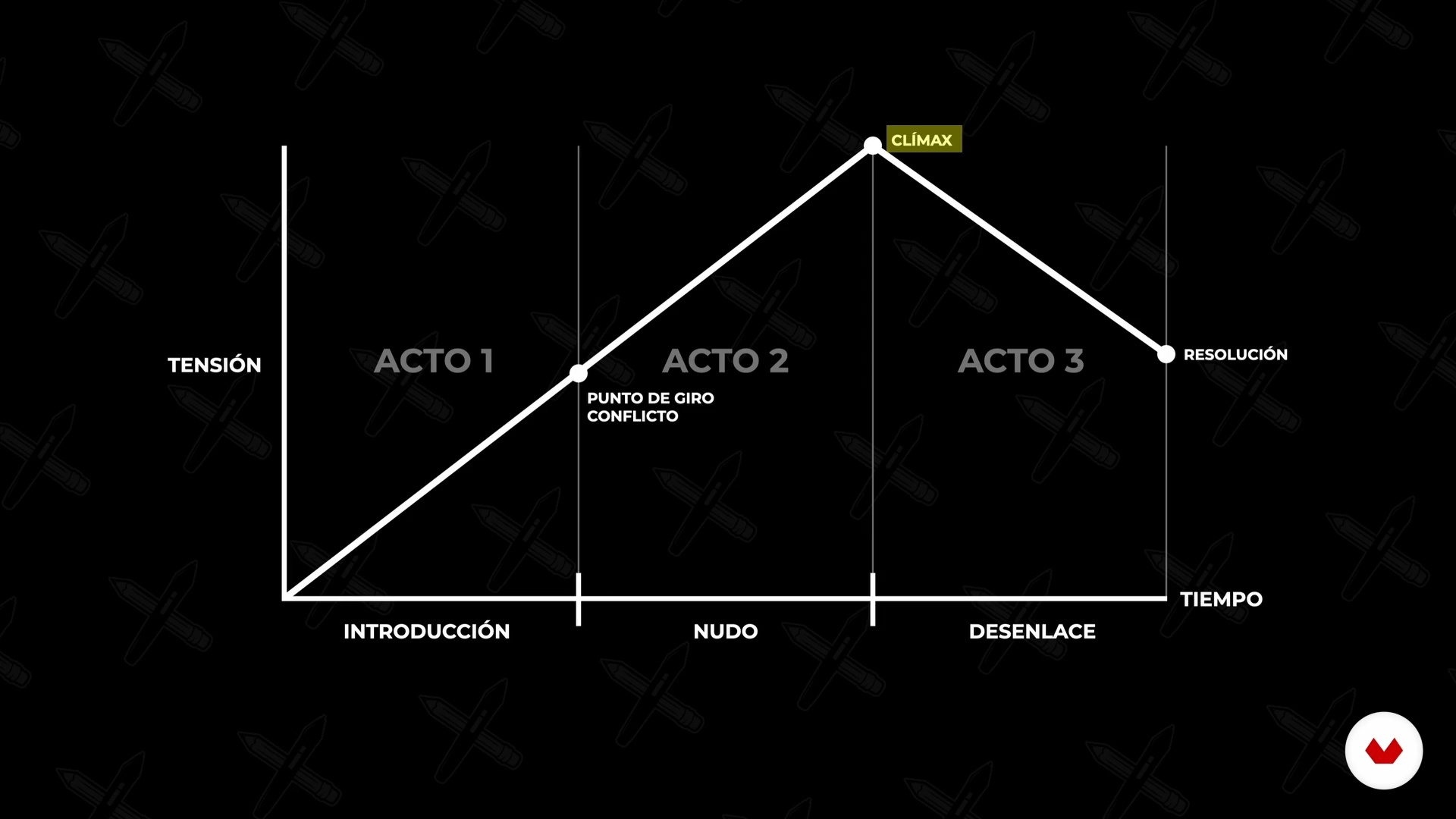
The Story: Script and Story
7 minutes, 22 seconds
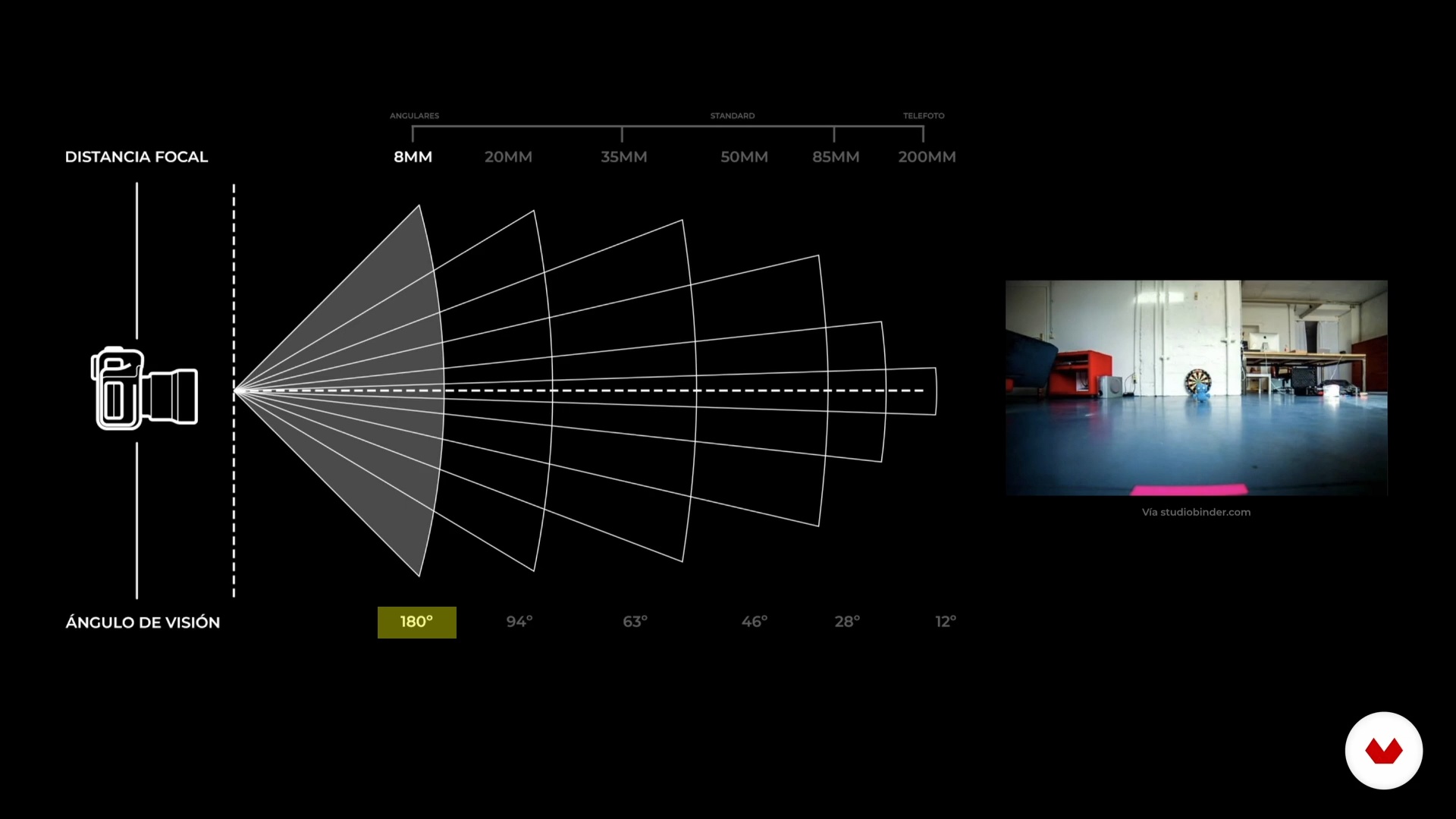
Visual Forms: The Image
11 minutes, 20 seconds
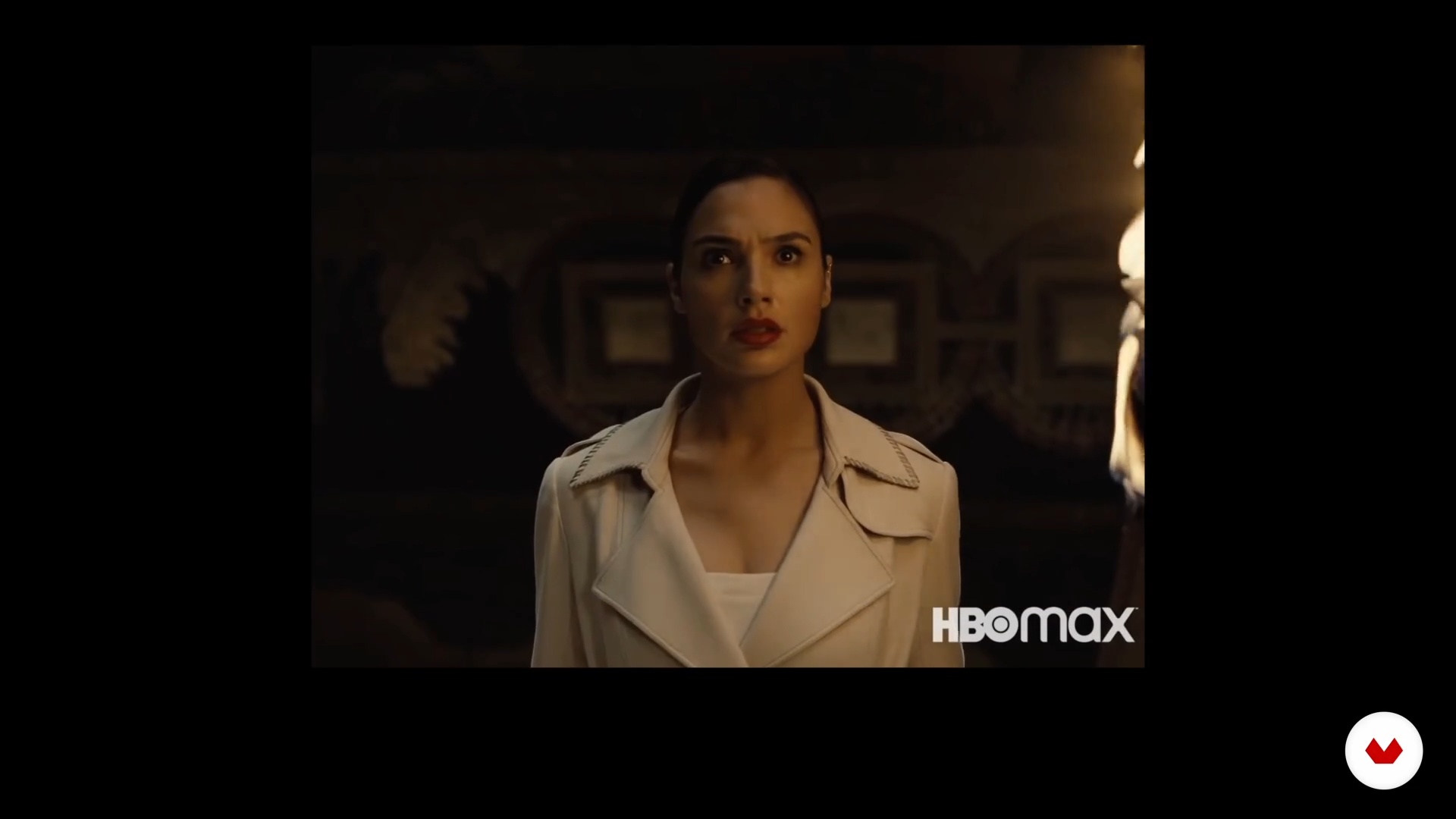
Audiovisual Production
20 minutes, 6 seconds
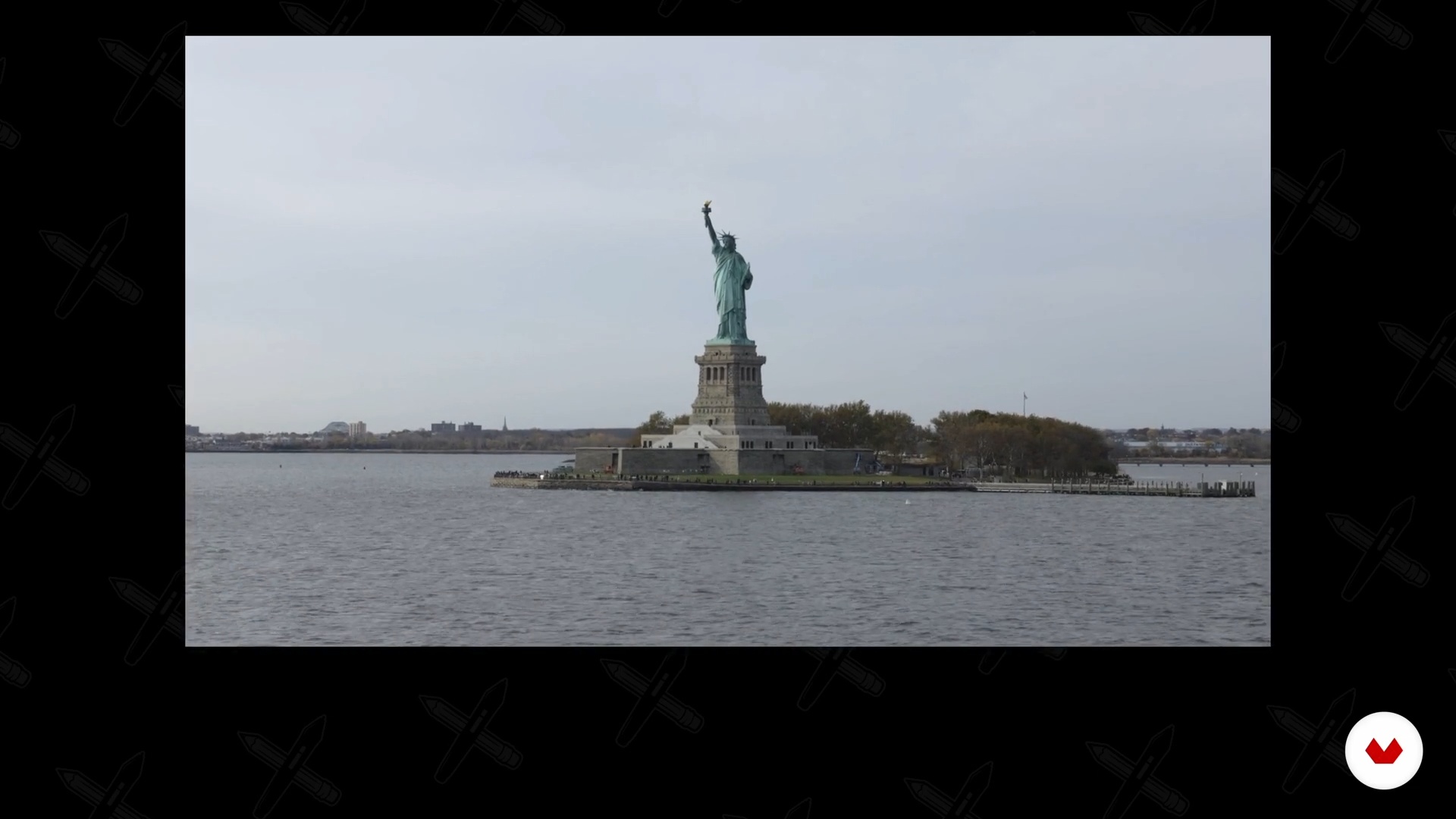
Technical Considerations on Video Material
8 minutes, 49 seconds
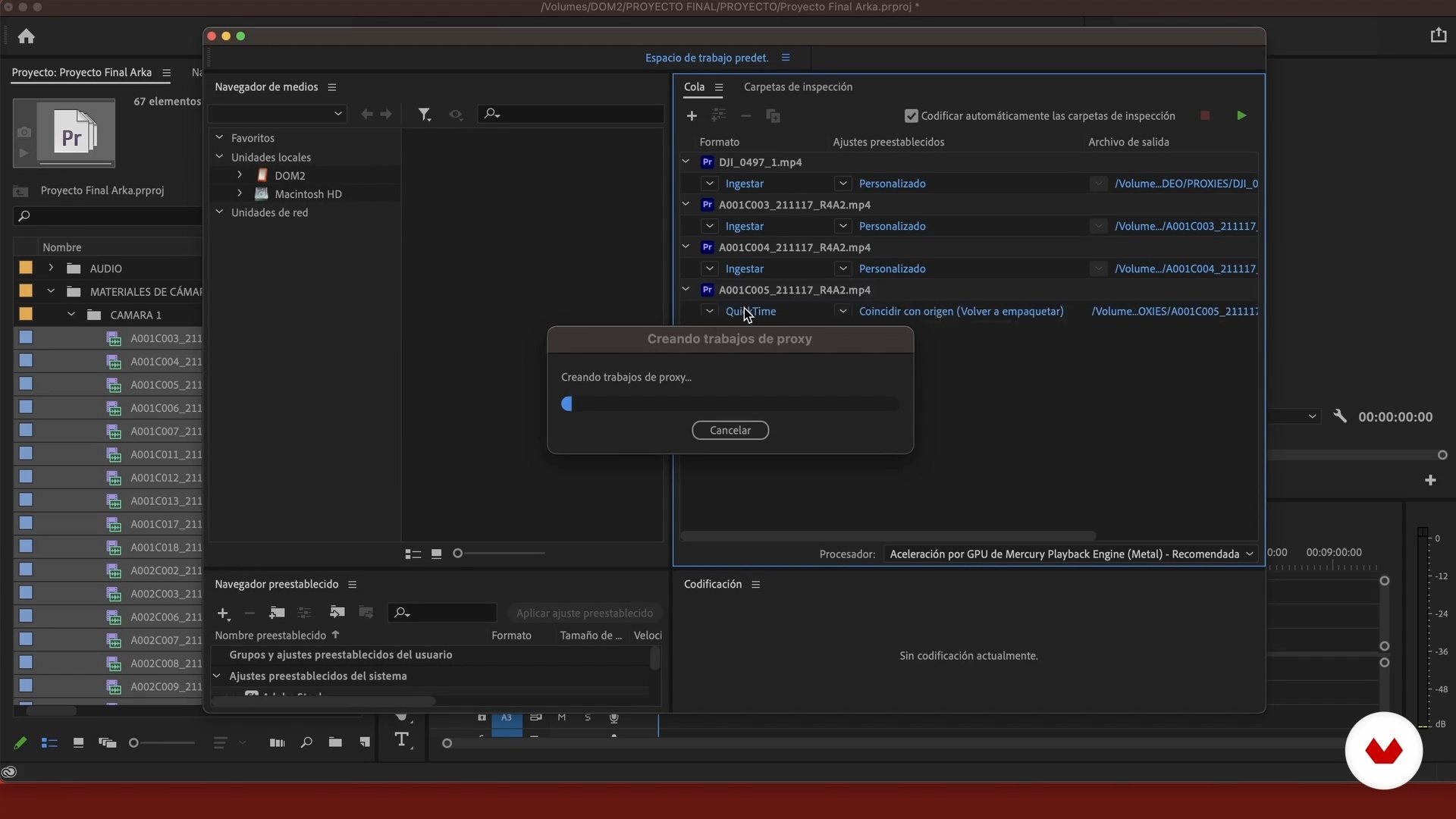
The Organization
12 minutes, 5 seconds
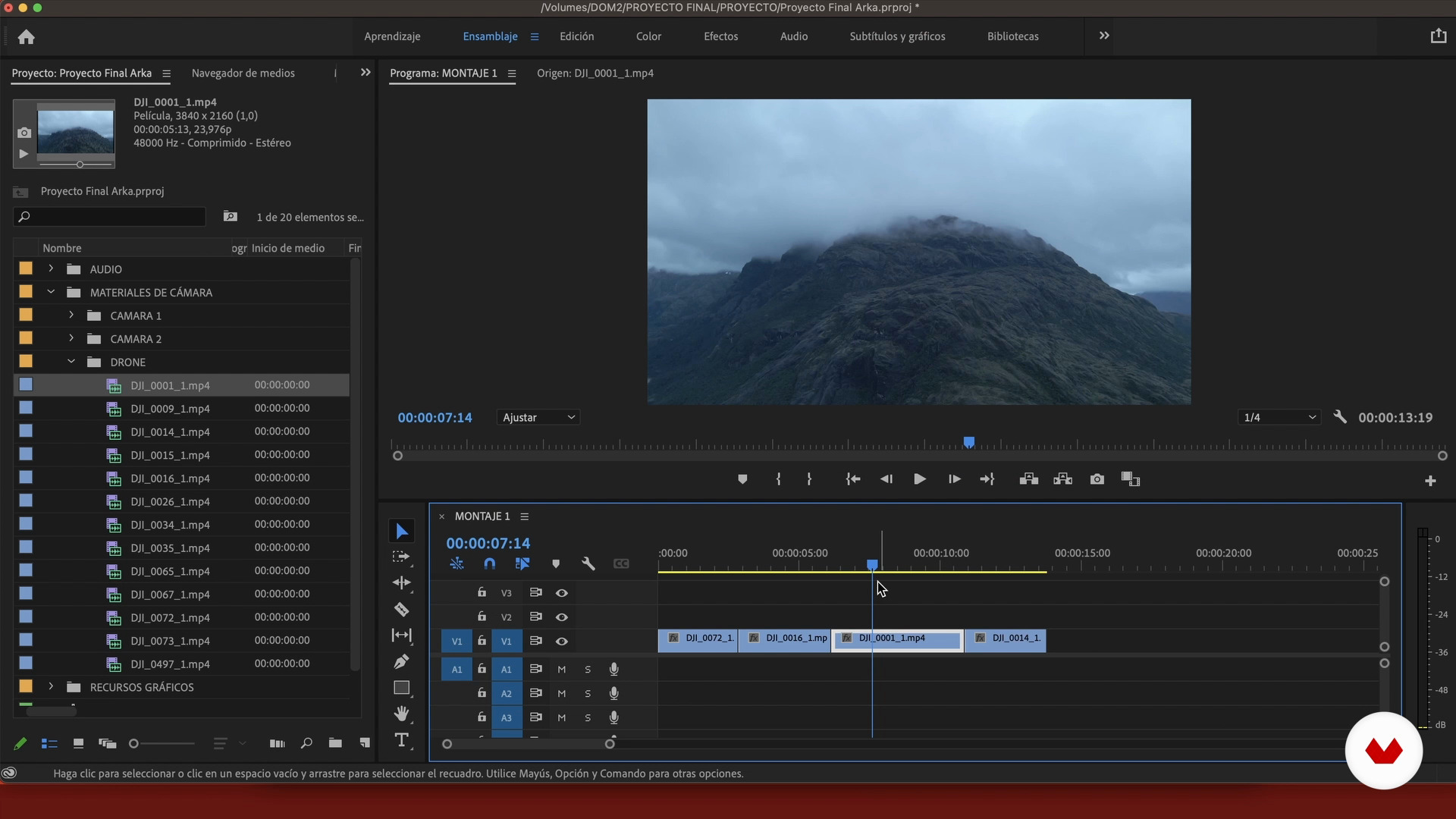
The Assembly of the First Cut 1
16 minutes, 33 seconds
What's included in this course?
In the first unit your teacher, Gonzalo Gallardo, tells you about his life, his work, and his influences.
Before you start editing, you need a story to tell, so you understand the concepts of story and script. You also get introduced to image and audiovisual production and the technical aspects of video material.
Working in an organized way helps you perform better and faster, so you see how to organise files, footage, and resources, and streamline processes. With the clips available and the story in order, begin to modify the first cut, apply transitions and effects, and in a second edit, add music and voiceover.
Finally, color correct the shots to give intention to your piece, add sounds for more depth, and export your project in the best quality for different media such as YouTube, Facebook, Instagram, or even TV channels.
Recommended software & tools for this course
What is this course's project?
Make a video commercial with a story that conveys a clear and persuasive message.
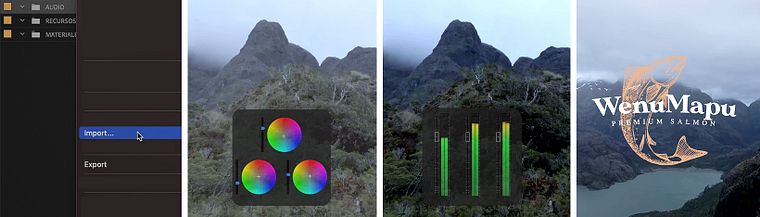
Projects by course students

Who is this online course for?
Anyone who wants to enter the world of video and audiovisual narrative.
Requirements and materials
You need a computer with Adobe Premiere Pro, or any other similar programme, installed and a basic knowledge of the programme.
Reviews
- 5 months ago
Es muy interesante
- 5 months ago
Es muy interesante, breve y barato. Lo recomiendo mucho
- 5 months ago
Bastante interessante e com algumas dicas boas.
- 7 months ago
Un curso muy completo, el contenido refleja el grado de calidad profesional, pero adaptado para que los que sabemos poco y nada nos podamos capacitar adecuadamente.
- 1 year ago
Muy buen curso, lo recomiendo

He is an Adobe Certified Associate in Visual Communication in Adobe Premiere Pro, and works both as a creative in agencies and as a freelance with specific clients.
Content
- U1
Introduction
- Presentation
- Influences
- U2
The Preparation
- The Story: Script and Story
- Visual Forms: The Image
- Audiovisual Production
- Technical Considerations on Video Material
- U3
Editing and Postproduction
- The Organization
- The Assembly of the First Cut 1
- The Assembly of the First Cut 2
- The Assembly of the First Cut 3
- Transitions
- The Assembly of the Second Cut 1
- The Assembly of the Second Cut 2
- U4
The Completion of the Assembly
- Color and Effects
- The Final Sound
- Export
- FP
Final project
- Video Editing with Premiere Pro: Tell Engaging Stories
What to expect from a Domestika course
Learn at your own pace
Enjoy learning from home without a set schedule and with an easy-to-follow method. You set your own pace.
Learn from the best professionals
Learn valuable methods and techniques explained by top experts in the creative sector.
Meet expert teachers
Each expert teaches what they do best, with clear guidelines, true passion, and professional insight in every lesson.
Certificates
PLUSIf you're a Plus member, get a custom certificate signed by your teacher for every course. Share it on your portfolio, social media, or wherever you like.
Get front-row seats
Videos of the highest quality, so you don't miss a single detail. With unlimited access, you can watch them as many times as you need to perfect your technique.
Share knowledge and ideas
Ask questions, request feedback, or offer solutions. Share your learning experience with other students in the community who are as passionate about creativity as you are.
Connect with a global creative community
The community is home to millions of people from around the world who are curious and passionate about exploring and expressing their creativity.
Watch professionally produced courses
Domestika curates its teacher roster and produces every course in-house to ensure a high-quality online learning experience.
FAQs
You’ll master organization techniques, creative editing, color grading, visual effects, sound design, and exporting videos tailored to various platforms using Premiere Pro, with a special focus on advertising projects and effective audiovisual storytelling.
This is an intermediate-level course, perfect for those with basic editing skills or Premiere Pro experience who want to dive deeper into advanced editing and postproduction techniques.
You’ll need basic editing knowledge, access to Adobe Premiere Pro, a computer capable of handling video editing, and audiovisual materials to practice the exercises.
This course prepares you for roles like video editor, advertising editor, social media content creator, postproduction assistant, and collaborator in creative audiovisual teams.
You’ll learn to use color tools and visual effects to enhance the video’s impact and mood, highlighting key elements and distinguishing advertising messages.
Yes, the course includes practical exercises where you’ll learn to edit, optimize, and export videos tailored to the technical and storytelling requirements of various social platforms.
It teaches you how to organize materials, use folder systems, import assets, and manage proxies to streamline workflow and boost efficiency on large projects.