Illustration with digital collage focused on the product
A course by Randy MoraIllustrator
A course by Randy Mora, Illustrator

Create a commercial product image with the digital collage technique
Collage is much more than trimming and pasting images, it is also reusing materials that have been discarded and connecting them to tell a story, precisely something that Randy Mora - specialist collage specialist - has dedicated more than 10 years, taking his creations to editorial publications such as Wired, The New York Times, The Guardian, The Malpensante, The Hollywood Reporter or Editorial Planeta.
In this course you will learn, from the hand of a collage reference, to make an illustration with the digital collage technique to apply it to a product with a commercial purpose.
What will you learn in this online course?
17 lessons & 7 downloads
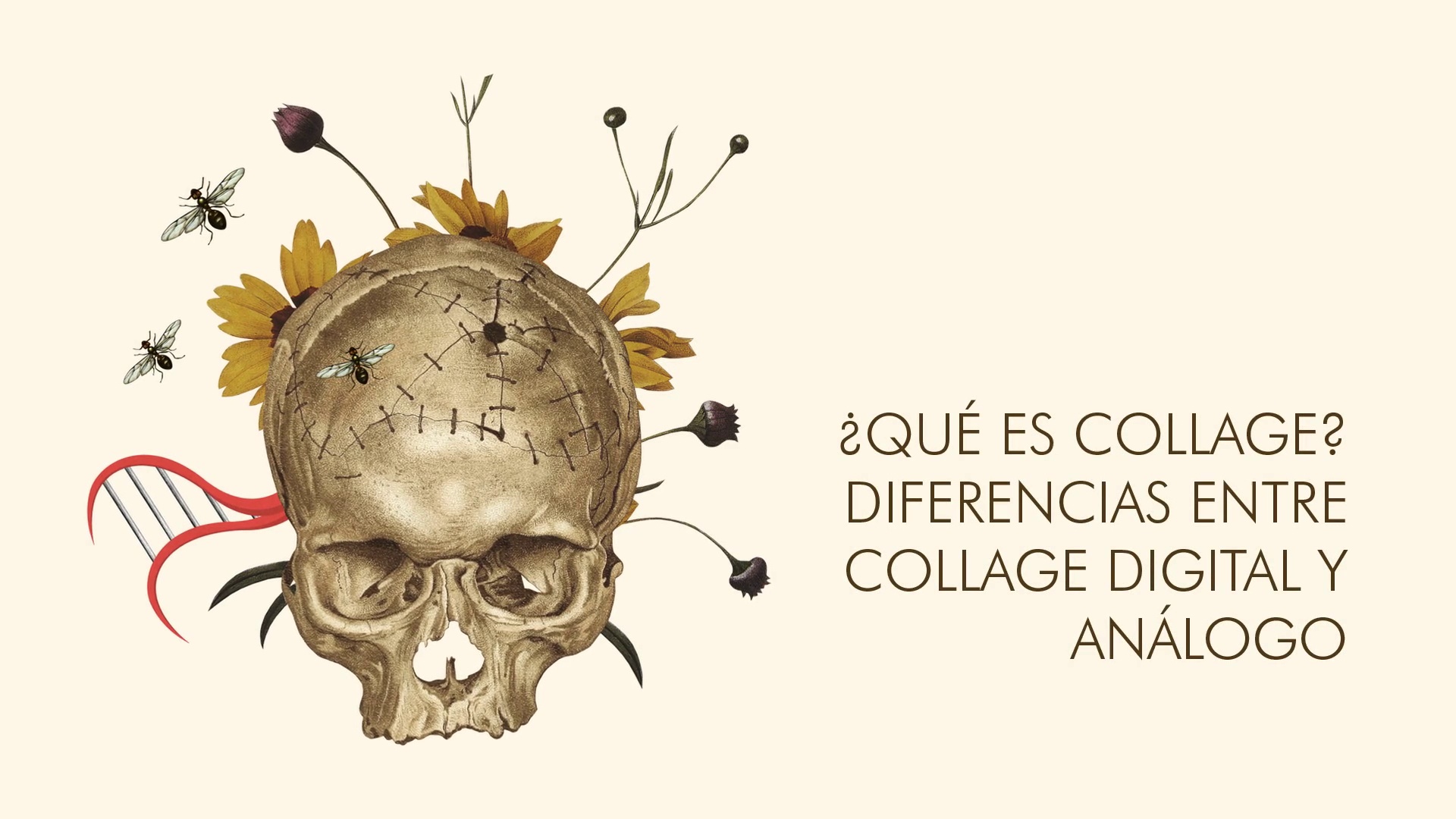
What is collage? Differences between digital and analog collage.
2 minutes, 31 seconds
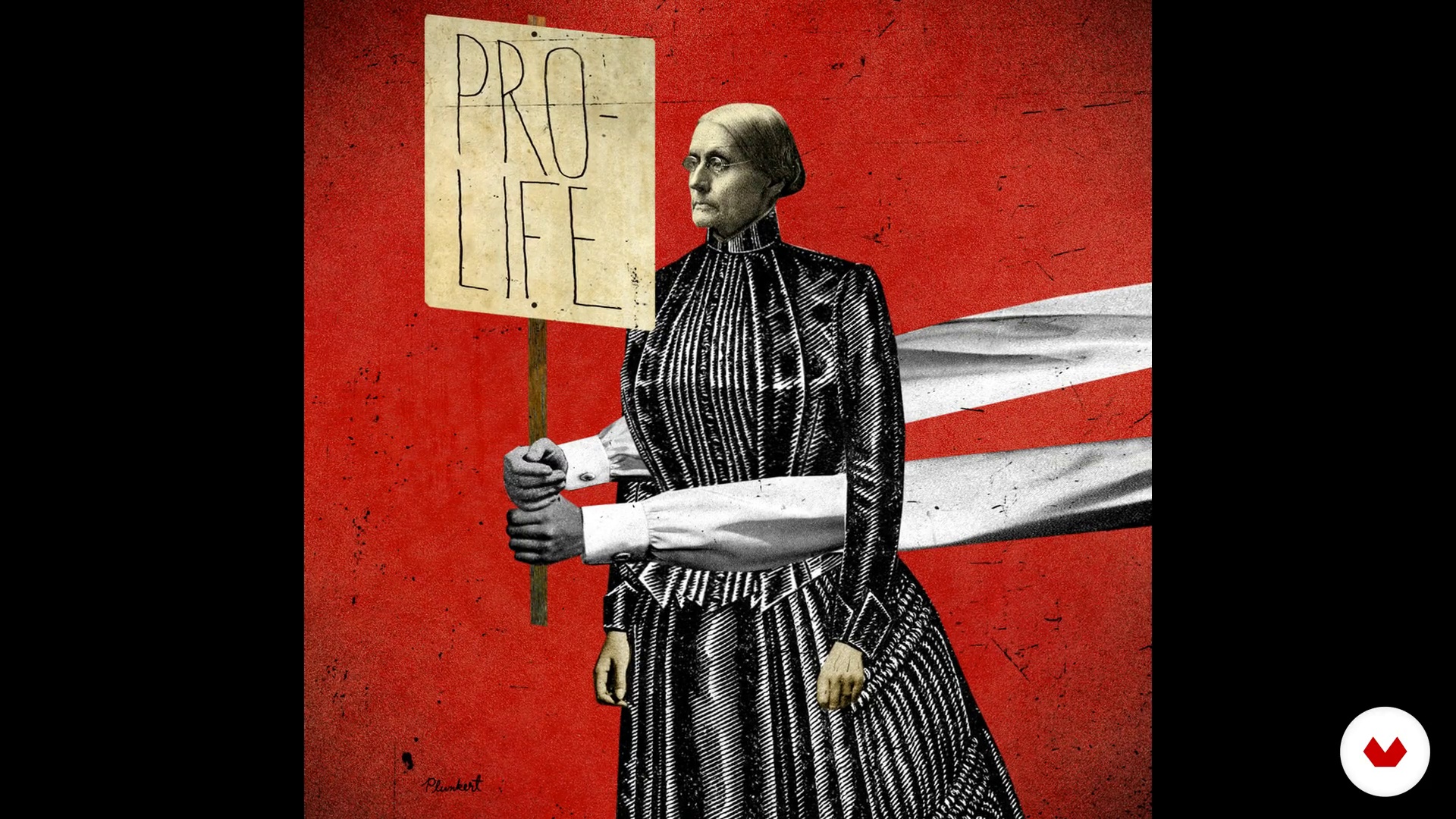
Study of referents
2 minutes, 21 seconds
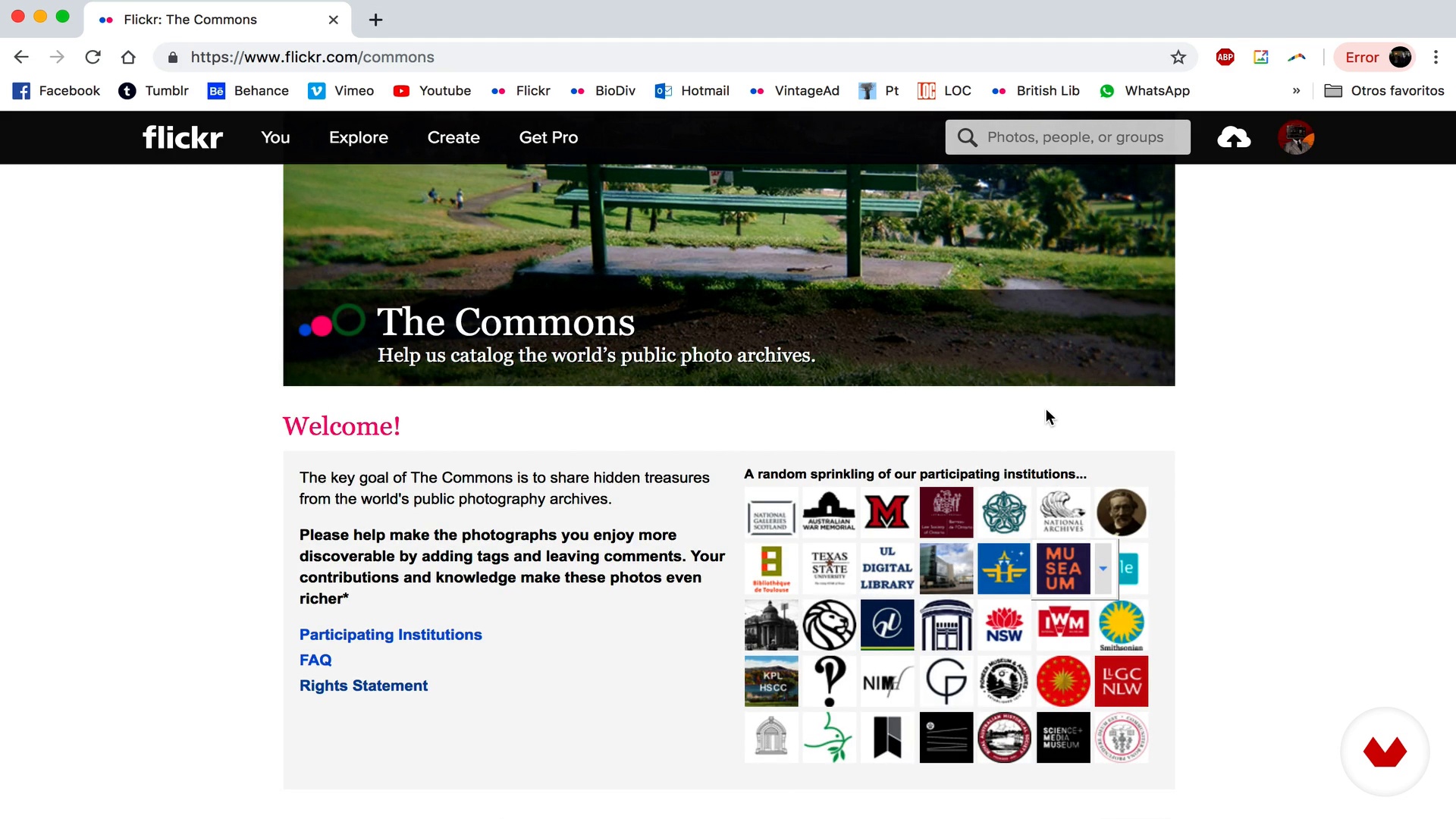
Collection of material
19 minutes, 2 seconds
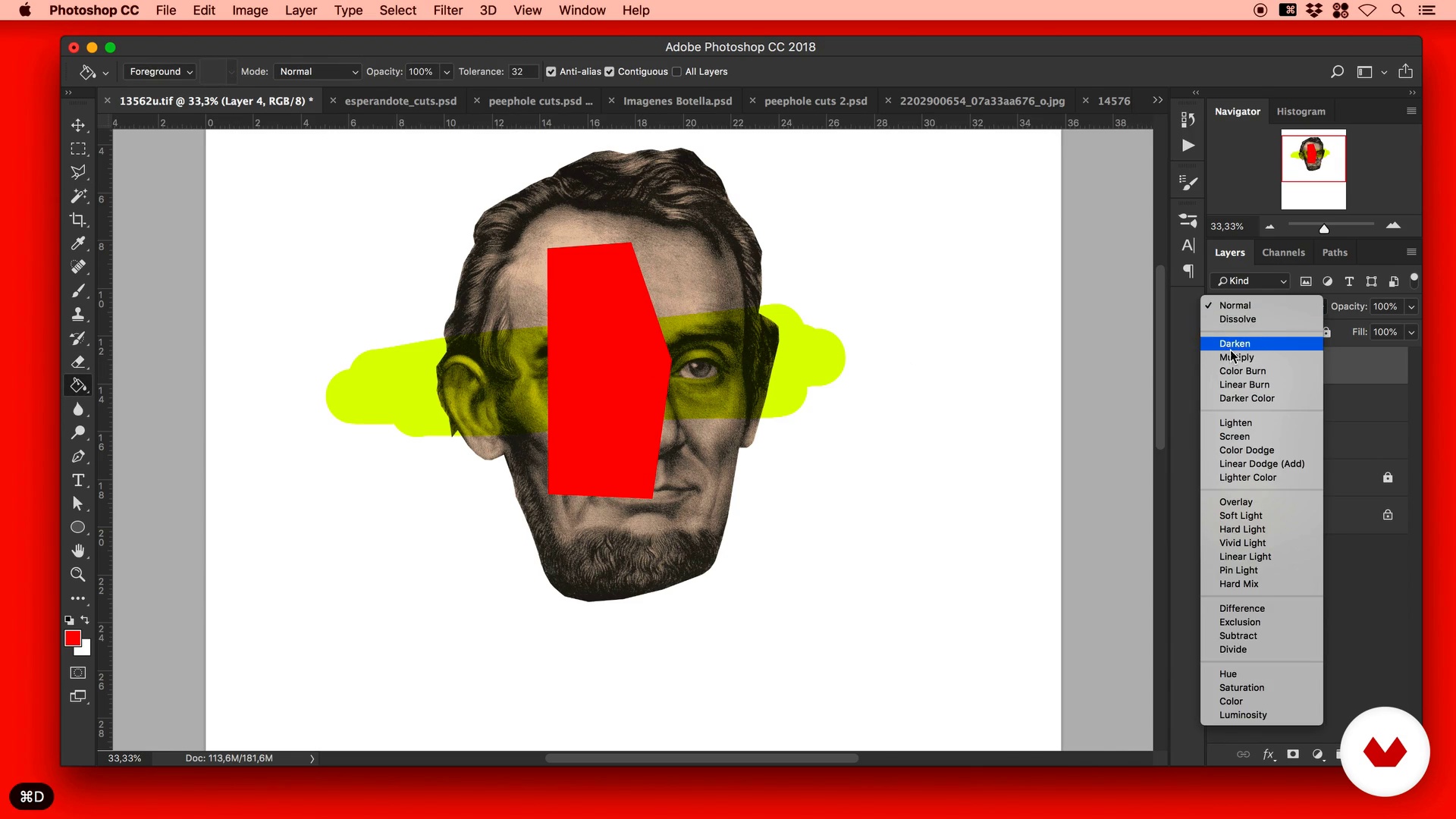
Studying the tools
19 minutes, 17 seconds
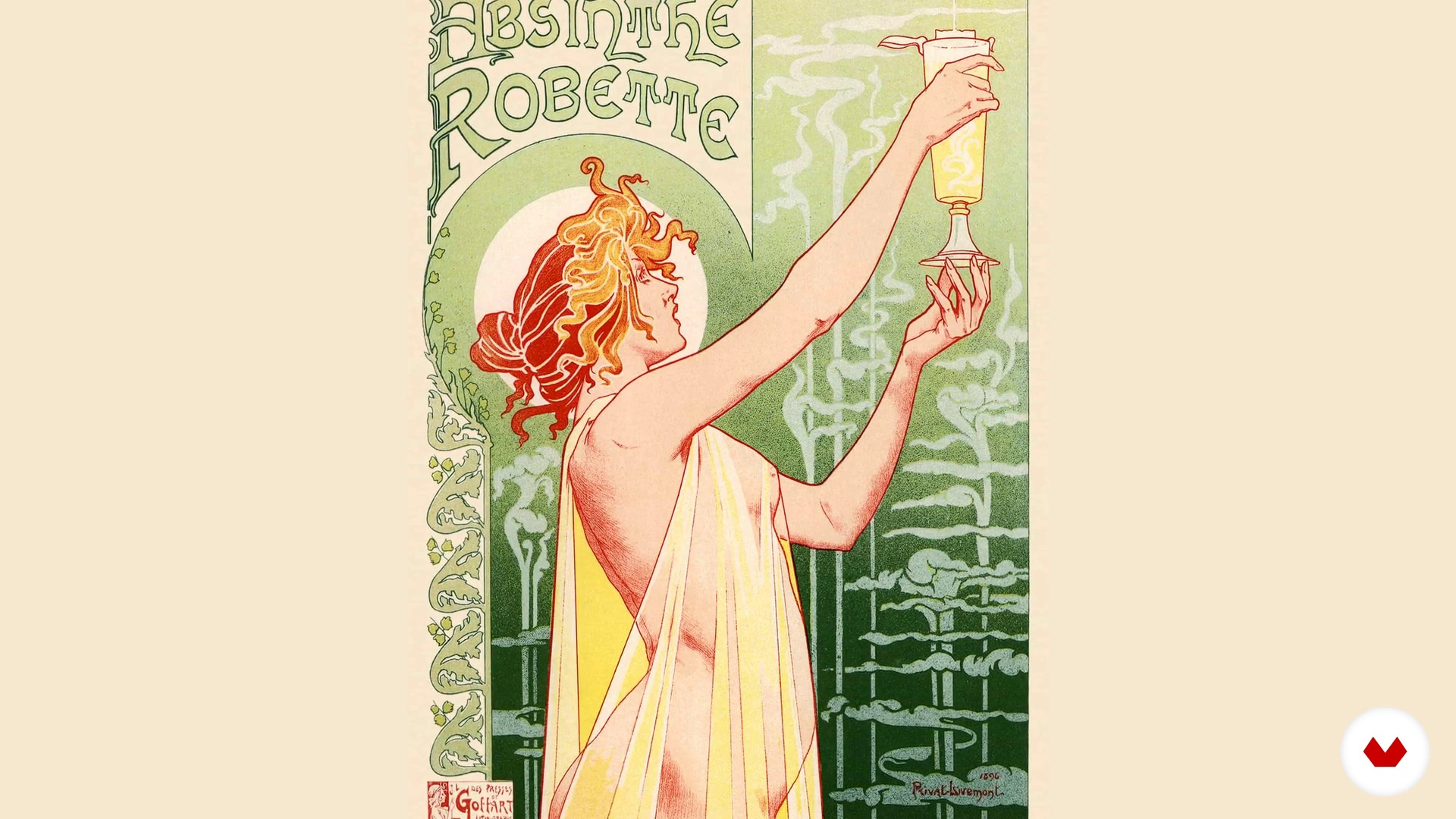
Assignment of the assignment based on a brief
3 minutes, 36 seconds
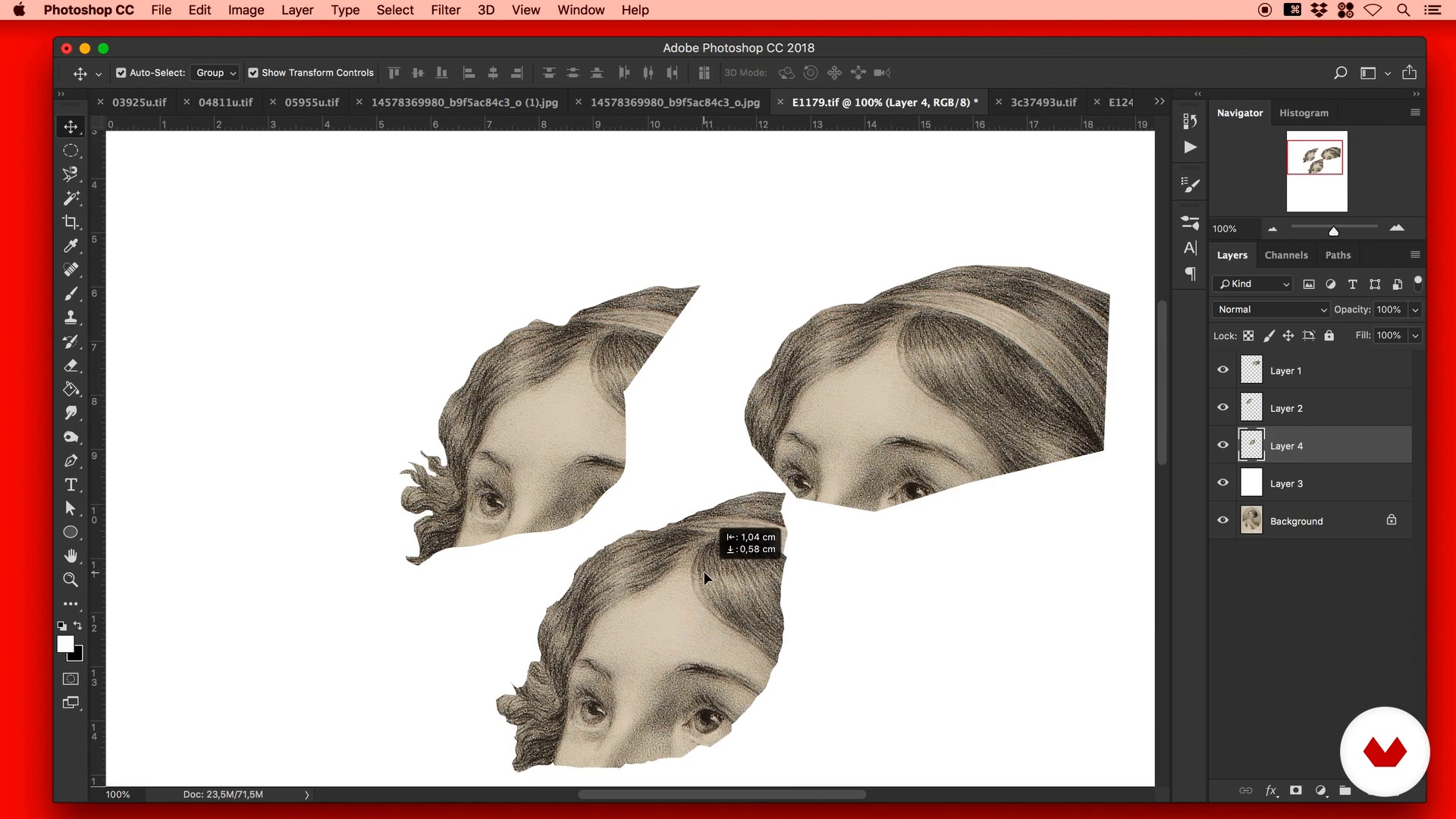
Clipping and fragmentation exercises. Part 1
19 minutes, 37 seconds
What's included in this course?
You will start by getting to know Randy Mora, who will tell you about his career, and how he left advertising to dedicate himself to collage in a self-taught way. You will see his biggest influences and where he finds inspiration to develop his style.
You will learn what collage is, you will review its evolution a little, the differences between digital and analog collage, and some references of technique.
Randy will teach you the best way to find and collect the material for your collage, and some important tips about the copyright of the images.
In addition, you will become familiar with Adobe Photoshop by performing exercises based on simple concepts and basic compositions.
Once finished the immersion in the world of collage, you will learn to develop a concept for illustration in collage of the label of a bottle of absinthe, from a brief or commission.
You will start creating your collage experimenting with the composition, performing clipping and fragmentation exercises, balancing the contrasts and retouching the color to harmonize the identity of your piece.
You will create the background of the label and, since the magic is in the details, you will nurture your project of interesting elements, characters and objects that give value to your concept.
To finish your collage, you will integrate the logo and the texts of the brand on the label of the bottle. To then finish the lesson analyzing the final result with Randy.
Recommended software & tools for this course
What is this course's project?
You will make a collage composition that will appear on the label of an absinthe bottle.
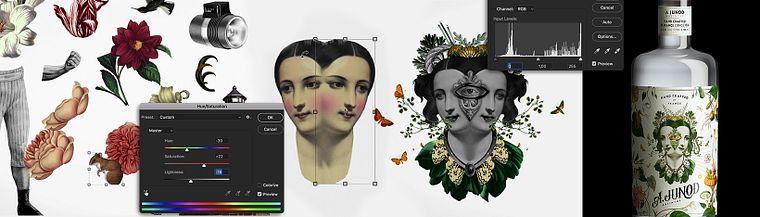
Projects by course students


Who is this online course for?
To designers, illustrators, artists and anyone who is curious to learn to illustrate through digital collage to give it a commercial application.
Requirements and materials
To complete this course you will need basic knowledge of Adobe Photoshop. On the materials, you must have a computer with Adobe Photoshop installed, a graphic tablet and, although it is not indispensable, a scanner.

Reviews
- 22 days ago
Excelente curso, simple y esencial.
- 6 months ago
Es un buen curso de principiante
- 1 year ago
bom
- 1 year ago
Me encantó el curso, no es de photoshop sino de composición pero es bastante claro y abundante en la explicación de su uso, sobre todo de las herramientas de modificación de color. Los recursos extra son estupendos, la claridad de expresión del maestro hace que sea muy sencillo entender este tema y todos los aspectos que se involucran en la creación de un collage.
- 1 year ago
Very thoughtful, deep, interesting course! Thank you so much!

Content
- U1
Introduction
- Presentation
- Influences
- U2
Principles and tools for digital collage
- What is collage? Differences between digital and analog collage.
- Study of referents
- Collection of material
- Studying the tools
- U3
Illustrating the label for a product
- Assignment of the assignment based on a brief
- Clipping and fragmentation exercises. Part 1
- Clipping and fragmentation exercises. Part 2
- Balance of contrasts and image repair
- Colorization Part 1
- Colorization Part 2
- Money
- Additional elements Characters. Details Part 1
- Additional elements Characters. Details Part 2
- U4
Final details and assembly of the label
- Finalization of the file for printing. Assembly of the logo, text and final layout details
- Presentation of the product and final conclusions
- FP
Final project
- Digital collage applied to product
What to expect from a Domestika course
Learn at your own pace
Enjoy learning from home without a set schedule and with an easy-to-follow method. You set your own pace.
Learn from the best professionals
Learn valuable methods and techniques explained by top experts in the creative sector.
Meet expert teachers
Each expert teaches what they do best, with clear guidelines, true passion, and professional insight in every lesson.
Certificates
PLUSIf you're a Plus member, get a custom certificate signed by your teacher for every course. Share it on your portfolio, social media, or wherever you like.
Get front-row seats
Videos of the highest quality, so you don't miss a single detail. With unlimited access, you can watch them as many times as you need to perfect your technique.
Share knowledge and ideas
Ask questions, request feedback, or offer solutions. Share your learning experience with other students in the community who are as passionate about creativity as you are.
Connect with a global creative community
The community is home to millions of people from around the world who are curious and passionate about exploring and expressing their creativity.
Watch professionally produced courses
Domestika curates its teacher roster and produces every course in-house to ensure a high-quality online learning experience.
FAQs
You’ll learn digital and analog collage techniques, how to gather and digitize materials, use Photoshop to build compositions, apply color and texture, and design graphic projects like labels and illustrated cards.
This course is aimed at intermediate learners; basic knowledge of design or digital illustration helps, but fundamental concepts are explained to advance in both digital and analog collage.
You’ll need magazines or printed materials, scissors, a scanner or camera to digitize images, a computer with Photoshop installed, and internet access to find royalty-free images.
Analog collage uses physical materials like magazine cutouts and glue. Digital collage uses tools like Photoshop to combine and edit images, offering more flexibility and control.
You’ll be able to apply digital collage techniques to create labels, illustrated cards, packaging designs, and unique visuals that strengthen brand identity and set products apart.
Yes, the course teaches how to search for, select, and download vintage and royalty-free images, as well as digitize printed materials for personal and commercial use.
The course mainly uses Adobe Photoshop to create, edit, and compose digital collages, covering tools like lasso, clone, cropping, and color adjustment.