Architectural Drawing: From Paper to Photoshop
A course by David DrazilArchitect
A course by David Drazil, Architect

Learn fundamental drawing techniques to create hand-drawn architectural sketches and bring them to life in Photoshop with color and texture
Grabbing a pencil and sketchbook on-the-go to capture the essence of the surrounding architecture allows you to be in the present moment. However, bringing those sketches to life in Photoshop is something architect David Drazil does best. In this online course, he’s here to show you how to draw striking architectural sketches and enhance them digitally with vivid detail.
As the founder of Sketch Like An Architect, a project dedicated to reviving the art of drawing by hand with over 233K followers, David takes you step by step through drawing techniques and post-production methods to create stunning illustrations.
What will you learn in this online course?
22 lessons & 39 downloads
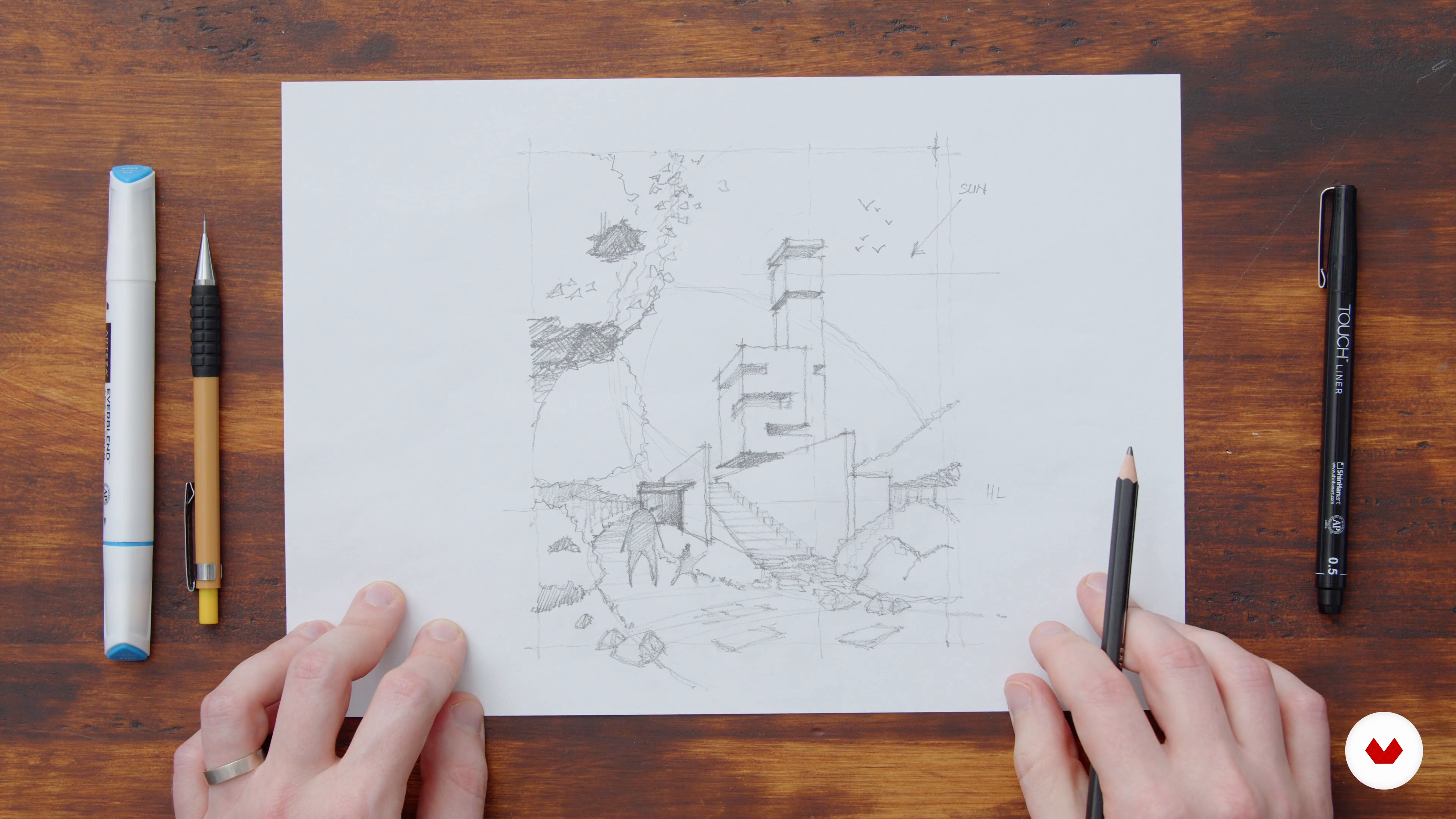
What Makes a Good Sketch
13 minutes, 27 seconds
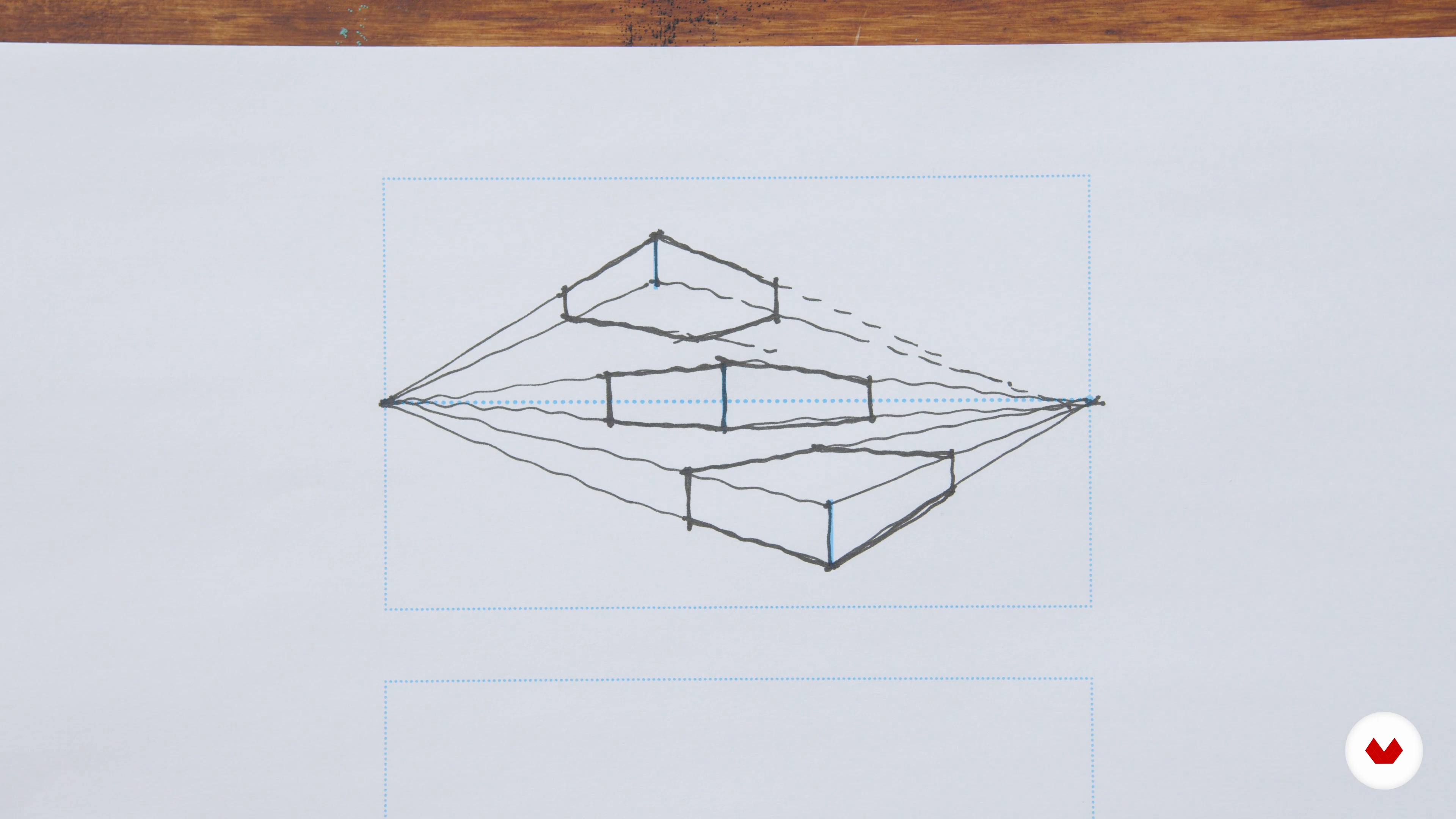
Types of Perspective
15 minutes, 56 seconds
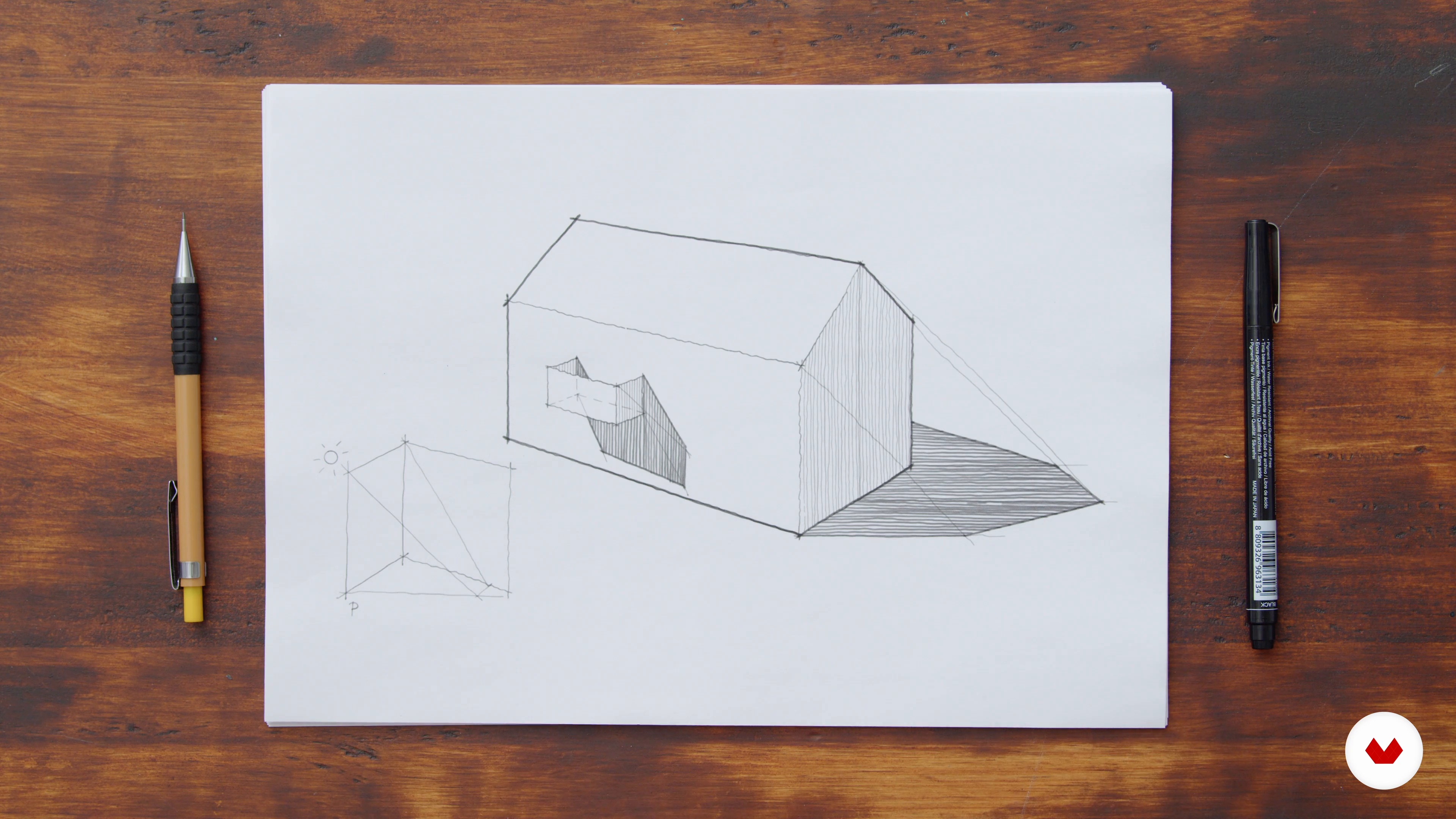
Shading in Perspective
10 minutes, 42 seconds
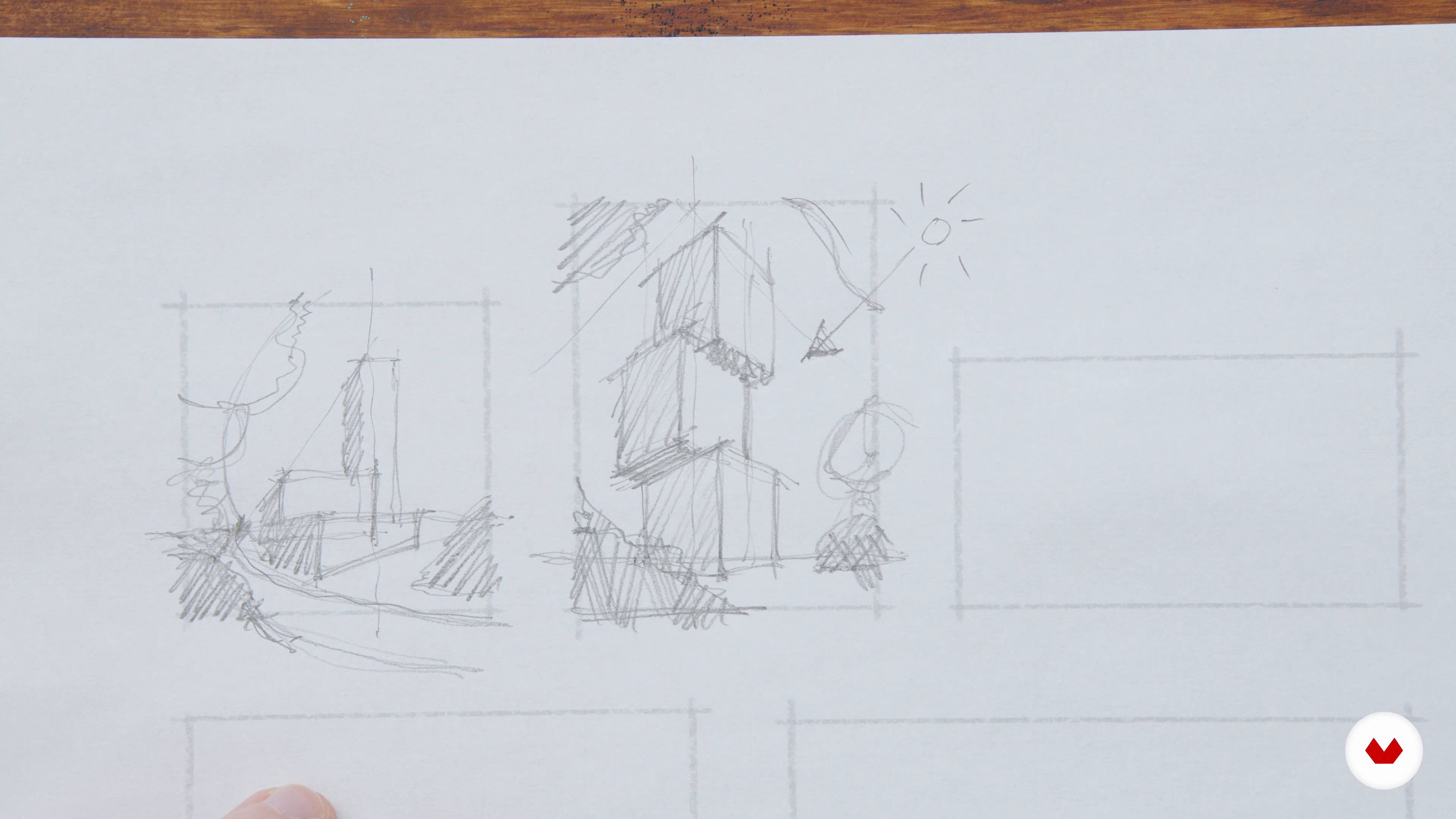
Design Principles and Choice of Sketch
9 minutes, 34 seconds
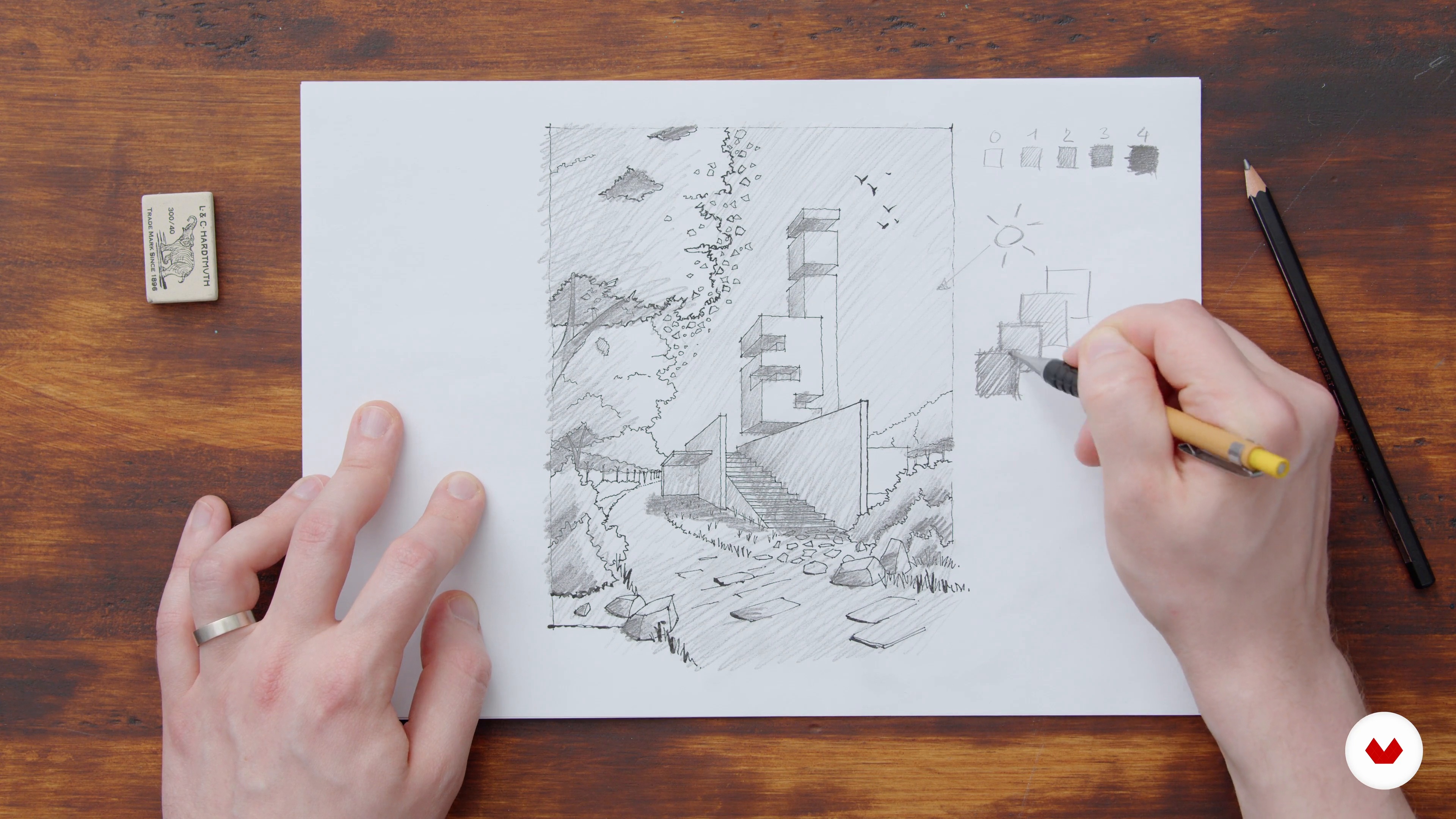
The Digital File and Tonal Values
7 minutes, 12 seconds
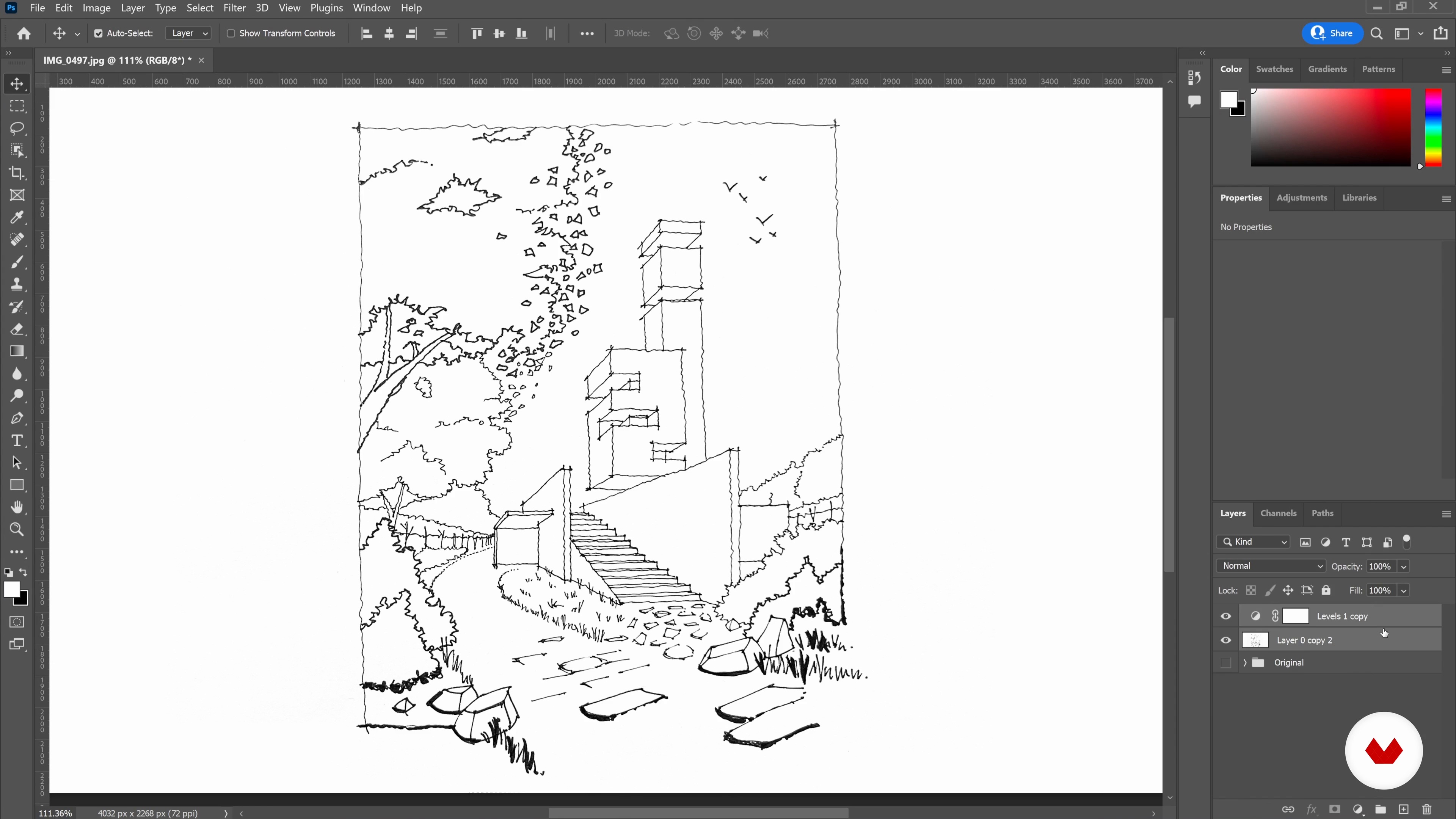
Cleaning up the Sketch in Photoshop
18 minutes, 55 seconds
What's included in this course?
Meet David Drazil, a Czech architect, and your teacher for this course. Hear about his creative journey, which has led him to work in architectural firms in Copenhagen and to start “Sketch Like an Architect” online. Then hear about his influences and sources of inspiration.
First, begin by defining what makes a good sketch. David walks you through composition, perspective, design principles, and color theory. Then see some good examples of architectural drawings.
Next, develop your sketch while paying close attention to the drawing fundamentals learned previously. Time to digitize on Photoshop! David shows you how to clean up the image, add colors, textures, and the final touches.
To wrap up the course, learn how to display your architectural sketches in various mockups scenes, from a realistic image to a framed illustration.
Recommended software & tools for this course
What is this course's project?
Create an architectural illustration, starting from a hand-drawn sketch, then digitizing and editing it on Photoshop.
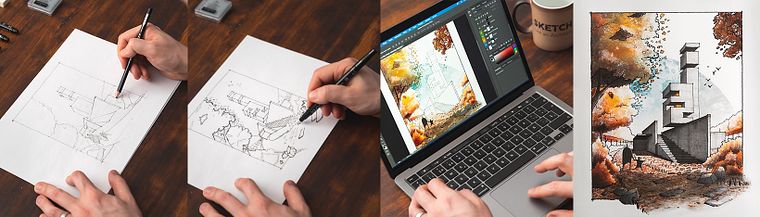
Projects by course students
Who is this online course for?
This course is aimed at architects, designers, illustrators, and hobby sketchers who are interested in developing their mixed media illustration skills.
Requirements and materials
Previous knowledge in Photoshop is helpful, but not required.
To take this course, you need pens and pencils of your choice, an eraser, a sketchbook, a smartphone or scanner (to digitize your sketch), and access to a computer with Photoshop, or similar.

Reviews
- 3 months ago
Amazing!
- 4 months ago
David's delivery and attention to detail makes all the information he delivers more easily assimilated and of course, that makes it all more enjoyable. This course, his books, and his workshops are some of my favorites. I hope he follows this up with an adding color addition to this subject. I would take it in a heartbeat.
- huynhngocthai77PLUS5 months ago
good coure
- 7 months ago
Incredible class! I love the teacher's style of drawing and the explanations were very thorough!
- 2 years ago
I like architecture drawing and any thing related to architecture. I love this course and enjoy it so much.

As a trained architect with international experience, David holds a degree in architecture and building engineering from Czech Technical University in Prague and a master’s in architecture and design from Aalborg University in Aalborg, Denmark. He also collaborates as a featured artist with the iPad sketching apps like Morpholio and ShadowDraw.
Content
- U1
Introduction
- About Me
- Influences
- U2
The Image-Making Process
- What You Need for the Course
- What Makes a Good Sketch
- Types of Perspective
- Shading in Perspective
- Design Principles and Choice of Sketch
- The Foundations of Color Theory
- U3
Working on the Artwork
- Creating the Sketch
- The Digital File and Tonal Values
- Textures and Reference Images
- Cleaning up the Sketch in Photoshop
- Adding the Sky
- Adding the Foreground 1
- Adding the Foreground 2
- U4
Details and Fine-Tuning
- Coloring the Trees and Vegetation
- Texturing the Architecture
- Shade and Shadows
- The Details in the Foreground
- Final Touches and Export
- U5
The Finished Artwork
- Analysis of the Artwork
- A Presentation with Photoshop Mock-Ups
- FP
Final project
- Architectural Drawing: From Paper to Photoshop
What to expect from a Domestika course
Learn at your own pace
Enjoy learning from home without a set schedule and with an easy-to-follow method. You set your own pace.
Learn from the best professionals
Learn valuable methods and techniques explained by top experts in the creative sector.
Meet expert teachers
Each expert teaches what they do best, with clear guidelines, true passion, and professional insight in every lesson.
Certificates
PLUSIf you're a Plus member, get a custom certificate signed by your teacher for every course. Share it on your portfolio, social media, or wherever you like.
Get front-row seats
Videos of the highest quality, so you don't miss a single detail. With unlimited access, you can watch them as many times as you need to perfect your technique.
Share knowledge and ideas
Ask questions, request feedback, or offer solutions. Share your learning experience with other students in the community who are as passionate about creativity as you are.
Connect with a global creative community
The community is home to millions of people from around the world who are curious and passionate about exploring and expressing their creativity.
Watch professionally produced courses
Domestika curates its teacher roster and produces every course in-house to ensure a high-quality online learning experience.
FAQs
Yes, this course is designed for intermediate learners who have basic sketching or design knowledge and want to deepen their skills in architectural drawing and digital visualization techniques.
You’ll need sketching tools like pencils, fineliners, and paper for analog work, as well as Adobe Photoshop for digital post-processing and visualization workflows.
You will learn hand sketching, perspective drawing, composition, mixed media workflows, digitizing sketches, Photoshop techniques, and methods to enhance depth, atmosphere, and storytelling in architectural illustrations.
Yes, the course integrates traditional hand sketching with digital enhancement, showing how to digitize, process, and refine sketches in Photoshop.
You’ll explore techniques like atmospheric and linear perspective, line weight variation, tonal value, and compositional strategies to create depth and mood in your work.
Yes, the course covers Photoshop workflows, including masking, color palettes, adding textures, and non-destructive editing for professional-quality renderings.
Absolutely. The course guides you through generating, iterating, and selecting thumbnail sketches to optimize your design ideas and compositions.