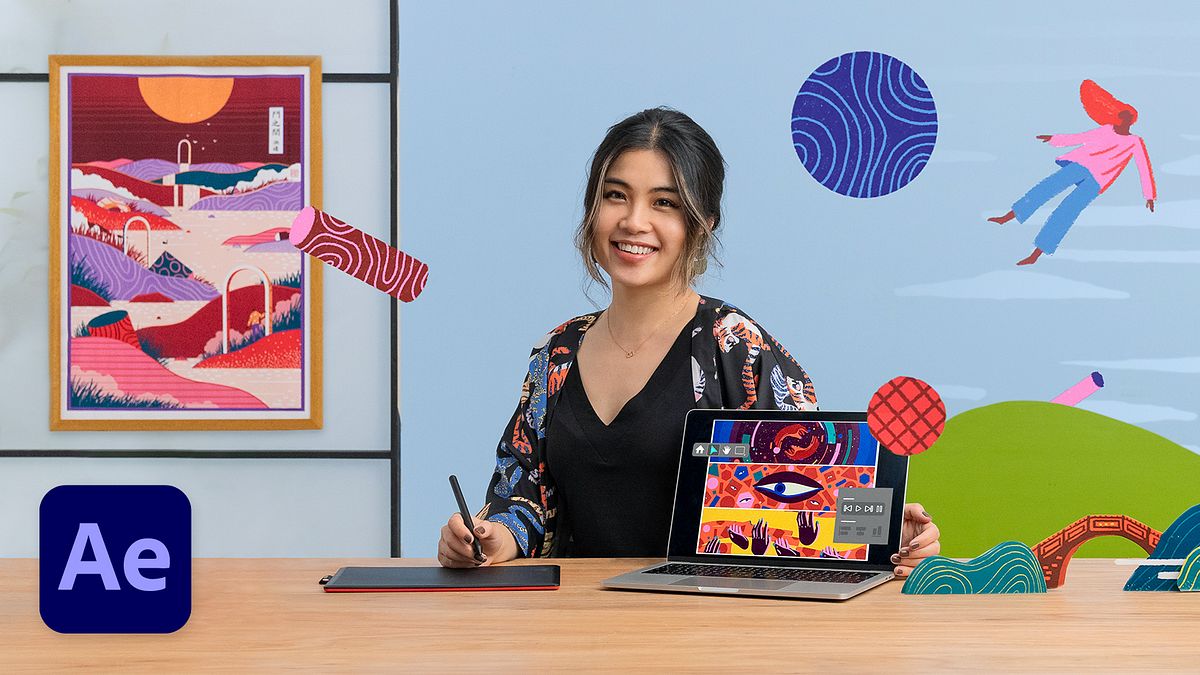
Animated Transitions with 2D Illustration & After Effects
A course by Yukai DuIllustrator and Animator
A course by Yukai Du, Illustrator and Animator

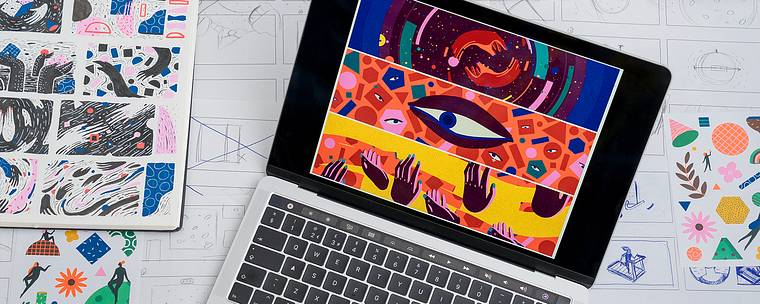
Create seamless and organic animated transitions from scratch by exploring color, shape, texture, pattern, and timing using both analog and digital techniques
Ever wanted to create vibrant and playful animations from scratch? Renowned illustrator and animator Yukai Du has created bold and abstract motion graphics for clients like The New Yorker, Spotify, Adobe, and Apple. She’s here to teach you how to create seamless transition animations from start to finish.
In this online course, discover how to draw inspiration from simple elements like color, shape, and texture using both digital and analog techniques. Get ready to stand out from the crowd with fluid and organic animations of your own!
If you’d like to learn more with Yukai, take a look at her first Domestika course Hand-Drawn Digital Animation: Bring Illustrations to Life.
What will you learn in this online course?
19 lessons & 19 downloads
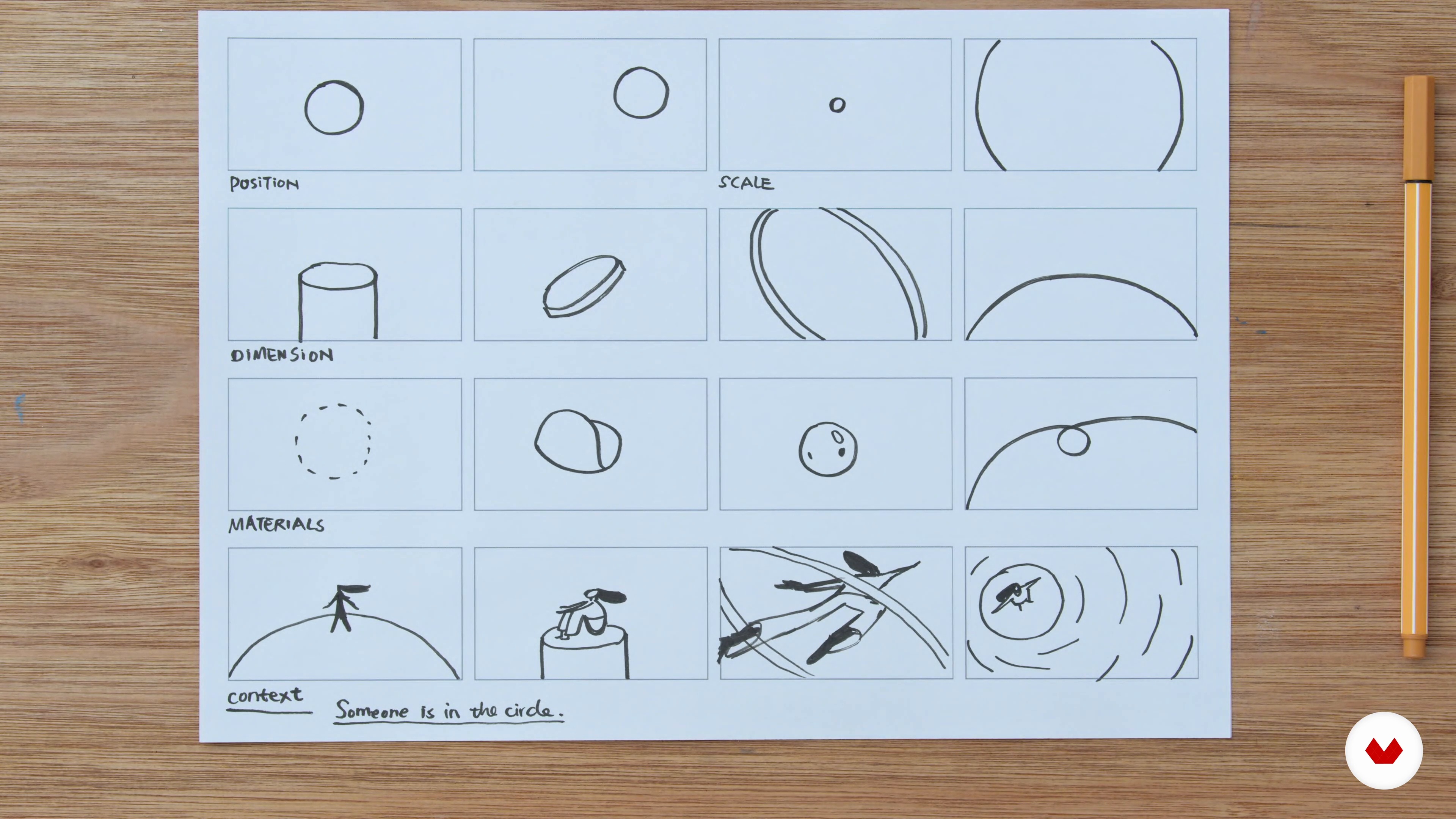
From One Script to Different Storyboards
16 minutes, 38 seconds
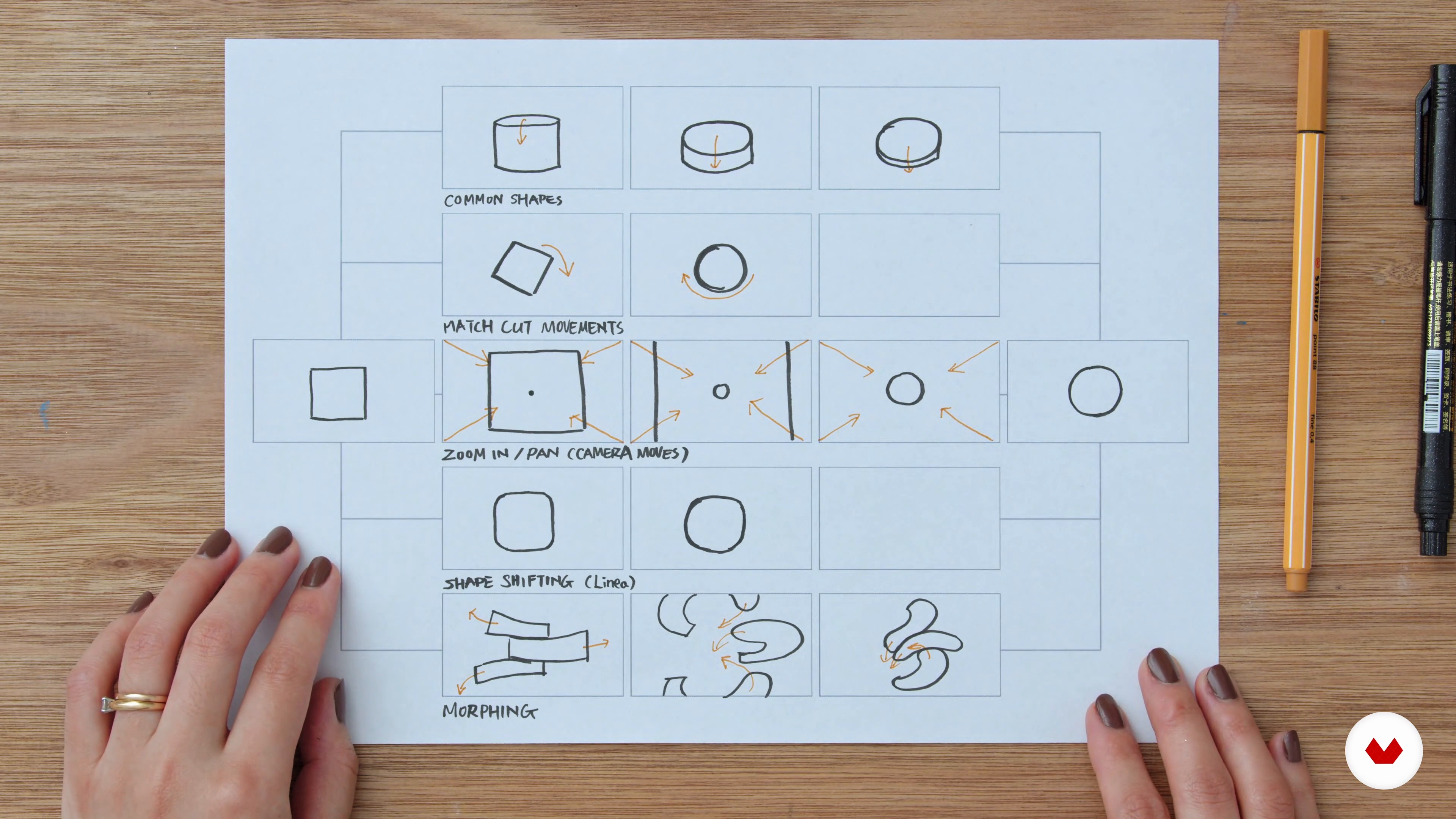
Connecting One Storyboard with Different Transitions
11 minutes, 8 seconds
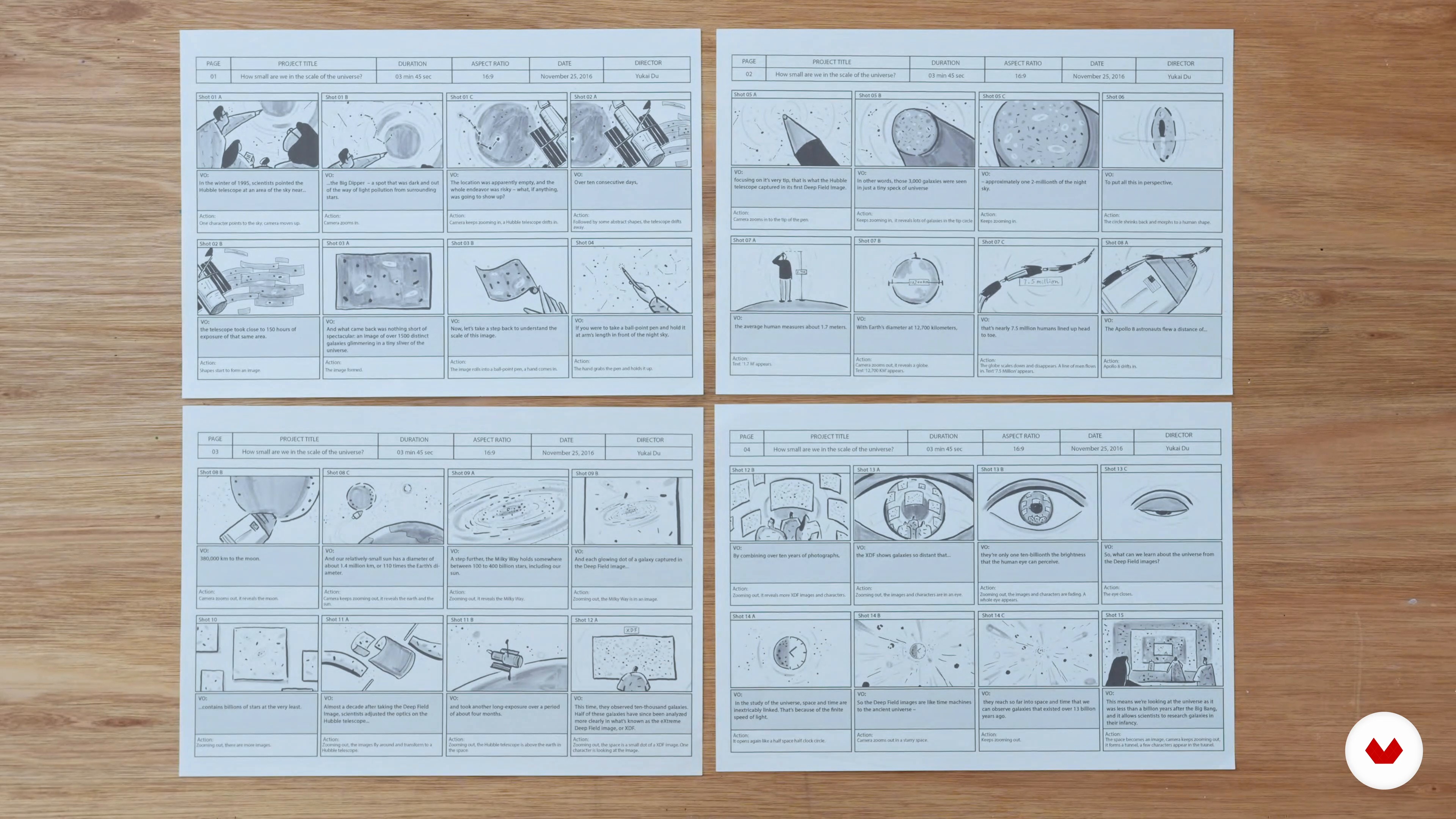
Designing Transitions and Longer Formats
18 minutes, 9 seconds
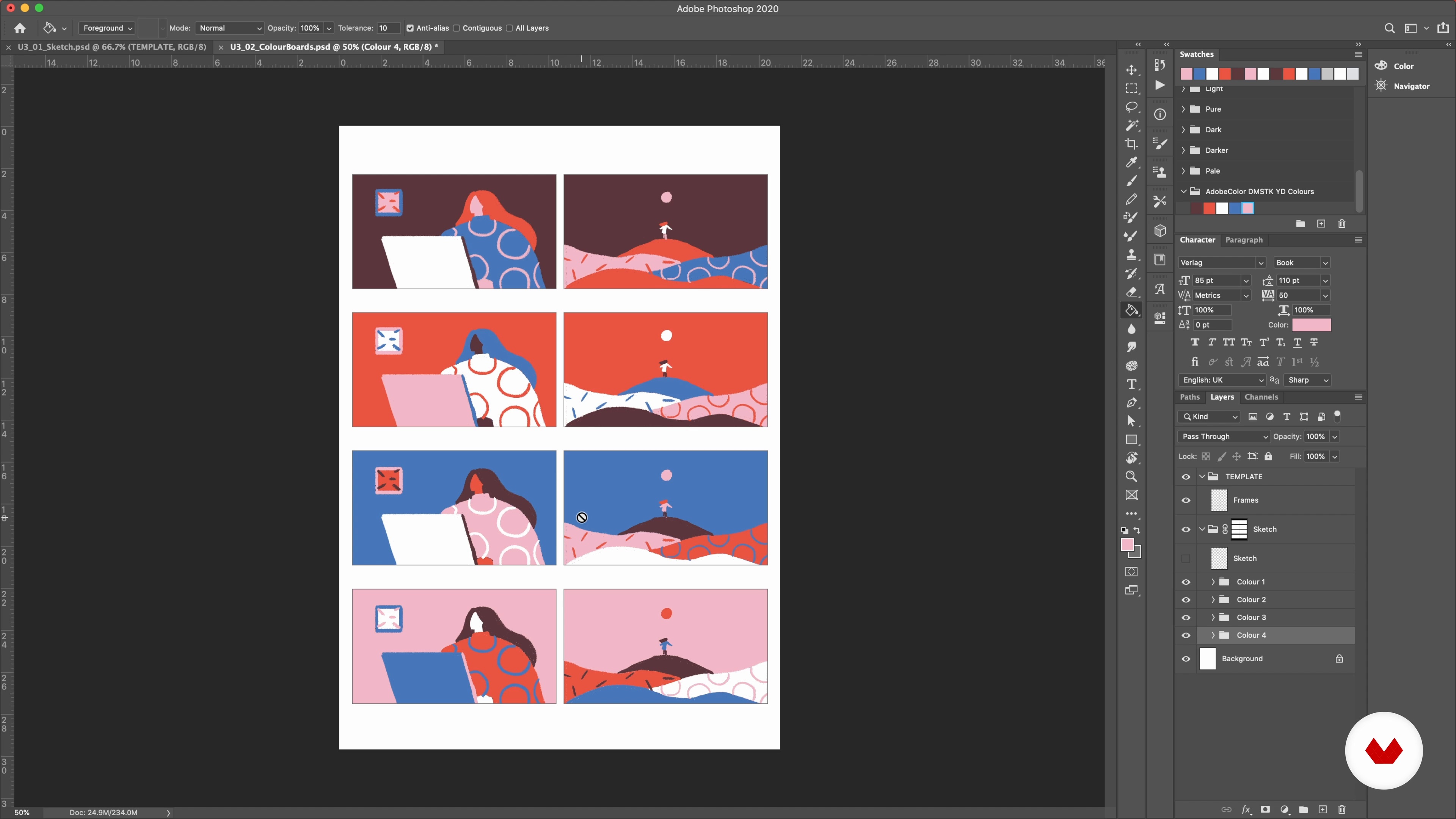
Colour Boards with One Colour Palette
16 minutes, 29 seconds
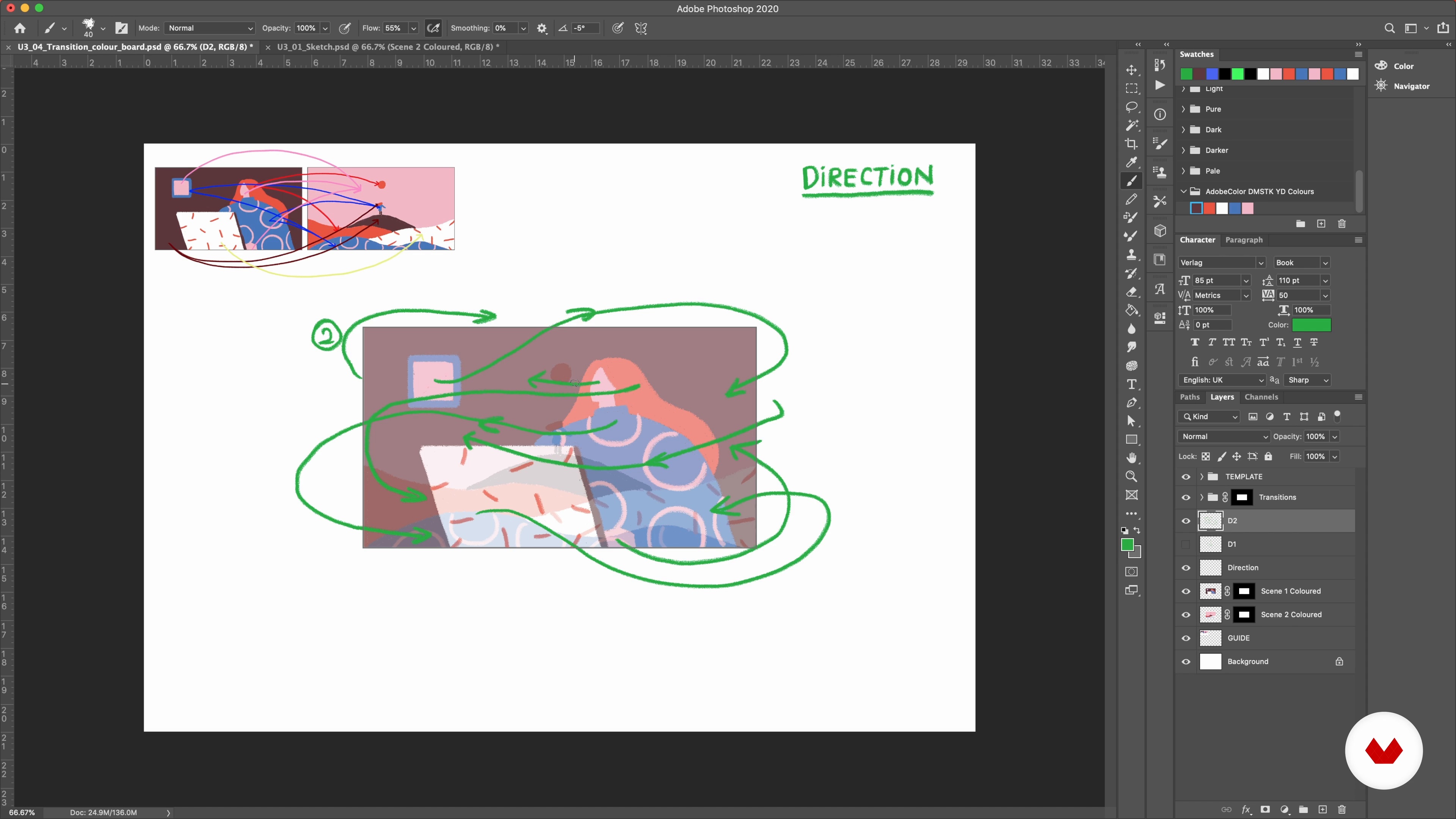
Analysing Scenes and Exploring Styles 1
19 minutes, 19 seconds
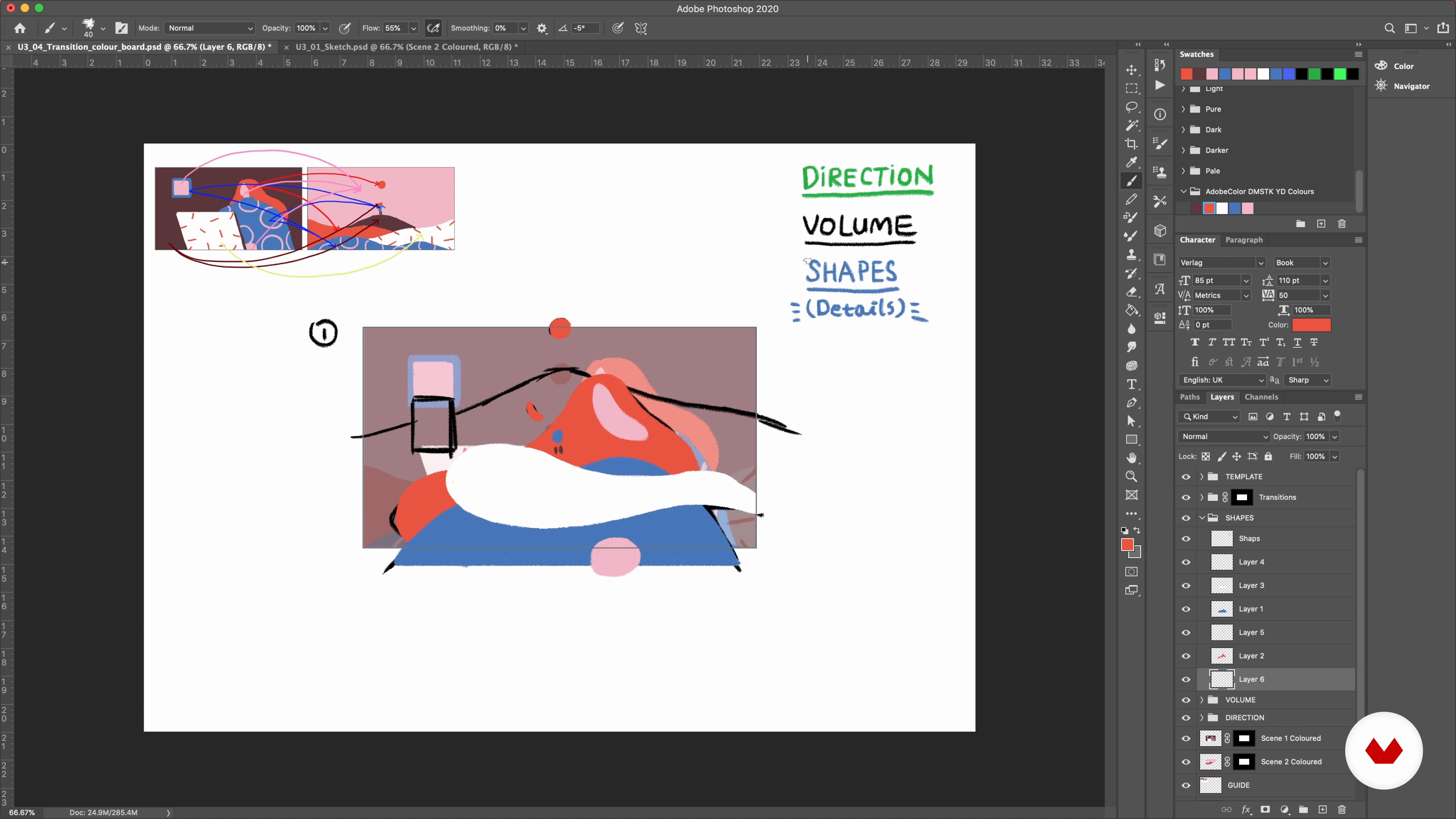
Analysing Scenes and Exploring Styles 2
13 minutes, 19 seconds
What's included in this course?
Get to know your teacher for the course, Yukai Du. She shares her background, as well as her biggest influences and sources of inspiration.
Start by doing some exercises on paper to visualize text in different ways. Explore how to use storyboards, before seeing how to move from one scene to the next. Yukai then shows you how to put it all into practice and work with longer format animations.
Experiment with a variety of digital styles. See how to link two scenes through different combinations of the same color palette. After analyzing and adjusting the various images using basic shapes as a guide, move on to plan transitions between them. Also take a look at how much detail to include in the pre-production phase.
Next, familiarize yourself with how speed, duration, and frame rates can be used to create unique transitions. Yukai then shows you how to enrich and stylize your work. Wrap up the course by adding the finishing touches.
What is this course's project?
Produce three short clips using After Effects and Animate to showcase a range of transition techniques.
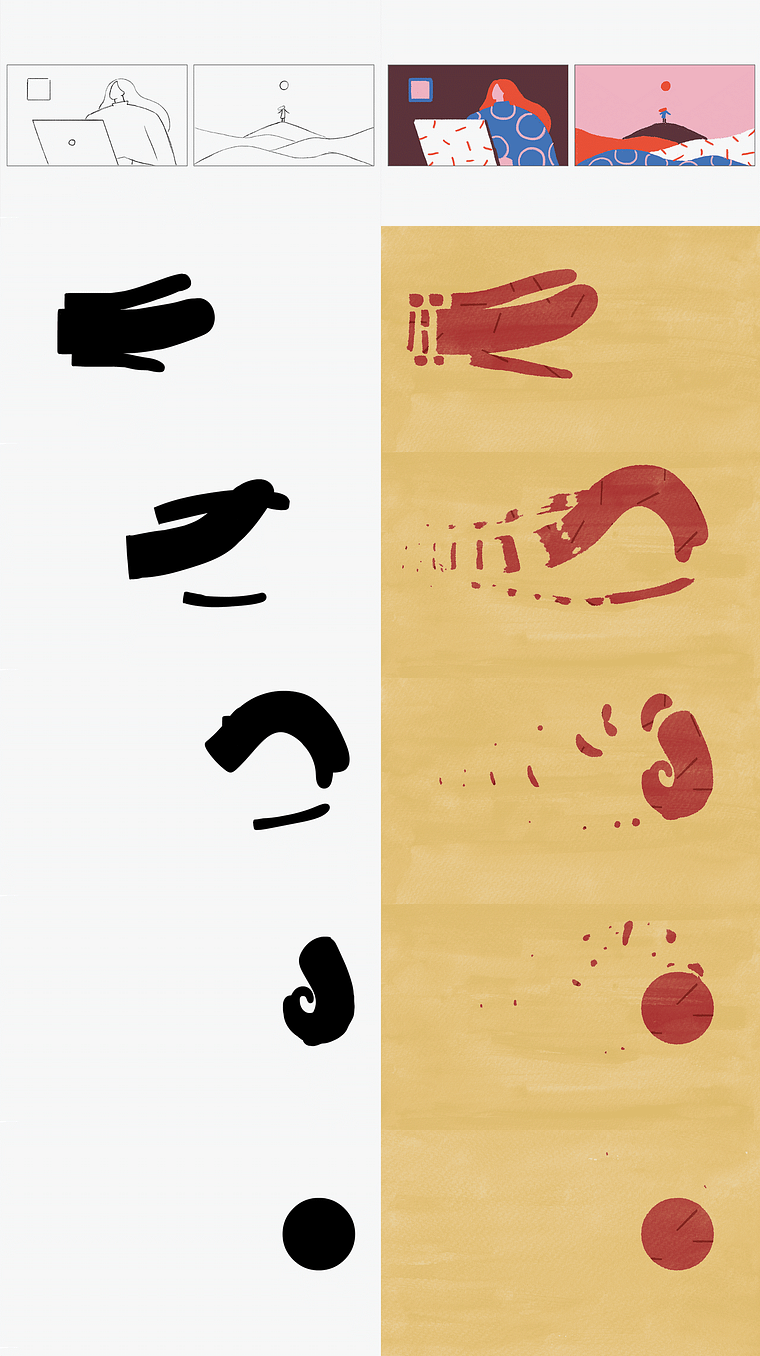
Projects by course students

Who is this online course for?
Anyone wanting to explore the animated world of transitions.
Requirements and materials
To take this course, you need some basic sketching skills and a computer installed with After Effects, Animate, and a drawing program like Photoshop.
Reviews
- 4 months ago
Going great! Really good insights into animation and the subtleties that make good into great. Thank you!
- 5 months ago
I haven't finished the course yet, but I like the manner of explanation of the logic of transitions, how we could think about it from different sides, in various manners. Yukai explains well how the transition we have in mind could be put inside the big composition, and how to work with the colour palette. I find the course interesting, well-structured and paced. Being a beginner with Ps I feel comfortable to follow it. Thank you :)
- 10 months ago
I love it so far!!
- 1 year ago
Excelente curso,
- 1 year ago
Es curso exelente muy completo y ahora que esta en español mucho mejor. Recomendado

After graduating, she worked at various studios in the UK including M-I-E and Bliink. Since then, as a freelancer, she has collaborated with well-known brands including The New Yorker, Spotify, The Guardian, MTV, Adobe, Apple, and WeTransfer. Her work has also been recognized by Adobe Design Awards, 3x3 International Illustration Awards, and more.
Content
- U1
Introduction
- About Me
- Influences
- U2
Storyboards and Exploration
- From One Script to Different Storyboards
- Connecting One Storyboard with Different Transitions
- Designing Transitions and Longer Formats
- U3
Experiments in Style
- Colour Boards with One Colour Palette
- Analysing Scenes and Exploring Styles 1
- Analysing Scenes and Exploring Styles 2
- Analysing Scenes and Exploring Styles 3
- Planning Transition Details in Colour Boards
- U4
Timing and Animation Style
- The Timing 1
- The Timing 2
- The Timing 3
- Stylising Transitions 1
- Stylising Transitions 2
- Stylising Transitions 3
- Stylising Transitions 4
- Stylising Transitions 5
- Making Unique Transitions
- FP
Final project
- Animated Transitions with 2D Illustration & After Effects
What to expect from a Domestika course
Learn at your own pace
Enjoy learning from home without a set schedule and with an easy-to-follow method. You set your own pace.
Learn from the best professionals
Learn valuable methods and techniques explained by top experts in the creative sector.
Meet expert teachers
Each expert teaches what they do best, with clear guidelines, true passion, and professional insight in every lesson.
Certificates
PLUSIf you're a Plus member, get a custom certificate signed by your teacher for every course. Share it on your portfolio, social media, or wherever you like.
Get front-row seats
Videos of the highest quality, so you don't miss a single detail. With unlimited access, you can watch them as many times as you need to perfect your technique.
Share knowledge and ideas
Ask questions, request feedback, or offer solutions. Share your learning experience with other students in the community who are as passionate about creativity as you are.
Connect with a global creative community
The community is home to millions of people from around the world who are curious and passionate about exploring and expressing their creativity.
Watch professionally produced courses
Domestika curates its teacher roster and produces every course in-house to ensure a high-quality online learning experience.
FAQs
Yes, this course is designed for intermediate animators who want to refine their storytelling and transition animation techniques, especially using storyboards and color palettes.
You'll need basic drawing skills, access to digital illustration or animation software like Photoshop or After Effects, and familiarity with 2D animation concepts.
You’ll learn to create dynamic storyboards, plan color palettes, design narrative-driven transitions, and use techniques like morphing and match cuts to enhance animated storytelling.
Yes, the course teaches how to create, refine, and apply colorboards and color palettes to maintain consistency and mood throughout your animation projects.
Absolutely, the course includes lessons on animating perspective changes, zoom transitions, and camera movement to add depth and dynamism to your storyboards and animations.
Yes, the course covers morphing transitions, shape transformation techniques, and how to plan smooth visual connections between frames.
The primary focus is on digital techniques, but you’ll also explore how to integrate hand-drawn textures and traditional methods into digital workflows.