Colorful Portrait Design with Photoshop
A course by Temi CokerMultidisciplinary Artist
A course by Temi Coker, Multidisciplinary Artist

Learn how to combine graphic design and portrait photography to create expressive compositions that reflect your culture and identity
Have you ever looked at a piece of art and seen yourself in it? That’s what artist Temi Coker aims to achieve with his colorful portraits: a symbol of identity for himself and others like him. His bold style has earned him the opportunity to work with high-profile clients such as:
In this online course, he teaches you how to combine photography and graphic design to create compelling images. Learn how to develop a concept, build a composition in Photoshop, and bring it to life with vibrant textures, patterns, and designs. Express your identity and celebrate the colors of your culture through artistic portraits.
What will you learn in this online course?
13 lessons & 18 downloads
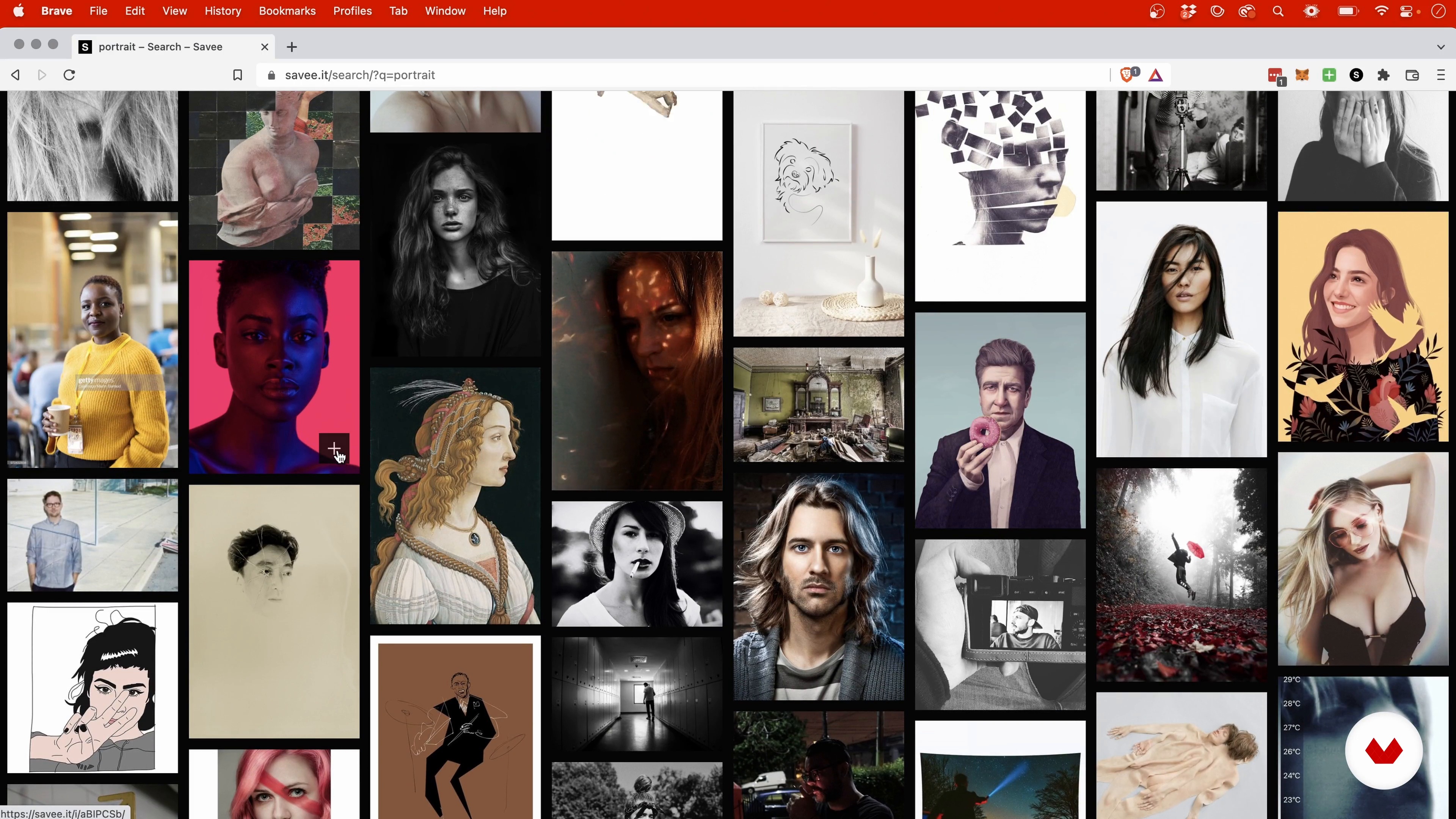
Searching for References
5 minutes, 38 seconds
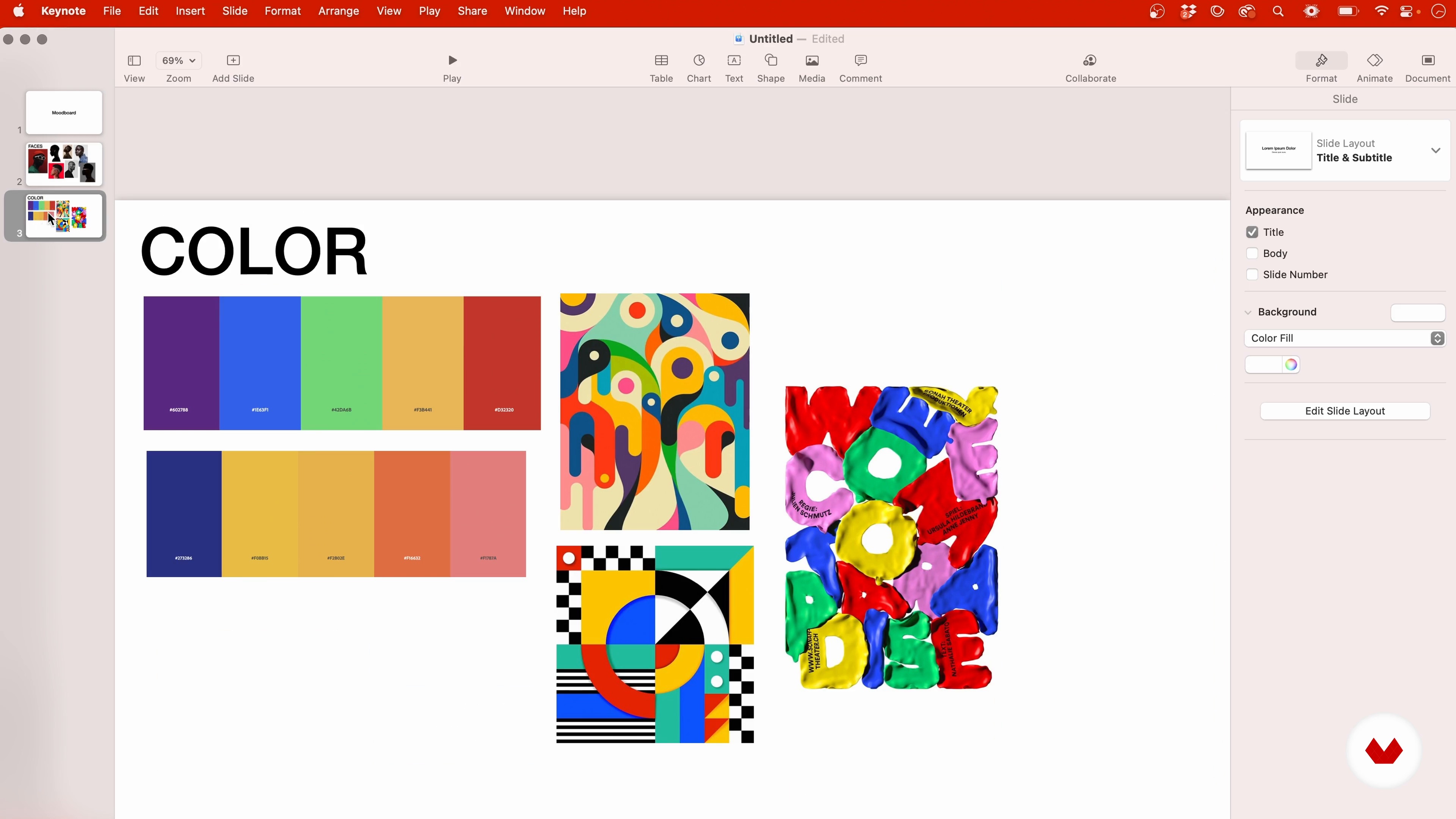
The Conceptualization
9 minutes, 0 seconds
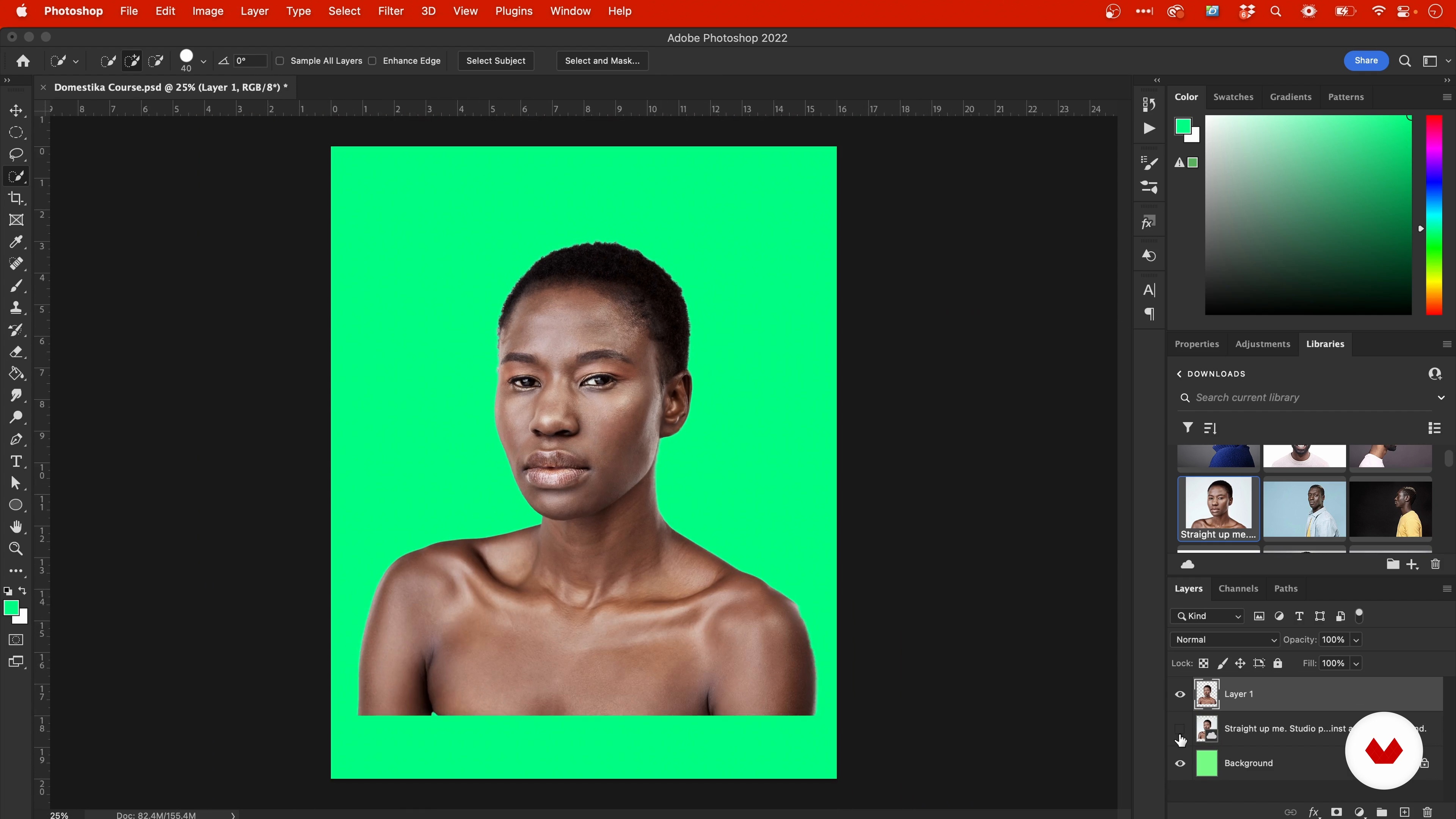
Selecting and Masking
9 minutes, 36 seconds
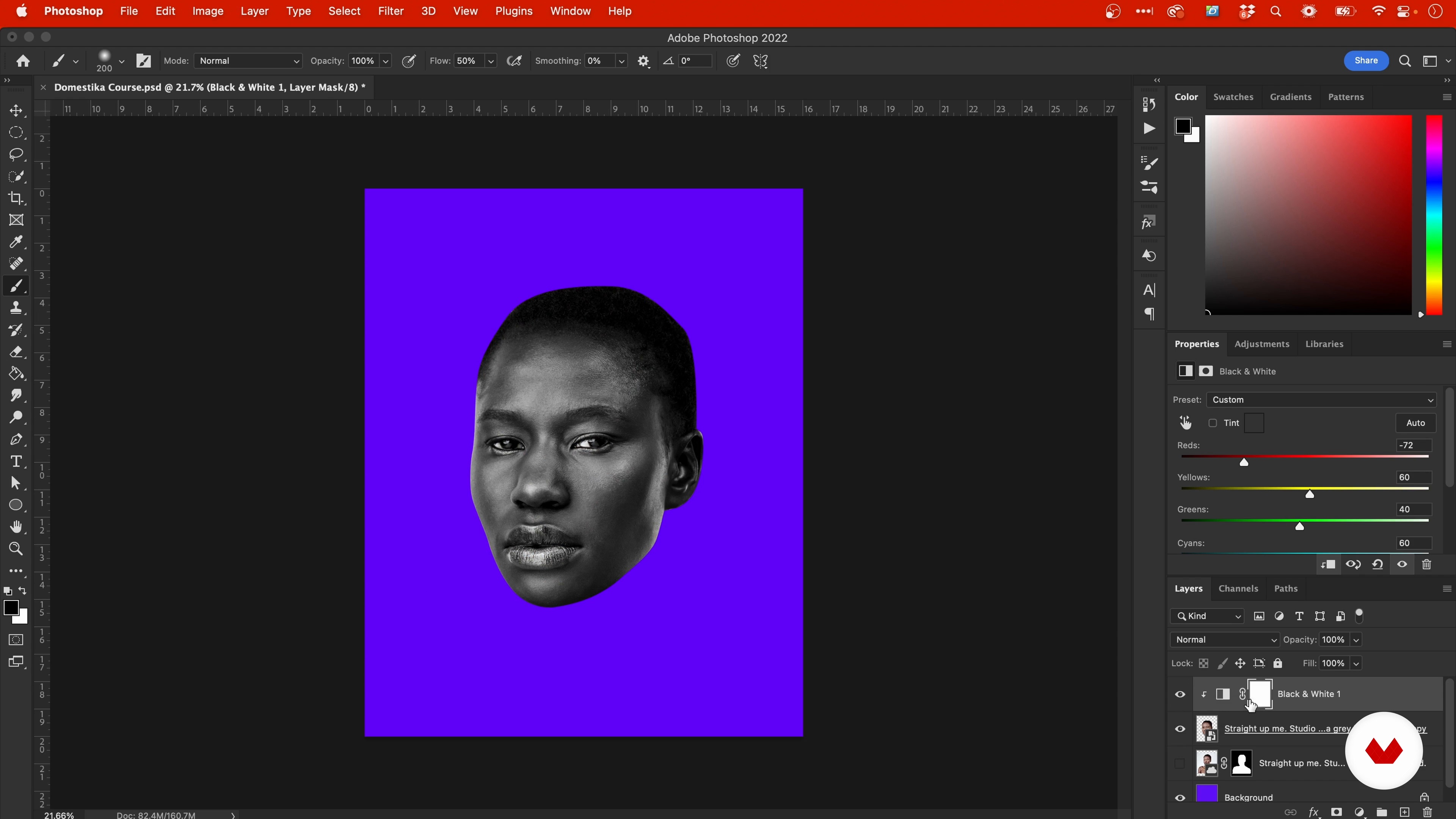
Adjustment Layers and Smart Objects
4 minutes, 51 seconds
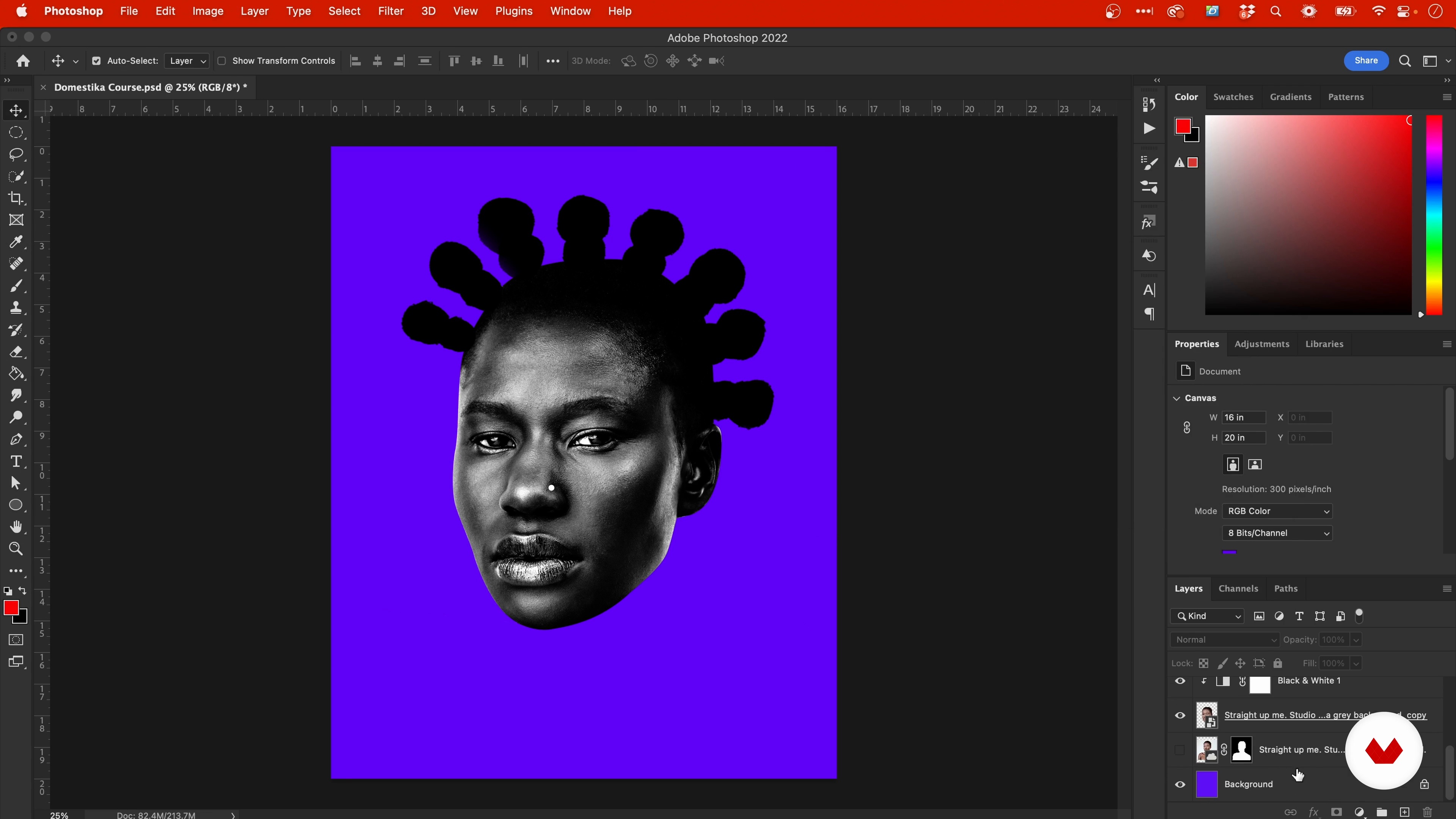
Shapes and Brushes
6 minutes, 58 seconds
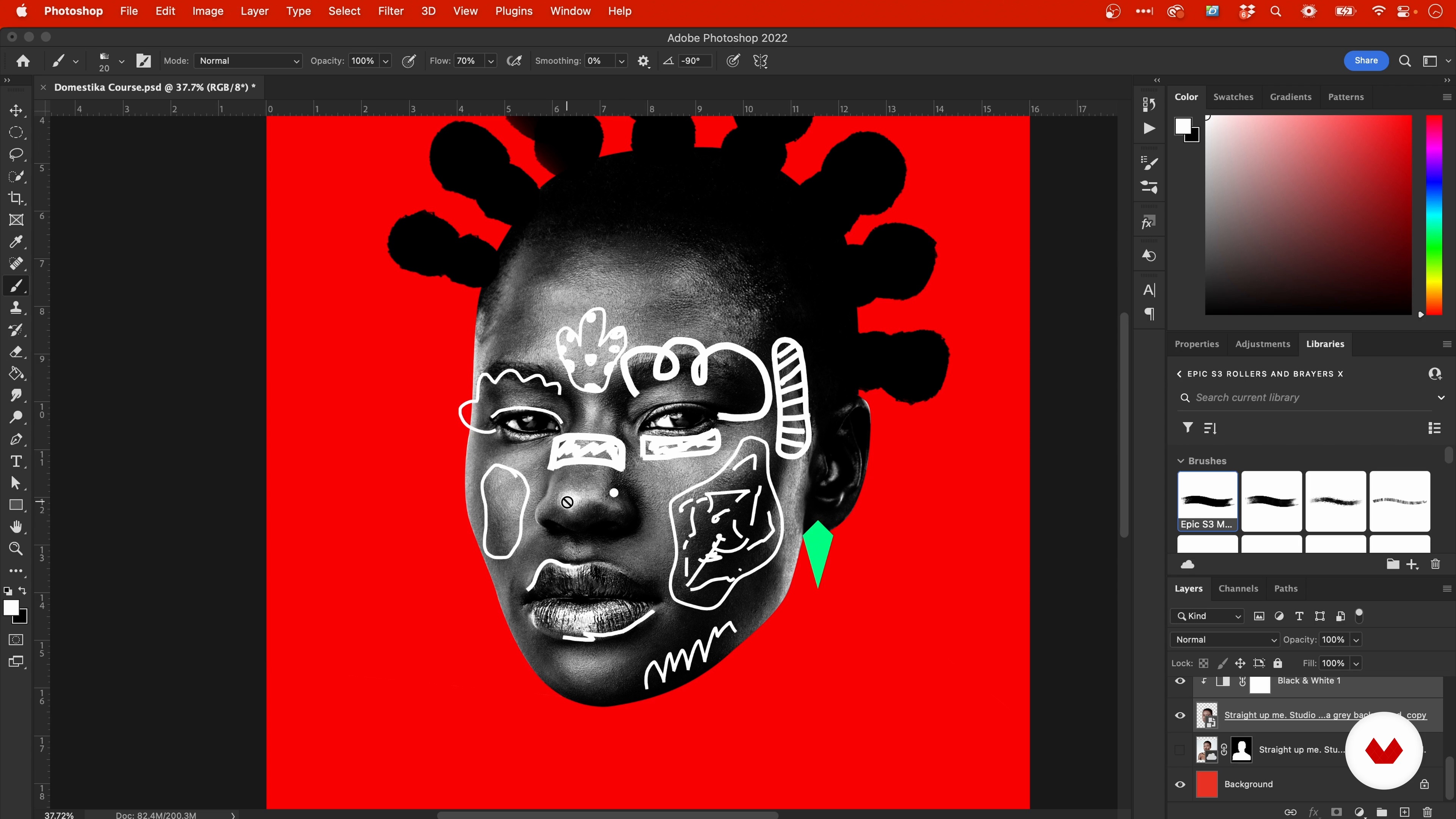
The Face: Sketching Ideas
5 minutes, 20 seconds
What's included in this course?
Get to know Temi Coker as he tells you about his background and creative career, along with the influences that inspire his art.
Before you start designing, search for inspiration and put together a mood board to define your concept. Review the basics of Photoshop and set up the canvas for your project.
Next, Temi shows you his techniques for building a bold composition. Learn how to select and mask your subject, apply adjustment layers, and work with shape and brush tools. Then get creative by enriching your image with graphic elements, and adding vibrant colors, textures, patterns, and lines.
Finally, see how to organize your files and save your final artwork to print or share on social media.
Recommended software & tools for this course
What is this course's project?
Create an artistic portrait that reflects your culture and identity by exploring photography and graphic design techniques. Create an artistic portrait that reflects your culture and identity by exploring photography and graphic design techniques.
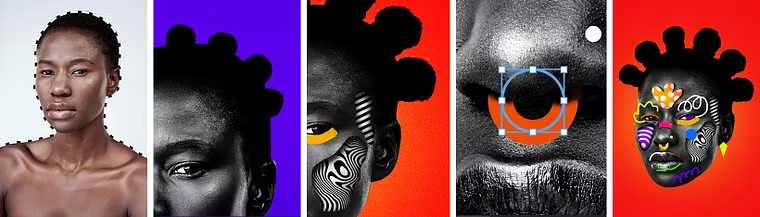
Projects by course students


Who is this online course for?
Designers, photographers, and anyone who wants to explore the creative possibilities of Photoshop.
Requirements and materials
To take this course, you just need basic knowledge of Photoshop and a computer with the program installed. To take this course, you just need basic knowledge of Photoshop and a computer with the program installed.
Reviews
- 2 months ago
This is a great, It has really helped me improved my creativity, thinking and process
- olajidePLUS8 months ago
Totally enjoyed Temi's easy approach to creating colorful portrait designs!
- 1 year ago
An excellent course, very practical and dynamic.
- 2 years ago
Great learning, very useful tips, and best teacher ever! :-) <3 I highly recommend it! Even for already experienced designers. Very refreshing!!!
- 2 years ago
I love the course and learned many new things. Temi Coker has his own unique style and I feel blessed to learn from him.

Inspired by the vibrant colors, patterns, and textures from Nigerian culture, Temi’s art is a call to celebrate identity, and has led to collaborations with clients like Adobe, Apple, The Academy Awards, Google, and Netflix. In between projects, Temi gives back to his community by teaching photography and design at his former high school and encouraging students to pursue their creative dreams.
Content
- U1
Introduction
- About Me
- Influences
- U2
Basic Notions and Research
- Searching for References
- The Conceptualization
- Photoshop Basics
- U3
Compositing the Portrait
- Selecting and Masking
- Adjustment Layers and Smart Objects
- Shapes and Brushes
- The Face: Sketching Ideas
- The Face: Adding Designs
- The Patterns
- U4
Showcasing the Work
- Saving the Work for Print
- Saving the Work for Web and Social Media
- FP
Final project
- Colorful Portrait Design with Photoshop
What to expect from a Domestika course
Learn at your own pace
Enjoy learning from home without a set schedule and with an easy-to-follow method. You set your own pace.
Learn from the best professionals
Learn valuable methods and techniques explained by top experts in the creative sector.
Meet expert teachers
Each expert teaches what they do best, with clear guidelines, true passion, and professional insight in every lesson.
Certificates
PLUSIf you're a Plus member, get a custom certificate signed by your teacher for every course. Share it on your portfolio, social media, or wherever you like.
Get front-row seats
Videos of the highest quality, so you don't miss a single detail. With unlimited access, you can watch them as many times as you need to perfect your technique.
Share knowledge and ideas
Ask questions, request feedback, or offer solutions. Share your learning experience with other students in the community who are as passionate about creativity as you are.
Connect with a global creative community
The community is home to millions of people from around the world who are curious and passionate about exploring and expressing their creativity.
Watch professionally produced courses
Domestika curates its teacher roster and produces every course in-house to ensure a high-quality online learning experience.
FAQs
Yes, this course is designed for beginners and covers foundational skills in both photography and graphic design, including step-by-step tutorials and practical projects.
You’ll need Adobe Photoshop and Illustrator for most projects. Optional tools include Cinema 4D, Keynote, and browser extensions like Savee and Pinterest for collecting references.
You’ll learn to merge photography with graphic design, create digital portraits, design event flyers and posters, develop mood boards, manage color palettes, and establish a unique visual style.
No prior experience is required. The course introduces Photoshop and Illustrator basics before moving on to more advanced creative techniques.
The course teaches you how to collect and organize reference images using tools like Keynote, Pinterest, and Savee, and how to segment and arrange mood boards to guide your creative process.
Yes, you’ll follow guided projects to design graduation announcements in Photoshop and event flyers in Illustrator, covering layout, typography, and print-ready file preparation.
The course encourages experimentation, self-directed projects, and consistent practice to help you discover and refine your unique artistic style.