Animation Techniques with 3D Effects in After Effects
A course by Moncho MasséIllustrator and Animator
A course by Moncho Massé, Illustrator and Animator

Add depth to your animations step-by-step without using 3D software
3D animation is usually linked to 3D animation programs such as Maya or Cinema 4D, although this depth effect can be created with other softwares. The illustrator and animator Moncho Massé uses Adobe After Effects to create his funny animations to which he often adds a three-dimensional effect.
Yes in the course Animation and design of characters in After Effects Moncho taught you to tell stories through small animations, this will teach you to give depth to your animations through the so-called 'false 3D', a series of techniques in Adobe After Effects that will serve to create three-dimensional pieces with a focus different. You will learn all your process to rotate objects or icons to create your own character, which you will export in a format ready to share with the world.
What will you learn in this online course?
23 lessons & 5 downloads
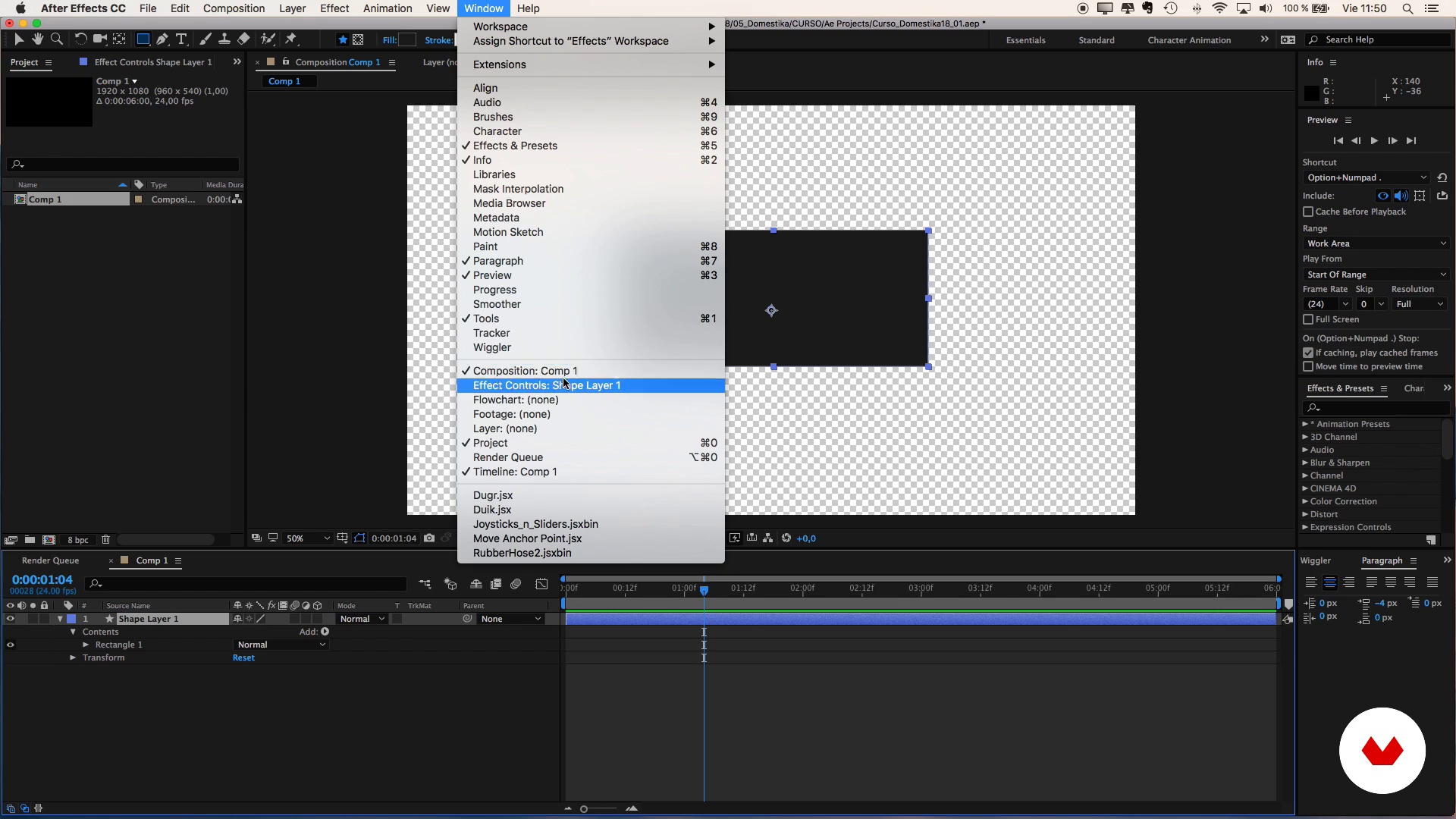
Interface
3 minutes, 21 seconds
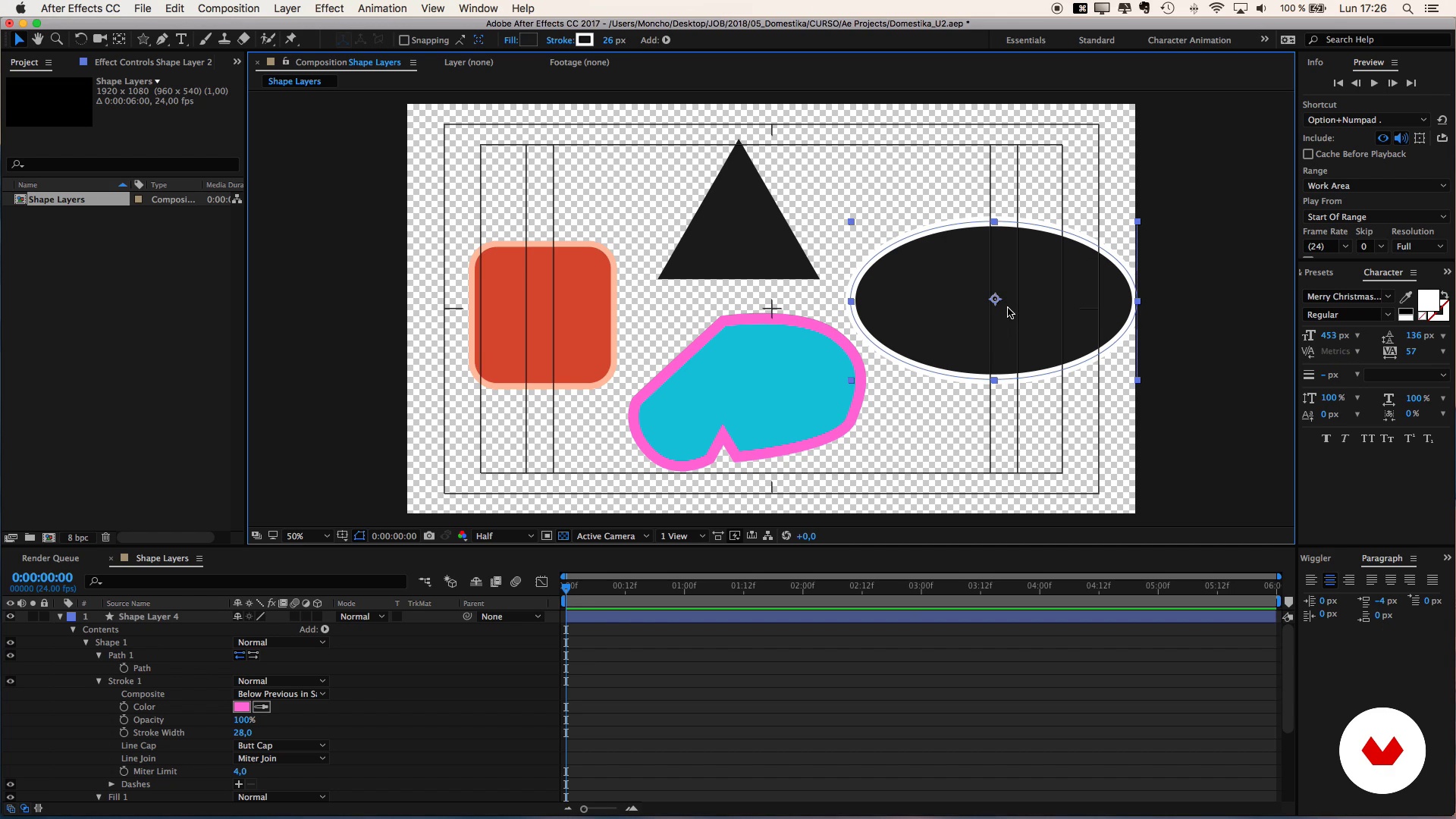
'Shape layers' (shape layers) and their characteristics
8 minutes, 3 seconds
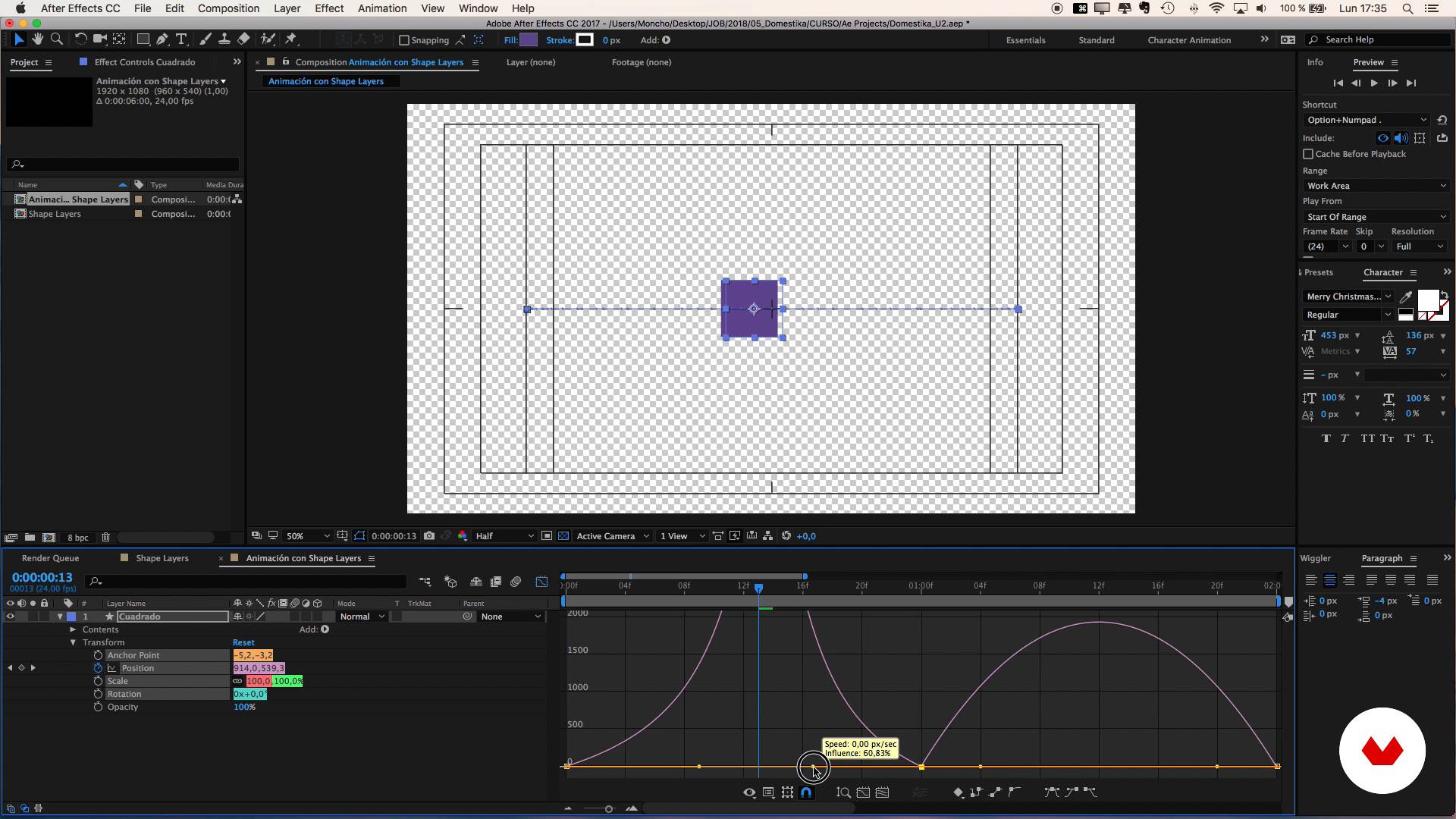
Animation and types of keyframes
10 minutes, 22 seconds
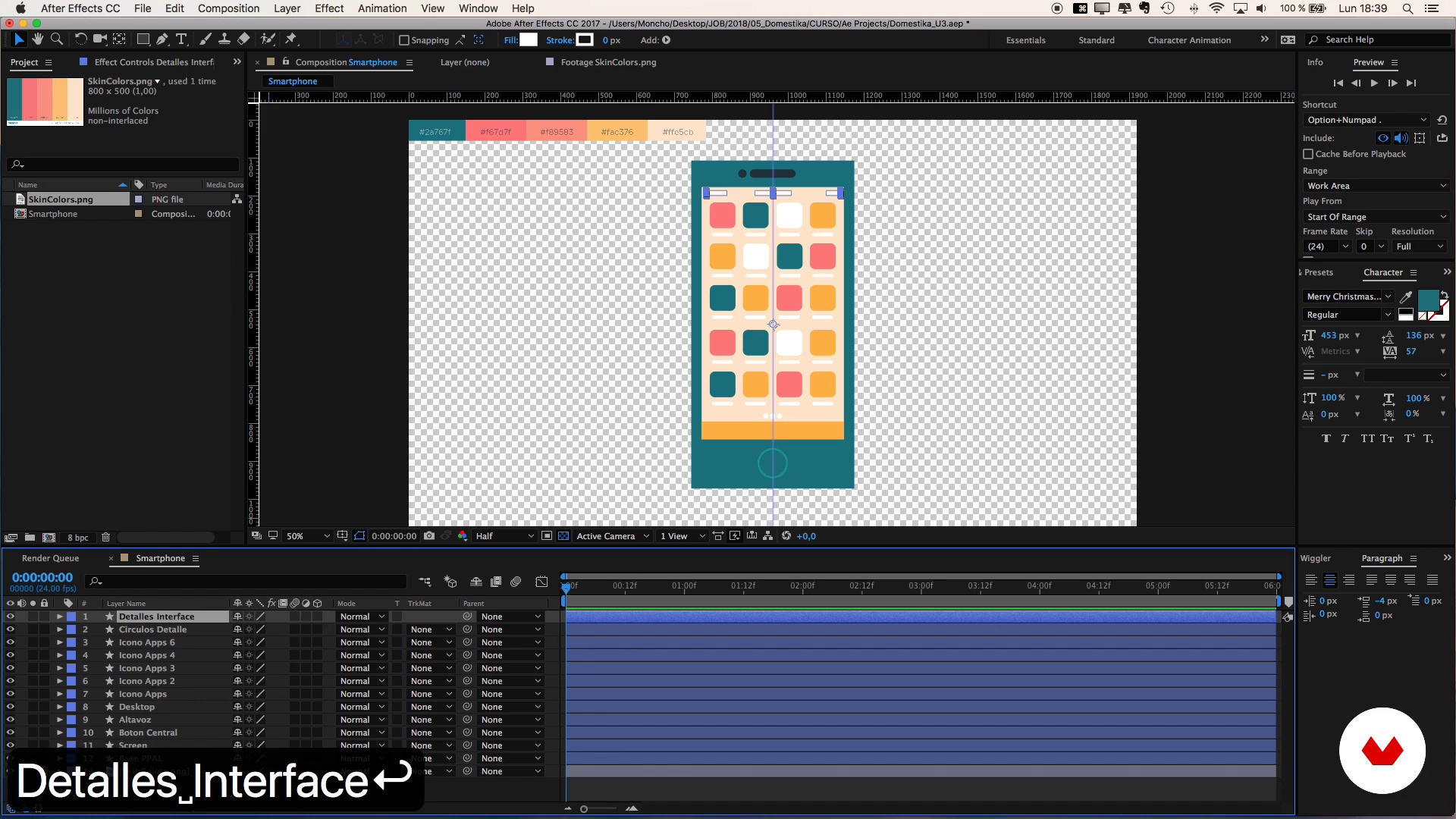
Design of a Smartphone
18 minutes, 42 seconds
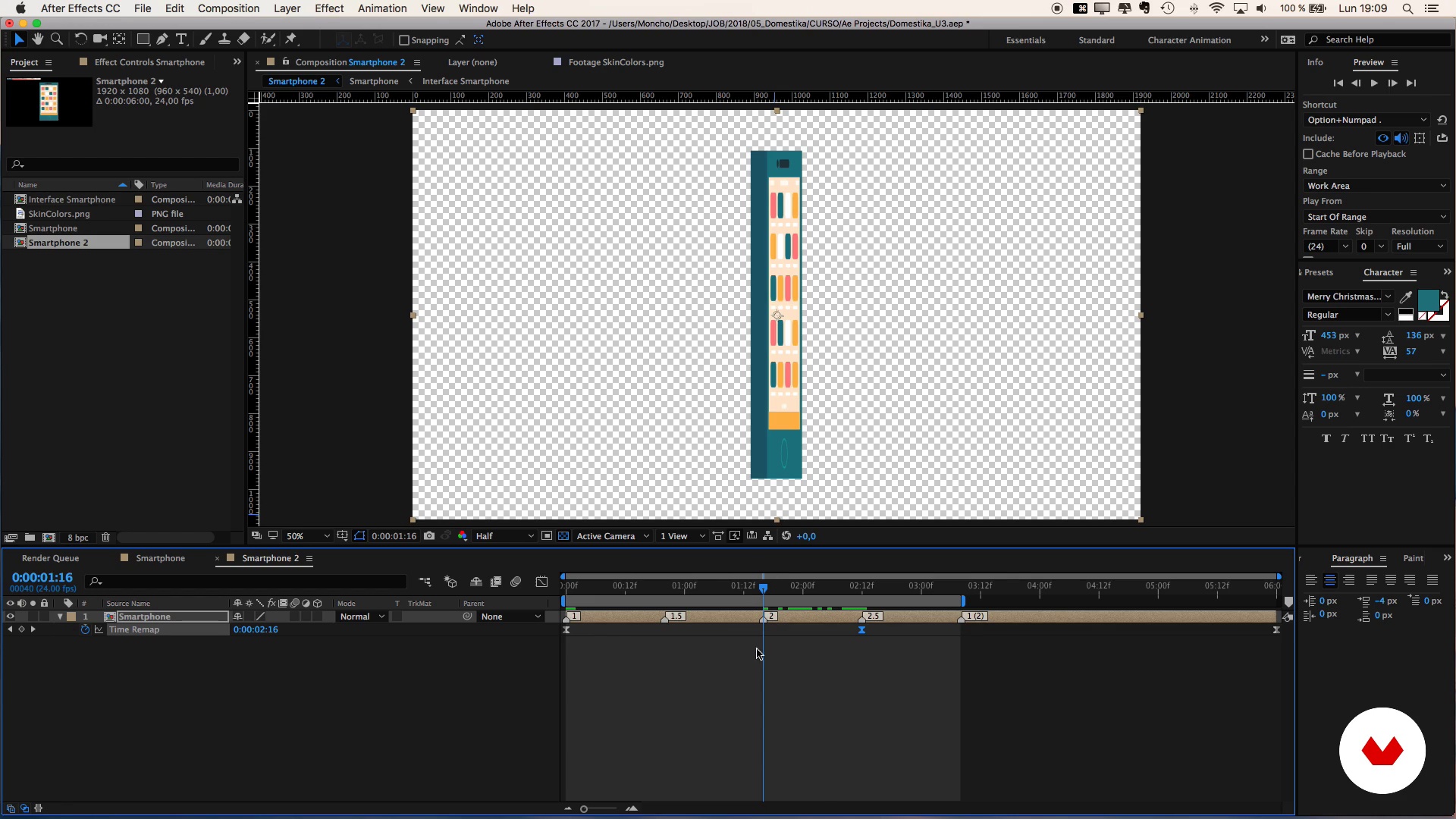
Animation of a Smartphone
14 minutes, 53 seconds
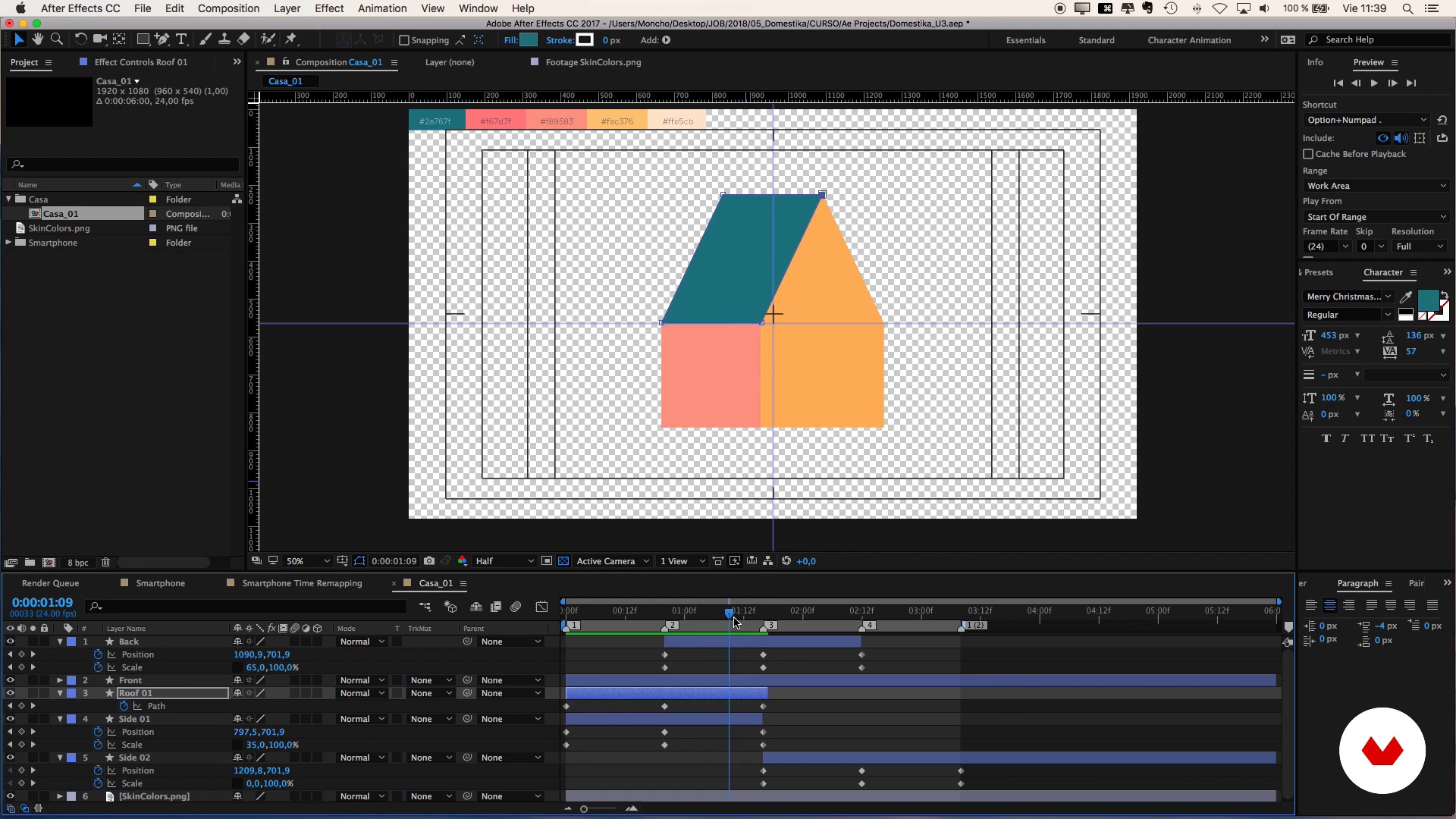
Design and animation of a house: Structure
16 minutes, 48 seconds
What's included in this course?
You will start getting to know Moncho, his works and his influences.
Then you will make a short introduction to After Effects, you will know its interface and you will discover 'shape layers', 'keyframes' and other animation concepts.
Your first exercise will be to design a smartphone that you will learn to rotate 360º on its axis, an exercise that will help you learn to rotate any rectangular object.
From there, you will learn to design more complex three-dimensional objects such as a house and a UFO. It will show you how to make authentic 3D objects look like
Later you will design a character, starting with the head until reaching the tip of the foot, to learn to animate its different parts independently. It will also explain a trick to play characters with long hair.
Finally, using the elements you have designed during the course, you will compose a scene with depth in which there will be interaction between its elements.
Recommended software & tools for this course
What is this course's project?
You will create an animation in which you will put into practice the 'false 3D' animation techniques learned during the course applied in a scene of your choice.

Projects by course students


Who is this online course for?
Designers, illustrators, animators and anyone who enjoys working with After Effects and wants to take a leap of quality learning techniques to give volume and a three-dimensional feel to their animations in a simple way.
Requirements and materials
It is not necessary to have knowledge of After Effects, since Moncho will explain the exercises from scratch. In the same way, you can follow the course optimally if you have previous knowledge of the software.
With respect to the materials you will need a computer in which you must have Adobe After Effects installed.

Reviews
- 2 months ago
Excellent Course, love it.
- 3 months ago
Excellent Course
- 4 months ago
Excelente curso uwu
- 5 months ago
Muy buen maestro
- 6 months ago
excelente curso de Técnicas de animación con efectos 3D en After Effects.

After studying audiovisual communication and journalism at the University of Valencia, Spain, he worked as a video editor for a small agency in Amsterdam. It was there that he discovered his true passion for animation, which has led him to create motion graphics pieces for a wide range of clients and projects.
Content
- U1
Presentation
- Presentation
- Influences
- U2
Introduction to After Effects
- Interface
- 'Shape layers' (shape layers) and their characteristics
- Animation and types of keyframes
- U3
Rotation of Simple Objects: design and animation of a Smartphone
- Design of a Smartphone
- Animation of a Smartphone
- U4
Rotation of Complex Objects
- Design and animation of a house: Structure
- Design and animation of a house: Details 1
- Design and animation of a house: Details 2
- Design and animation of a UFO: Structure
- Design and animation of a UFO: Details
- U5
Character rotation
- Character design, the head
- Character design, the body
- Rotation of the head
- Rotation of the trunk and legs
- Rotation of the arms
- Last details
- Bonus, characters with long hair.
- U6
Composition of the scene 'Extraterrestrial Abductions'
- Composition of the scene
- Animation of scene 1
- Animation of scene 2
- Exporting the scene
- FP
Final project
- Animation techniques with 3D effects in After Effects
What to expect from a Domestika course
Learn at your own pace
Enjoy learning from home without a set schedule and with an easy-to-follow method. You set your own pace.
Learn from the best professionals
Learn valuable methods and techniques explained by top experts in the creative sector.
Meet expert teachers
Each expert teaches what they do best, with clear guidelines, true passion, and professional insight in every lesson.
Certificates
PLUSIf you're a Plus member, get a custom certificate signed by your teacher for every course. Share it on your portfolio, social media, or wherever you like.
Get front-row seats
Videos of the highest quality, so you don't miss a single detail. With unlimited access, you can watch them as many times as you need to perfect your technique.
Share knowledge and ideas
Ask questions, request feedback, or offer solutions. Share your learning experience with other students in the community who are as passionate about creativity as you are.
Connect with a global creative community
The community is home to millions of people from around the world who are curious and passionate about exploring and expressing their creativity.
Watch professionally produced courses
Domestika curates its teacher roster and produces every course in-house to ensure a high-quality online learning experience.
FAQs
Yes, this course is designed for people with basic After Effects knowledge who want to refine their skills in 2D animation, 3D effects, and advanced compositing.
It’s recommended to have a basic understanding of After Effects and fundamental digital animation concepts to get the most out of this intermediate-level course.
You’ll learn how to create animated characters, apply masks and color effects, simulate 3D depth, adjust curves, and export professional animations for social media.
You’ll need Adobe After Effects installed on your computer and access to basic graphic resources like images and digital color palettes.
Yes, the course teaches you how to design and animate full characters as well as everyday objects like smartphones, using advanced effects and motion simulations.
You’ll learn how to precompose and duplicate layers to organize complex scenes and speed up animating repeated or synchronized elements.
Yes, the course explains mask techniques, using the Rectangle Tool and Fill effect to change colors, create shadows, and simulate 3D in 2D animations.