After Effects, Expressions for Motion Graphics
A course by Gabriel Suchowolski · microbiansArt & Creative Director
A course by Gabriel Suchowolski · microbians, Art & Creative Director

Learn to use expressions in After Effects by creating a dynamic logo
In this online course, art and creative director Gabriel Suchowolski, better known as microbians, teaches you different animation techniques using expressions in After Effects.
Learn how to change the shape, color, or movement of your animations using simple controllers. It may seem too good to be true, but by modifying four settings, you can easily generate different versions of the same logo in record time. Gabriel also gives you a complete introduction to generative design and dynamic logos, also known as flexible identities.
What will you learn in this online course?
22 lessons & 18 downloads
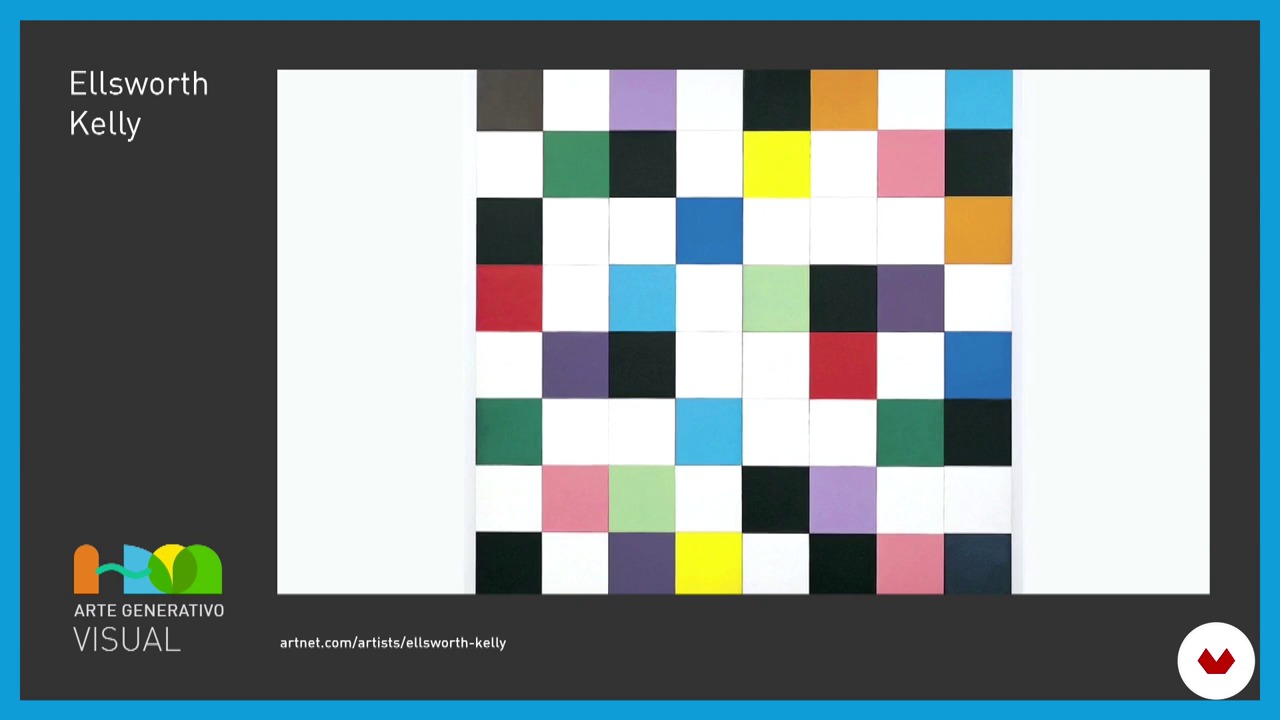
Introduction to generative art and programming in graphic design
13 minutes, 52 seconds
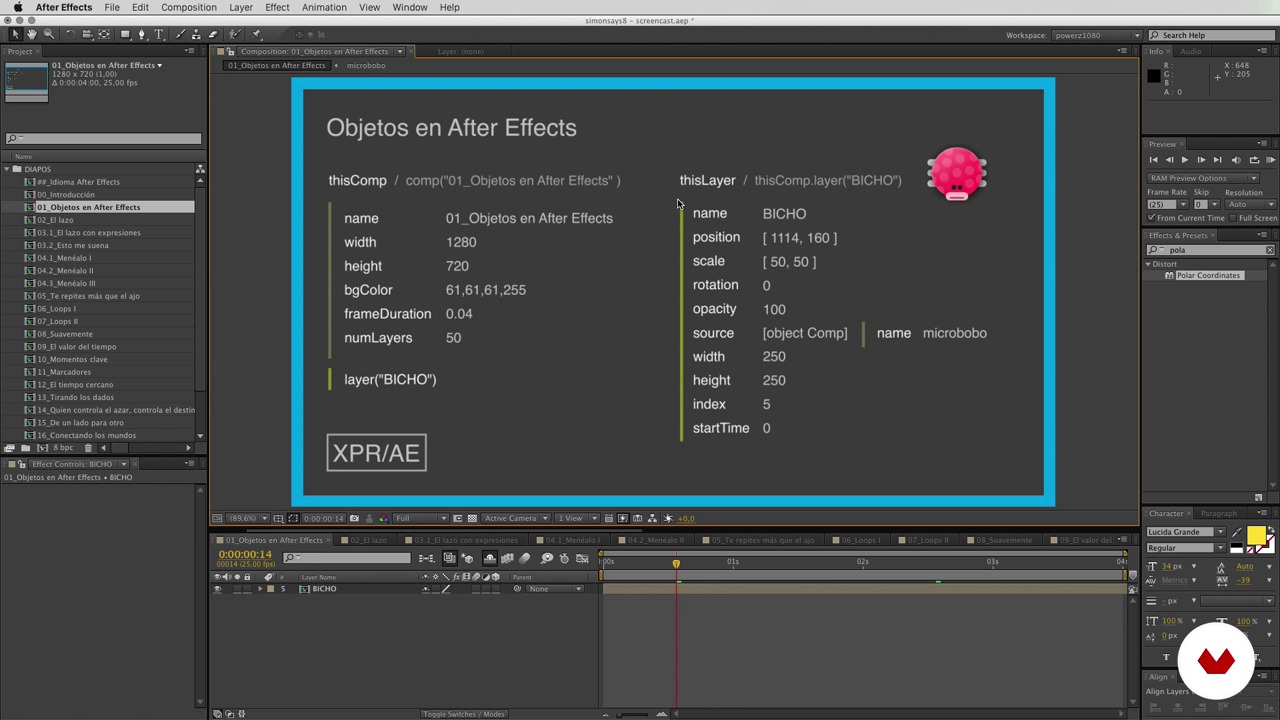
Expressions with After Effects I
16 minutes, 41 seconds
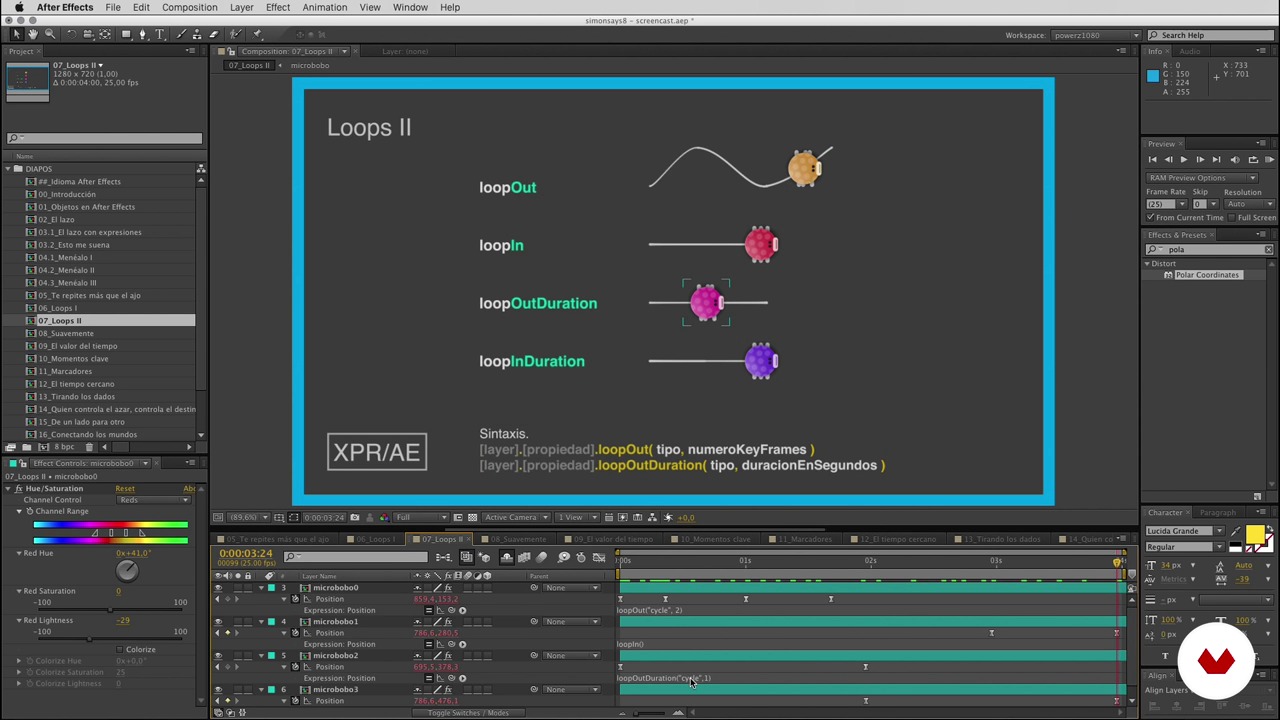
Expressions with After Effects II
22 minutes, 13 seconds
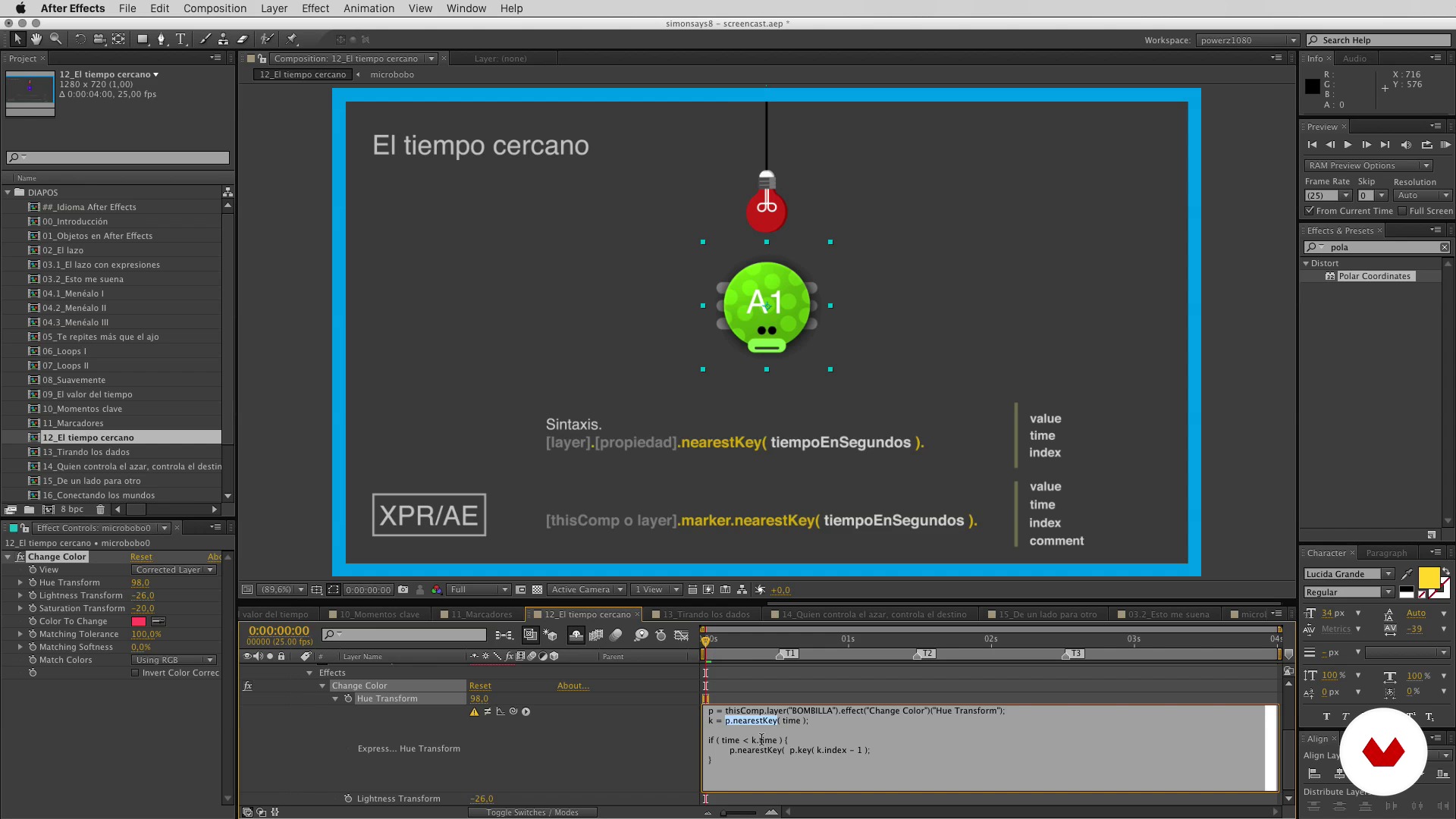
Expressions with After Effects III
16 minutes, 1 second
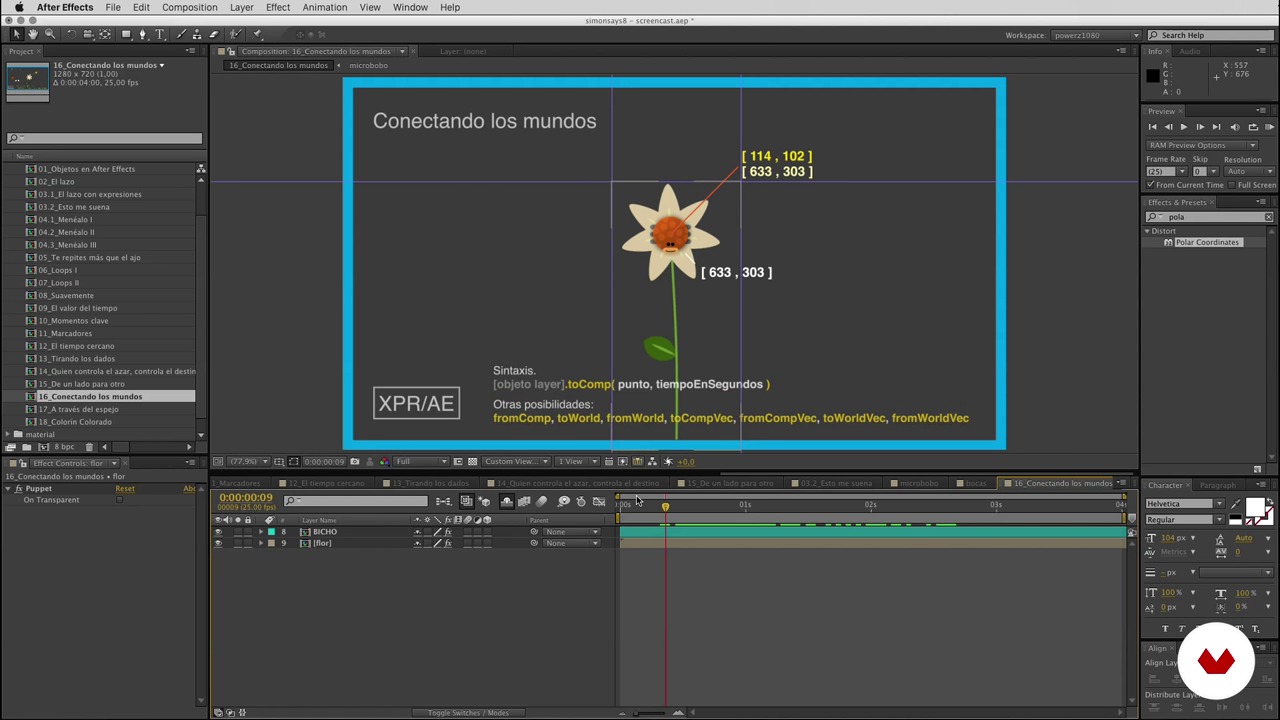
Expressions with After Effects IV
18 minutes, 50 seconds
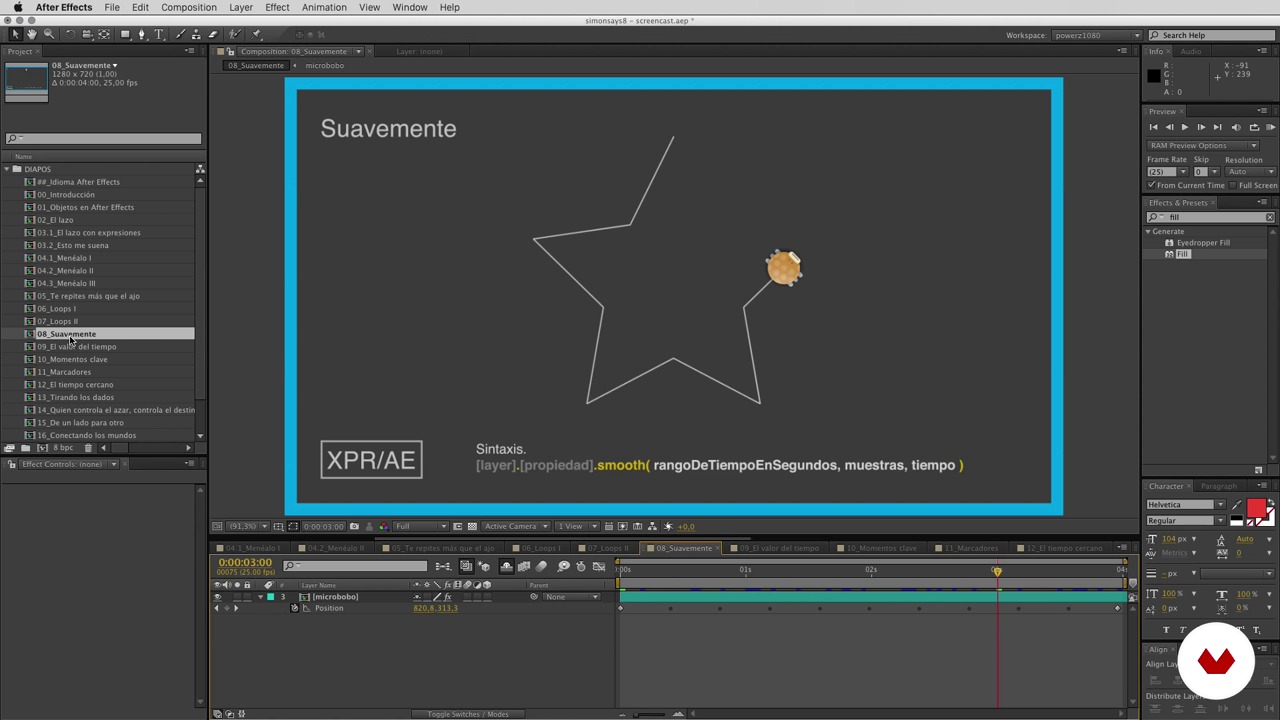
Expressions with After Effects V
6 minutes, 42 seconds
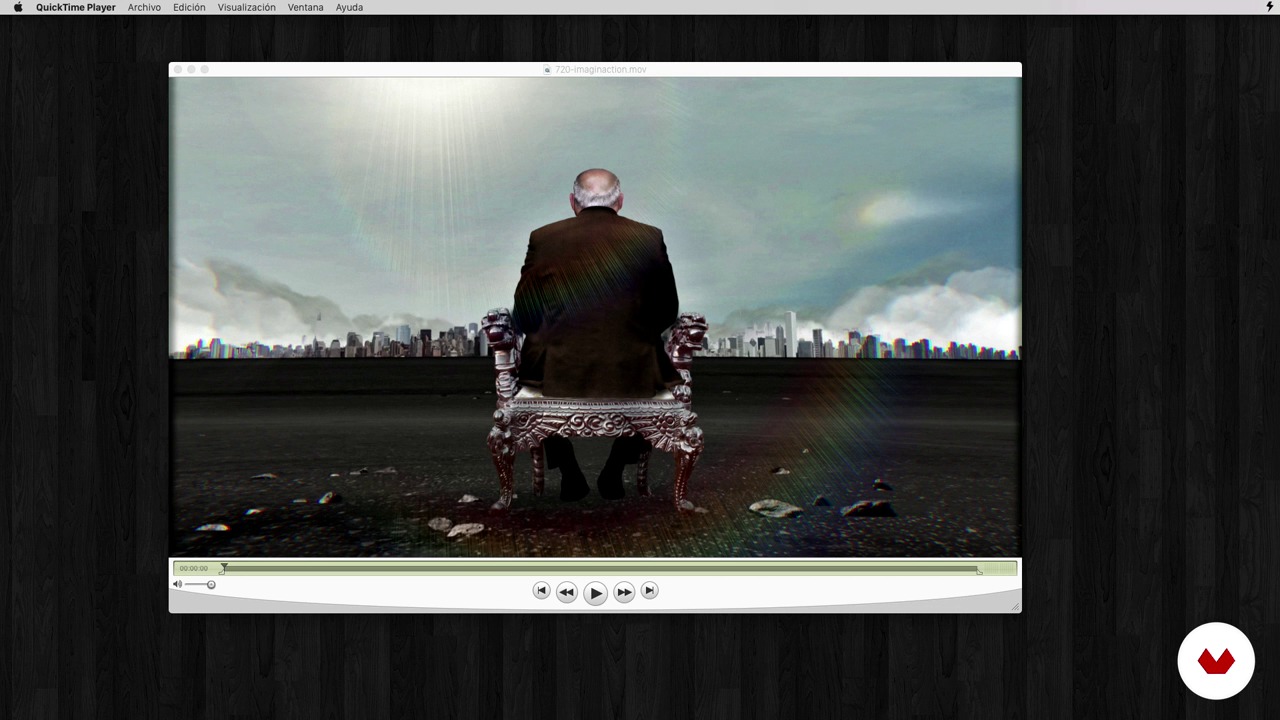
Canal + Imaginaccion (Garbage)
18 minutes, 16 seconds
What's included in this course?
Start with a brief summary of the possibilities that programming opens up within the graphic design field. Explore its different applications in generative art, logos in visual systems for flexible identities, fonts, and its use in motion graphics.
Gabriel then guides you through a short introduction to programming and covers some simple yet essential concepts, from the assisted programming provided by After Effects to formulas for controlling color, shape, and movement. Learn about other possibilities such as automatically synchronizing audio and creating simple controllers to apply all these changes.
Recommended software & tools for this course
What is this course's project?
Create an animated logo in After Effects using expressions. Add some controllers to make it easier to change the shape, color, and movement. Then, play around with different animated versions of your logo and explore a range of applications.

Projects by course students


Who is this online course for?
Anyone who wants to get started in programming applied to design, animation, or generative art. This course is also great from anyone interested in learning new animation techniques in After Effects.
Requirements and materials
A working knowledge of Adobe After Effects (CS5 or later) and Illustrator or Photoshop are required for this course.
As for materials, just bring a computer with these programs and come ready to learn and have a blast. If you don't know how to program, a short lesson on basic programming concepts is included, and you can always ask Gabriel (@microbians) for help in the course forum if you have any questions.

Reviews
- 3 months ago
buen curso
- 4 months ago
Terrible course. Unedited, underplanned, and underdelivered. The instructor frequently says "I don't know," the structure is loose, and the final project is trivial. Less a course than a camera following someone's disorganized workflow. Domestika needs editors.
- 6 months ago
Muy buen curso, altamente recomendado
- 10 months ago
Muy buen curso, al principio algo enredoso para los principiantes pero es cuestión de repasar y repasar hasta comprender, considero que la información es muy valiosa y facilita el proceso de animación.
- 1 year ago
Muy buen curso, al principio algo enredoso para los principiantes pero es cuestión de repasar y repasar hasta comprender, considero que la información es muy valiosa y fácilita el proceso de animación.

His work has received accolades from numerous entities, including awards from Arteleku 2002, Design for Freedom, MINI | LA MJC 2003, LAUS 2011, and Sol 2008.
He is passionate about drawing, illustration and great illustrators, comics by French masters, such as Moebius and Bilal, and manga with European overtones. He also composes minimalist music, devours '50s movies, and loves a good cup of Earl Grey tea.
Content
- U1
Introduction
- About microbians and project presentation
- Introduction to generative art and programming in graphic design
- U2
Expressions with After Effects
- Introduction to programming
- Expressions with After Effects I
- Expressions with After Effects II
- Expressions with After Effects III
- Expressions with After Effects IV
- Expressions with After Effects V
- U3
Applications in practical cases
- Jim Beam I (Swimmers)
- Jim Beam II (Swimmers)
- Canal + Imaginaccion (Garbage)
- Ibercaja cards I (Follow me)
- Ibercaja cards II (Follow me)
- U4
Dynamic logo
- Inspiration
- Conceptualization of the logo and animations
- Prepare animated modules for reuse I
- Prepare animated modules for reuse II
- We create flexible identity I
- We create flexible identity II
- We create the flexible identity III
- We create flexible identity IV
- Other apps
- FP
Final project
- Motion graphics and generative design
What to expect from a Domestika course
Learn at your own pace
Enjoy learning from home without a set schedule and with an easy-to-follow method. You set your own pace.
Learn from the best professionals
Learn valuable methods and techniques explained by top experts in the creative sector.
Meet expert teachers
Each expert teaches what they do best, with clear guidelines, true passion, and professional insight in every lesson.
Certificates
PLUSIf you're a Plus member, get a custom certificate signed by your teacher for every course. Share it on your portfolio, social media, or wherever you like.
Get front-row seats
Videos of the highest quality, so you don't miss a single detail. With unlimited access, you can watch them as many times as you need to perfect your technique.
Share knowledge and ideas
Ask questions, request feedback, or offer solutions. Share your learning experience with other students in the community who are as passionate about creativity as you are.
Connect with a global creative community
The community is home to millions of people from around the world who are curious and passionate about exploring and expressing their creativity.
Watch professionally produced courses
Domestika curates its teacher roster and produces every course in-house to ensure a high-quality online learning experience.
FAQs
You’ll learn to blend programming and graphic design to create animated logos, flexible visual identities, and automated motion graphics using tools like After Effects, Processing, and JavaScript.
This is an intermediate-level course. Basic graphic design knowledge and familiarity with After Effects and animation concepts are recommended.
You’ll need a computer with After Effects and Illustrator installed, access to graphic programming software like Processing or PaperJS, and basic design and animation skills.
Expressions in After Effects are snippets of code that automate and customize animations. You’ll learn to use them to create complex movements, control properties, and synchronize elements.
Yes, the course focuses on designing animated logos that adapt to different contexts, using modular graphic systems and automation techniques.
Generative art uses algorithms and programming to create dynamic graphics and animations. You’ll learn how to apply it to visual identities, typography, and motion graphics.
Tools like JavaScript, Processing, and After Effects expressions are integrated to automate animations, generate visual variations, and streamline creative workflows.