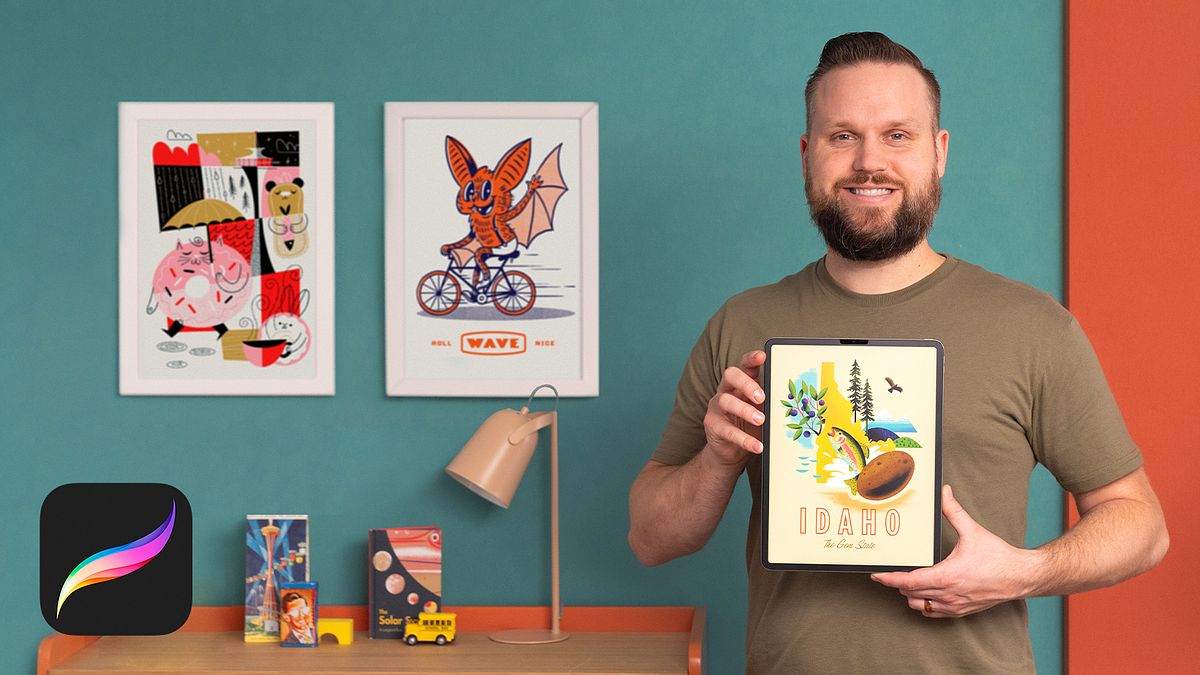
Analog-Style Digital Illustration with Procreate
A course by Brad WoodardGraphic Design and Illustrator
A course by Brad Woodard, Graphic Design and Illustrator

Learn how to apply traditional techniques with digital media to create nostalgic works of art that are perfectly imperfect
When graphic designer and illustrator Brad Woodard discovered digital art, his biggest struggle was that it looked too flat and perfect. Throughout the course of his career, he has developed a series of techniques to combat that and create digital artwork that feels tactile, warm, and nostalgic. Brad runs his own studio and has collaborated with brands including USPS, Honda, eBay, and Uniqlo.
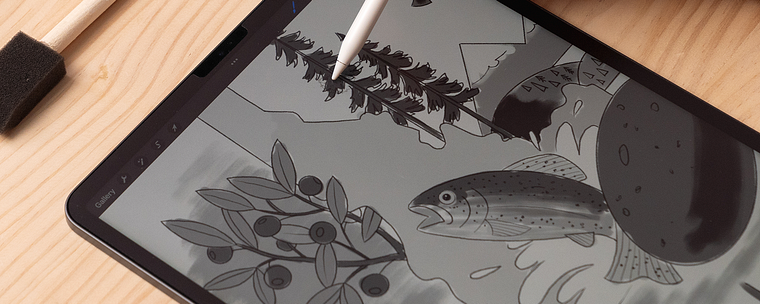
In this online course, he teaches you ** to use Procreate to design analog-style illustrations**. Discover how to mimic traditional art while retaining the benefits of working digitally to create pieces that appear aged, textured, and perfectly imperfect.
This is Brad’s second Domestika course. In his first, Procreate for Beginners: Digital Illustration 101, he teaches you the fundamentals of creating digital art with Procreate from scratch.
What will you learn in this online course?
16 lessons & 19 downloads
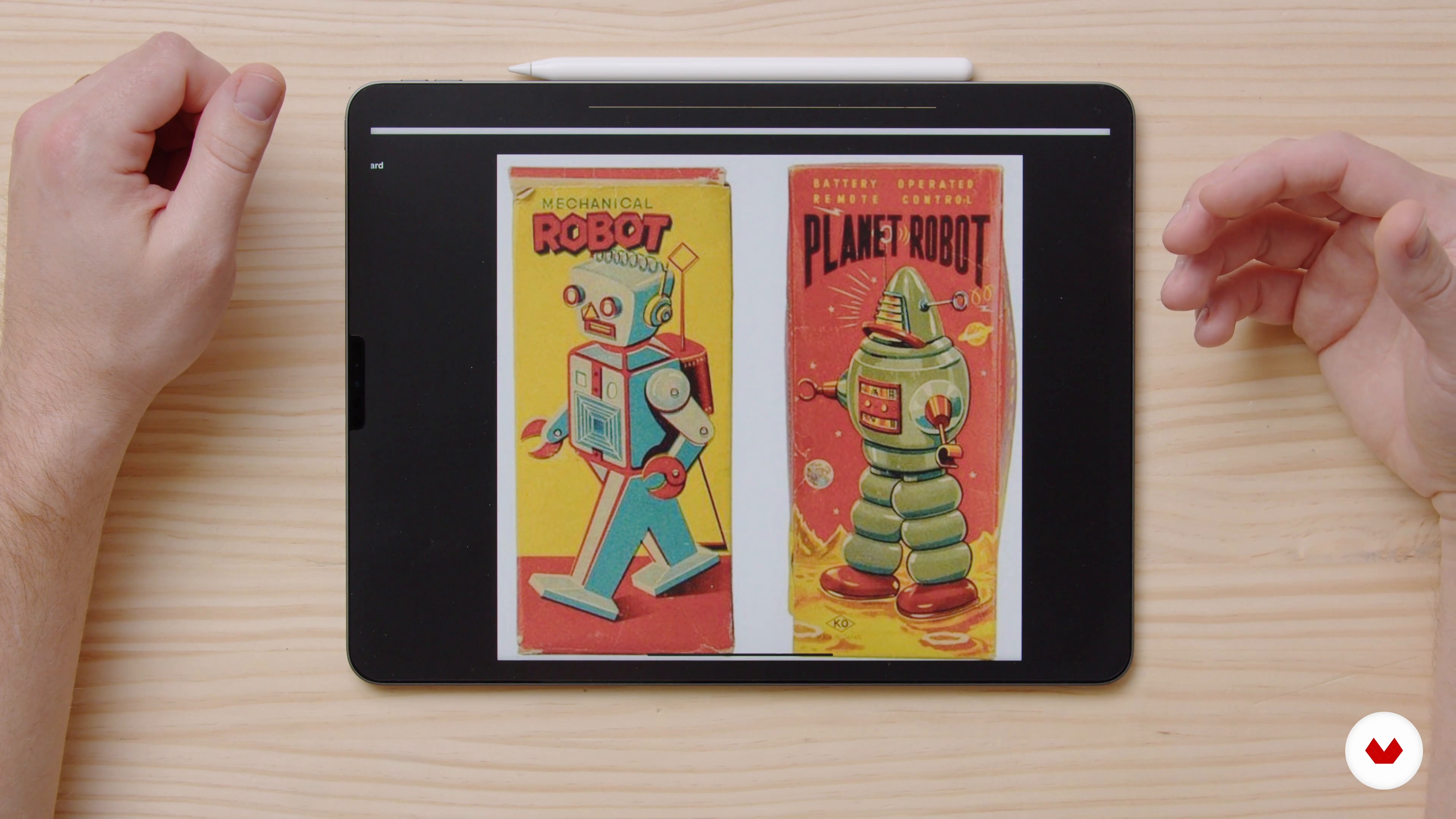
Finding Inspiration
5 minutes, 16 seconds
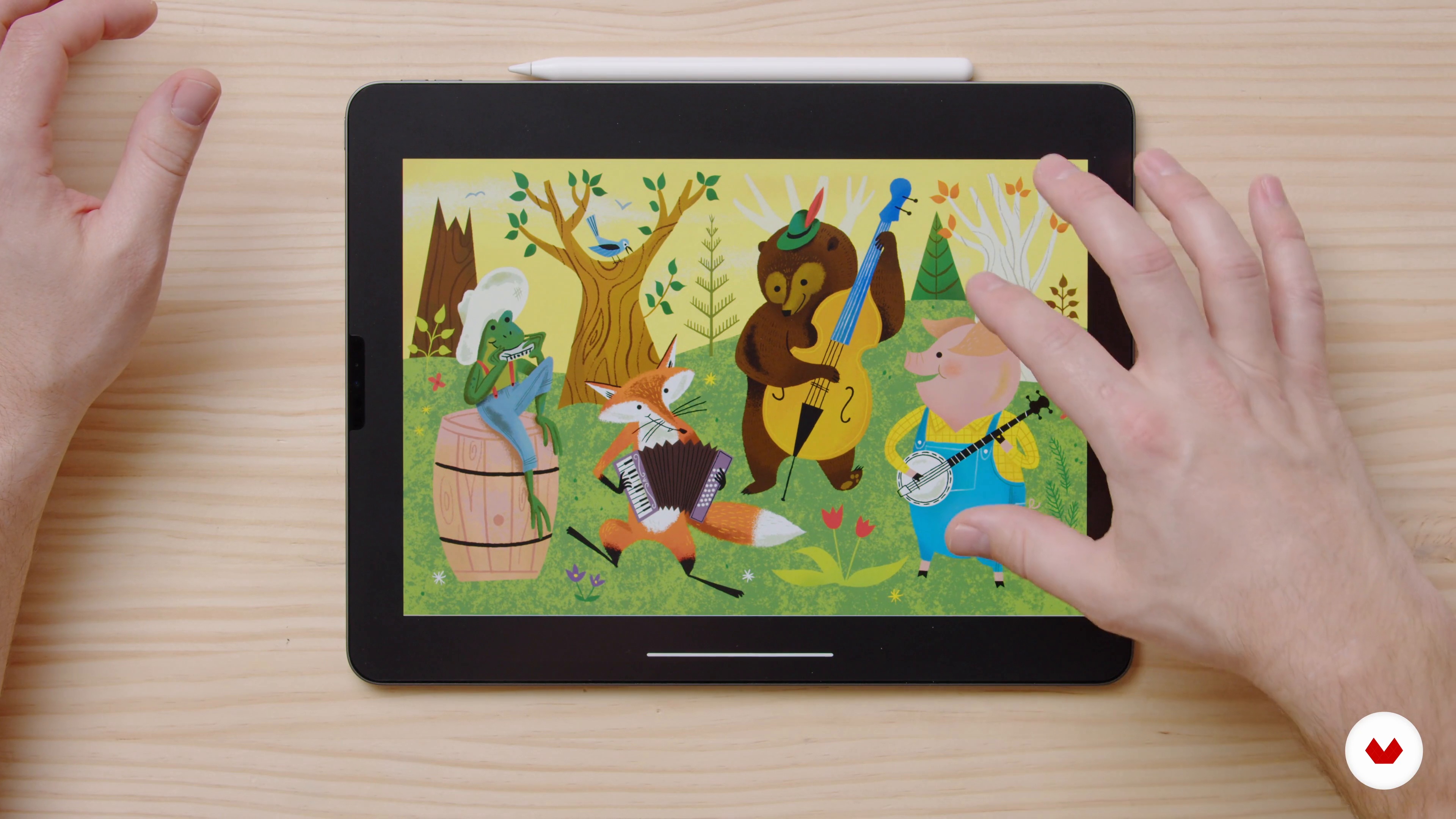
Application
4 minutes, 29 seconds
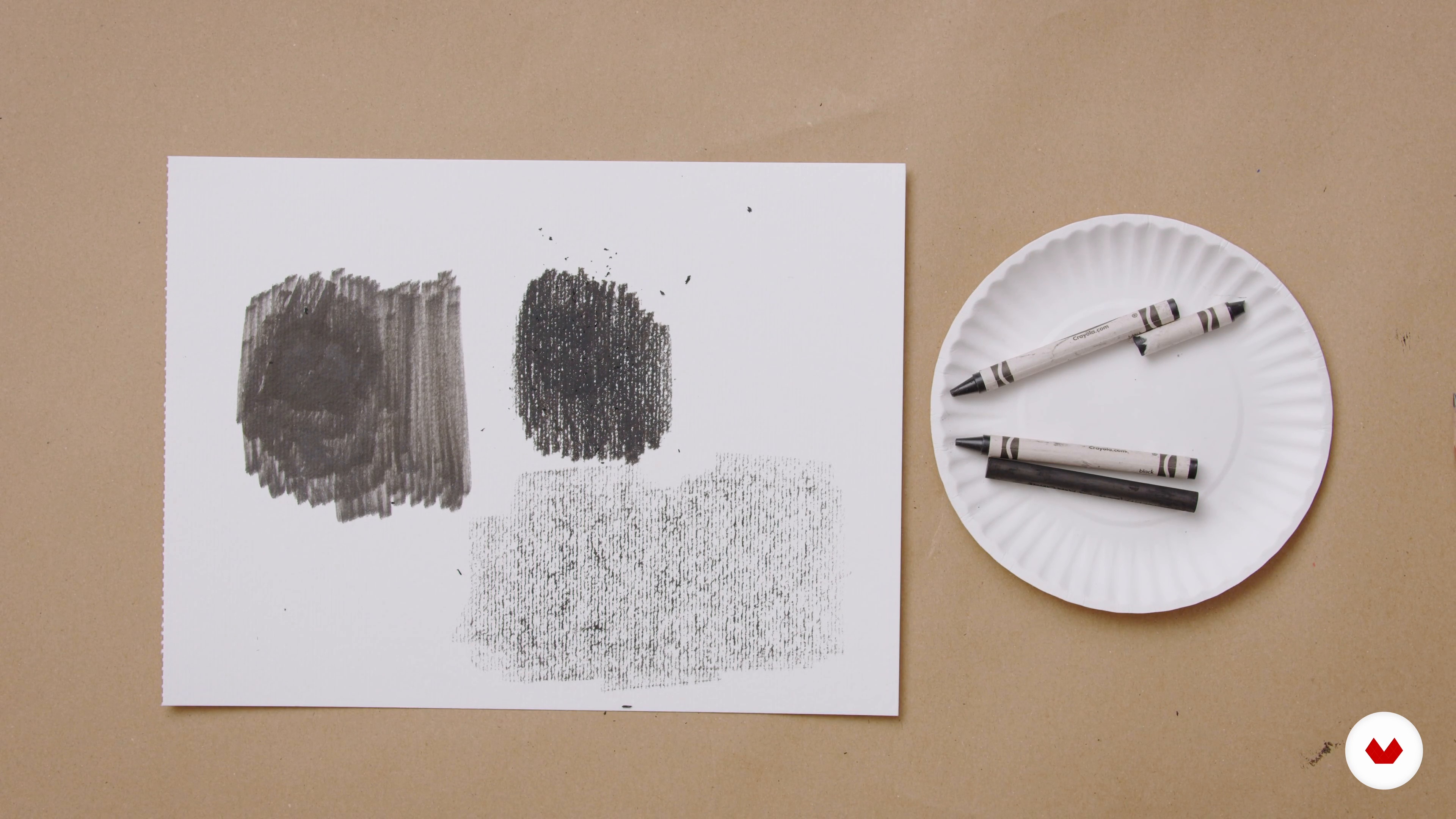
Creating Textures with Ordinary Materials
10 minutes, 33 seconds
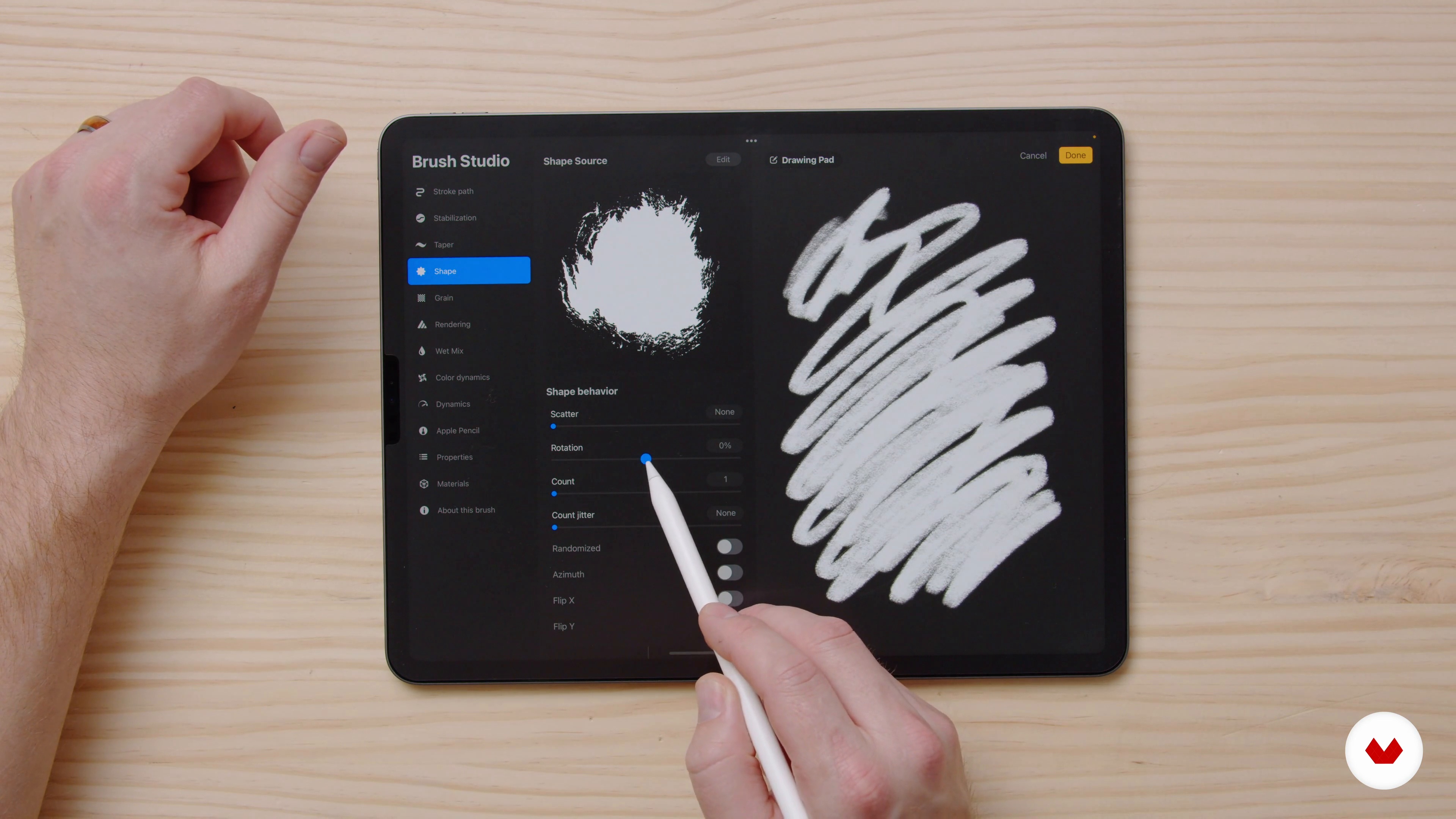
Custom Brushes
19 minutes, 18 seconds
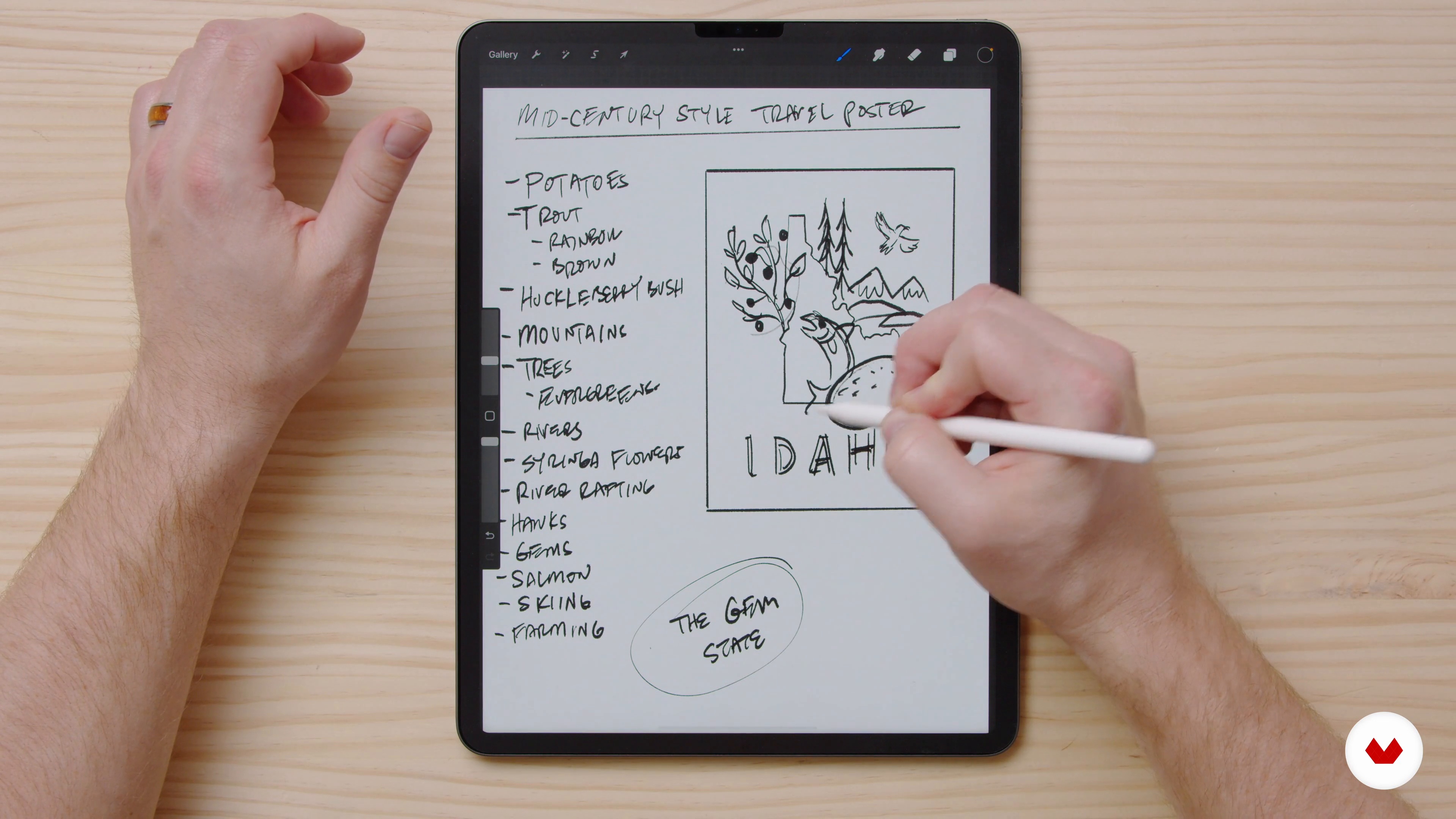
Brainstorming and Sketching 1
14 minutes, 48 seconds
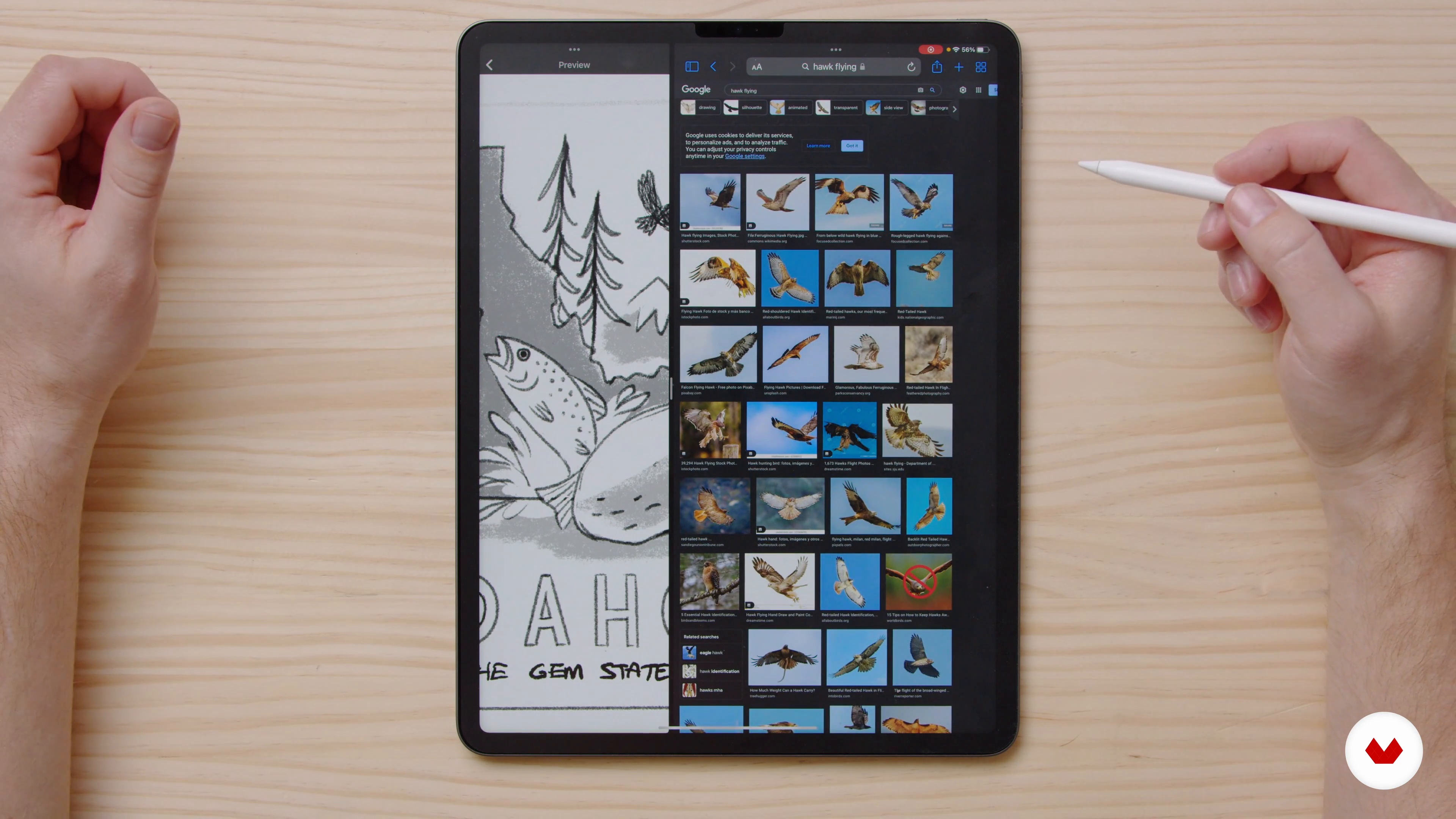
Brainstorming and Sketching 2
8 minutes, 46 seconds
What's included in this course?
Begin the course by getting to know graphic designer and illustrator Brad Woodard. Hear about the creative journey that led him to start his own studio, along with the influences that inspire him and the art he creates.
Dive into Brad’s sources of inspiration and look at examples of how he has applied analog methods using digital media. Then create textures of your own using everyday objects that can be scanned and used as part of your project.
Transform your textures into custom brushes in Procreate. Then brainstorm ideas for your illustration and create your initial sketches. Fill in the main shapes of your poster to create a balanced composition.
Explore color theory and decide on a palette for your piece using the color tool in Procreate. Then discover Brad’s techniques for **distressing your artwork ** and taking away the “perfect” digital finish. Learn how to incorporate your textures from earlier in the course into your poster.
Put the finishing touches to your work using Procreate’s adjustment panel to achieve an analog aesthetic. To wrap up the course, Brad shares his advice on what to do with your project, from gifting it to creating a series of prints.
Recommended software & tools for this course
What is this course's project?
Create a retro-inspired travel poster of your favorite place using a variety of digital tools and techniques.
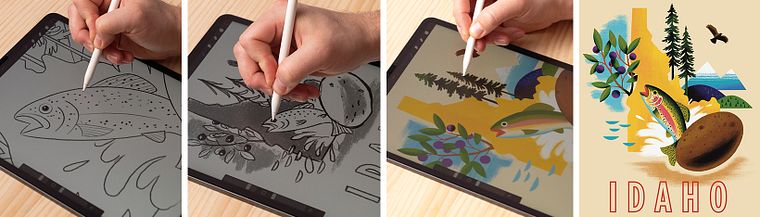
Projects by course students


Who is this online course for?
This course is for anyone with an interest in creating digital illustrations with an analog touch.
Requirements and materials
No previous experience is required.
In terms of materials, you will need an iPad with Procreate installed.
Reviews
- 3 months ago
เป็นคอร์สที่ดีมาก ได้เรียนรู้เรื่องใหม่ๆ เช่นการทำบรัช การทำ แท็กเจอร์ต่างๆ และมีตัวอย่างสไตล์ให้เราได้ศึกษาเพิ่มเติมด้วย
- 3 months ago
Good course.
- 4 months ago
Muito bom
- 5 months ago
Un curso excepcional, muy bien explicado y perfecto para crear ilustraciones tipo póster. Lo recomiendo!
- 7 months ago
Muito bom

Inspired by his childhood adventures, Brad’s style is bold and graphic. He enjoys designing for kids and for those who are kids at heart. His work can be found in bookstores, toy stores, and department stores and, together with his creative co-founder, he has worked for clients including USPS, Ford, Penguin Random House, eBay, and Microsoft.
Content
- U1
Introduction
- About Me
- Influences
- U2
Research and Exploration
- Finding Inspiration
- Application
- Creating Textures with Ordinary Materials
- U3
Getting Started
- Custom Brushes
- Brainstorming and Sketching 1
- Brainstorming and Sketching 2
- Blocking in Shapes
- U4
Imperfections
- Colors
- Making it Less Perfect
- Textures 1
- Textures 2
- U5
Final Steps
- The Final Touches 1
- The Final Touches 2
- What Can You Do With Your Project?
- FP
Final project
- Analog-Style Digital Illustration with Procreate
What to expect from a Domestika course
Learn at your own pace
Enjoy learning from home without a set schedule and with an easy-to-follow method. You set your own pace.
Learn from the best professionals
Learn valuable methods and techniques explained by top experts in the creative sector.
Meet expert teachers
Each expert teaches what they do best, with clear guidelines, true passion, and professional insight in every lesson.
Certificates
PLUSIf you're a Plus member, get a custom certificate signed by your teacher for every course. Share it on your portfolio, social media, or wherever you like.
Get front-row seats
Videos of the highest quality, so you don't miss a single detail. With unlimited access, you can watch them as many times as you need to perfect your technique.
Share knowledge and ideas
Ask questions, request feedback, or offer solutions. Share your learning experience with other students in the community who are as passionate about creativity as you are.
Connect with a global creative community
The community is home to millions of people from around the world who are curious and passionate about exploring and expressing their creativity.
Watch professionally produced courses
Domestika curates its teacher roster and produces every course in-house to ensure a high-quality online learning experience.
FAQs
Yes, this illustration course is designed for intermediate artists who want to develop their unique style, experiment with mixed media, and expand their portfolio with advanced texturing and color techniques.
You'll need basic art supplies for analog texture creation, such as acrylic paint, gouache, sponges, and paper, as well as a digital device with Procreate or Photoshop for digital illustration work.
You’ll learn how to create mixed media artwork, develop personal style, build texture-rich illustrations, mimic vintage effects, and prepare a creative portfolio for self-publishing or client work.
Yes, the course includes lessons on building a creative portfolio, finding illustration clients, and strategies for self-publishing children’s books with your unique artwork.
Absolutely. The course emphasizes incorporating personal inspiration and developing your own unique art style throughout all assignments and projects.
Yes, you’ll learn techniques for creating textures with traditional media and how to digitize and integrate them into your digital art using Procreate or Photoshop.
Yes, the course covers color theory, building harmonious palettes, and applying bold color combinations to enhance the visual impact of your illustrations.