Introduction to Digital Self-Portrait Photography
A course by Apolline ThibaultPhotographer
A course by Apolline Thibault, Photographer

Create a unique self-portrait by experimenting with set design, style, and composition, as well as filters and editing in Lightroom
Who said self-portraits were just a quick selfie in front of a tourist attraction? In this course by photographer Apolline Thibault, discover that it's an art form in its own right. Learn how to set up a photo studio at home and create striking, clever filters to shoot an original photo series that is as unique as you are!
Immerse yourself in the universe and influences of Apolline Thibault, who likes to play with vintage styles, hand-created photo filters, and editing in Adobe Lightroom. She demonstrates that self-portrait photography is an exercise involving a great deal of introspective research. By the end of the course, you'll no longer be afraid to put yourself in the spotlight and master DIY photography techniques!
What will you learn in this online course?
14 lessons & 16 downloads
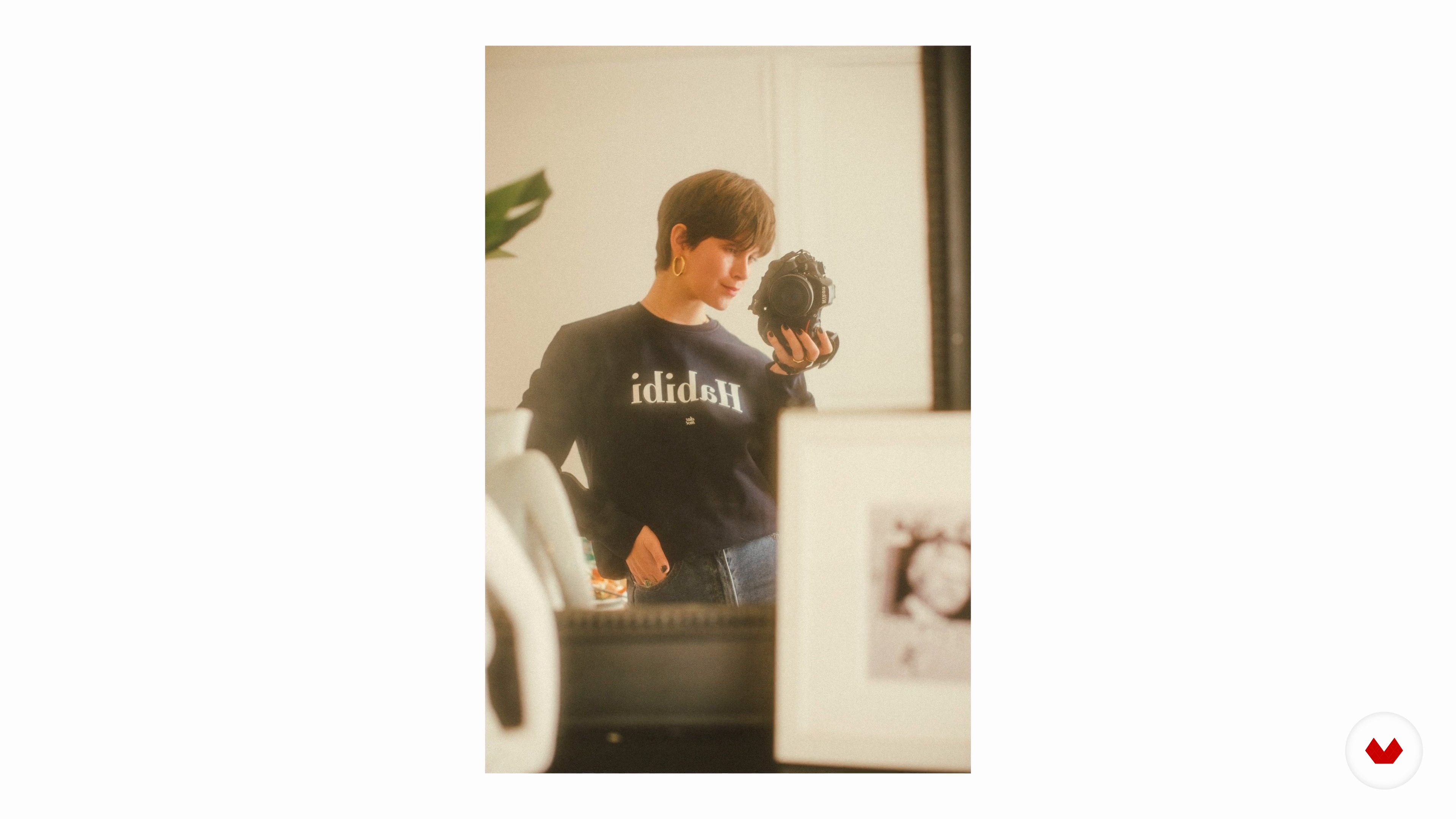
Why the Self-Portrait?
6 minutes, 11 seconds
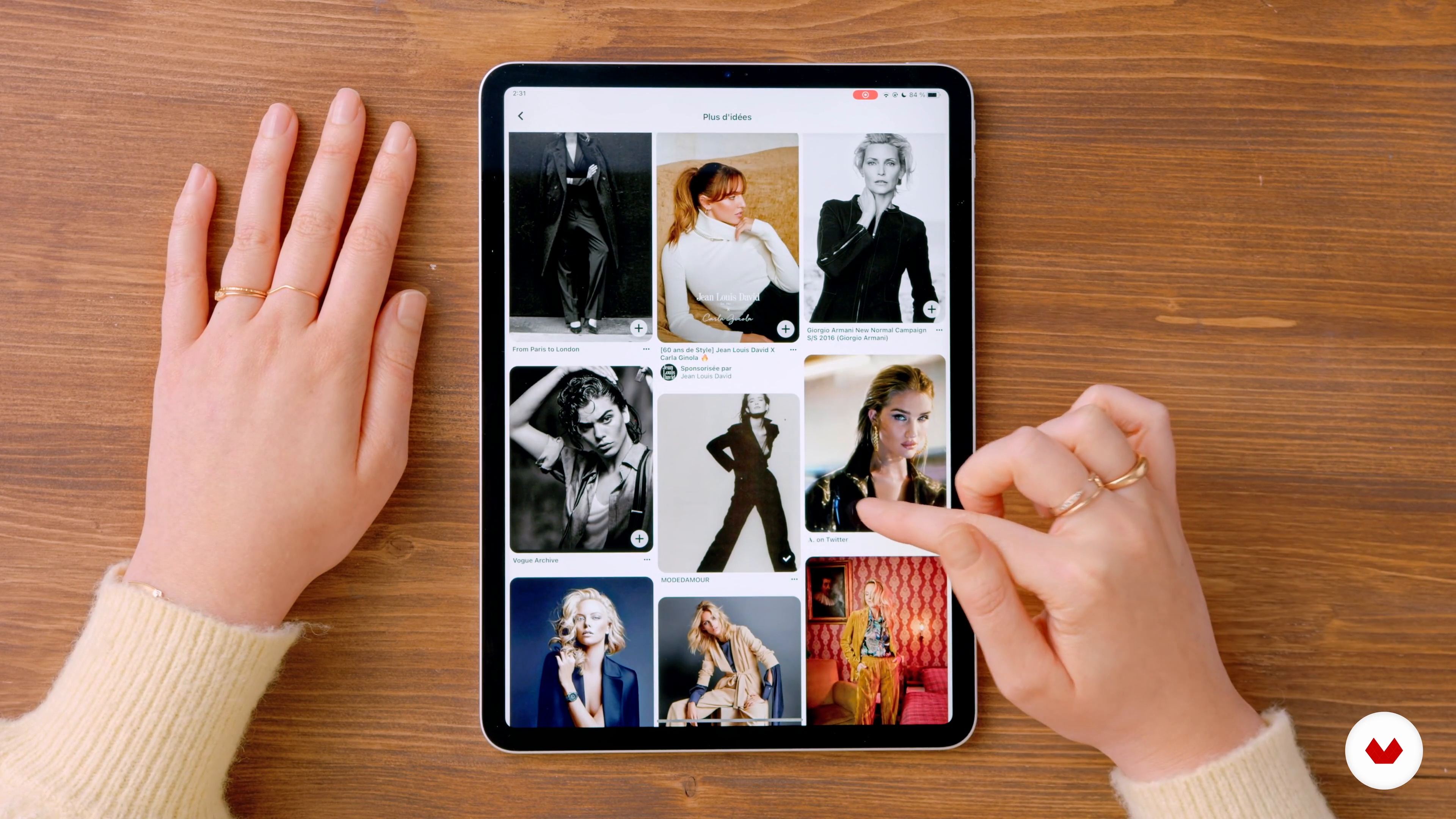
The Mood Board
7 minutes, 28 seconds
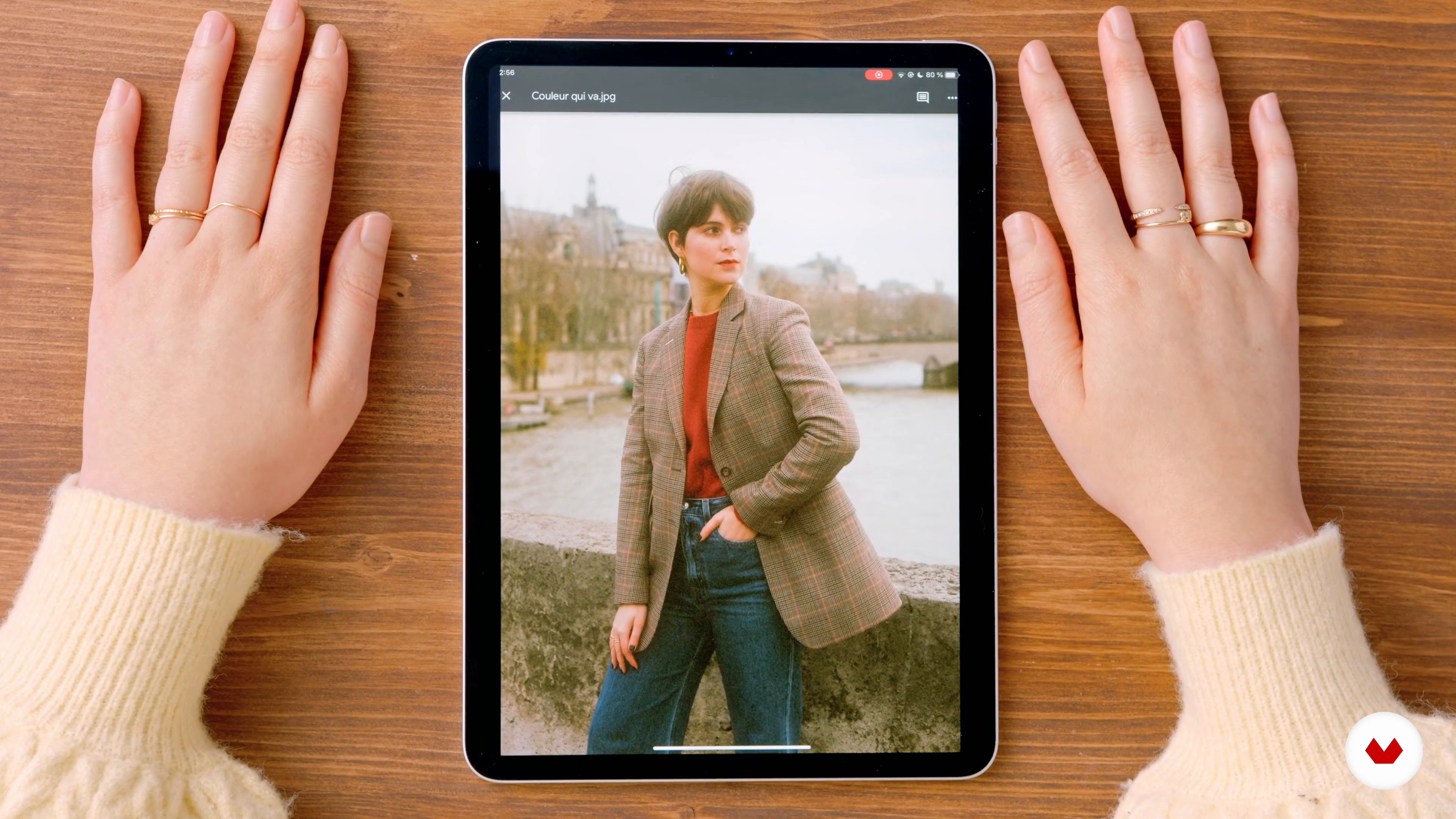
The Styling
2 minutes, 46 seconds
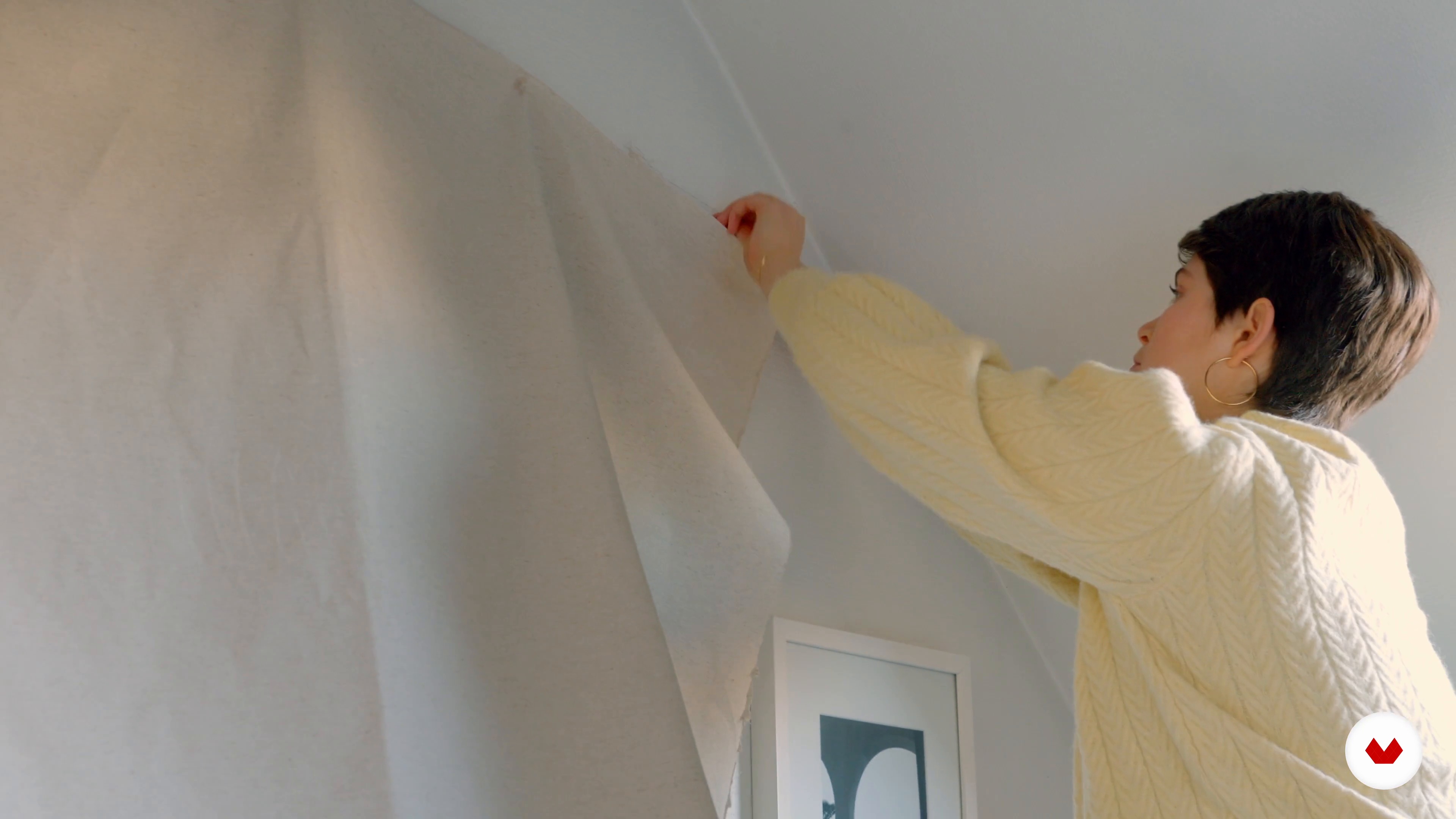
A Studio at Home
4 minutes, 45 seconds
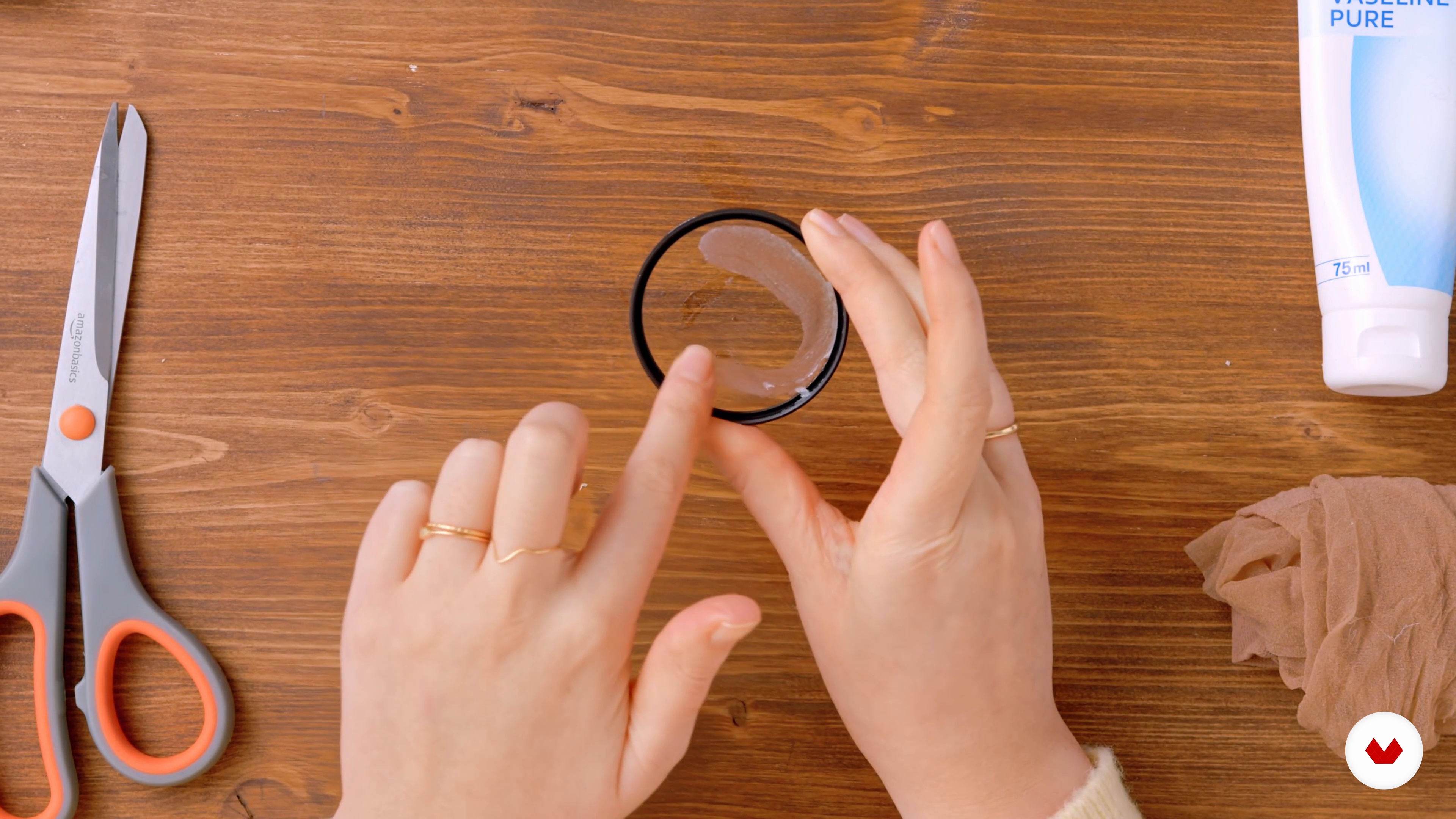
Playing with Optical Filters
5 minutes, 24 seconds
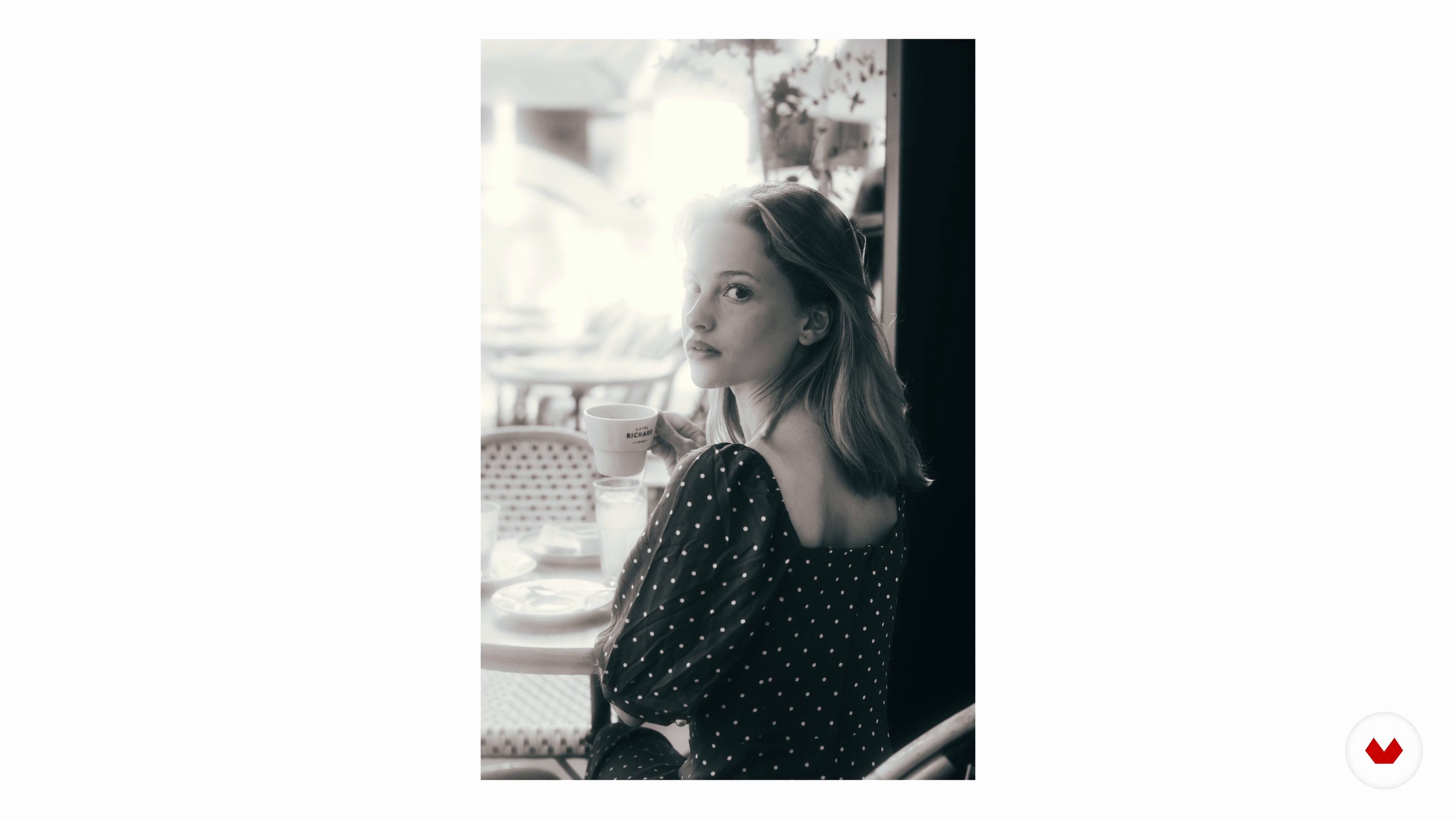
Playing with Light
3 minutes, 7 seconds
What's included in this course?
Start the course by meeting Apolline Thibault. She tells you about her career path spanning law, photography, and modeling. Then discover the artists who inspire her, like Peter Lindbergh, Charlotte Salomon, and Virgile Guinard.
Find out more about self-portraiture and create a mood board to find inspiration. Discuss styling in photography before choosing the outfit and props for your session.
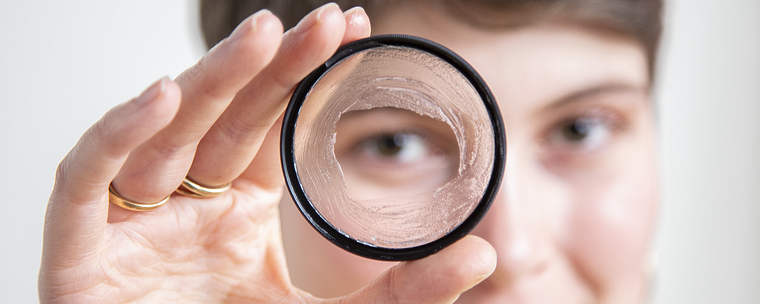
Time to prepare for the shoot! Start by making photo filters with a little Vaseline and a pair of tights. Then see how to make light reflect in your photos by playing with the settings, the use of backlighting, and your flash. Finally, learn how to create a real photo studio in your living room with everyday objects. All that's left to do is to determine the composition and position your camera.
Now get shooting! First, photograph yourself with the camera and then switch to your smartphone**. [b]Learn the secrets of photo editing in Adobe Lightroom by moving on to the post-production phase**. Now you've got the know-how to put yourself center stage and get the best results for all your shots.
Recommended software & tools for this course
What is this course's project?
Take a series of self-portraits in a photo studio set up in your very own living room.
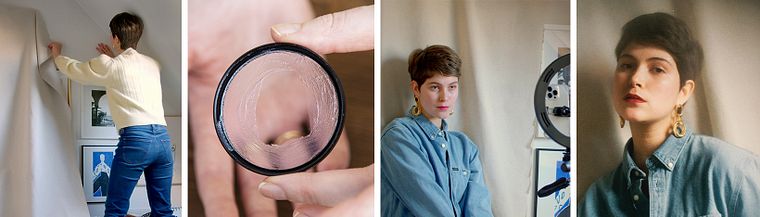
Projects by course students


Who is this online course for?
Anyone with a passion for photography who wants to better master the techniques of self-portrait photography.
Requirements and materials
To take this course, you don't need any specific knowledge.
As for materials, you can use a camera, a smartphone, or both. To create the filters and the decor, you need neutral optical filters, Vaseline, tights, plastic bags, clear varnish, a large sheet or cloth, double-sided tape, and an iron.
Reviews
- 1 year ago
Superbe cours ! Pragmatique et inspiration sont au menu.
- 2 years ago
Un curso muy básico (aunque así lo indica en la presentación) que no por ello tiene matices interesantes y útiles para el fotógrafo aficionado.
- 2 years ago
O curso é interessante, muito bem explicado. Super recomendo.
- 2 years ago
Muy buen curso, todo super bien explicado!
- 3 years ago
Buen curso!! Me encanto. Gracias!!

Soft, vintage, poetic, Parisian...there are many ways to describe Apolline's creative universe. She has already worked as a photographer for brands like Zalando, Longchamp, Minelli, and Le Tanneur, and as an art director for Alcatel, Dr. Hauschka, and Biovive.
Content
- U1
Introduction
- About Me
- My Sources of Inspiration
- U2
The Self-Portrait, a Message
- Why the Self-Portrait?
- The Mood Board
- The Styling
- U3
Settling In and Setting the Scene
- A Studio at Home
- Playing with Optical Filters
- Playing with Light
- Composition and “Lifestyle” Framing
- U4
Getting in Front of the Camera
- Self-Portrait with the Camera
- Self-Portrait with the Smartphone
- Postproduction
- U5
Other Tips
- Optimize your creation on Instagram
- Simple preset in Lightroom
- FP
Final project
- Introduction to Digital Self-Portrait Photography
What to expect from a Domestika course
Learn at your own pace
Enjoy learning from home without a set schedule and with an easy-to-follow method. You set your own pace.
Learn from the best professionals
Learn valuable methods and techniques explained by top experts in the creative sector.
Meet expert teachers
Each expert teaches what they do best, with clear guidelines, true passion, and professional insight in every lesson.
Certificates
PLUSIf you're a Plus member, get a custom certificate signed by your teacher for every course. Share it on your portfolio, social media, or wherever you like.
Get front-row seats
Videos of the highest quality, so you don't miss a single detail. With unlimited access, you can watch them as many times as you need to perfect your technique.
Share knowledge and ideas
Ask questions, request feedback, or offer solutions. Share your learning experience with other students in the community who are as passionate about creativity as you are.
Connect with a global creative community
The community is home to millions of people from around the world who are curious and passionate about exploring and expressing their creativity.
Watch professionally produced courses
Domestika curates its teacher roster and produces every course in-house to ensure a high-quality online learning experience.
FAQs
This course is designed for those who already have some experience in photography or self-portraiture and want to deepen their artistic approach, but it’s also accessible to motivated beginners.
You’ll need a smartphone or digital camera, simple props, fabrics for backgrounds, and a computer with editing software like Lightroom.
You’ll learn how to organize a shoot, create homemade backgrounds, work with lighting, handle post-production, highlight your body shape, and develop a strong visual identity for your self-portraits.
The course covers creating moodboards, styling, set design, lighting, shooting, retouching, posting on Instagram, making DIY filters, and artistic experimentation.
No, the course shows you how to set up a home photo studio using affordable materials and common props. A smartphone is all you need to get started.
Yes, the course guides you through making creative self-portraits by exploring visual storytelling, varied poses, and using homemade props or filters.
You’ll discover tips for achieving soft lighting, using backlight, adjusting ISO and aperture settings, and applying DIY filters to enhance your portraits.