Pop Art Screen Printing for Vibrant Portraits
A course by M.Tony PeraltaArtist and Creative Director
A course by M.Tony Peralta, Artist and Creative Director

Discover fundamental screen printing techniques to create “pop arte” style portraits inspired by New York and Latino culture
Screenprinting is a versatile art form that allows you to create everything from vibrant canvases to t-shirts. Artist and creative director M.Tony Peralta combines screenprinting with traditional painting techniques to make artwork that represents the underrepresented and pays tribute to his heritage as a first-generation Dominican from New York. His work has been featured in The New York Times and he has worked with brands including Nike and Adidas.
In this online course, you will learn the screenprinting process from start to finish with M.Tony as your guide. Learn to create colorful screen printed portraits in his “pop arte” style, inspired by Andy Warhol, and celebrate the colorful communities around you with one-of-a-kind works of art.
What will you learn in this online course?
12 lessons & 12 downloads
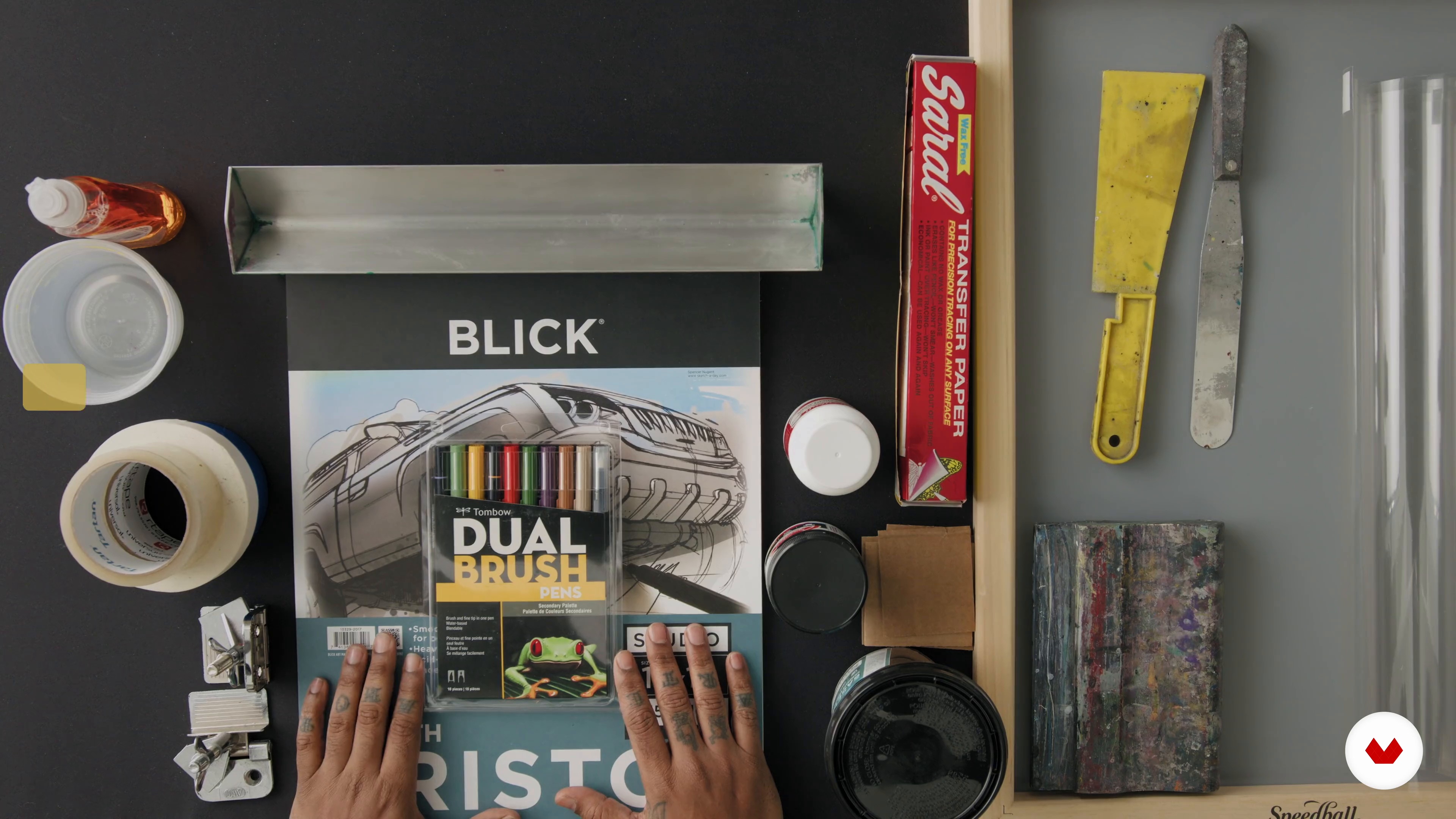
Materials
3 minutes, 47 seconds
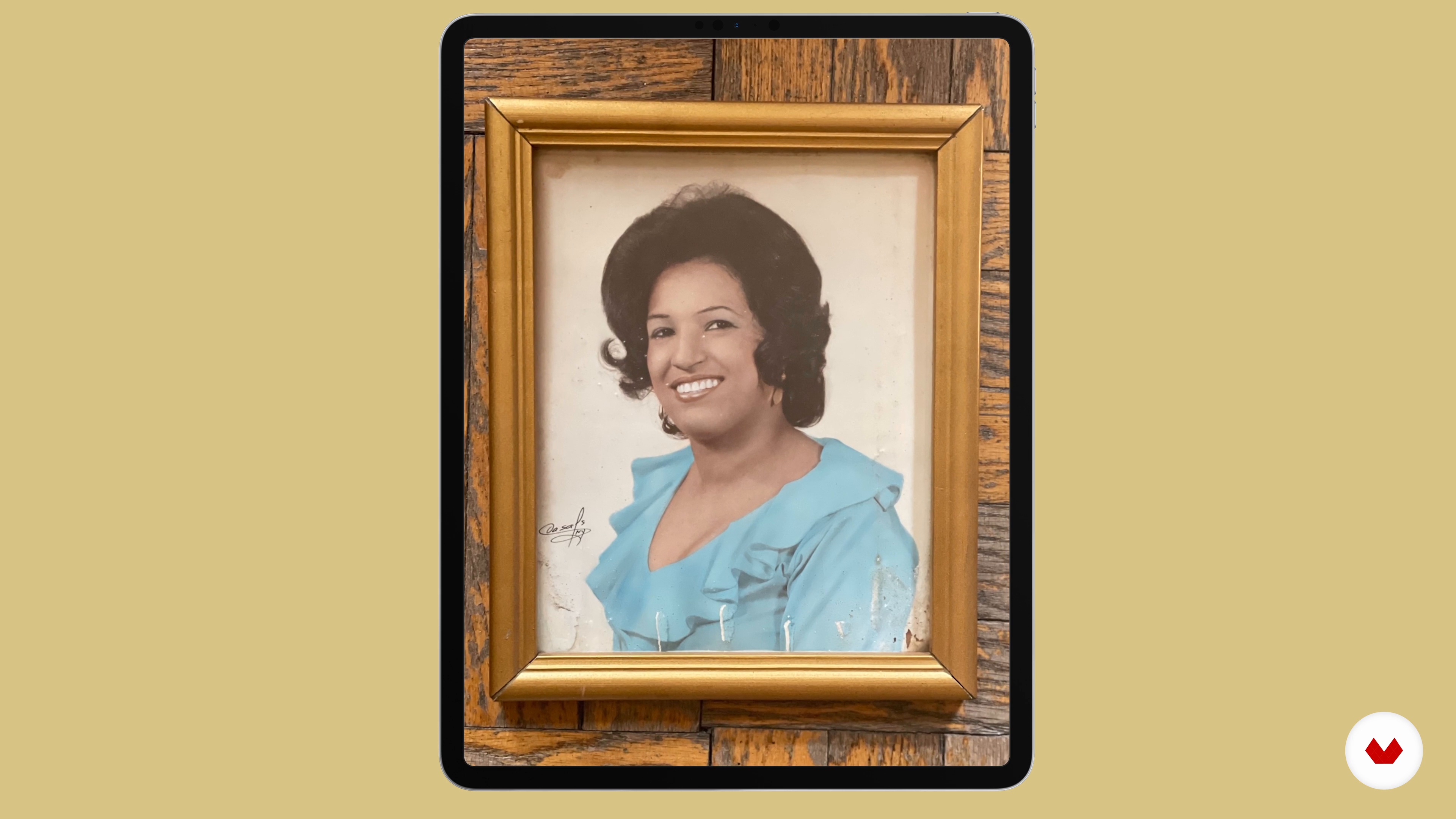
Sourcing the Reference Photo
3 minutes, 25 seconds
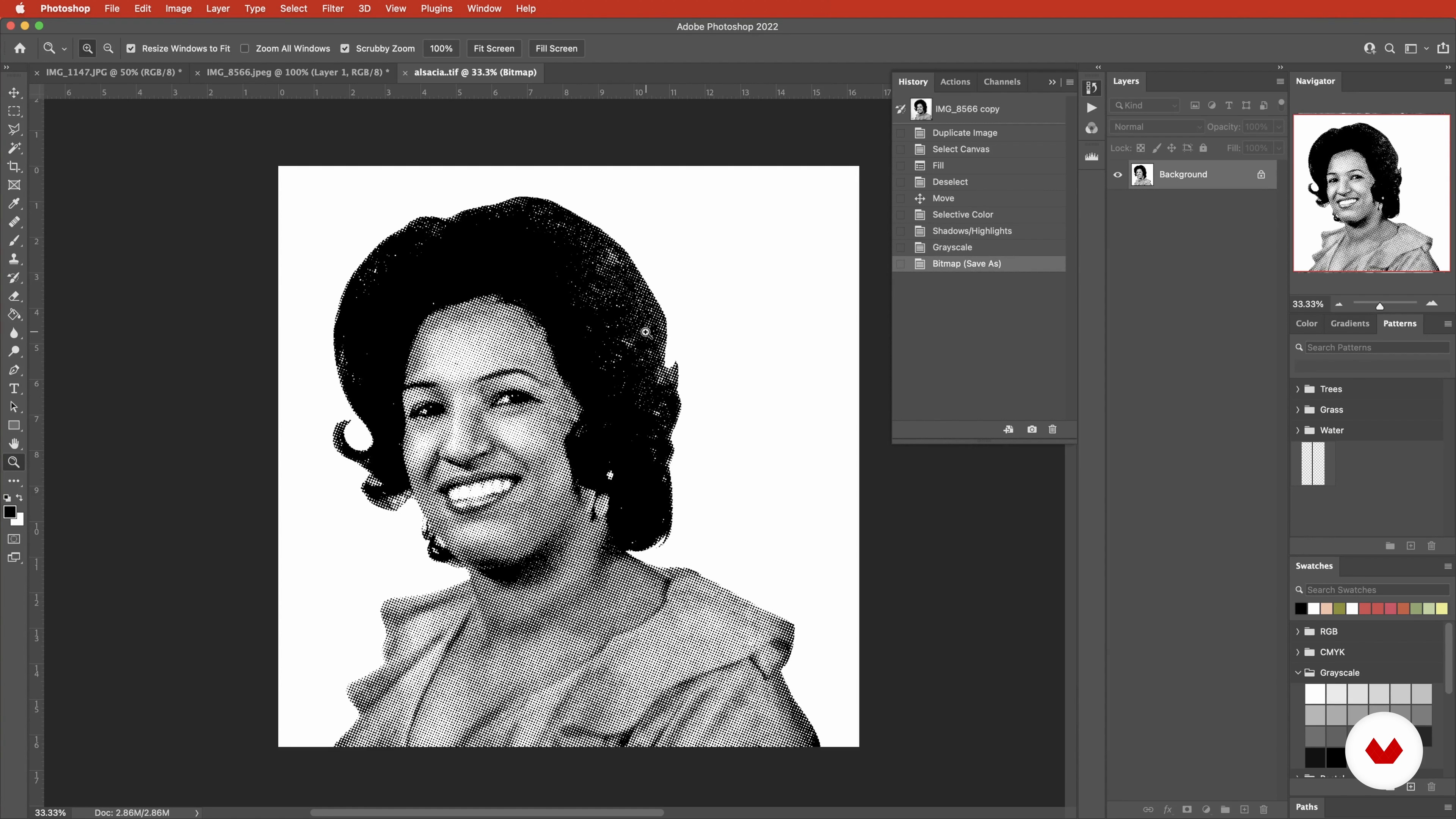
Preparing the Photo with Photoshop
12 minutes, 30 seconds
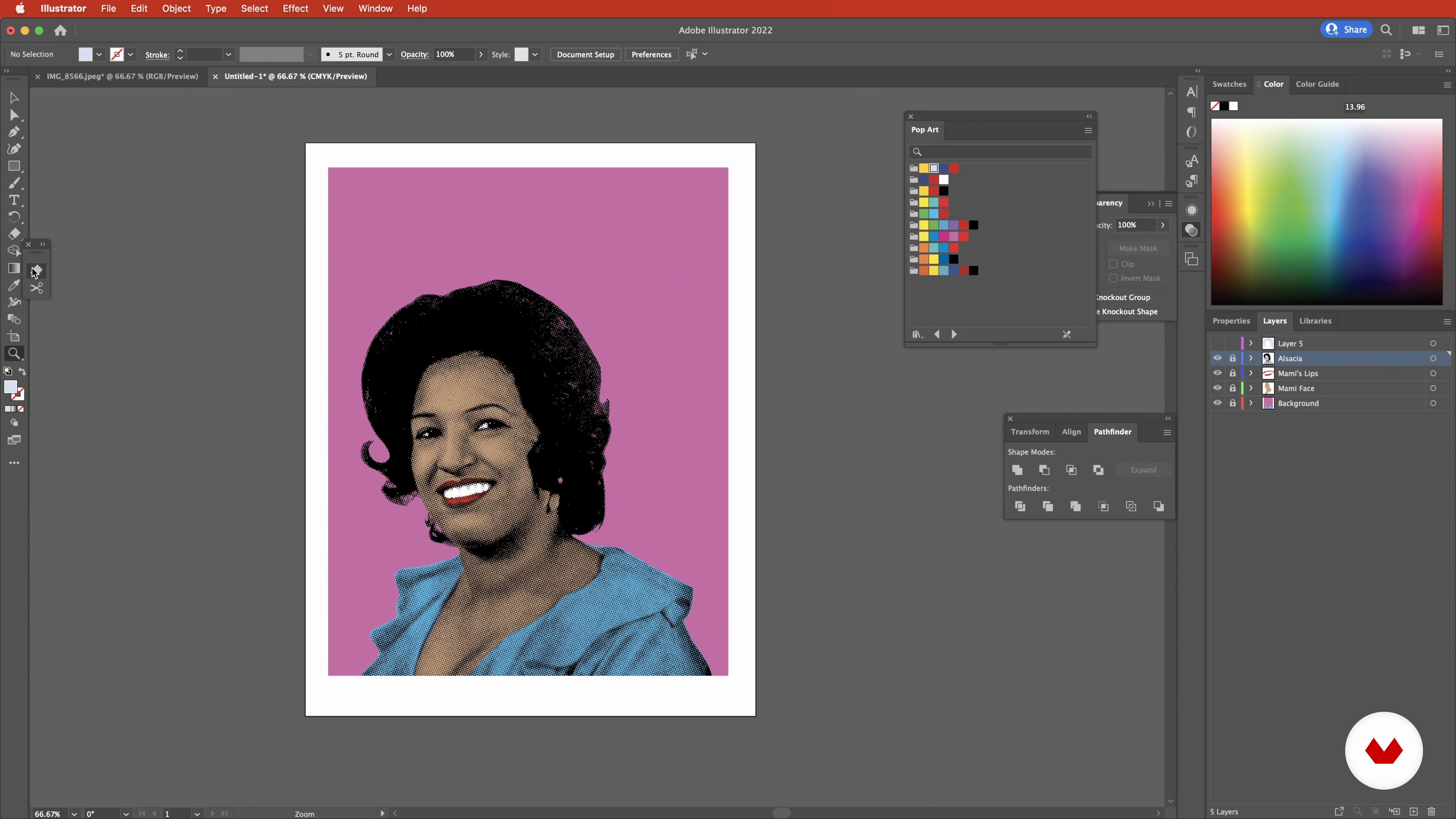
Designing the Print
14 minutes, 10 seconds
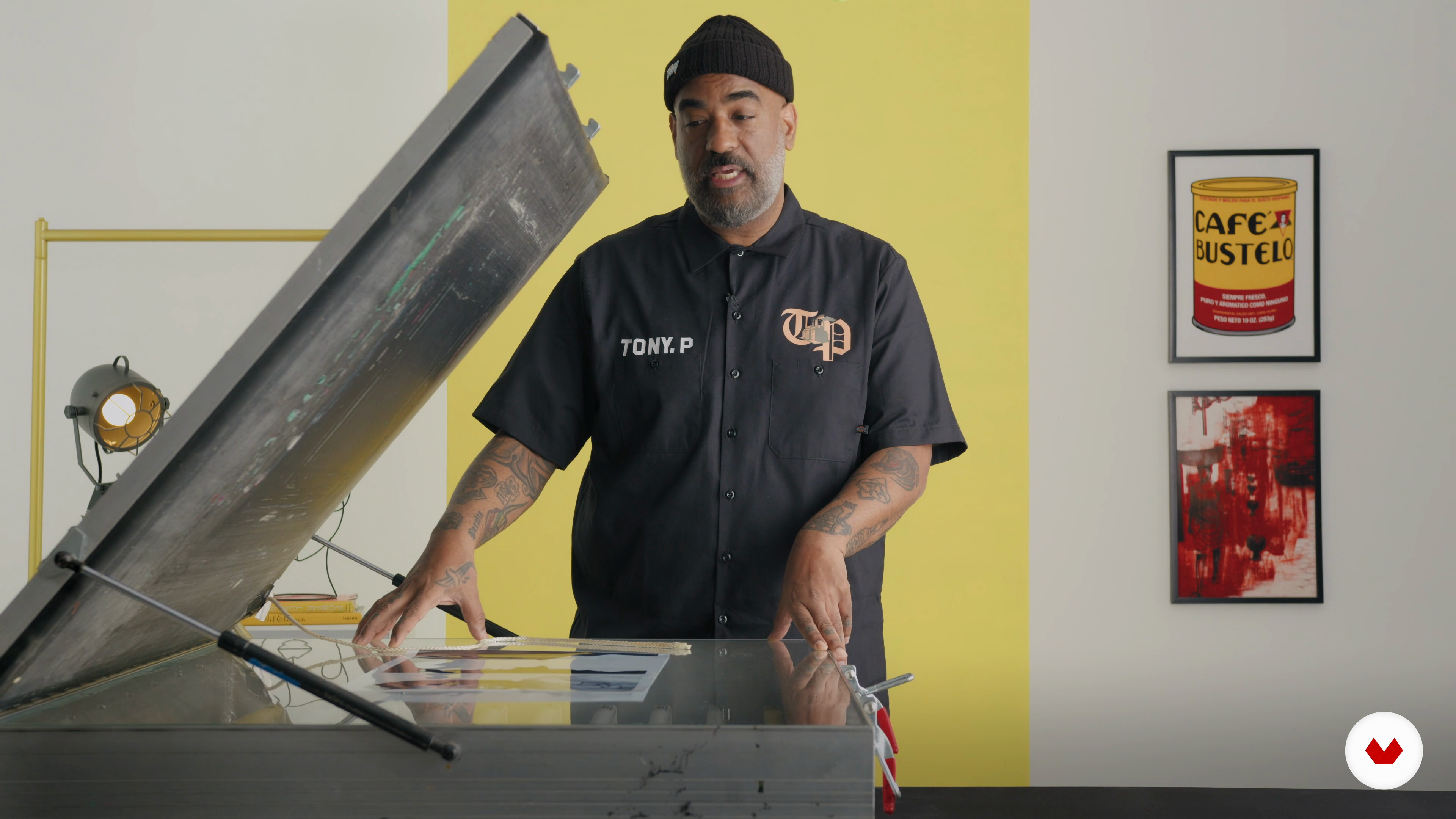
Burning the Screen
6 minutes, 29 seconds
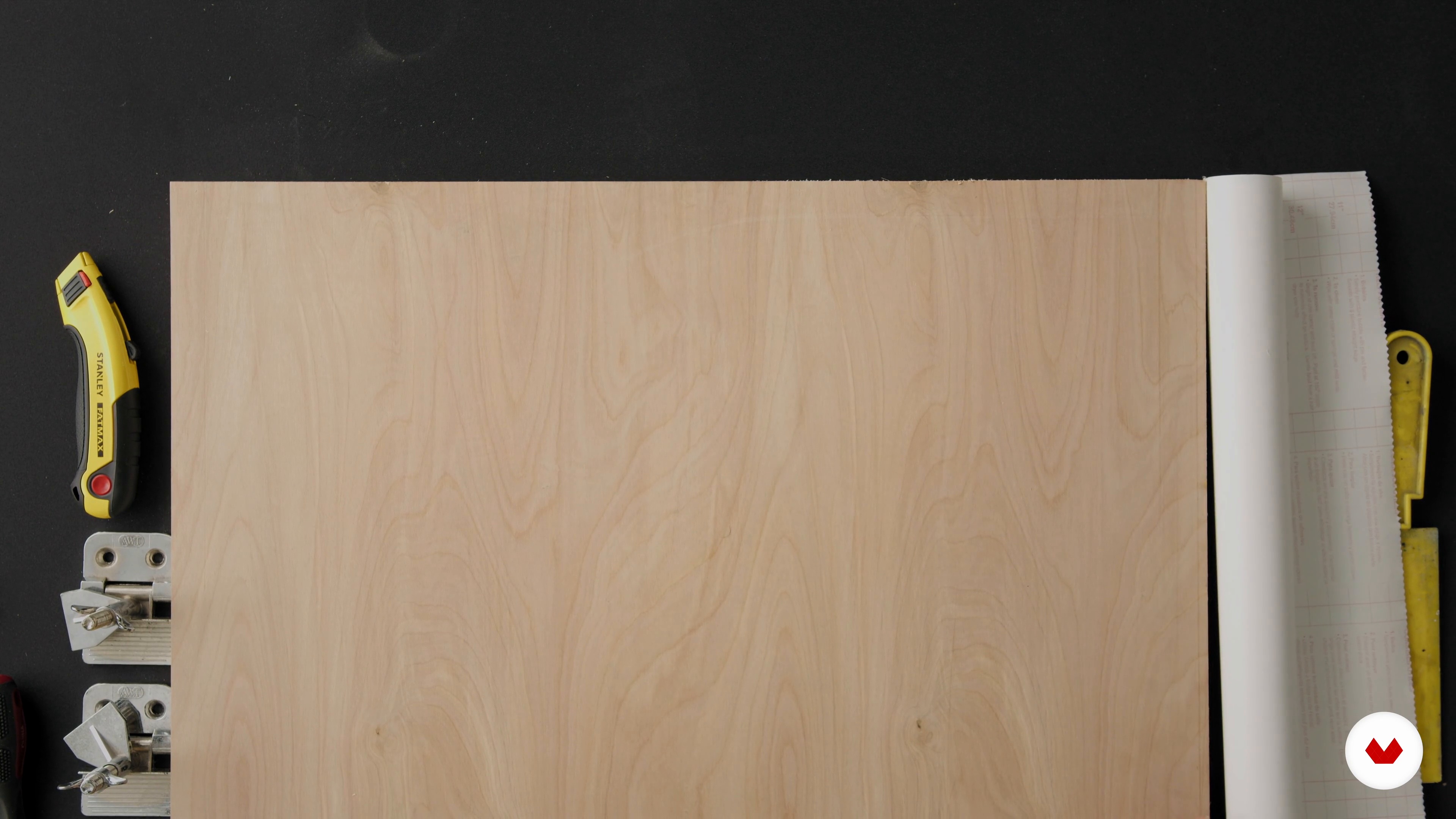
Preparing Your Workstation
8 minutes, 0 seconds
What's included in this course?
Begin the course by getting to know artist and creative director M.Tony Peralta. He talks through the creative journey that led him to start his own indie brand, along with the influences that inspire the work he creates.
Dive into the materials needed for the course, from screens to tape, then discover what to look for in a reference photo for your project. Prepare your image for printing by making adjustments in Photoshop before designing your print in Illustrator, experimenting with color, layout, and more.
Prepare your surface and paper to print out portraits. Start by burning your image onto the screen, then prepare your work station, and register the transparency of your image.
Time to print your portrait as Tony guides you through each step of the process. Learn how to clean your screen for future projects, and see how to add finishing touches and embellishments to enhance your art. To finish the course, M.Tony shares his advice for framing your work and sharing it on social media.
What is this course's project?
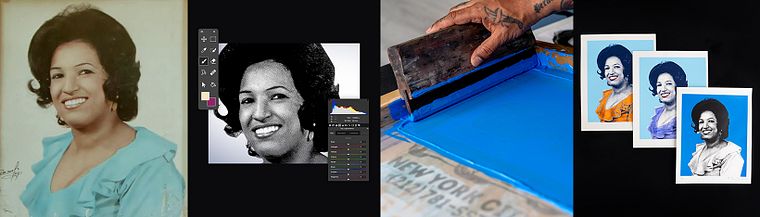
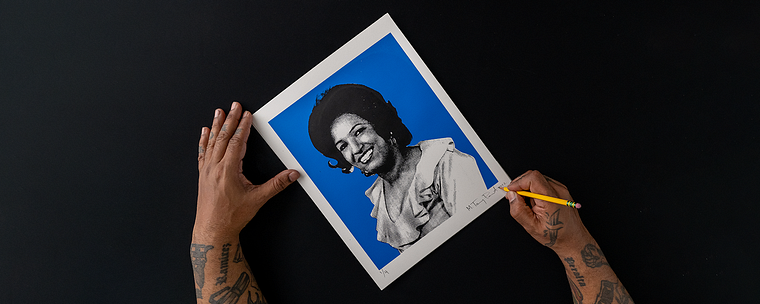
Transform a portrait photo into a unique piece of “pop arte” using screen printing techniques.
Who is this online course for?
This course is for anyone with an interest in learning how to screen print, from beginners to graphic designers who want to explore a new medium.
Requirements and materials
Knowledge of Adobe Photoshop and Illustrator is required.
You will need access to a device with these programs installed, along with other screen printing materials specified by the teacher in the course.
Reviews
- 1 year ago
se ve bien producido
- 1 year ago
Very interesting, I'm gonna try. But What I was looking for was only the photoshop and ilustration part.
- 1 year ago
muy bueno y satisfactorio
- 1 year ago
Good course coverage and real life examples from the artist
- 3 years ago
Curso muito interessante.

Since then, he’s had his work shown at museums and featured in The New York Times. He’s collaborated with clients including Nike, Bleacher Report, and Presidente Beer. He also designed his own sneakers for Adidas and currently runs his own indie brand called The Peralta Project where he creates artwork that represents his culture and upbringing.
Content
- U1
Introduction
- About Me
- Influences
- U2
Preparing the Screen
- Materials
- Sourcing the Reference Photo
- Preparing the Photo with Photoshop
- Designing the Print
- U3
Creating the Print to Be Screen Printed
- Burning the Screen
- Preparing Your Workstation
- Registering the Image
- U4
Time to Print
- Printing Your Image
- Embellishments and Final Touches
- Framing and Sharing Your Work
- FP
Final project
- Pop Art Screen Printing for Vibrant Portraits
What to expect from a Domestika course
Learn at your own pace
Enjoy learning from home without a set schedule and with an easy-to-follow method. You set your own pace.
Learn from the best professionals
Learn valuable methods and techniques explained by top experts in the creative sector.
Meet expert teachers
Each expert teaches what they do best, with clear guidelines, true passion, and professional insight in every lesson.
Certificates
PLUSIf you're a Plus member, get a custom certificate signed by your teacher for every course. Share it on your portfolio, social media, or wherever you like.
Get front-row seats
Videos of the highest quality, so you don't miss a single detail. With unlimited access, you can watch them as many times as you need to perfect your technique.
Share knowledge and ideas
Ask questions, request feedback, or offer solutions. Share your learning experience with other students in the community who are as passionate about creativity as you are.
Connect with a global creative community
The community is home to millions of people from around the world who are curious and passionate about exploring and expressing their creativity.
Watch professionally produced courses
Domestika curates its teacher roster and produces every course in-house to ensure a high-quality online learning experience.
FAQs
Yes, this course is designed for beginners with no prior experience in screen printing or pop art. All essential concepts and techniques are explained step by step.
You'll need a mesh screen, squeegee, inks, transparencies, photo emulsion, tape, spatula, cleaning supplies, and access to Photoshop or Illustrator for digital prep. The course provides a detailed supply list.
You'll learn to create culturally inspired pop art portraits, prepare digital artwork, burn and register images on screens, mix inks, set up a workstation, and finish your prints for display or sharing.
No prior experience is required. The course covers basic Photoshop and Illustrator skills for preparing images, ensuring beginners can follow along.
You'll learn how to desaturate, adjust contrast, remove backgrounds, create halftone patterns, and export your image in the right format for screen printing.
The process involves coating your screen with photo emulsion, placing a printed transparency of your design, and exposing it to light to create a stencil for printing.
The course teaches manual registration techniques, including making a master registration sheet and using guides to ensure precise image placement every time.