Vector Illustration for Vibrant Compositions
A course by Erikas ChesonisGraphic Designer and Illustrator
A course by Erikas Chesonis, Graphic Designer and Illustrator

Create simple vector graphics and transform them into cohesive compositions that reflect your artistic style by exploring typeface, color, and texture
“Art can provide a unique perspective on the world. My goal is to make our everyday life prettier and put smiles on my viewers’ faces.”
Brands he has worked with:
Graphic designer and illustrator Erikas Chesonis distill subjects into their simplest forms using geometric vector designs, limited palettes, and type. Then, he puts it all together like a puzzle. His eclectic, ever-changing style has seen him work with products and clients like Apple, HP, Audible, and Intuit.
In this online course, Erikas teaches you how to create simple vector graphics of your own and lay them out in one cohesive image. Learn to combine multiple illustrations to make a poster of a place you love using digital tools. Create compositions that showcase your distinctive style!
What will you learn in this online course?
20 lessons & 28 downloads
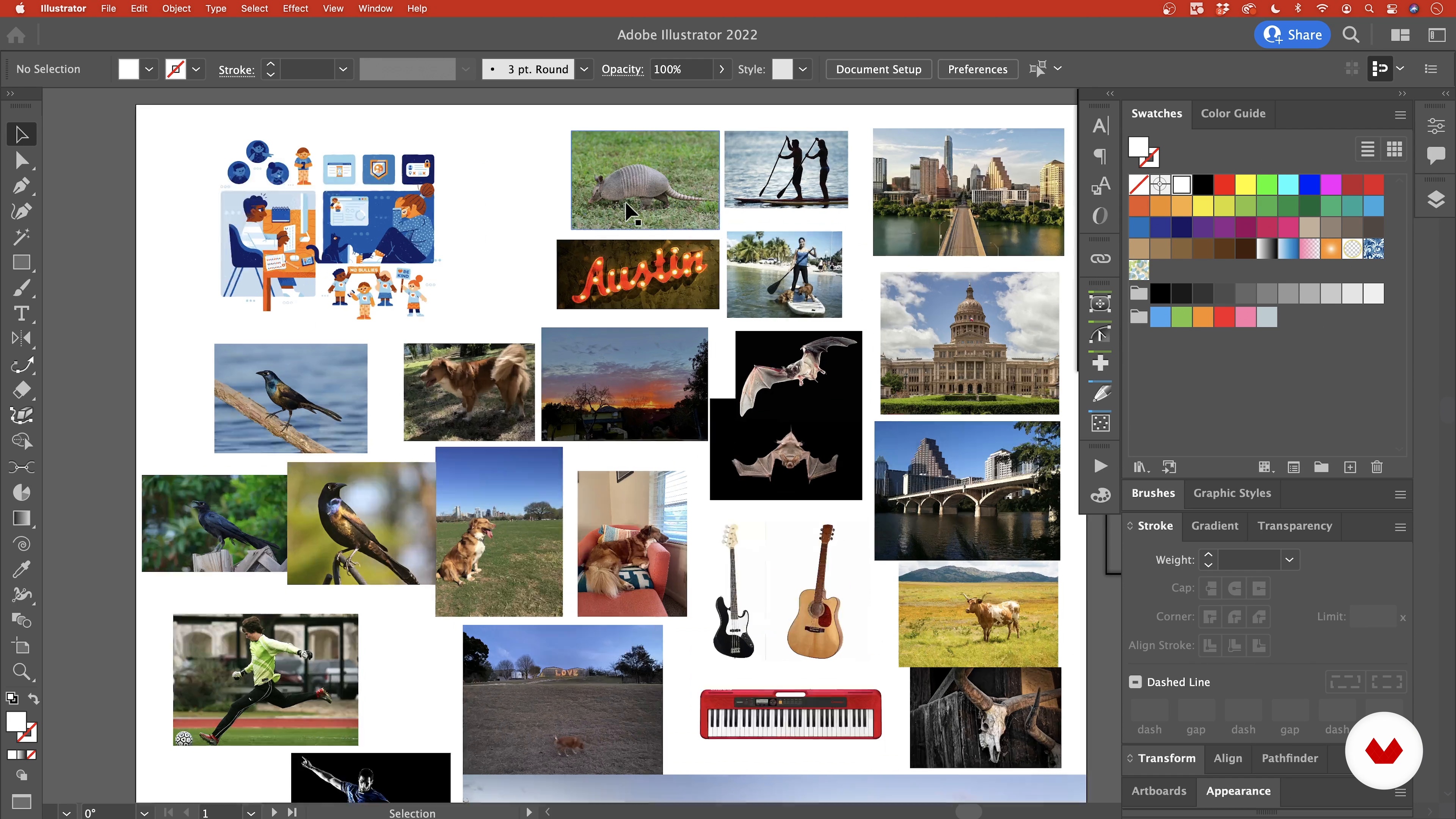
Gathering Reference Images
9 minutes, 36 seconds
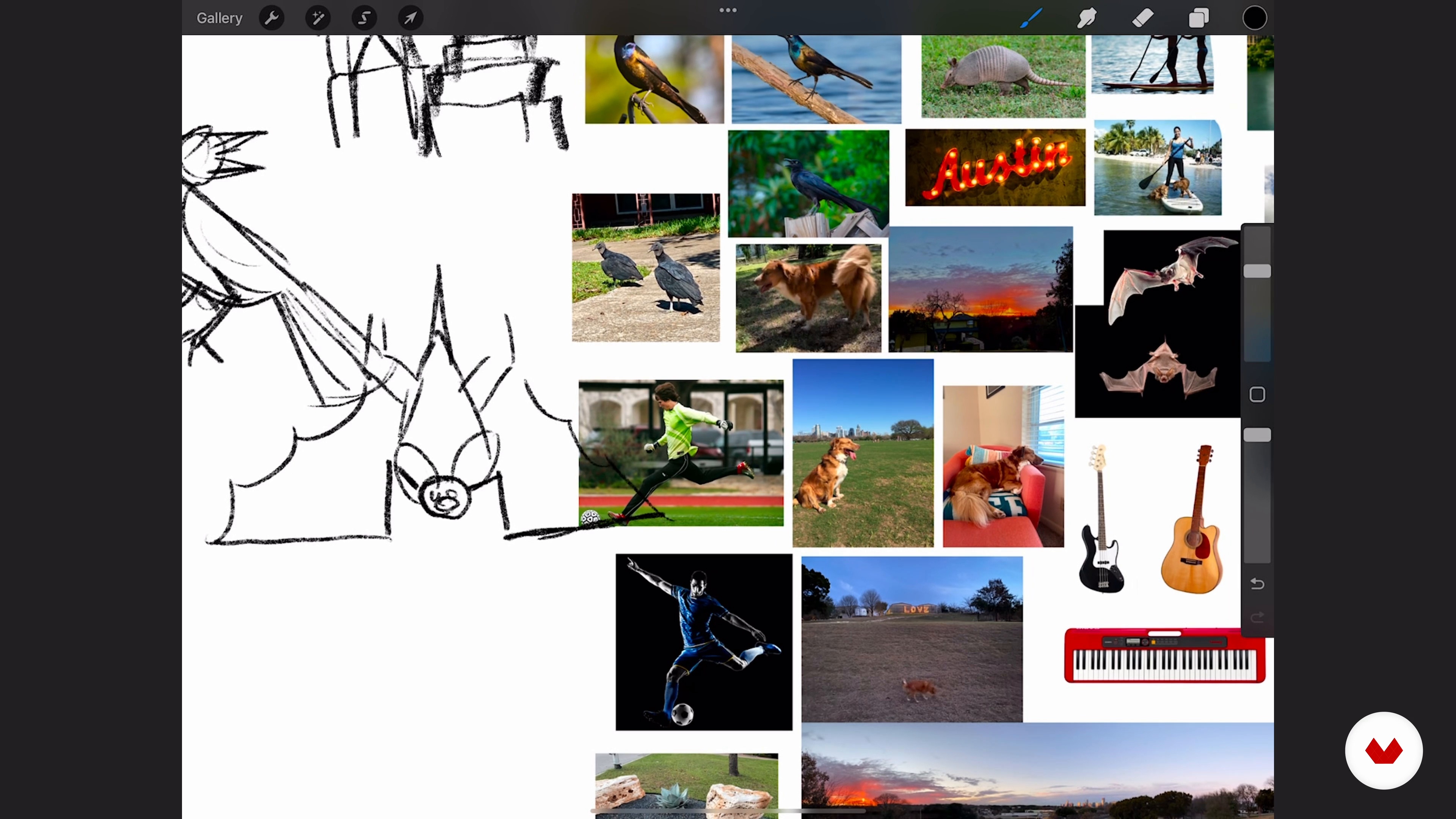
Loose Sketching
8 minutes, 51 seconds
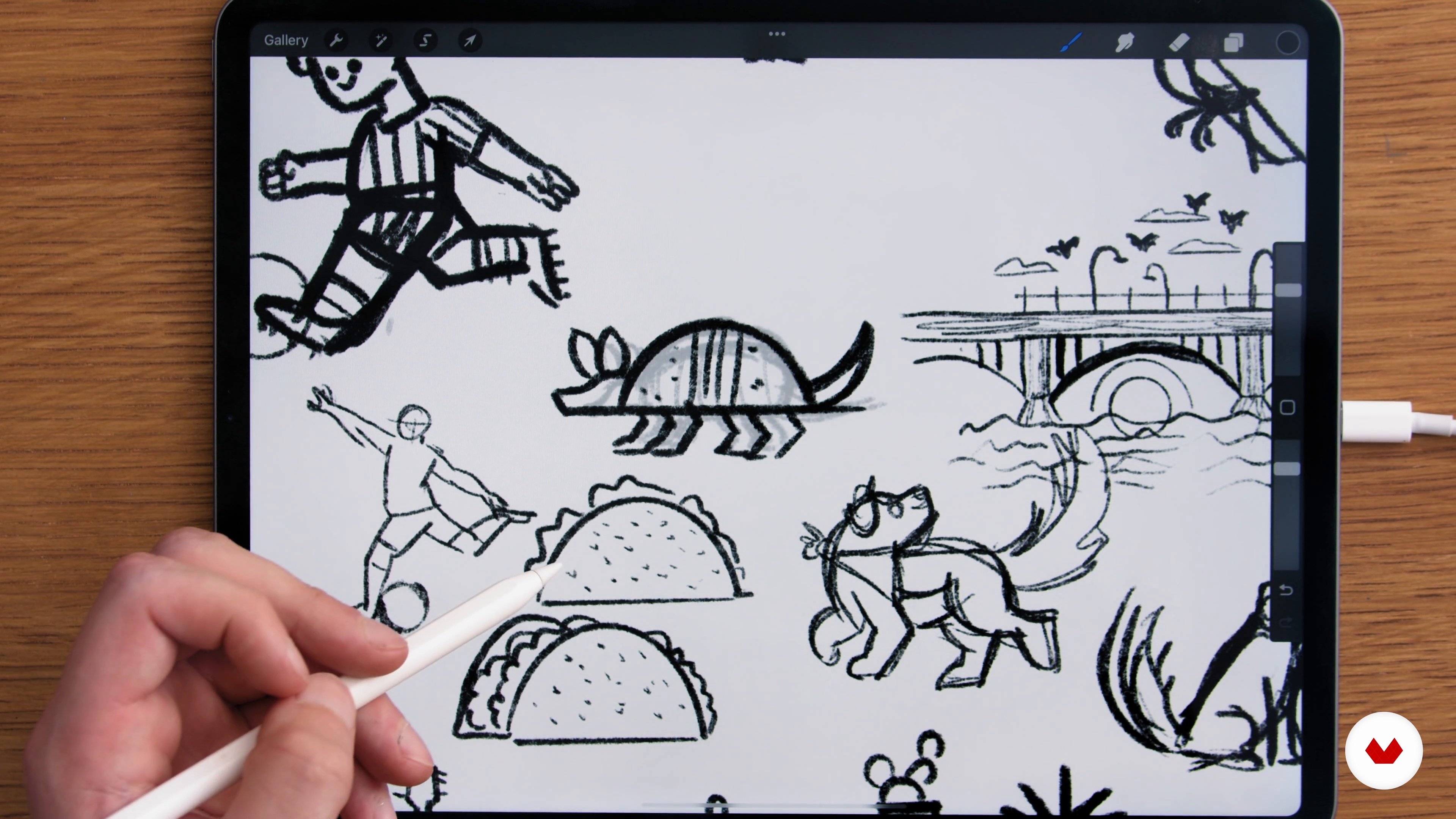
Exploring Your Style
12 minutes, 46 seconds
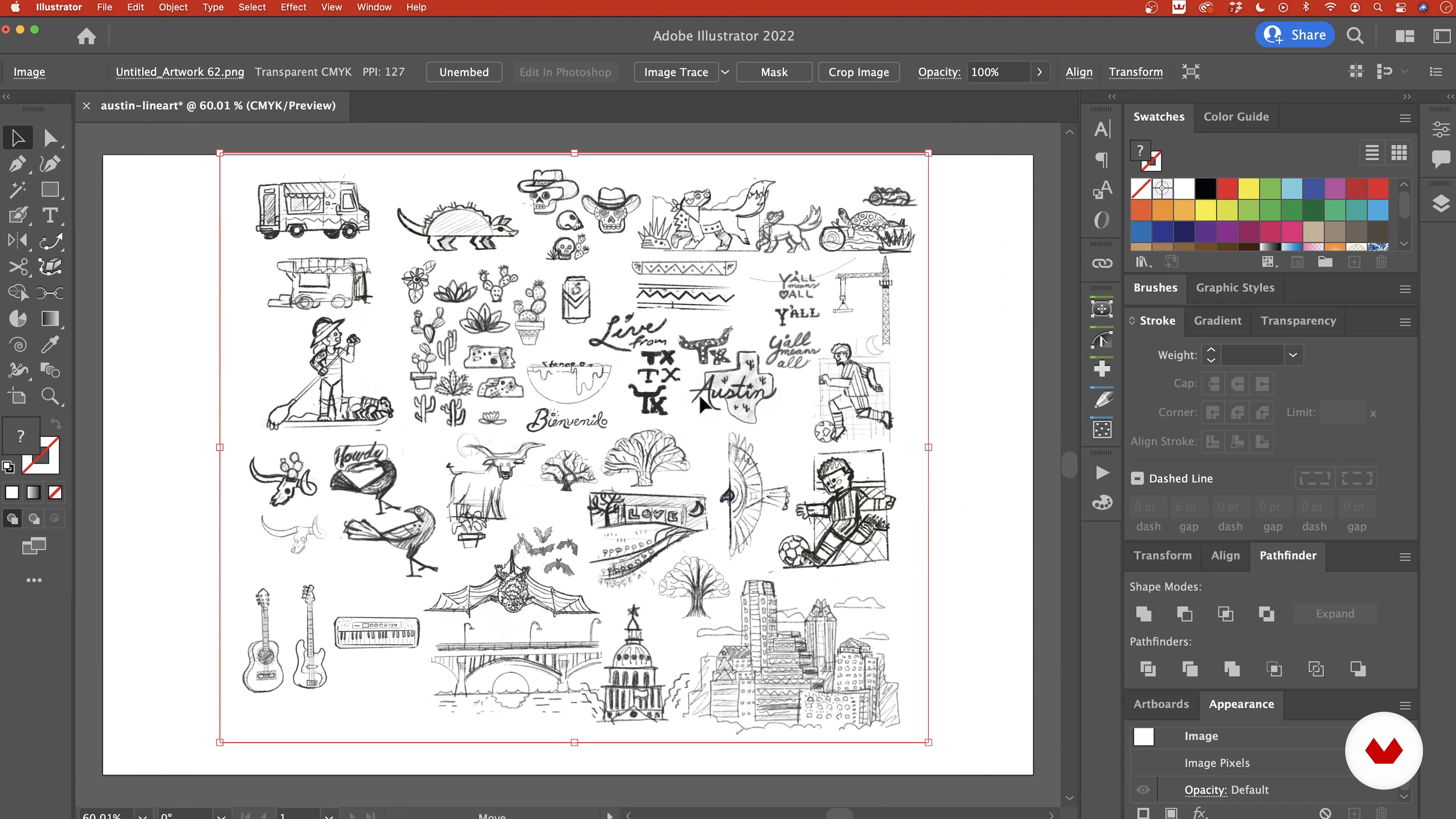
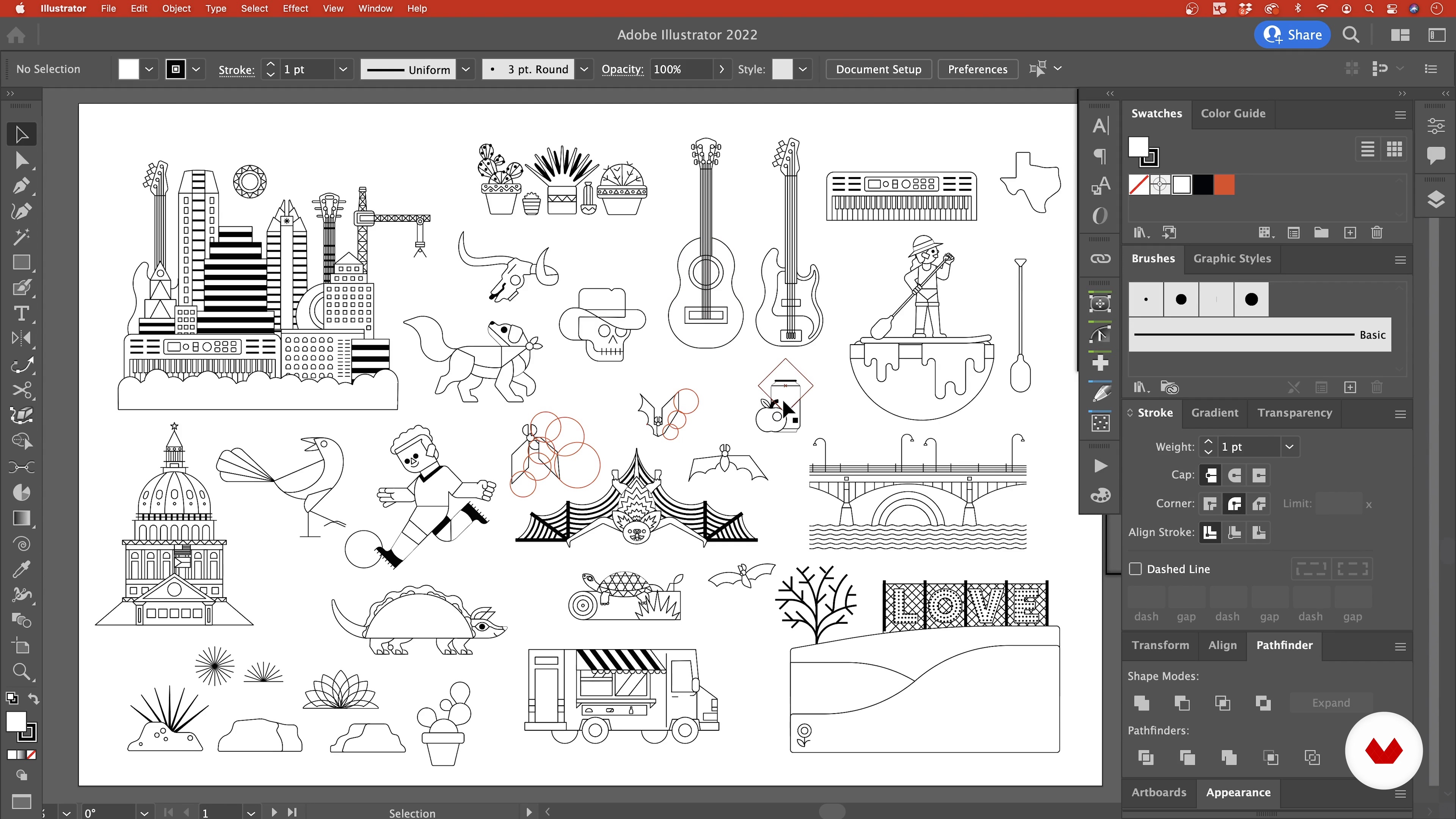
Creating the Line Drawings 1
17 minutes, 41 seconds
Creating the Line Drawings 2
18 minutes, 53 seconds
Adding Typography
15 minutes, 38 seconds
What's included in this course?
Begin the course by getting to know graphic designer and illustrator Erikas Chesonis. Discover the creative career that has led him to work with brands including Apple and Audible, along with the influences that inspire him.
Dive into what you can expect from the course before brainstorming ideas for your poster. Then gather references and create a mood board filled with inspiration.
Create your initial thumbnail sketches, experimenting with different ways to illustrate your subjects. Then learn how to incorporate your own personal style into your work. Refine your sketches by adding the finer details like shadows, and use the grid tool in Procreate to sharpen your shapes.
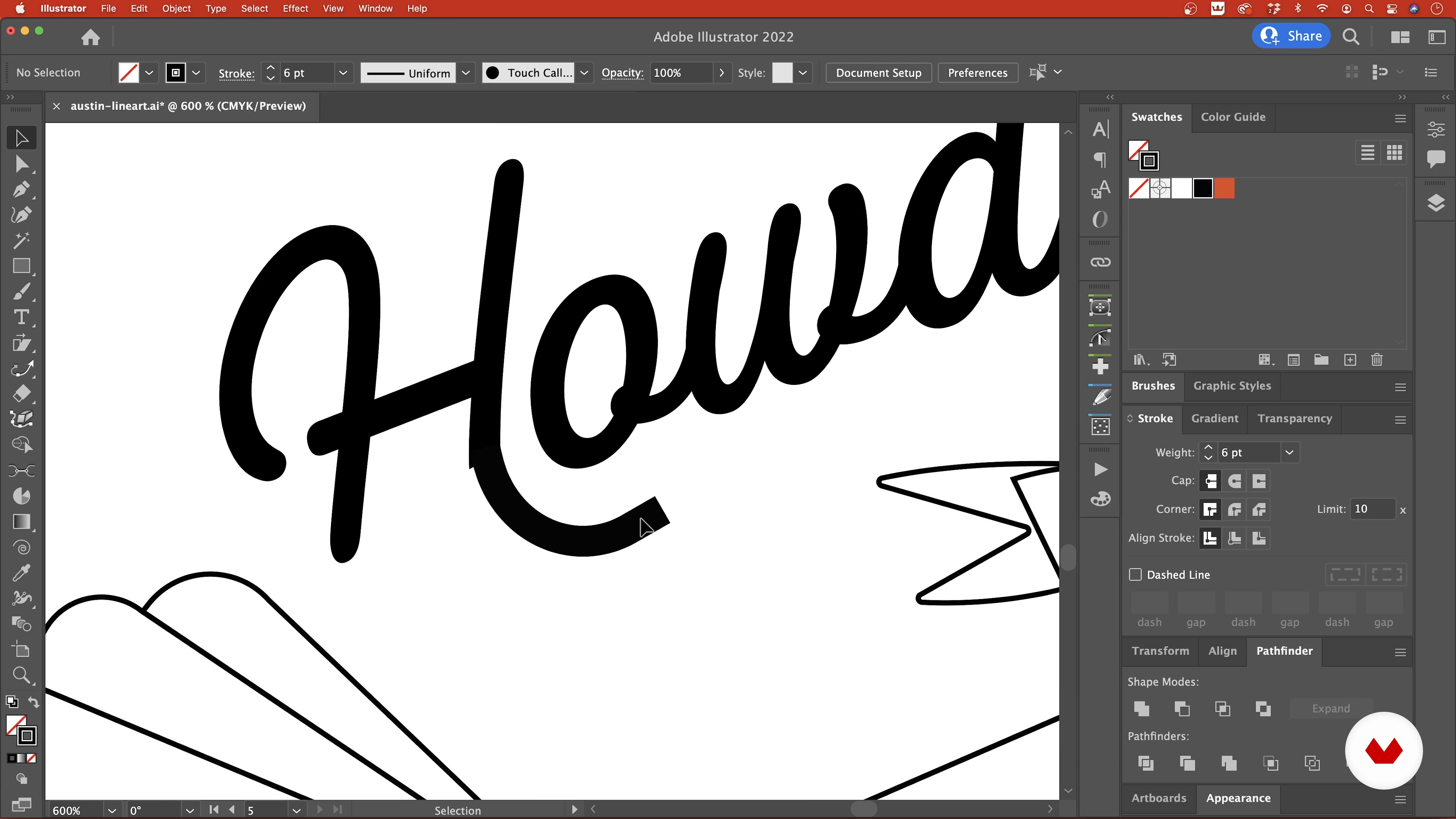
Bring your sketches into Illustrator and turn them into more developed line art using its tools. Add typography to your composition, then choose and apply color. Use clipping masks and vector brushes to create texture and dimension.
Set up the final composition with a grid as a guide. Erikas then teaches you how to tap into an open mindset to enhance your creativity, before showing you how to put the finishing touches to your piece. To wrap up the course, learn to print and share your poster, and explore alternative uses for your illustration.
Recommended software & tools for this course
What is this course's project?
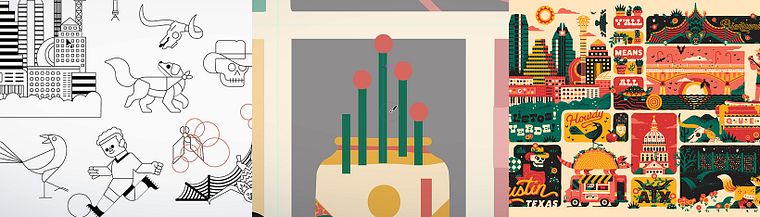
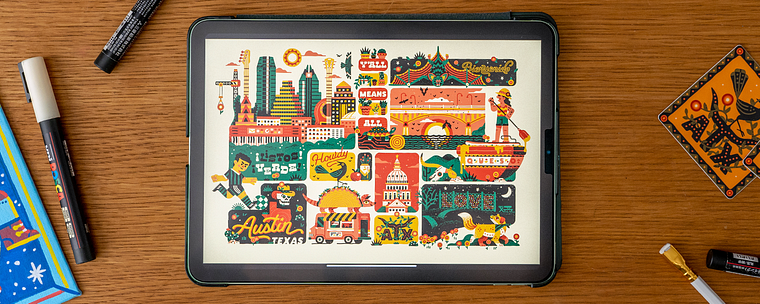
Create a poster for a place you love, combining multiple illustrations into one composition.
Projects by course students

Who is this online course for?
This course is for anyone with an interest in turning vector graphics into striking compositions using digital tools.
Requirements and materials
Previous experience with Procreate, Adobe Illustrator, or other vector software is recommended.
In terms of materials, you will need access to a device with these programs installed.
Reviews
- 2 months ago
Fun and helpful course, love his style!
- 3 months ago
Genial, amo su estilo.
- 4 months ago
Fun and helpful course
- dany_vcPLUS10 months ago
Un curso excelente, muy buen profesional
- 10 months ago
Great course. It is so much fun to see his process.

Since then, he’s worked as an in-house designer for Apple, as well as with brands like HP. Erikas currently works as a designer at Seige Media, helping to make information easily digestible through illustration for brands like Audible, Intuit, and more.
Content
- U1
Introduction
- About Me
- Influences
- U2
The First Steps
- What We Will Do in This Course
- Brainstorming Ideas
- Gathering Reference Images
- U3
The Sketch
- Loose Sketching
- Exploring Your Style
- Cleaning Up the Sketches
- U4
Rendering
- Creating the Line Drawings 1
- Creating the Line Drawings 2
- Adding Typography
- Choosing the Color Palette
- Applying Color 1
- Applying Color 2
- Adding Texture with Brushes
- U5
The Layout
- Setting up the Composition with a Grid
- Tapping into an Open Mindset
- The Final Touches: Creating Cohesion
- Printing and Sharing the Poster
- Taking the Illustration Further
- FP
Final project
- Vector Illustration for Vibrant Compositions
What to expect from a Domestika course
Learn at your own pace
Enjoy learning from home without a set schedule and with an easy-to-follow method. You set your own pace.
Learn from the best professionals
Learn valuable methods and techniques explained by top experts in the creative sector.
Meet expert teachers
Each expert teaches what they do best, with clear guidelines, true passion, and professional insight in every lesson.
Certificates
PLUSIf you're a Plus member, get a custom certificate signed by your teacher for every course. Share it on your portfolio, social media, or wherever you like.
Get front-row seats
Videos of the highest quality, so you don't miss a single detail. With unlimited access, you can watch them as many times as you need to perfect your technique.
Share knowledge and ideas
Ask questions, request feedback, or offer solutions. Share your learning experience with other students in the community who are as passionate about creativity as you are.
Connect with a global creative community
The community is home to millions of people from around the world who are curious and passionate about exploring and expressing their creativity.
Watch professionally produced courses
Domestika curates its teacher roster and produces every course in-house to ensure a high-quality online learning experience.
FAQs
Yes, this course is designed for intermediate illustrators seeking to develop both digital and traditional illustration techniques, including adapting artwork for brand identity, posters, merchandise, and more.
You'll need access to digital tools like Procreate, Adobe Illustrator, and optionally Photoshop, plus traditional materials such as sketchbooks, gouache, and paint markers.
You’ll learn how to create vector illustrations, use brushes and digital tools, adapt to brand guidelines, develop grid compositions, and combine traditional and digital workflows.
Yes, the course teaches you how to create brand identity graphics and adapt illustrations to diverse brand guidelines for professional and client-based projects.
Absolutely. The course includes step-by-step guidance on designing posters, greeting cards, and turning your illustrations into custom stickers for print and merchandise.
You’ll learn strategies for sourcing references, creating moodboards, organizing images, and effective brainstorming to enhance your illustration ideas and workflow.
Yes, you’ll practice simplifying complex subjects into basic shapes and working with limited color palettes to create visually striking and cohesive illustrations.