
Digital Techniques for Illustrated Portraits
A course by German Gonzalez RamirezGraphic Designer and Digital Illustrator
A course by German Gonzalez Ramirez, Graphic Designer and Digital Illustrator

Perfect your digital illustration techniques and learn to tell stories through portraits
When creating an illustrated portrait full of magic, it is vital to find and highlight the features and characteristics that make it unique. Germán González–a graphic designer and digital illustrator who has worked with clients such as Air Berlin, Entertainment Weekly, and Adobe–is obsessed with color, which he applies to his portraits through compositions that often hide discordant and unexpected elements that give his illustrations a unique character.
In this online course, learn the fundamental concepts to get started in the world of digital illustration and see how to create portraits from the sketch to the final art so that you can use it the way you want. Germán teaches you to better understand light, shadow, and color, and gives you the keys so that your portraits have a special narrative and graphic component.
What will you learn in this online course?
21 lessons & 21 downloads
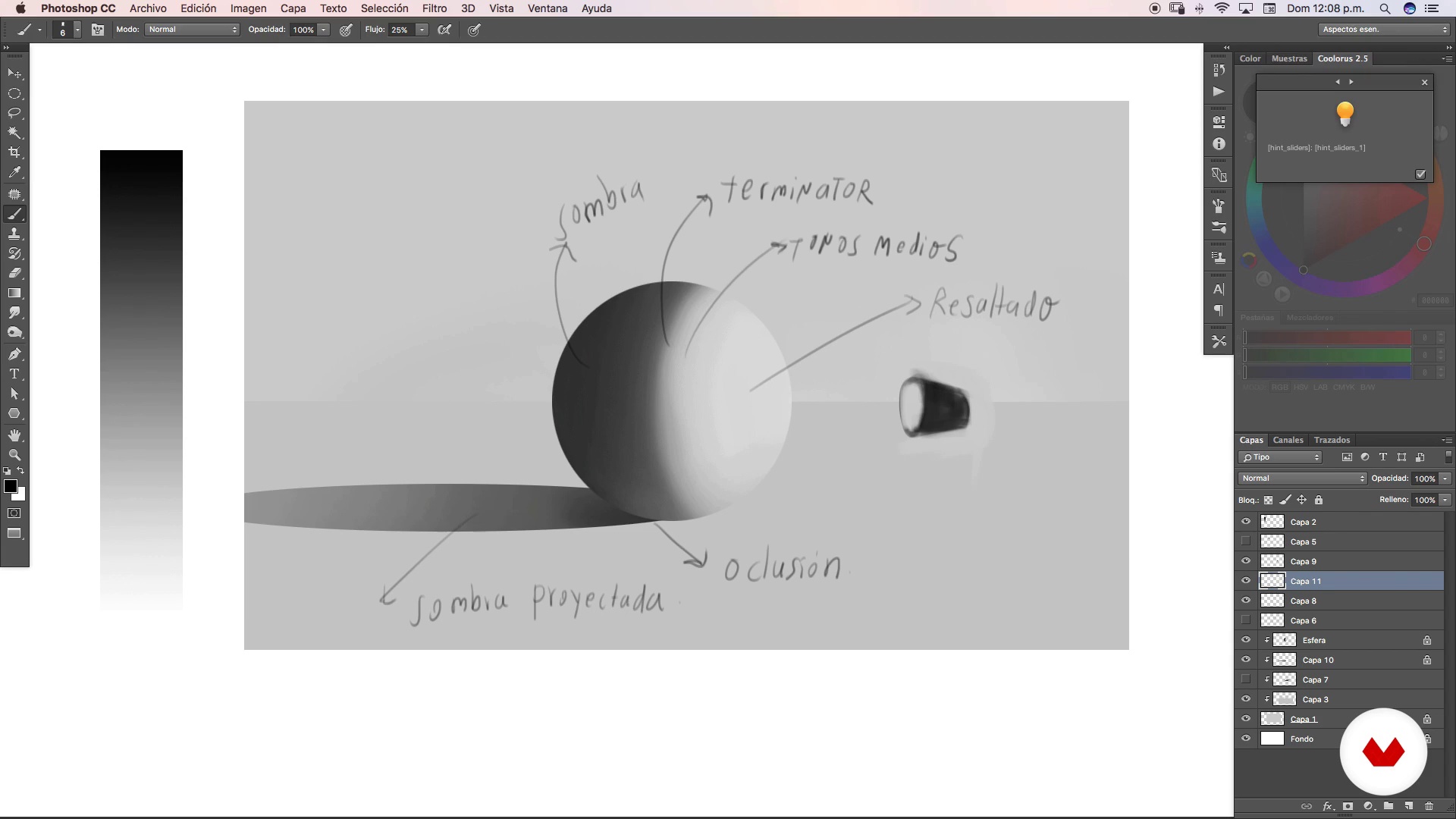
Lighting basics
10 minutes, 42 seconds

Essential aspects of color
10 minutes, 31 seconds
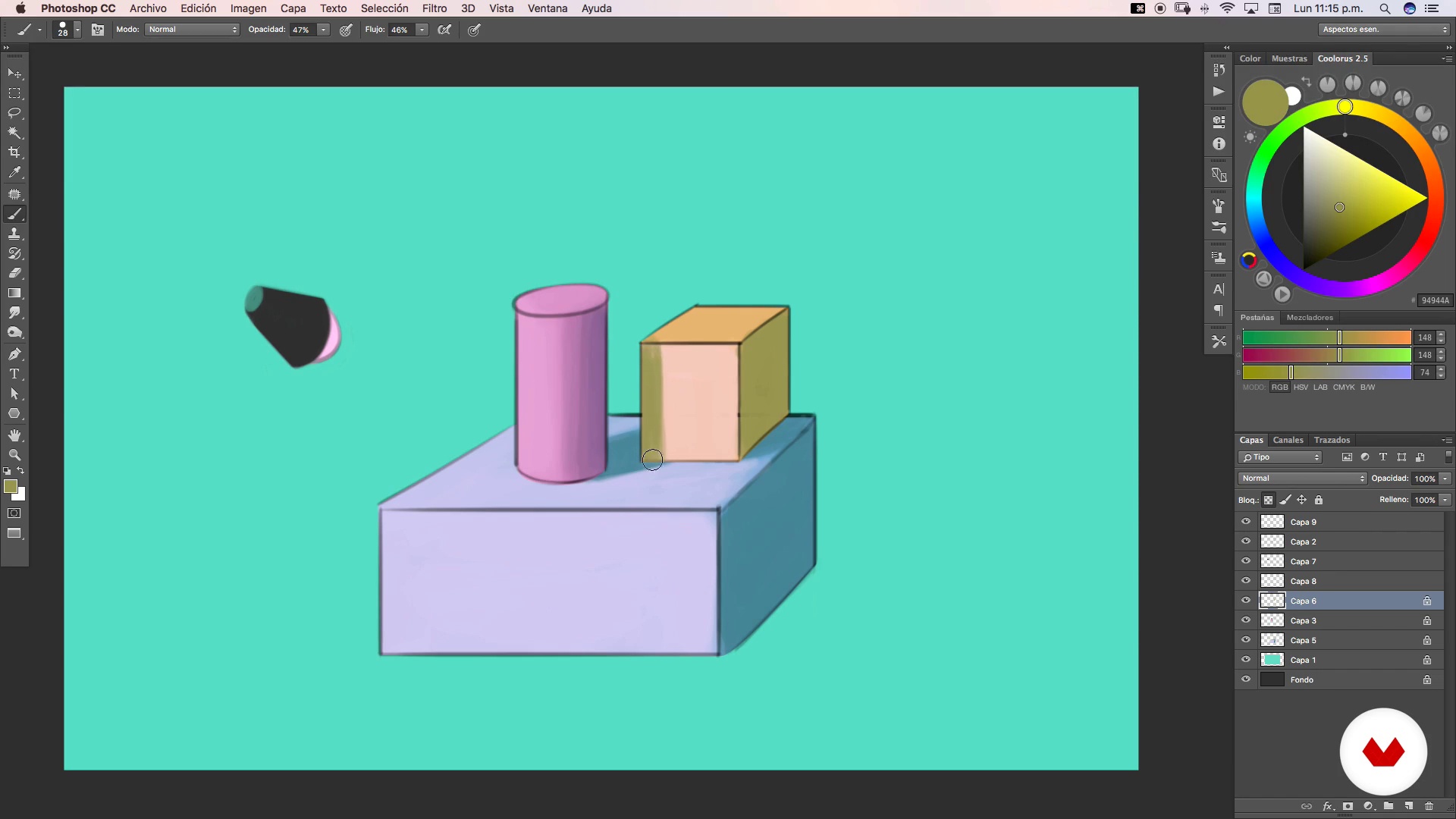
Aspects of Illumination
17 minutes, 55 seconds
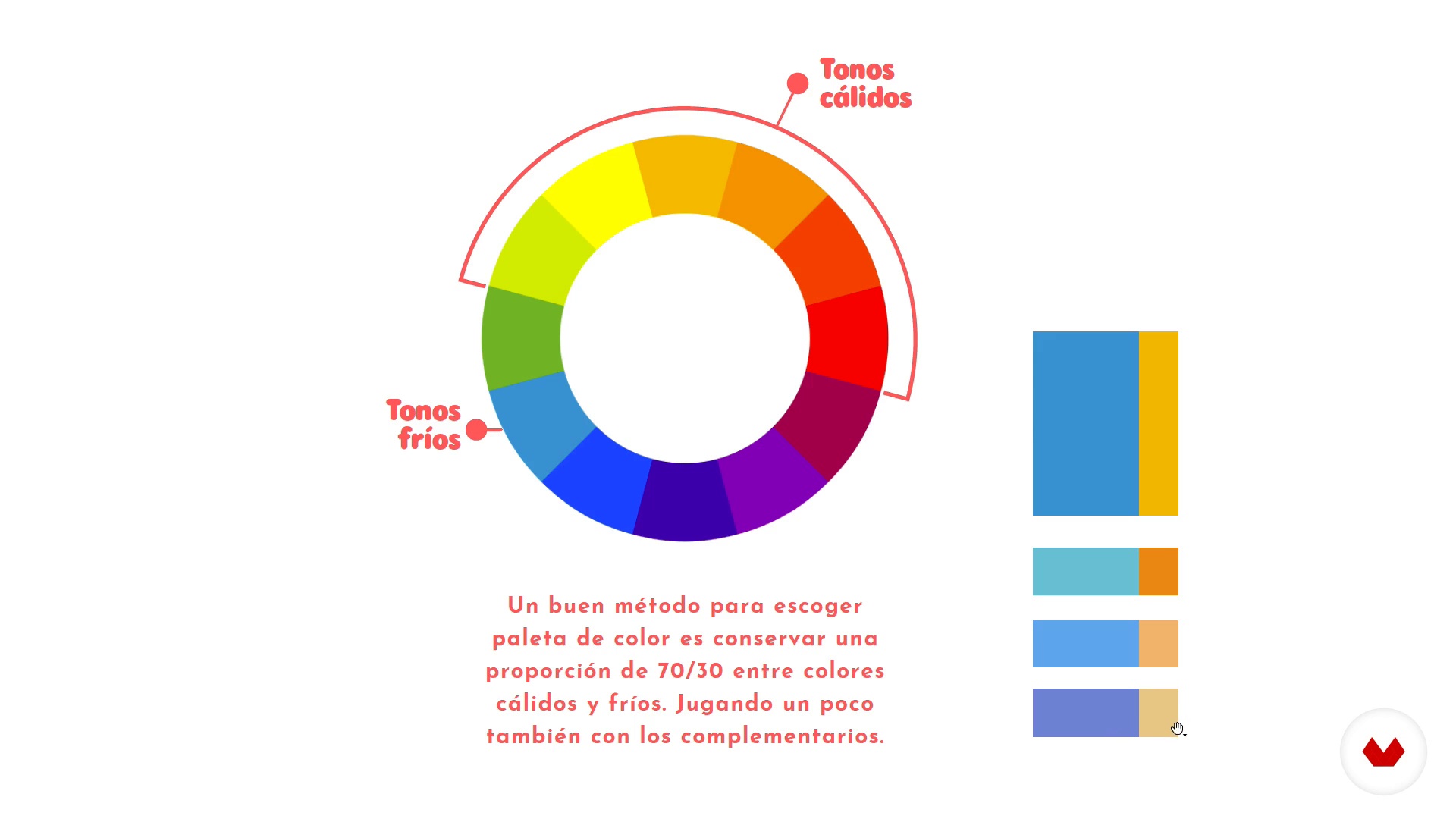
Theory of color
6 minutes, 23 seconds
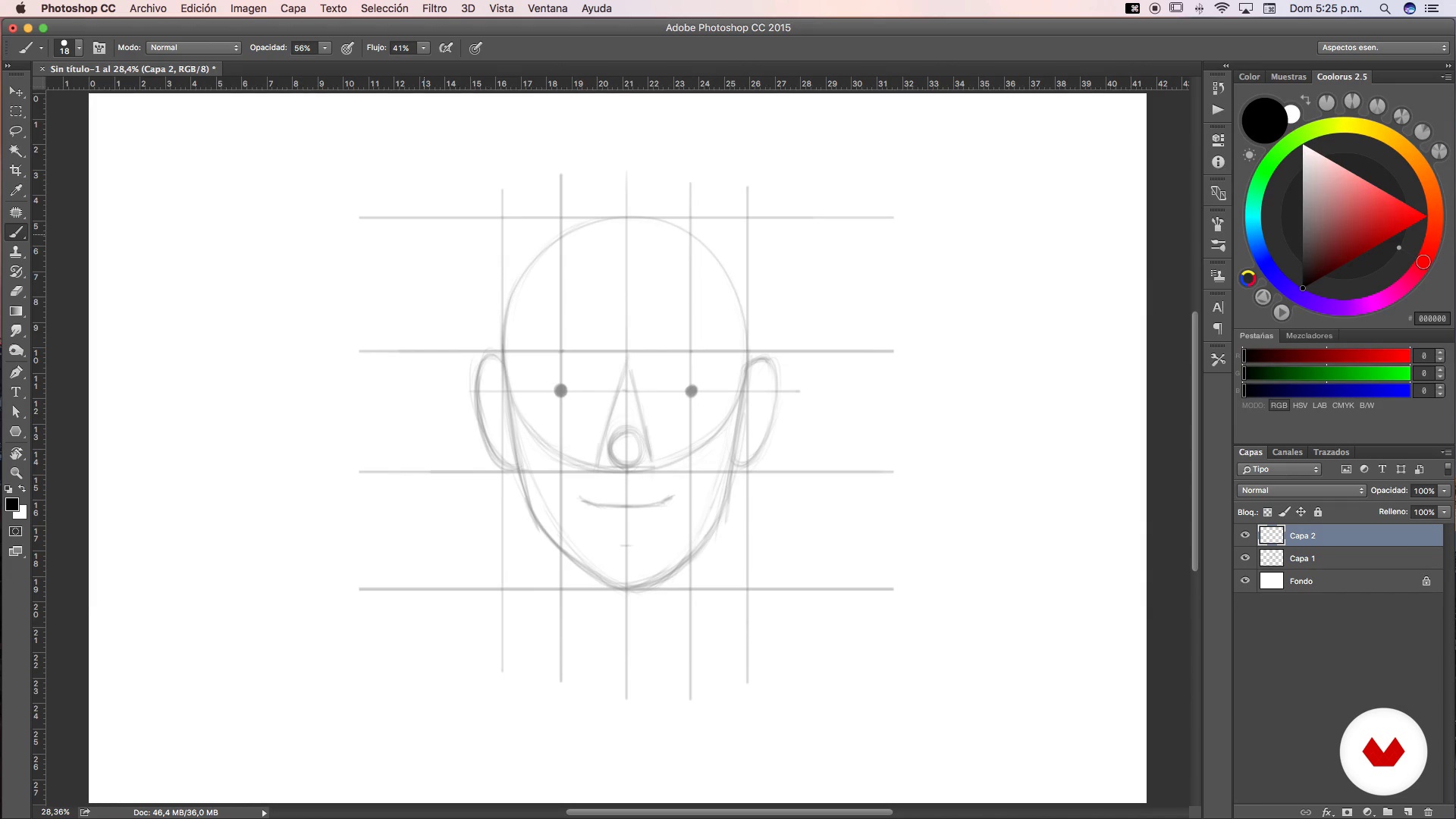
Face proportion
13 minutes, 29 seconds
Archive morgue
6 minutes, 34 seconds
What's included in this course?
Start by learning more about the work of Germán González and discover his influences.
Then he explains some fundamental aspects of lighting work in a portrait, the use of color, and proportions.
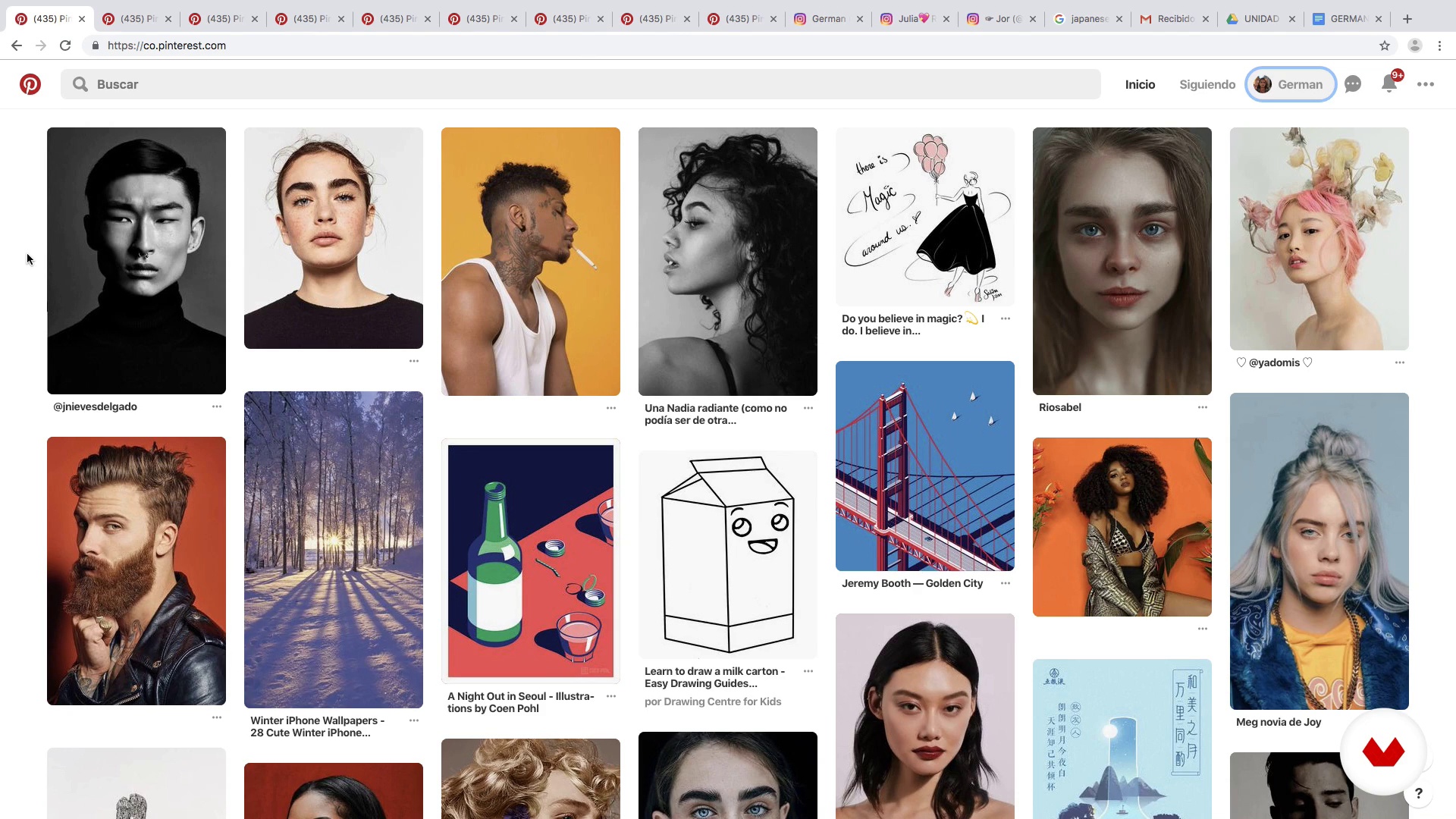
Once you are clear about the basics, collect reference images for your illustrations and create what Germán calls a "morgue file".
Make the first sketches, select the color palette, and learn to create some brushes that are very useful when creating textures in your digital portraits.
First, define the essential elements of your portrait such as the hair, the eyes, the clothing, and the lights and shadows of the face. Then, add all kinds of elements to help you define the personality of the character and bring your illustration to life.
Germán gives you some tips to print your personal stamp on each portrait through small details in the illustration.
Recommended software & tools for this course
What is this course's project?
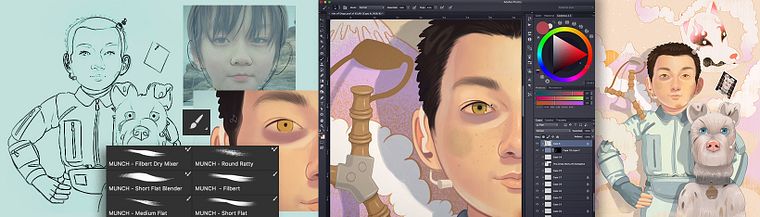
Make a digital illustration based on the portrait of one of the characters from your favorite movie.
Projects by course students


Who is this online course for?
Illustrators, designers, cartoonists, and anyone interested in learning illustration techniques and digital portraiture.
Requirements and materials
Previous knowledge of drawing is recommended, although to follow of this course it is not essential, since Germán explains the entire illustration process starting from a photograph.
Regarding the materials, you need a computer with Adobe Photoshop and a graphics tablet, although you can also work with an iPad Pro.

Reviews
- 2 months ago
Muy recomendable.
- gerard_lzPLUS1 year ago
Excelentes contenidos, muy recomendable.
- 1 year ago
Excelente curso, y profe muy teso!
- 1 year ago
Increíble 100% lo recomiendo
- 2 years ago
I love this artist's style and approach. It's a very good course. I only wish they could dub it in English.
He works as a graphic designer at Parque Explora, a science museum in the city of Medellín, Colombia, a job that he combines with his activity as an independent illustrator, collaborating with local and foreign publications.
Content
- U1
Introduction
- Presentation
- Influences
- U2
Essential aspects
- Lighting basics
- Essential aspects of color
- Aspects of Illumination
- Theory of color
- Face proportion
- U3
Steal to create
- Archive morgue
- Canvas
- Brushes
- Sketch
- Creation of color palette
- First layers of paint
- Defining shadows
- Hair and eyes
- Locker room
- Narrative complement Part 1
- Narrative complement Part 2
- Final details
- U4
The Devil Is In The Details
- Final retouching
- Export
- FP
Final project
- Final project
What to expect from a Domestika course
Learn at your own pace
Enjoy learning from home without a set schedule and with an easy-to-follow method. You set your own pace.
Learn from the best professionals
Learn valuable methods and techniques explained by top experts in the creative sector.
Meet expert teachers
Each expert teaches what they do best, with clear guidelines, true passion, and professional insight in every lesson.
Certificates
PLUSIf you're a Plus member, get a custom certificate signed by your teacher for every course. Share it on your portfolio, social media, or wherever you like.
Get front-row seats
Videos of the highest quality, so you don't miss a single detail. With unlimited access, you can watch them as many times as you need to perfect your technique.
Share knowledge and ideas
Ask questions, request feedback, or offer solutions. Share your learning experience with other students in the community who are as passionate about creativity as you are.
Connect with a global creative community
The community is home to millions of people from around the world who are curious and passionate about exploring and expressing their creativity.
Watch professionally produced courses
Domestika curates its teacher roster and produces every course in-house to ensure a high-quality online learning experience.
FAQs
You’ll learn how to create digital portraits from scratch, master color, lighting, and shading techniques, transition from traditional to digital drawing, manage visual references, and prepare illustrations for professional printing and publishing.
Yes, this course is designed for those with basic illustration skills who want to refine techniques, streamline their workflow, and deepen their knowledge of digital and editorial portraiture.
Basic drawing skills and familiarity with digital tools are recommended, but advanced digital illustration experience is not required.
You’ll need a computer with digital illustration software like Photoshop, a graphics tablet, and internet access. Having reference images and enough disk space is also advised.
You’ll learn how to adapt traditional techniques to a digital workspace using layers, editing tools, and custom brushes to achieve professional results.
Yes, the course covers how to adjust files, convert color profiles, and prepare digital illustrations for professional CMYK printing and editorial publishing.
You’ll master handling light sources, bounce light, cast and warm shadows, and create realistic transitions between light and shadow using digital tools.