Design Thinking for Book Covers and Visual Concepts
A course by Catherine CasalinoBook Designer
A course by Catherine Casalino, Book Designer

Expand your creative toolbox by exploring the book cover design process and learning how to apply it to a graphic design project
A book cover is a powerful marketing tool that can shine a spotlight on the contents inside. With over two decades of experience working for renowned clients like Penguin Random House and HarperCollins, designer Catherine Casalino specializes in creating intriguing covers that compel readers to explore the story within.
In this online course, she teaches you how to apply design thinking to create spectacular book covers that leap off the shelf. Learn Catherine’s step-by-step approach to capturing the written word with visuals and presenting a book in its best light so that no story remains undiscovered.
What will you learn in this online course?
15 lessons & 18 downloads
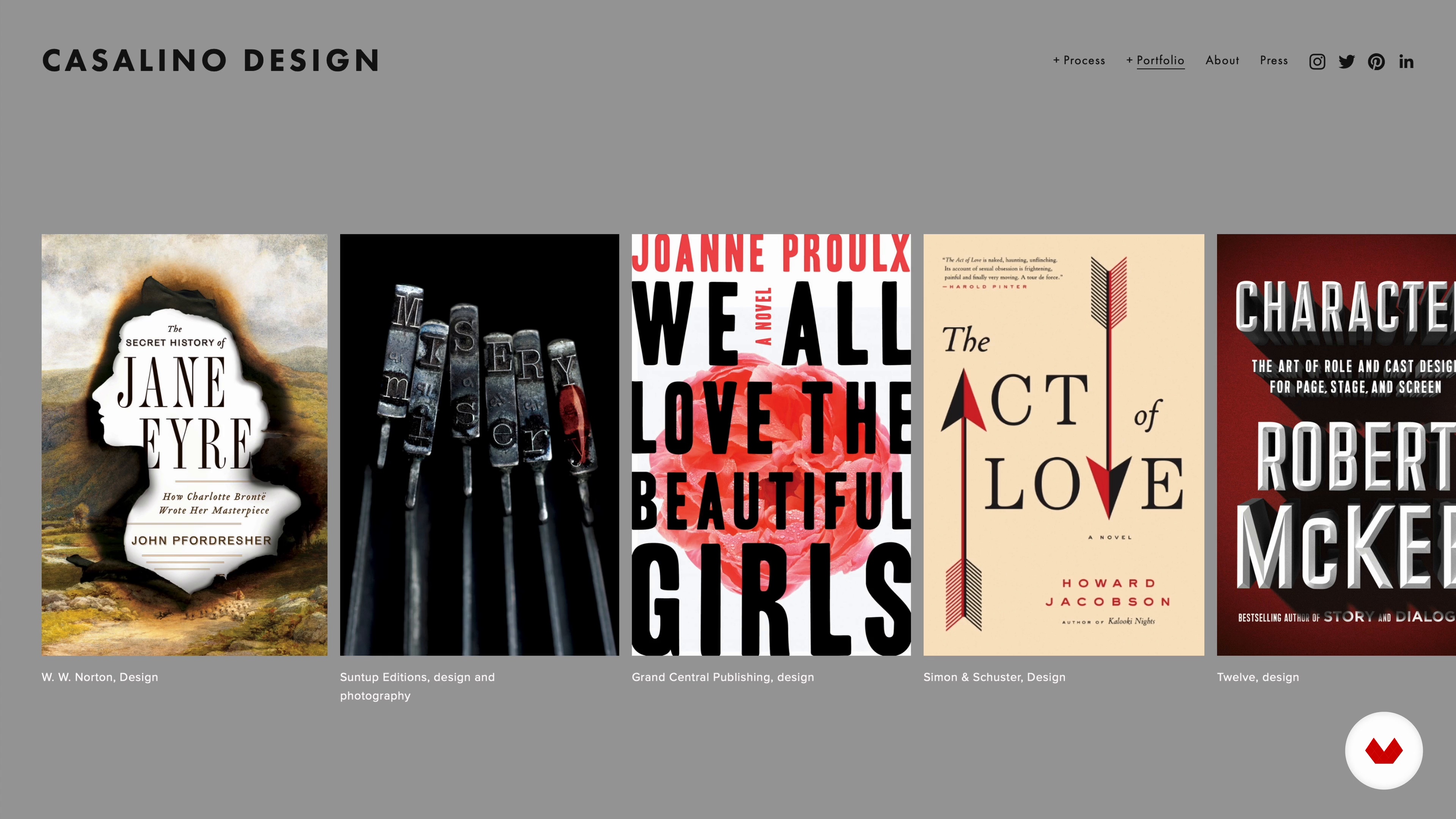
Overview of Book Design
15 minutes, 28 seconds
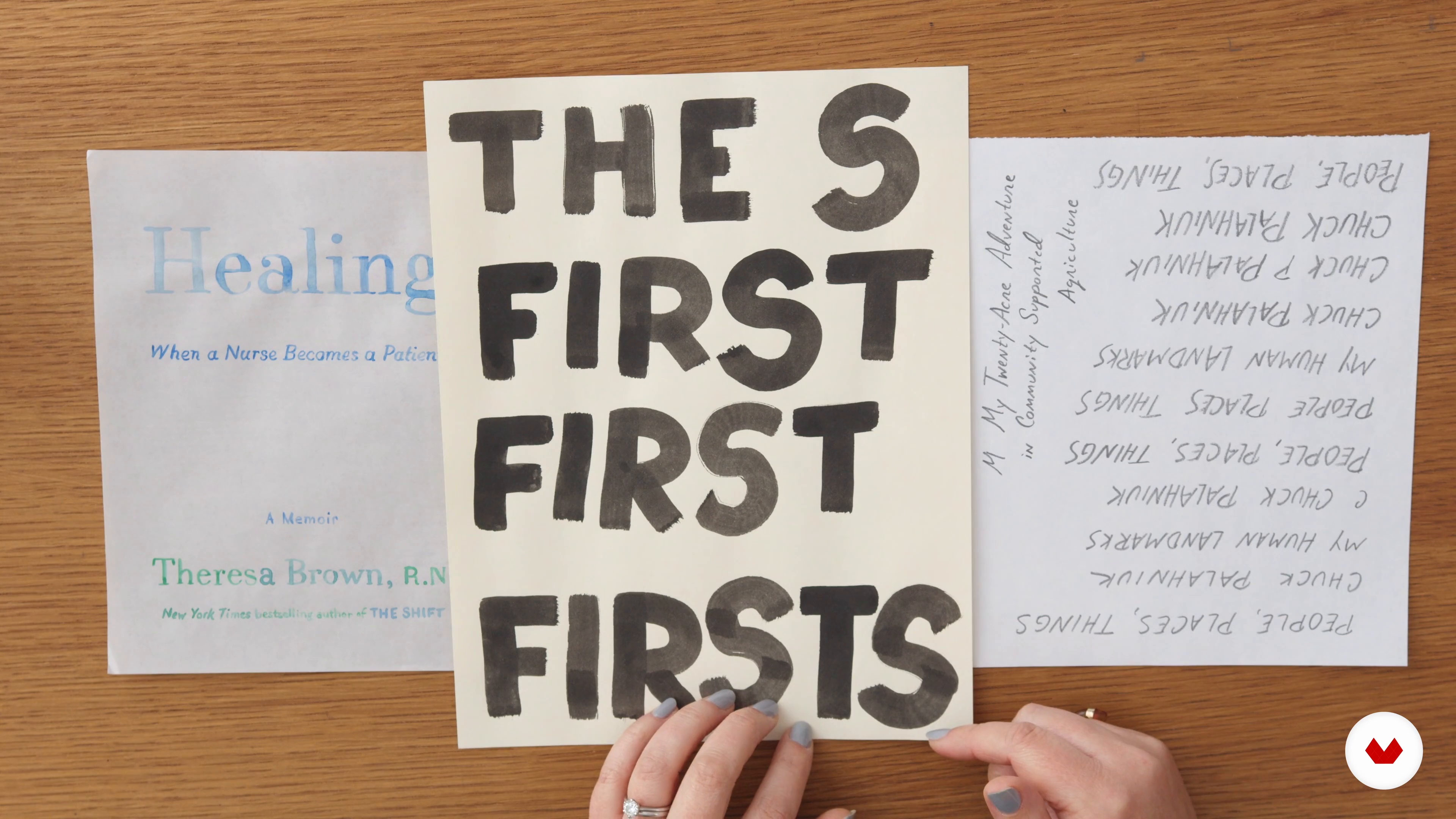
How to Start: Reading and Your Book Design Toolbox
12 minutes, 31 seconds
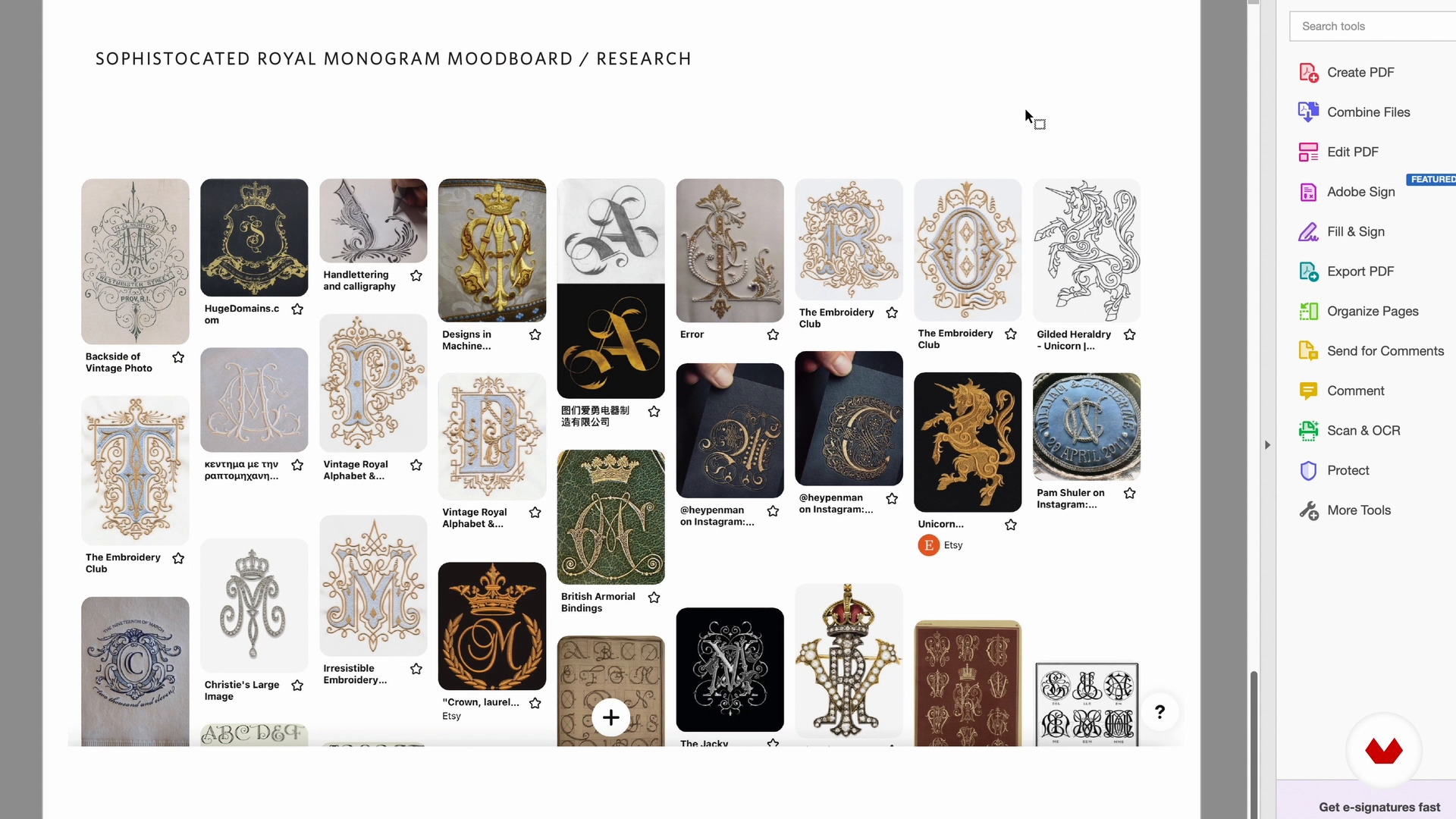
Mood Board: Image Research
8 minutes, 19 seconds
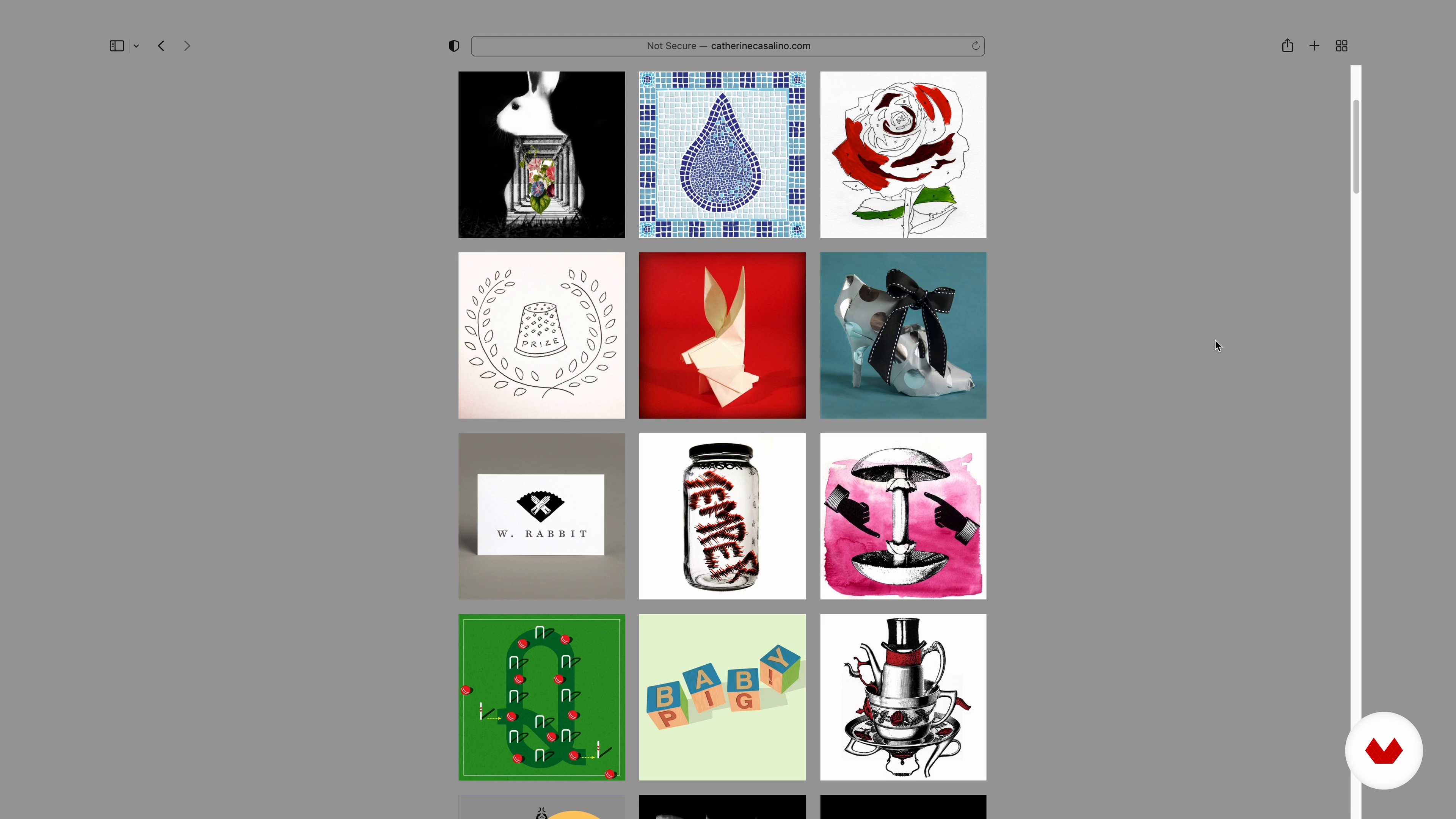
Picking a Project
5 minutes, 58 seconds
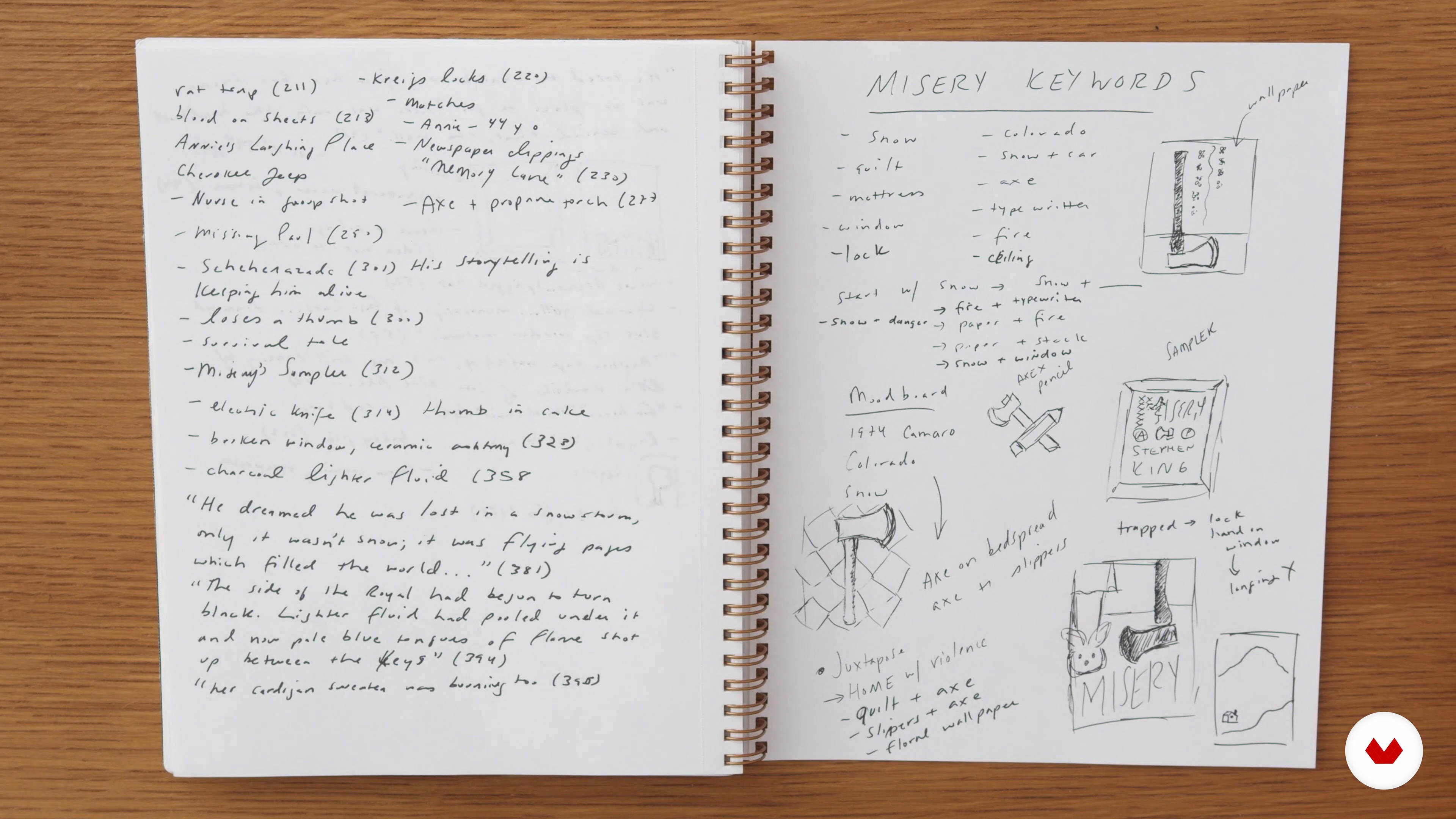
Reading and Notetaking
11 minutes, 16 seconds
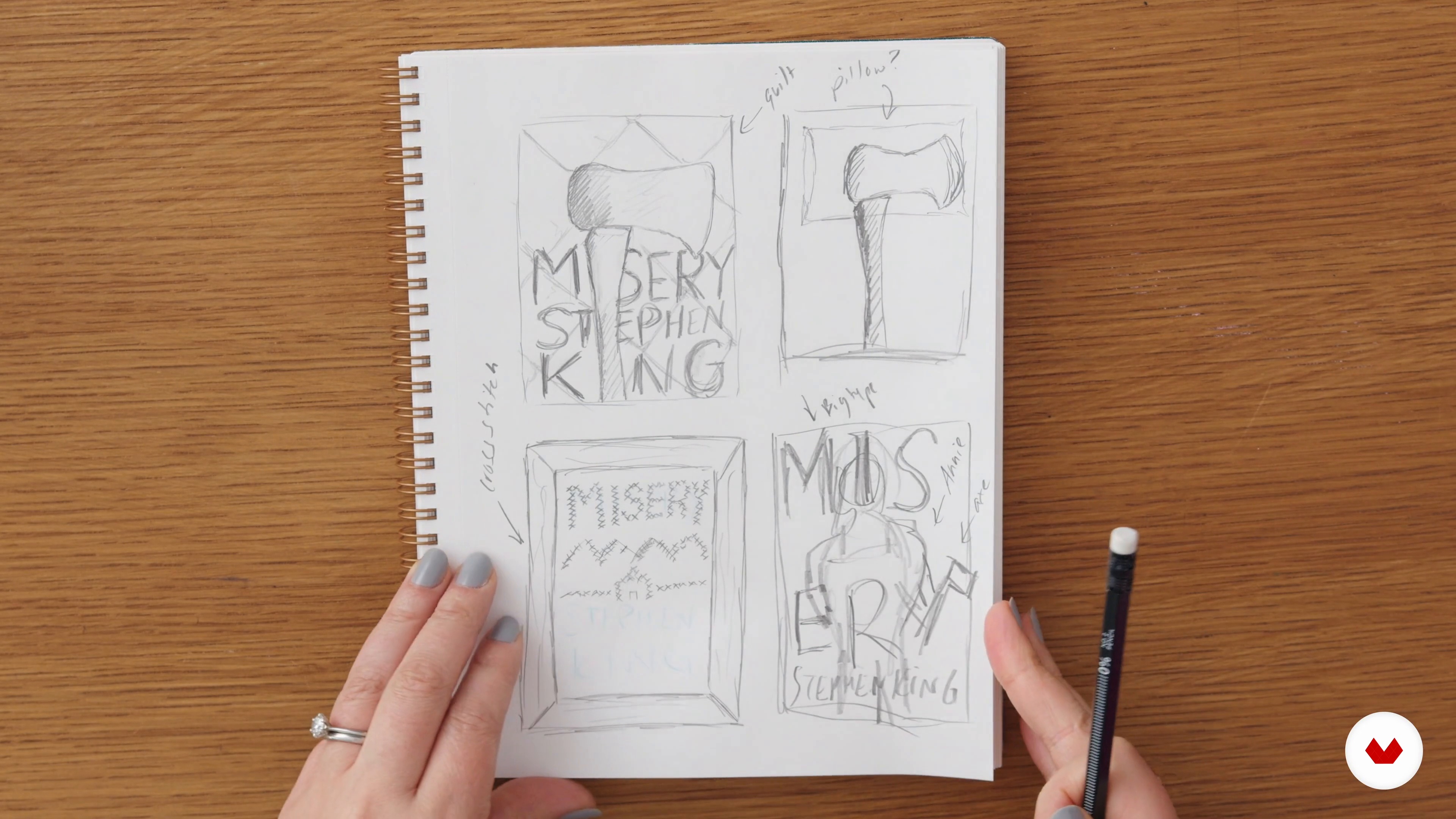
Concepting and Sketching
10 minutes, 6 seconds
What's included in this course?
Start by getting to know Catherine as she describes her background and reveals the experiences that paved the way for her career as a book designer. Discover her many influences, from music to photography to graphic design.
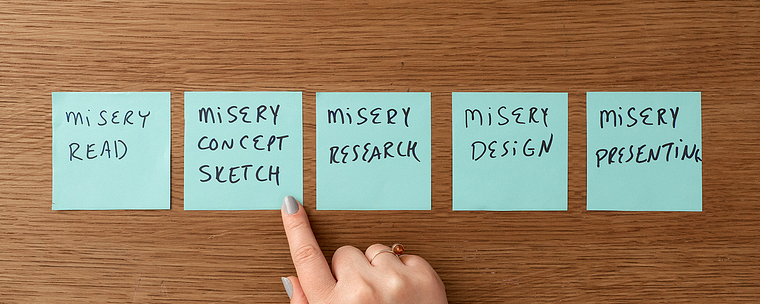
Explore several approaches to book design as Catherine breaks the process into steps, from the initial reading to the final presentation. Learn to think like a designer to analyze a book for potential cover options. Transition from the written word to imagery by finding out how to look for inspirational visuals for your mood board and discover the factors to consider when choosing a book for your project.
Put everything you’ve learned into practice as you work on a couple of design directions for your book cover. Catherine walks you through the reading and note-taking process, later showing you ways to sketch out visual concepts based on your interpretation of the text. Tackle the research phase by collecting references to create your own imagery and experimenting with various options. Explore Catherine’s techniques to put together a cover and edit it with InDesign and Adobe Creative Suite.
Wrap up the course by exploring different ways to expand a design beyond the cover. Learn tips to share your artwork professionally and apply feedback to come up with multiple solutions and get your cover on bookstore shelves.
What is this course's project?
Develop two or three mock-ups for a book cover using InDesign and Adobe Creative Suite.
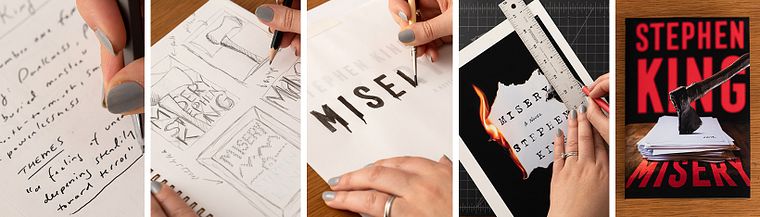
Projects by course students


Who is this online course for?
All creatives interested in book design, from graphic designers to illustrators to photographers.
Requirements and materials
A working knowledge of graphic design and Adobe Creative Suite is recommended.
As for materials, you ideally need a camera, a scanner, a computer with graphic-design software, and art supplies. However, you can also get creative and design your book cover with just a pencil, some paper, and a smartphone.
Reviews
- 10 months ago
This course was a stunning amount of important information in a small package. I highly recommend it.
- 1 year ago
As a beginner designer this was an excellent course, it taught me a lot about the process and the basics of cover design. Very easy to follow as well.
- 1 year ago
Los fundamentos de una concepción de portada muy bien explicados, me gusto mucho la exploración de pistas y la forma en la que usa diversos recursos para realizar sus portadas.
- 1 year ago
Excellent overview of the book cover design process. I like how Catherine shows her thinking/designing steps to arrive at the final design. This course give me a better understanding of how to gather ideas for a book cover, and how I may direct the design of the work.
- 1 year ago
Straightforward course that unfolds a book cover design process. Can help to take a look at the workflow in general or to find new ways and techniques to elevate your design game. Useful for a beginner designer in a publishing house, a freelancer who wants to get into book cover design or a designer working on portfolio. Thank you!

For over two decades, she has been creating designs for a variety of well-known authors and clients, including Stephen King, A+E Networks, IBM, and The New York Times. Catherine’s designs have received recognition from prestigious organizations and publications such as AIGA, PRINT magazine, Communication Arts, Eye magazine, and the New York Book Show. She has also served as a judge for competitions hosted by associations like the Art Directors Club, the Type Directors Club, and the Association of American University Presses.
Content
- U1
Introduction
- About Me
- Influences
- U2
The Book Design Process
- Overview of Book Design
- How to Start: Reading and Your Book Design Toolbox
- Mood Board: Image Research
- Picking a Project
- U3
Creating Your Book Cover Design
- Reading and Notetaking
- Concepting and Sketching
- Researching, Exploring, and Refining
- Designing with InDesign and Adobe Creative Suite 1
- Designing with InDesign and Adobe Creative Suite 2
- Editing
- U4
Finishing Touches for Your Cover
- Expanding Your Design
- Presenting Your Book Cover Design
- Taking Feedback
- FP
Final project
- Design Thinking for Book Covers and Visual Concepts
What to expect from a Domestika course
Learn at your own pace
Enjoy learning from home without a set schedule and with an easy-to-follow method. You set your own pace.
Learn from the best professionals
Learn valuable methods and techniques explained by top experts in the creative sector.
Meet expert teachers
Each expert teaches what they do best, with clear guidelines, true passion, and professional insight in every lesson.
Certificates
PLUSIf you're a Plus member, get a custom certificate signed by your teacher for every course. Share it on your portfolio, social media, or wherever you like.
Get front-row seats
Videos of the highest quality, so you don't miss a single detail. With unlimited access, you can watch them as many times as you need to perfect your technique.
Share knowledge and ideas
Ask questions, request feedback, or offer solutions. Share your learning experience with other students in the community who are as passionate about creativity as you are.
Connect with a global creative community
The community is home to millions of people from around the world who are curious and passionate about exploring and expressing their creativity.
Watch professionally produced courses
Domestika curates its teacher roster and produces every course in-house to ensure a high-quality online learning experience.
FAQs
This course is best suited for those with some design or art background, as it covers intermediate techniques in book cover design, composition, and digital tools. Beginners can participate but may need additional foundational learning.
You’ll need access to Adobe Illustrator, Photoshop, and InDesign, plus basic drawing tools, a scanner or camera, and materials for sketching and note-taking. Some experience with these tools is helpful for following along.
You’ll learn professional book cover concepting, visual composition, moodboarding, integrating typography and imagery, digital and physical mockup creation, and presenting designs for feedback. The course also covers sourcing images and working with industry-standard workflows.
The course covers concept development, reading for design, moodboarding, genre analysis, sketching, typographic and photographic techniques, image sourcing, digital editing, physical and digital mockups, and presenting book cover designs professionally.
You’ll follow step-by-step lessons on combining original photography, scanography, illustration, and custom lettering with digital tools to create compelling book cover compositions tailored to different genres.
Yes, the course teaches how to analyze manuscripts, take notes, extract visual themes and motifs, and translate them into creative book cover concepts using systematic ideation techniques.
Yes, you’ll learn how to use Adobe InDesign for professional book cover layouts and Photoshop for image editing and compositing, including industry-standard setup for print production.