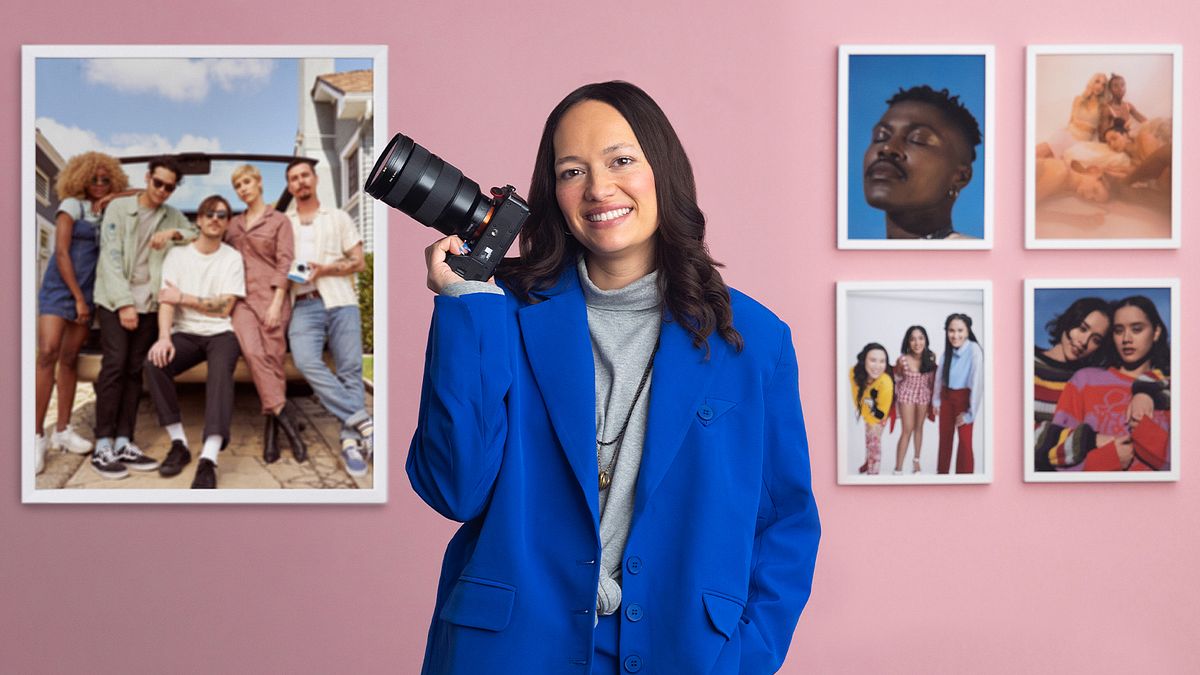
Introduction to Group Portrait Photography
A course by Nolwen CifuentesCommercial and Editorial Photographer
A course by Nolwen Cifuentes, Commercial and Editorial Photographer

Explore styling, lighting, composition, movement, and color to take striking group shots that capture the energy of each subject
“I try to take photos that are impactful, that provoke people to stop and look twice. It could be through styling, lighting, movement, composition, or color palette.”
Those images have seen commercial and editorial photographer Nolwen Cifuentes work with clients including Entertainment Weekly, Billboard, Time, and Polaroid, as well as leading brands in media, tech, and fashion.
In this Domestika course, she teaches you the basics of photographing a group. Explore lighting, wardrobe, poses, and post-production to take photos that make each subject looks their best. Get the best out of people and capture striking group portraits!
What will you learn in this online course?
19 lessons & 20 downloads
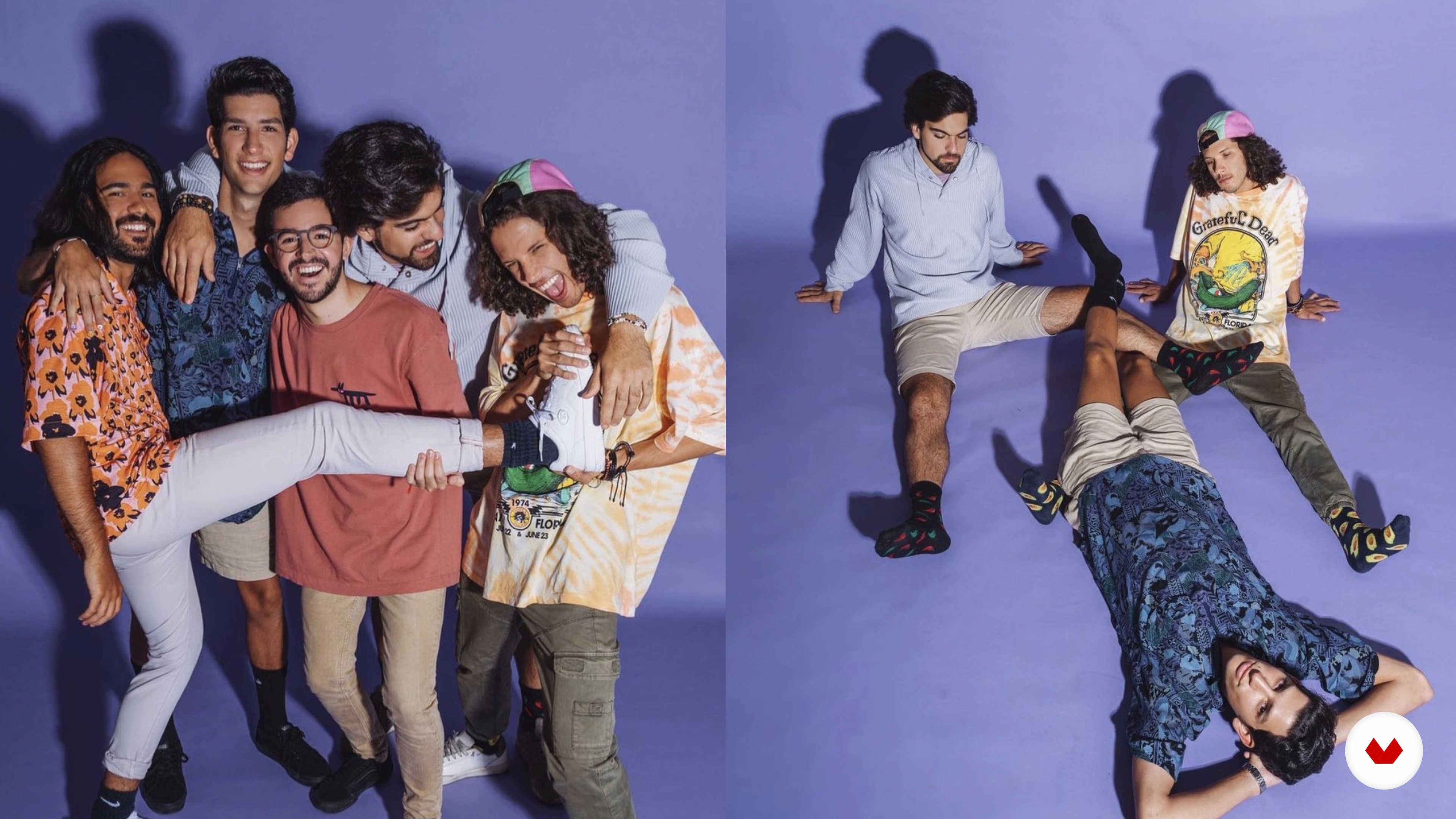
A Group Portrait: Definition
8 minutes, 36 seconds
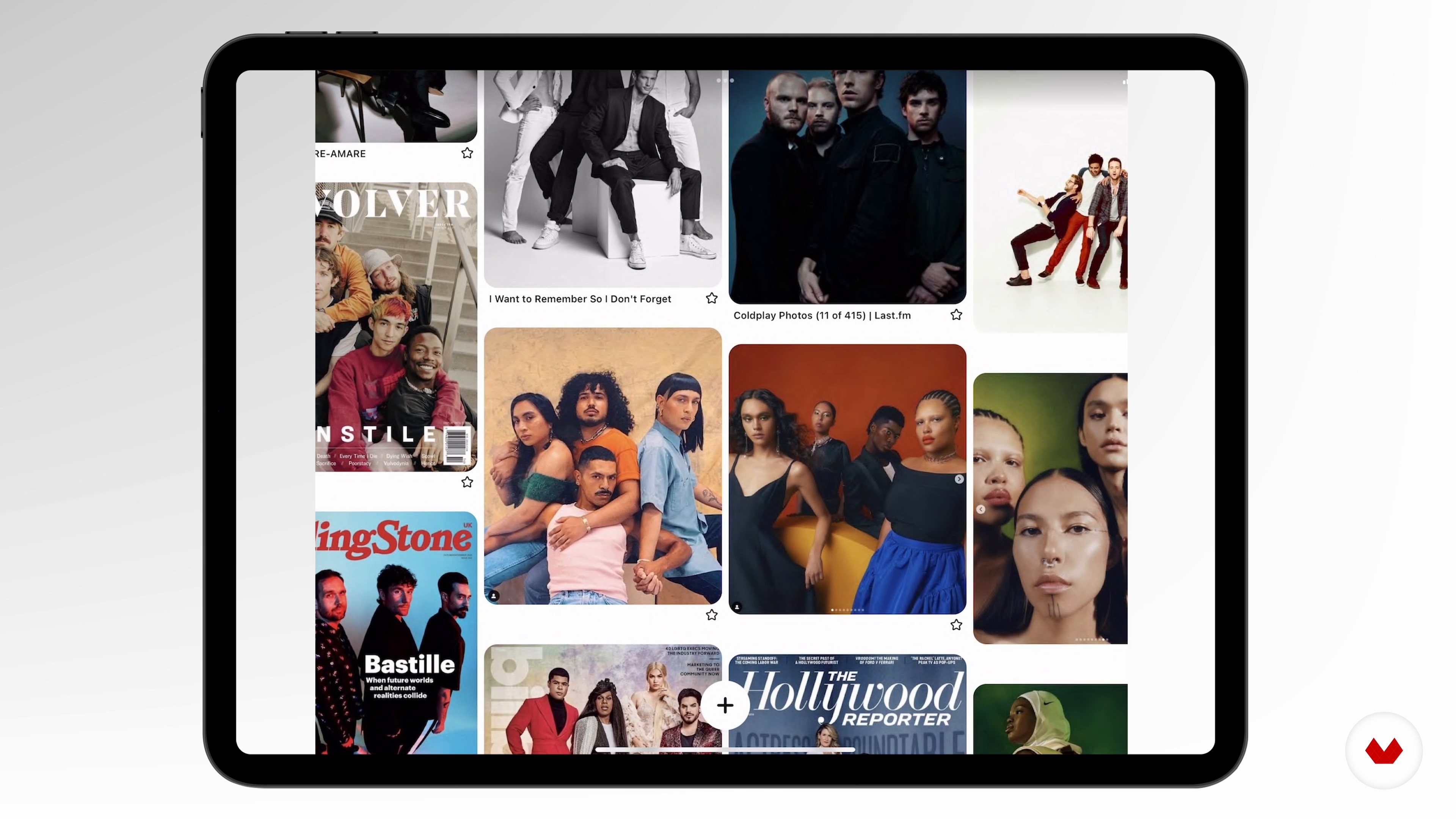
The Research
5 minutes, 42 seconds
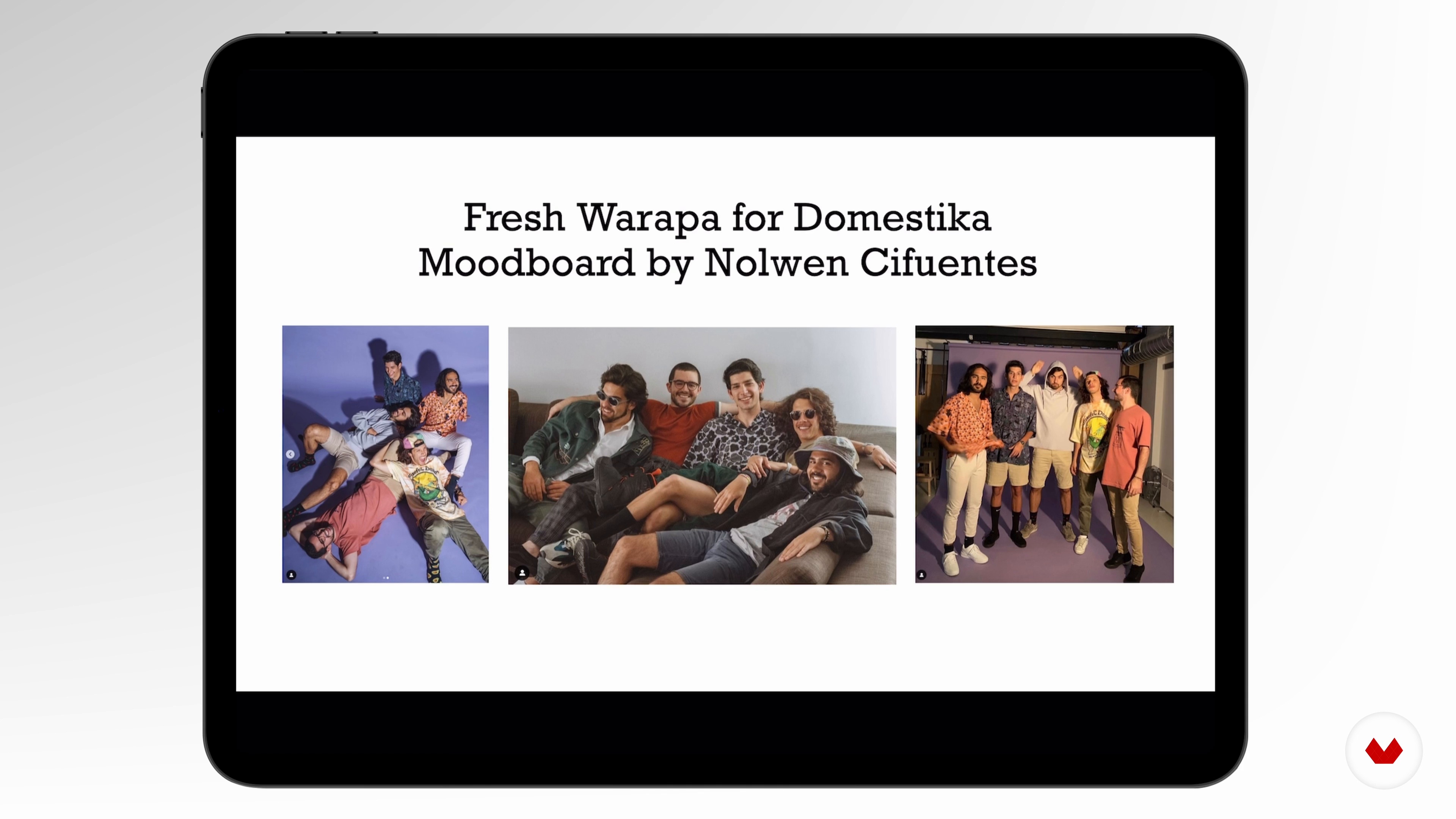
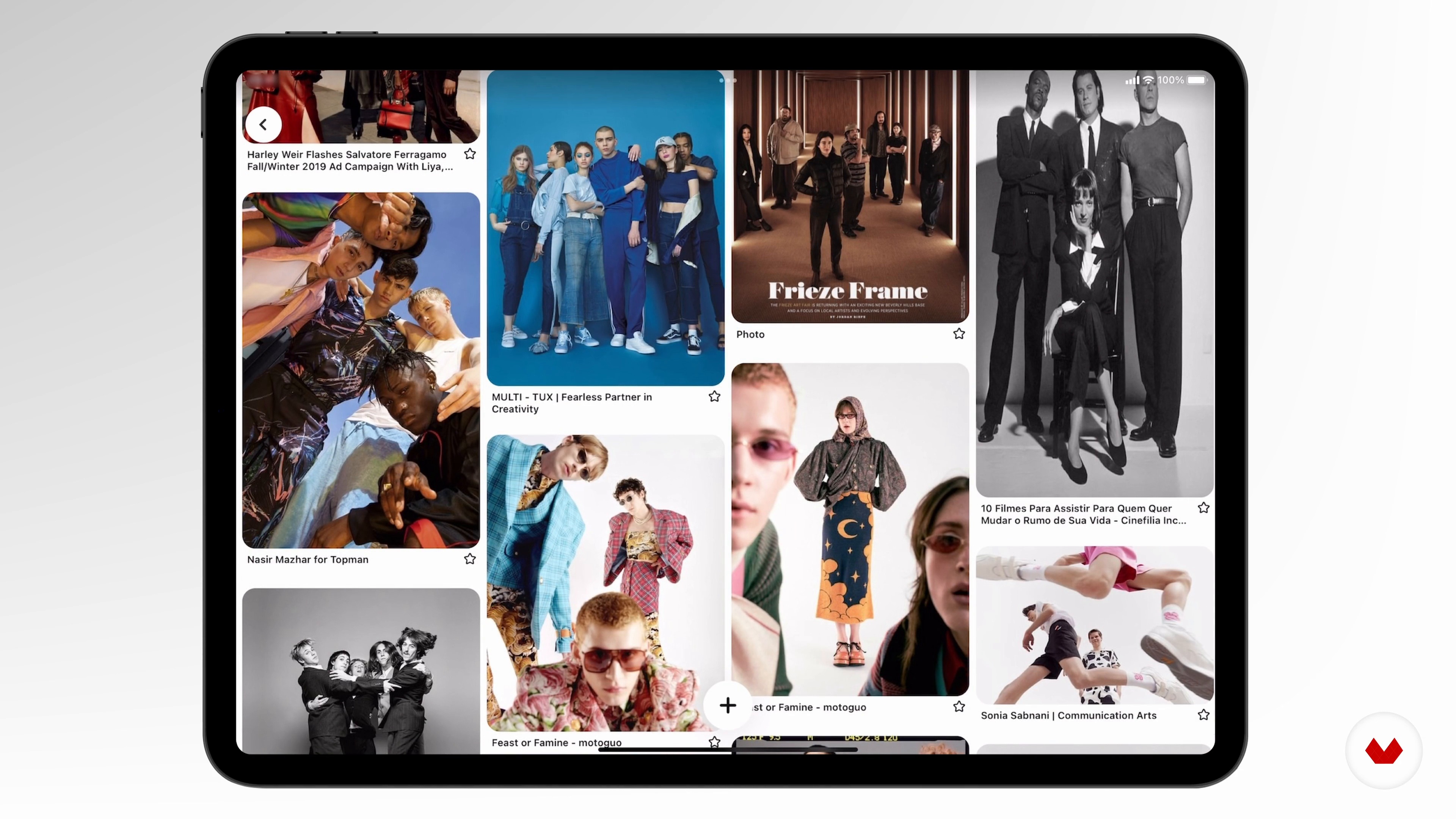
The Mood Board
4 minutes, 25 seconds
The Wardrobe Brief
6 minutes, 1 second
The Shot List
7 minutes, 11 seconds
The Band and Choice of the Wardrobe
5 minutes, 31 seconds
What's included in this course?
Begin the course by getting to know photographer Nolwen Cifuentes. Discover how she turned her passion for photography into a full-time career, along with the influences that inspire her.
Look at the differences between group and individual portraits before gathering inspiration to create a mood board of inspiration for your shoot. Then put together a wardrobe brief for your subjects and build a shot list.
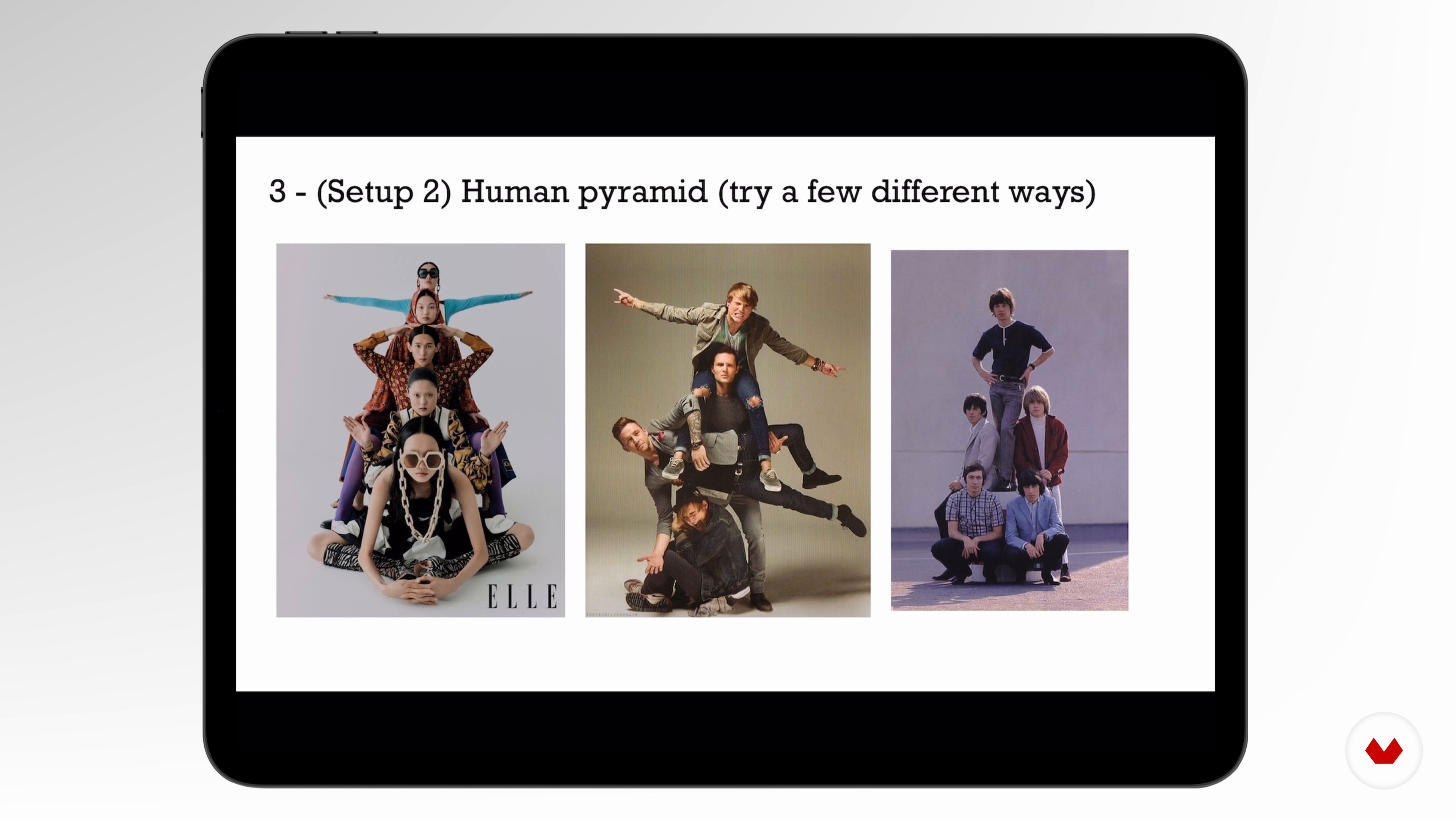
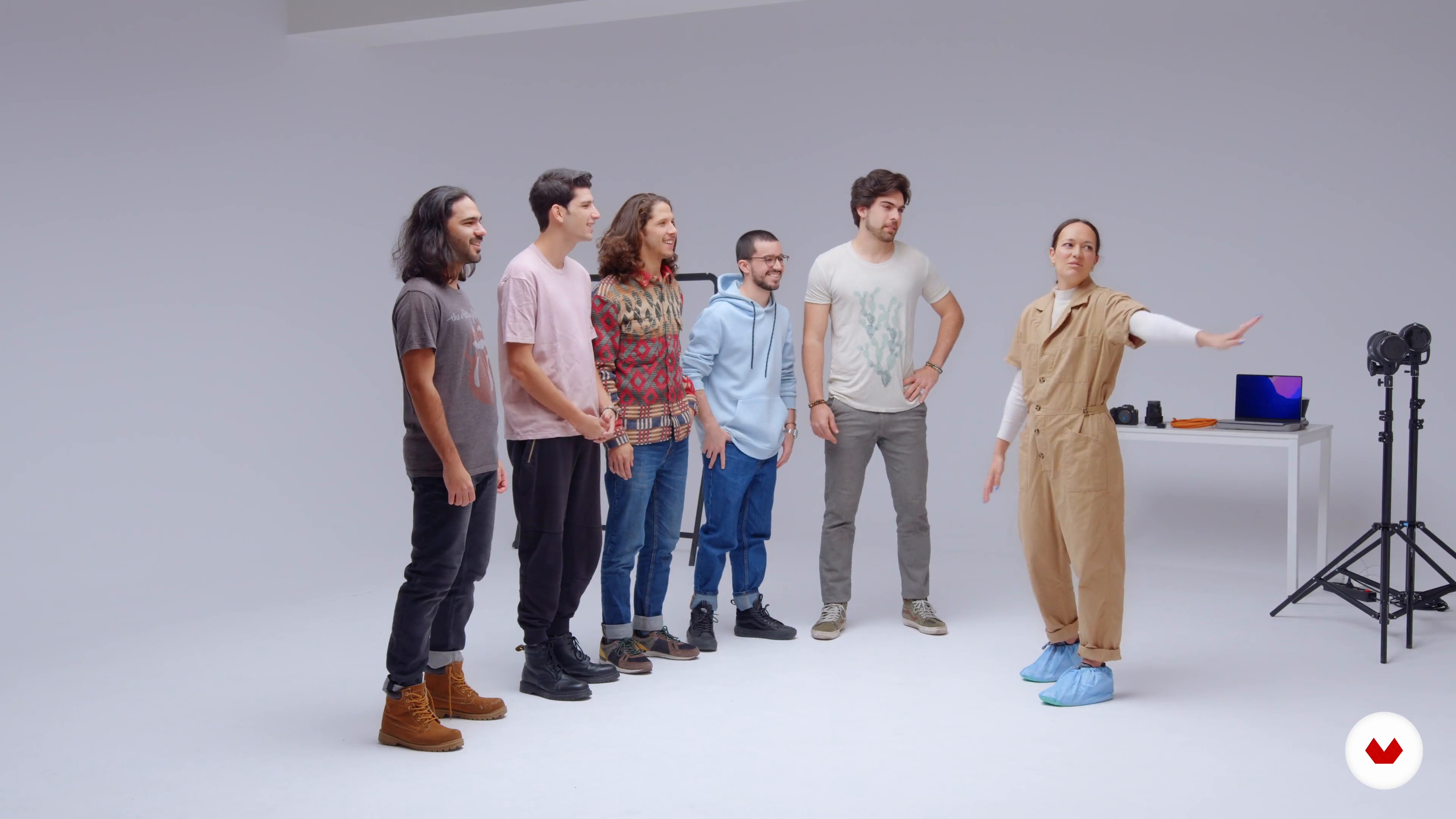
Nolwen takes you through her process for making sure the group is comfortable and setting up your camera. Explore lighting for group portraits before beginning your photoshoot with your soft light setup. Move onto hard lighting, experimenting with different poses as you go.
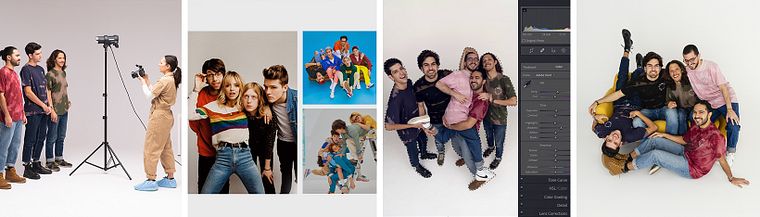
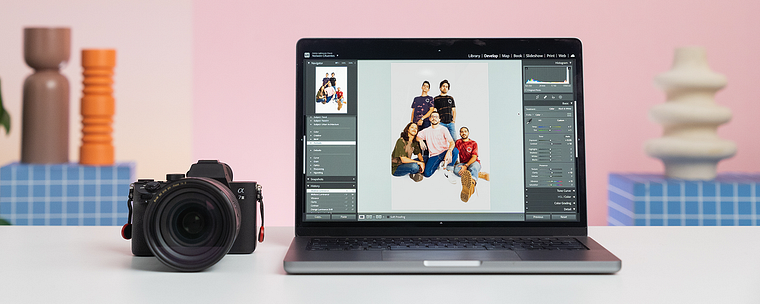
Learn how to select your favorite photos and check the focus. Adjust exposure and white balance in Lightroom, before applying the final color. To wrap up the course, Nolwen shows you how to retouch your images in Photoshop and market your completed projects.
What is this course's project?
Plan, shoot, light, and edit a series of group photographs from scratch.
Who is this online course for?
This course is for anyone with an interest in learning how to take striking group photos.
Requirements and materials
Previous experience using a camera in manual mode is recommended.
In terms of materials, you will need a camera, lighting equipment, editing software, and a few other materials specified by the teacher in the course.
Reviews
- 4 months ago
Tego potrzebowałam! Świetny kurs i fantastyczna prowadząca!
- 7 months ago
Amei o curso. Mostra todas as etapas do trabalho e dá dicas práticas valiosas.
- 9 months ago
Este curso me está encantando! Justo me llegó una solicitud para fotografiar una banda musical y me está orientando muy bien!
- 11 months ago
I expected more info about the posing, there is no information what i looked for, btw good basic lessons.
- 2 years ago
Simplemente ¡Excelente¡. Muy recomendable.

Since then, she has captured portraits for well-known magazines, media, tech, beauty, and fashion brands. Her clients include Netflix, People, The New York Times, Entertainment Weekly, and Variety. She was also featured on The Lit List’s 30 New + Emerging Photographers to Watch. Nolwen is passionate about making content that represents the people she didn’t see in the media growing up, and she is a member of Women Photograph, Diversify Photo, and Authority Collective.
Content
- U1
Introduction
- About Me
- Influences
- U2
Preparing for the Photoshoot
- A Group Portrait: Definition
- The Research
- The Mood Board
- The Wardrobe Brief
- The Shot List
- U3
A Photoshoot with a Music Band
- The Band and Choice of the Wardrobe
- Setting up the Camera
- The Lighting for a Group Photo
- The Photoshoot: Soft Light
- The Photoshoot: Hard Light 1
- The Photoshoot: Hard Light 2
- U4
Touch-ups and Showcasing the Photographs
- The Selection Process
- Exposure and White Balance Adjustments
- Color Grading
- Retouching in Photoshop 1
- Retouching in Photoshop 2
- How to Market Your Completed Projects
- FP
Final project
- Introduction to Group Portrait Photography
What to expect from a Domestika course
Learn at your own pace
Enjoy learning from home without a set schedule and with an easy-to-follow method. You set your own pace.
Learn from the best professionals
Learn valuable methods and techniques explained by top experts in the creative sector.
Meet expert teachers
Each expert teaches what they do best, with clear guidelines, true passion, and professional insight in every lesson.
Certificates
PLUSIf you're a Plus member, get a custom certificate signed by your teacher for every course. Share it on your portfolio, social media, or wherever you like.
Get front-row seats
Videos of the highest quality, so you don't miss a single detail. With unlimited access, you can watch them as many times as you need to perfect your technique.
Share knowledge and ideas
Ask questions, request feedback, or offer solutions. Share your learning experience with other students in the community who are as passionate about creativity as you are.
Connect with a global creative community
The community is home to millions of people from around the world who are curious and passionate about exploring and expressing their creativity.
Watch professionally produced courses
Domestika curates its teacher roster and produces every course in-house to ensure a high-quality online learning experience.
FAQs
Yes, this course is designed for intermediate photographers who already understand camera basics and want to advance their skills in group portraiture, editorial shoots, and professional workflows.
You’ll need a DSLR or mirrorless camera, a variety of lenses (wide and portrait), access to both natural and strobe lighting, and editing software like Lightroom and Photoshop. A laptop or tablet for mood boards and shot lists is also recommended.
You’ll learn how to prepare for group photoshoots, direct group posing, master lighting setups, create mood boards, plan wardrobes, organize shot lists, and handle post-production editing for professional results.
Yes, the course teaches you how to build effective mood boards using digital tools like Pinterest, Canva, and Keynote to communicate creative vision and guide group photo sessions.
The course covers multiple lighting techniques, including using strobes, soft and hard light setups, color gels, and adapting lighting based on group size and environment for cohesive, well-lit group photos.
Yes, you’ll gain strategies for directing group energy, coordinating poses, and building rapport among subjects to achieve dynamic and authentic group portraits.
Yes, you’ll learn efficient Lightroom workflows for importing, rating, adjusting exposure, correcting color, and retouching group images for a polished, professional finish.