
Introduction to Photo Animation
A course by Andrei Franz MallmannAnimator
A course by Andrei Franz Mallmann, Animator

Bring your images to life with exciting techniques in Photoshop and After Effects
If you're looking to transform your photos into moving pieces of art full of effects, this is the perfect course for you. Animator Andrei Franz Mallmann, who's worked for brands including HP, Nestlé, and Habib's, teaches you to apply photo animation techniques to make your pieces pop.
Throughout the course, learn to use tools and features in Adobe Photoshop and After Effects step by step to create realistic and eye-catching compositions. Andrei gives tips for seamless animation and finding the best solutions for your project as a whole.
What will you learn in this online course?
15 lessons & 21 downloads
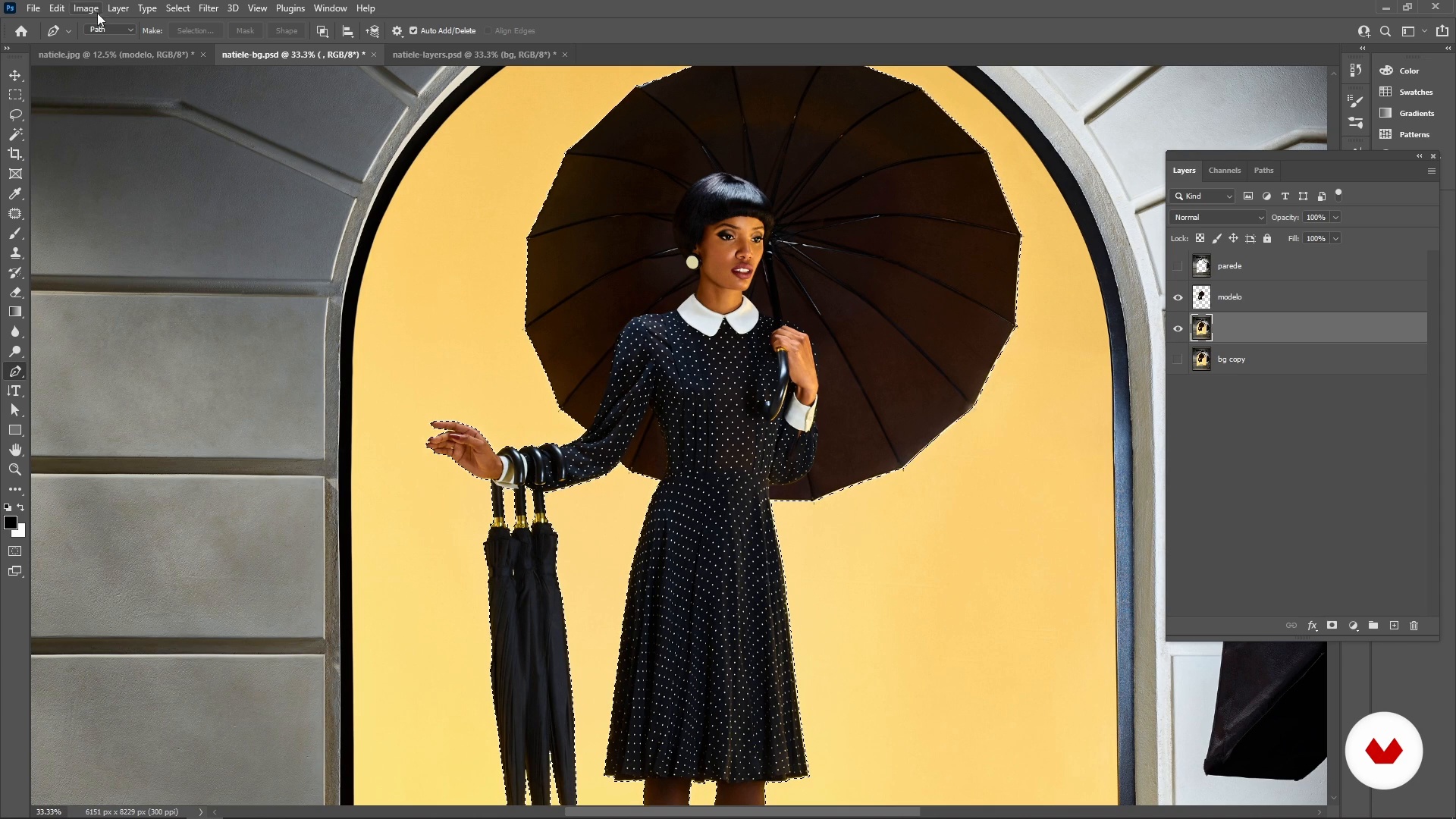
Useful Tools
17 minutes, 20 seconds
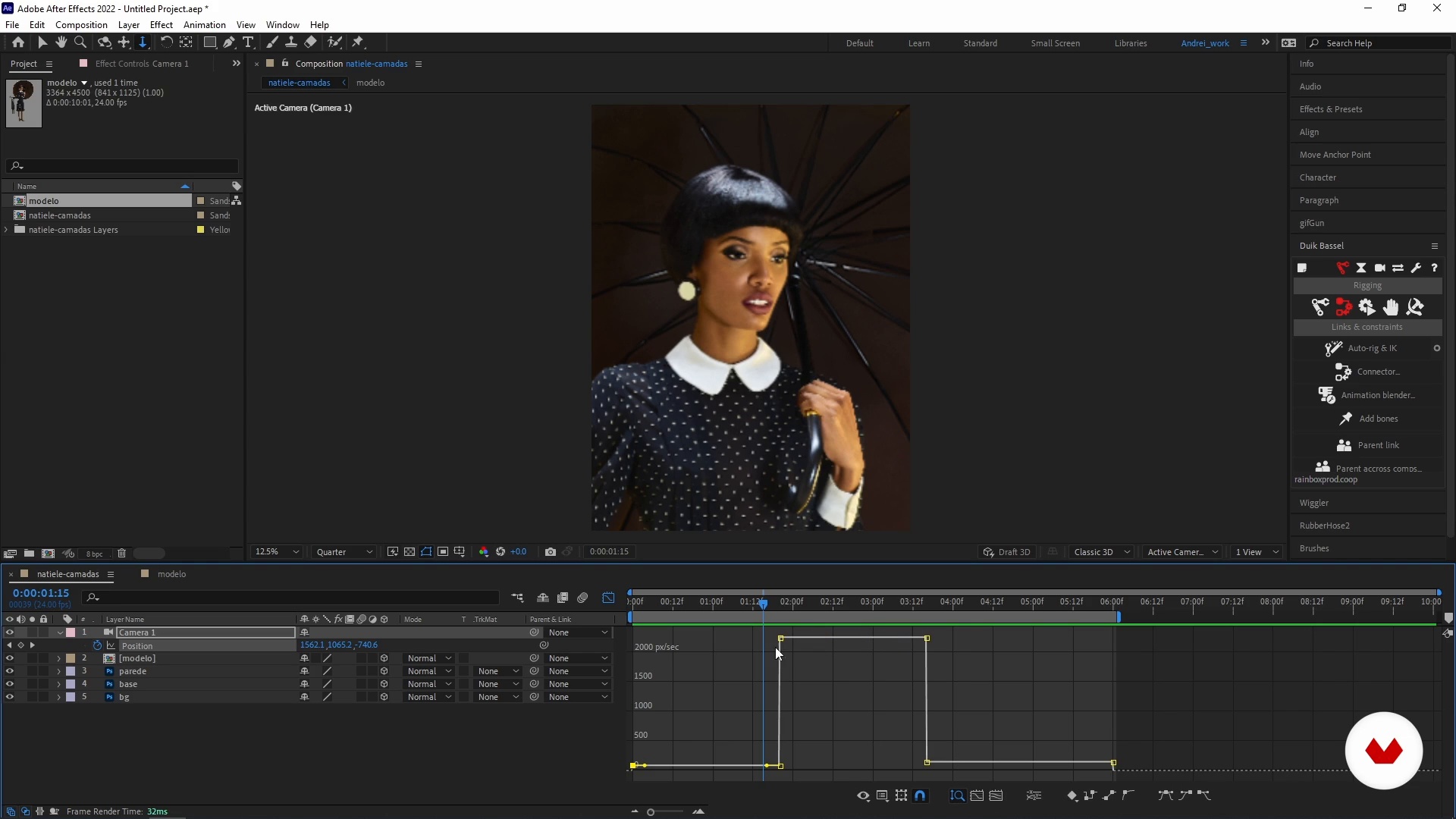
After Effects Camera
14 minutes, 45 seconds
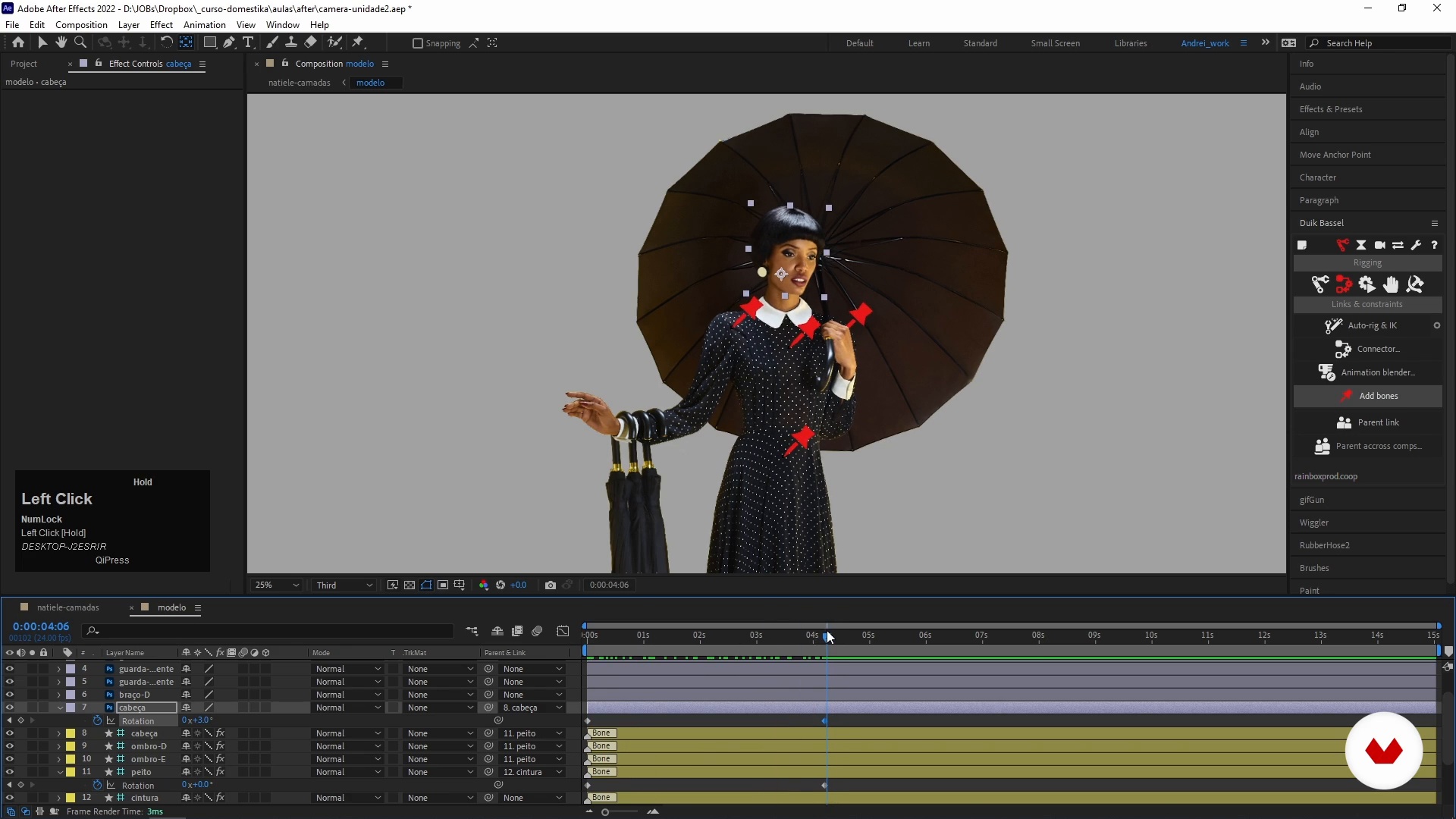
Caring for the character
9 minutes, 25 seconds
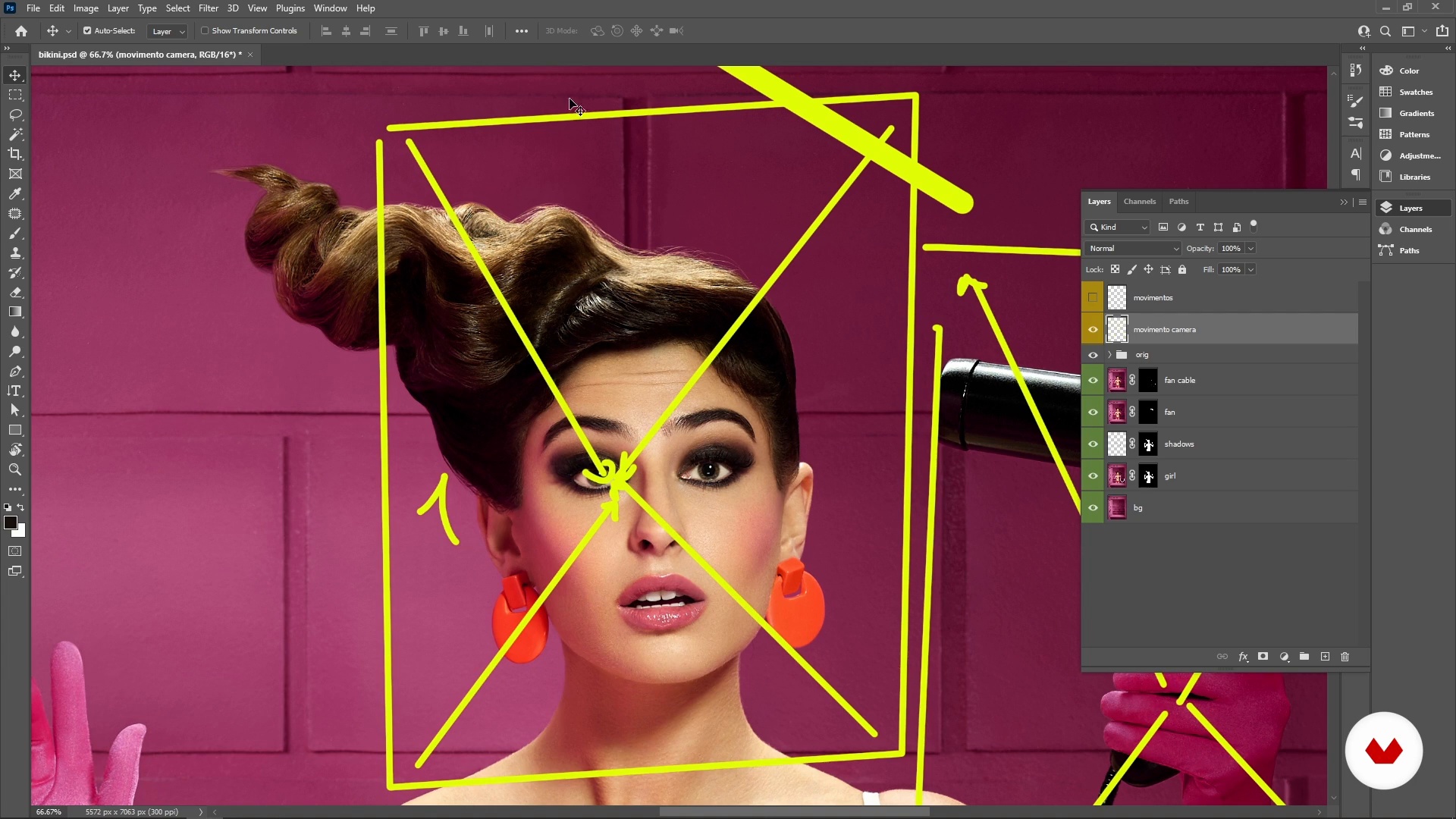
Briefing analysis
5 minutes, 6 seconds
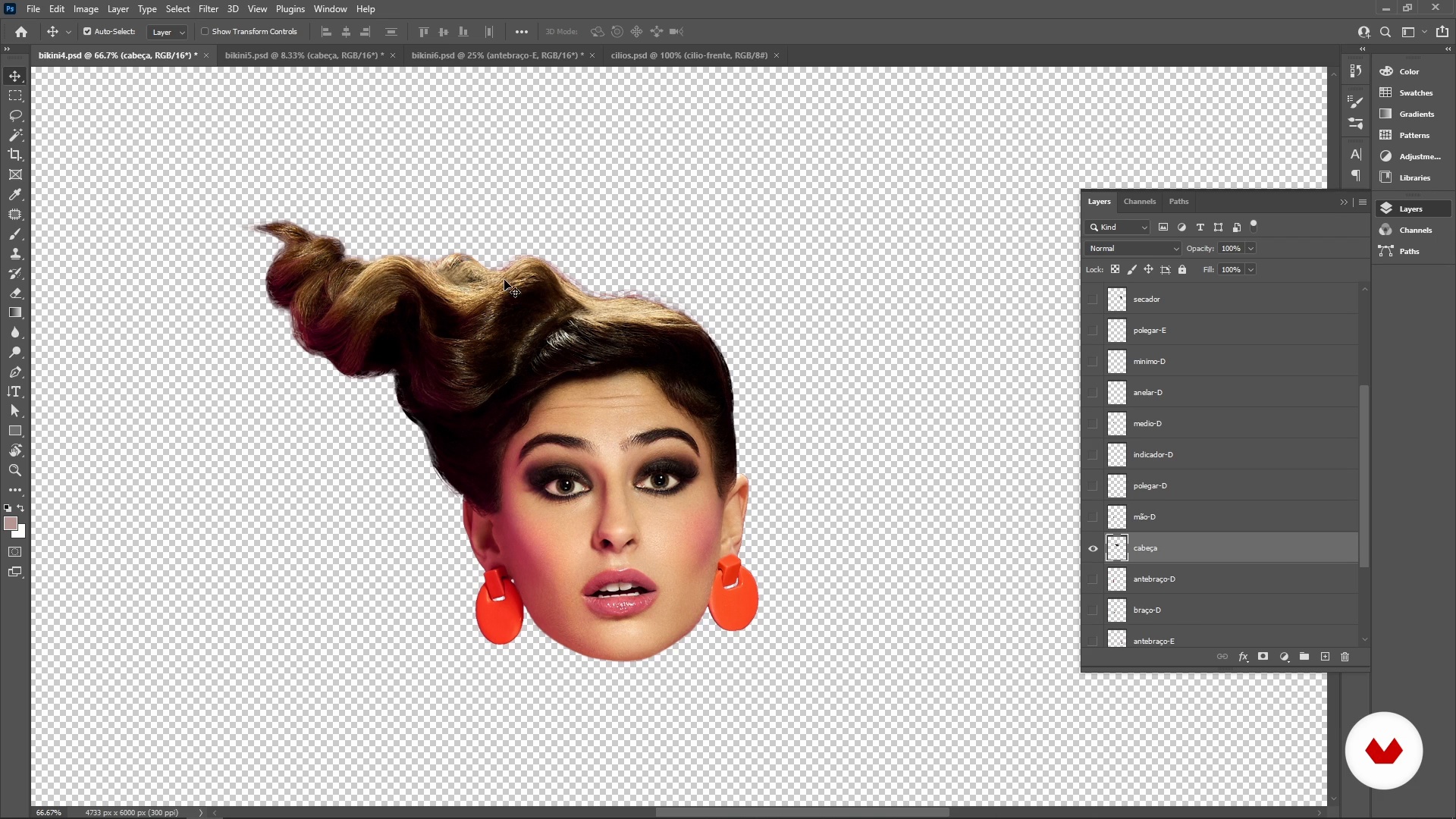
Time to prepare the image
14 minutes, 20 seconds
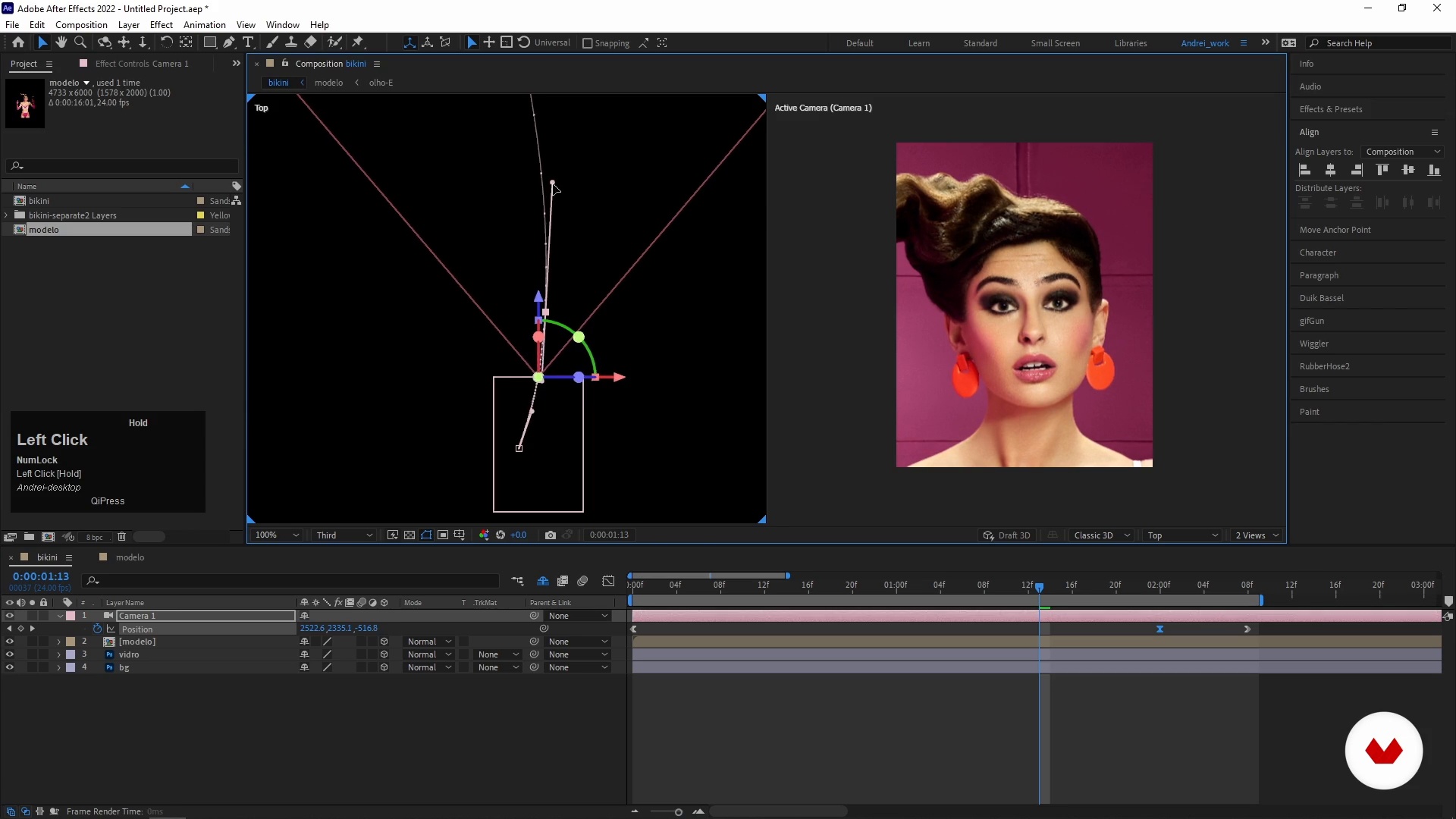
Camera in Motion
13 minutes, 5 seconds
What's included in this course?
Begin by hearing a little about Andrei Franz Mallmann's career so far and his experience in the audiovisual sector. He talks about how he got started in photo animation and shares his main sources of inspiration.
Then discover exactly what photo animation is, along with the essential tools and features in Photoshop and After Effects. See how to use rigging to produce smooth motion in your images and avoid distortions. Andrei also shows you how to analyze a brief and define the ideal solutions for your animated photo.
Now it's time to get animating! After separating your image into layers, Andrei teaches you to organize your composition in After Effects and how to animate your characters' bodies, eyes, and hair.
To round out the course, add the finishing touches to your piece, including lens blur and distortion to make your final artwork even more real.
Recommended software & tools for this course
What is this course's project?
Produce an animation of up to 15 seconds long using an image containing a person or figure and background elements.
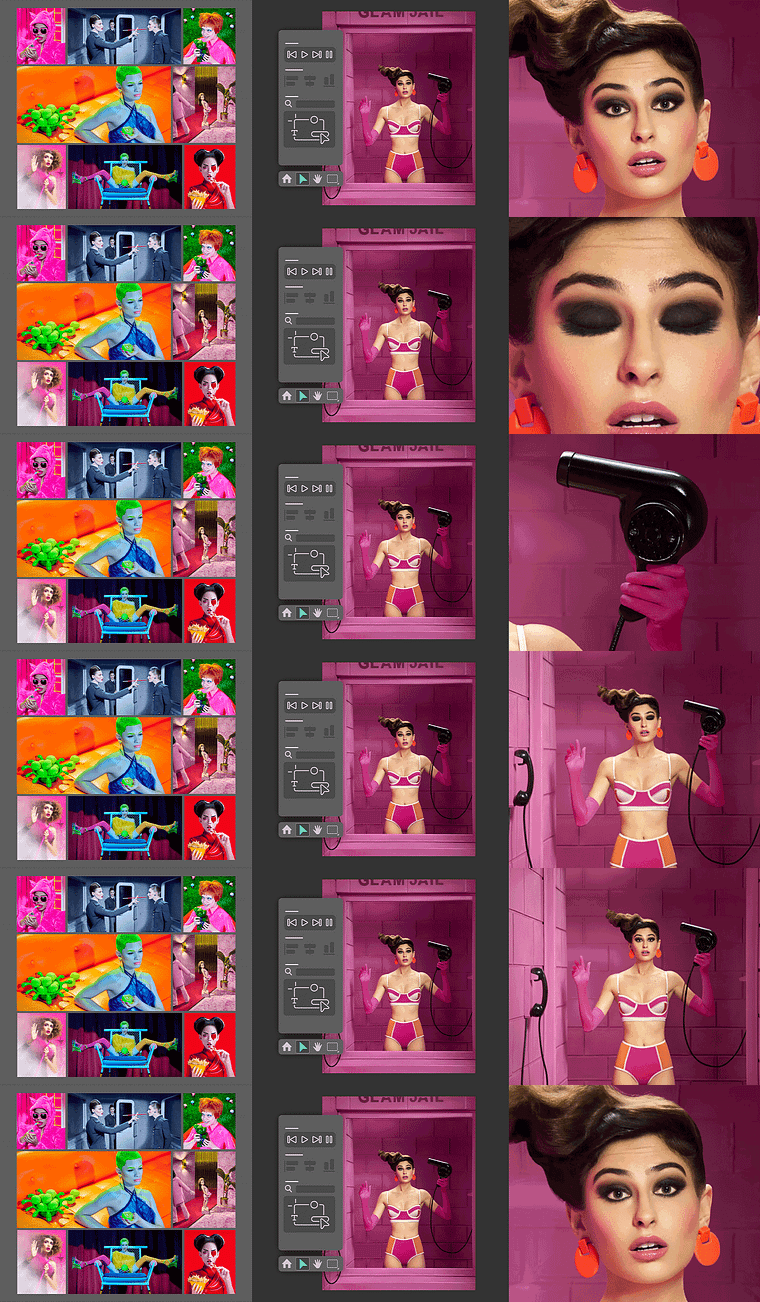
Projects by course students

Who is this online course for?
Anyone interested in bringing static images to life.
Requirements and materials
No previous animation experience is needed to take this course, but basic knowledge of Photoshop and After Effects would help.
In terms of materials, all you need is a computer with both programs installed.
Reviews
- 11 months ago
This class taught me numerous new techniques. Time to practice!
- 1 year ago
Buen curso, nuevos conceptos para aprender.
- 2 years ago
Muy interesante
- 2 years ago
ES UN CURSO EXCELENTE, AUNQUE NO ESTÉ EN MI IDIOMA ES ENTENDIBLE TODO
- 2 years ago
Muy claras las explicaciones, recomendado!

In this capacity, he's produced work for companies such as HP, Nestlé, UOL, and Habib’s. He currently also works under a wider, more general umbrella, which helps him continually develop his unique artistic eye and produce exclusive pieces.
Content
- U1
Introduction
- About Me
- Influences
- U2
Work Tools
- What is Photo Animation?
- Useful Tools
- After Effects Camera
- Caring for the character
- Briefing analysis
- U3
From Static to Motion
- Time to prepare the image
- Camera in Motion
- Body Rigging
- Body Rigging plugin update
- Body Movements
- Eye and Hair Movements
- U4
Putting the Finishing Touches
- Final Touches
- Rendering the Animation
- FP
Final project
- Introduction to Photo Animation
What to expect from a Domestika course
Learn at your own pace
Enjoy learning from home without a set schedule and with an easy-to-follow method. You set your own pace.
Learn from the best professionals
Learn valuable methods and techniques explained by top experts in the creative sector.
Meet expert teachers
Each expert teaches what they do best, with clear guidelines, true passion, and professional insight in every lesson.
Certificates
PLUSIf you're a Plus member, get a custom certificate signed by your teacher for every course. Share it on your portfolio, social media, or wherever you like.
Get front-row seats
Videos of the highest quality, so you don't miss a single detail. With unlimited access, you can watch them as many times as you need to perfect your technique.
Share knowledge and ideas
Ask questions, request feedback, or offer solutions. Share your learning experience with other students in the community who are as passionate about creativity as you are.
Connect with a global creative community
The community is home to millions of people from around the world who are curious and passionate about exploring and expressing their creativity.
Watch professionally produced courses
Domestika curates its teacher roster and produces every course in-house to ensure a high-quality online learning experience.
FAQs
This is an intermediate-level course, ideal for those who already have basic knowledge of Photoshop and After Effects. It is not recommended for absolute beginners with these programs.
You need access to Adobe Photoshop and After Effects. Some techniques also use plugins and scripts like Duik Bassel and Puppet Tool within After Effects.
You will learn how to animate still photos using photo motion, rigging techniques, 3D camera manipulation, and depth effects, as well as how to organize layers and prepare images for animation.
Yes, the course demonstrates how to create photo animations for social media, advertising, and personal projects, focusing on quick and creative solutions for the market.
It’s not mandatory, but basic knowledge of design and photography will help you get better results, especially when selecting and preparing images for animation.
Photo motion involves separating elements of a photo, arranging them in layers, and animating them to simulate movement and depth, mainly using Photoshop and After Effects.
Yes, you’ll learn 2D animation concepts and 3D camera features in After Effects, creating depth effects and realistic camera movements within compositions.