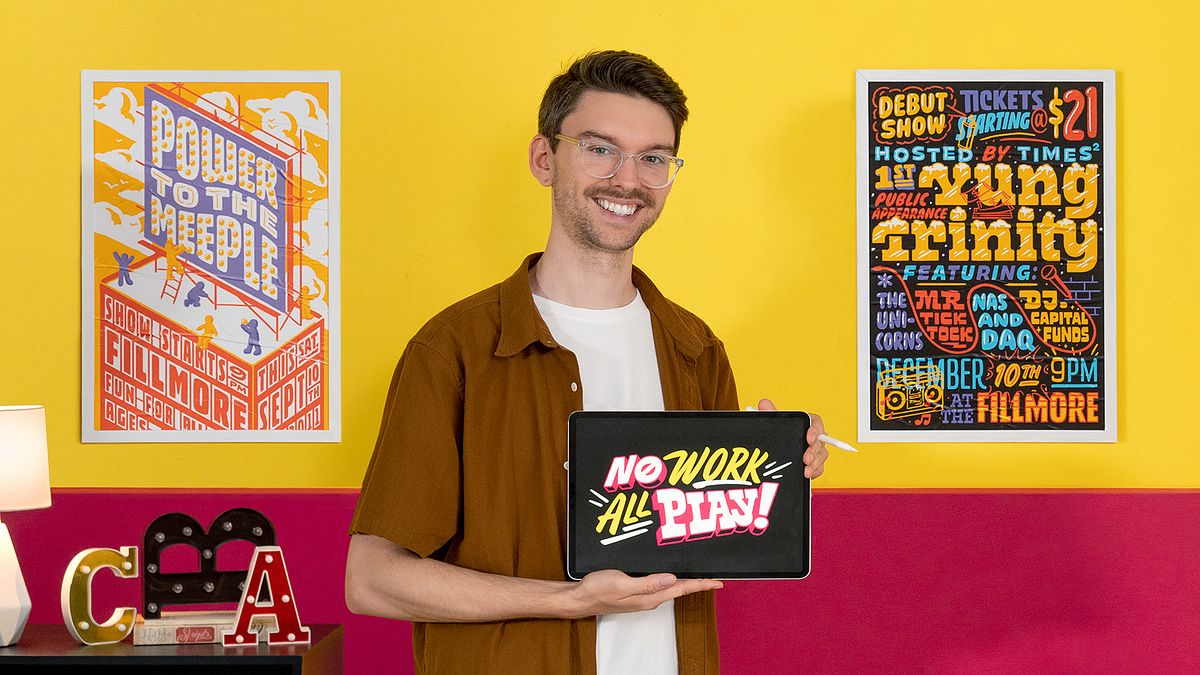
Custom Hand-Lettering for Playful Compositions
A course by Scott BiersackGraphic Designer and Illustrator
A course by Scott Biersack, Graphic Designer and Illustrator

Learn the fundamentals of hand-lettering to create custom type designs that combine spacing, composition, color, and texture for a strong visual impact
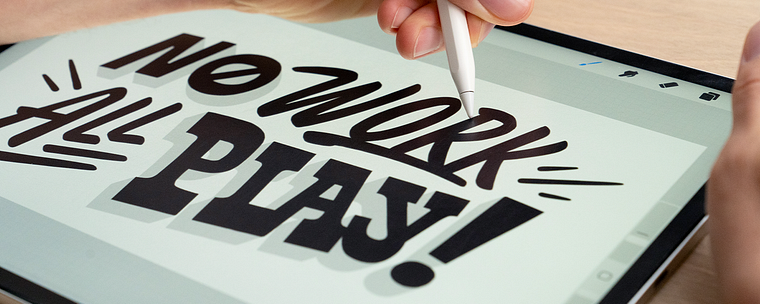
“No work, all play.”
This is the mantra of Scott Biersack, graphic designer, illustrator, and type designer, who’s vibrant and energetic artwork has seen him collaborate with brands including Adobe, Facebook, Snapchat, and Oakley.
In this online course, learn the foundations of hand-lettering through experimentation and play. Explore letterform characteristics, how to build compositions, and various type styles to create an impactful poster with a phrase of your choice.
What will you learn in this online course?
12 lessons & 18 downloads
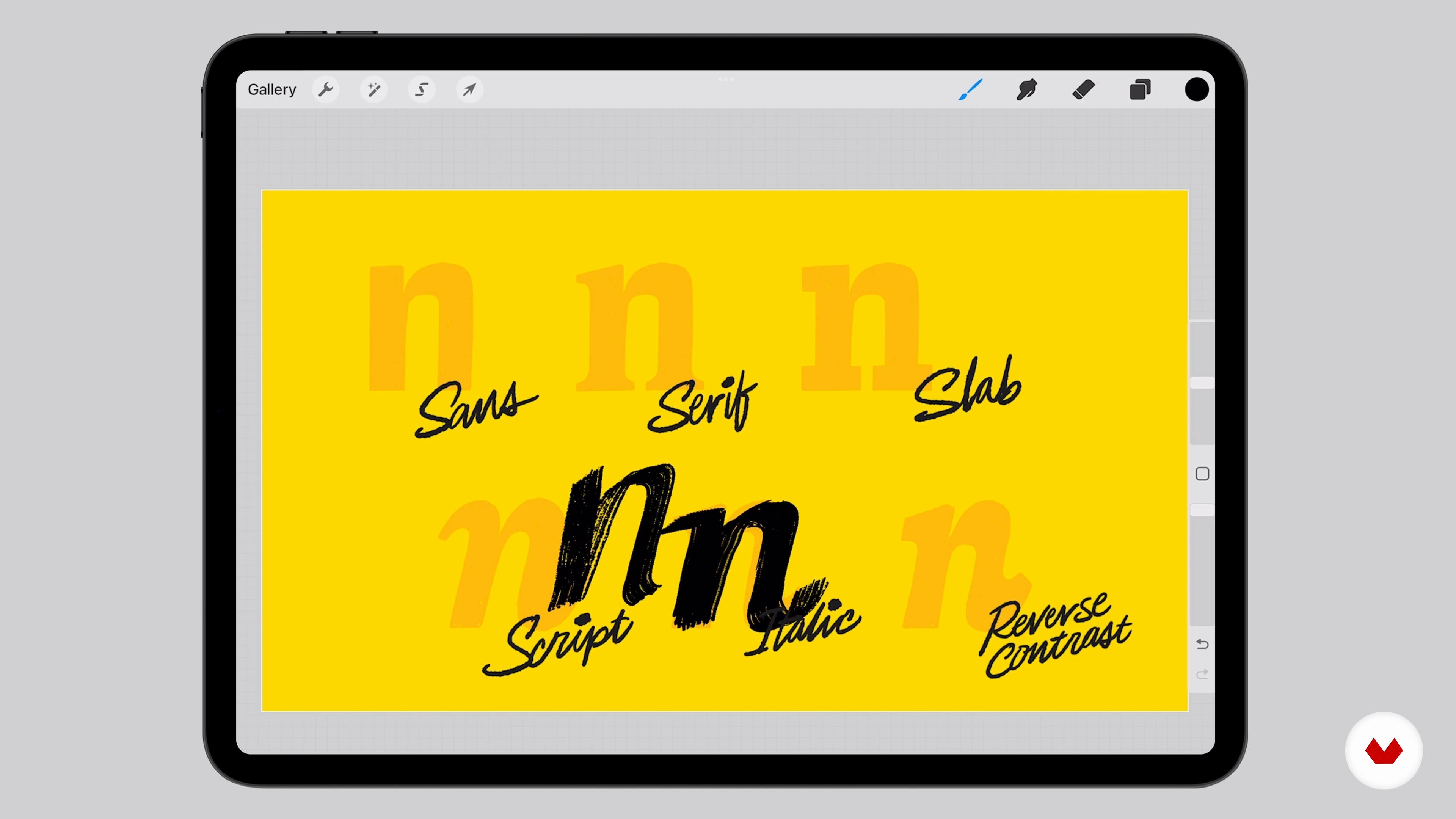
Typography Classifications
8 minutes, 54 seconds
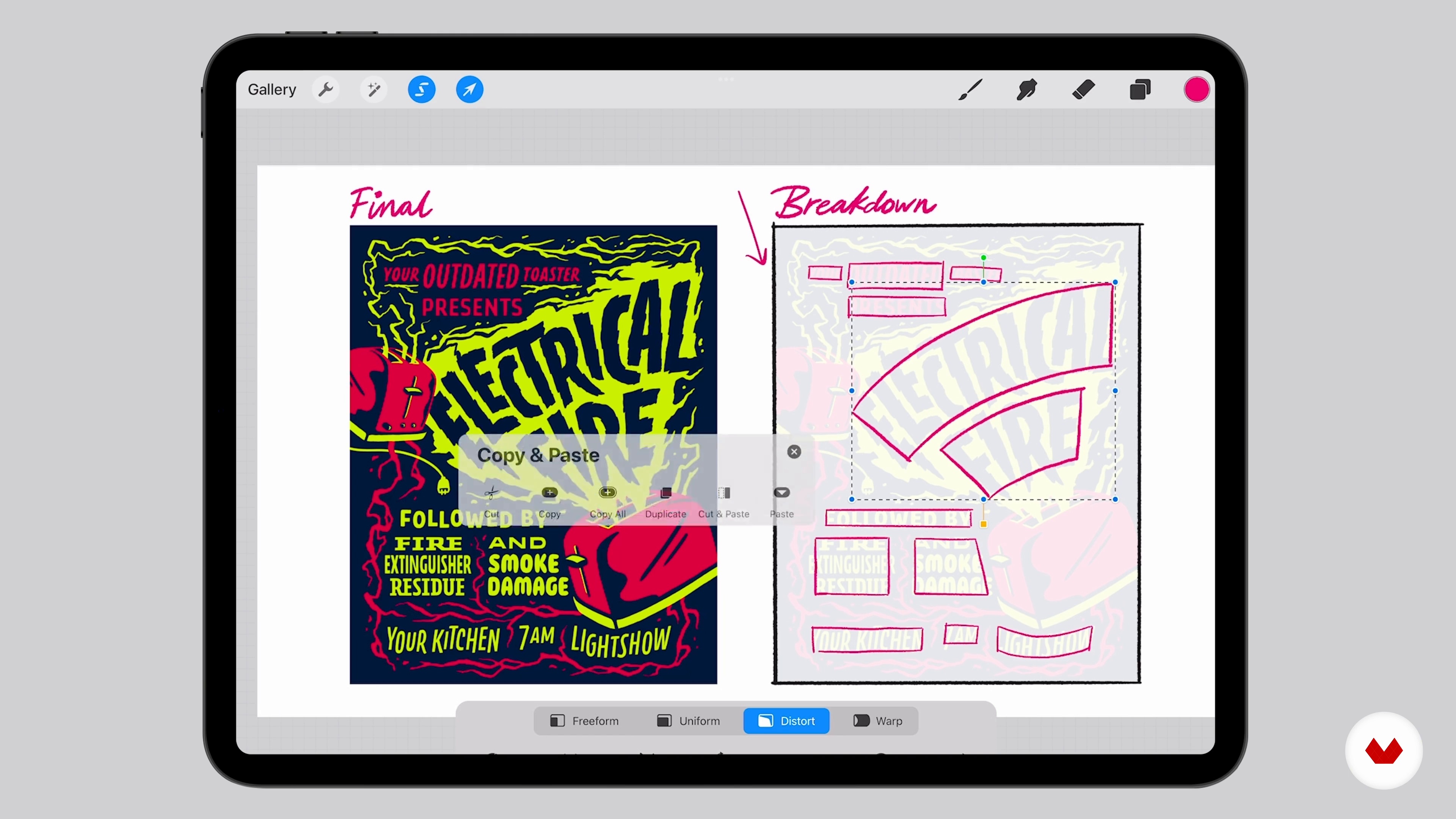
Composition and Hierarchy
10 minutes, 50 seconds
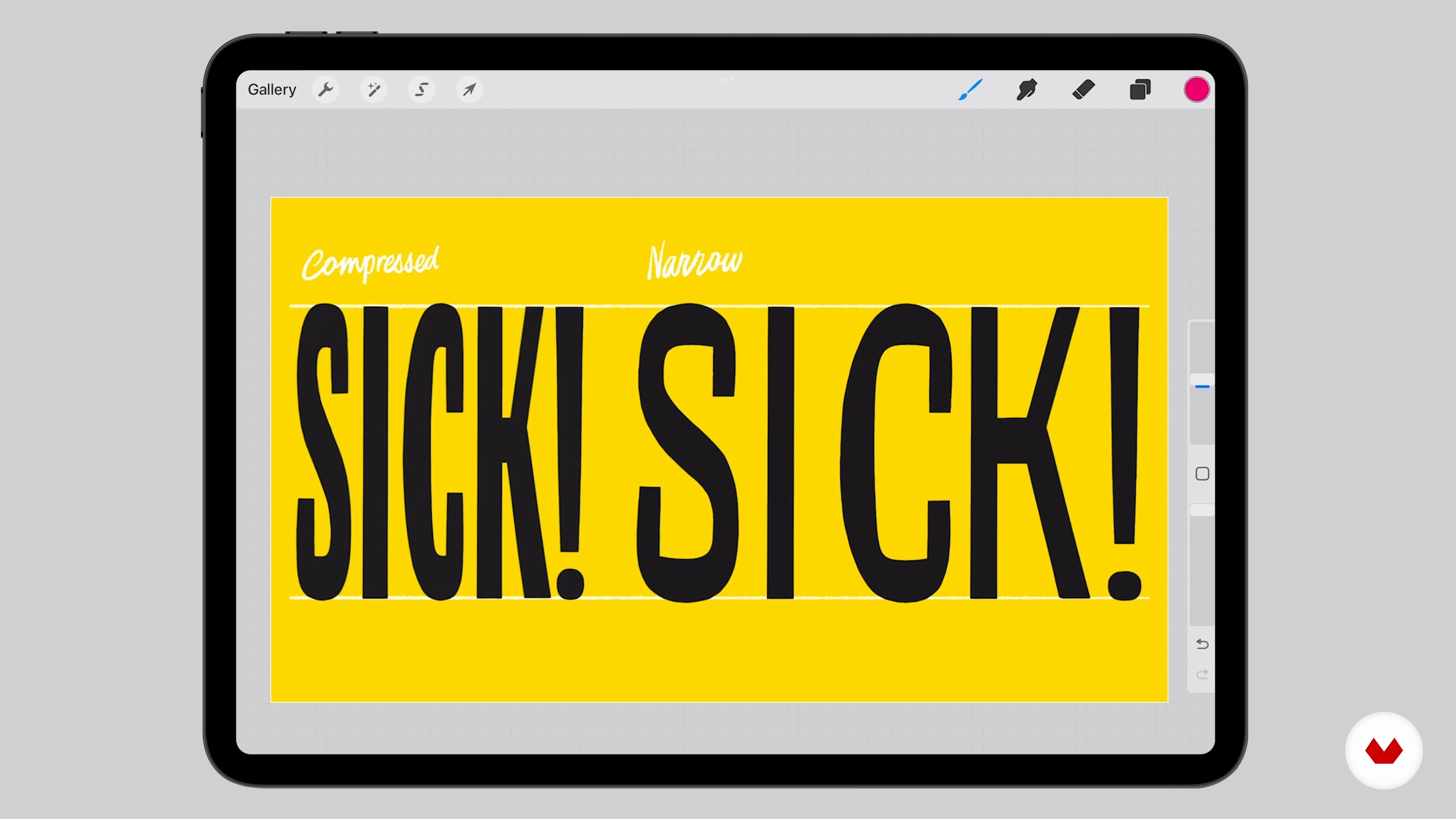
Spacing, the Most Important Lesson
8 minutes, 43 seconds
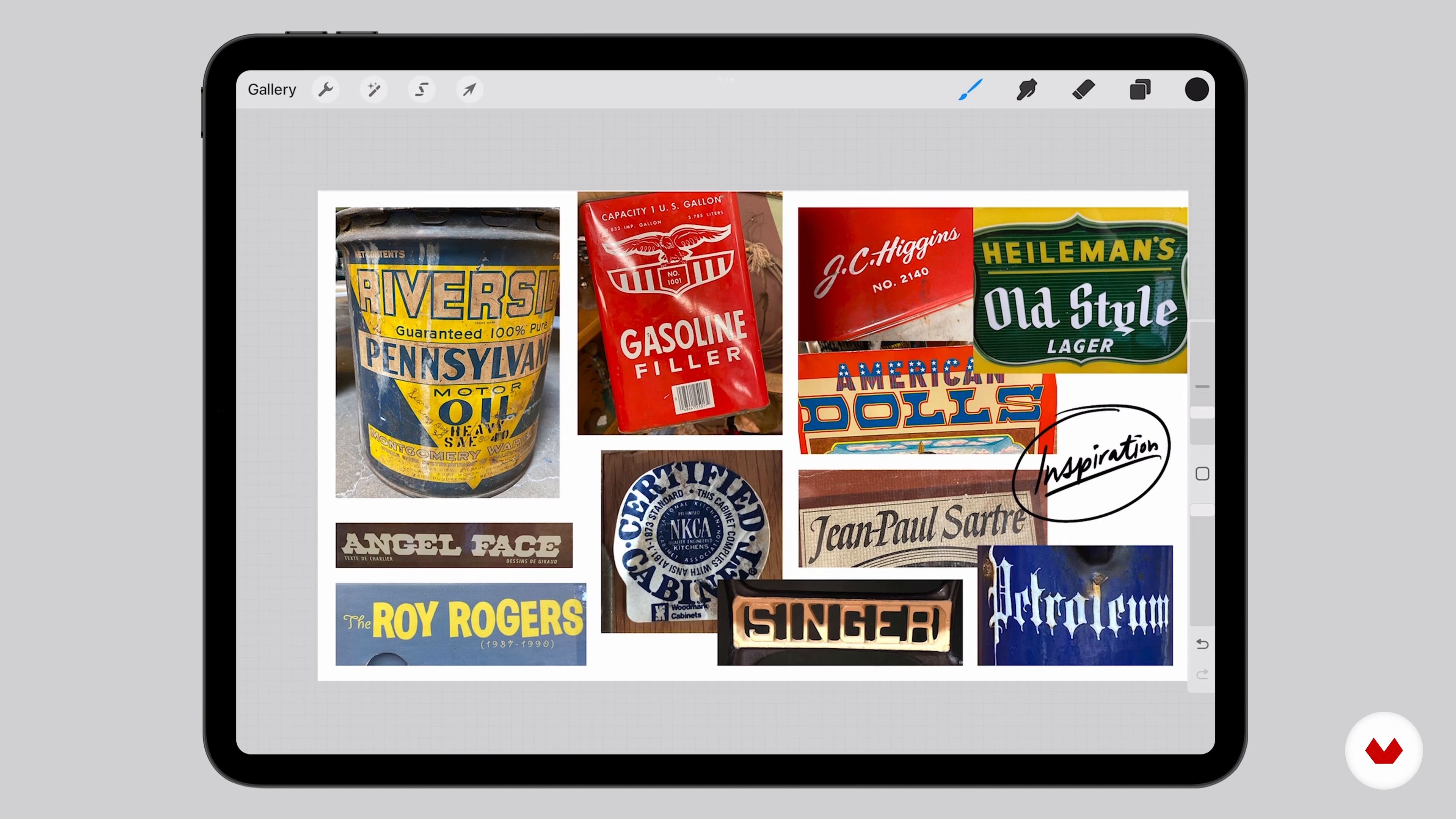
Your Best Friend, Observation
7 minutes, 23 seconds
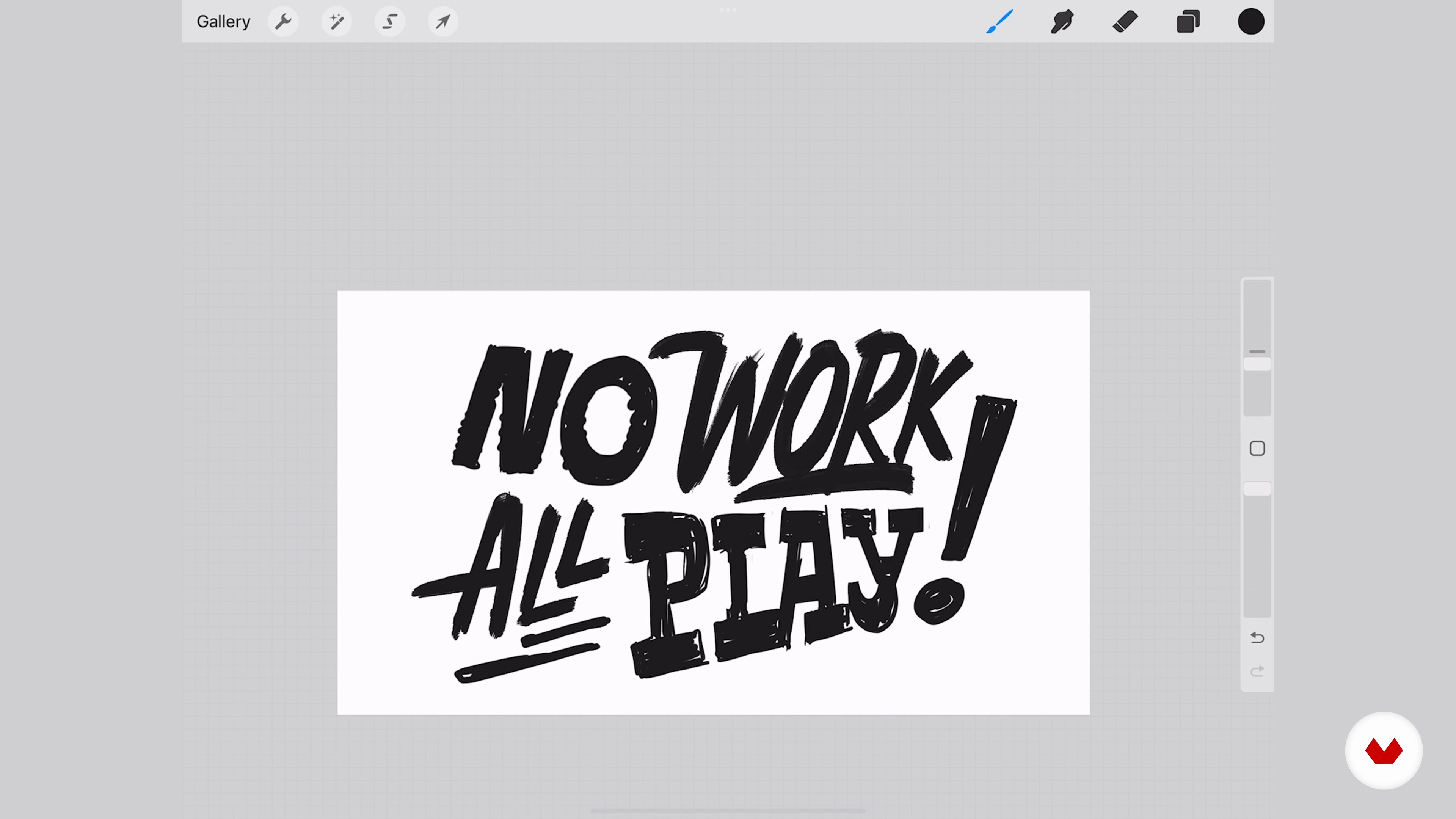
Exploring Endless Compositions
13 minutes, 58 seconds
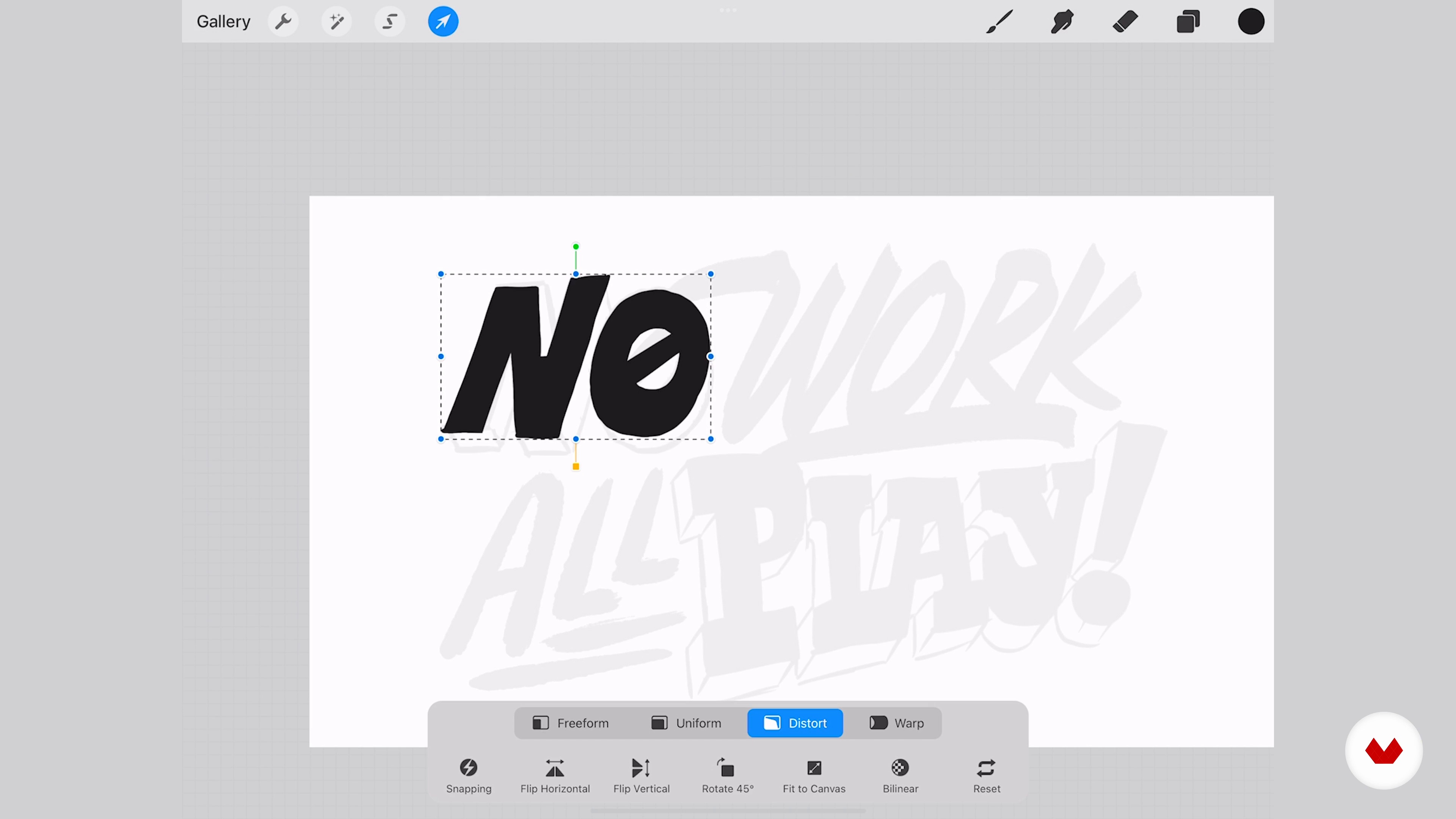
Packing and Cleaning It Up
12 minutes, 46 seconds
What's included in this course?
Meet your teacher, Scott Biersack. He shares his journey through the lettering and type design world, as well as the pivotal moments in his career. He also talks about some of the people that have inspired him.
Begin by familiarizing yourself with all the typography essentials, along with some ways to improve composition using simple shapes. See how to balance emphasis, scale, weight, and color. Then, Scott teaches you about the most important thing of all—spacing.
Next, head outside to gather inspiration in the streets, vintage shops, or markets, before exploring various possible compositions for your phrase through drawing exercises. Now it’s time to play! Focus on elements like width, weight, and proportion.
To wrap up the course, learn proper vectoring techniques, how to add color and texture, and, lastly, do a mockup of your piece in a setting of choice!
What is this course's project?
Create a custom piece of lettering art using a phrase, quote, or lyric of your choice.
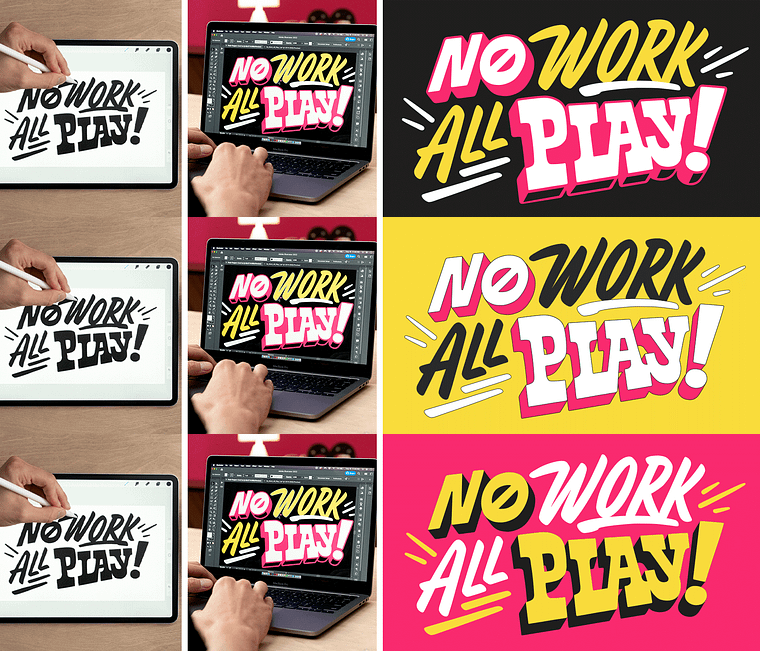
Projects by course students


Who is this online course for?
This course is for anyone who wants to step outside their comfort zone and create something in a new style.
Requirements and materials
You don’t need any specialized experience to take this course.
For tools, you need drawing materials, as well as Procreate, Photoshop, Illustrator, and Glyphs. If you prefer to work in analog, that’s okay too.
Reviews
- 2 years ago
Me pareció interesante, pero eso de que el curso se puede hacer analógicamente no es verdad. El curso se hace con Procreate.
- 2 years ago
Buen curso
- 2 years ago
muy bueno
- 2 years ago
Ottima Esperienza!
- 3 years ago
Excelente curso. Aborda de forma simples as principais técnicas de lettering. Recomendo a todos.

With his colorful palettes and playful style, he provides clients with custom pieces for advertising campaigns, social-media content, branding projects, animations, and much more. He is constantly exploring new mediums, methodologies, and ideas to overcome boundaries. Throughout his career, he’s collaborated with names like Adobe, Facebook, Snapchat, and Oakley as well as received awards from Communications Arts, Print Magazine, and The Type Directors Club.
Content
- U1
Introduction
- About Me
- Influences
- U2
A Little Preparation
- Typography Classifications
- Composition and Hierarchy
- Spacing, the Most Important Lesson
- U3
Time to Make Something Cool
- Your Best Friend, Observation
- Exploring Endless Compositions
- Packing and Cleaning It Up
- Finesse to Death
- U4
Coloring, Texturing, and Vectorizing
- Vectoring Techniques
- One Step Further: Coloring and Texturing
- Presenting and Sharing Your Masterpiece
- FP
Final project
- Custom Hand-Lettering for Playful Compositions
What to expect from a Domestika course
Learn at your own pace
Enjoy learning from home without a set schedule and with an easy-to-follow method. You set your own pace.
Learn from the best professionals
Learn valuable methods and techniques explained by top experts in the creative sector.
Meet expert teachers
Each expert teaches what they do best, with clear guidelines, true passion, and professional insight in every lesson.
Certificates
PLUSIf you're a Plus member, get a custom certificate signed by your teacher for every course. Share it on your portfolio, social media, or wherever you like.
Get front-row seats
Videos of the highest quality, so you don't miss a single detail. With unlimited access, you can watch them as many times as you need to perfect your technique.
Share knowledge and ideas
Ask questions, request feedback, or offer solutions. Share your learning experience with other students in the community who are as passionate about creativity as you are.
Connect with a global creative community
The community is home to millions of people from around the world who are curious and passionate about exploring and expressing their creativity.
Watch professionally produced courses
Domestika curates its teacher roster and produces every course in-house to ensure a high-quality online learning experience.
FAQs
This course is best for those with some intermediate experience in illustration, design, or lettering, but motivated beginners ready to learn hands-on techniques can also benefit.
You'll need basic drawing tools like pencils and paper, plus access to Procreate or Photoshop for digital lettering and composition work. A tablet with a stylus is recommended.
You’ll learn analog and digital lettering techniques, type design fundamentals, composition, spacing, creating sticker packs, branding workflows, and how to prepare artwork for social media and clients.
Topics include analog and pencil lettering, Procreate techniques, letterform anatomy, script styles, mood boards, ephemera inspiration, hierarchy, kerning, vectorization, composition, and professional presentation.
Yes, the course covers workflows for presenting your lettering on social media, emailing clients, and adapting artwork for various platforms and formats.
Familiarity with Procreate is helpful but not required; the course includes step-by-step guidance for using Procreate in lettering and composition projects.
Absolutely. You’ll complete projects like t-shirt designs, sticker packs, and branding illustrations, all suitable for building a standout portfolio.