How to Create Fine Line Vector Portraits
Course final project
A course by Matt Curtis , Illustrator



About the final project for: How to Create Fine Line Vector Portraits
How to create fine line art portraits in vectors
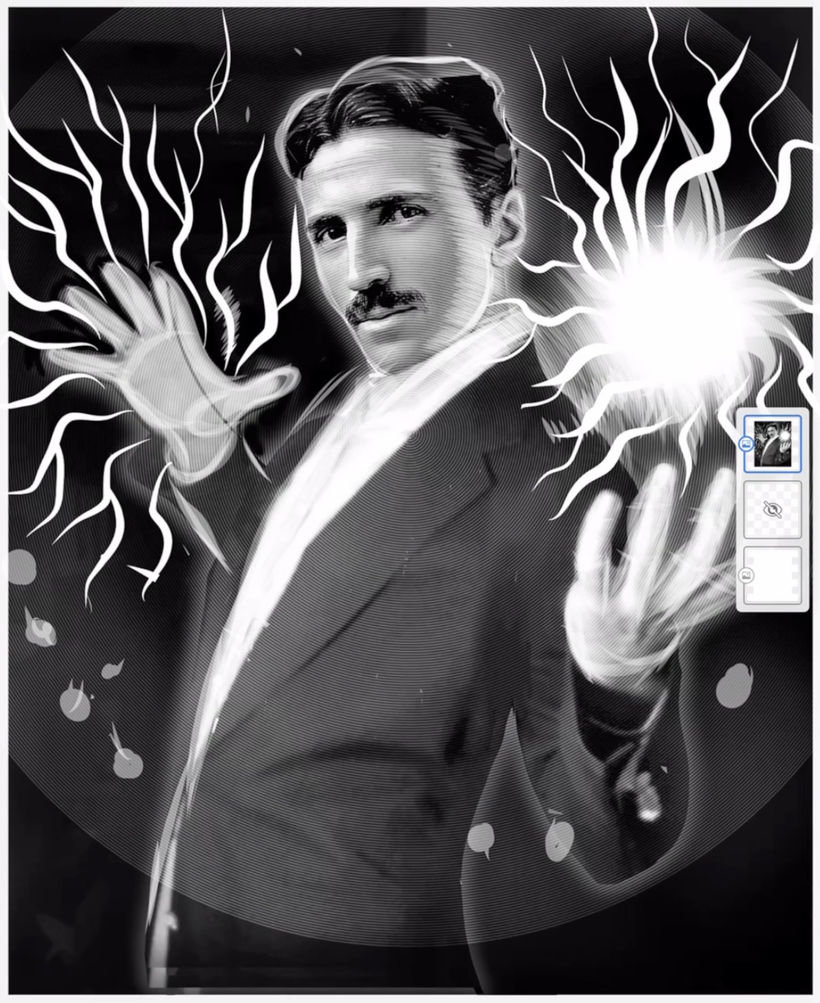
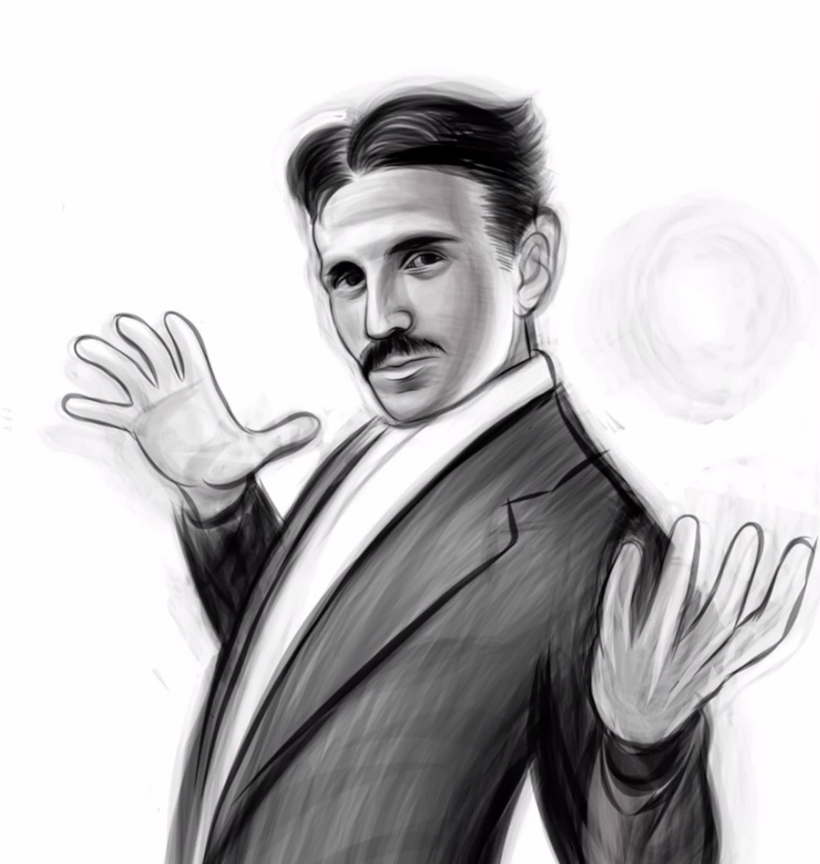
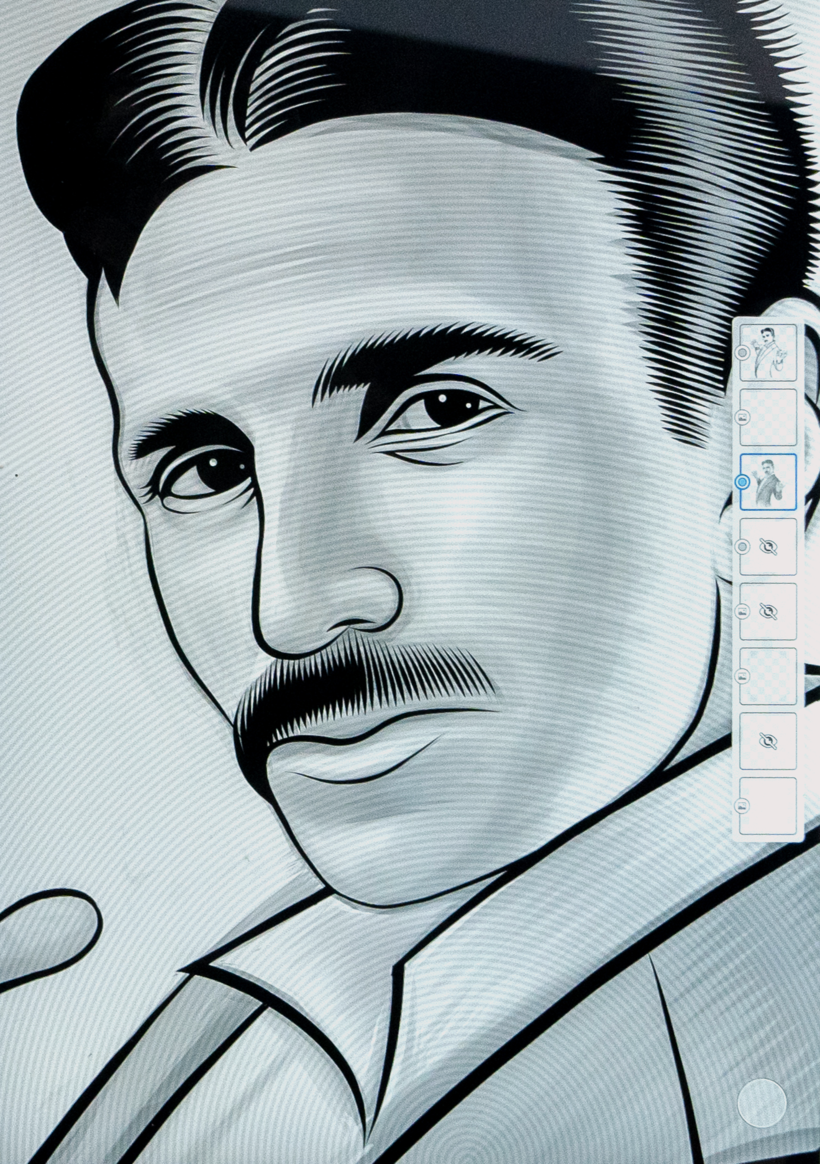
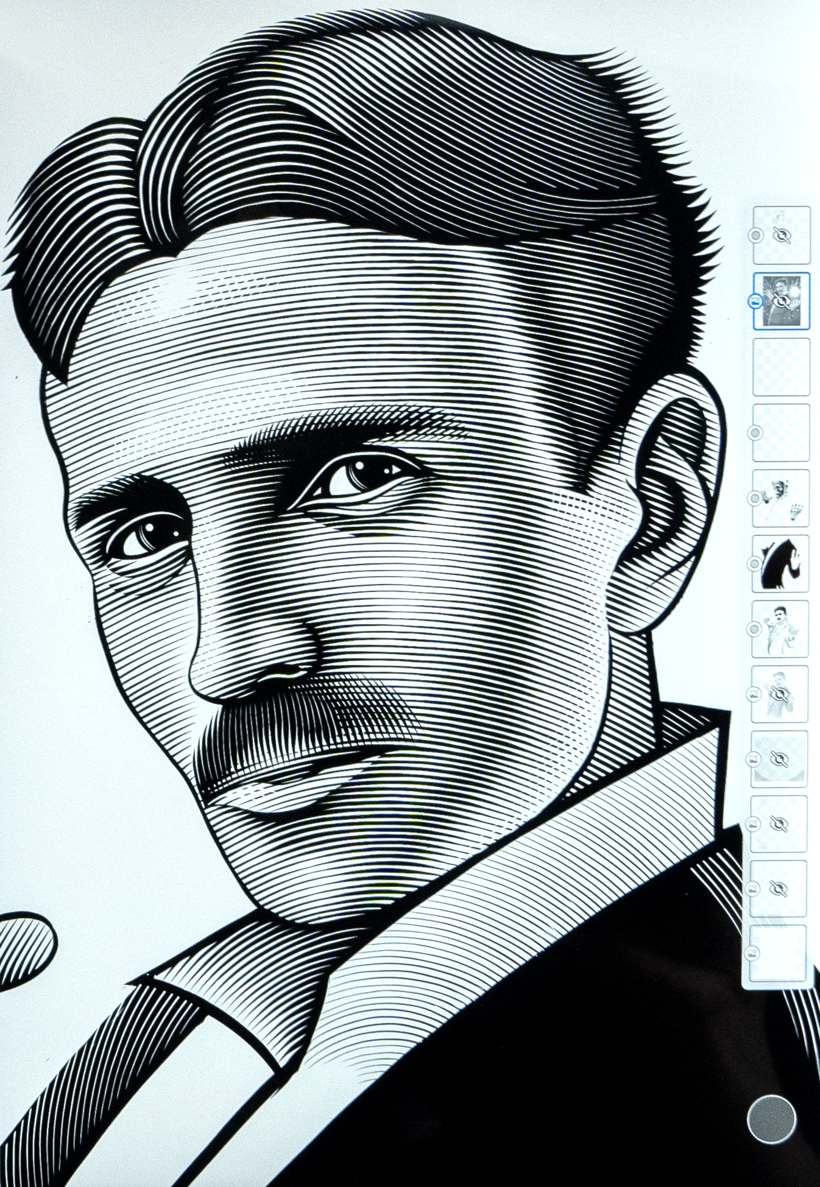
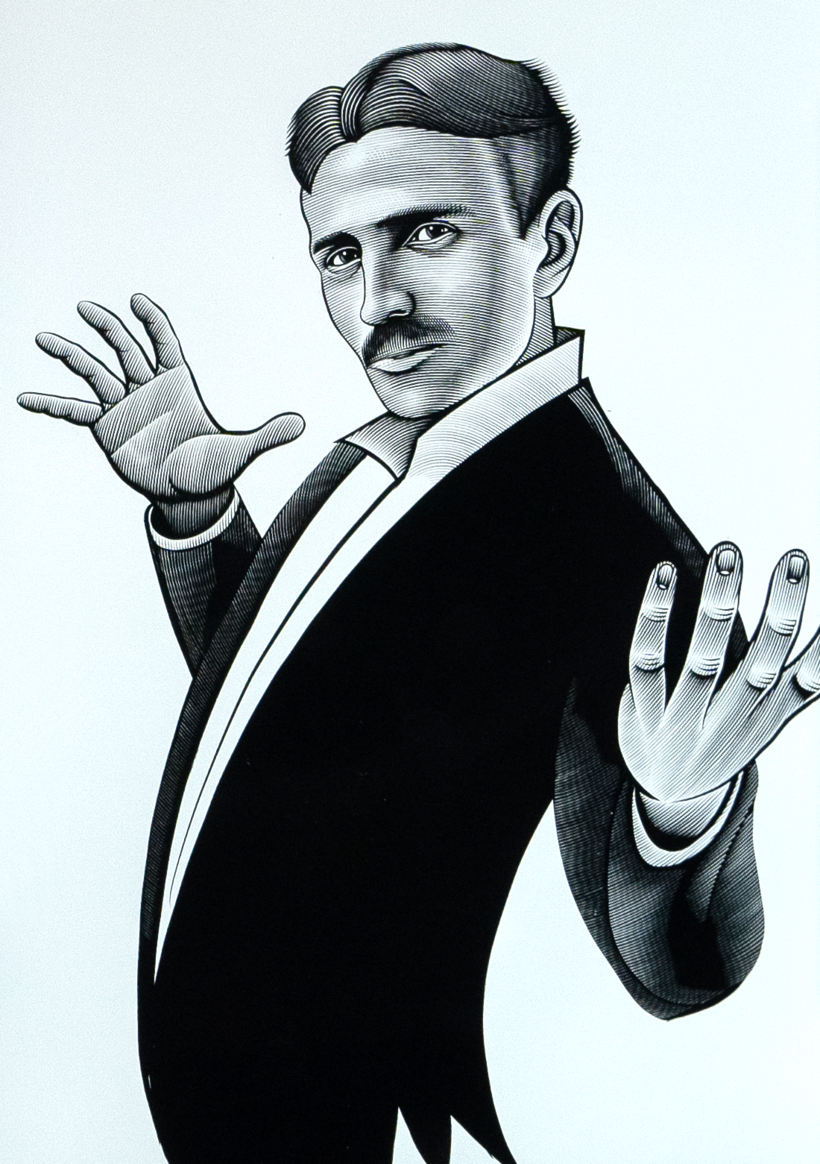
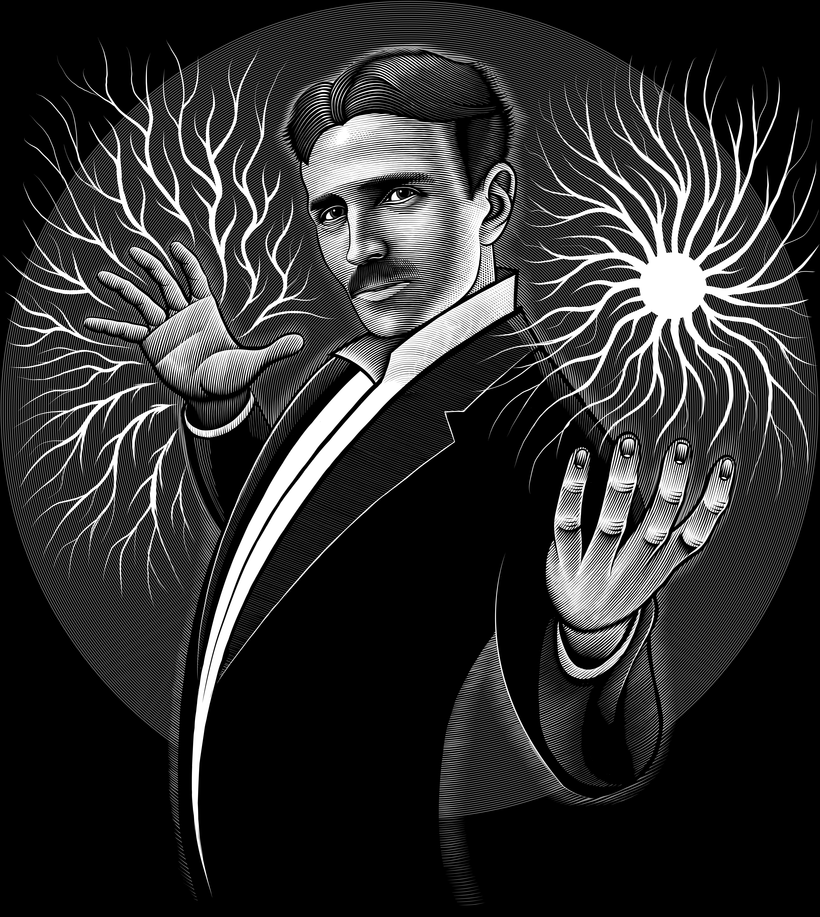
“We've reached the end of the course! Thank you for taking it. I hope that you learned some useful tips to develop your artistic skills further. It is now time to work on your project. This could mean finishing the illustration you started while completing the exercises or you could start a brand new project! Either way, I strongly suggest you take the time to gather inspiration and make a unique project of your own. Make sure to keep track of your progress with different pictures of each step. It'd be great if you could also explain the choices you've made along the way and tell me if you have any doubts. This will help me understand your creative process and guide you better if you need advice. These are the main steps you should follow to complete your project: Choose the reference image that you’ll be using.
Partial transcription of the video
“So you're here. You've made it to the end of the course. In this lesson, I'll give you some tips to help you on your drawing journey. It's important to think about the reference material that you want to use for your piece. Look at the difference between the black and the white tones when choosing an image. Presco is a powerful tool for drawing. When vector drawing, I recommend this program instead of something like Adobe Illustrator because of its portability and because I find that drawing on the iPad is much easier than drawing with any other tablet that I've tried. When working with you...”
This transcript is automatically generated, so it may contain mistakes.
Course summary for: How to Create Fine Line Vector Portraits
-
Category
Illustration -
Software
Adobe Fresco -
Areas
Digital Drawing, Digital Illustration, Vector Illustration

Matt Curtis
A course by Matt Curtis
Meet Matt Curtis, a talented freelance illustrator renowned for his captivating scratchboard style of illustration. With a passion for communicating thoughts, concepts, and emotions through drawing, Matt's work can be found on a wide array of products, including sportswear, toy packaging, magazine covers, and band T-shirts. His high-contrast portraits, combining hand-drawn stylus sketching with bold vector graphics, resonate with a sense of depth and emotion, making each illustration a true work of art.
Driven by a desire to express the way he sees the world, Matt Curtis developed his signature scratchboard style, a unique blend of inking techniques that allows him to compose highly detailed illustrations. As your mentor in this transformative course, Matt will share his expertise, empowering you to master vector inking techniques and create your own captivating fine-line art portraits with Adobe Fresco. Join Matt Curtis on this inspiring artistic journey and unlock the potential of digital illustration with his captivating teaching style and artistic mastery.
- 100% positive reviews (14)
- 879 students
- 12 lessons (1h 38m)
- 16 additional resources (5 files)
- Online and at your own pace
- Available on the app
- Audio: English
- English · Spanish · Portuguese · German · French · Italian · Polish · Dutch · Turkish · Romanian · Indonesian
- Level: Beginner
- Unlimited access forever
Recommended software & tools for this course
 Adobe Fresco
Category
Areas

