Introduction to Voice Recording Techniques
A course by Tom HambletonSound Engineer, Voice-Over Coach, and Composer
A course by Tom Hambleton, Sound Engineer, Voice-Over Coach, and Composer

Dive into the world of sound by learning how to record, edit, and mix as you explore equipment, acoustics, and vocals
The most important thing when recording a voice is to capture a great performance that tells a story. Sound engineer, voice-over coach, and composer Tom Hambleton is passionate about creating sounds that move people. He has worked with Emilia Clarke and Laurence Fishburne, as well as on films and series that have been shown at Cannes, and Sundance festivals.
In this course, Tom teaches you how to record voices for your own projects, from start to finish. Learn how to capture professional-quality voice recordings for moving media, edit them using audio editing software, and share your work with the world. Are you ready to discover how to make voices sound their best?
What will you learn in this online course?
20 lessons & 18 downloads
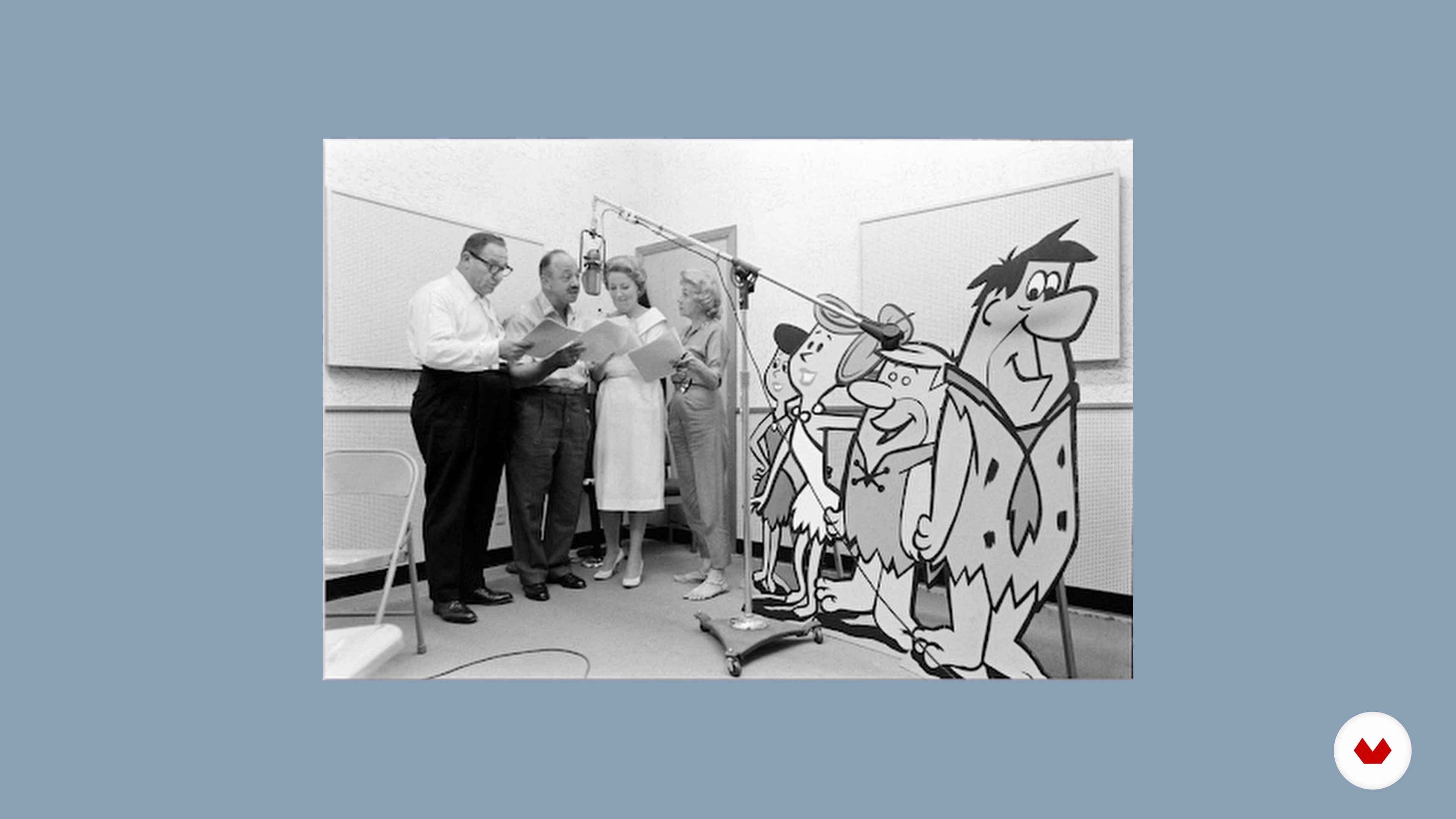
The Amazing World of Sound
10 minutes, 18 seconds

Learning What Good Sound Is
13 minutes, 28 seconds
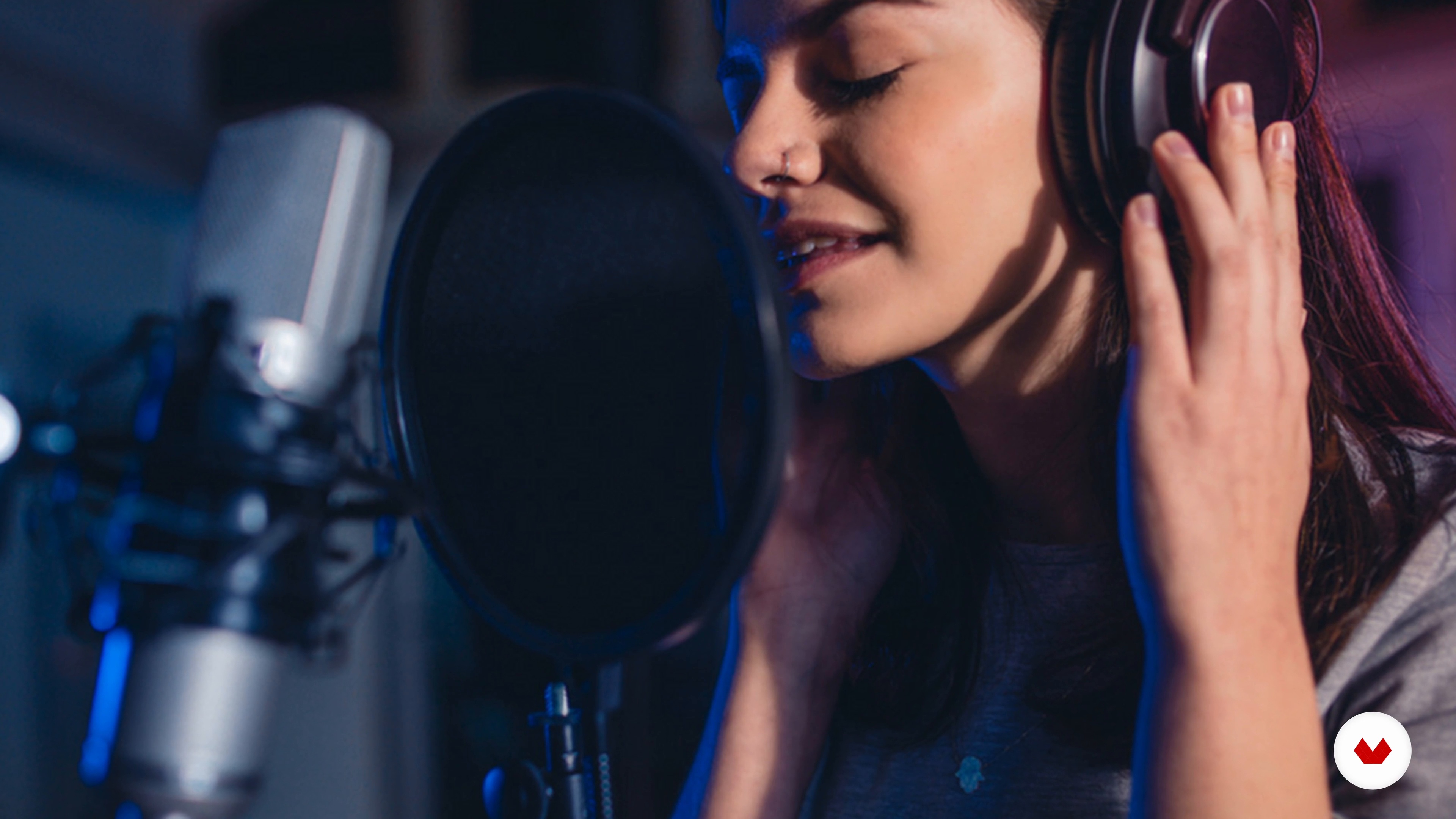
Types of Voice Recording
8 minutes, 1 second
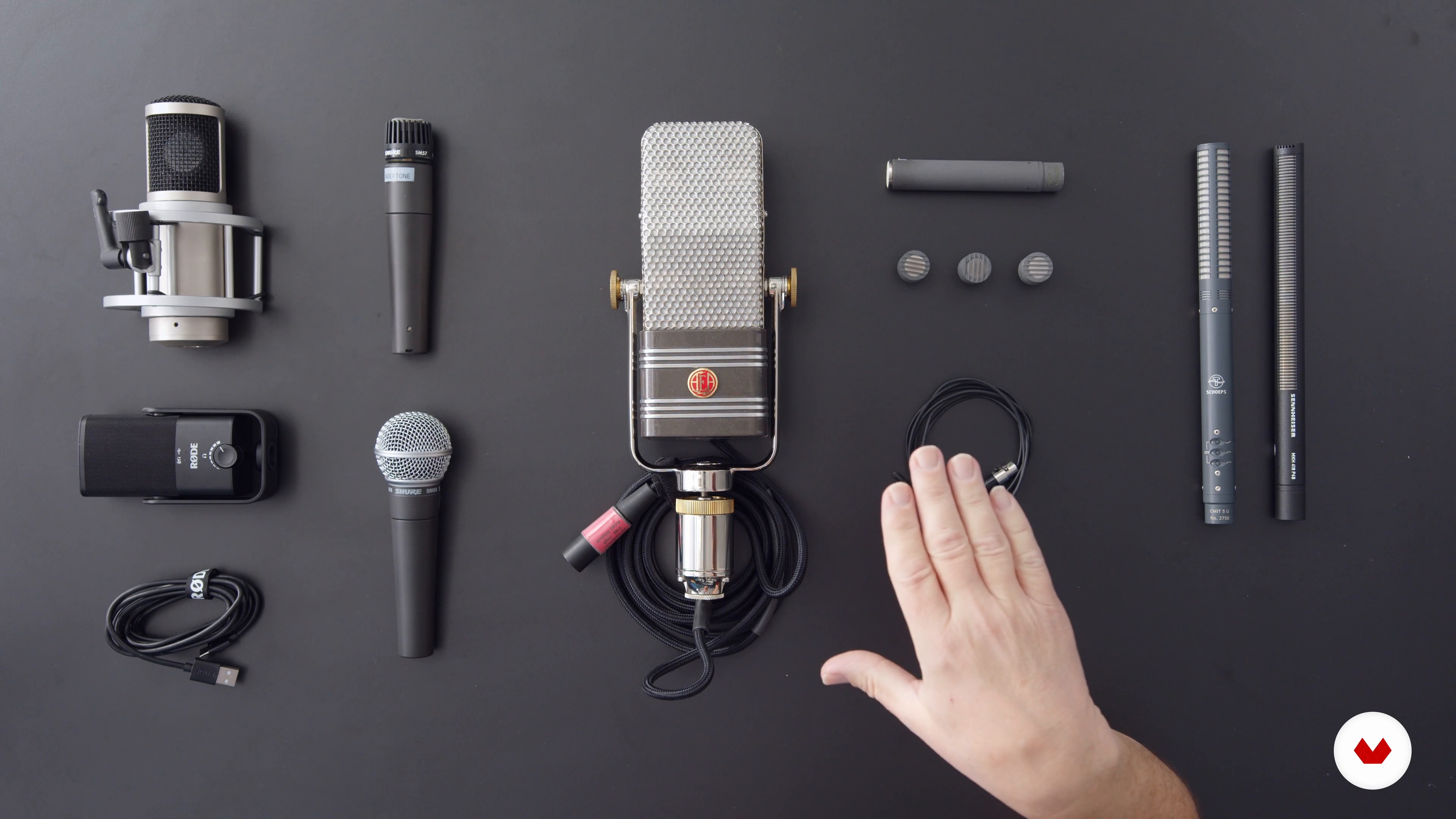
Equipment and Tools 1
18 minutes, 23 seconds
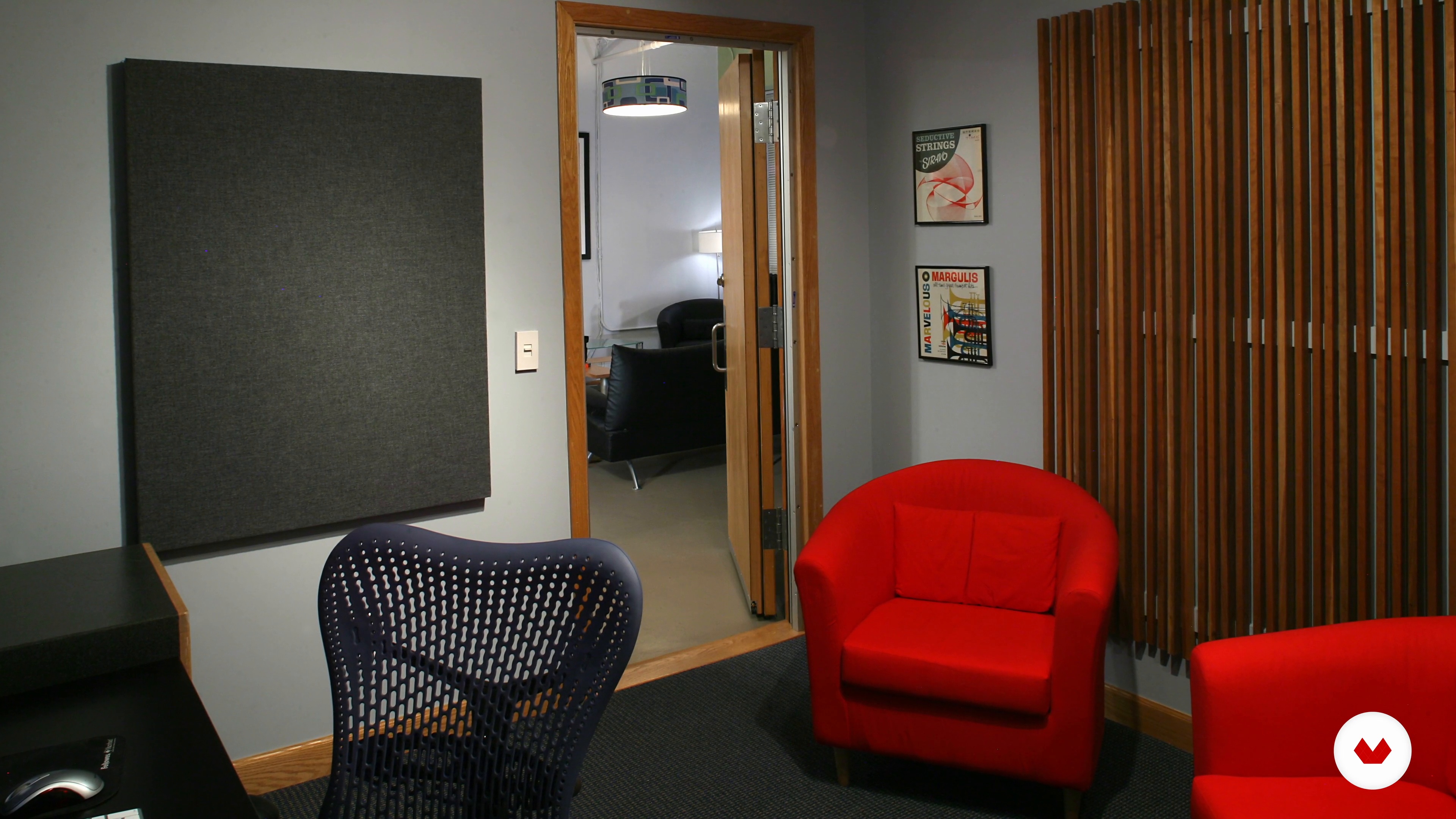
Preparing Your Recording Space 1
15 minutes, 20 seconds
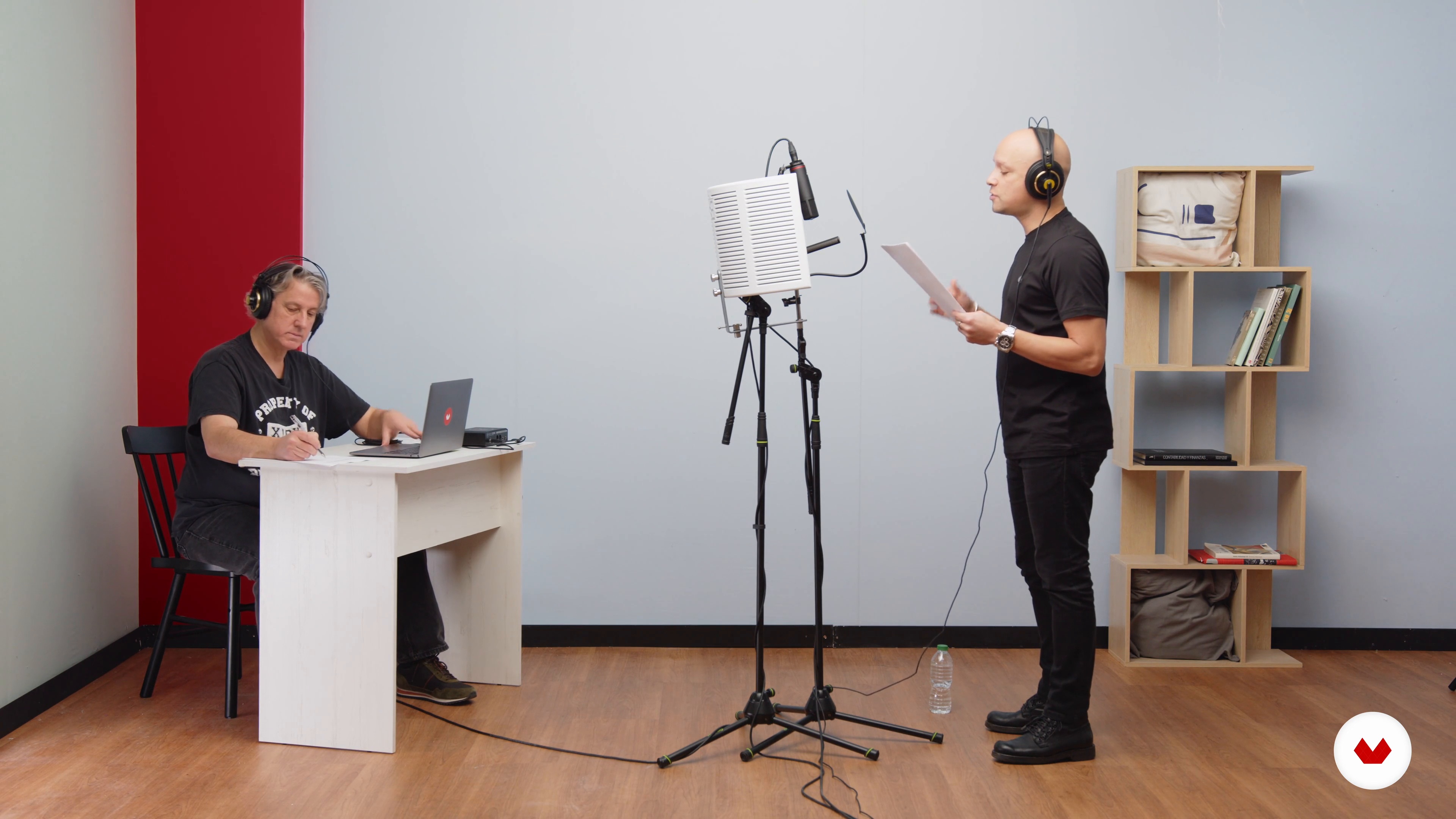
Recording 1
12 minutes, 22 seconds
What's included in this course?
Begin the course by getting to know sound engineer, voice-over coach, and composer Tom Hambleton. He talks through his 25-year career working with renowned actors, award-winning films, and more, along with the influences that inspire him.
Delve into the history of recording and its trends before taking a look at the different types of voice recordings that exist and the equipment needed to record them professionally, from microphones to editing software. Tom shares his advice on how to use the equipment to achieve the best results and how to overcome challenges you might face while recording.
Prepare your recording space, as Tom gives you practical tips for improving the acoustics of a room using everyday items. Then it’s time to record your sound! Discover mic techniques, talent management, and more before recording your chosen project with Tom as your guide.
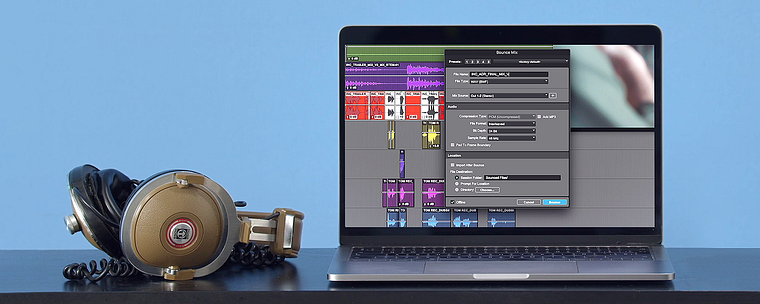
See how to combine voice recordings with video and hear Tom’s thoughts on voice placement. Clean up your recordings using audio editing software and discover elements you can add to your project to enhance the audience experience. To finish the course, Tom guides you through exporting your finished audio and sharing it with the world.
What is this course's project?
Record and edit a 30 to 60-second audio piece of your choice with high-quality sound.
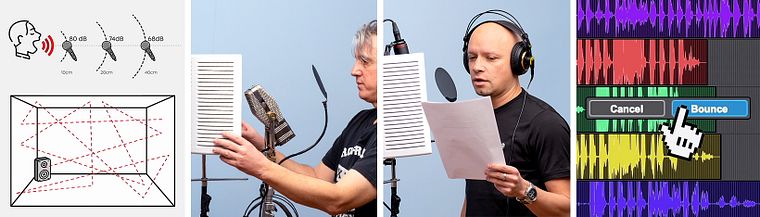
Projects by course students


Who is this online course for?
This course is for anyone with an interest in the art of voice recording, from filmmakers and video artists to aspiring directors and sound engineers.
Requirements and materials
No previous experience is required.
In terms of equipment, you will need access to a computer, audio editing software, and a microphone.
Reviews
- 24 days ago
Excelente curso!!!!
- 6 months ago
This course has been very useful to me after I entered into the world of music and recording production
- 7 months ago
El curso ofrece diferentes panoramas de aplicación del audio, utilizando la voz como instrumento principal. Me gustaron mucho las explicaciones que da para principiantes y personas interesadas que aun no cuentan con los recursos de un estudio profesional de grabación o de un micrófono de alta gama. El proceso de edición de audio para un video comercial exige tiempo. Me gusto mucho la invitación final... El trayecto y el enfoque en aprender requiere paciencia, disciplina y soltar la toalla.
- 8 months ago
El curso me gustó mucho. Empieza desde lo básico, todo explicado de forma clara y fácil de entender, incluso si no tienes experiencia previa.
Y el instructor, Tom, es un genio total. Explica súper bien, con mucha paciencia y pasión por lo que hace. Se nota que sabe muchísimo y que disfruta enseñar. Terminas el curso con ganas de ponerte a grabar de inmediato. Totalmente recomendable.
- 9 months ago
Excellent!!! I found this very useful. As a performer, I can now see how to work best with the recorder or sound engineer. Understanding the symbiotic relationship between the artist and technicians makes for a better result. Thank You!

Since then, Tom has founded his own company which provides a variety of services from sound editing and mixing to voice-over recording. He has worked on international award-winning films that have been screened at Cannes, and Sundance festivals, as well as on Netflix. He has also taught classes in sound and music for film at festivals in Portugal and Switzerland, as well as in colleges and high schools in the US. Tom coaches voice-over actors and has worked with actors including Emilia Clarke, Ron Perlman, Laurence Fishburne, Tom Waits, and Frank Vincent.
Content
- U1
Introduction
- About Me
- Influences
- U2
History and Equipment Basics
- The Amazing World of Sound
- Learning What Good Sound Is
- Types of Voice Recording
- Equipment and Tools 1
- Equipment and Tools 2
- Equipment and Tools 3
- U3
The Recordings
- Preparing Your Recording Space 1
- Preparing Your Recording Space 2
- Recording 1
- Recording 2
- Recording Tips and Tricks 1
- Recording Tips and Tricks 2
- U4
Editing and Sharing Your Work
- Editing Your Recording 1
- Editing Your Recording 2
- Editing Your Recording 3
- Editing Your Recording 4
- Editing Your Recording 5
- Share Your Work with the World
- FP
Final project
- Introduction to Voice Recording Techniques
What to expect from a Domestika course
Learn at your own pace
Enjoy learning from home without a set schedule and with an easy-to-follow method. You set your own pace.
Learn from the best professionals
Learn valuable methods and techniques explained by top experts in the creative sector.
Meet expert teachers
Each expert teaches what they do best, with clear guidelines, true passion, and professional insight in every lesson.
Certificates
PLUSIf you're a Plus member, get a custom certificate signed by your teacher for every course. Share it on your portfolio, social media, or wherever you like.
Get front-row seats
Videos of the highest quality, so you don't miss a single detail. With unlimited access, you can watch them as many times as you need to perfect your technique.
Share knowledge and ideas
Ask questions, request feedback, or offer solutions. Share your learning experience with other students in the community who are as passionate about creativity as you are.
Connect with a global creative community
The community is home to millions of people from around the world who are curious and passionate about exploring and expressing their creativity.
Watch professionally produced courses
Domestika curates its teacher roster and produces every course in-house to ensure a high-quality online learning experience.
FAQs
This course is designed for intermediate learners who already have some basic experience with audio recording, sound editing, or music production.
You'll need a computer, headphones, audio interface, and at least one microphone (dynamic or condenser). Access to basic recording software and a quiet room is also recommended.
You'll learn microphone selection and placement, recording vocals and voiceover, room acoustics, mixing with analog gear, ADR workflows, and editing audio for music, film, and animation.
Yes, the course explains setting up a home studio, including room treatment, selecting gear, and optimizing your space for professional-sounding recordings.
Some prior experience with audio software or basic recording is recommended, as the course covers intermediate concepts and techniques.
You'll learn about dynamic, condenser, ribbon, shotgun, and lavalier microphones, including their polar patterns, applications, and setup techniques.
Yes, the course includes lessons on mixing vocals using analog equipment and classic techniques like double tracking and using a Leslie speaker.