Playful Animated Character Design with Cinema 4D
A course by Alex KieslingDigital Painter, 3D Artist, and Animator
A course by Alex Kiesling, Digital Painter, 3D Artist, and Animator

Learn how to model, build, and animate engaging characters using the tools of Cinema 4D and After Effects
“I love the concepts of play and toys, and I think a lot about how to combine figurative imagery with playful characters that feel slightly abstract.”
His unique style is what has led digital painter, 3D artist, and animator Alex Kiesling to work with clients including Apple, Google, MTV, Adobe, and The New York Times. He also shares his work with over 45K followers on Instagram.
In this online course, he teaches you how to combine three-dimensional characters of your own with painted backgrounds, and animate them using Cinema 4D and After Effects. Learn to conceptualize and create a 3D-rendered creature in a looped scene from scratch. Are you ready to develop captivating animations that tell stories?
What will you learn in this online course?
22 lessons & 24 downloads
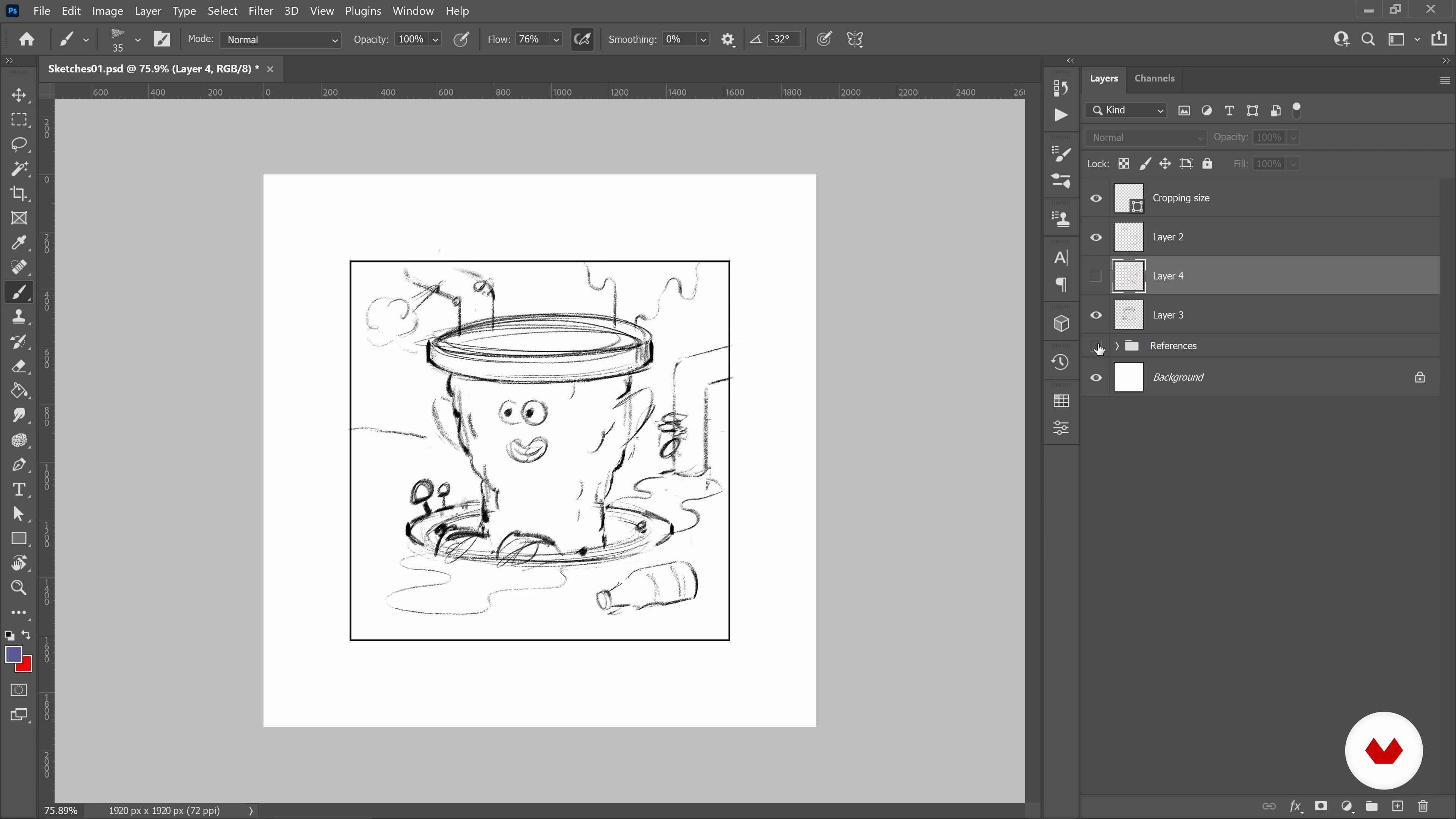
Design Principles for Sketches
16 minutes, 48 seconds
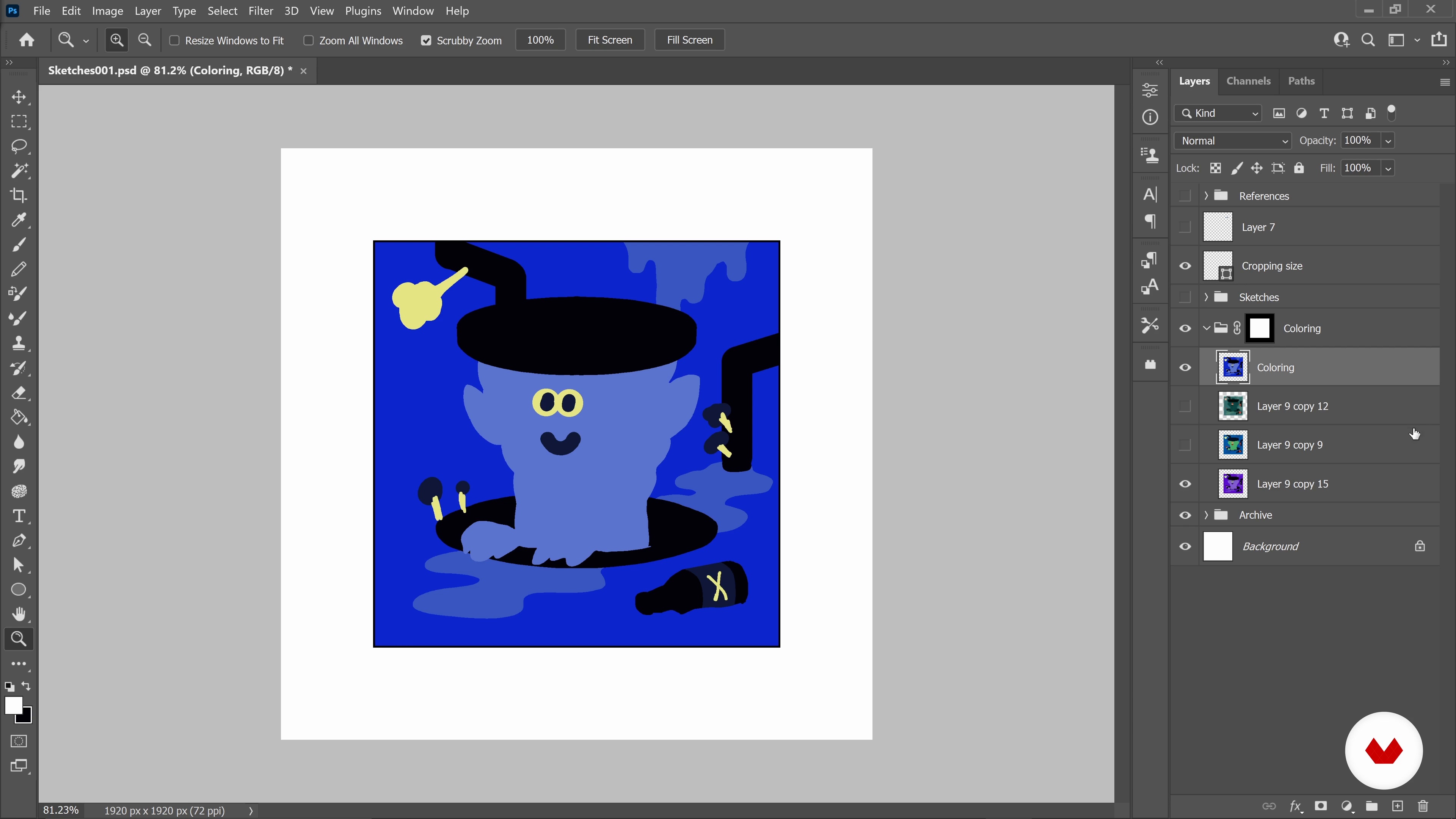
Color Sketch
10 minutes, 15 seconds
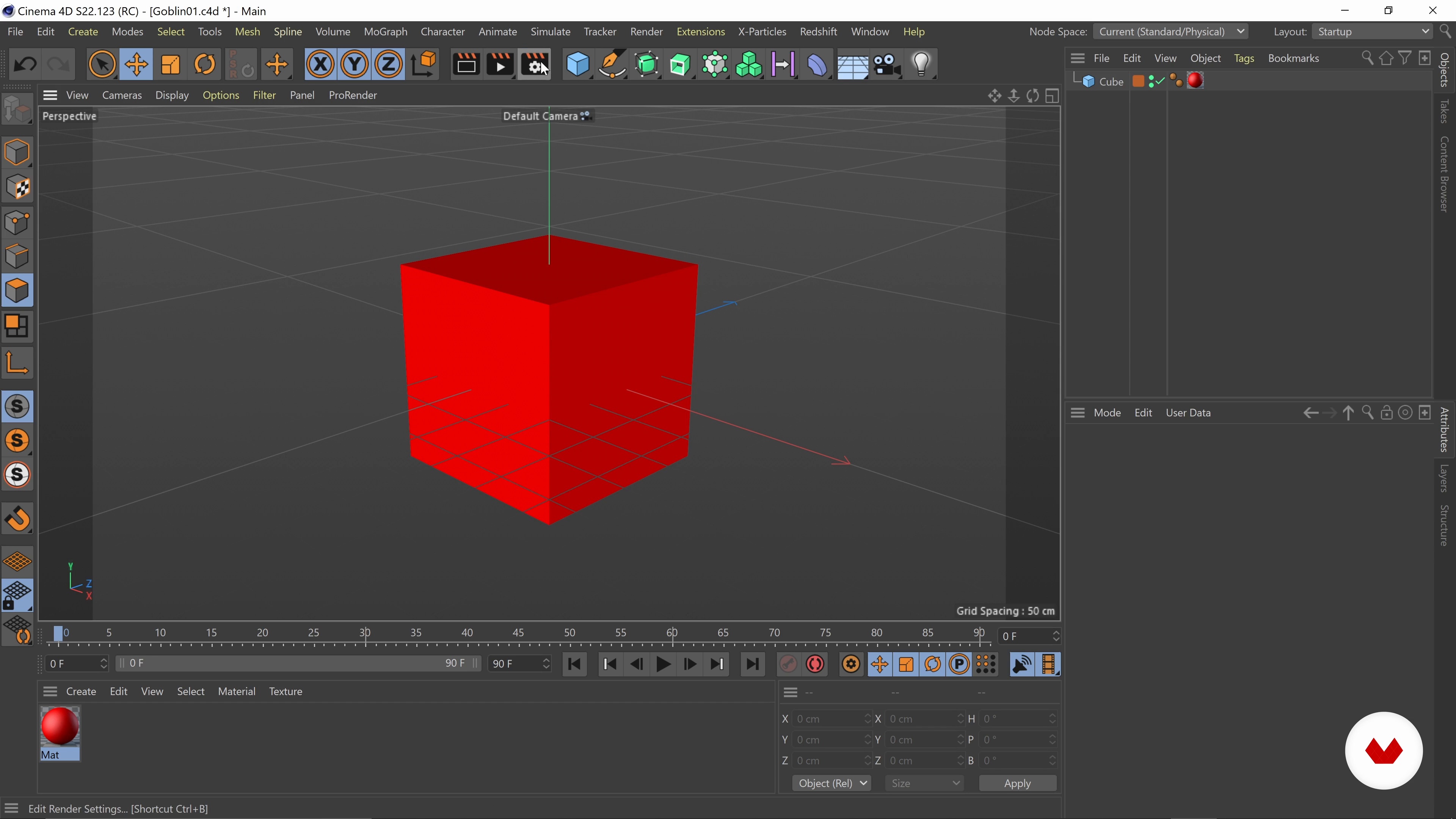
Modeling a Character Base 1
12 minutes, 41 seconds
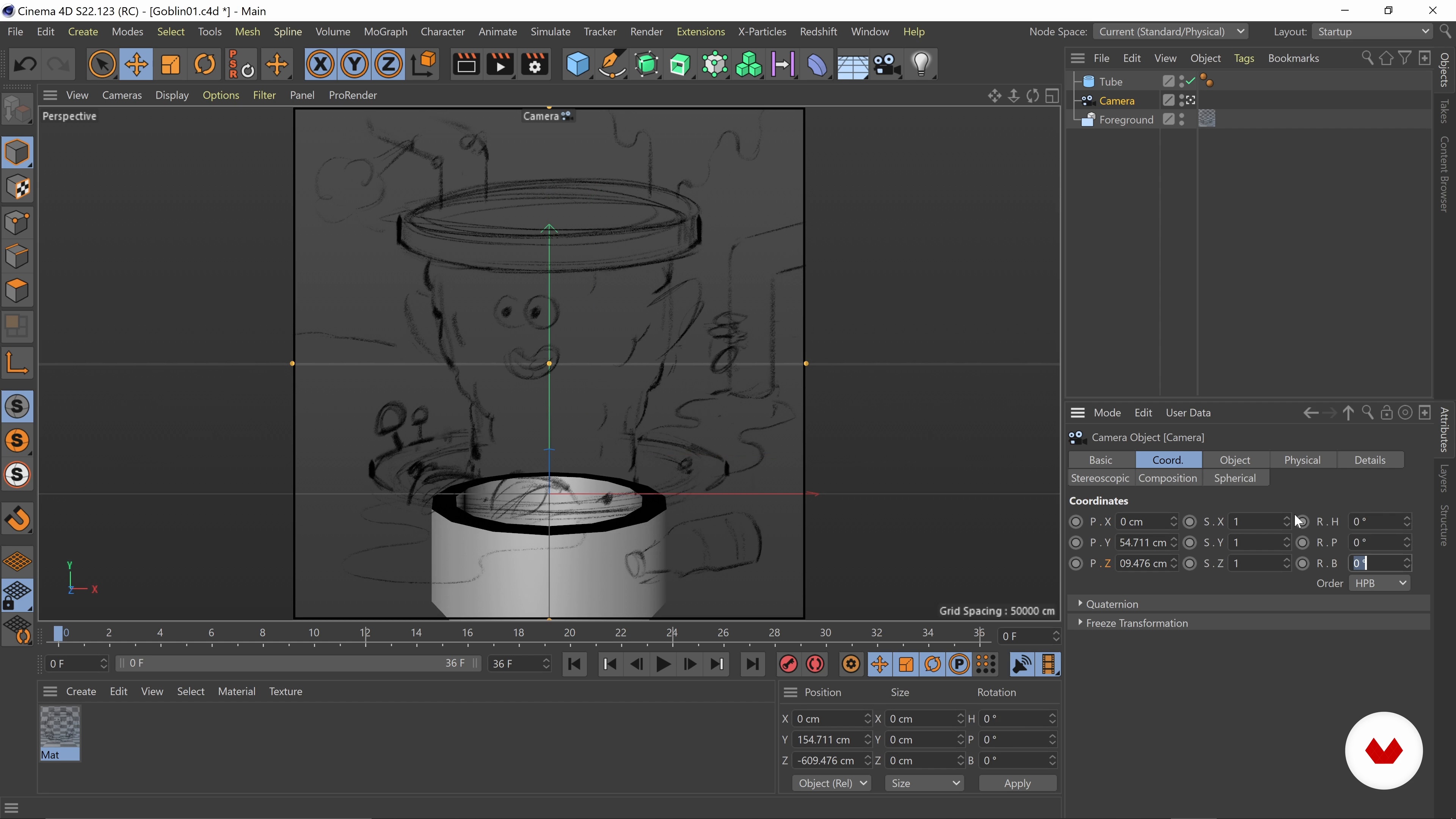
Modeling a Character Base 2
15 minutes, 57 seconds
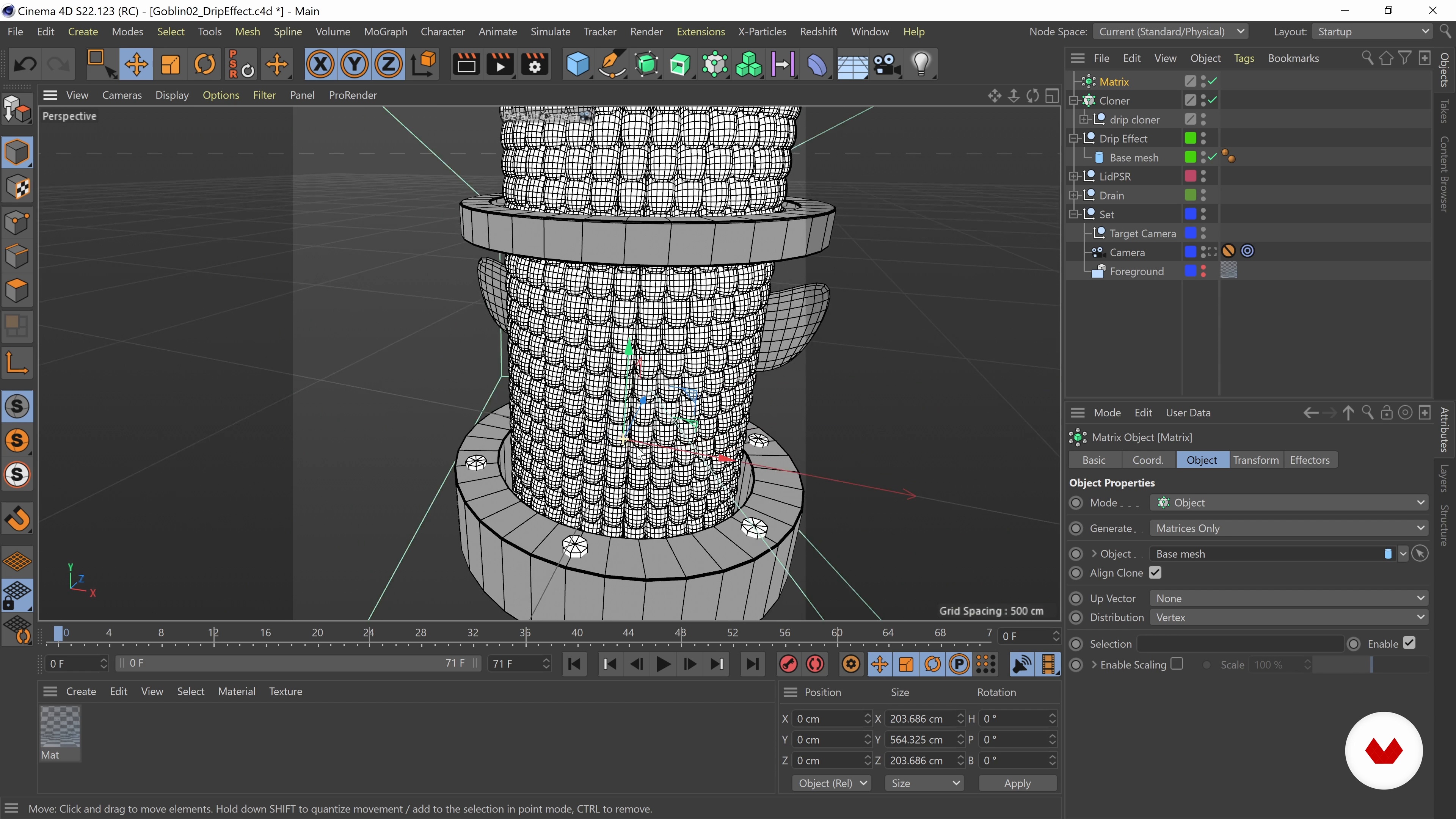
Building a Drip Effect 1
20 minutes, 33 seconds
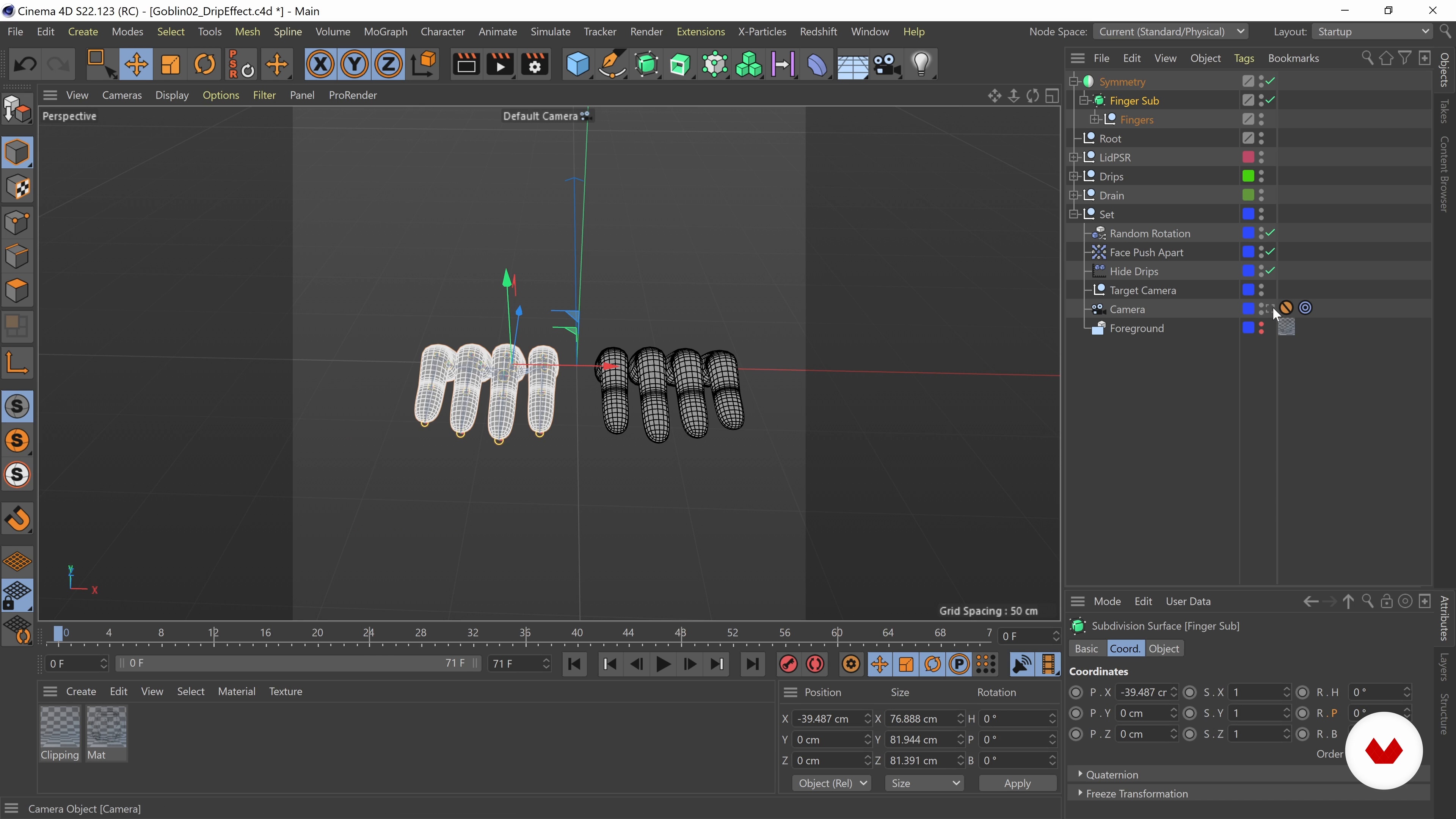
Modeling and Rigging Hands
18 minutes, 28 seconds
What's included in this course?
Begin the course by getting to know artist Alex Kiesling. Discover the creative career that saw him go from studying illustration to working with global brands like MTV and Apple. Hear about the influences that inspire him and his work.
Discover how to find and organize inspiration for your project before sketching your initial ideas based on the principles of design. Then choose a color palette for your piece that reflects the mood you want to achieve.
Time to model your character base. Use cloners and matrices to create a hypnotic drip loop effect before rigging up some hands for realism. Then bring your character to life through animation.
Light your scene and create different textural materials for the skin, eyes, and mouth of your character that add depth and dimension to the finished design. Make any final adjustments to colors and details.
With your rendered elements complete, set up your scene in After Effects, adjusting frame rates, color correcting, and adding any fun effects before exporting it. To wrap up the course, Alex guides you through the process of sharing your work on social media and using it as a portfolio.
Recommended software & tools for this course
What is this course's project?
Conceptualize and create a 3D-rendered creature in a looped scene.
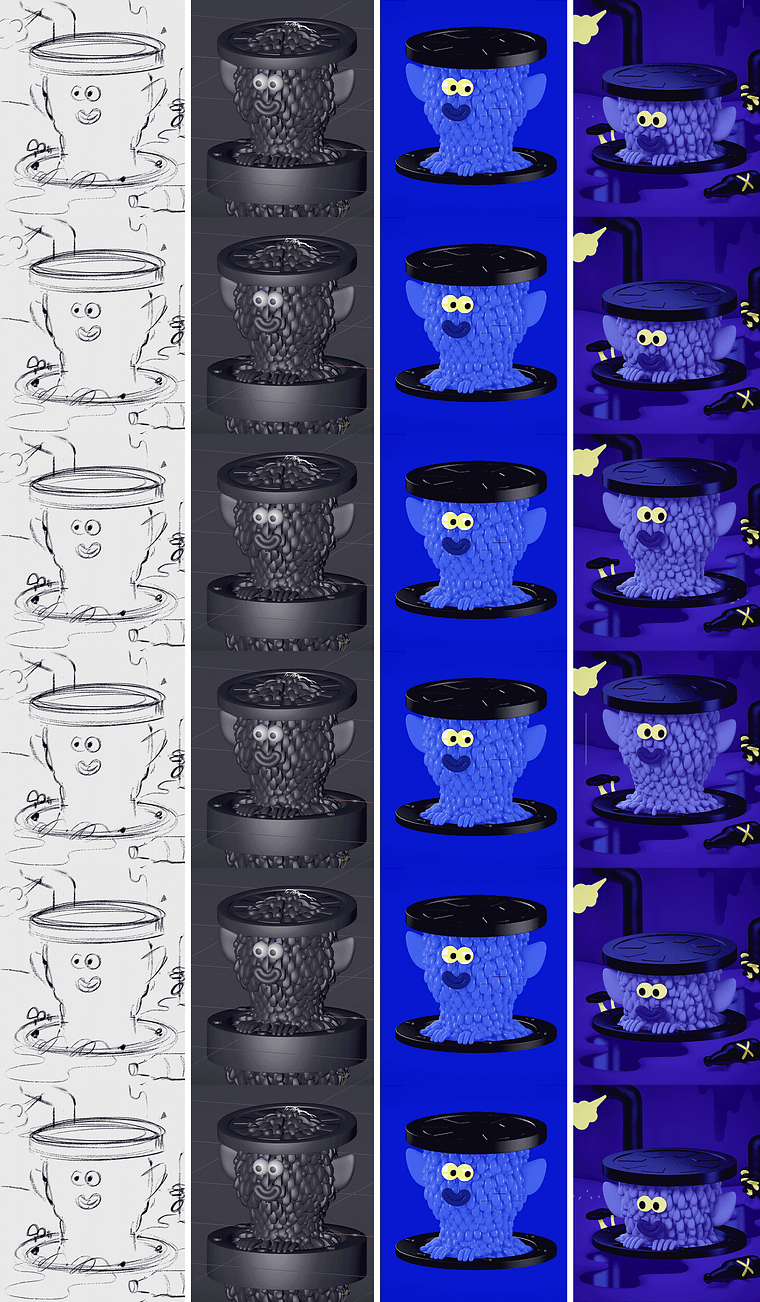
Projects by course students

Who is this online course for?
This course is for anyone with an interest in rendering playful animated creatures using the digital tools of Cinema 4D.
Requirements and materials
Basic knowledge of animation is required.
In terms of materials, you will need a computer with access to Cinema 4D and a graphics tablet.
Reviews
- 2 years ago
amazing course taught very well, a lot of useful tips about the creative approach, setting up the scene, lighting and delivery
- 2 years ago
Amazing course...
- 2 years ago
Me ha gustado mucho el curso y he aprendido algunas cosas nuevas que me servirán para mis ejecuciones.
- 2 years ago
Great course
- 3 years ago
Muy bueno, encuentro este curso realmente satisfactorio en cuanto a las expectativas que tenía, he aprendido un montón.

Now, Alex works in editorial and advertising for commercial brands. He has worked for companies including Apple, Google, MTV, Adobe, and The New York Times, and shares his work with over 45K followers on Instagram.
Content
- U1
Introduction
- About Me
- Influences
- U2
Preparation
- Finding Inspiration and Ideas
- Design Principles for Sketches
- Color Sketch
- U3
Character Development
- Modeling a Character Base 1
- Modeling a Character Base 2
- Modeling a Character Base 3
- Building a Drip Effect 1
- Building a Drip Effect 2
- Modeling and Rigging Hands
- Animating the Character 1
- Animating the Character 2
- U4
Lighting and Materials
- Lighting the Scene 1
- Lighting the Scene 2
- Grainy Material 1
- Grainy Material 2
- Metal Materials
- Final Adjustments
- U5
Compositing in After Effects
- Compositing
- Exporting Your Scene
- Publishing and Clients
- FP
Final project
- Playful Animated Character Design with Cinema 4D
What to expect from a Domestika course
Learn at your own pace
Enjoy learning from home without a set schedule and with an easy-to-follow method. You set your own pace.
Learn from the best professionals
Learn valuable methods and techniques explained by top experts in the creative sector.
Meet expert teachers
Each expert teaches what they do best, with clear guidelines, true passion, and professional insight in every lesson.
Certificates
PLUSIf you're a Plus member, get a custom certificate signed by your teacher for every course. Share it on your portfolio, social media, or wherever you like.
Get front-row seats
Videos of the highest quality, so you don't miss a single detail. With unlimited access, you can watch them as many times as you need to perfect your technique.
Share knowledge and ideas
Ask questions, request feedback, or offer solutions. Share your learning experience with other students in the community who are as passionate about creativity as you are.
Connect with a global creative community
The community is home to millions of people from around the world who are curious and passionate about exploring and expressing their creativity.
Watch professionally produced courses
Domestika curates its teacher roster and produces every course in-house to ensure a high-quality online learning experience.
FAQs
Yes, this course is designed for intermediate artists who have basic experience with illustration or 3D modeling and want to build advanced skills in character design, animation, and portfolio development.
You will need Adobe Photoshop, Cinema 4D, and After Effects to follow the full workflow, including sketching, modeling, rendering, and animation techniques covered in the course.
Some familiarity with digital illustration or 3D modeling basics is recommended, but the course will guide you through intermediate to advanced techniques step by step.
You'll learn character concepting, digital sketching, 3D modeling, stylized material creation, lighting, rendering, animation, portfolio building, and freelance strategies, with a focus on unique textures and surreal designs.
The course covers portfolio development, including creating original characters and assets, assembling multimedia-rich presentations, and strategies for showcasing your work to attract clients.
Yes, the course includes guidance on leveraging social media platforms and online portfolios to network, gain visibility, and attract freelance clients.
You'll create editorial illustrations, animated characters, surreal sculptures, app assets for kids, uncanny self-portraits, and stylized 3D models combining organic and technological elements.