
Portrait Photography and Retouching with Continuous Light
A course by Mikeila BorgiaPhotographer, Art Director, and Retoucher
A course by Mikeila Borgia, Photographer, Art Director, and Retoucher

Experiment with the colour of the image through illumination and post-production
Mikeila Borgia - visual artist specializing in conceptual photography, art direction and digital retouching - uses photography as an expressive medium that allows her to explore her own environment. In his work it is common to find a lot of color, which is incorporated into photography through light, styling, retouching and different everyday elements that bring a unique touch.
In this course he will teach you to experiment with continuous light in your portraits, using neon lights. Through this and other elements you will achieve vibrant images that allow you to play with the emotional meaning of photography thanks to color.
What will you learn in this online course?
15 lessons & 16 downloads
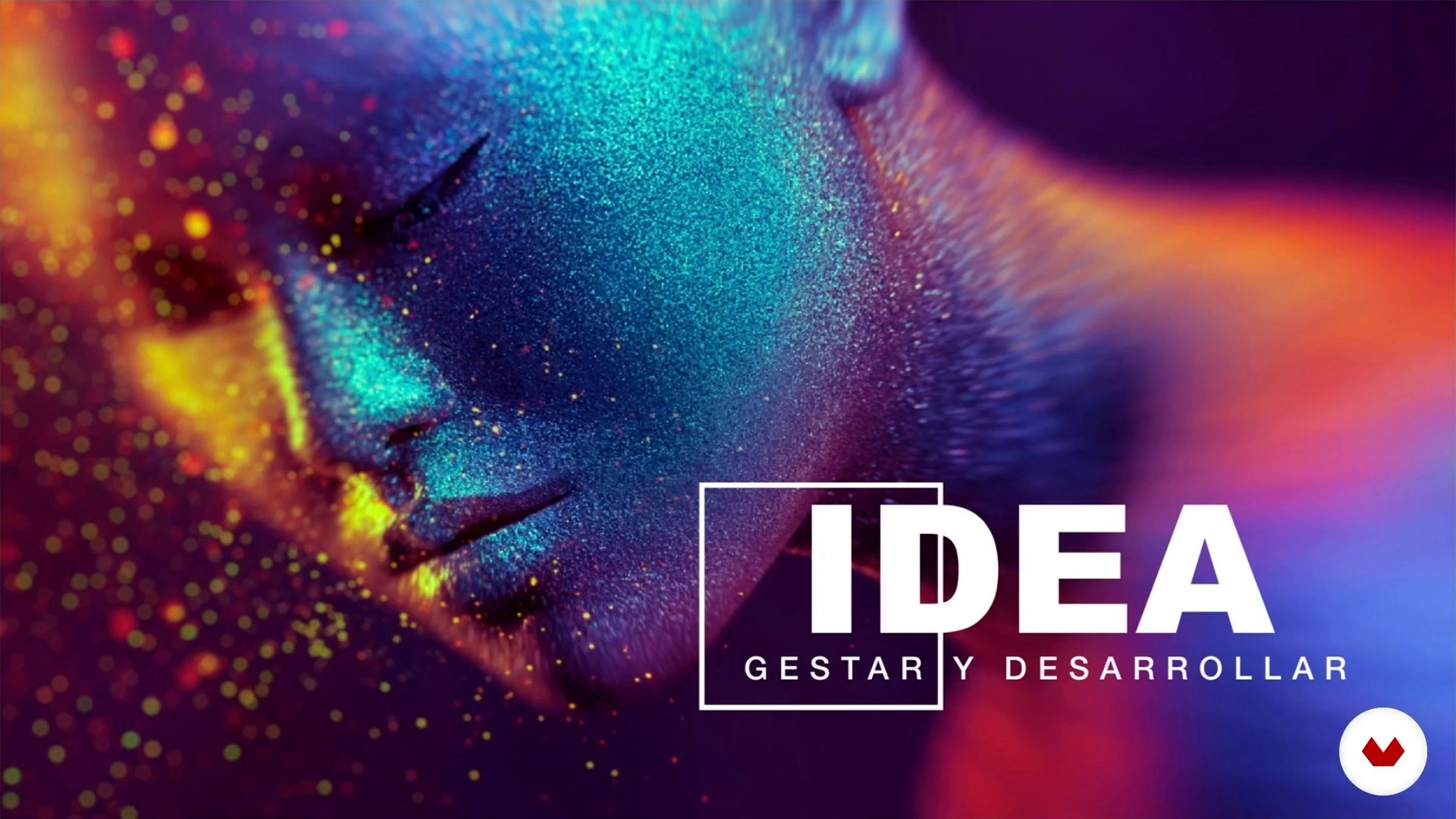
Gestation of the idea and creative development
8 minutes, 41 seconds
Materialization and production planning. The role of the producer.
5 minutes, 36 seconds
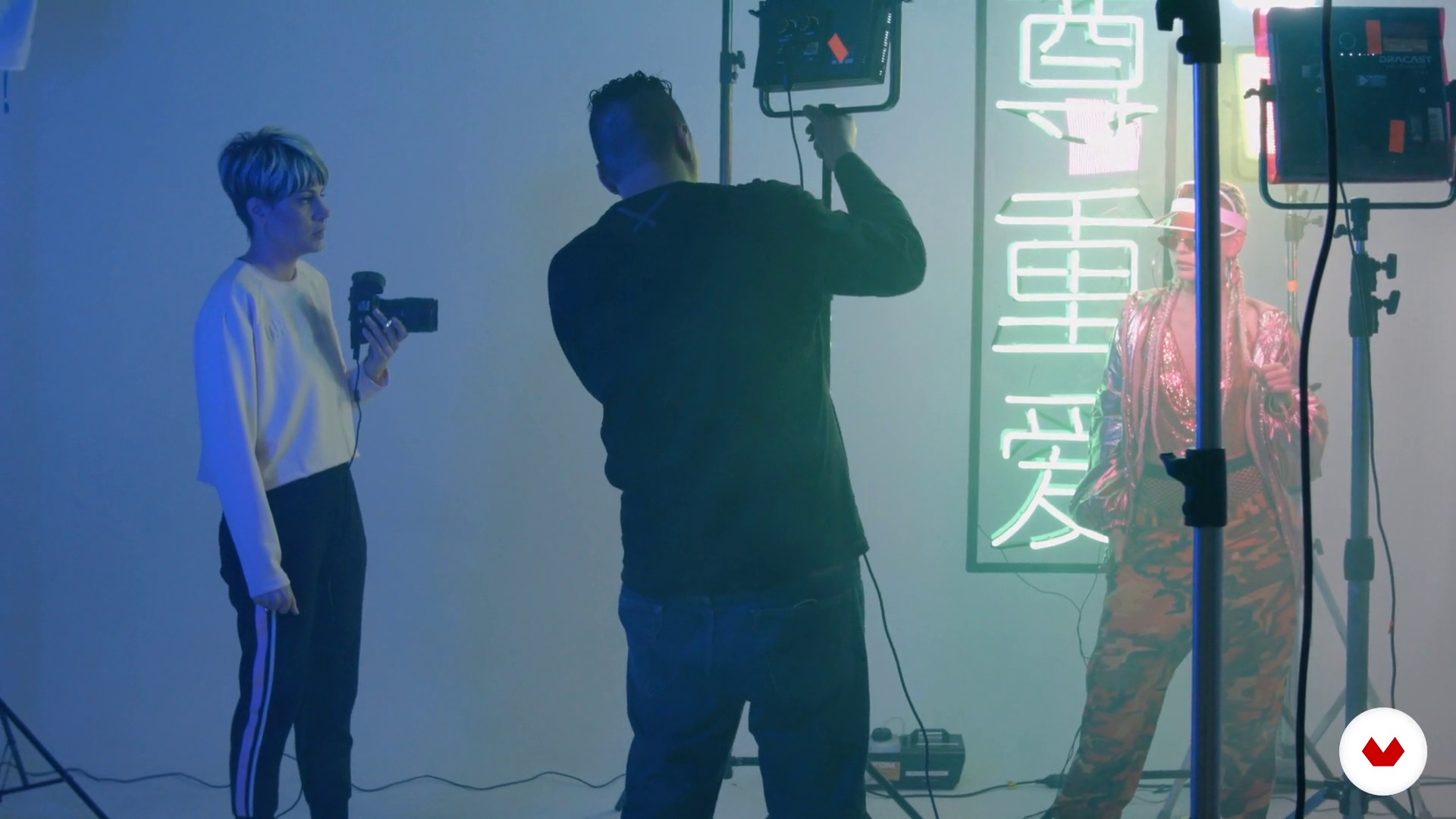
Preparation of space and technical equipment
3 minutes, 7 seconds
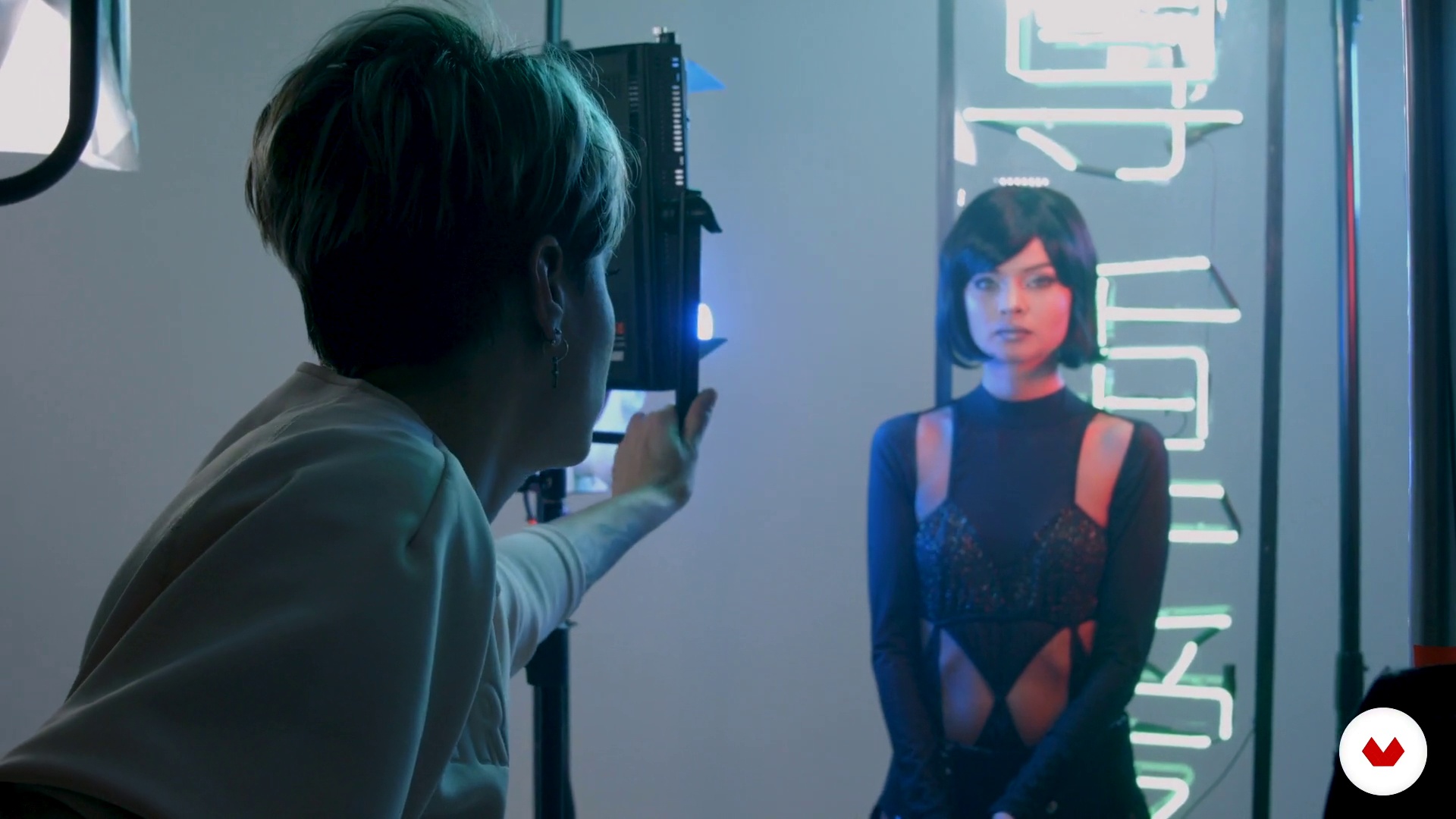
Lighting and creation of atmosphere
2 minutes, 30 seconds
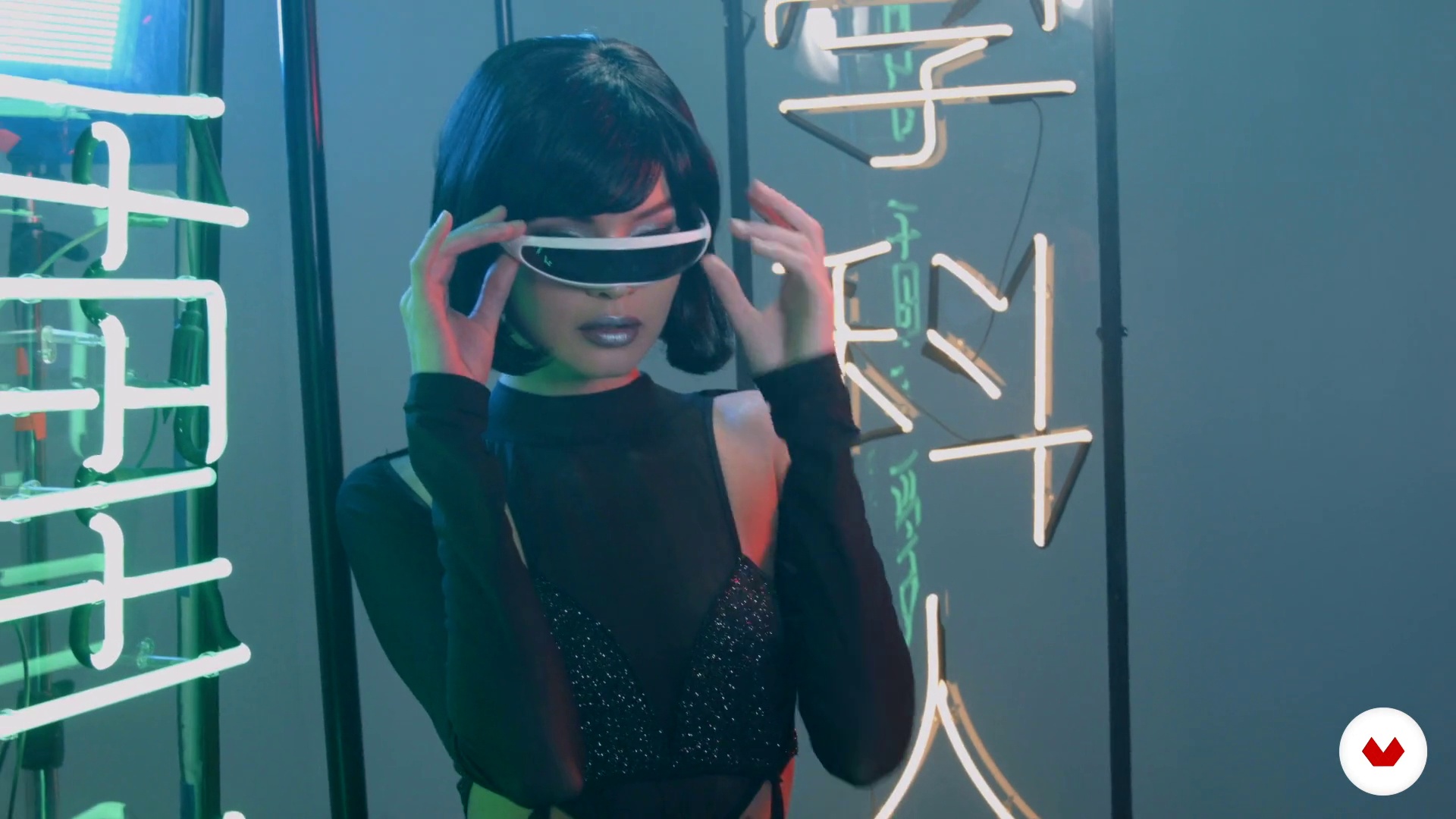
Shooting urban look and futuristic look
4 minutes, 19 seconds

Get the highest quality
11 minutes, 10 seconds
What's included in this course?
You will begin by knowing the work of Mikeila, who will tell you about her experience as a visual artist and her referents.
Then, you will talk about the process of preproduction of the image and you will understand the importance of the creative process, the choice of the model and you will learn to make decisions regarding makeup and styling, which are so much present in the work of Mikeila.
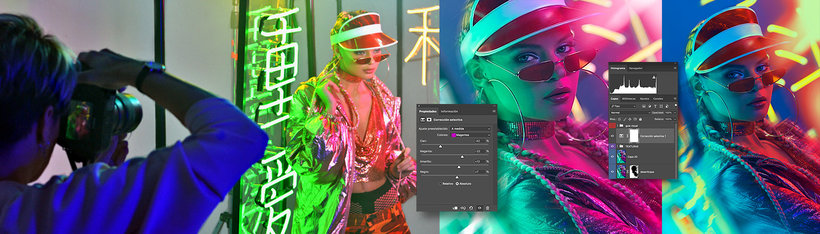
You will see how a shooting is done, observing how Mikeila works with her models directing poses, lighting and experimenting with other elements such as prisms and CDs.
In the post-production phase, you will get into Photoshop. You will use this tool to make cosmetic retouching, add textures and volumes.
Recommended software & tools for this course
What is this course's project?
You will make a series of photographic portraits using the expressive, luminous and compositional techniques learned during the course.
Projects by course students


Who is this online course for?
To photographers, retouchers, designers and digital artists, professionals or amateurs, who want to incorporate expressive techniques and resources into the portrait using light as a means to explore color.
Requirements and materials
No previous knowledge is necessary, since Mikeila will guide you throughout the process, although it is advisable to have at least basic knowledge of photography and digital retouching.
With regard to materials, you will need a reflex camera, a continuous light source, a computer in which you must have Photoshop installed and a digital development program -like Lightroom or Camera Raw- and all kinds of elements that add texture to your photographs , such as prisms, CDs, mirrors, etc.

Reviews
- 2 years ago
Fotografiar es dibujar con luz, dominar la luz artificial tratando de emular la luz del sol es la base de la técnica, fotografiar con luz continua es un reto que todo fotógrafo debe dominar
- 2 years ago
Excelente curso aprendiendo todo desde sus inicios.
- 3 years ago
Muy buen curso
- 3 years ago
Exelente si de luz en la fotografia se trata... gracias Mikeila Borgia por compartir.
- 3 years ago
Curso excelente. Direto, claro e criativo.

She has worked in film and advertising in several roles including art direction, photo direction, post-production, and character design. Her work can be seen in projects for brands like Philips, Avon, Coca-Cola, and more.
Content
- U1
Introduction
- Presentation
- Influences
- U2
Creativity and preproduction
- Gestation of the idea and creative development
- Materialization and production planning. The role of the producer.
- U3
Realization and shooting
- Preparation of space and technical equipment
- Lighting and creation of atmosphere
- Shooting urban look and futuristic look
- U4
Digital creativity, how to enhance our images with Photoshop
- Get the highest quality
- Preparation and analysis of the image
- Cosmetic Retouch I
- Cosmetic Retouch II
- Experiment with textures
- Color mutation and final finish
- Retouch futuristic look I
- Retouch futuristic look II
- FP
Final project
- Photographic portrait with continuous light
What to expect from a Domestika course
Learn at your own pace
Enjoy learning from home without a set schedule and with an easy-to-follow method. You set your own pace.
Learn from the best professionals
Learn valuable methods and techniques explained by top experts in the creative sector.
Meet expert teachers
Each expert teaches what they do best, with clear guidelines, true passion, and professional insight in every lesson.
Certificates
PLUSIf you're a Plus member, get a custom certificate signed by your teacher for every course. Share it on your portfolio, social media, or wherever you like.
Get front-row seats
Videos of the highest quality, so you don't miss a single detail. With unlimited access, you can watch them as many times as you need to perfect your technique.
Share knowledge and ideas
Ask questions, request feedback, or offer solutions. Share your learning experience with other students in the community who are as passionate about creativity as you are.
Connect with a global creative community
The community is home to millions of people from around the world who are curious and passionate about exploring and expressing their creativity.
Watch professionally produced courses
Domestika curates its teacher roster and produces every course in-house to ensure a high-quality online learning experience.
FAQs
You’ll learn how to create photographic portraits using continuous and neon lighting, experiment with optical effects and textures, and perform advanced Photoshop retouching to produce creative, visually striking images.
Yes, the course is designed for those with basic photography knowledge who want to deepen their skills in creative techniques, lighting, special effects, and digital retouching in Photoshop.
Basic photography skills and introductory Photoshop experience are recommended to get the most out of the course content and practical exercises.
You’ll need a digital camera, neon or continuous lights, some optical accessories like prisms or CDs, a computer with Photoshop, plus styling and makeup supplies for the practical sessions.
You’ll learn how to plan and set up neon lighting schemes, adjust intensity and color, and combine gels and other accessories to create unique visual atmospheres in your portraits.
The course shows you how to use prisms, CDs, and other optical elements to create reflections, flares, and creative distortions that enhance your portraits’ composition and visual impact.
Techniques taught include frequency separation, blemish correction, color manipulation, texture integration, and the use of masks and layers for natural and creative retouching.